- Age rating4+
- CategoryUtilities
- DeveloperVille Scholin
- LanguagesEnglish
- Size24.3 MB
Links to the official App Store page
Download.org hosts no file of Summa – Precision Made Simple. The button opens its official App Store page, published by Ville Scholin. Listing last checked on Nov 15, 2026.
Screenshots

About
Summa - Precision Made Simple is a clean, fast, and beautifully designed calculator for iPhone and iPad. Built for everyday math, scientific calculations, quick conversions, and everything in between, Summa makes calculating effortless, accurate, and genuinely enjoyable.
With live preview, a fast history bar, and natural gestures, Summa helps you move quickly without losing context. Results appear as you type, past calculations stay within reach, and Favorites make it easy to save the numbers you return to most.
Powerful features, simply presented:
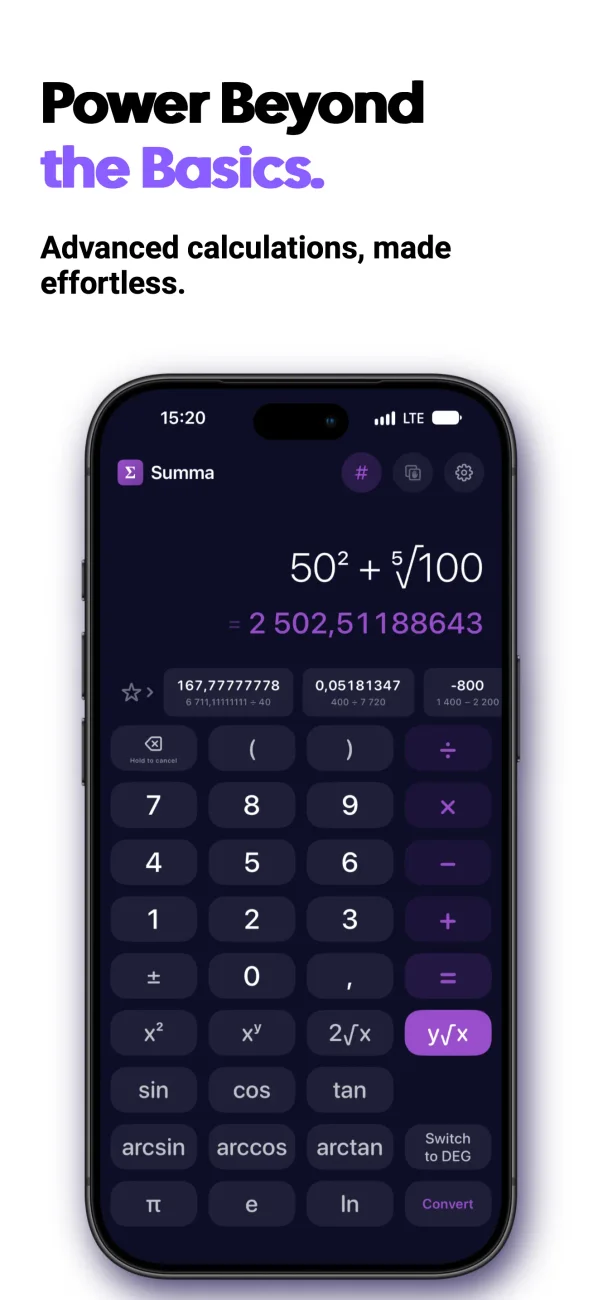
- Live preview - see results instantly as you type
- History and Favorites - revisit, reuse, and save important calculations
- Exponents and roots - x^2, x^y, square root, and y-th root
- Trigonometry - sin, cos, tan, and inverse arc functions
- Degree and radian support - easily switch between DEG and RAD
- Mathematical constants - π and e
- Logarithmic functions - ln for natural logarithms
- Smart gestures - swipe, tap, and interact naturally
A calculator with a capable converter:
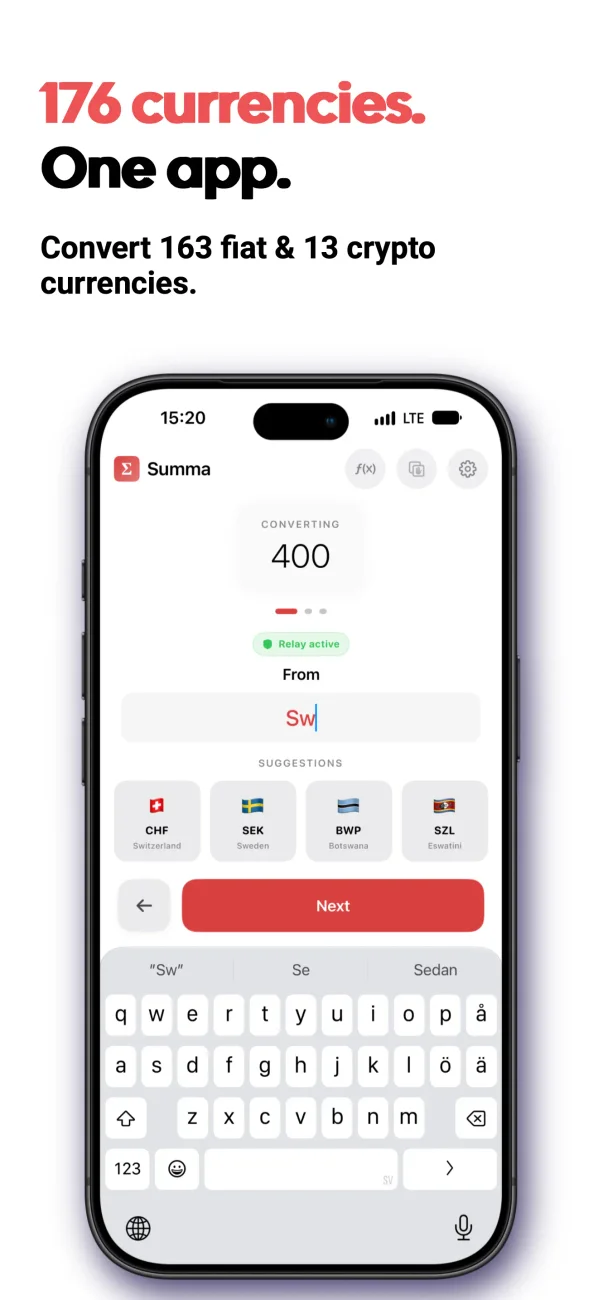
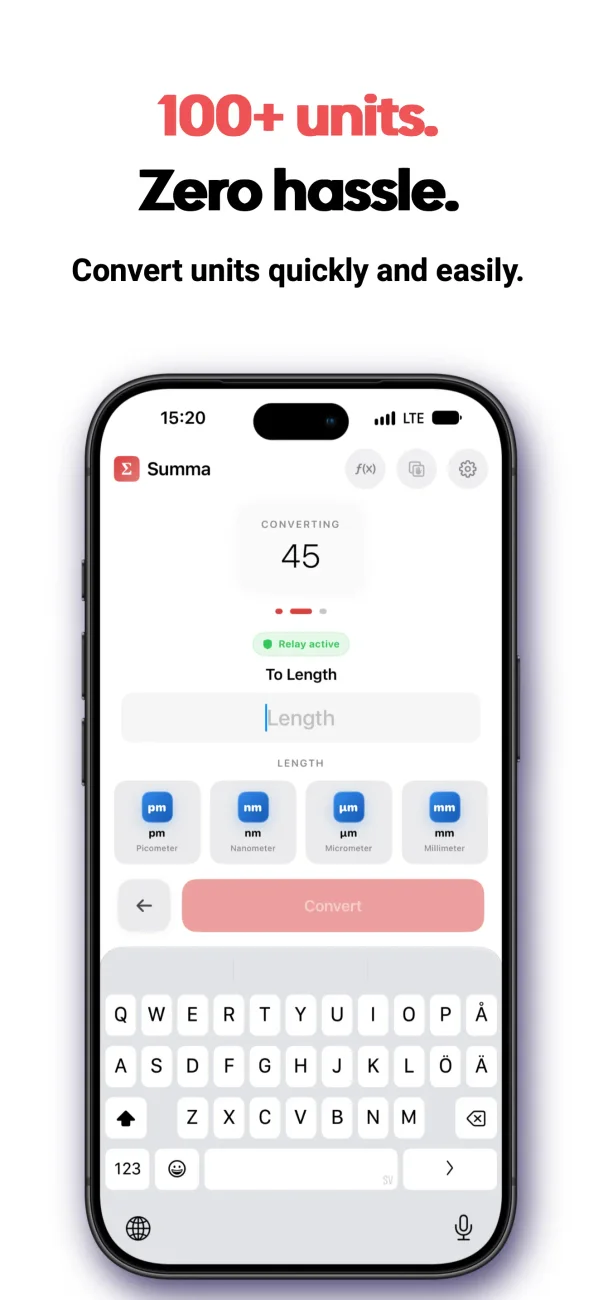
Summa includes built-in conversions for money, temperature, length, weight, volume, energy, area, and data size. Convert currencies by name or country, work with fiat and crypto rates, or quickly switch between everyday units without leaving the app.
For market data, Summa offers flexible refresh behavior with adjustable fiat and crypto cache timing. Relay mode can route fiat and crypto market refreshes through Studio Elytra15’s cache for a more private path.
Designed to feel personal:
- Multiple themes, including light, dark, and crafted color themes
- Alternate Home Screen icons
- A calm, polished interface for iPhone and iPad
- Completely free - no ads, no in-app purchases, and no tracking
Whether you’re at home, at work, in class, or on the go, Summa is your reliable, elegant calculator companion.
Precise math, beautifully simple.
What’s new
Version 1.4 · Nov 13, 2026
What’s New in This Version:
- Refined the interface and user experience throughout the app.
- You can now turn off history completely in App Settings, hiding the history bar and disabling saved calculations and favorites.
- Decimal separators now follow your device’s region automatically, with a manual comma or dot option in App Settings.
- Test fiat and crypto market API connections from Converter settings using your selected Relay or Direct route.
- Other changes and improvements.
App privacy
What Ville Scholin declares on the App Store about how this app handles data.
-
Data not collected
The developer does not collect any data from this app.
Privacy practices may vary, for example with the features you use or your age.
Information
- Seller
- Ville Scholin
- Category
- Utilities
- Version
- 1.4
- Updated
- Nov 13, 2026
- Released
- Feb 5, 2026
- Size
- 24.3 MB
- Requires
- iOS 17.0 or later
- Age rating
- 4+
- Languages
- English
- Copyright
- © 2026 Studio Elytra15
You might also like
-
 Voice, Photo & Geometry CalcSpeak, Scan & Solve Geometry
-
 OriginCalcCalc & Exchange rates 1 screen
-
 Gen's CalculatorIt's Pretty Advanced!
-
 CalculatorPro: Modes & WidgetsTax, Tip & Smart Widgets
-
 Calcanto - Talking CalculatorThemes, voices, and precision
-
 Wonder Cal - Calculator +Camera Calculator
-
 NoEquals: Voice CalculatorSpeak math. See the answer.
-
 Calc: Calculator, Unit ConvertBasic & Scientific Calculadora
-
 Fraction Calculator WidgetQuick Fraction Calculator
-
 MLPerf ClientRun AI Benchmarks Locally