Summary: AI Note Taker -Notimo
Transcribe Audio to Text
Designed for iPhone, iPod touch
Free · In-app purchases
- Age rating4+
- CategoryProductivity
- DeveloperLester Johnson
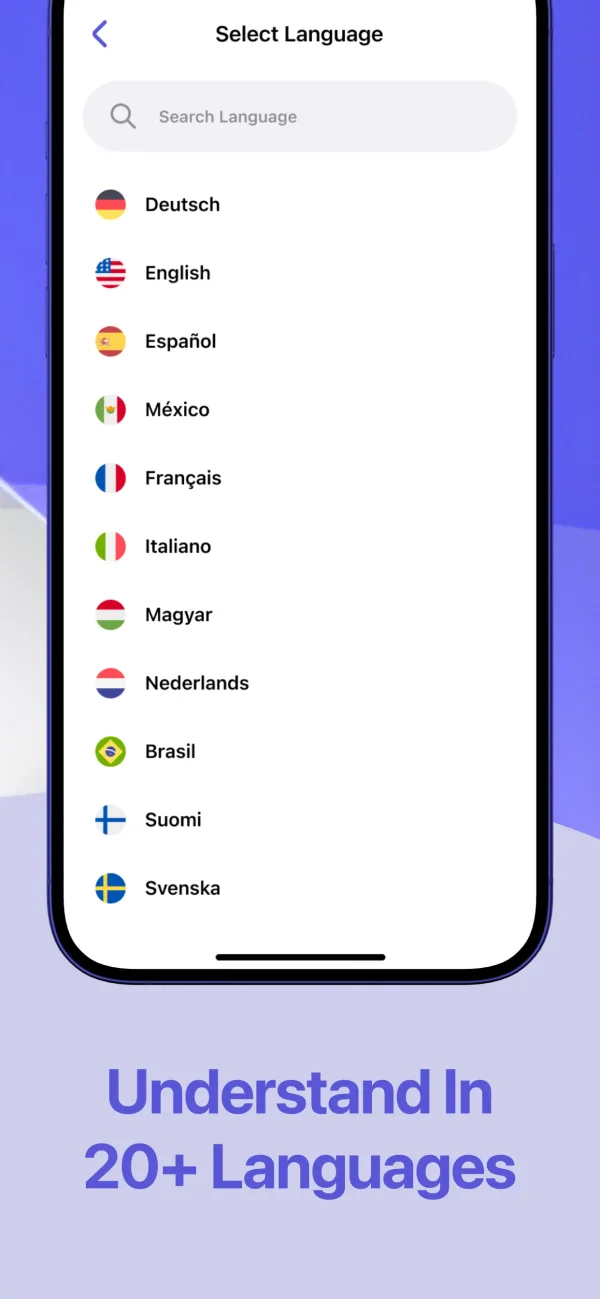
- LanguagesEnglish+ 20 more
- Size185.0 MB
Links to the official App Store page
Download.org hosts no file of Summary: AI Note Taker -Notimo. The button opens its official App Store page, published by Lester Johnson. Listing last checked on Nov 17, 2026.
Screenshots
About
Notimo: AI Note Taker
Capture information from anywhere and turn it into organized knowledge with AI.
Whether it's a meeting, conversation, voice memo, document, podcast, video, or handwritten notes, Notimo helps you save, understand, and find important information in seconds.
CAPTURE CONTENT ANY WAY YOU WANT
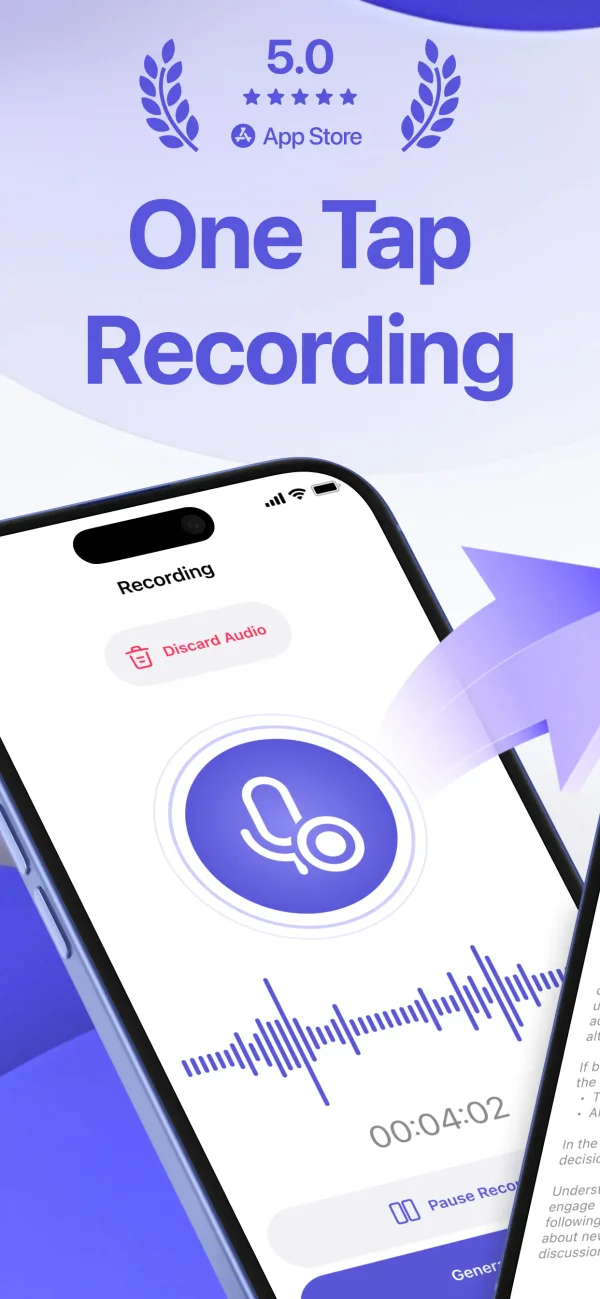
• Record meetings, conversations, interviews, or voice memos.
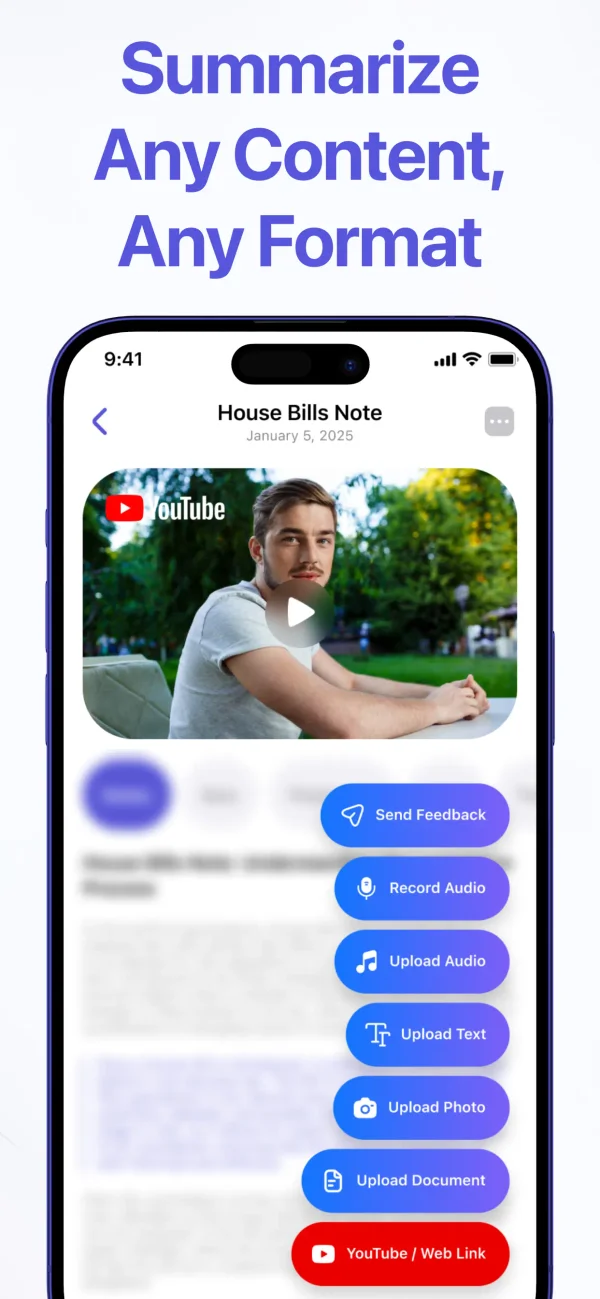
• Upload audio and video files for AI transcription.
• Import PDFs, documents, and text files.
• Scan printed pages, handwritten notes, or whiteboards with your camera.
• Save content from YouTube, webinars, podcasts, and other online videos using a link.
TRANSCRIBE & SUMMARIZE WITH AI
• Convert speech into accurate text.
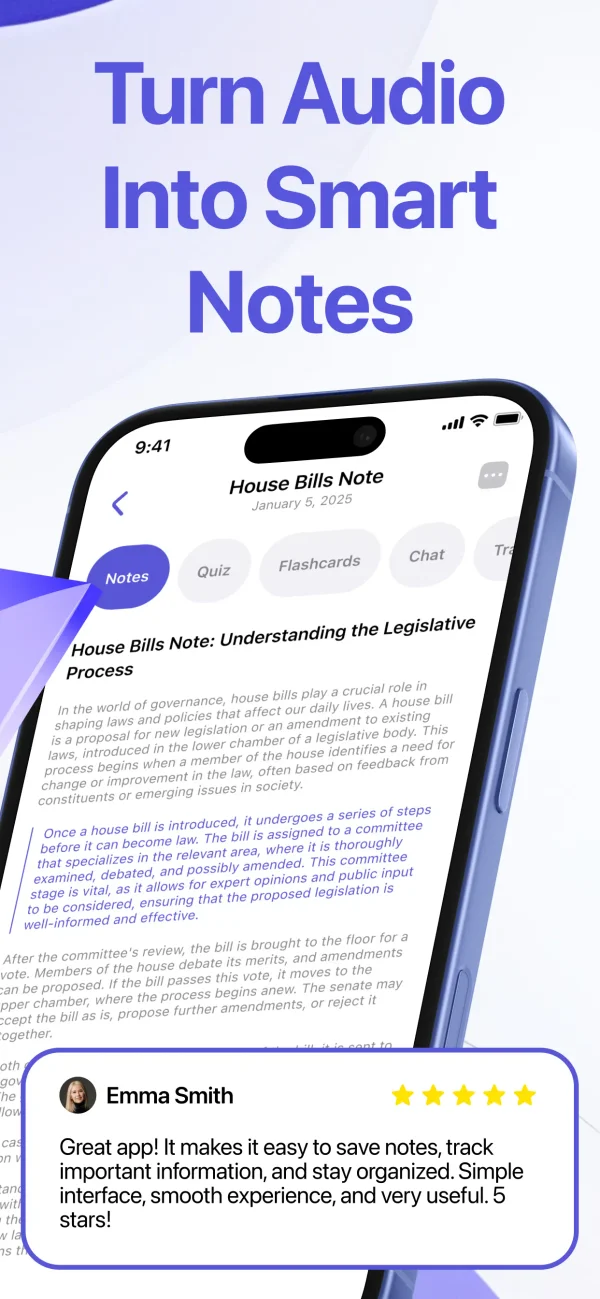
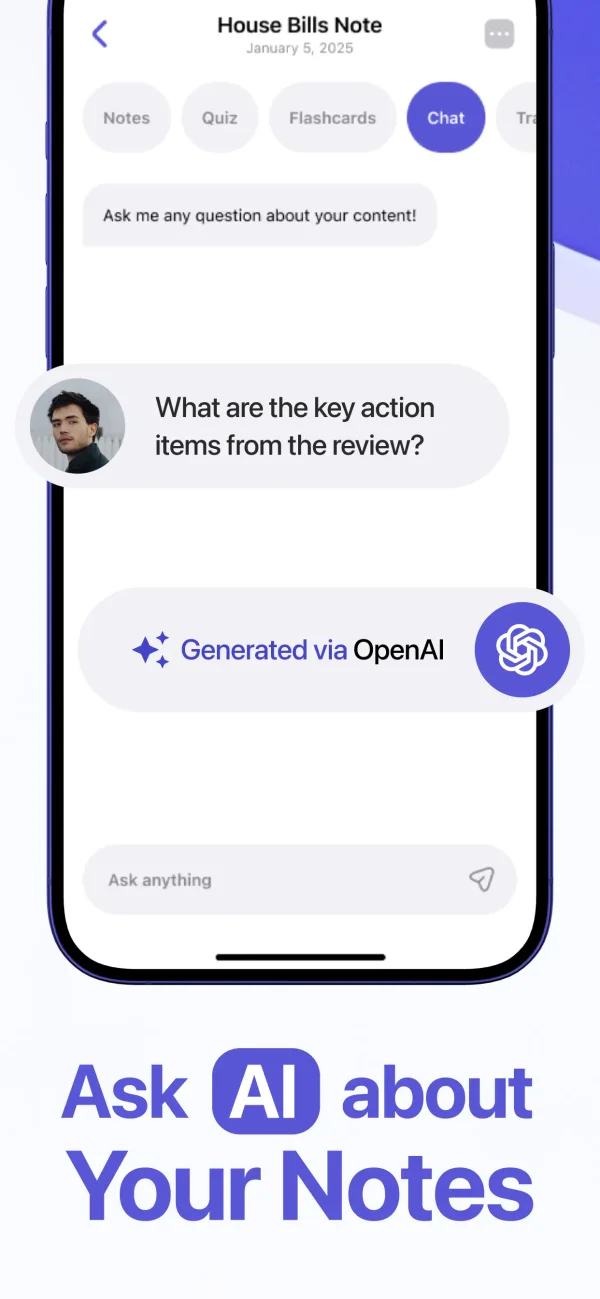
• Generate clear AI summaries in seconds.
• Extract key ideas, action items, and important takeaways automatically.
• Skip hours of listening and reading—get straight to what matters.
KEEP EVERYTHING ORGANIZED
• Store all your notes in one searchable library.
• Find recordings, transcripts, and summaries whenever you need them.
• Access your knowledge across work, study, and everyday life.
REMEMBER MORE
• Turn your notes into AI-generated flashcards.
• Create quizzes to reinforce important information.
• Review key concepts whenever you need a quick refresher.
PERFECT FOR EVERYDAY USE
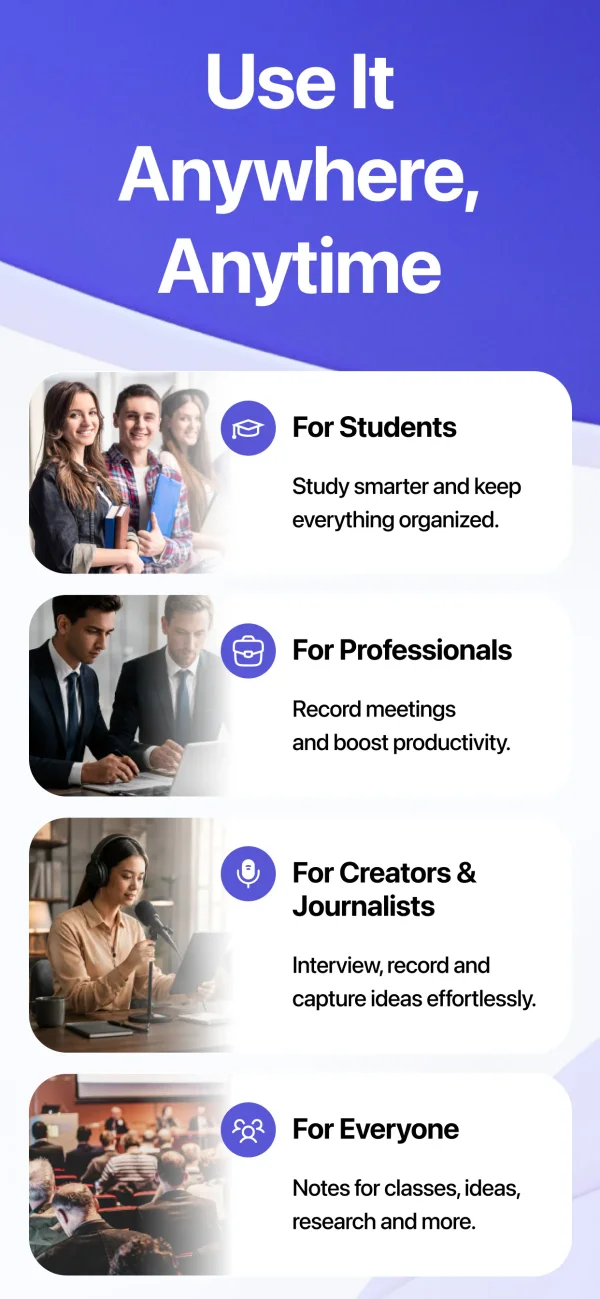
Whether you're working, studying, creating content, researching, planning projects, or simply collecting ideas, Notimo helps you capture information without worrying about taking notes manually.
Use it for:
• Meetings and calls
• Interviews
• Lectures and classes
• Podcasts and webinars
• Personal voice memos
• Brainstorming sessions
• Documents and PDFs
• Books, articles, and handwritten notes
Spend less time organizing information and more time using it.
By using this app, you agree to our Privacy Policy and Terms of Use.
Privacy Policy:
https://www.termsfeed.com/live/0cba3789-d4ba-4687-b593-1025bfd93412
Terms of Service:
https://www.apple.com/legal/internet-services/itunes/dev/stdeula/
"
What’s new
Version 1.0.35 · Aug 20, 2026
Fixed bugs, improved app performance.
App privacy
What Lester Johnson declares on the App Store about how this app handles data.
-
Data used to track you
May be used to track you across apps and websites owned by other companies.
- Identifiers
- Usage data
-
Data not linked to you
May be collected but is not linked to your identity.
- Identifiers
- Usage data
Privacy practices may vary, for example with the features you use or your age.
Information
- Seller
- Lester Johnson
- Category
- Productivity
- Version
- 1.0.35
- Updated
- Aug 20, 2026
- Released
- Sep 29, 2025
- Size
- 185.0 MB
- Requires
- iOS 13.0 or later
- Age rating
- 4+
- Price
- Free
- In-app purchases
- Yes
- Languages
- English, Danish, Dutch, Finnish, French, German, Hindi, Hungarian, Indonesian, Italian, Japanese, Korean + 9 more
- Copyright
- © UnityApps
You might also like
-
 2FA Authenticator Password AppFast Verification Code Tool
-
 PDF Converter: Sign, CreatorScanner documents & Editor
-
 PDF Scanner: Scanning DocumentScan Documents, PDF to Voice
-
 Sign Documents PDF SignatureDigital Document Signer
-
 Screen Time App LimitStay Focused for Daily Goals
-
 Hidden Camera Detector TrackerSpy Cam Scanner Detect Finder
-
 IntelNote - Ai Note TakerAi Transcription Audio to Text
-
 Live Voice: AI TranslatorReal Time Speech Translation
-
 Hidden Camera Scanner Find SpyListening Device Cam Detector
-
 AI Note Taker - Audio to TextTranscribe Voice, Notes Taking