
- Age rating4+
- CategoryProductivity
- DeveloperHowlin Interactive, Inc.
- LanguagesEnglish
- Size28.6 MB
Links to the official App Store page
Download.org hosts no file of Super To-Do's. The button opens its official App Store page, published by Howlin Interactive, Inc. Listing last checked on Nov 12, 2026.
Screenshots




About
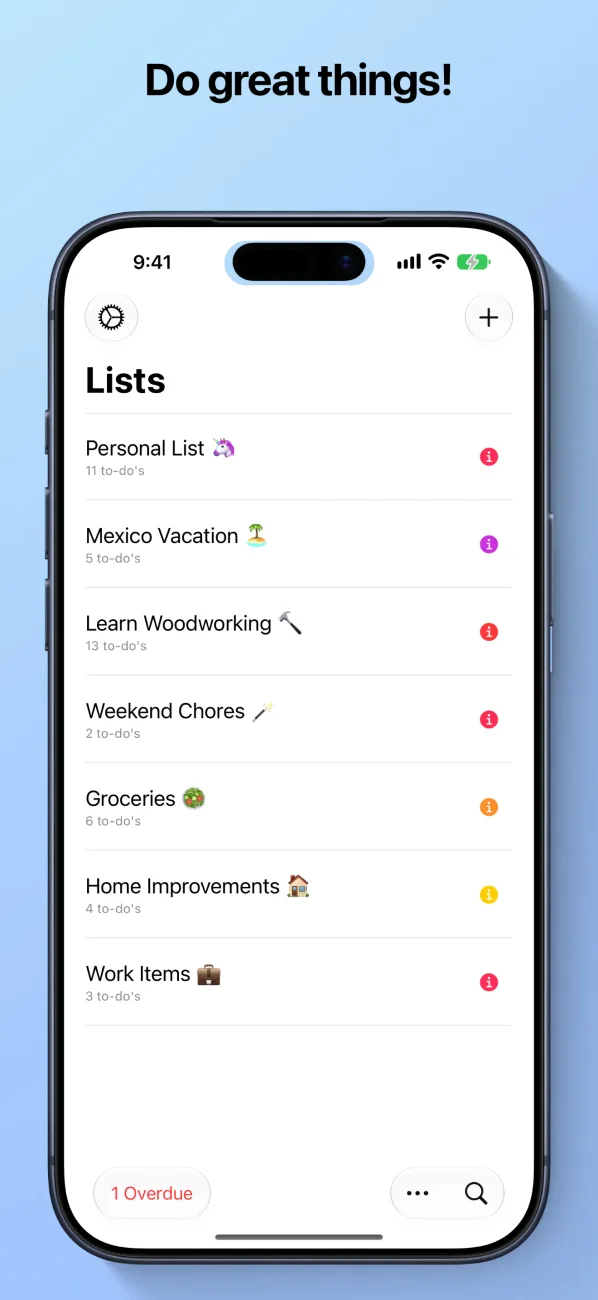
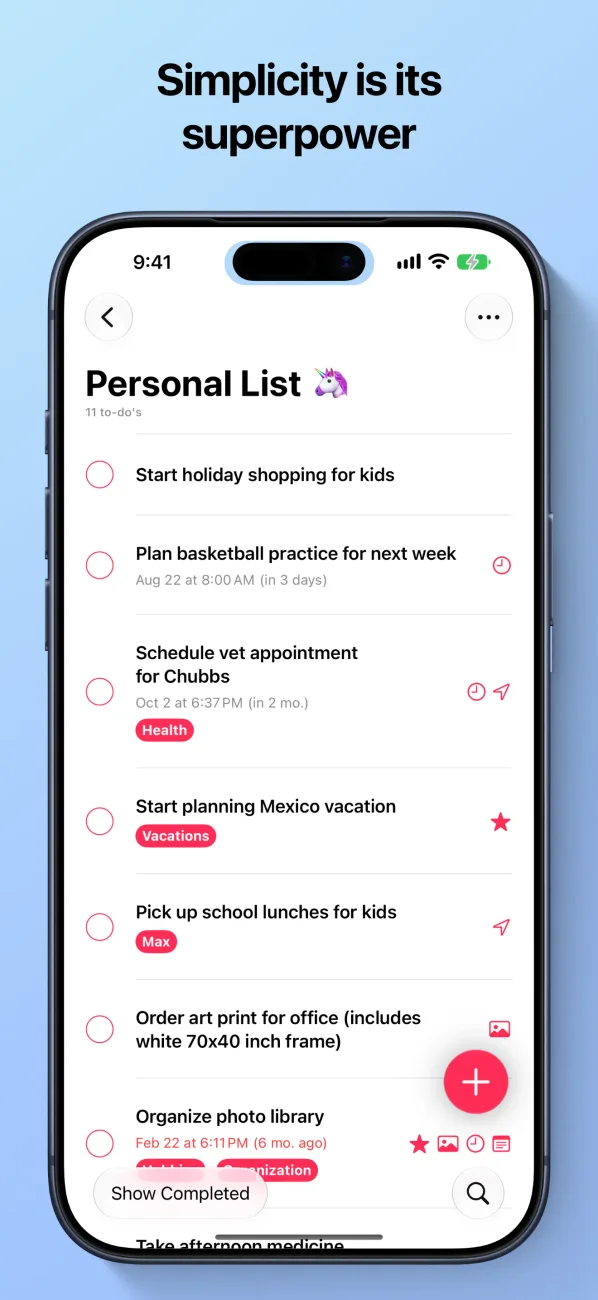
Simplicity is its superpower!
Supertodos is a powerful way to organize all of the tasks in your life.
It features rock-solid syncing with iCloud and runs on all of your devices: iPhone, iPad, Mac, and even Apple Watch.
Full list of features:
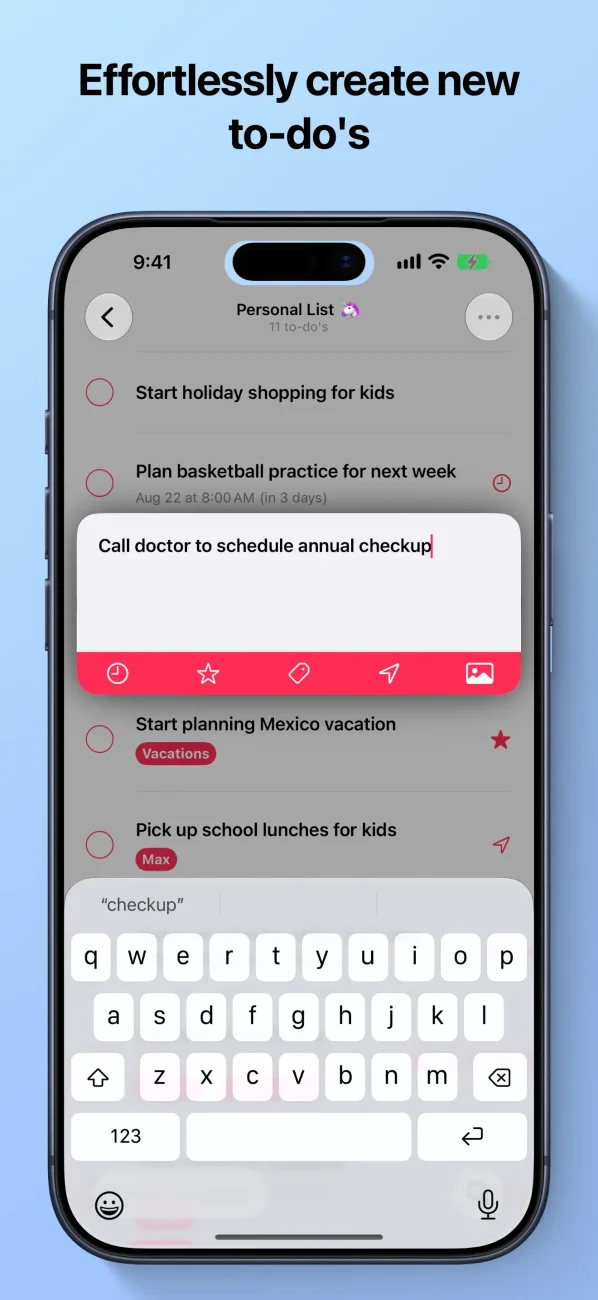
- Create lists and to-do's
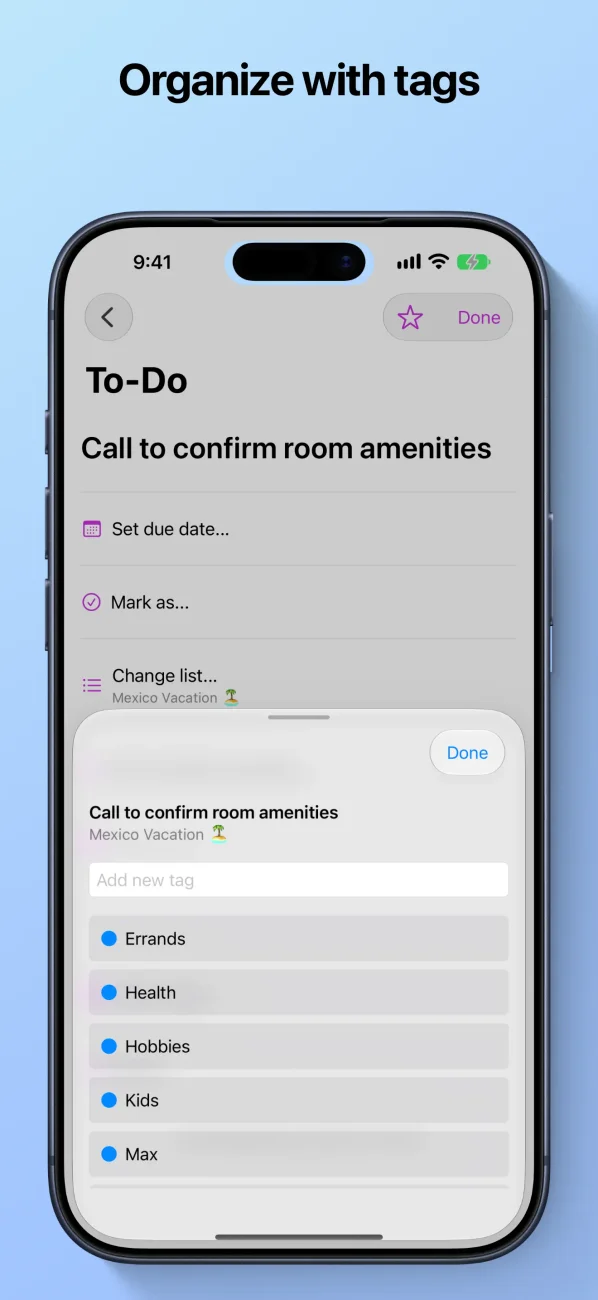
- Add custom tags to help organize
- Run Supertodos on your iPhone, iPad, Apple Watch, and Mac
- Sync across all of your devices using iCloud
- Sort items by date, name, or manually
- Search for to-do's across all lists
- Set due dates
- Set repeating options
- On devices with Apple Intelligence, instantly create step-by-step project plans for anything
- Set quick dates for later today, tomorrow, this weekend, and more
- Archive lists to keep your lists tidy
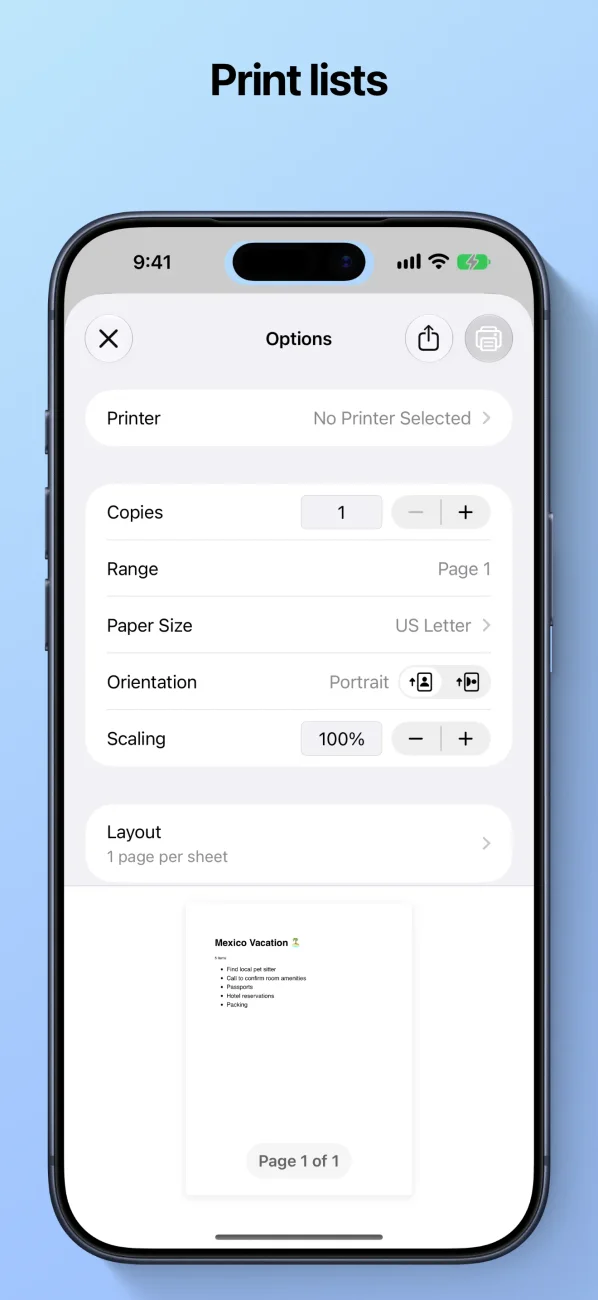
- Print lists
- Choose colors to personalize lists
- Add location reminders
- Save your favorite locations
- Add images from your photo library
- Add notes
- Swipe to-do's for quick actions
- Handoff the app between devices
- Mark as high priority
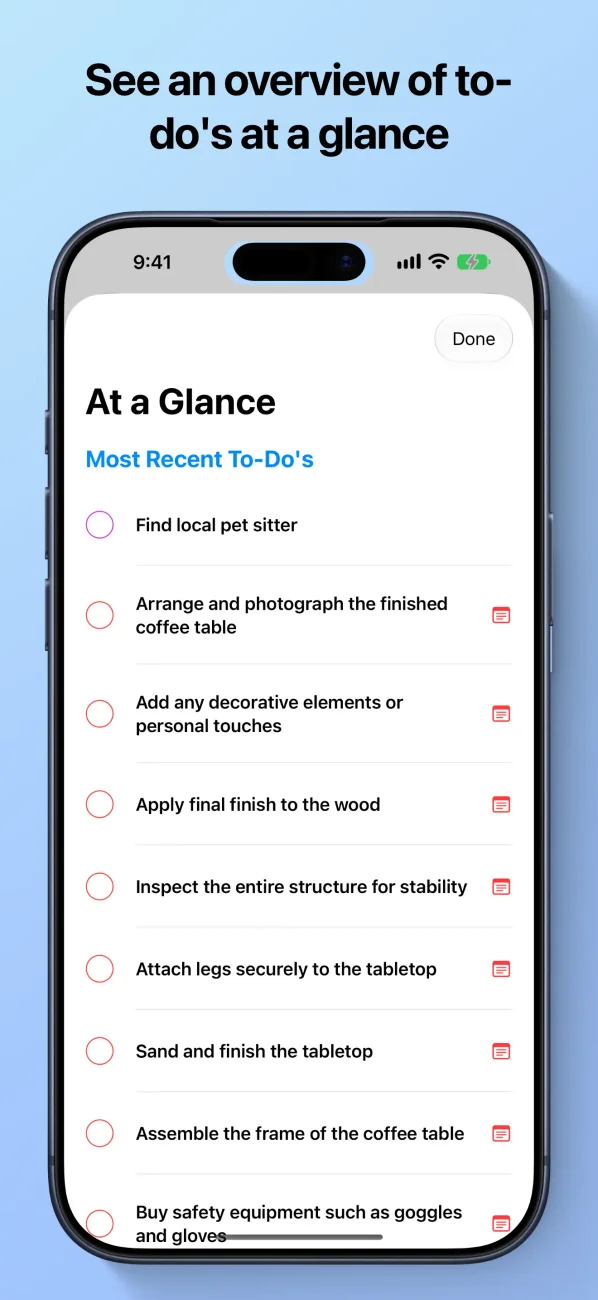
- View a "Dashboard" grouped summary of your to-do's
- Add to-do's from within Safari using a share extension
- Add Widgets to your Home Screen or Today View
- Create new tasks using Siri
- Support for Dark Mode and Dynamic Type
- Drag and drop between lists
- Use quick actions from your Home Screen
- See helpful icons next to to-do's in the list view
- Easily add emoji's to personalize your lists
Thanks for your support and we hope you find Supertodos as useful as we do!
What’s new
Version 14.2 · Oct 24, 2026
A beautiful design on all devices, including iPhone Duo.
App privacy
What Howlin Interactive, Inc. declares on the App Store about how this app handles data.
-
Data not collected
The developer does not collect any data from this app.
Privacy practices may vary, for example with the features you use or your age.
Information
- Seller
- Jason Howlin
- Category
- Productivity
- Version
- 14.2
- Updated
- Oct 24, 2026
- Released
- Jan 17, 2017
- Size
- 28.6 MB
- Requires
- iOS 26.0 or later
- Age rating
- 4+
- Price
- Free
- Languages
- English
- Copyright
- © Jason Howlin
You might also like
-
 Tiny Planner - Daily OrganizerPlanner and Journal. Reminder
-
 Memento - Better RemindersThe simple, quick to-do list
-
 SupaTask - Daily Planner, TodoTasks, Calendar, Habit Tracker
-
 Penned: Private NotesAI Text Search, Local & Secure
-
 Timesheet tasks: Time DepositLog work, study, pomodoro
-
 Mood Board - CreativitBookmark
-
 Photo Todo Lists - PhotodoManage tasks with image & text
-
 Be Focused Pro - Focus TimerWork & Study Pomodoro Timer
-
 Streakly: Simple Habit TrackerVisual Routine & Streak Daily
-
 Secrets - Password ManagerGenerate, AutoFill, Sync