- Age rating4+
- CategoryProductivity
- DeveloperAIDC TECH SOLE CO., LTD
- LanguagesEnglish+ 28 more
- Size228.5 MB
Links to the official App Store page
Download.org hosts no file of Super Work. The button opens its official App Store page, published by AIDC TECH SOLE CO., LTD. Listing last checked on Nov 22, 2026.
Screenshots
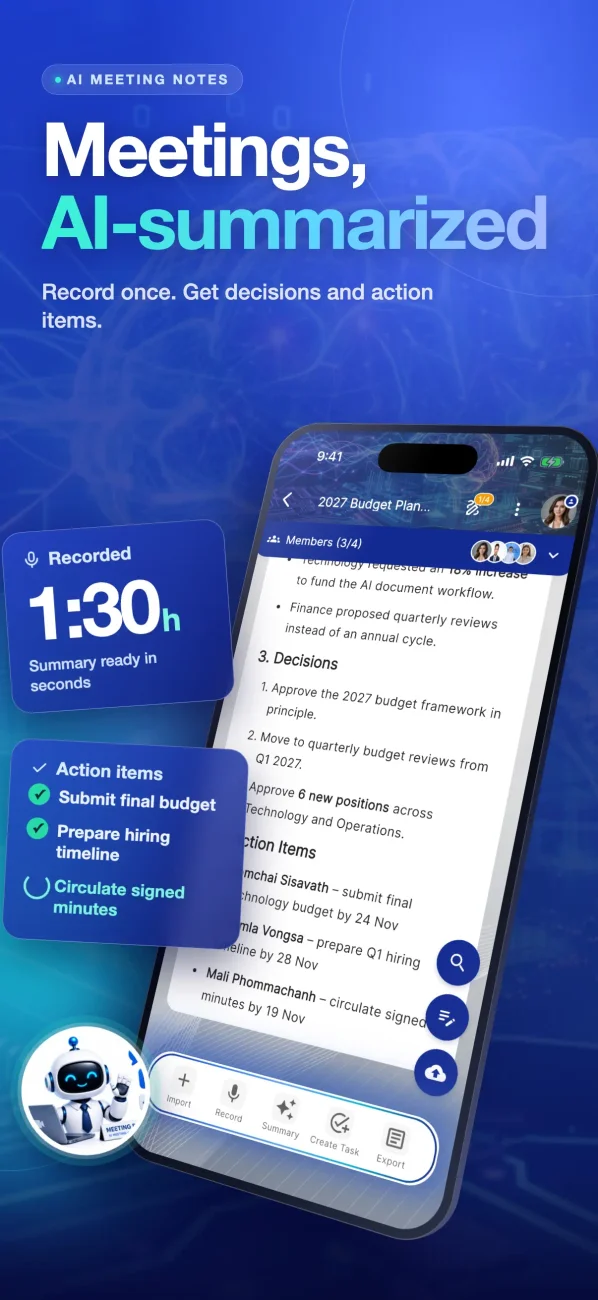

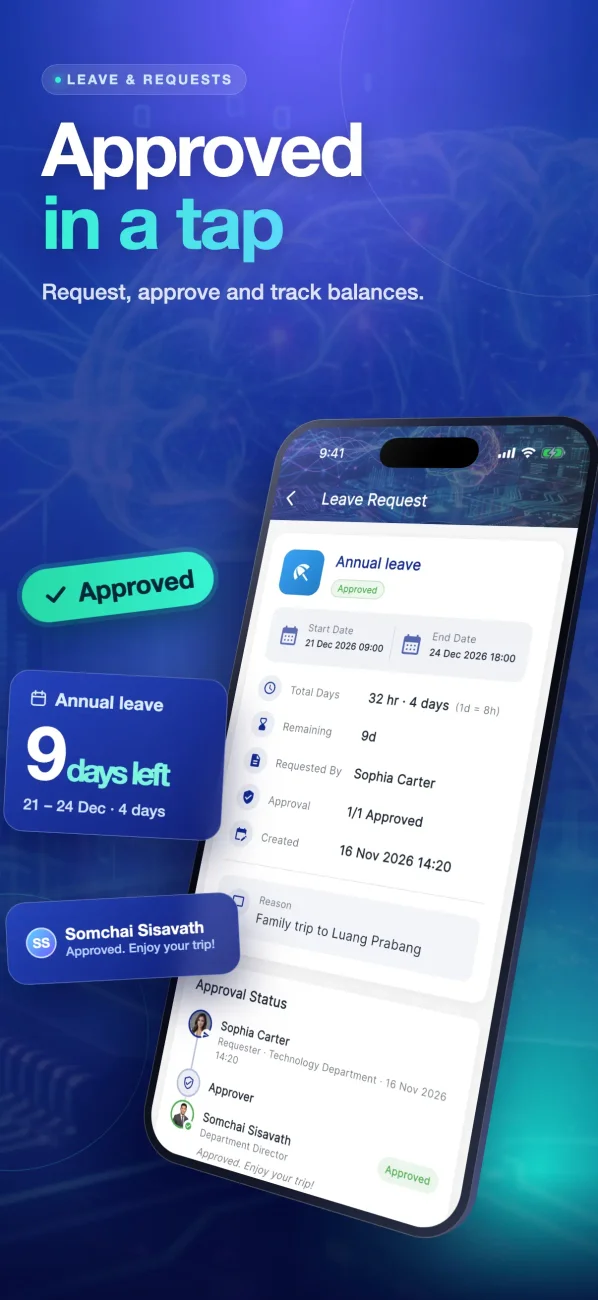
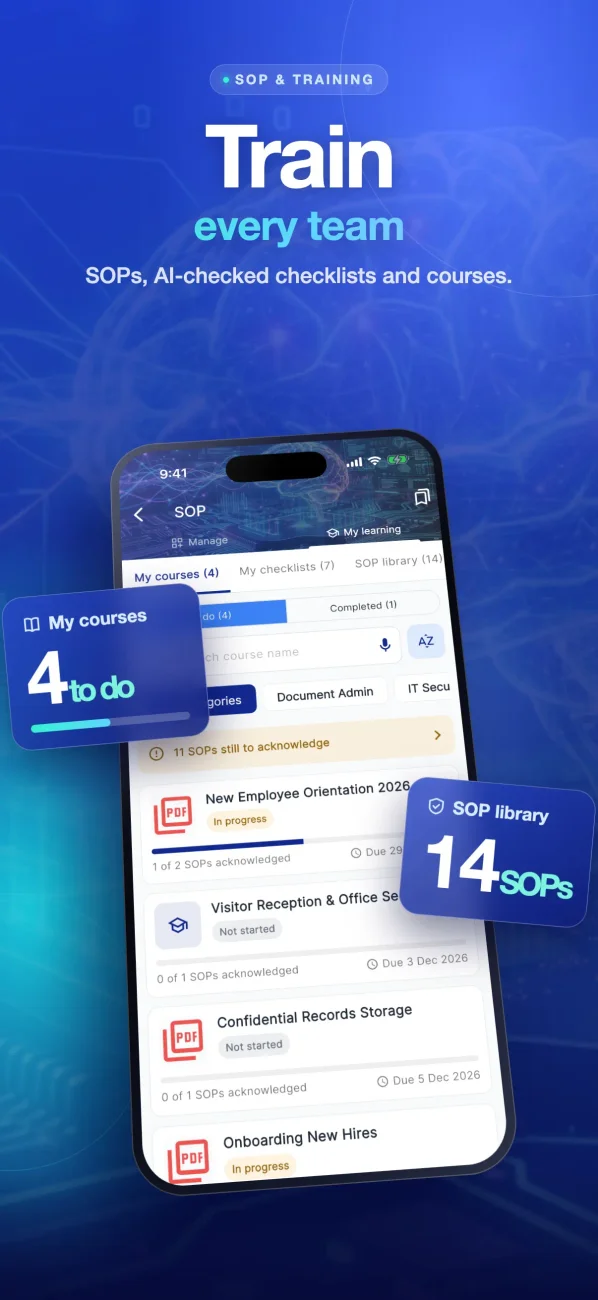

About
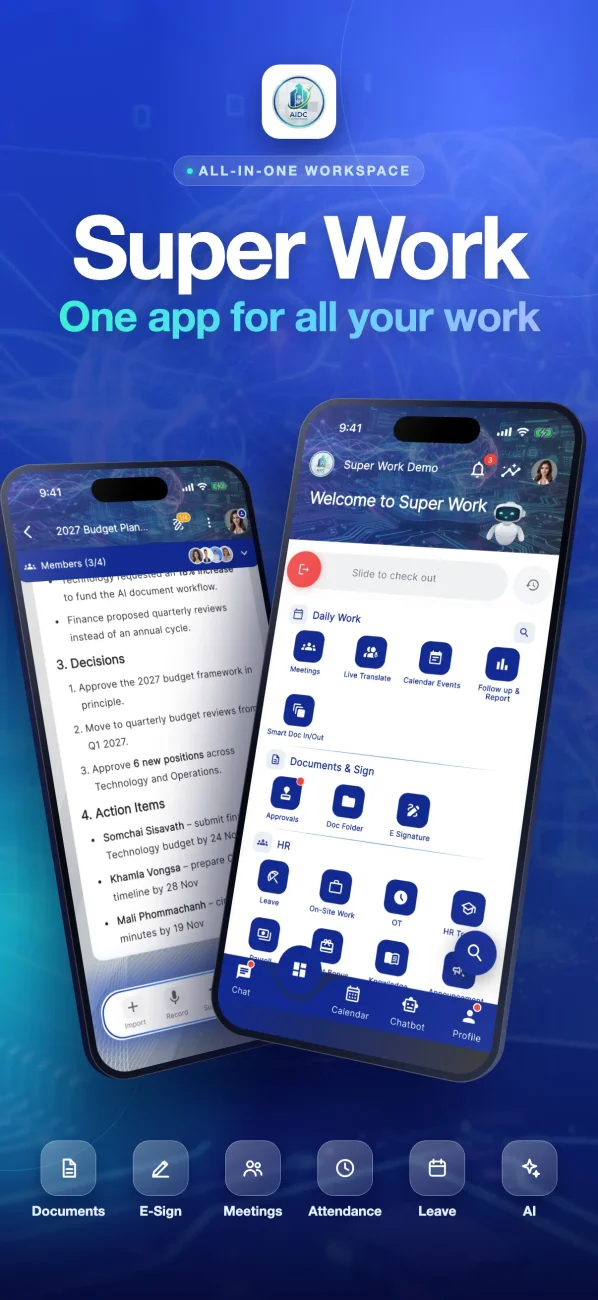
SuperWork by AIDC is a comprehensive project management application designed for modern teams and businesses.
KEY FEATURES:
Project Management
Manage multiple projects effortlessly with intuitive tools and real-time collaboration. Track progress, assign tasks, and stay organized.
Meeting Management
Record meetings, get automatic transcriptions, and create detailed summaries. Never miss important details from your discussions.
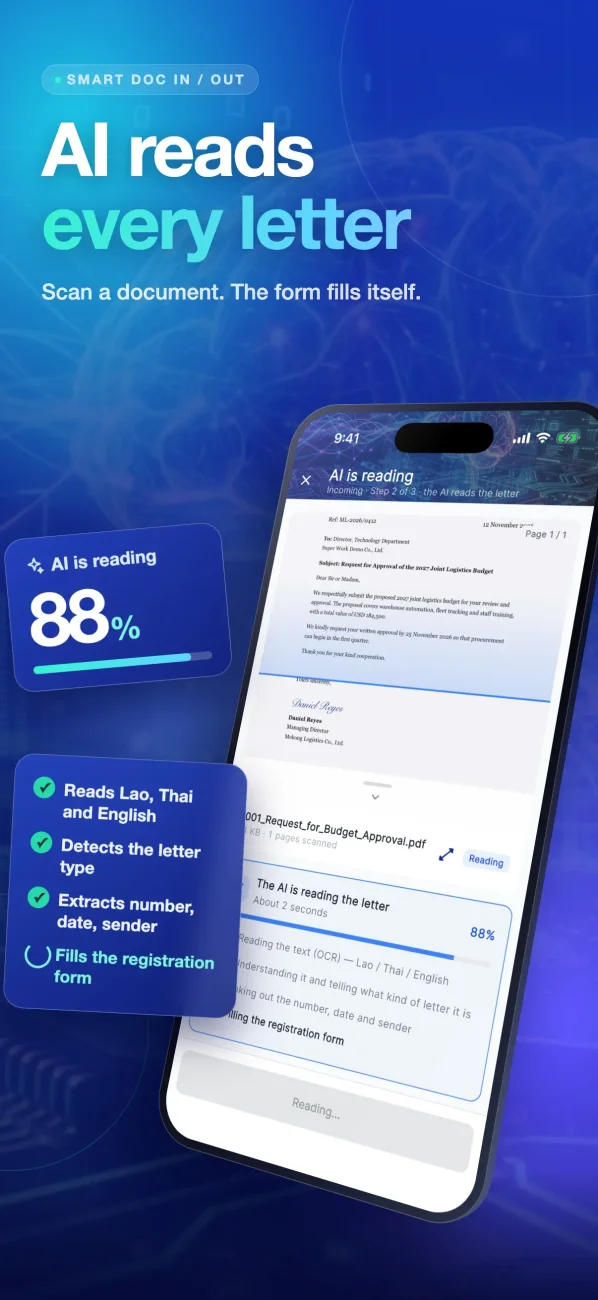
Document Management
Upload, organize, and share documents seamlessly. Keep all your important files in one secure place.
Team Collaboration
Work together efficiently with your team members. Share updates, get approvals, and communicate effectively.
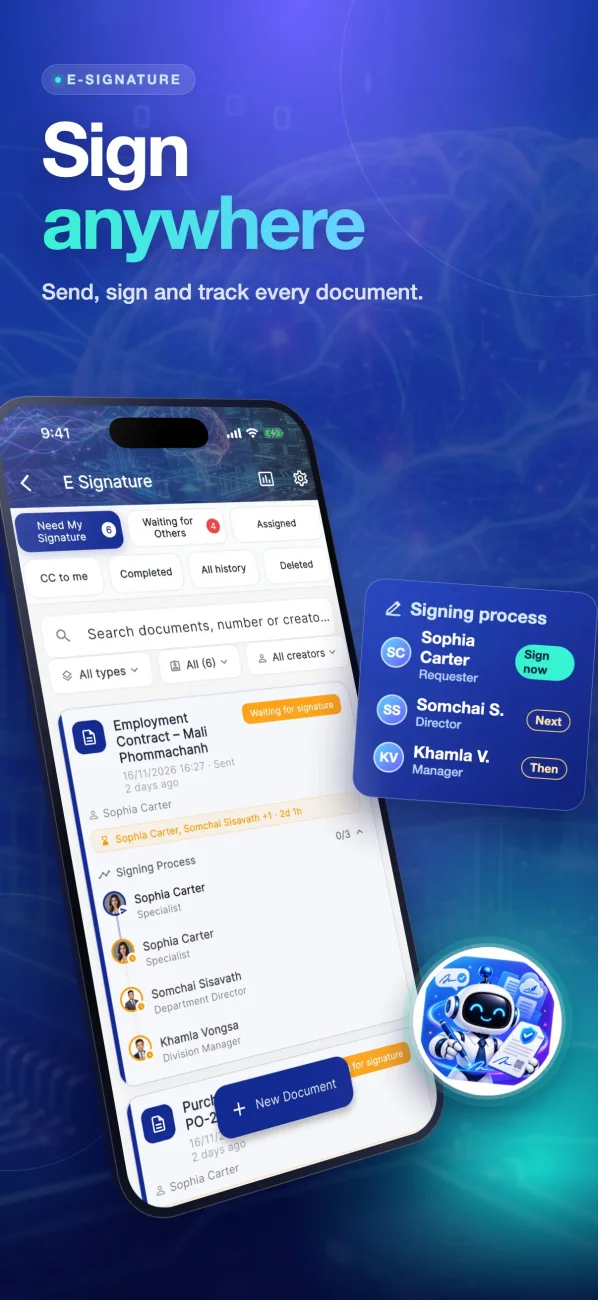
Approval Workflow
Streamline your approval process with built-in workflows. Get faster decisions and better control.
Security and Privacy
Your data is protected with enterprise-grade security. All communications are encrypted and secure.
Perfect for:
- Project managers
- Team leaders
- Business professionals
- Organizations of all sizes
Download SuperWork today and transform how you manage projects and collaborate with your team.
What’s new
Version 1.8.78 · Nov 20, 2026
• Chat: WhatsApp-style emoji and sticker panel with a sticker store and built-in packs.
• Chat: import sticker packs, add your own stickers, and cut an AI sheet into eight stickers.
• Chat: pick a notification sound for each room on Android and iOS, including uploads you add.
• Chat: WhatsApp-style video send preview with trim; videos go out at 720p unless you choose HD.
• Chat: colour emoji in bubbles, the list preview, and the composer; view-once polish.
• Video: compress picks to 720p across tasks, HR, meetings, SOP, and comments, with a shared prep dialog.
• Video: YouTube-style shared controls — double-tap skip, hold 2×, and a speed chip — in chat and SOP.
• Mail: connect a mailbox, browse folders, read and search messages, and compose, reply, or forward.
• Mail: attachment cards, push-driven badge refresh, and a dashboard tile with unread count.
• Employee chart: modern list and org views with rank styling, leadership bands, and unit numbers.
• Live translation: manage room context and glossary from the new translation room screens.
• Accounts: Lark-style account switcher from the home header.
• Attendance: History V3 with a month hero, week-grouped rows, filters, and a two-column tablet layout.
• SOP: My checklists tab, import SOPs from files with AI, and show finished checklists on the page.
• Smart Doc / AIDC Doc: letter routing, PMO workflows, AI drafting in Doc In-Out, and timeline fixes.
App privacy
What AIDC TECH SOLE CO., LTD declares on the App Store about how this app handles data.
-
Data linked to you
May be collected and linked to your identity.
- Contact info
-
Data not linked to you
May be collected but is not linked to your identity.
- Contact info
Privacy practices may vary, for example with the features you use or your age.
Information
- Seller
- AIDC TECH SOLE CO., LTD
- Category
- Productivity
- Version
- 1.8.78
- Updated
- Nov 20, 2026
- Released
- Nov 5, 2025
- Size
- 228.5 MB
- Requires
- iOS 16.0 or later
- Age rating
- 4+
- Languages
- English, Arabic, Catalan, Czech, Danish, Dutch, Finnish, French, German, Greek, Hebrew, Hindi + 17 more
- Copyright
- © 2025 AIDC TECH SOLE CO., LTD.
You might also like
-
 AA ManagementAA Management
-
 Singha LogisticsSingha Logistics
-
 Super Project MobileSuper Project
-
 LSSOYour digital entitlement
-
 SpeakNote: Voice RemindersNotes, Tasks & Habit Tracker
-
 Super HRMS 2.0Productivity
-
 RestoSuite InventorySupplyChain Business Assistant
-
 Barcode scanner & QR generatorEasy QR reader and creator