SuperMusicNote - Note Names
Treble & Bass Clef Note Quiz
Designed for iPhone, iPad
Free · In-app purchases
- Age rating4+
- CategoryEducation
- DeveloperHyewon Lee
- LanguagesEnglish+ 7 more
- Size10.9 MB
Links to the official App Store page
Download.org hosts no file of SuperMusicNote - Note Names. The button opens its official App Store page, published by Hyewon Lee. Listing last checked on Nov 17, 2026.
Screenshots
About
Practice until the staff reads
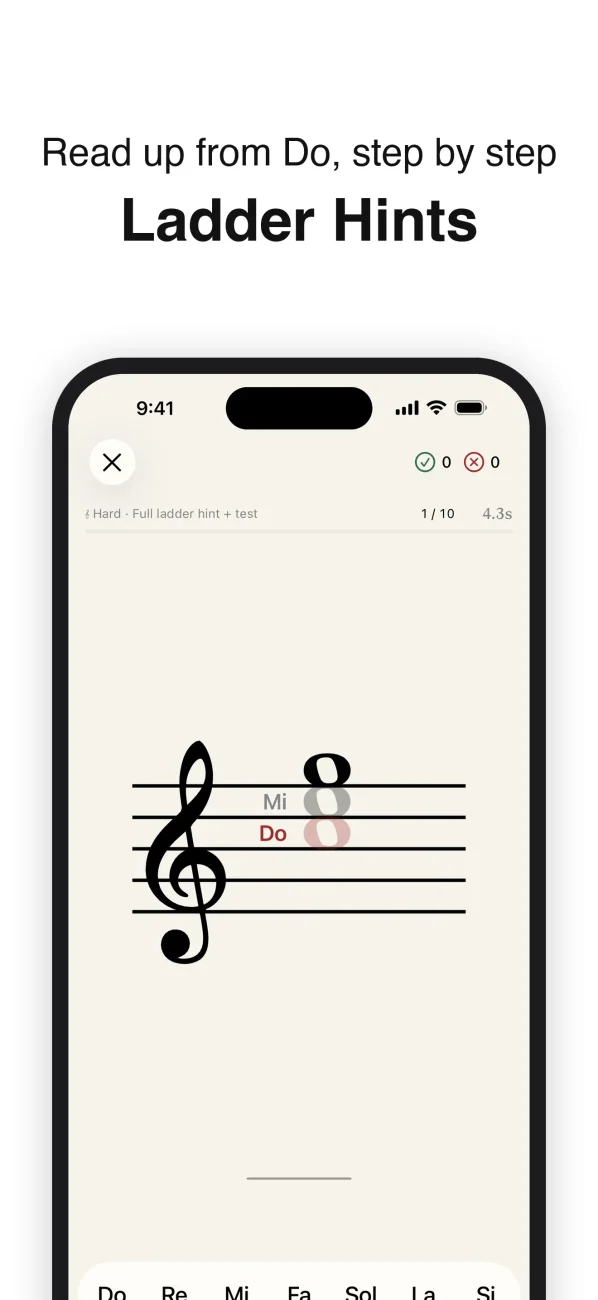
You can read music. What is slow is starting from do and counting up every single time — and counting never turns into reading, no matter how much of it you do. You learn the counting path first, then watch the hints come away one step at a time, until a position you used to count is one you read.
■ A range narrow enough to finish
Practice that starts too wide goes stale within a week.
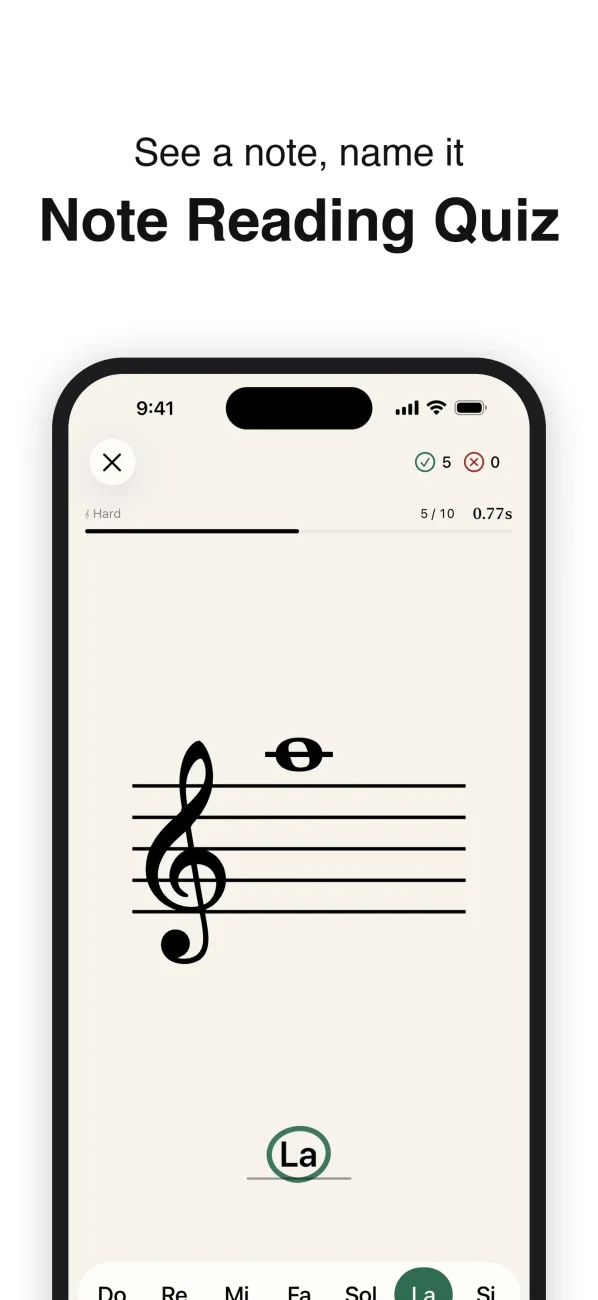
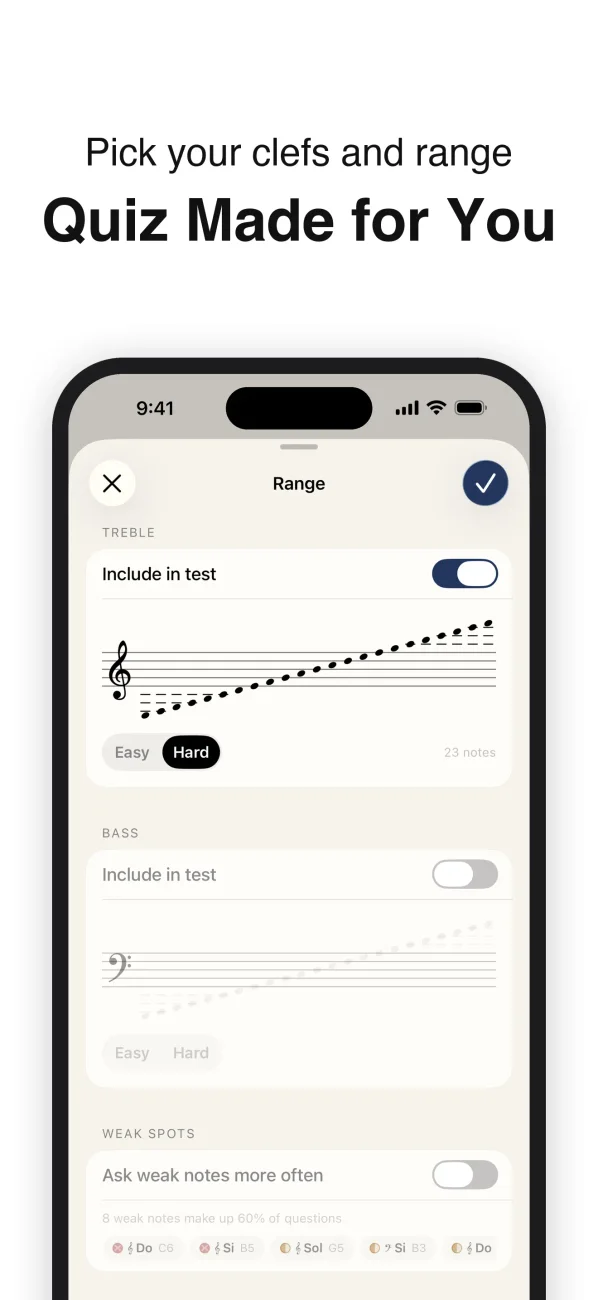
· Treble and bass switch on and off separately, so you drill the one you actually need.
· How far the ledger lines reach is set in two levels, so notes you are not ready for stay out.
· The range you picked is drawn on a staff before you start, so you see at a glance what will be asked.
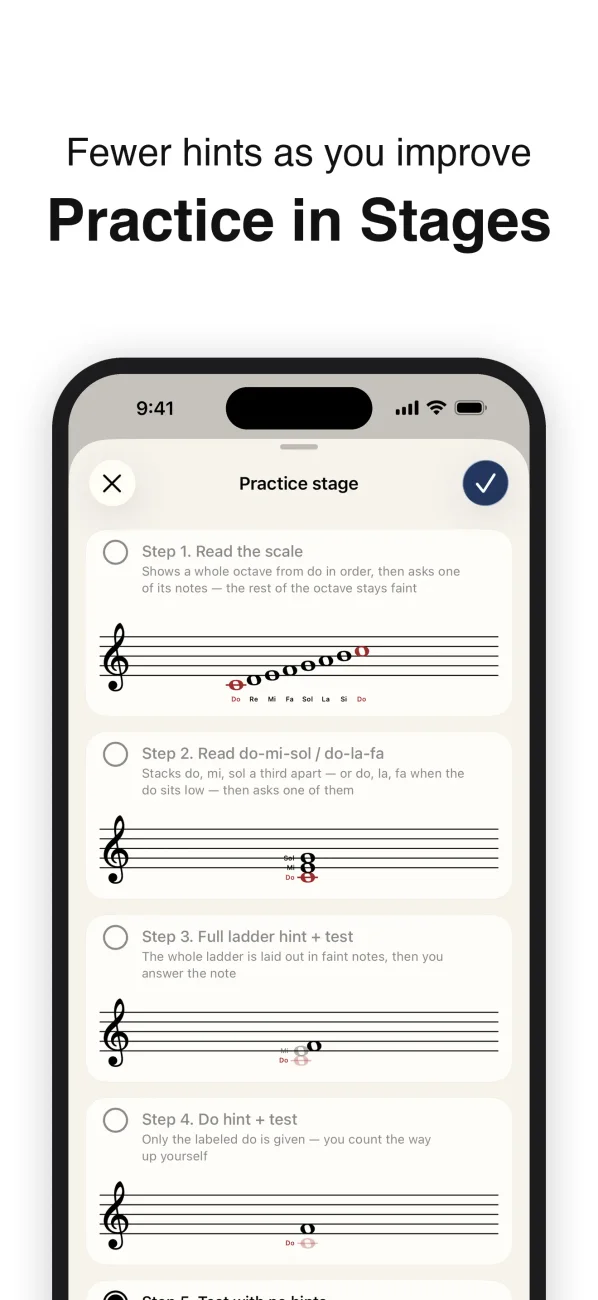
■ Five stages, one hint less each time
Handed nothing but a row of notes, most people quit within the week.
· The first two stages show the whole counting path, so you learn the path by sight first.
· After that the same notes are asked with fewer hints each stage, so you answer from what you have already learned to see.
· The counting path is labelled with note names, so it is easy to learn.
· The last stage leaves one note and nothing else, as a final check of everything you have practised.
■ Stats that build up note by note
One accuracy figure does not tell you what to work on.
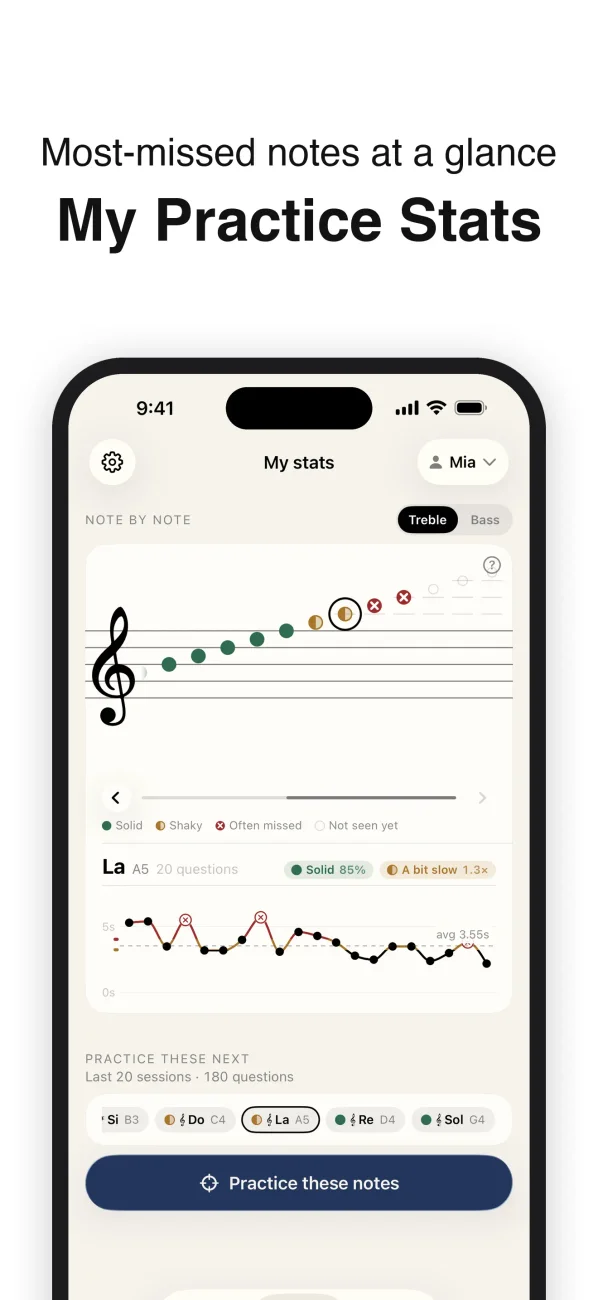
· Positions are coloured on the staff, so a weak register shows up in the shape you actually read.
· Tap a note to see your speed and right-or-wrong record over time.
· Your stats can also shape the questions, so a session leans on the notes you find hardest.
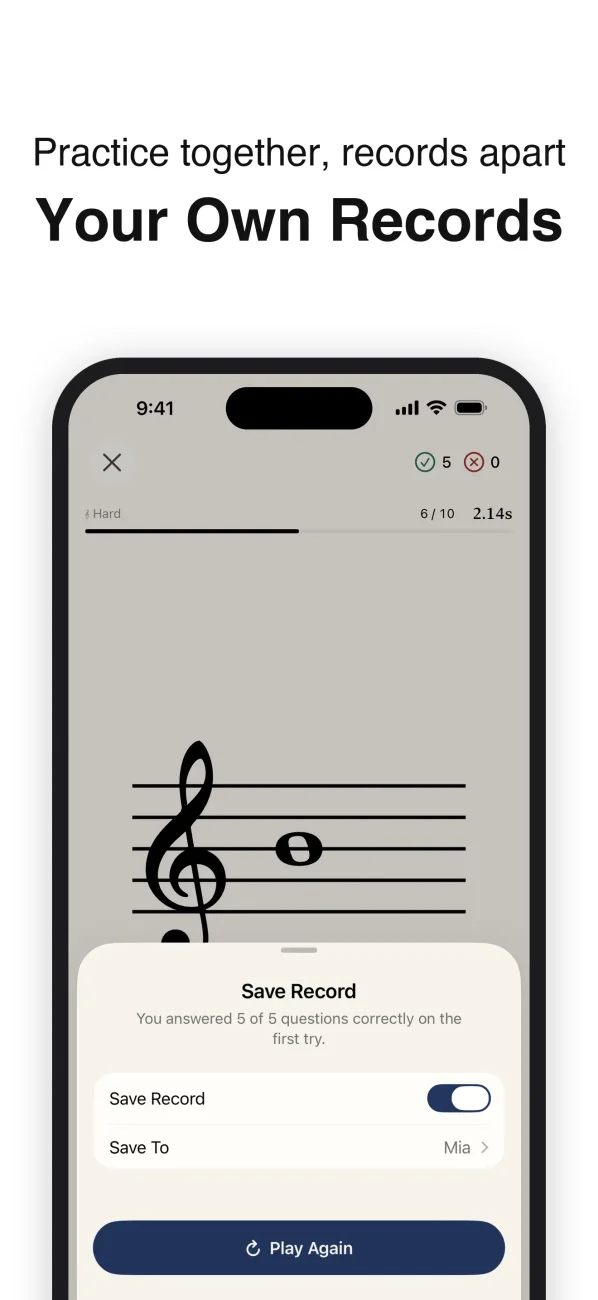
Records and accounts stay on the device. No sign-in needed.
What’s new
Version 1.1.3 · Nov 2, 2026
- Read the scale in Step 1: Step 1 used to show only where do sits. It now walks a whole octave from do in order, then asks one of its notes while the rest stay faint.
- Step 1 in your records: Answers in Step 1 now count toward your question goal and appear in Records and Stats.
- Tidier answer line: The line under your written answer is shorter, so the space below the staff feels lighter.
App privacy
What Hyewon Lee declares on the App Store about how this app handles data.
-
Data used to track you
May be used to track you across apps and websites owned by other companies.
- Location
- Identifiers
- Usage data
-
Data not linked to you
May be collected but is not linked to your identity.
- Location
- Identifiers
- Usage data
- Diagnostics
Privacy practices may vary, for example with the features you use or your age.
Information
- Seller
- Hyewon Lee
- Category
- Education
- Version
- 1.1.3
- Updated
- Nov 2, 2026
- Released
- Sep 30, 2026
- Size
- 10.9 MB
- Requires
- iOS 26.2 or later
- Age rating
- 4+
- Price
- Free
- In-app purchases
- Yes
- Languages
- English, French, Japanese, Korean, Portuguese, Simplified Chinese, Spanish, Traditional Chinese
- Copyright
- © 2026 Hyewon & Insong
You might also like
-
 Clefkid: Learn Music NotesNote Reading Practice for Kids
-
 Note Trainer: Sight ReadingSight-Reading Note Quiz
-
 音符読みトレーニングEducation
-
 Ritmico リズム練習・音感・リトミックEducation
-
 Note: Read Sheet MusicBoost your music theory study
-
 Music Notes — Learn NotationSheet Music Reading for Kids
-
 Play Music Theory - ClefyDrum Tuner & ABRSM Ear Trainer
-
 NotelingRead music by playing it
-
 OtoMaster: Note & Ear TrainingMaster Sight-Reading on Keys
-
 容積計算クイズEducation