- Age rating12+
- CategoryBusiness
- DeveloperTimur Aisautov
- LanguagesEnglish+ 3 more
- Size35.1 MB
Links to the official App Store page
Download.org hosts no file of SuperQR Staff. The button opens its official App Store page, published by Timur Aisautov. Listing last checked on Nov 28, 2026.
Screenshots



About
SuperQR Staff is the app for employees of businesses on the SuperQR platform. Each employee gets their own work screen, and orders, calls and requests reach the phone at once.
The app brings together nine modules. A business switches on only the ones it needs, and each employee sees the modules and actions of their role.
MENU — TABLES, ORDERS, KITCHEN
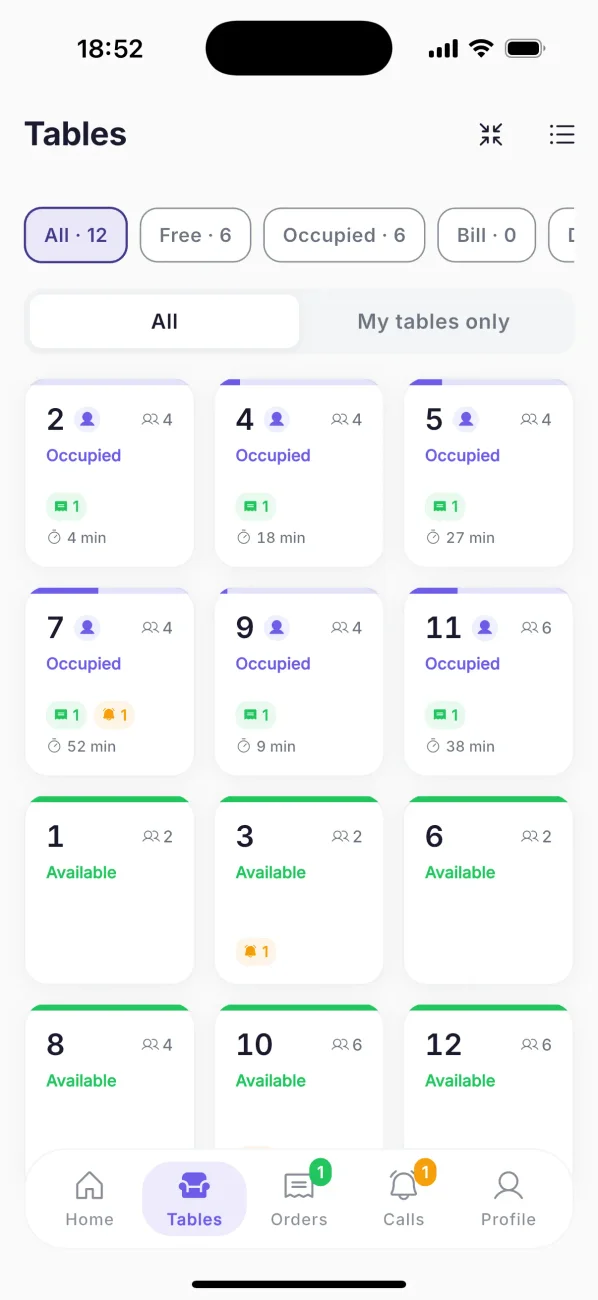
• Tables with their status, open orders and calls
• A guest's order from the QR menu comes to the waiter for confirmation
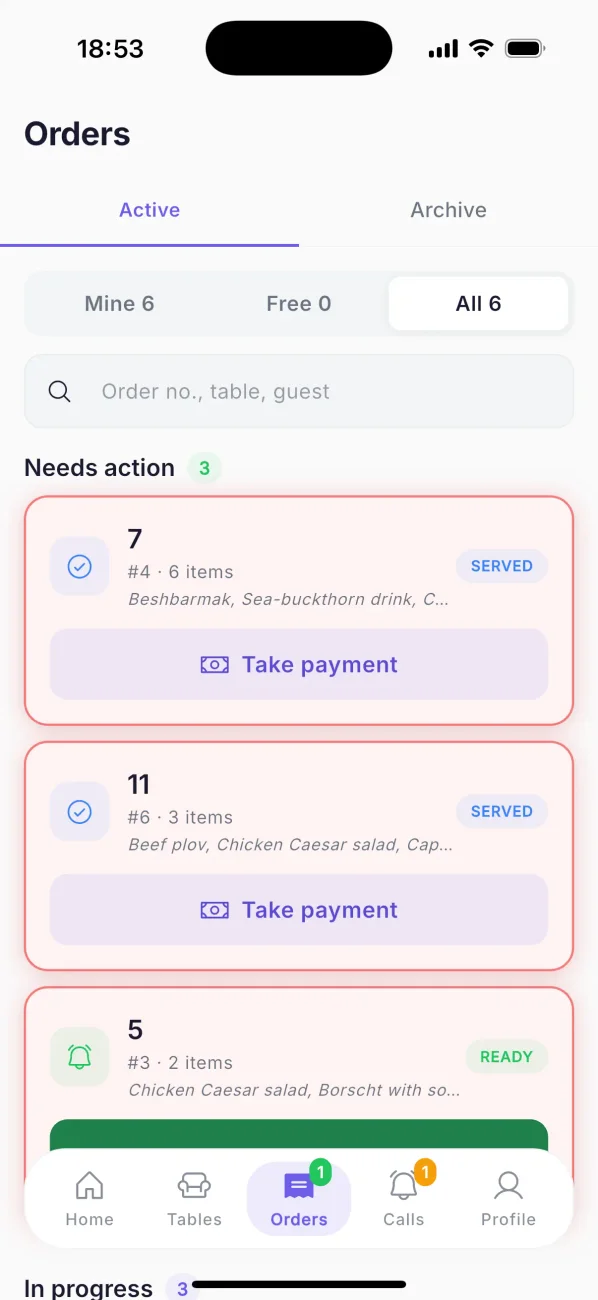
• Orders taken at the table go to the kitchen; ready ones are marked as served
• Kitchen mode: orders by stage, New and Cooking, each station working its own items
• Stop list: take a dish off sale or put it back, right from the phone
• Hand a table or an order to a colleague; merge tables into one bill
• Bills: create a bill, choose the payment method, mark it paid
• Analytics by dishes, tables and staff for managers and administrators
STAFF CALLS
• A guest taps the call button on the business's page, and the waiter is notified
• Your calls and the shared queue of calls
• Take a call, hand it to a colleague, mark it done
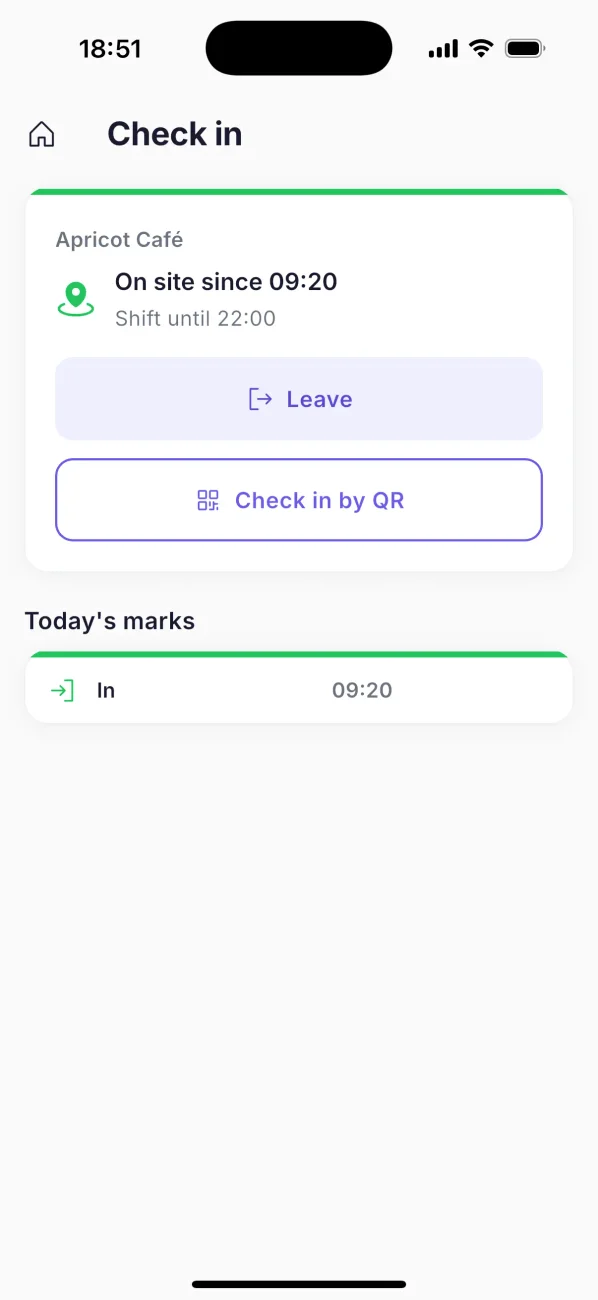
TIME TRACKING
• Arrival and departure by location or by a check-in point's QR code
• Today's shift and marks, and standard hours with overtime
• A reminder to mark departure when the shift has ended
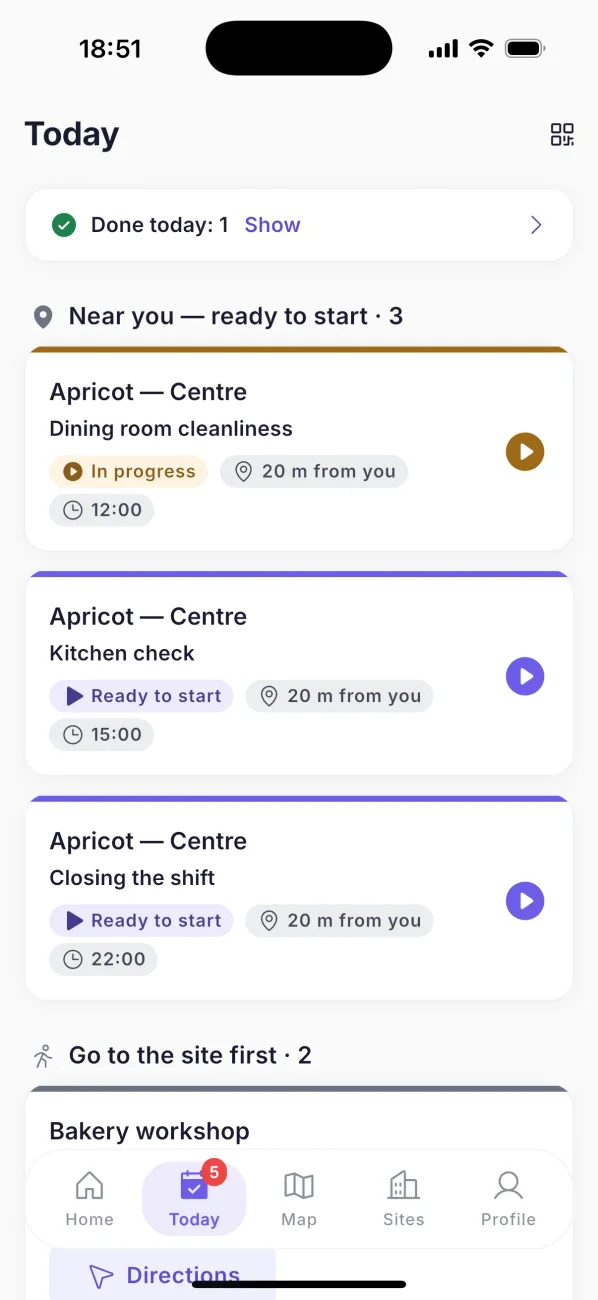
CHECKLISTS
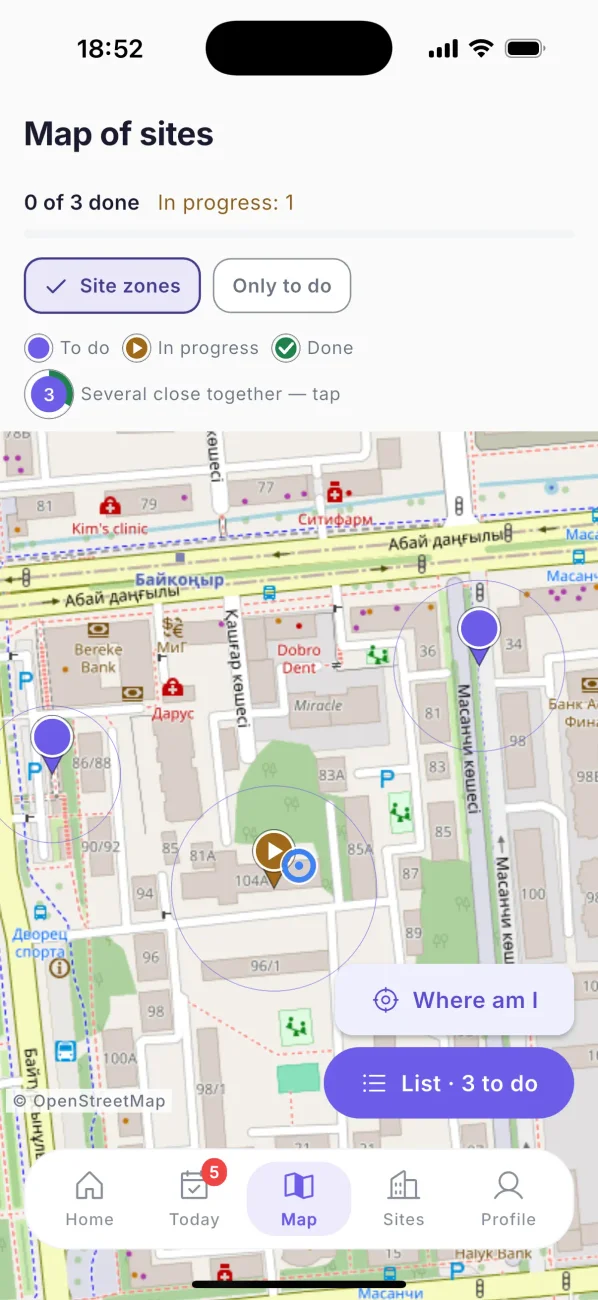
• Today: the checklists of the site you are at, and the distance to other sites
• A map of sites
• Photo proof from the camera or the gallery
• Checklists done only on site are filled in within the site's radius
• Inspectors add a site from the phone and put checklists on it
• Admin analytics by site: done, overdue, missed
• Remind me at the site: a reminder of a checklist left to send when you're near its site
QUEUE
• Your service point: pick a window, call the next guest, finish serving
• Tickets for walk-in guests, by phone number and service
• For supervisors: hand a ticket to a colleague, move it up or down, cancel it
SERVICE REQUESTS
• New requests and your requests, by the types your business defines, such as cleaning or repairs
• Take a request, hand it to a colleague, finish it with a resolution
• Add photos to a request right from the phone
• Statuses, due dates and a conversation on every request
BOOKINGS
• The day's bookings, booking details and a one-tap call to the client
• Take a booking and complete it with a report
• Scan a booking's pass at the entrance
• A conversation on each booking, and chats with the business's clients
VISITOR PASSES
• Check a pass by scanning it or by its code
• The visitor's card and the verdict: valid or refused
• Record entry and exit
• Approve visits and keep a conversation on each visit
TASKS (UTASKO)
• Tasks from Utasko: due date, priority, place; Start work
• Comments with photos; set tasks for colleagues, by your Utasko rights
NOTIFICATIONS AND HISTORY
• Push notifications for orders, calls, requests, bookings, queue tickets, visits and tasks
• History and Alerts: your marks and notifications by day, with search and filters
LOCATION
While the app is open, location is used when you mark arrival or departure, while a checklist done only on site or the Today list is open, on the map of sites and a courier's order screen, and when an inspector or checklist administrator sets a site's point. When the app is closed or not in use, SuperQR Staff collects location data only for Remind me at the site, once your company and you turn it on. Before use, the app explains what it needs location for.
WHO IT IS FOR
Restaurants, cafés, hotels, salons and other businesses on SuperQR.
HOW TO START
The business's administrator creates the employee's account in the SuperQR web account. You sign in with your phone number and PIN; there is no sign-up in the app. If your business is not on SuperQR yet, leave a request at superqr.com.
LANGUAGES
Russian, Kazakh, English, Chinese.
Developer: MVoter Technologies LLP.
Privacy policy: https://superqr.com/privacy-policy/
What’s new
Version 1.23.1 · Nov 26, 2026
• Menu: the guest's allergy and comment and the dishes' allergens, in the order and in the kitchen. A new stop list with search.
• Notifications: they reach Alerts even when the phone was locked.
• Tasks: a draft is kept if the connection drops; the list refreshes itself.
• Requests: request details in words; phone and email open with a tap. Checklist sites in name order.
• The app opens the section you were in. Many fixes across the app.
App privacy
What Timur Aisautov declares on the App Store about how this app handles data.
-
Data linked to you
May be collected and linked to your identity.
- Location
- Contact info
- User content
- Search history
- Identifiers
- Usage data
- Diagnostics
-
Data not linked to you
May be collected but is not linked to your identity.
- Other data
Privacy practices may vary, for example with the features you use or your age.
Information
- Seller
- Timur Aisautov
- Category
- Business
- Version
- 1.23.1
- Updated
- Nov 26, 2026
- Released
- Aug 18, 2026
- Size
- 35.1 MB
- Requires
- iOS 15.0 or later
- Age rating
- 12+
- Price
- Free
- Languages
- English, Kazakh, Russian, Simplified Chinese
- Copyright
- © 2026 Mvoter Technologies LLP