Surface Camera
Film Camera & Photo Effects
Designed for iPhone
Free · In-app purchases
- Age rating4+
- CategoryPhoto & Video
- DeveloperCarlos Tarrats
- LanguagesEnglish+ 7 more
- Size219.3 MB
Links to the official App Store page
Download.org hosts no file of Surface Camera. The button opens its official App Store page, published by Carlos Tarrats. Listing last checked on Nov 23, 2026.
Screenshots

About
A film camera for iPhone.
Choose your film. Compose the frame. Make the photograph.
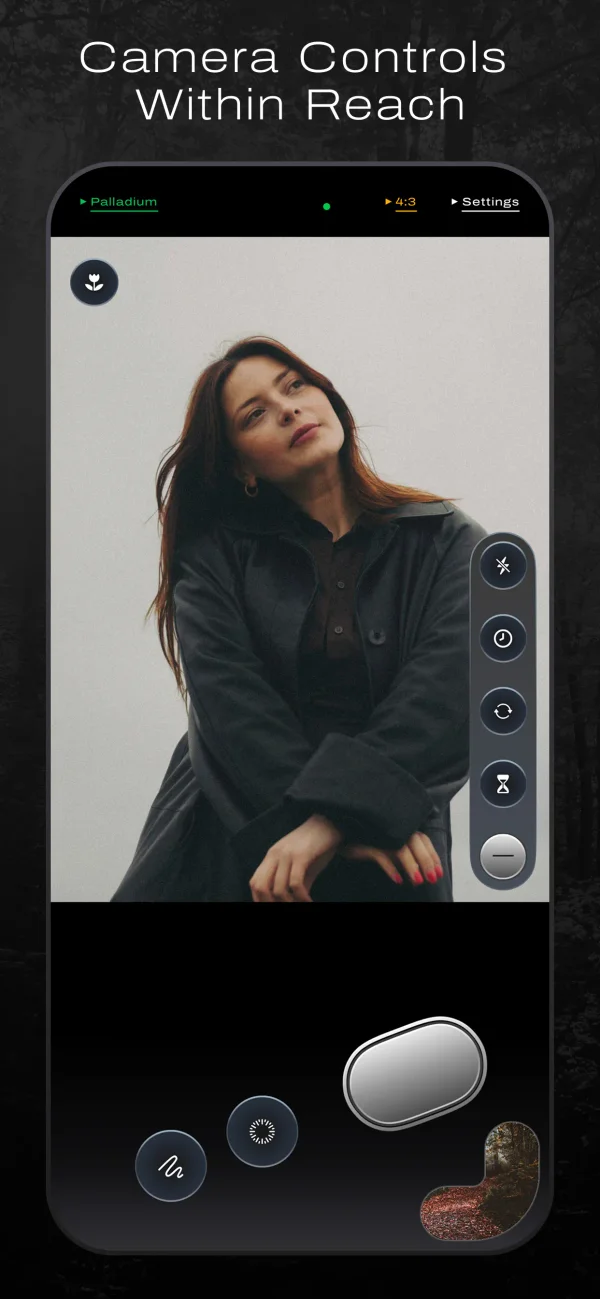
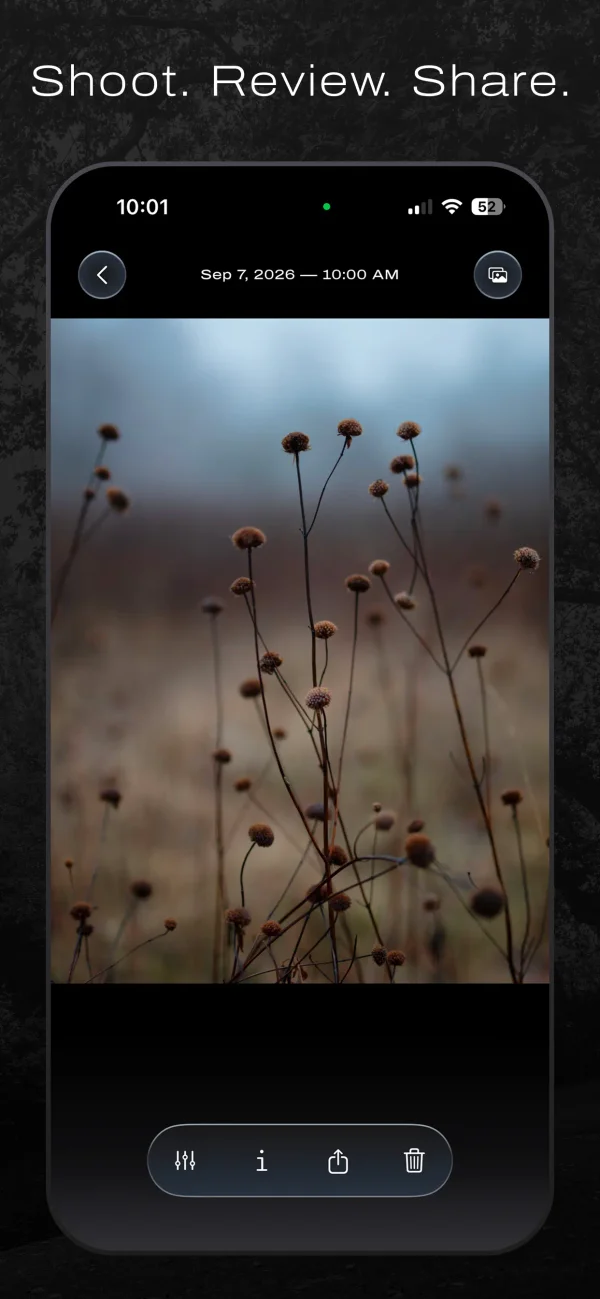
Surface brings eight distinct film profiles to your iPhone, with the look visible in the viewfinder before you shoot. Add blur or light leaks, take control of focus and exposure, and save directly to Apple Photos.
FIND YOUR FILM
Four black-and-white profiles: Selenium 400, Bromide 125, Metol 125, and Palladium 3200. Four color profiles: Chroma 100, Tonal 400, Radian 400, and Prism 100. Your chosen profile becomes part of the photograph at capture. Editing refines that photograph while keeping its film.
SHAPE THE FRAME
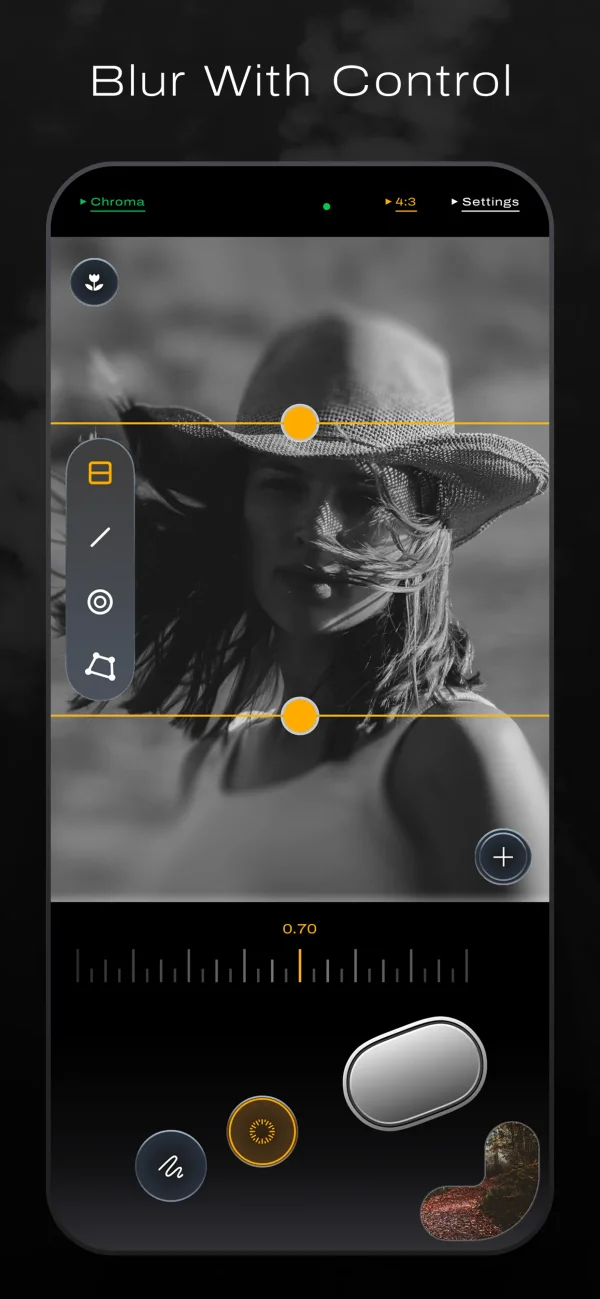
Position blur and adjust its strength. Add a light leak, then randomize it to explore a different color and pattern. Tap to focus, adjust exposure, and use focus peaking. Flash, a timer, and slow shutter are close at hand.
EDIT IN SURFACE
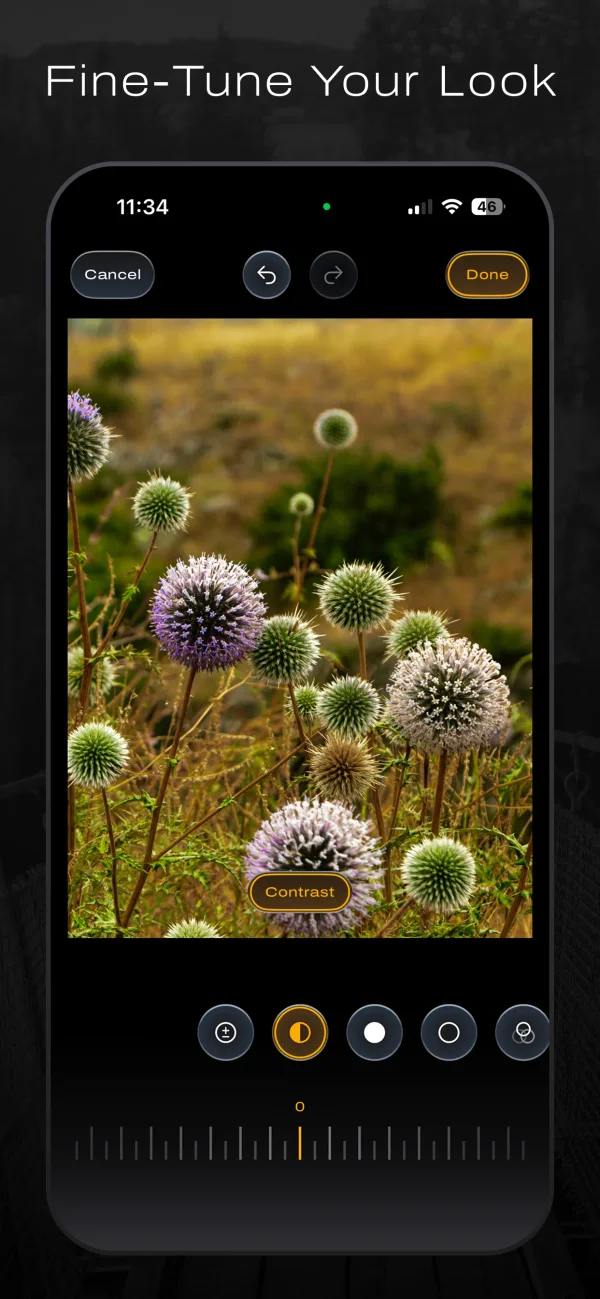
Adjust Exposure, Contrast, Blacks, Whites, Saturation, Warmth, Tint, Grain, Halation, and Vignette. Crop and straighten, undo and redo, and save your edits back to Photos.
ONE PHOTO LIBRARY
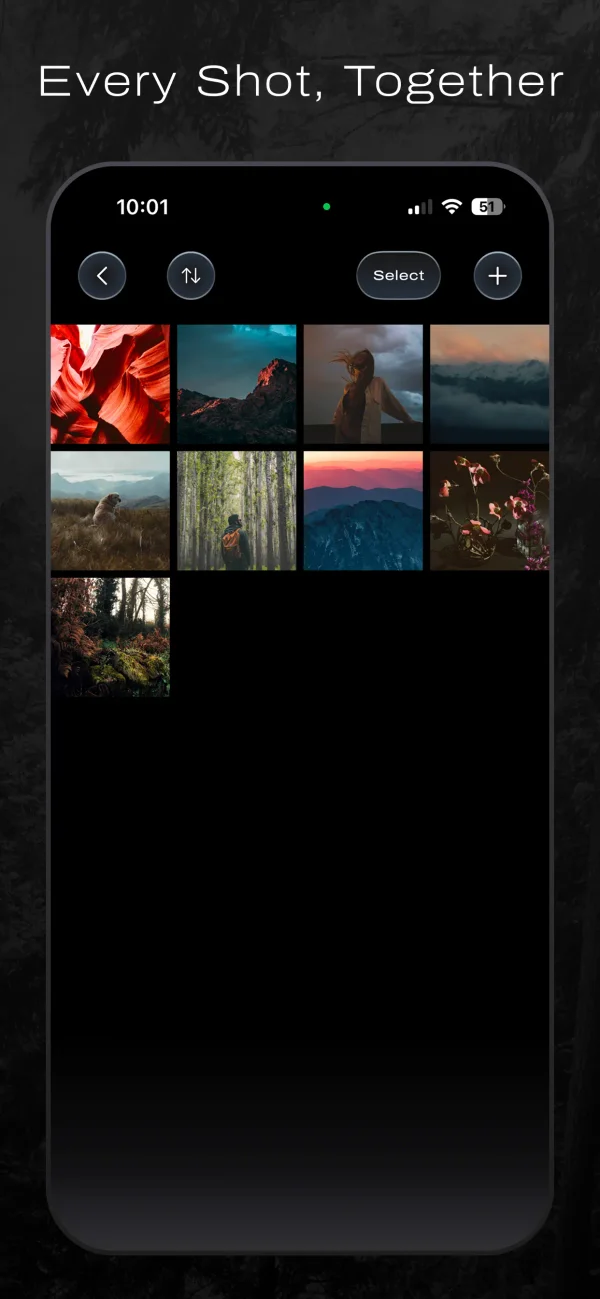
Captures and edits live in Apple Photos. Browse your Surface photographs, import photos for editing, share favorites, and manage your collection without maintaining a second library.
CAPTURE YOUR WAY
Choose HEIC, JPEG, or Apple ProRAW on supported iPhones. Capture at 12, 24, or 48 MP depending on your hardware and settings. ProRAW supports 12 or 48 MP. Open the viewfinder from Siri, Shortcuts, the Lock Screen, or Control Center.
MADE FOR YOUR IPHONE
Film rendering and editing happen on your device. No Surface account, ads, or tracking. Apple services handle purchases, optional iCloud Photos sync, and location-name lookup.
Available in English, French, German, Spanish, Italian, Japanese, Simplified Chinese, and Korean. Requires iOS 18 or later. Camera features vary by iPhone model.
MEMBERSHIP
Choose a monthly or yearly auto-renewing subscription, or a one-time lifetime purchase. Purchases are handled by Apple. Subscriptions renew unless canceled through your Apple Account settings. Local prices are shown before purchase.
Privacy Policy: https://surfacecamera.app/privacy/
Terms of Use (EULA): https://www.apple.com/legal/internet-services/itunes/dev/stdeula/
What’s new
Version 1.0.7 · Nov 19, 2026
Try Surface free for a month. Monthly and Yearly memberships now start with your first month FREE, and Yearly and Lifetime cost less. Already subscribed? Upgrade to Lifetime anytime from Settings.
App privacy
What Carlos Tarrats declares on the App Store about how this app handles data.
-
Data not collected
The developer does not collect any data from this app.
Privacy practices may vary, for example with the features you use or your age.
Information
- Seller
- Carlos Tarrats
- Category
- Photo & Video
- Version
- 1.0.7
- Updated
- Nov 19, 2026
- Released
- Sep 30, 2026
- Size
- 219.3 MB
- Requires
- iOS 18.0 or later
- Age rating
- 4+
- Price
- Free
- In-app purchases
- Yes
- Languages
- English, French, German, Italian, Japanese, Korean, Simplified Chinese, Spanish
- Copyright
- © 2026 Carlos Tarrats
You might also like
-
 Hiyori CameraPick a film, shoot today
-
 StelCACamera manual, alma analogica.
-
 Tacticam - Pro CameraCinema Camera & Story Maker
-
 Black & White No B******tJust a simple B&W camera
-
 PrismCam - プロ仕様のマニュアルカメラPhoto & Video
-
 Remjet – Photo & Video EditorCamera, Color Grading & Editor
-
 Text to Photo Generator AIText to Image AI Generator
-
 raw films: aesthetic editorvintage filters & 35mm presets
-
 KIRO CamRetro Film Cam w/ LUT & Grain
-
 Duoptra - Dual CameraPro Dual Camera & Video Editor