SurfMap: Personalized Forecast
Swell, wind, tides & sessions
Designed for iPhone, iPad
Free · In-app purchases
- Age rating12+
- CategoryWeather
- DeveloperGuillaume Bernos
- LanguagesEnglish+ 6 more
- Size85.0 MB
Links to the official App Store page
Download.org hosts no file of SurfMap: Personalized Forecast. The button opens its official App Store page, published by Guillaume Bernos. Listing last checked on Nov 25, 2026.
Screenshots
About
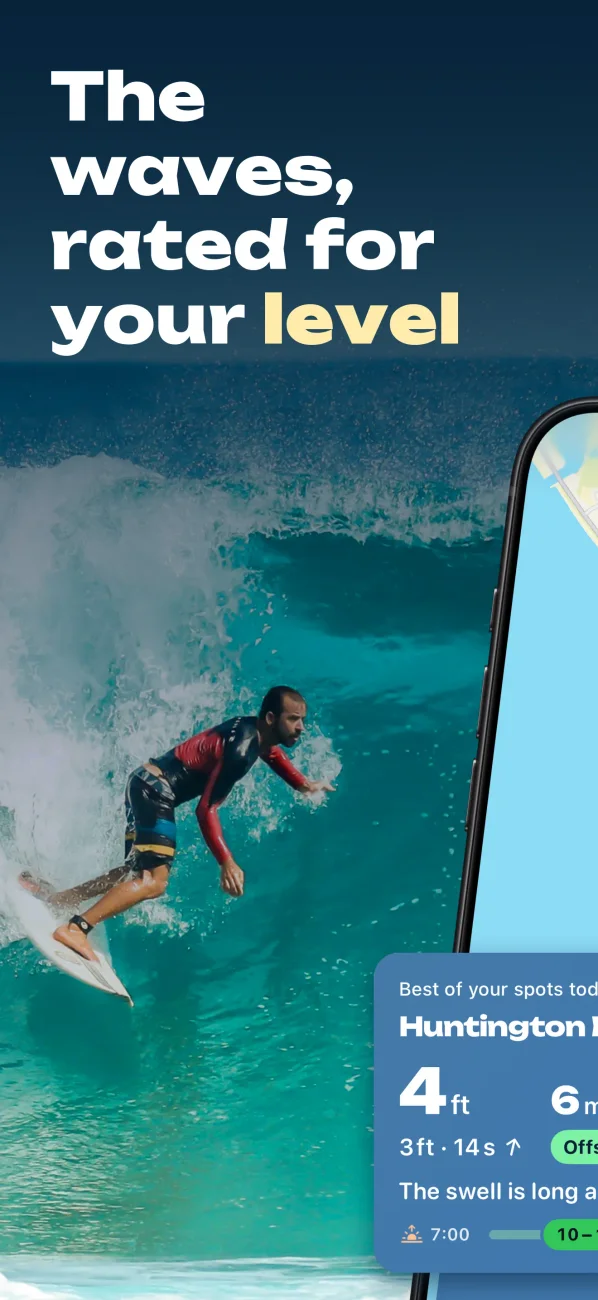
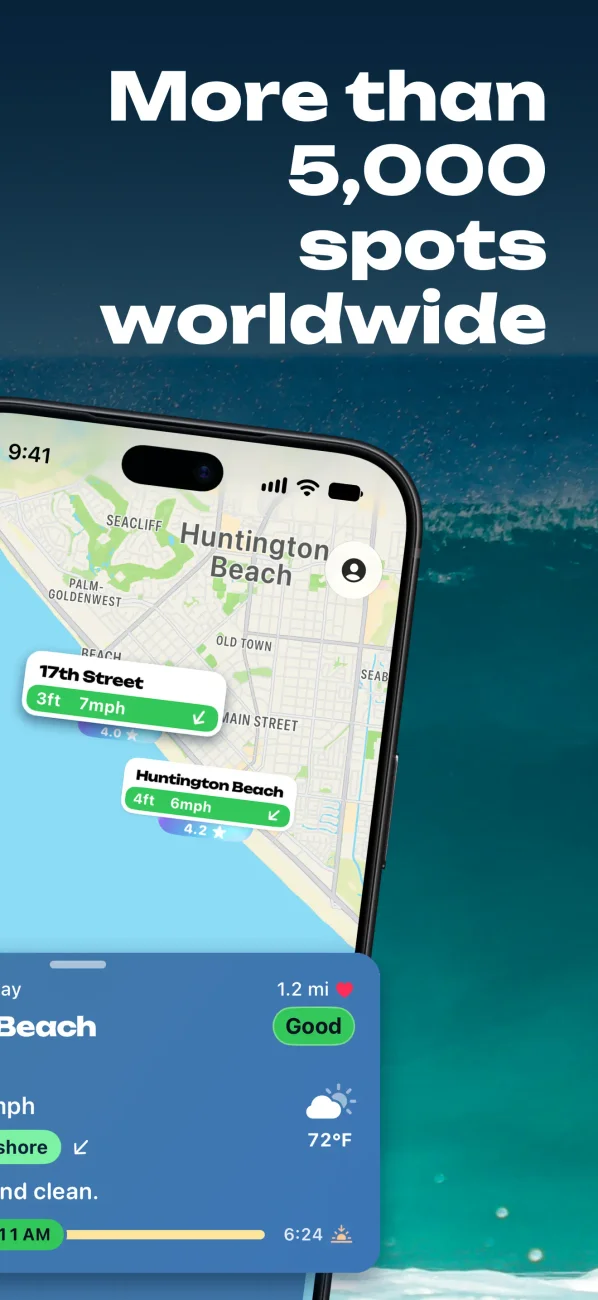
SurfMap rates the surf for your level at more than 5,000 spots around the world. For each spot, it shows you the best hours to go and tells you why.
RATED FOR YOUR LEVEL
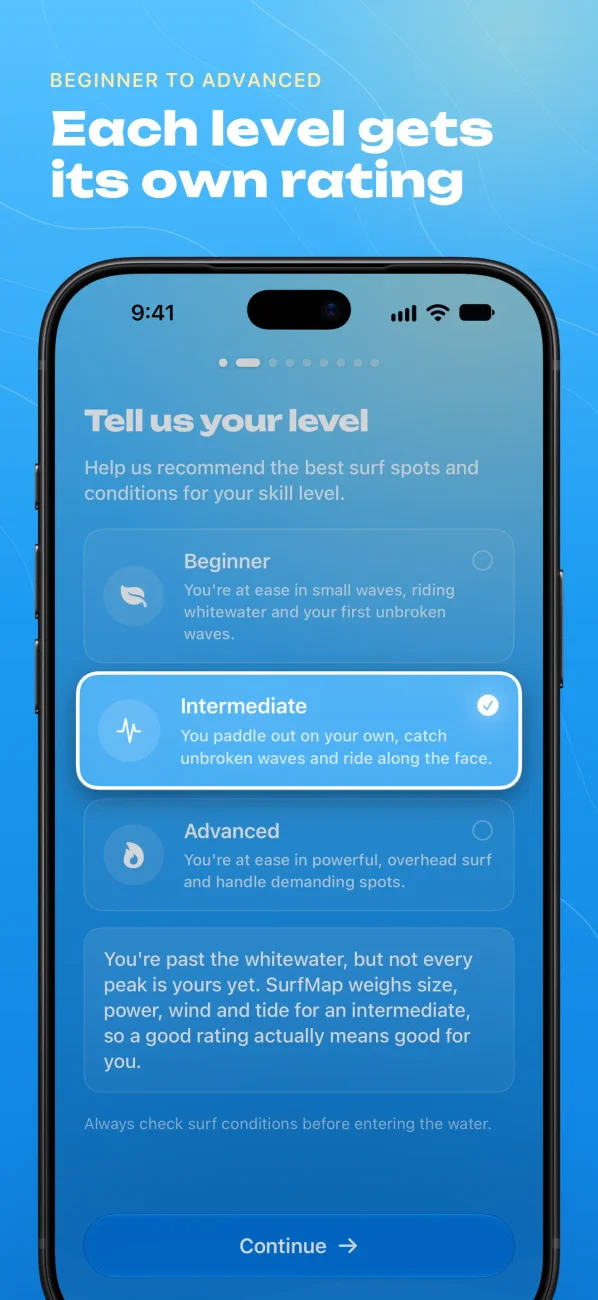
• Tell SurfMap if you're a beginner, an intermediate or an advanced surfer, and every hour of the week gets a rating for you.
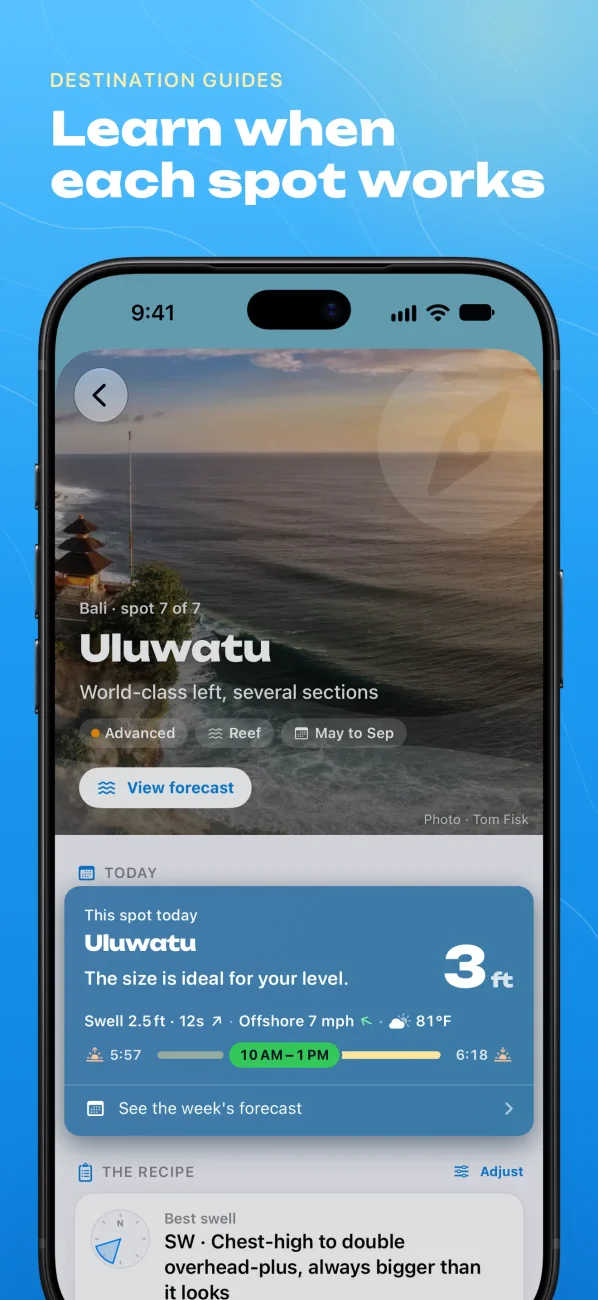
• Each rating gives its reason in plain words, like "The size is ideal for your level" or "There's too much wind for clean waves".
• When the tide makes a spot dangerous, a warning sign shows next to its rating.
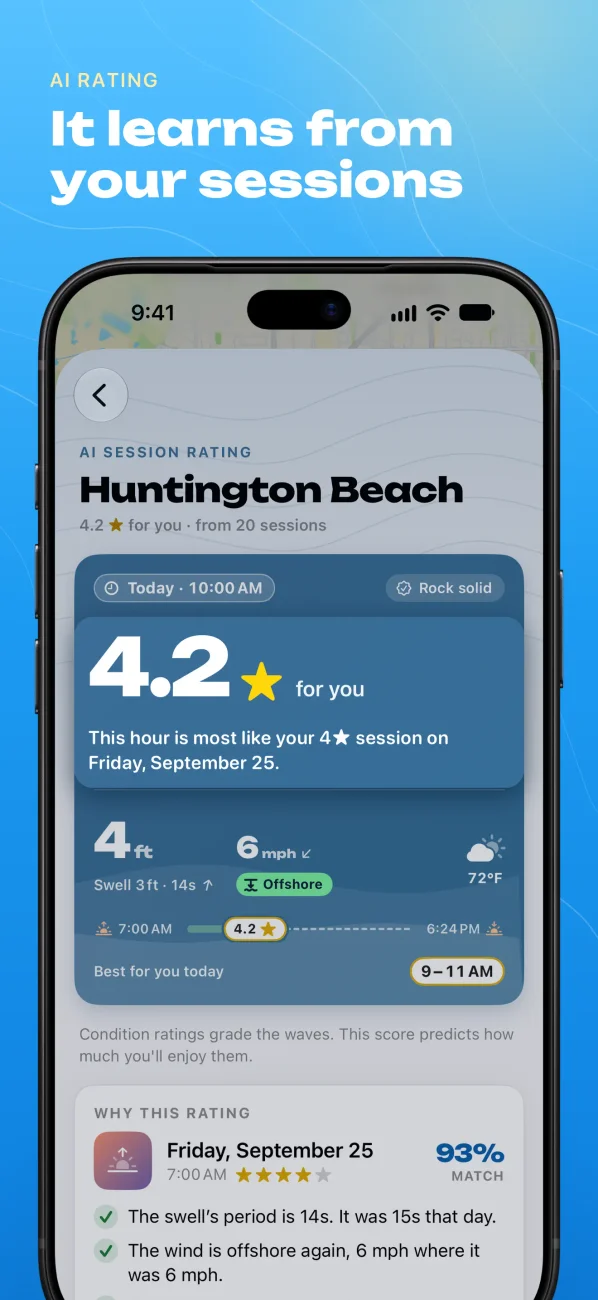
• Rate your sessions and the AI adds a personal score that predicts how much you'll enjoy each hour. It runs on your iPhone and learns only from your own sessions.
MAKE EACH SPOT YOURS
• Tell SurfMap which tides work at your spot, which ones are dangerous and how big the waves really get there, and the ratings take it into account.
• Save your favorite spots. Around 6:30 pm, SurfMap tells you if one of them looks good tomorrow, and it stays quiet when nothing is worth the trip.
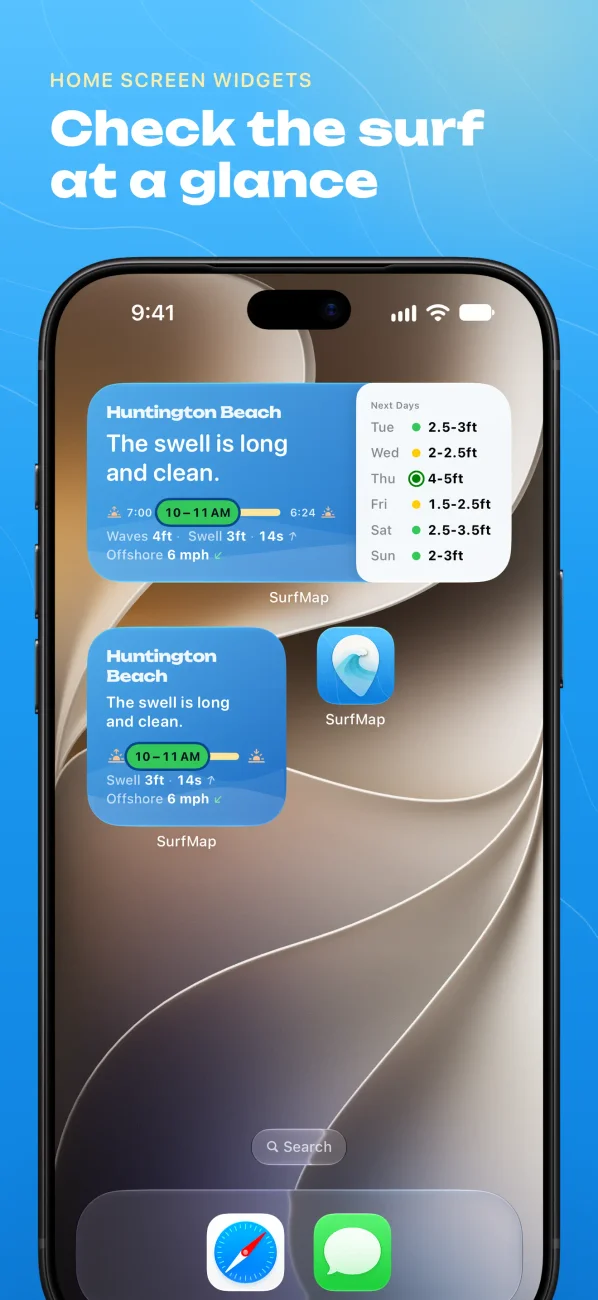
• Home Screen widgets show the spot you pick, or the closest spot wherever you are, and the Surf Size widget puts the wave size first.
FIND WHERE TO SURF
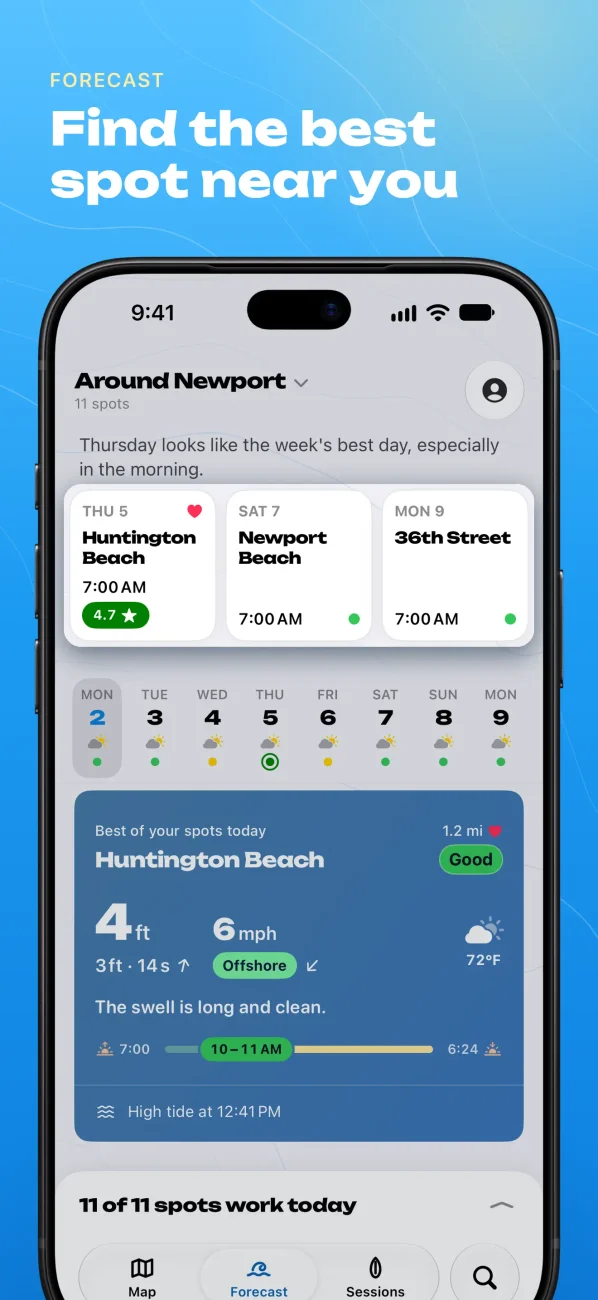
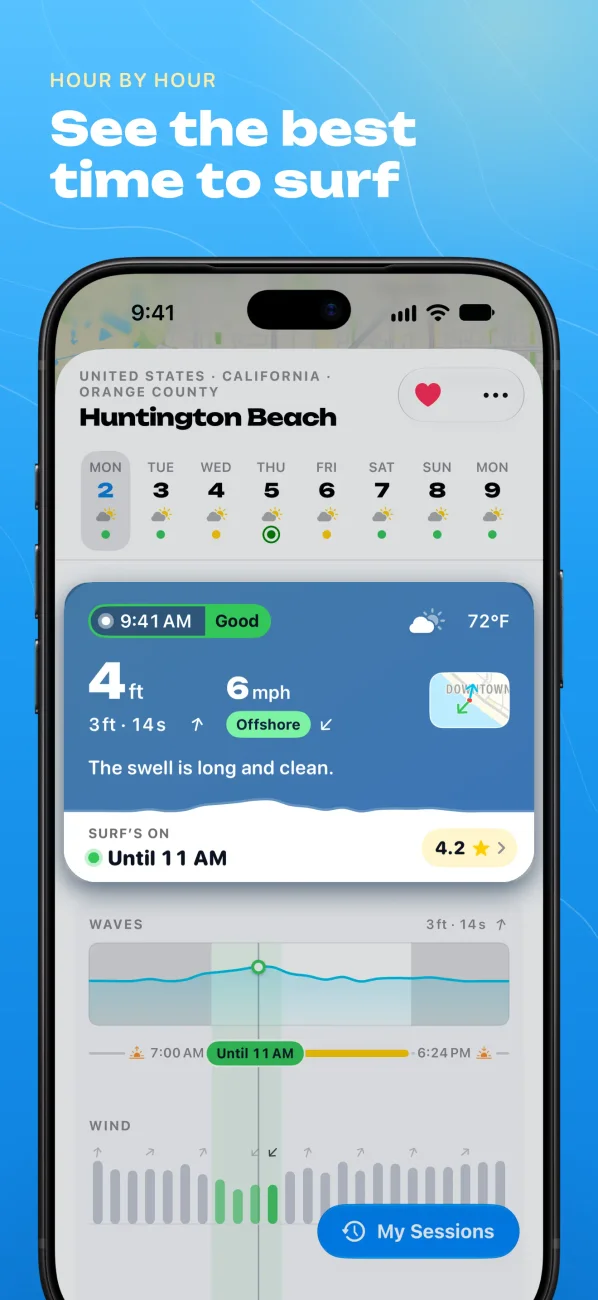
• The Forecast tab shows the week's best days, then every spot around you with its size, wind and best hours.
• Hourly graphs show the waves, wind, tide and weather. Drag across the day to check any hour.
• On the map, one pick tells you which spot to surf, when to go and why.
• Search spots, towns and guides by the name locals use or the one travelers know.
WHERE THE FORECAST COMES FROM
• Waves, wind and weather come from global wave and weather models, refreshed twice a day for the next seven days. The ratings are SurfMap's own reading of them.
• Tides are predicted for each spot from its own tidal constants, the same method behind printed tide tables.
16 SURF GUIDES
• The guides cover Ericeira, Peniche, the Algarve, Hossegor, both sides of the Basque Country, Galicia, Asturias, Cornwall, the west coast of Ireland, Fuerteventura, Taghazout, Bali, the Mentawai Islands, Siargao and Sri Lanka.
• Each guide says which spot suits your level, the tide that makes it work and the hazards to watch out for.
ASK SIRI
• "Hey Siri, does it surf today in Huntington Beach with SurfMap?" Siri answers with your rating and the best window, and a tap opens the spot.
• With Apple Intelligence, ask SurfMap anything, like "Is tomorrow better than today at Huntington Beach?" Siri questions need iOS 26.
APPLE WATCH
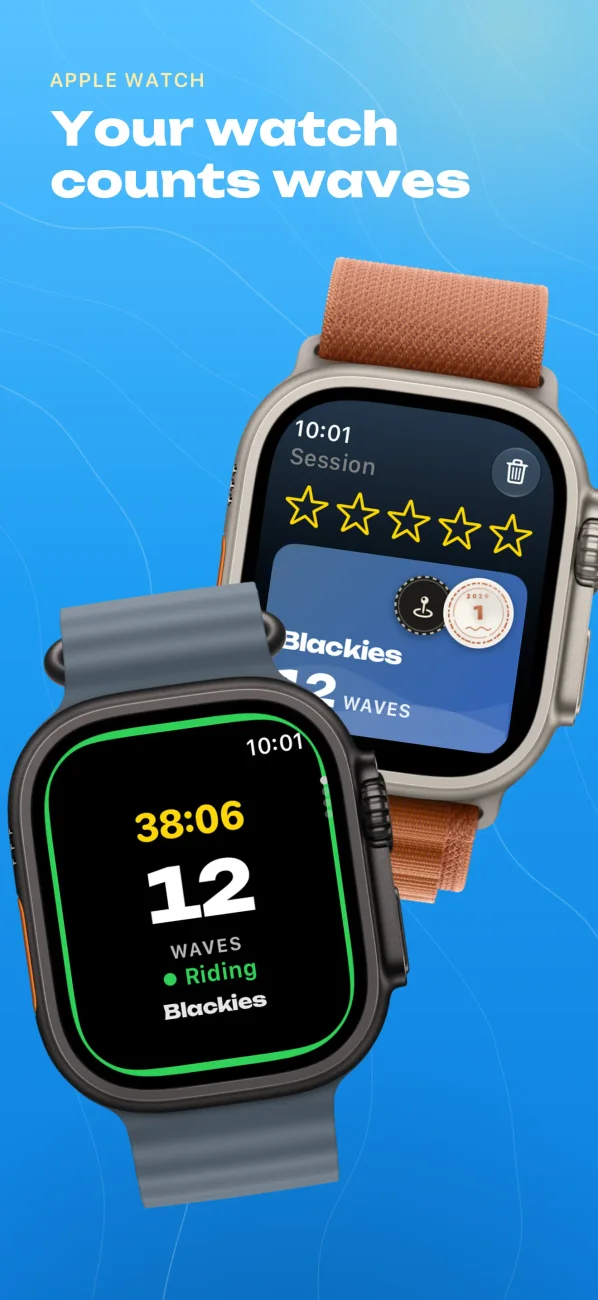
• Track your session from your wrist, with no phone in the water. The watch counts your waves, and notices missed waves and wipeouts too.
• Follow your heart rate, calories and paddle distance live, and keep the GPS track. If your watch runs out of battery, the session isn't lost.
• The watch shows conditions and tide for your spots, and its complications can follow the closest spot.
YOUR SURF LOG
• Every session goes into your log with its conditions and the board you rode, and each month gets its own recap page.
• Share a spot's forecast, a session or a whole month as an image.
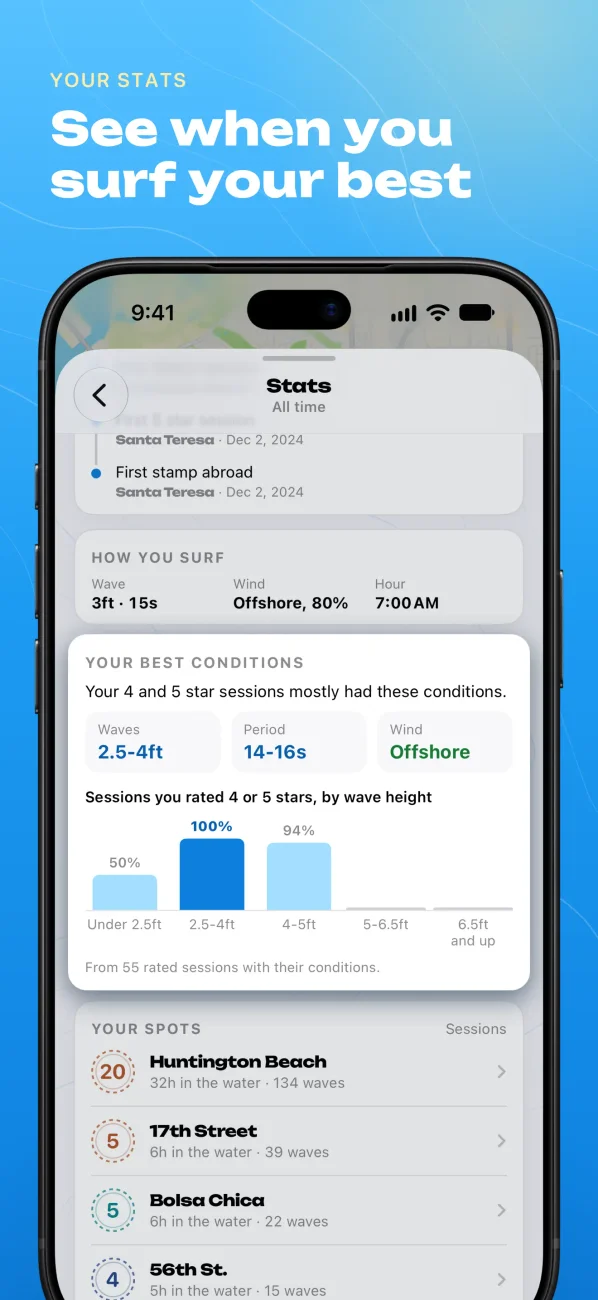
• The Stats page keeps your records, your firsts and the conditions of your best sessions, and the Stamp book gives every spot you surf its own stamp.
• Surf workouts go to Apple Health and count toward your rings.
SurfMap has no ads.
Please note: All features in SurfMap require a subscription. Subscriptions renew automatically unless cancelled at least 24 hours before the end of the current period. You can manage or cancel your subscription in your App Store account settings.
Terms of Use (EULA): https://www.apple.com/legal/internet-services/itunes/dev/stdeula/
What’s new
Version 3.1.1 · Nov 24, 2026
SurfMap 3.1.1 makes the Forecast list, the wind and the Apple Watch easier to read.
• The Forecast list now puts the spots that work that day first, shows how far away each one is, and says when the waves close out.
• On the spot page, the wind shows its gusts, in the hour's line and on the wind bars.
• On Apple Watch, a spot reads in the same words as on your iPhone, and your favourite spots show up to six days ahead.
• The watch now counts a fast ride even when it missed the start of the wave.
• Send feedback from Settings, with your email if you'd like an answer.
• Seven spots now sit right on their wave, plus small fixes.
App privacy
What Guillaume Bernos declares on the App Store about how this app handles data.
-
Data not collected
The developer does not collect any data from this app.
Privacy practices may vary, for example with the features you use or your age.
Information
- Seller
- Guillaume Bernos
- Category
- Weather
- Version
- 3.1.1
- Updated
- Nov 24, 2026
- Released
- Aug 14, 2025
- Size
- 85.0 MB
- Requires
- iOS 18.0 or later
- Age rating
- 12+
- Price
- Free
- In-app purchases
- Yes
- Languages
- English, French, German, Italian, Japanese, Portuguese, Spanish
- Copyright
- © 2026 Guillaume Bernos
You might also like
-
 Surf Forecast - Swell ScopeSurf Journal & Session Planner
-
 Current - Surf ForecastSurf Report, Water Temperature
-
 EPIC - Surf Report & ForecastSurfing conditions at a glance
-
 DuuneWeather
-
 Wave Chicken Surf Forecast10 day surf & wind forecasts
-
 Wave Day: Surf ReportsForecast, Tides & AI Alerts
-
 WaveWise: Surf & Swell ReportsWave Forecasts & Tide Charts
-
 Wavemaps: Wave ForecastsSurf, Wave, Wind and Fish
-
 Spitcast Surf ReportCalifornia Surfing Forecast
-
 Swell Intel: Surf ForecastSurf report, swell & wind