
Sweep Master: Everyday Tools
Photos, Videos, PDFs & More
Designed for iPhone
Free · In-app purchases
- Age rating17+
- CategoryPhoto & Video
- DeveloperFInCorp4Apps
- LanguagesEnglish+ 3 more
- Size61.5 MB
Links to the official App Store page
Download.org hosts no file of Sweep Master: Everyday Tools. The button opens its official App Store page, published by FInCorp4Apps. Listing last checked on Nov 14, 2026.
Screenshots

About
Sweep Master brings photo and video editing, PDF creation, document management, and everyday productivity tools together in one app. Explore your media library, organize your favorite moments, work with documents, and manage essential information through a simple, intuitive interface.
WHAT YOU CAN DO
Photo and Video Editor
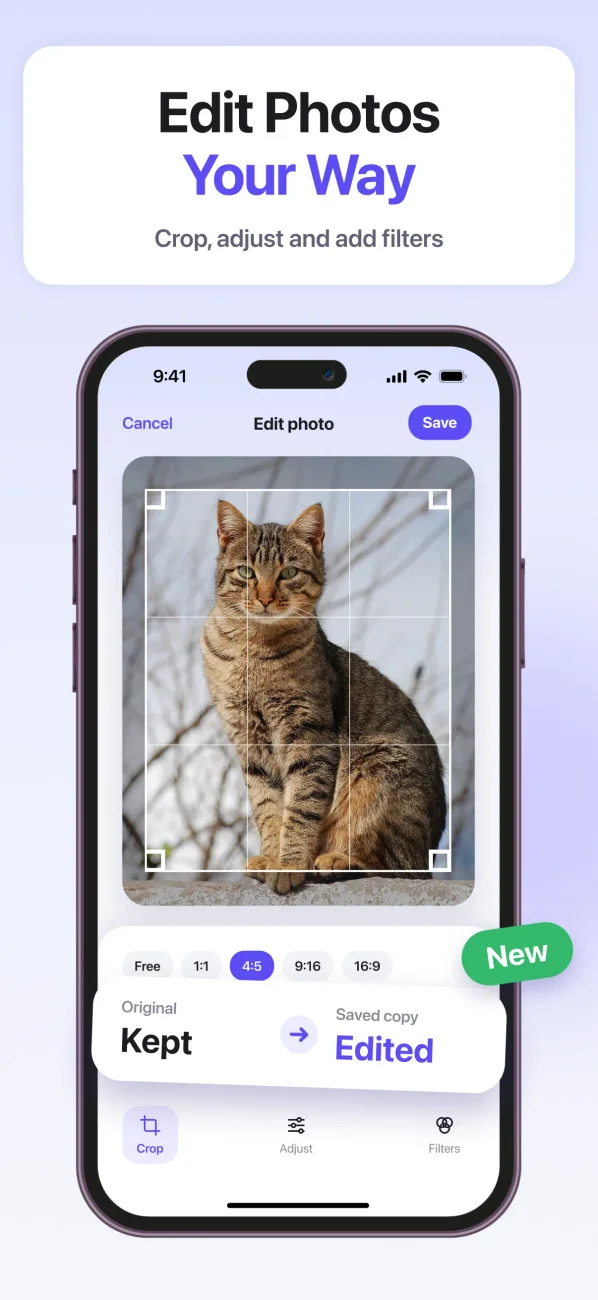
Crop photos, adjust brightness and contrast, apply filters, trim videos, and change playback speed. Save your edited content as a new copy while keeping the original unchanged.
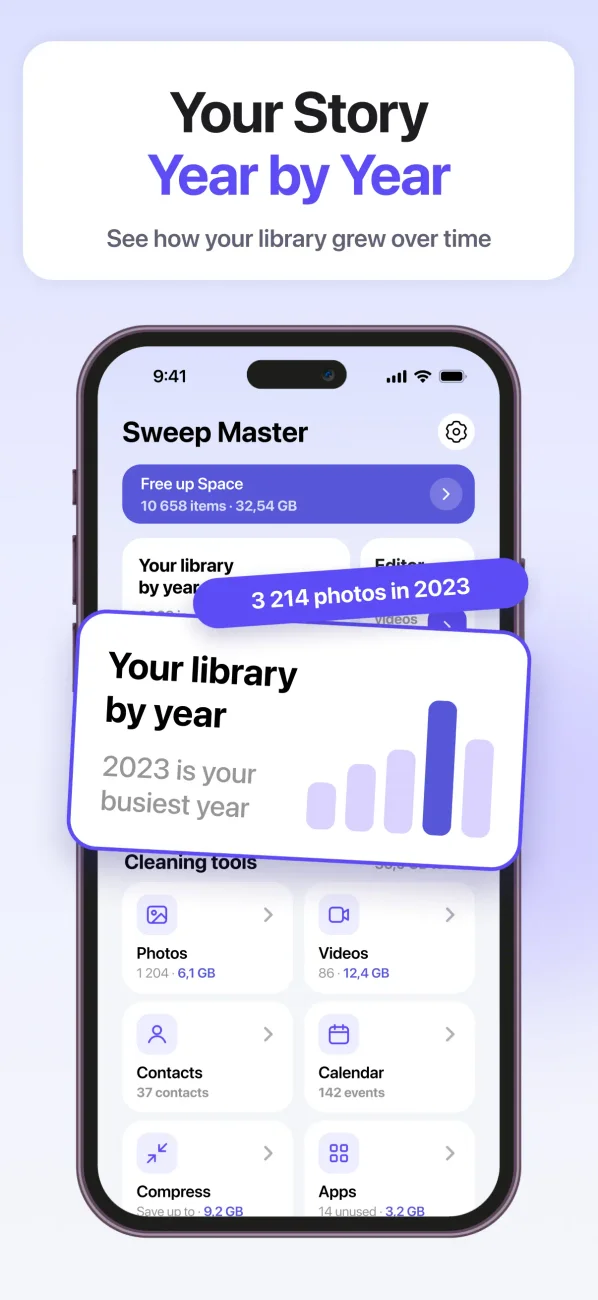
Library by Year
Explore your photo library through a chronological timeline. See how your collection has grown over the years and browse individual months to rediscover memorable moments.
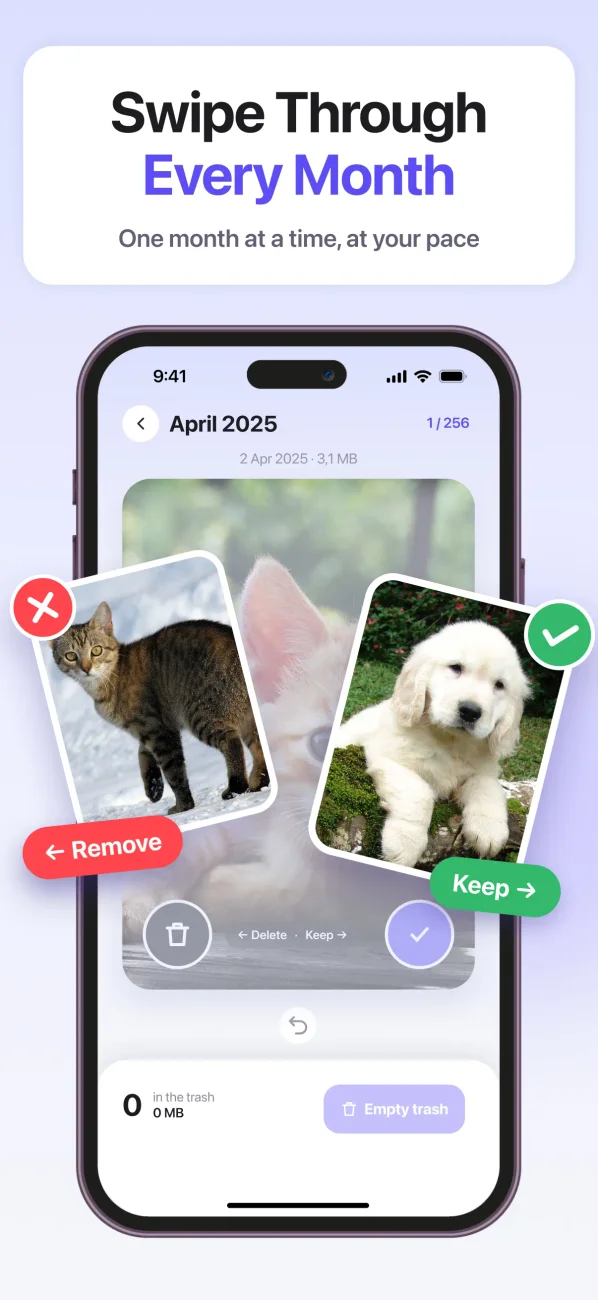
Swipe by Month
Navigate your photo collection month by month with intuitive swipe gestures. Enjoy a simple, interactive way to explore and manage your personal media.
Handwriting and Illustrations
Discover dedicated collections for handwritten notes, letters, drawings, and illustrations. Keep different types of visual content conveniently organized and accessible.
Favorite Photos
Access your favorite photos and revisit important memories whenever you want.
Photos to PDF
Transform multiple photos into a single A4 PDF document. Perfect for receipts, handwritten notes, forms, study materials, and other everyday documents.
Merge PDF Documents
Combine PDF files and images into a single document. Arrange your materials in one convenient file while keeping the original sources unchanged.
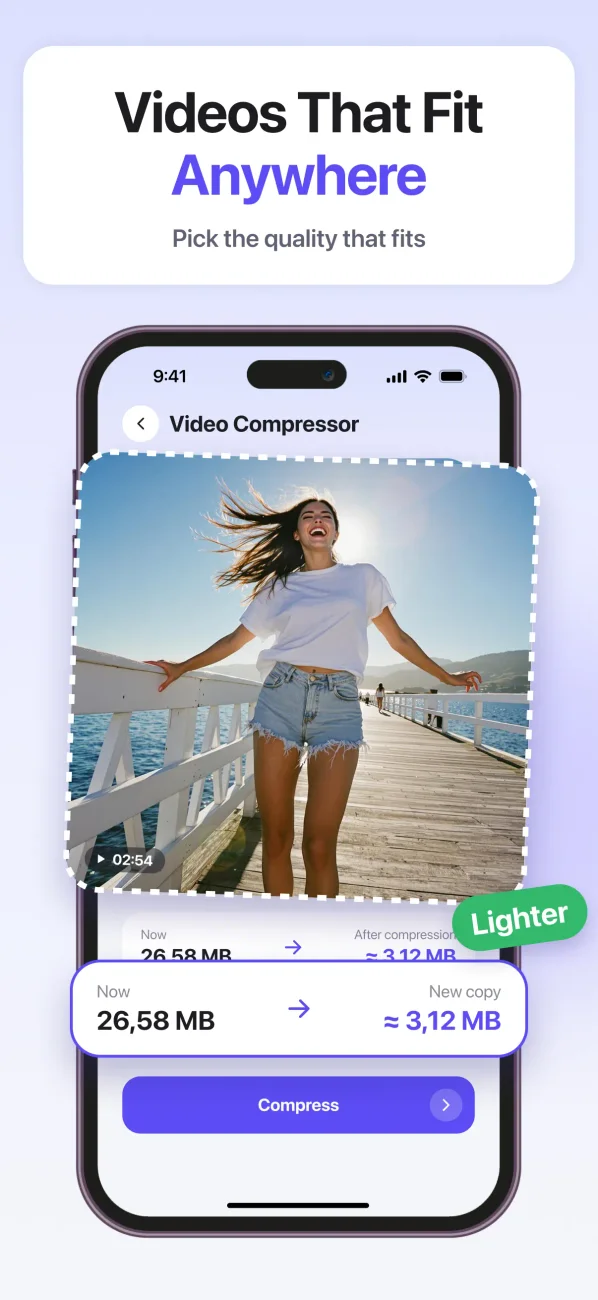
Video and Photo Compression
Adjust media file sizes to suit your needs. Compare different versions and choose the format that works best for sharing, uploading, or personal use.
Contact Management
Explore your contact list, combine multiple entries, and update incomplete contact information through a convenient interface.
Calendar Management
Browse calendar events and manage your schedule from one place.
App and Media Guides
Follow simple step-by-step instructions for managing installed applications, messaging app media, and device settings.
ABOUT PERMISSIONS
Sweep Master requests access only to the features you choose to use. Photo library access enables media browsing, editing, and document creation. You can grant access to your entire library or selected photos and adjust permissions anytime in Settings.
Media processing takes place directly on your device. Contacts and calendar permissions are requested only when you open the corresponding sections. Notifications are optional.
Download Sweep Master and discover a smarter way to work with your photos, videos, documents, and everyday essentials.
Subscription Information
You can manage your subscription anytime and turn off auto-renewal in your iPhone’s Account Settings:
1. Open the Settings app.
2. Tap your Apple ID.
3. Go to Subscriptions.
4. Select the subscription you want to modify.
Details:
1. Your iTunes Account will be charged once your purchase is confirmed.
2. The subscription renews automatically unless auto-renewal is disabled at least 24 hours before the end of the current term.
3. Your account will be charged for renewal within 24 hours prior to the end of the current period, reflecting the cost of the upcoming term.
4. Active subscriptions cannot be canceled until the current billing period has finished.
5. If a free trial is offered, any unused portion will be lost once you activate a paid subscription.
Privacy Policy: https://fincorpadvisorslimited.app/privacy.html
Terms of Use: https://fincorpadvisorslimited.app/terms.html
What’s new
Version 2.0 · Nov 1, 2026
Sweep Master has a whole new look and new tools.
Fresh design: a new, lighter interface across every screen.
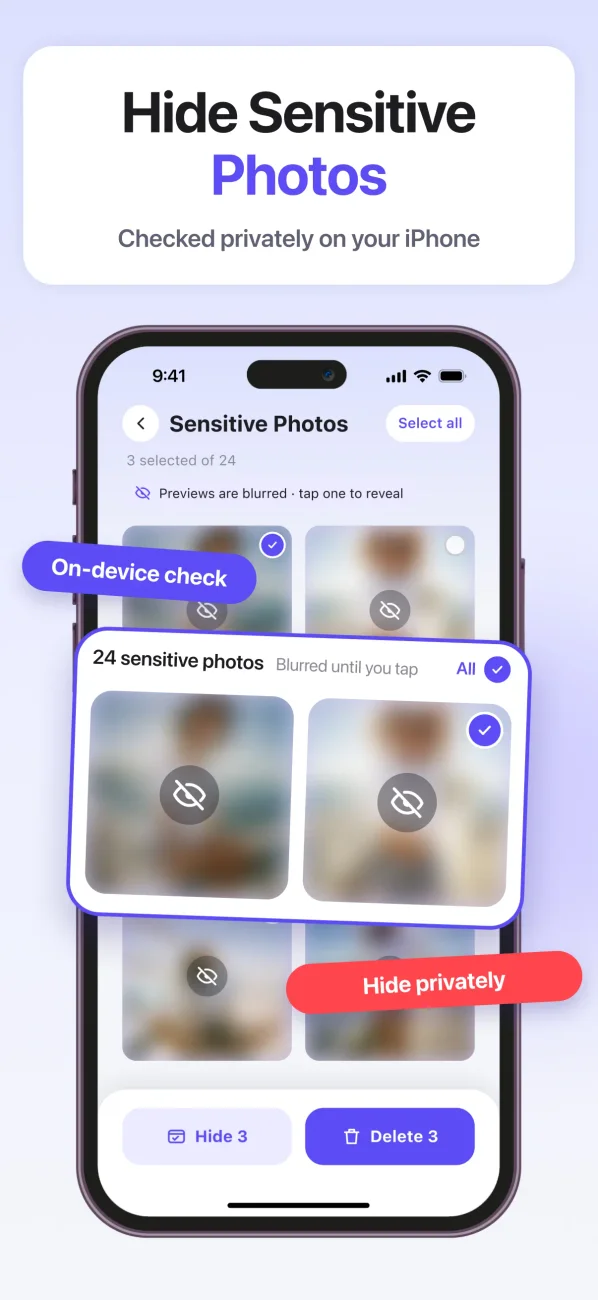
Sensitive Photos: an on-device check finds photos you may want to keep private and shows them blurred. Hide them from your library or delete them.
Swipe by Month: review your photos one month at a time, swipe left to remove, right to keep.
Library by Year: see how many photos you took each year and open any month to review it.
New collections: Handwriting for photos of notes and letters, Illustrations for drawings and saved images.
Photo and Video Editor: crop, adjust, add filters, trim videos or change their speed. Edits are saved as a new copy.
Photos to PDF and Merge Documents: turn photos into a PDF or combine files into one document.
Protected Photos: favorites are never suggested for deletion.
Better support for limited photo access, plus clearer empty and loading states.
App privacy
What FInCorp4Apps declares on the App Store about how this app handles data.
-
Data used to track you
May be used to track you across apps and websites owned by other companies.
- Identifiers
- Usage data
-
Data linked to you
May be collected and linked to your identity.
- Usage data
-
Data not linked to you
May be collected but is not linked to your identity.
- Identifiers
- Usage data
- Diagnostics
Privacy practices may vary, for example with the features you use or your age.
Information
- Seller
- FINCORP ADVISORS LIMITED
- Category
- Photo & Video
- Version
- 2.0
- Updated
- Nov 1, 2026
- Released
- Jan 22, 2026
- Size
- 61.5 MB
- Requires
- iOS 16.6 or later
- Age rating
- 17+
- Price
- Free
- In-app purchases
- Yes
- Languages
- English, Japanese, Portuguese, Spanish
- Copyright
- © 2026 FINCORP ADVISORS LIMITED
You might also like
-
 Ultra Cleaner : Phone CleanSpeed Boost, Storage Cleanup
-
 Clean: Phone Storage CleanerPhone Storage Manager
-
 Z Cleaner - Clear BoosterClean & Speed Boost
-
 Nova Clean - Phone CleanClean & Boost Your Phone
-
 Cleaner Plus - Storage CleanerPhoto Clean, Delete Duplicates
-
 Pocketo Cleaner X: Space BoostClean Photos & Remove Metadata
-
 Storage Master Pro: Doc ScanCapture Docs & Save Space
-
 MomentClean: Calendar & CleanRecord Memories, Free Up Space
-
 ProCleaner - Clean StorageDelete duplicate phone photos