
- Age rating4+
- CategoryPhoto & Video
- DeveloperSeongmin Lee
- LanguagesKorean+ 4 more
- Size4.3 MB
Links to the official App Store page
Download.org hosts no file of Sweep Storage. The button opens its official App Store page, published by Seongmin Lee. Listing last checked on Nov 8, 2026.
Screenshots
About
If opening your photo library makes you sigh at the thought of organizing all those photos and videos, it’s time to clear them out the easy way.
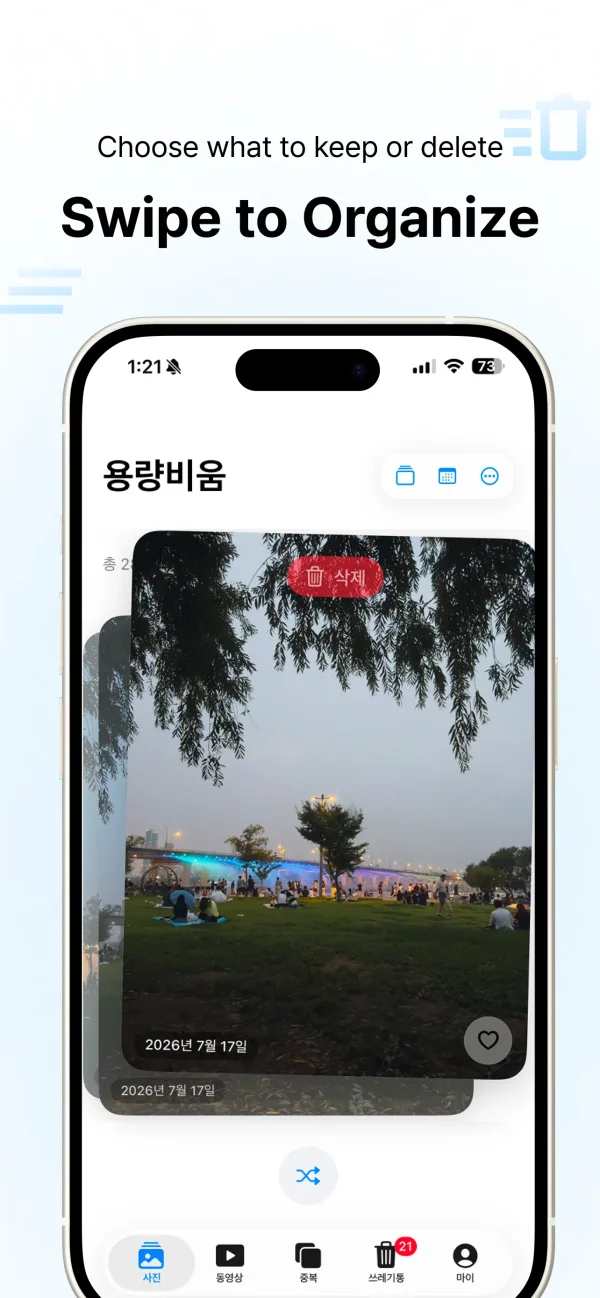
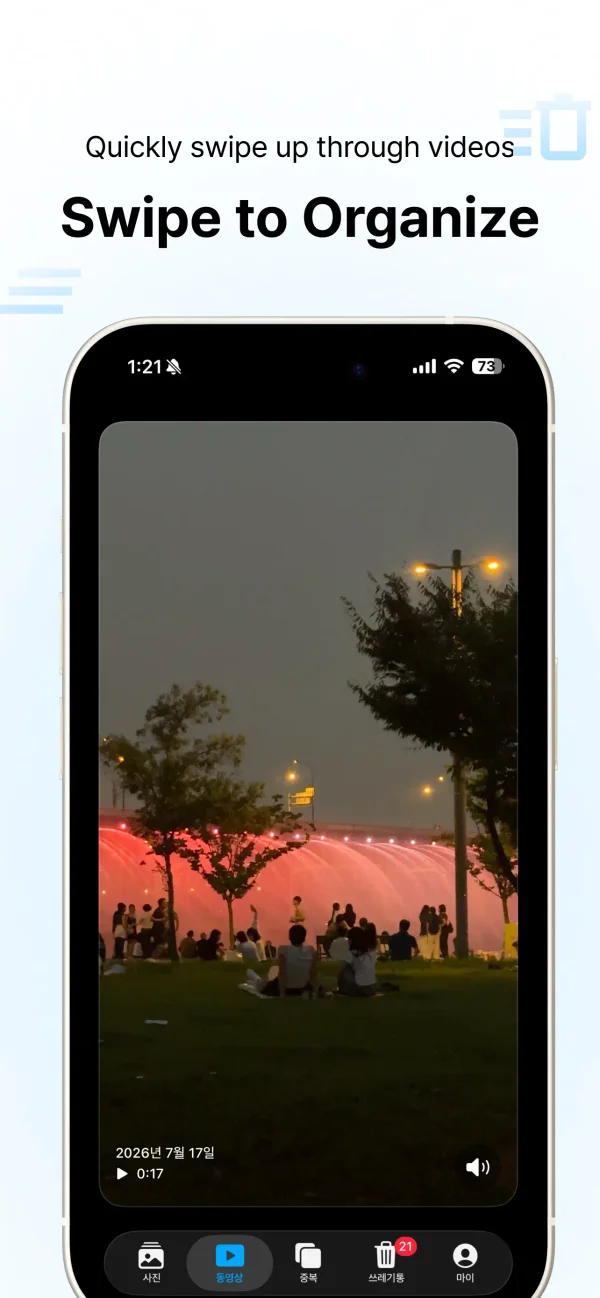
SajinBium helps you quickly organize your growing collection of photos and videos with simple swipes. Flip through photos one by one like cards, and swipe up through videos just like watching short-form content. While watching a video, swipe left or right to keep or clear it.
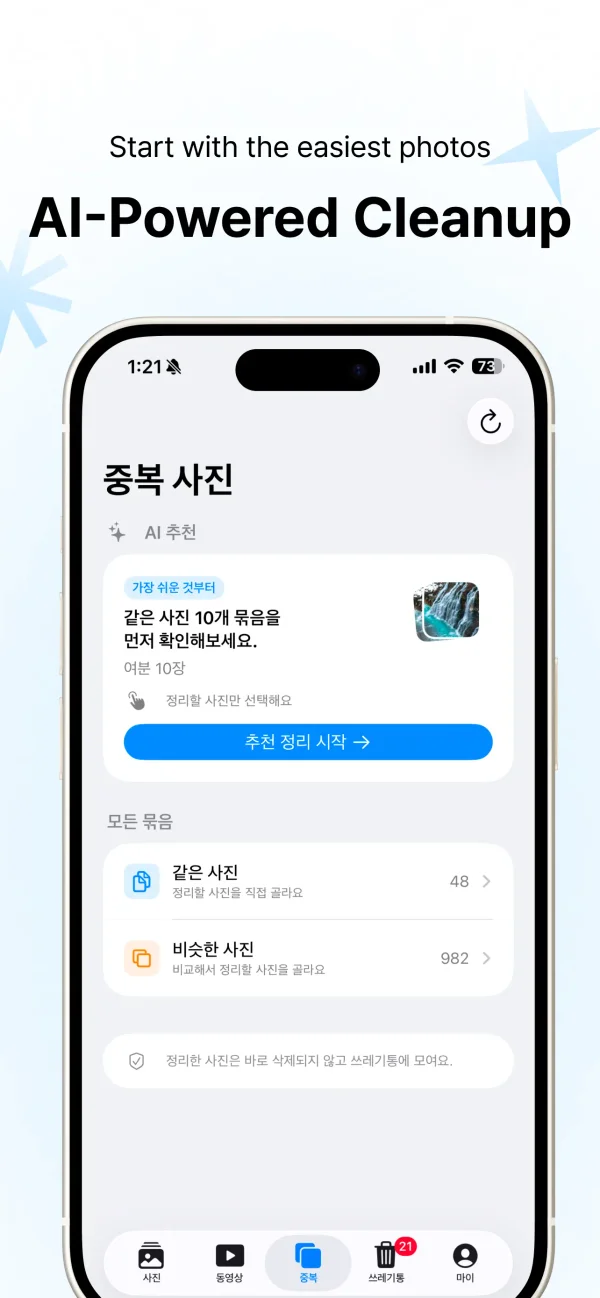
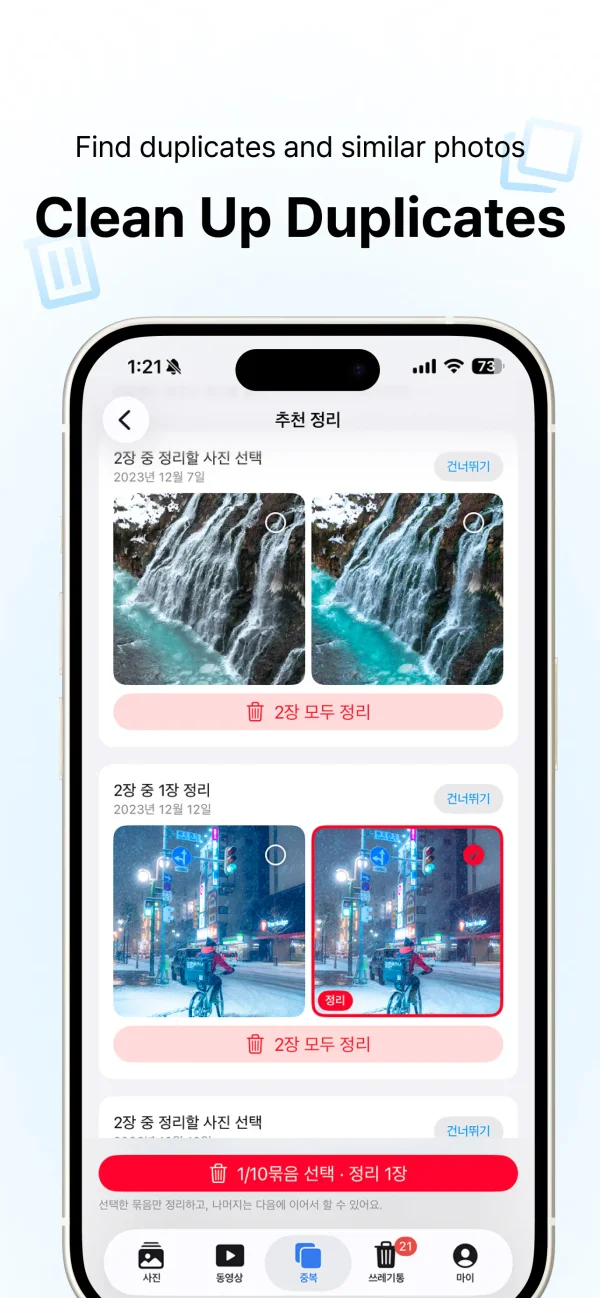
Less hesitation, faster cleanup. Identical and similar photos are automatically grouped, making it easy to compare them and choose what stays.
What you can do
- Sort photos to keep or clear with a single swipe
- Swipe up to watch videos and swipe left or right to organize them
- Organize selected photos and videos by album or date
- Automatically find identical and similar photos
- Start with the easiest photo groups to clean up
- Compare photos side by side and keep only your favorites
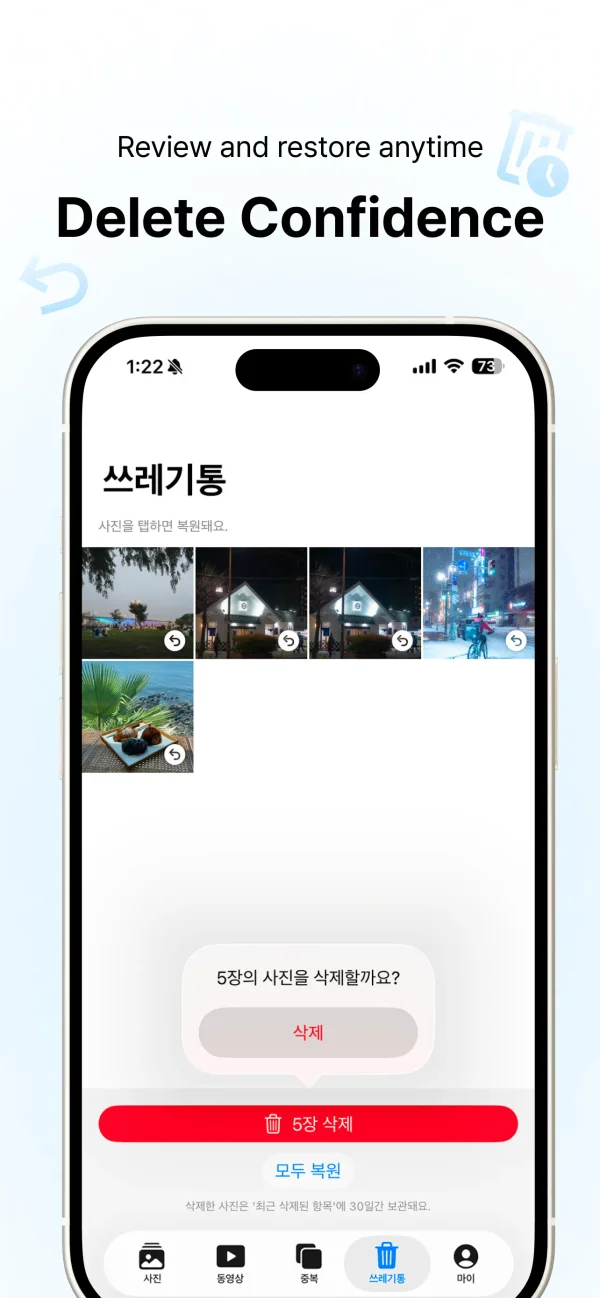
- Review everything once more in the in-app Trash before deleting
- Organized something by mistake? Restore it with one tap
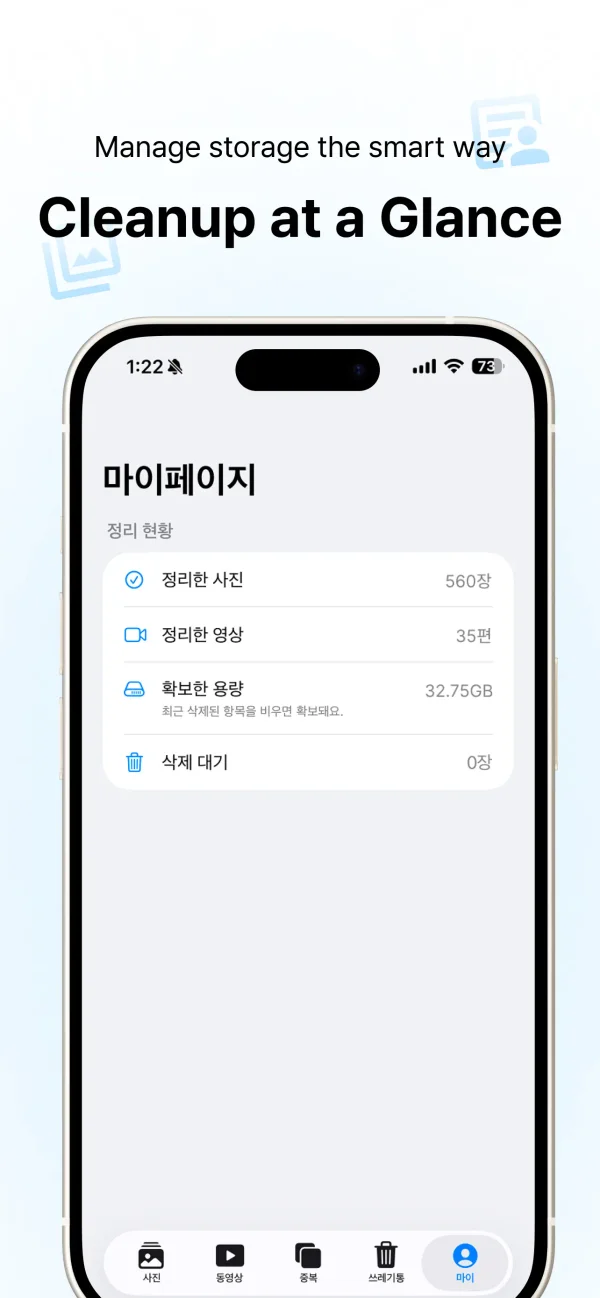
- See how many items you’ve cleared and how much space you’ve reclaimed today
- Mark precious photos and videos as favorites
Photos and videos you choose to clear aren’t deleted right away. They’re collected in the in-app Trash, where you can review them before deleting or restore them anytime if you change your mind.
Even after final deletion, your photos and videos remain in Recently Deleted in Apple Photos for a period of time, giving you an extra layer of protection.
All photo and video processing happens entirely on your device. Your personal photos and videos are never sent to a server.
No third-party ads. No purchases. Start clearing your photos and videos the easy way today.
What’s new
Version 1.1.1 · Aug 24, 2026
1. Undo with a swipe: Swipe left to bring back the photo you just cleaned. Accidentally trashed one? It's restored instantly.
2. Slide to select: Sweep across duplicate photos to select several at once.
3. Trash fix: Fixed an issue where the trash wouldn't scroll once it had a lot of photos and videos.
App privacy
What Seongmin Lee declares on the App Store about how this app handles data.
-
Data not collected
The developer does not collect any data from this app.
Privacy practices may vary, for example with the features you use or your age.
Information
- Seller
- Seongmin Lee
- Category
- Photo & Video
- Version
- 1.1.1
- Updated
- Aug 24, 2026
- Released
- Jul 23, 2026
- Size
- 4.3 MB
- Requires
- iOS 17.0 or later
- Age rating
- 4+
- Languages
- Korean, English, Japanese, Simplified Chinese, Traditional Chinese
- Copyright
- © 2026 heedam
You might also like
-
 Caltype cameraPhoto filters. Create & share
-
 00CAMY2K & Film Photo Filters
-
 Névo – Vintage in One TapMoments pass, memories remain
-
 Then Phone Cam: Y2K CameraOld phone, digicam & film
-
 PINK TAPEAesthetic Reels Camcorder
-
 PhotoBox: Photo OrganizerSwipe, sort and free up space
-
 Chapchu - Insta Story StickersDecorate Insta stories
-
 Bole Photo TidyPreview, Confirm, Clean
-
 Boki - Bokeh Filter CameraTurn night lights into shapes