- Age rating4+
- CategoryBusiness
- Developermkdigital.il
- LanguagesEnglish
- Size99.9 MB
Links to the official App Store page
Download.org hosts no file of Swift Crew. The button opens its official App Store page, published by mkdigital.il. Listing last checked on Nov 12, 2026.
Screenshots

About
SwiftCrew – Smart Workforce & Shift Management
SwiftCrew is a complete workforce management solution designed for businesses of any size.
It simplifies scheduling, mission assignment, and communication across branches, departments, and teams — all in one easy-to-use app.
Key Features
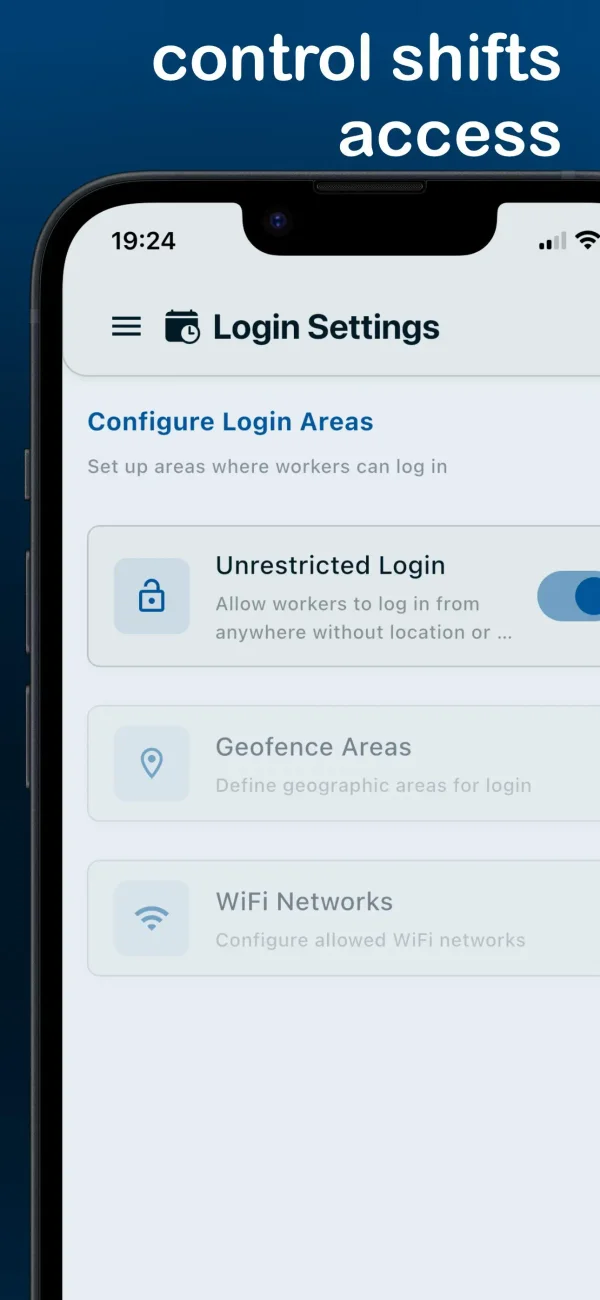
– Real-time shift management with GPS or Wi-Fi verification
– Employee time tracking and break control
– Mission assignment with progress tracking and photo proof
– Role-based access for Owners, Managers, and Workers
– Automated reports and performance insights
– Multi-branch and multi-department support
– Secure login via Email, Google, or Apple
For Business Owners
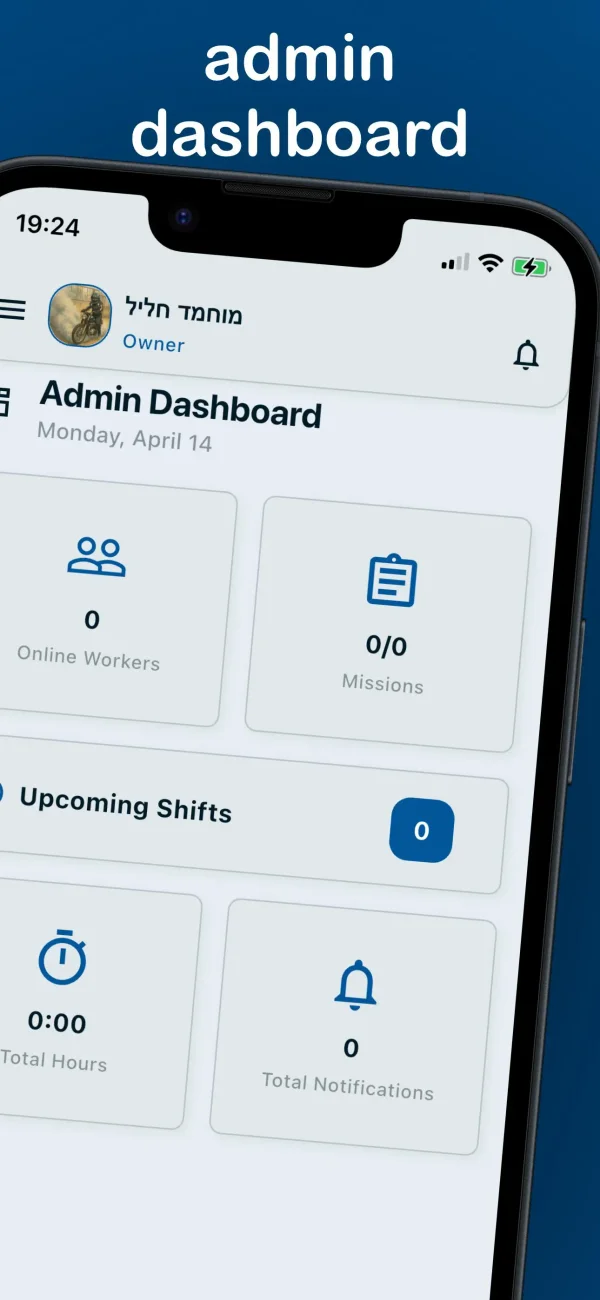
Gain full visibility across all branches, monitor performance, and plan resources efficiently.
For Managers
Create and manage schedules, assign missions, and track team performance from one dashboard.
For Workers
Clock in/out easily using GPS, view shift schedules, and complete missions with photo verification.
SwiftCrew helps every business increase efficiency, strengthen accountability, and ensure the right people are in the right place at the right time.
What’s new
Version 2.0.4 · Oct 5, 2026
What's new in 2.0.4
• Clock-in follows your business rules exactly: Wi-Fi, location or both, passed down from the business to every branch, department and team.
• New schedule rules: block clock-in without a scheduled shift, and choose how early workers may clock in (5 minutes up to 1 hour).
• When clock-in isn't allowed, workers see a clear message with the reason and a retry button.
• Today's shift on the worker home screen: start and end times, and when they can clock in.
• Hourly rate: workers see their rate and currency. When the organization sets it, it is shown as managed by the organization.
• Missions: one clear list, newest first.
• Smoother screens with loading placeholders while data arrives.
• Right-to-left fixes for Hebrew and Arabic, and many stability improvements.
App privacy
What mkdigital.il declares on the App Store about how this app handles data.
-
Data linked to you
May be collected and linked to your identity.
- Location
- Contact info
- User content
- Identifiers
-
Data not linked to you
May be collected but is not linked to your identity.
- Contact info
- Diagnostics
Privacy practices may vary, for example with the features you use or your age.
Information
- Seller
- Digital House
- Category
- Business
- Version
- 2.0.4
- Updated
- Oct 5, 2026
- Released
- Apr 21, 2025
- Size
- 99.9 MB
- Requires
- iOS 16.0 or later
- Age rating
- 4+
- Languages
- English
- Copyright
- © mkdigital.il