SwiftUI StyleKit
System Fonts & Colors Explorer
Designed for iPhone, iPad
Free · In-app purchases
- Age rating4+
- CategoryDeveloper Tools
- Developer诗惠 陈
- LanguagesEnglish
- Size6.4 MB
Links to the official App Store page
Download.org hosts no file of SwiftUI StyleKit. The button opens its official App Store page, published by 诗惠 陈. Listing last checked on Nov 18, 2026.
Screenshots
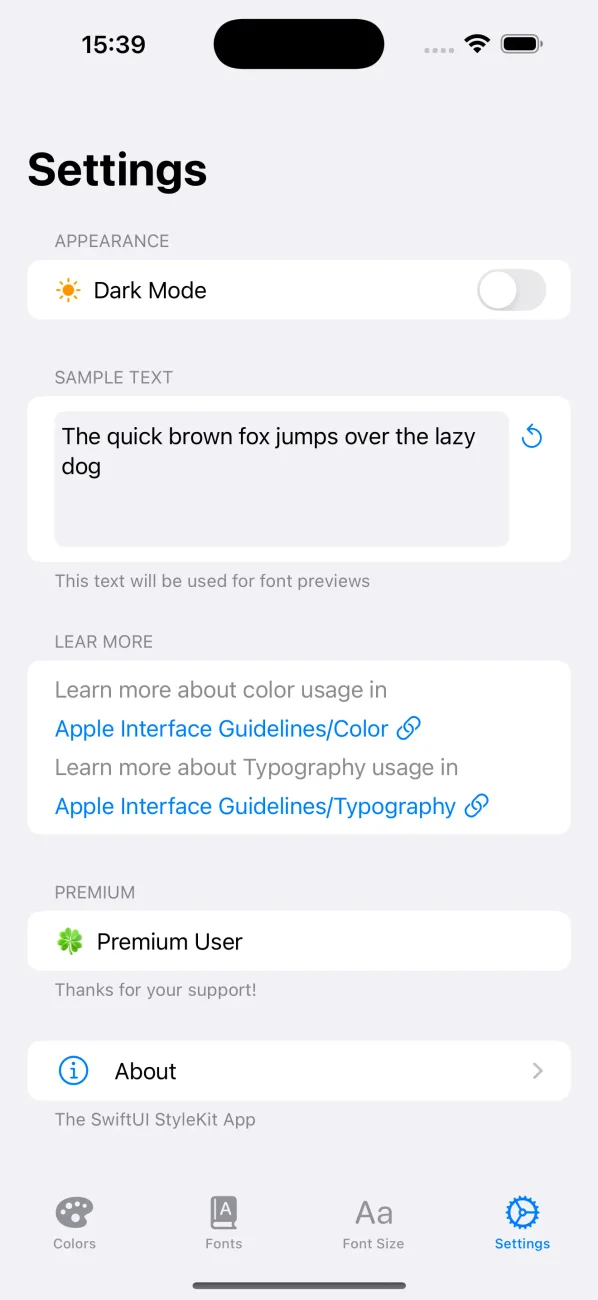
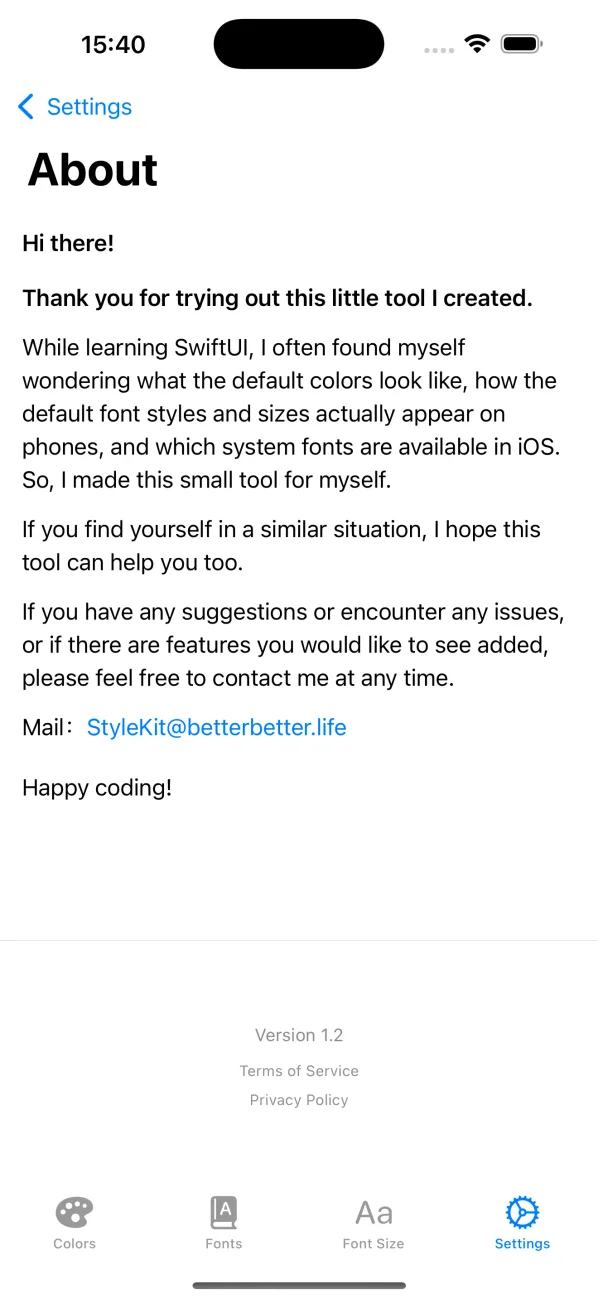

About
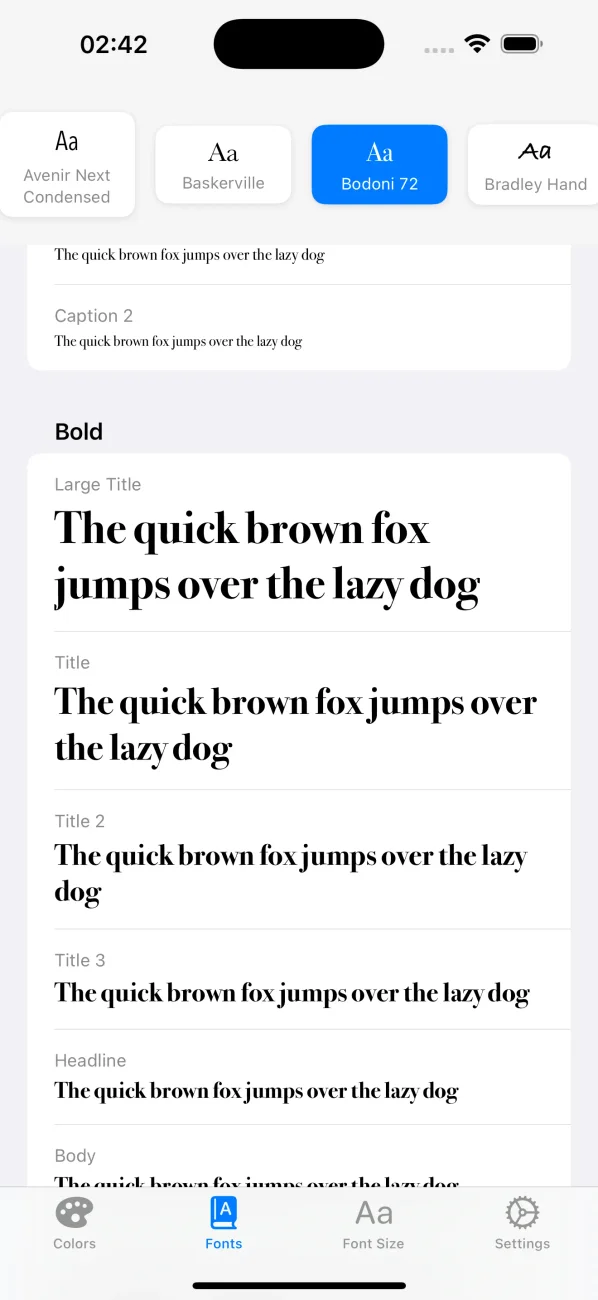
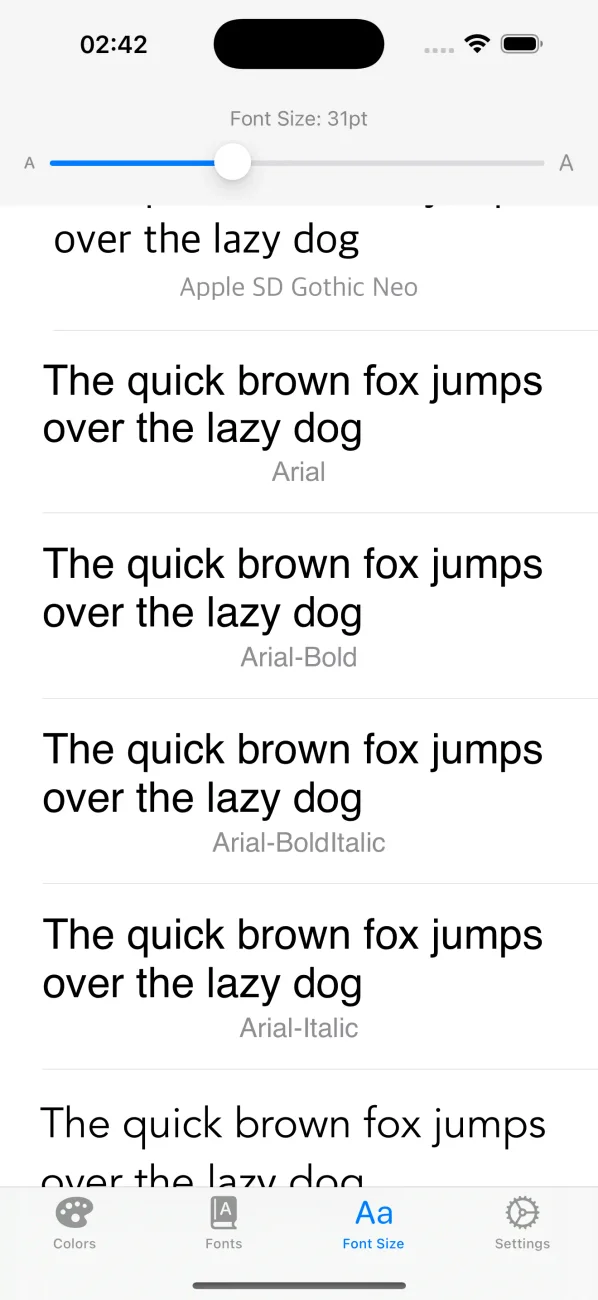
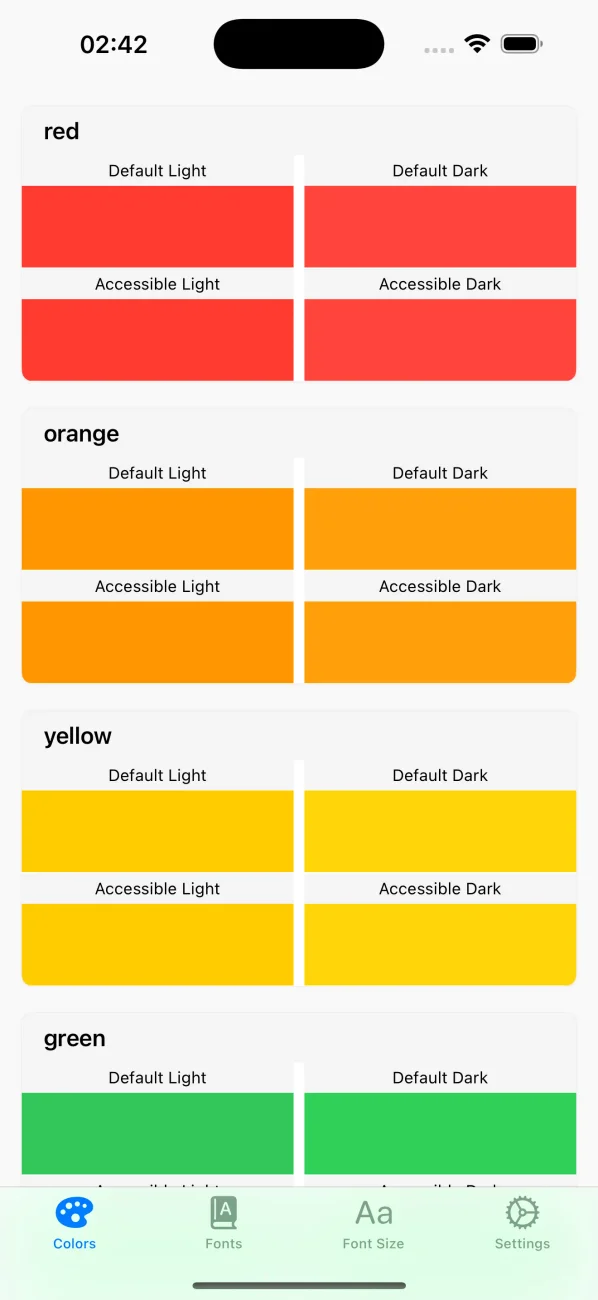
StyleKit is your essential design companion for exploring iOS typography and colors. Whether you're a designer, developer, or design enthusiast, discover the perfect fonts and system colors for your projects with our comprehensive viewer and showcase tool.
While learning SwiftUI, I often found myself wondering what the default colors look like, how the default font styles and sizes actually appear on phones, and which system fonts are available in iOS. So, I made this small tool for myself.
If you find yourself in a similar situation, I hope this tool can help you too.
KEY FEATURES:
TYPOGRAPHY EXPLORER:
- Complete iOS System Font Collection
- Interactive Font Preview
- Multiple Weight Display (Light to Black)
- Size Variations Explorer
- Custom Text Testing
- Real-time Font Comparison
COLOR SHOWCASE:
- All iOS System Colors
- Light/Dark Mode Variants
- Accessibility Color Options
- Color Value Display
- Interactive Color Grid
- Visual Color Comparison
PROFESSIONAL FEATURES:
- Dark Mode Support
- Clean, Minimal Interface
- No Internet Required
- Instant Preview
- Side-by-side Comparison
- Real-time Updates
Perfect for:
- UI/UX Designers
- iOS Developers
- Graphic Designers
- App Developers
- Design Students
- Content Creators
USE CASES:
- iOS App Design
- UI Component Development
- Design System Creation
- Accessibility Testing
- Dark Mode Implementation
- Typography Selection
Note: StyleKit showcases system fonts and colors available on iOS devices. Custom font installation is not supported.
Questions or feedback? Contact me at: StyleKit@betterbetter.life
What’s new
Version 1.2 · Jan 19, 2025
StyleKit is your essential design companion for exploring iOS typography and colors. Whether you're a designer, developer, or design enthusiast, discover the perfect fonts and system colors for your projects with our comprehensive viewer and showcase tool.yleKit is your essential design companion for exploring iOS typography and colors.
- Some UI/UX improvements
App privacy
What 诗惠 陈 declares on the App Store about how this app handles data.
-
Data used to track you
May be used to track you across apps and websites owned by other companies.
- Identifiers
- Usage data
-
Data not linked to you
May be collected but is not linked to your identity.
- Identifiers
- Usage data
Privacy practices may vary, for example with the features you use or your age.
Information
- Seller
- 诗惠 陈
- Category
- Developer Tools
- Version
- 1.2
- Updated
- Jan 19, 2025
- Released
- Jan 13, 2025
- Size
- 6.4 MB
- Requires
- iOS 16.6 or later
- Age rating
- 4+
- Price
- Free
- In-app purchases
- Yes
- Languages
- English
- Copyright
- © 2024 BetterBetter.Life
You might also like
-
 AppColorsDeveloper Tools
-
 SwiftCatalog: SwiftUI CodeDeveloper Tools
-
 ColorKit – Palette & PickerPicker, Palettes & Contrast
-
 UI Color Palette DesignerOKLCH palettes, WCAG checked
-
 IconSnapDeveloper Tools
-
 Handbook for SwiftDeveloper Tools
-
 Strux: Mobile App BuilderTurn Words into Apps
-
 Fonts: Customize Web FontsFont Size & Web Readability
-
 DevToolkit - SSH & FTPSFTP, DNS, Ping, HTTP, Browser
-
 Color Hunter | Find ColorsColor Finder