
SwingForge Golf Swing Analyzer
Slow Motion & Swing Compare
Designed for iPhone
Free · In-app purchases
- Age rating4+
- CategorySports
- DeveloperDohyeon Kim
- Size7.7 MB
Links to the official App Store page
Download.org hosts no file of SwingForge Golf Swing Analyzer. The button opens its official App Store page, published by Dohyeon Kim. Listing last checked on Nov 13, 2026.
Screenshots
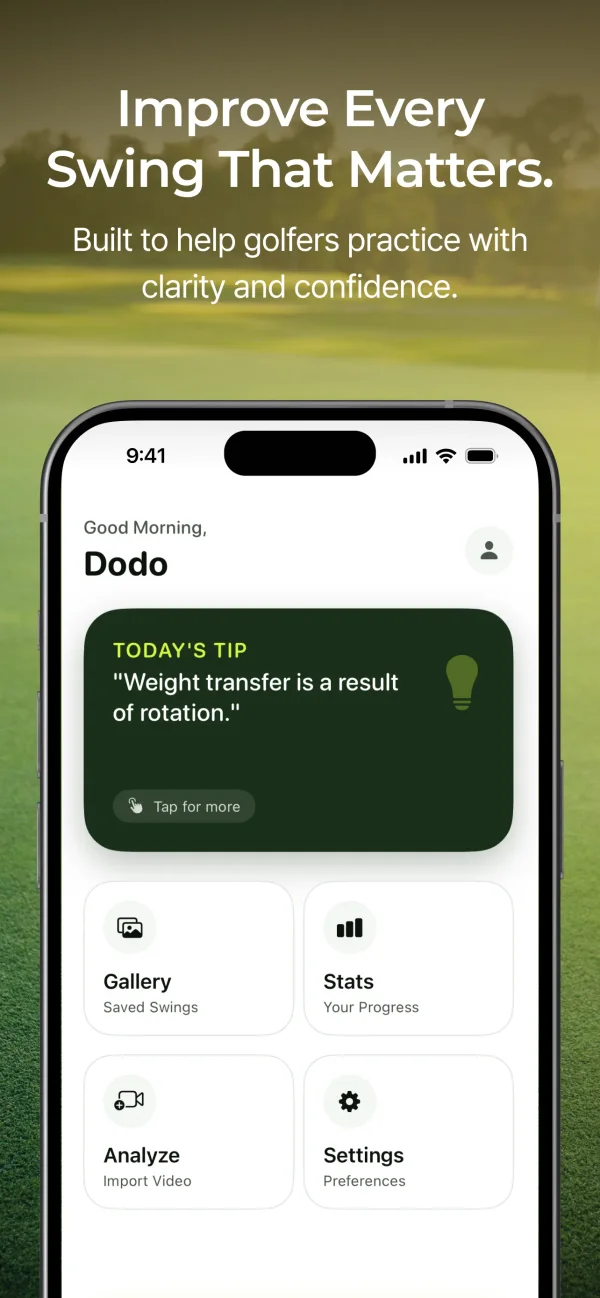
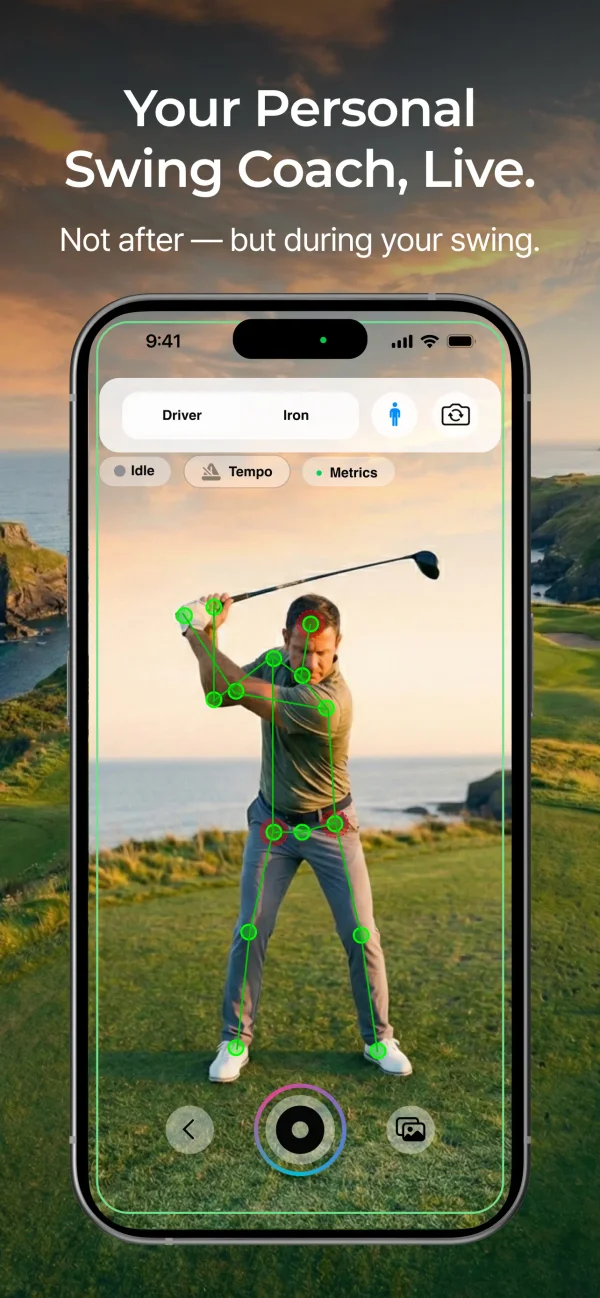
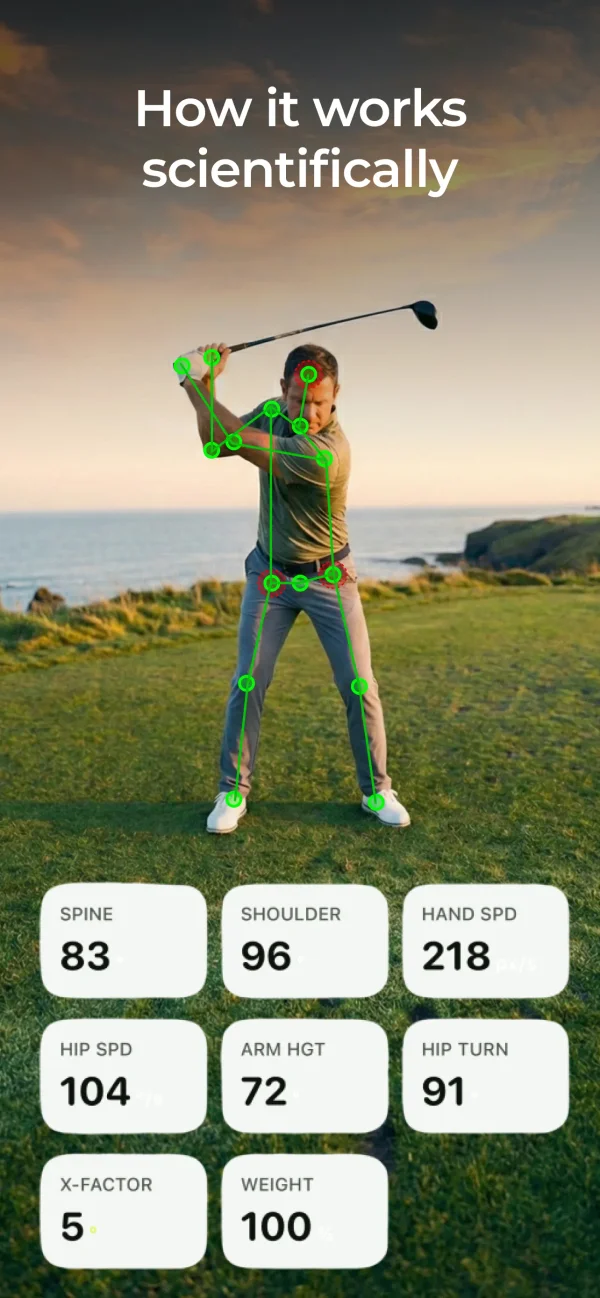
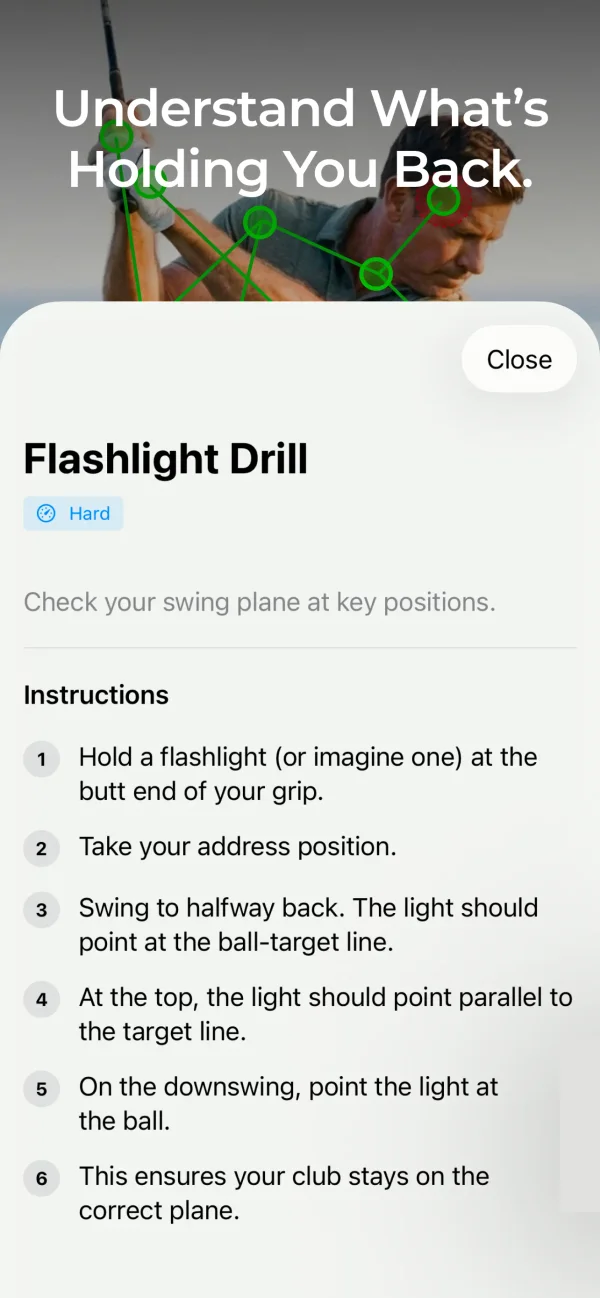

About
SwingForge helps golfers of all levels understand their swing and improve with confidence.
From your very first swing to fine-tuning consistency, SwingForge turns practice into clear, visual feedback you can actually use.
Whether you are just starting out or working on small adjustments, SwingForge gives you the tools to see what matters most.
KEY FEATURES
• Slow motion and frame-by-frame playback
Break down your swing at address, top, impact, and finish to understand each phase clearly.
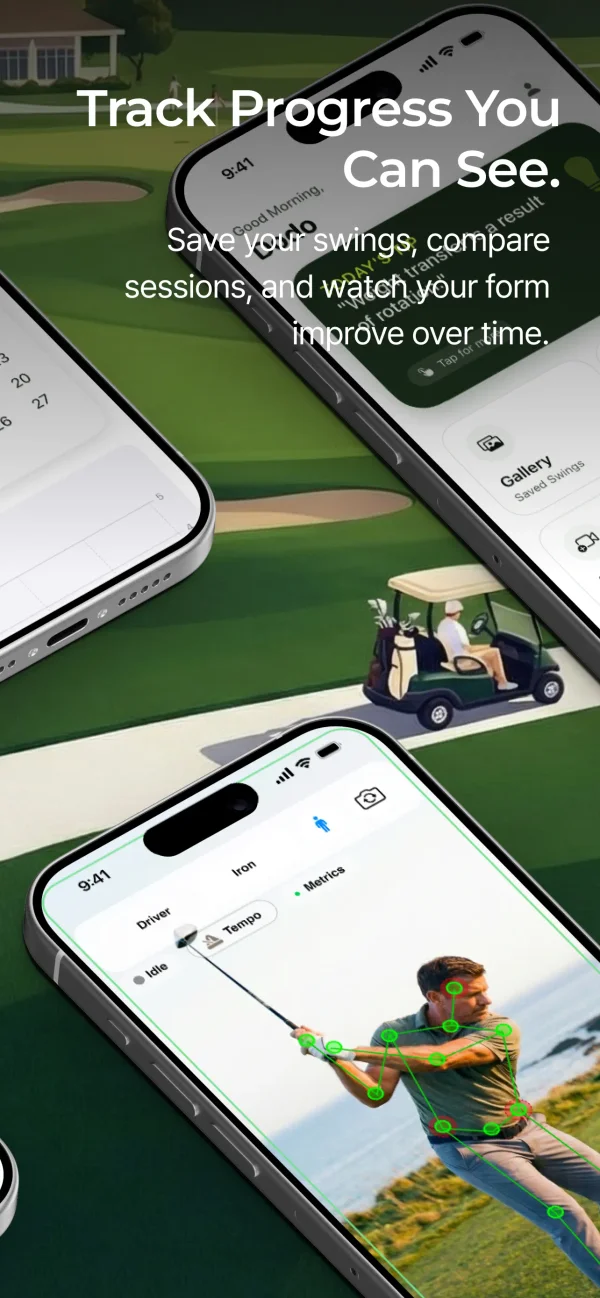
• Pro-style visual overlays
Check swing plane, posture, and body angles using clean, easy-to-read guides without complicated setup.
• Side-by-side swing comparison
Compare old vs new swings, good vs bad shots, or practice vs course swings to spot differences instantly.
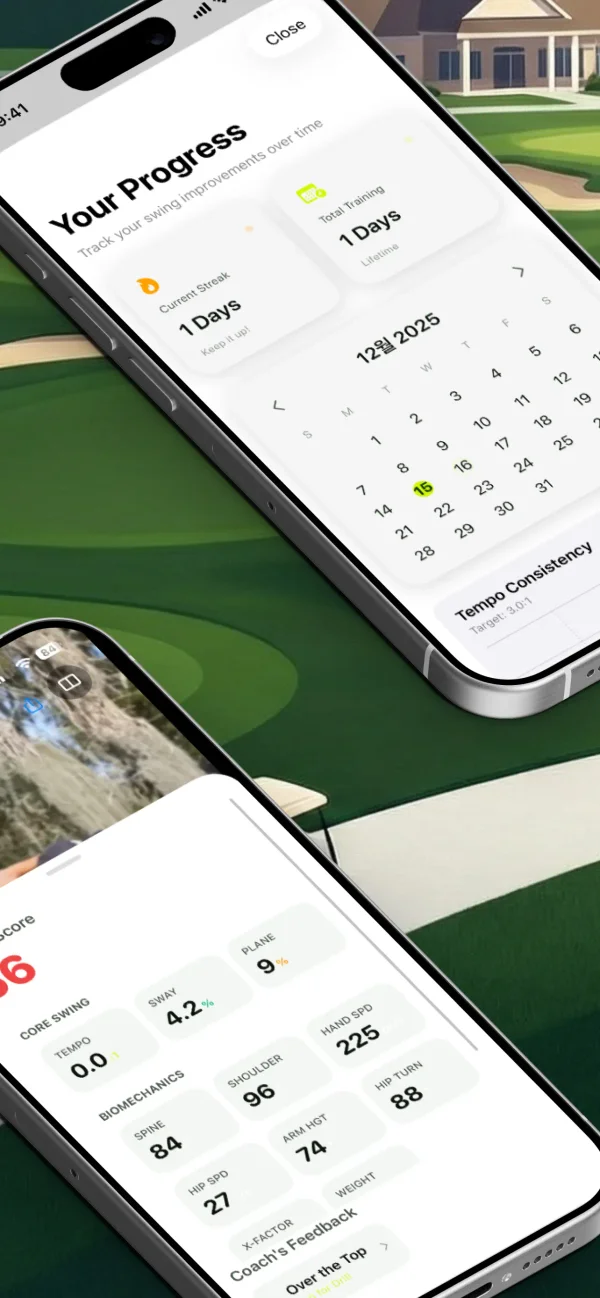
• Tempo and consistency awareness
Pay attention to rhythm and repeatability, two key factors behind better ball striking.
• Personal swing library
Save, organize, and review your swings over time to track progress and build reliable habits.
MADE FOR
• Beginners learning what to look for in their swing
• Intermediate golfers working on consistency
• Advanced players refining small details
• Anyone who wants simple, visual swing feedback
HOW IT WORKS
1. Record your swing
2. Review it in slow motion or frame by frame
3. Add overlays or compare with another swing
4. Make small adjustments and test again
Improving your swing does not have to be complicated.
SwingForge helps you see clearly, practice smarter, and progress with confidence.
Terms of Use (EULA):
https://www.apple.com/legal/internet-services/itunes/dev/stdeula/
What’s new
Version 1.8 · Mar 4, 2026
What’s New in 1.8
• Improved overall app stability and performance
• Fixed minor bugs affecting video playback and comparison
• Enhanced slow motion responsiveness for smoother analysis
• UI refinements for a cleaner and more intuitive experience
• Optimized overlay alignment accuracy
We’re continuously improving SwingForge to make your practice clearer and more effective.
App privacy
What Dohyeon Kim declares on the App Store about how this app handles data.
-
Data not collected
The developer does not collect any data from this app.
Privacy practices may vary, for example with the features you use or your age.
Information
- Seller
- Dohyeon Kim
- Category
- Sports
- Version
- 1.8
- Updated
- Mar 4, 2026
- Released
- Jan 9, 2026
- Size
- 7.7 MB
- Requires
- iOS 18.0 or later
- Age rating
- 4+
- Price
- Free
- In-app purchases
- Yes
- Copyright
- © 2025_DORL studio
You might also like
-
 DualSwing: Golf Swing AnalyzerDual Camera Slow Motion Swing
-
 Swing ReplayGolf Swing Training Aid
-
 Swing Coach - GolfGolf Swing Analysis & Practice
-
 Swing Profile Golf AnalyzerSwing Analysis & Training Aid
-
 Sportsbox 3D GolfGolf Swing Analysis in 2D & 3D
-
 Shot Pattern - Golf GPSStrategy, Strokes Gained Stats
-
 GolfFix AI Golf Swing AnalyzerGolf Swing Coach & Training
-
 V1 Golf: Golf Swing AnalyzerVideo Analysis Drill technique
-
 Performance Golf AI Swing FixPG1: Coach, Analyzer & Lessons
-
 Sparrow - Golf#1 AI Golf Swing Analysis