
SwingLoop: Golf Swing Replay
Auto video. One device or two.
Designed for iPhone, iPad
Free · In-app purchases
- Age rating4+
- CategorySports
- DeveloperDarwin Labs
- LanguagesEnglish+ 15 more
- Size98.7 MB
Links to the official App Store page
Download.org hosts no file of SwingLoop: Golf Swing Replay. The button opens its official App Store page, published by Darwin Labs. Listing last checked on Nov 23, 2026.
Screenshots
About
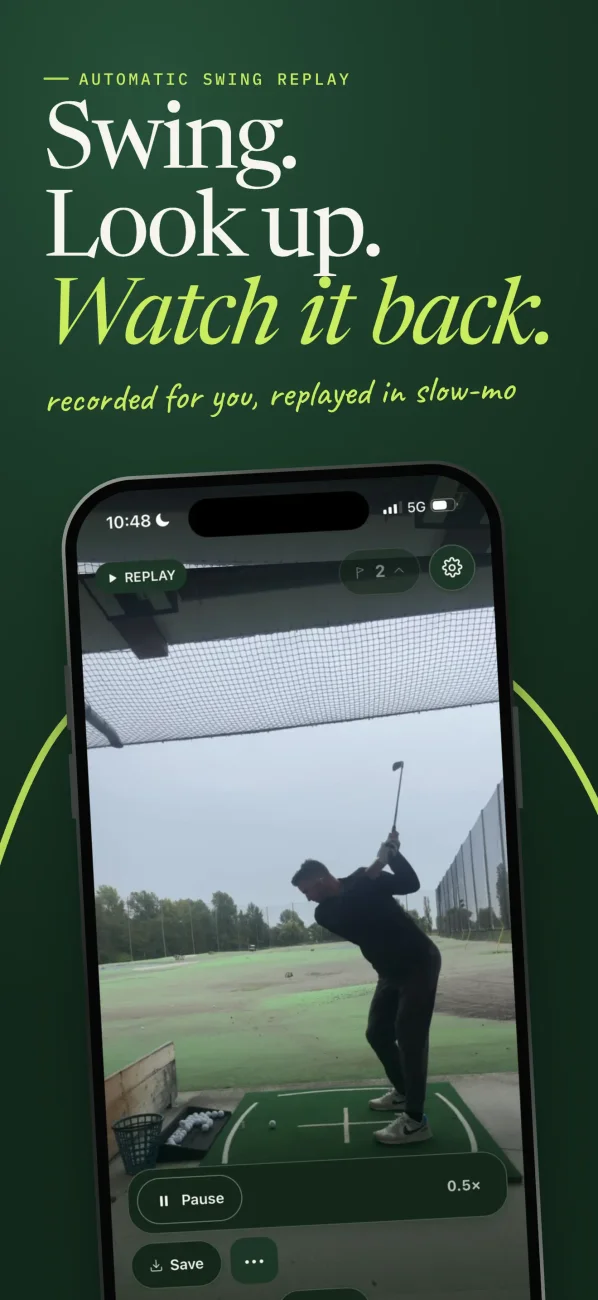
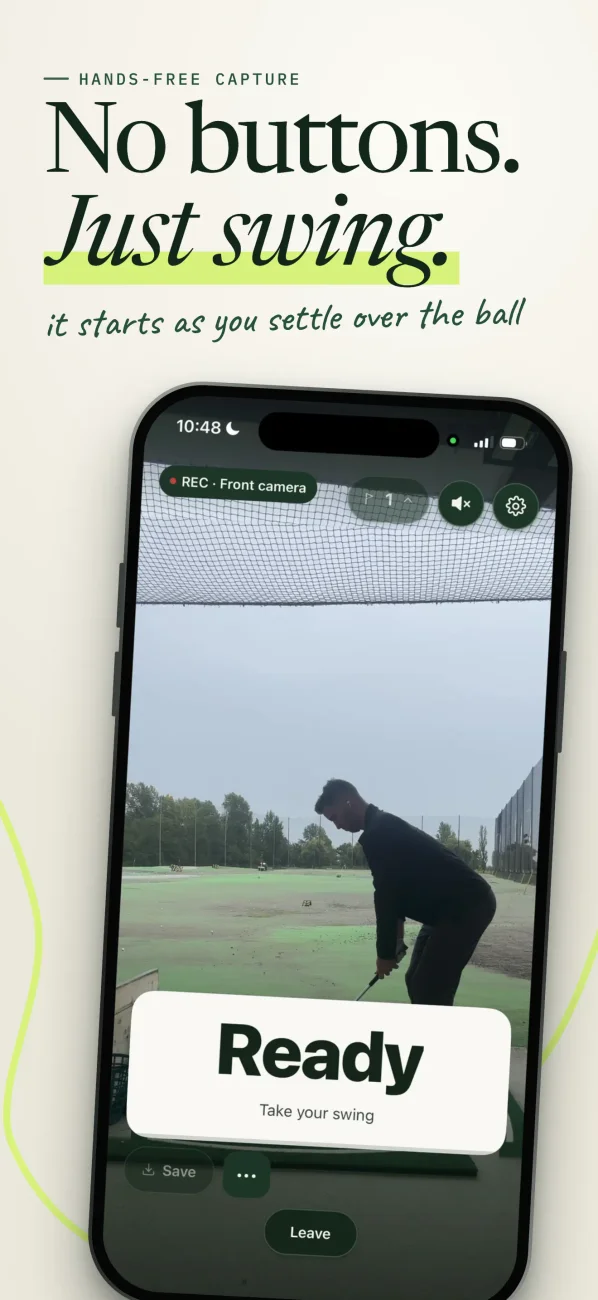
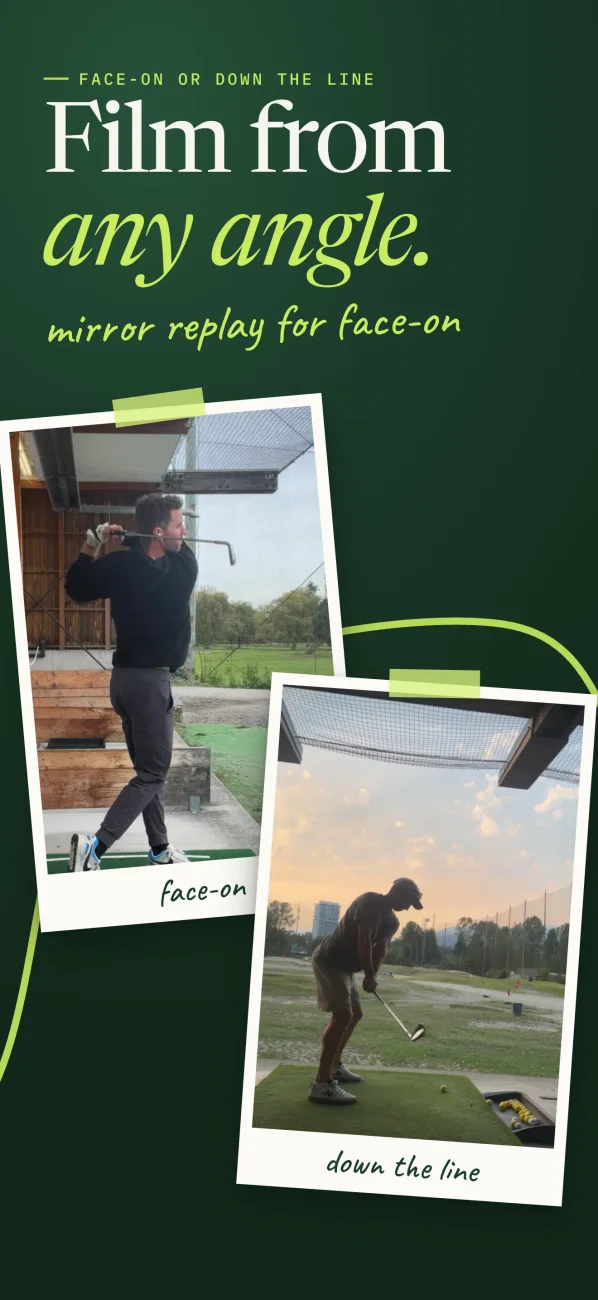
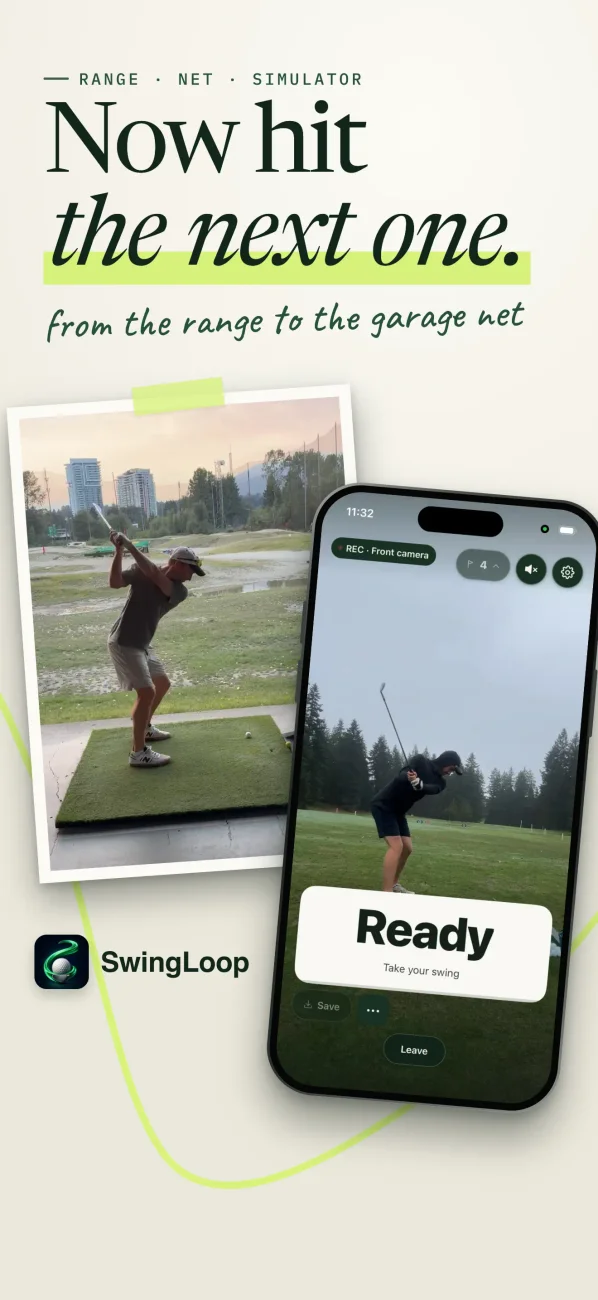
Automatically record your golf swing and watch the video in slow motion.
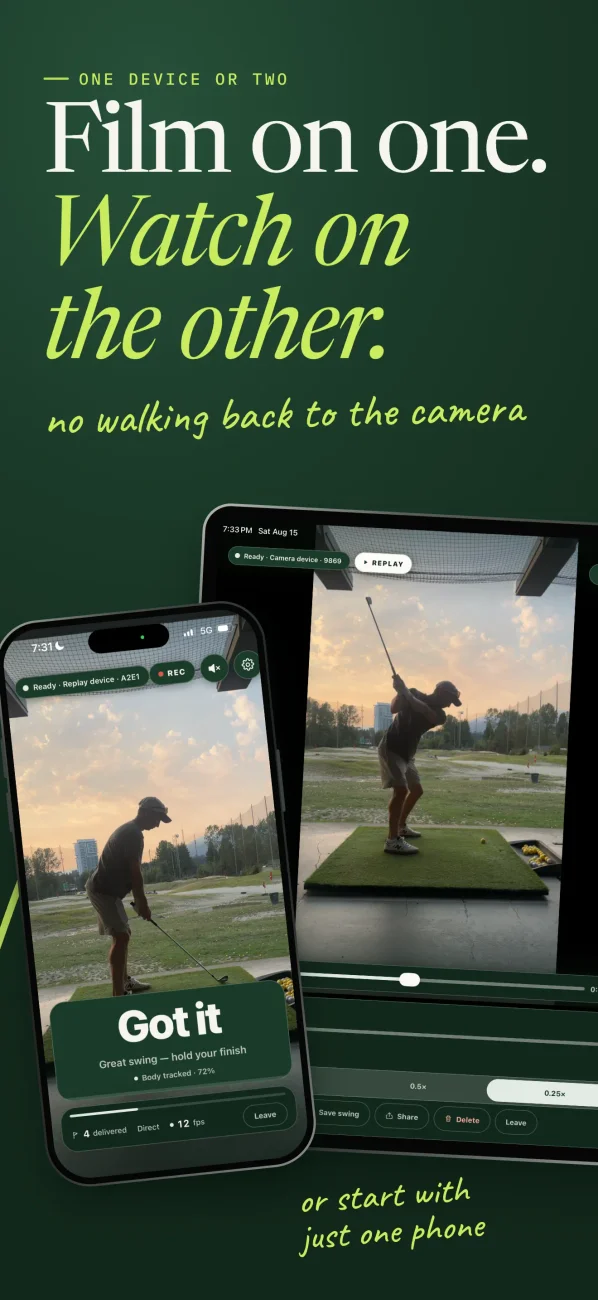
SwingLoop works with one iPhone or iPad, or two nearby devices.
ONE DEVICE
Use the front-facing camera to record your golf swing. After you finish the golf swing, the video plays on the same screen. Place your device on a stable stand and keep your whole body in view.
TWO DEVICES
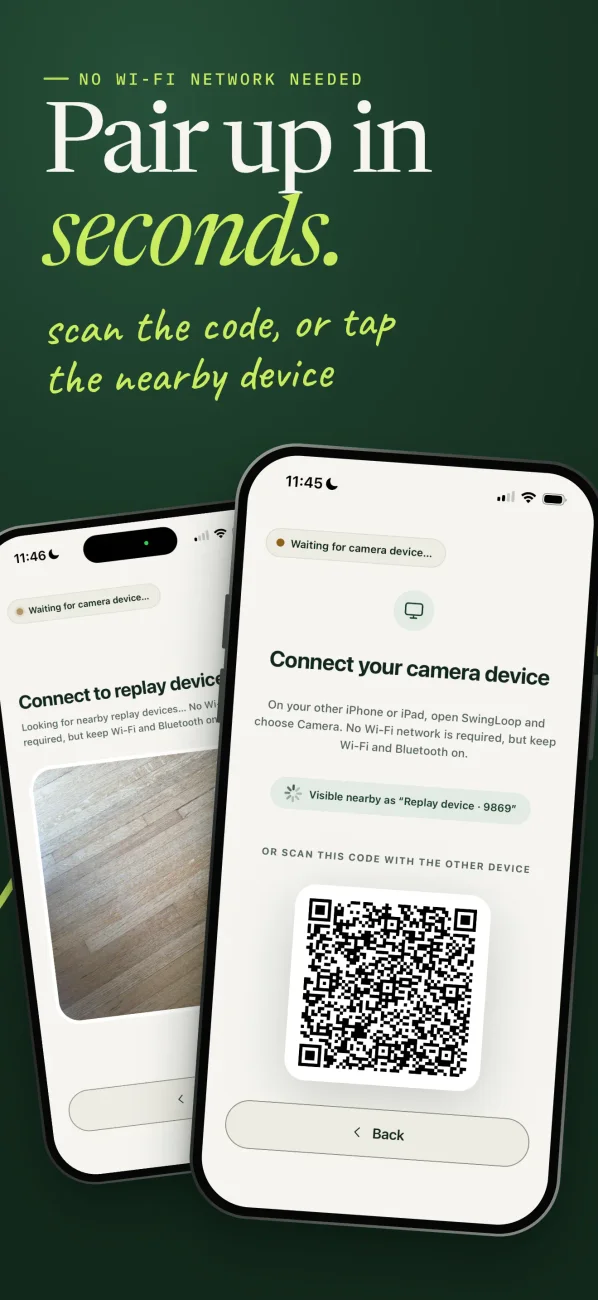
One device records the golf swing. The other displays the live camera view and then plays the recorded video. Pair the devices using a QR code or the nearby device list. Keep Wi-Fi and Bluetooth on. You do not need to join a Wi-Fi network.
FEATURES
• Automatic golf swing video recording
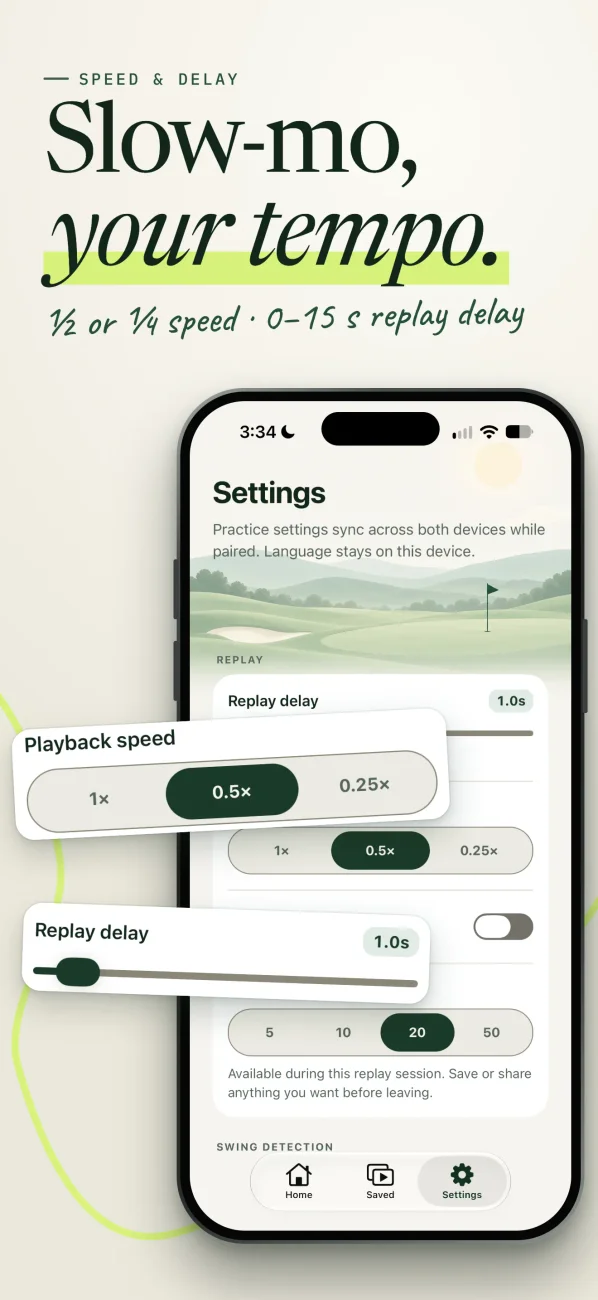
• Normal, half-speed, and quarter-speed playback
• Adjustable replay delay from 0 to 15 seconds
• Optional mirrored video playback
• Adjustable golf swing detection settings
• Playback controls for reviewing recent golf swing videos
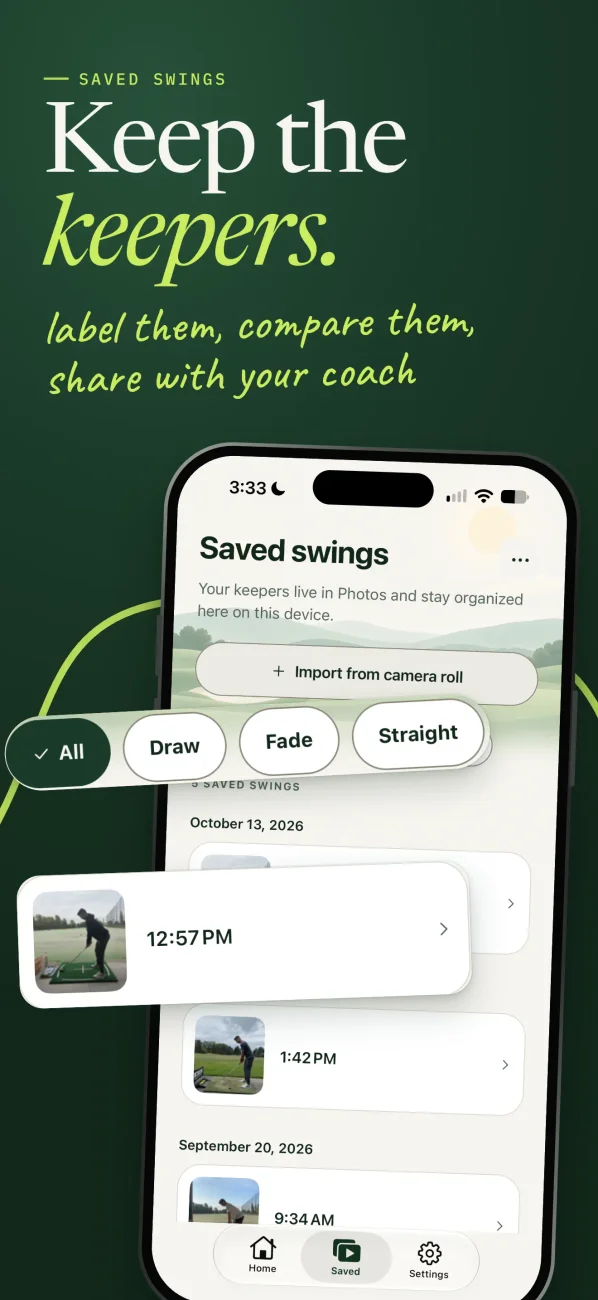
• Save golf swing videos to Photos and organize them with labels
• Compare two saved golf swing videos side by side
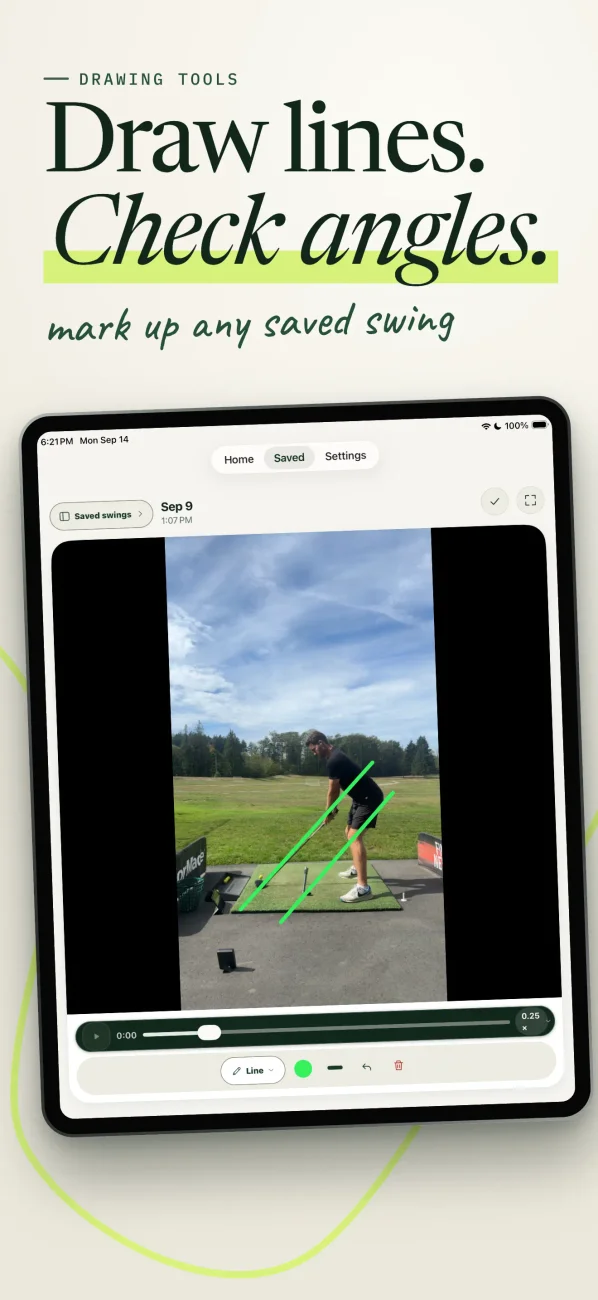
• Draw lines, angles, and freehand annotations on paused videos
• Share golf swing videos with your coach
YOUR VIDEOS STAY ON YOUR DEVICES
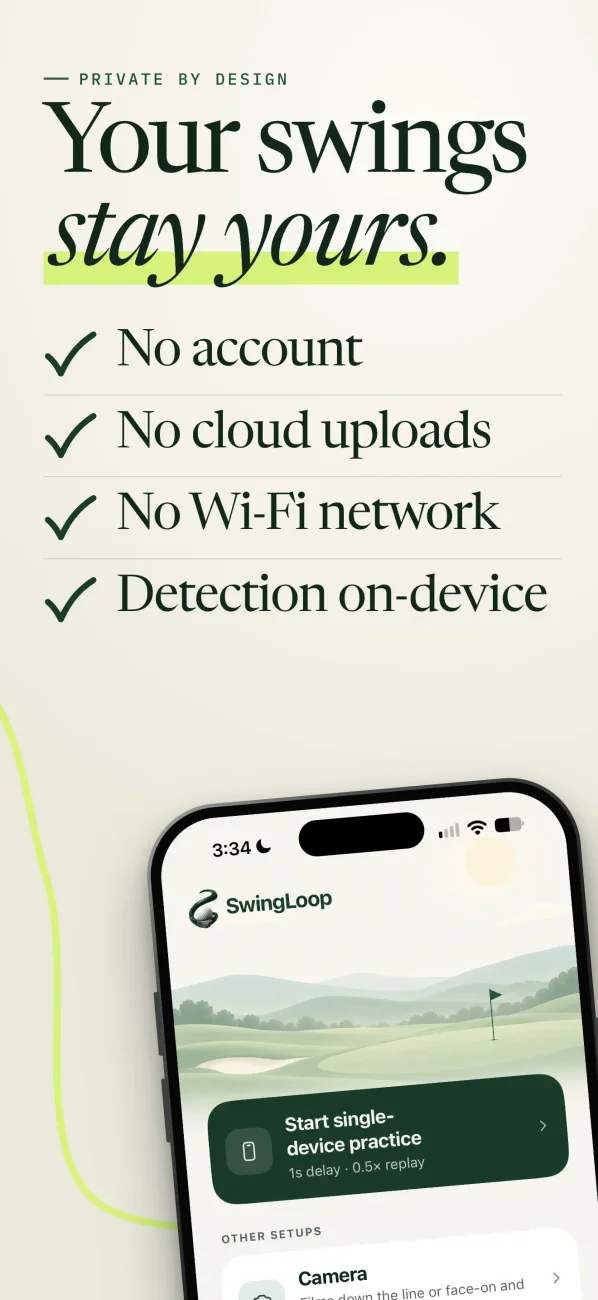
Golf swing detection runs on your device. Videos and body-pose data are not uploaded to the cloud. Paired devices transfer videos directly over an encrypted nearby connection. No SwingLoop account is required.
SUBSCRIPTION
SwingLoop requires a monthly or yearly subscription. One subscription works on devices using the same Apple Account. Subscriptions renew automatically unless canceled in your App Store account settings.
An internet connection is required for initial subscription setup and verification. Once this device has verified your subscription, you can practice offline.
Terms of Use: https://golfswingloop.com/terms
Privacy Policy: https://golfswingloop.com/privacy
Support: support@golfswingloop.com
What’s new
Version 1.0.9 · Nov 21, 2026
Playback reliability and ability to swipe through saved videos.
App privacy
What Darwin Labs declares on the App Store about how this app handles data.
-
Data not linked to you
May be collected but is not linked to your identity.
- Purchases
- Usage data
Privacy practices may vary, for example with the features you use or your age.
Information
- Seller
- Darwin Labs
- Category
- Sports
- Version
- 1.0.9
- Updated
- Nov 21, 2026
- Released
- Aug 25, 2026
- Size
- 98.7 MB
- Requires
- iOS 16.4 or later
- Age rating
- 4+
- Price
- Free
- In-app purchases
- Yes
- Languages
- English, Danish, Dutch, Finnish, French, German, Italian, Japanese, Korean, Norwegian Bokmål, Simplified Chinese, Spanish + 4 more
- Copyright
- © 2026 DARWIN LABS INC
You might also like
-
 Swing LoopAuto Swing Recording + Audio
-
 Mirror Vision: Golf CoachingLive swing mirror at your feet
-
 Swing ReplayGolf Swing Training Aid
-
 Swing Profile Golf AnalyzerSwing Analysis & Training Aid
-
 Swing Coach - GolfGolf Swing Analysis & Practice
-
 Skillest: #1 Sports CoachingOnline Private Sports Training
-
 Sportsbox 3D GolfGolf Swing Analysis in 2D & 3D
-
 Shot ScopeGolf Performance Tracker
-
 GolfFix AI Golf Swing AnalyzerGolf Swing Coach & Training
-
 CoachNow: Sports Coaching AppVideo Analysis & Feedback Kit