
Swipe & Delete Photo Declutter
Declutter Camera Roll Gallery
Designed for iPhone, iPad, iPod touch
Free · In-app purchases
- Age rating4+
- CategoryUtilities
- DeveloperGaspar Habif
- LanguagesEnglish
- Size59.2 MB
Links to the official App Store page
Download.org hosts no file of Swipe & Delete Photo Declutter. The button opens its official App Store page, published by Gaspar Habif. Listing last checked on Nov 24, 2026.
Screenshots



About
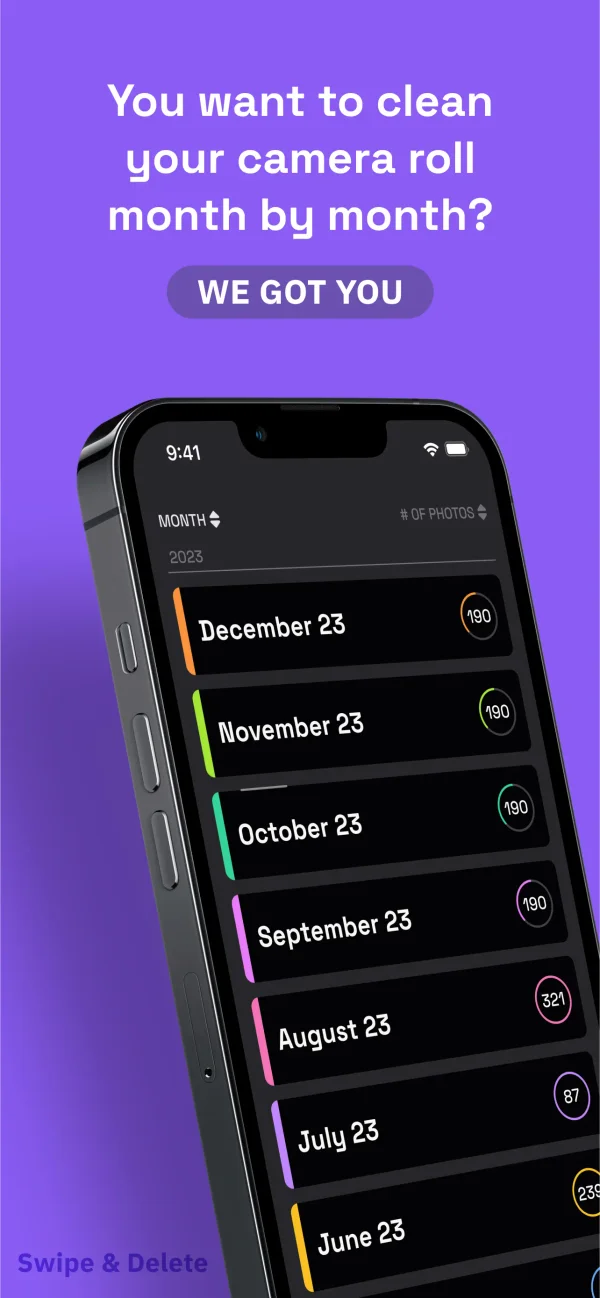
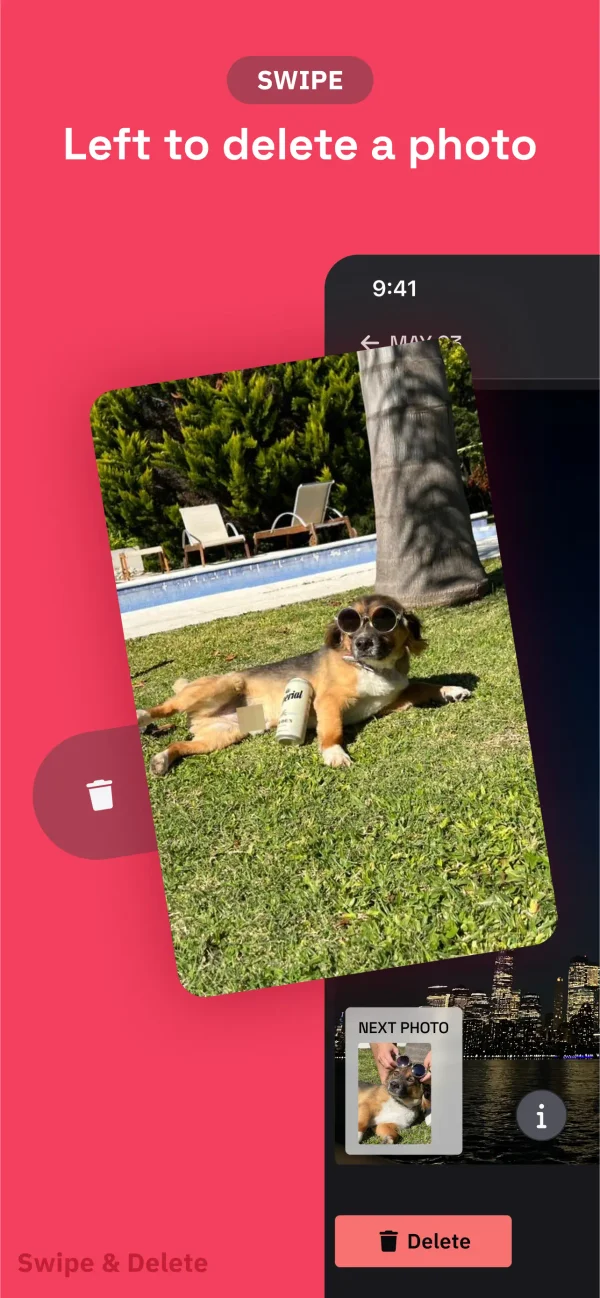
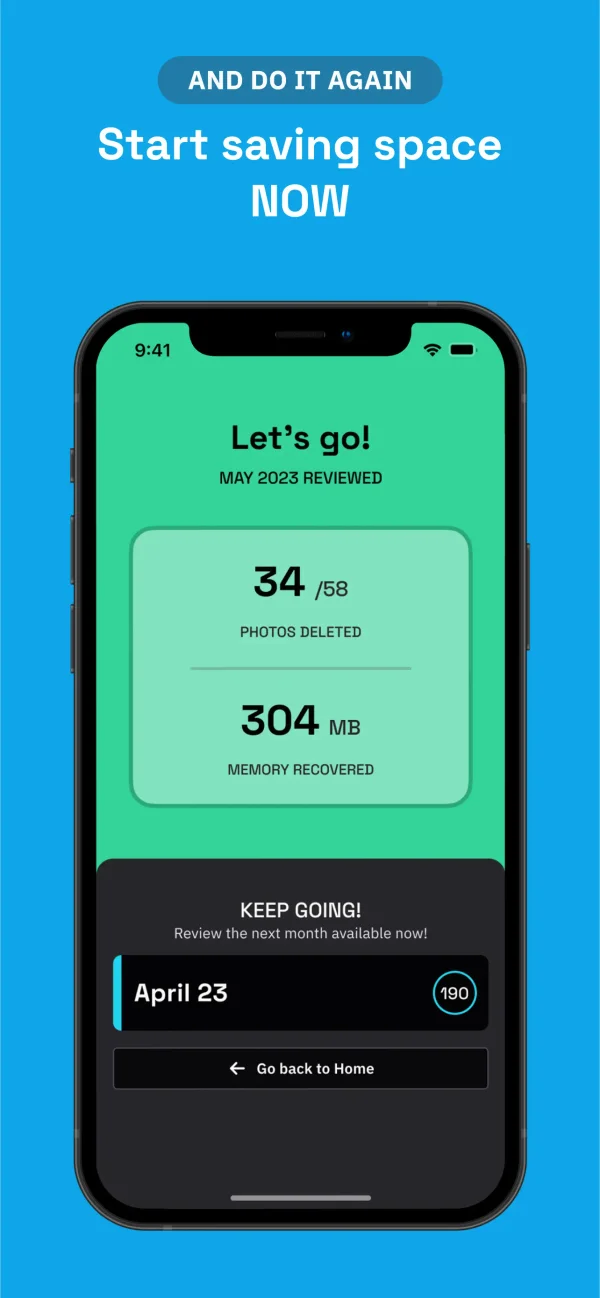
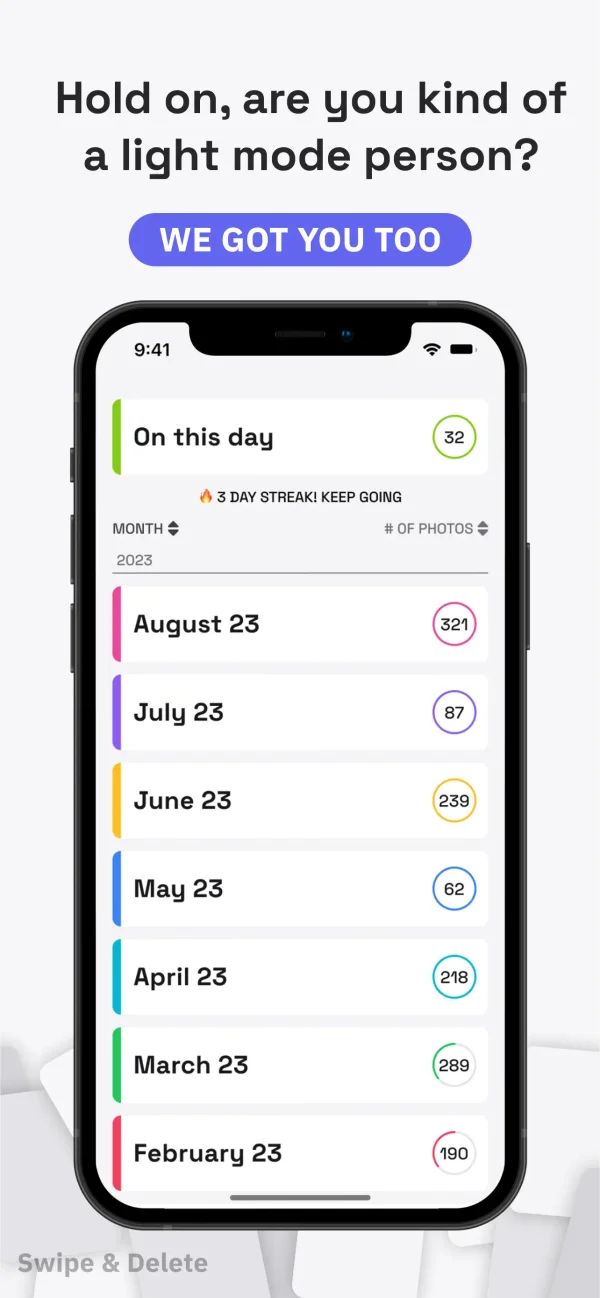
So many photos you have no storage left? We’ve all been there. Meet Swipe & Delete—your solution to declutter your camera roll. Simplify your photo management: swipe right to save a memory, left to discard it, and enjoy a new and clean gallery. Dive into month-by-month reviews to easily cherish or clear your snapshots. See a photo you love? Add it to favorites so you don’t lose it! Unlock the full potential of your camera roll with Swipe & Delete: - Declutter your phone fast: Make some space for new things. - Effortless Swiping Mechanics: Swipe Left to delete a photo. Swipe Right to keep it. Yes, it’s as easy as that. - Monthly Review Feature: Tackle your photo cleanup one month at a time, ensuring thorough organization and a trip down memory lane. - Instant Undo Option: Made a mistake? Quickly undo actions to make sure you delete ONLY what you want. - Detailed View of each photo: Look at the photo’s metadata, know how much space the file is taking up to make an informed decision about which memories to keep. - Progress Tracking: Easily see how far you've come each month. And do it again. Start saving space NOW. - Light Mode Option: Tailored for your viewing preference, whether you're a fan of light mode or the classic dark. Swipe & Delete offers a simple yet powerful solution. With Swipe & Delete, looking back on your precious memories becomes a clean, organized, and enjoyable journey. You want to clean your camera roll month by month? We got you. Declutter it now. Download now and start swiping your way to a cleaner, more meaningful gallery! (Please if you have any feedback, ideas, complaints, or anything else - we would love to hear you at swipe@eruka.tech) Apple Terms of Use Agreement: https://www.apple.com/legal/internet-services/itunes/dev/stdeula/
What’s new
Version 1.3.23 · Nov 3, 2026
Ads no longer cover the delete and keep buttons. Stability improvements.
App privacy
What Gaspar Habif declares on the App Store about how this app handles data.
-
Data used to track you
May be used to track you across apps and websites owned by other companies.
- Identifiers
-
Data not linked to you
May be collected but is not linked to your identity.
- Identifiers
- Usage data
- Diagnostics
Privacy practices may vary, for example with the features you use or your age.
Information
- Seller
- HAGAS LLC
- Category
- Utilities
- Version
- 1.3.23
- Updated
- Nov 3, 2026
- Released
- Feb 7, 2024
- Size
- 59.2 MB
- Requires
- iOS 15.0 or later
- Age rating
- 4+
- Price
- Free
- In-app purchases
- Yes
- Languages
- English
- Copyright
- © Eruka Tech 2024
You might also like
-
 Swipy: Photo Delete SwipeDuplicate, Camera Roll Cleaner
-
 Financial Calculator UltraMortgage, Loan & Scientific
-
 Photo Purge: Swipe & DeleteStorage & Camera Roll Cleaner
-
 PixSwipe: Camera Roll CleanerDelete Duplicate Photos Videos
-
 Swipe Photo Cleaner: SwipeWipeClean Duplicates, Free Space
-
 Photo & Video Cleaner: SliderSwipe to Delete & Save Space
-
 Photo Cleaner ®Swipe to Delete Camera Roll
-
 MP3 Converter: MP3ConvertKitConvert Video to MP3,Ringtone
-
 Gallery Cleaner : Swipe DeleteClean My Photos, Minus Storage
-
 Photo Cleaner · Storage, SwipeDelete Duplicates, Free Space