
Swipe the Flow
Fluid Simulation & Wind Games
Designed for iPhone, iPad
Free · In-app purchases
- Age rating4+
- CategoryPuzzle
- Developerjunho kim
- LanguagesEnglish+ 4 more
- Size26.5 MB
Links to the official App Store page
Download.org hosts no file of Swipe the Flow. The button opens its official App Store page, published by junho kim. Listing last checked on Nov 23, 2026.
Screenshots




About
Pour water, draw walls, and change the flow with your fingertips. Swipe the Flow is a hands-on playground for water, wind, and smoke.
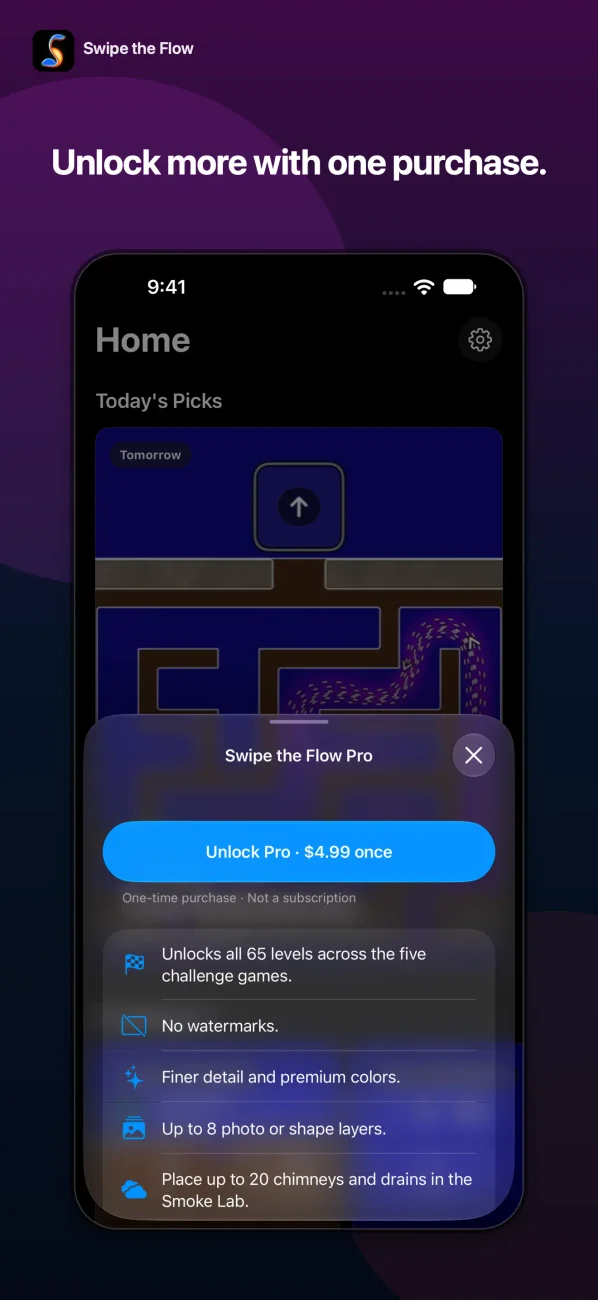
Enjoy the basic features of all five free-play modes and the first five stages of each of the five challenge games for free. Unlock more challenges and premium visuals with Pro—a one-time purchase, not a subscription.
NEW CHALLENGE: WIND TARGET
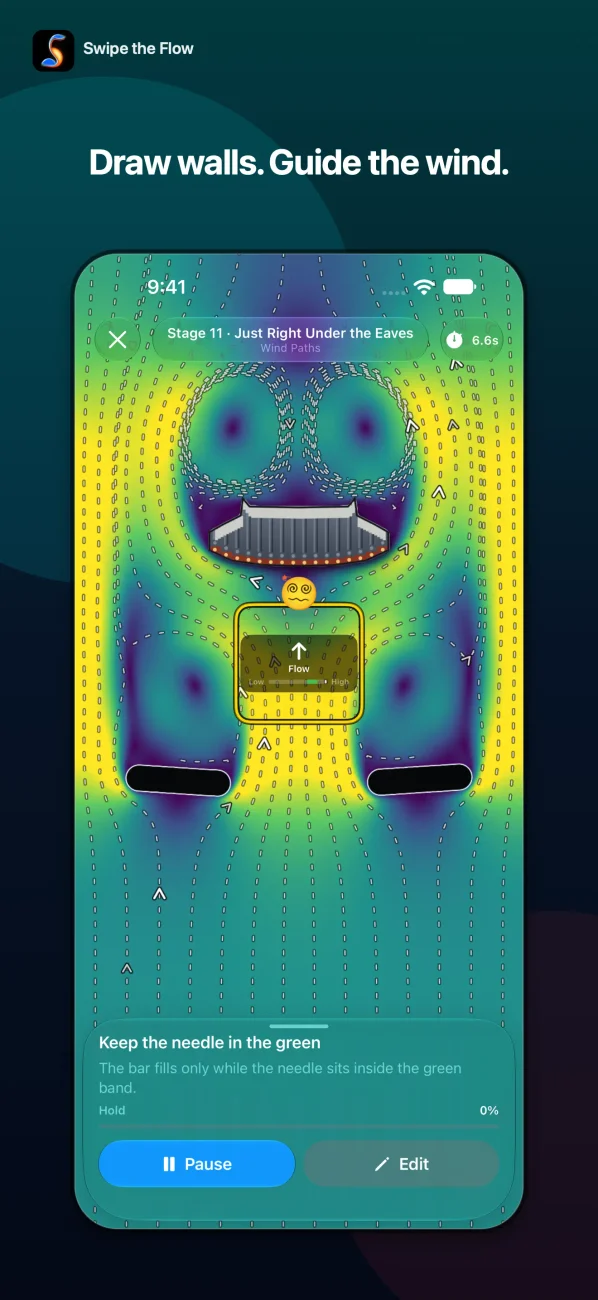
Draw walls, then rotate, move, and carve shapes. The arrow shows how hard the wind pushes—keep its tip inside the box to win. Kites, a sailboat, an umbrella, roof luggage, and a bike behind a truck all catch the wind.
• Stages 1–5 are free; Pro includes stage 6 onward
• Longer arrows mean a stronger push
WATER PLAYGROUND
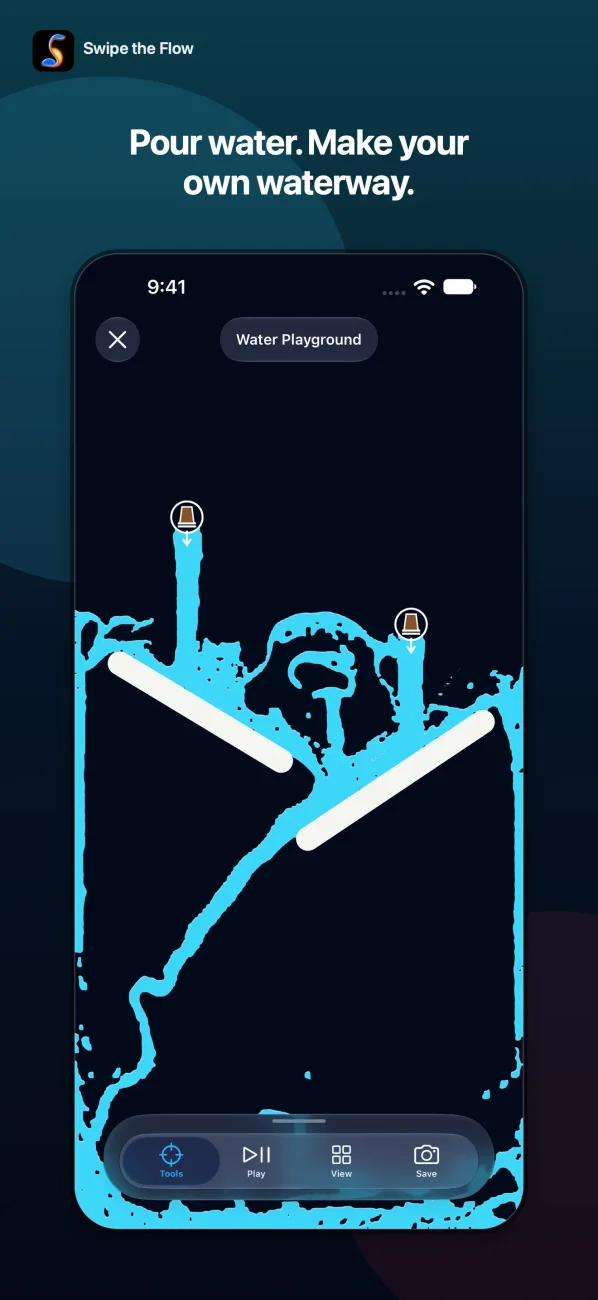
Catch water from a faucet and guide it along walls. Add a drain, pour or erase water, and stir it with your finger to build your own waterway.
• Move faucets and drains; adjust each one's size, direction, and speed
• Build with cups, funnels, photos, and shapes
• Tilt your device to move the water and adjust its thickness
• Basic features are free, with up to 10 faucets and drains combined
FIVE WAYS TO PLAY
• Water Playground: Pour water and draw walls to shape its flow.
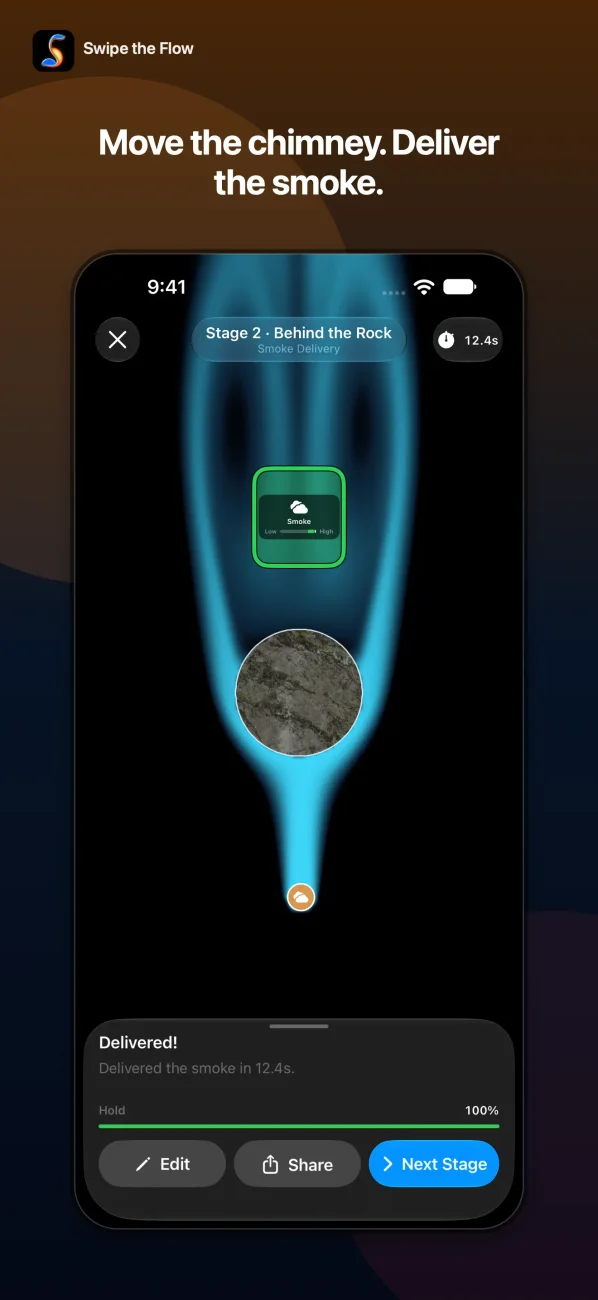
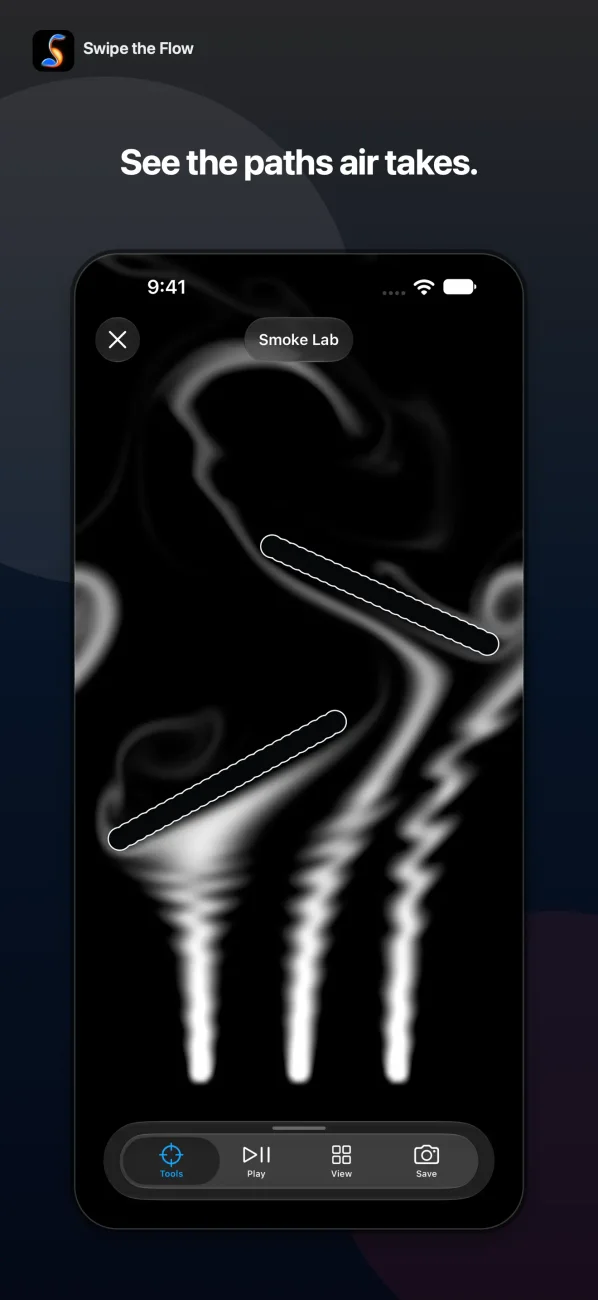
• Smoke Lab: Follow smoke to see invisible air. Adjust each chimney's smoke output and add a Smoke Drain.
• Wind Tunnel: Watch wind split around walls, photos, and logos. Turn on flow lines and wind push indicators to explore what happens.
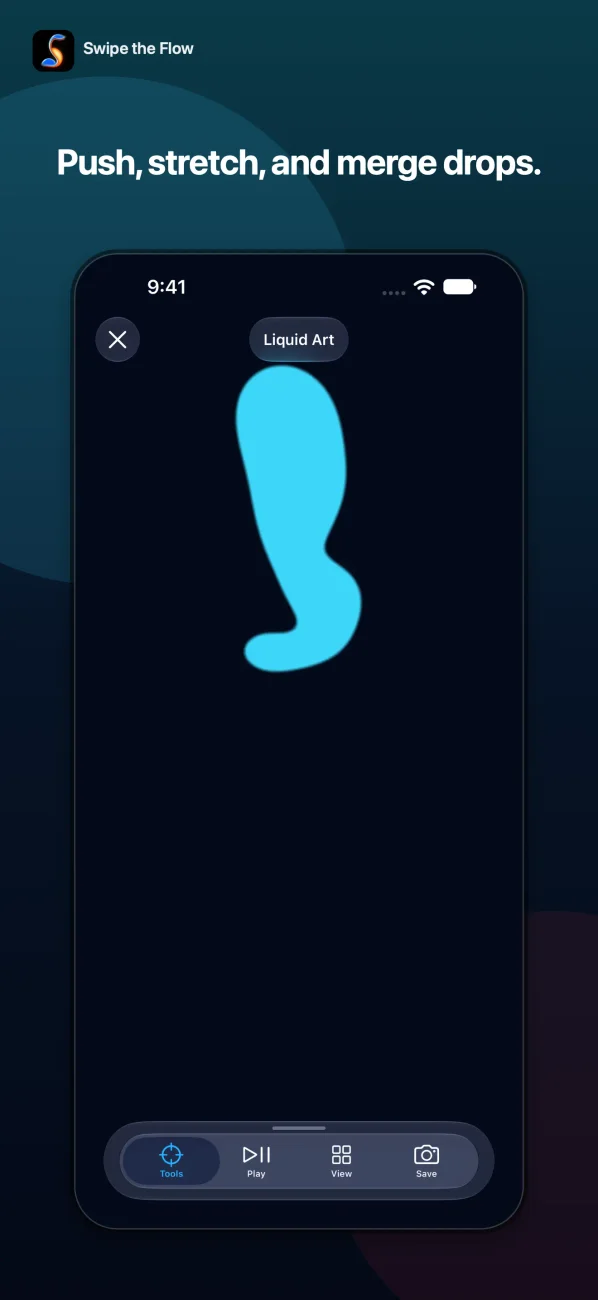
• Liquid Art: Create, push, stretch, and merge liquid drops. Tilt your device to move them.
• Flow Painting: Swipe across the screen to draw colorful currents and spirals.
FIVE CHALLENGE GAMES
• Wind Target: Change the shapes to get the tip of the wind's arrow into the box.
• Make Waterways: Draw walls and erase holes to send water where you want it.
• Wind Paths: Draw walls to guide wind into the target.
• Wind Maze: Carve a route and get the wind out before time runs out.
• Smoke Delivery: Move chimneys and draw walls to send smoke where you want it.
Stages 1–5 are free in each game. Pro includes Wind Paths 6–15, Wind Maze 6–17, Smoke Delivery 6–16, Make Waterways 6–24, and Wind Target 6–18. Try Game Center leaderboards and achievements, then share a photo of your cleared stage and record.
CREATE AND SHARE
• Import photos and logos, with background removal on your device
• Move, resize, and rotate photo and shape layers with editing handles
• Choose flow strength, playback speed, colors, and detail
• Pause, reset, save photos, record videos, and share
• Photos and videos are processed on your device
SWIPE THE FLOW PRO
One purchase. No subscription.
• Challenge stages beyond the free section
• No watermarks
• More detailed simulation and all premium visual styles
• Up to eight photo or shape layers
• Up to 20 chimneys and Smoke Drains combined in Smoke Lab
• Up to 20 faucets and drains combined in Water Playground
The free version includes two photo or shape layers. Every day, one Pro stage is free at the top of Home in "Today's Picks."
Create without a fixed answer, or take on a puzzle with a goal.
What’s new
Version 2.13 · Nov 23, 2026
Chinese and a language picker
• The app is now available in Simplified Chinese. Pick the app language right from Settings → Language on the home screen.
Brush size in challenges
• The challenge control panel now has a Size slider. Your choice is remembered for the next stage.
• You can use your material all the way down. If less than one stroke is left, you'll be told.
Wind Maze
• "Split 30/70" is now free Stage 5, and "Make a Vortex" is Stage 6.
• On split stages, if only one exit gets wind you'll see "Wrong split" with a tip for that stage.
• The Stage 3 rock is now a real stone photo, and the Stage 7 path is a smooth curve. Rocks you can't erase now look like stone.
More realistic shapes
• Pumpkin, shark, cat, butterfly, jet, rocket, Formula car and truck are now real photos and are placed more sharply.
• Locked stages now show a short clip of the stage in motion on the Pro screen.
Labs
• In Wind Tunnel and Smoke Lab, "Show wind push" now has an Arrow Size handle.
• Changing resolution no longer shifts the flow or smoke, and the vertical band at the top of the board is gone.
• Liquid Art and Water Playground now start with the tool you used last.
• Wind is faster to simulate on large boards.
Fixes
• Times past the limit no longer count as a clear. Fixed the timer rarely ending early.
• Fixed the first walls disappearing after lots of fast drawing, and undo stalling.
• Fixed home cards briefly turning into photos, the chosen game vanishing in iPad Split View, and text being cut off on small screens.
• Challenge cards on the home screen are now ordered from easiest. The tip jar has been removed.
App privacy
What junho kim declares on the App Store about how this app handles data.
-
Data not linked to you
May be collected but is not linked to your identity.
- Purchases
- Location
- Identifiers
- Usage data
- Diagnostics
Privacy practices may vary, for example with the features you use or your age.
Information
- Seller
- junho kim
- Category
- Puzzle
- Version
- 2.13
- Updated
- Nov 23, 2026
- Released
- May 7, 2026
- Size
- 26.5 MB
- Requires
- iOS 18.0 or later
- Age rating
- 4+
- Price
- Free
- In-app purchases
- Yes
- Languages
- English, German, Japanese, Korean, Simplified Chinese
- Copyright
- © 2026 Fluid Flower
You might also like
-
 Earth SandboxSimulation
-
 Armor Sandbox: 2D PhysicsTank Ballistics & Destruction
-
 Dice Inc. IdleRoll, Merge, Repeat
-
 Firewood Splitting SimulatorRelaxing and oddly satisfying
-
 Ship Maneuvering SimulatorPilot real ships into port
-
 LARP Tycoon - Rich Man IdleJust Go Larping Bro
-
 Traffix 3DControl the traffic!
-
 Water Box: Physics SandboxRealistic Physics Sandbox Game
-
 Mystery DiggerDig deep, uncover the mystery!
-
 Idle Code TycoonBuild Your Software Company