SymPlayer - Master Movement -
Reflect & Slow & Loop Learning
Designed for iPhone, iPad
Free · In-app purchases
- Age rating4+
- CategoryPhoto & Video
- DeveloperMasakiyo Tachikawa
- LanguagesEnglish+ 1 more
- Size59.4 MB
Links to the official App Store page
Download.org hosts no file of SymPlayer - Master Movement -. The button opens its official App Store page, published by Masakiyo Tachikawa. Listing last checked on Nov 24, 2026.
Screenshots
About
Master Professional Moves with Mirrored Playback!
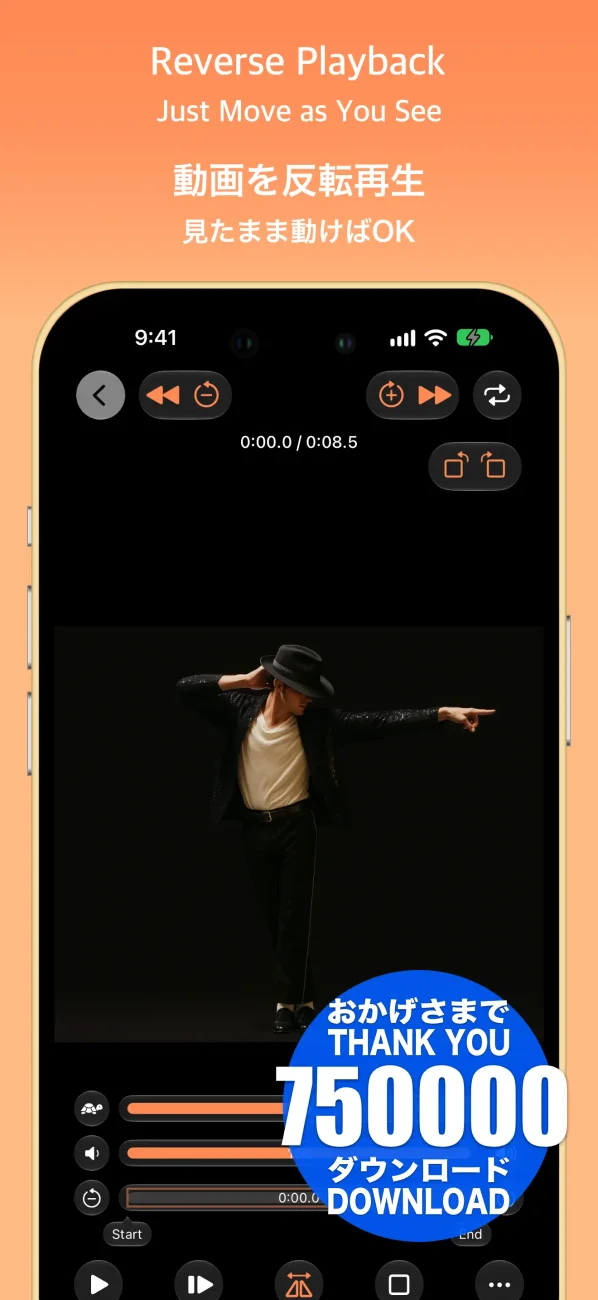
This app lets you play videos flipped left-to-right, making it easier to mimic movements without getting confused about direction.
Just follow what you see as if looking in a mirror!
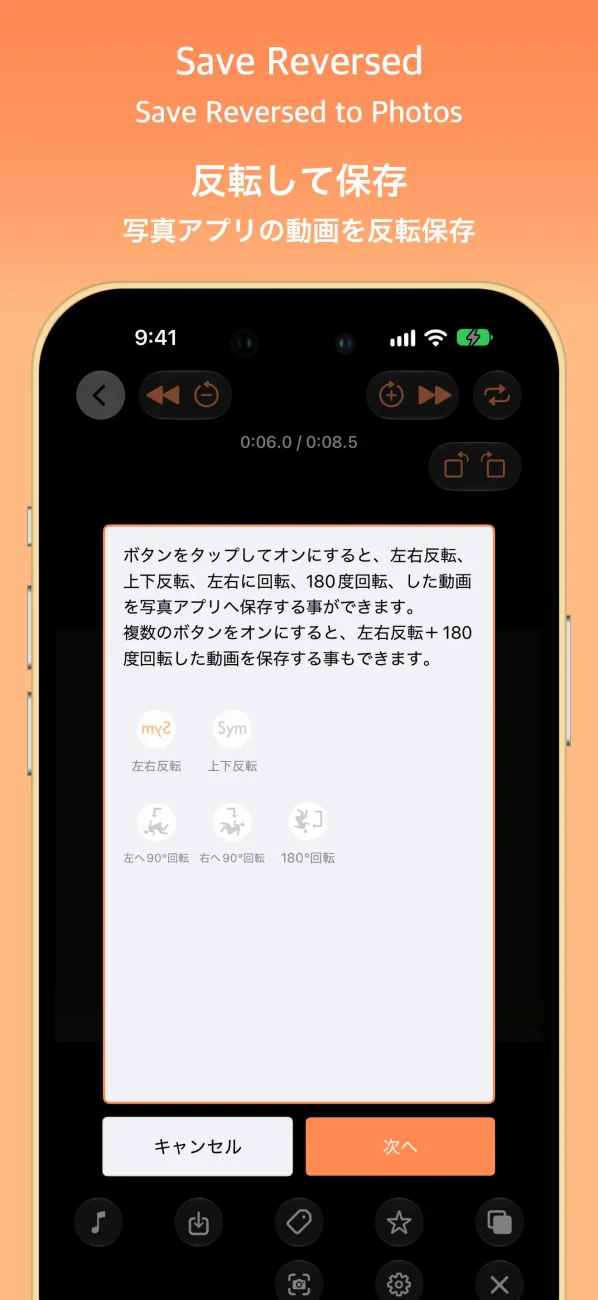
You can also flip or rotate videos from your camera roll and save them as new files.
Perfect for people who:
- Need to learn idol group dances for a wedding or performance
- Want to copy professional dance moves
- Want to study a pro athlete’s form (like pitching)
This app is made for anyone who wants to learn by watching and repeating.
Give it a try — it’s free!
[Features]
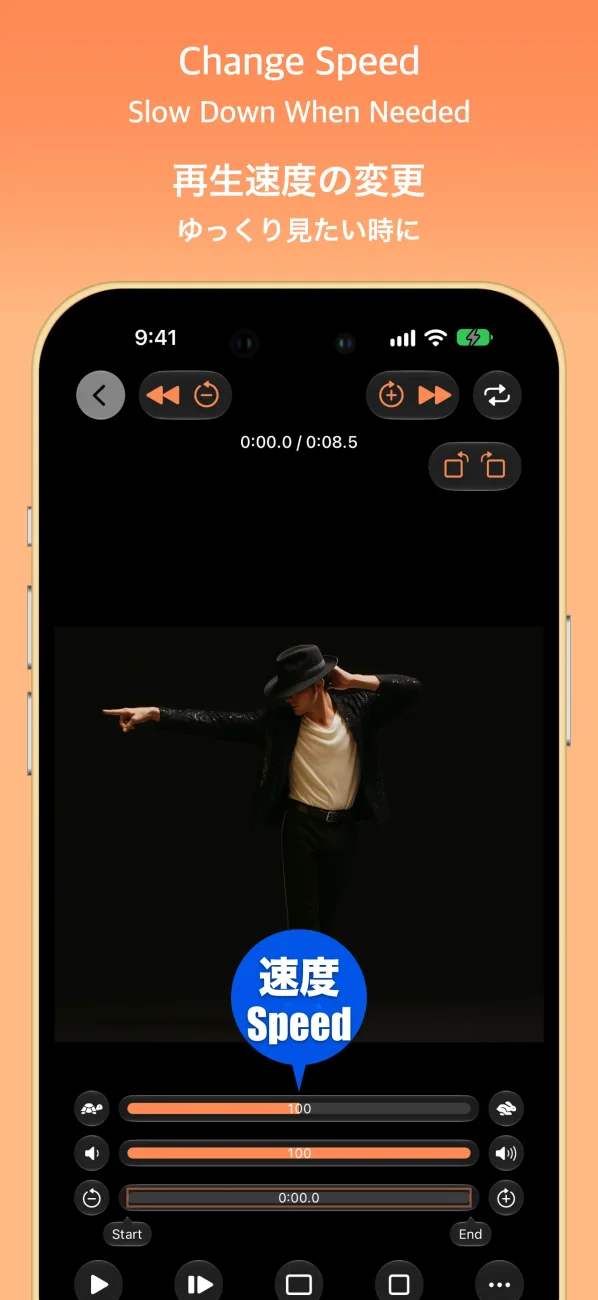
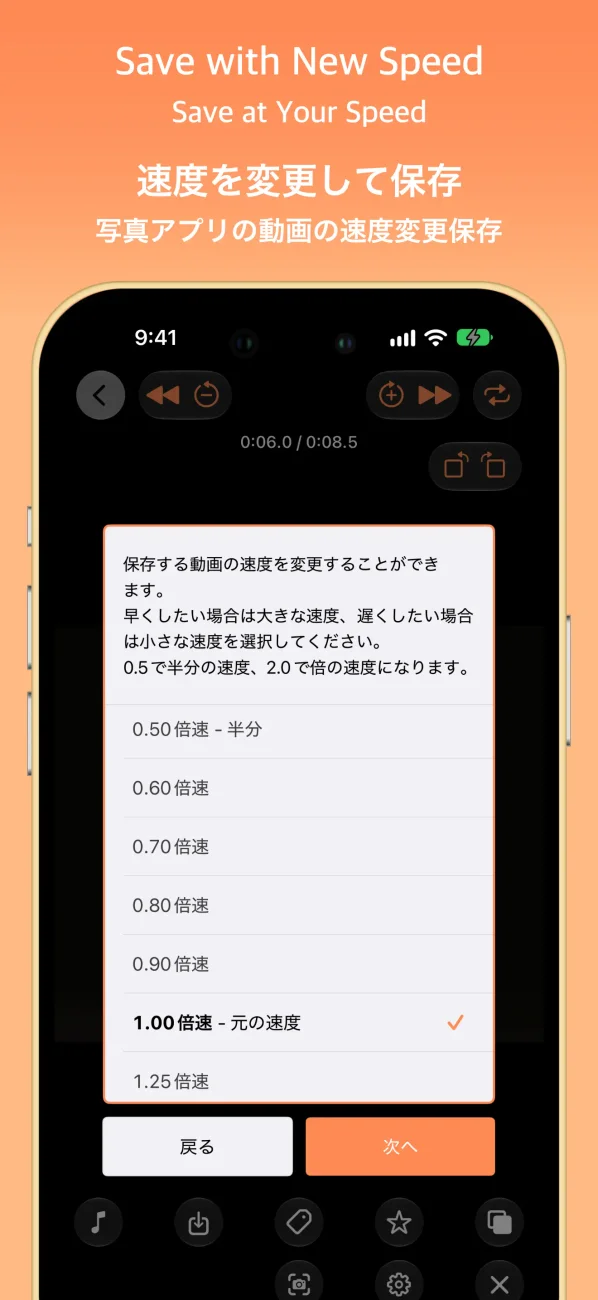
■ Adjustable Playback Speed
Freely change video speed — slow motion or double speed are both supported.
You can also adjust speed in 5-step increments, as requested by users.
Perfect for dance practice, form checks, and more.
Caution: Due to iOS limitations, available speeds are limited to 0.5, 0.666..., 0.8, 1.0, 1.25, 1.5, and 2.0.
SymPlayer’s speed display is approximate and for reference only.
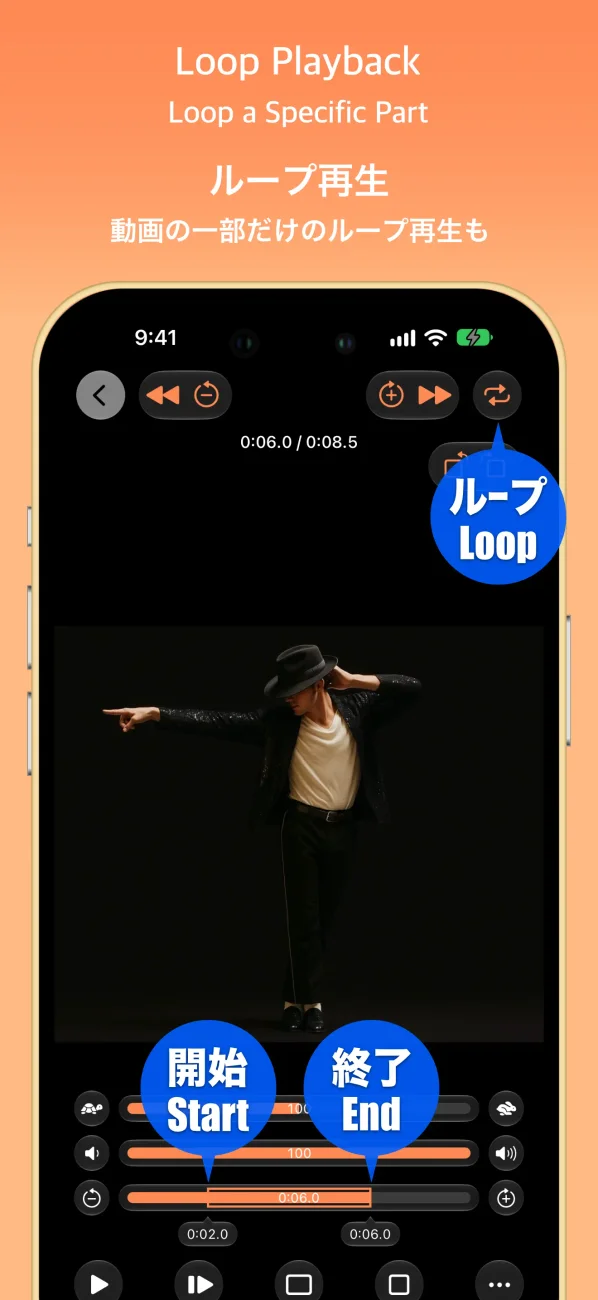
■ Loop Specific Ranges
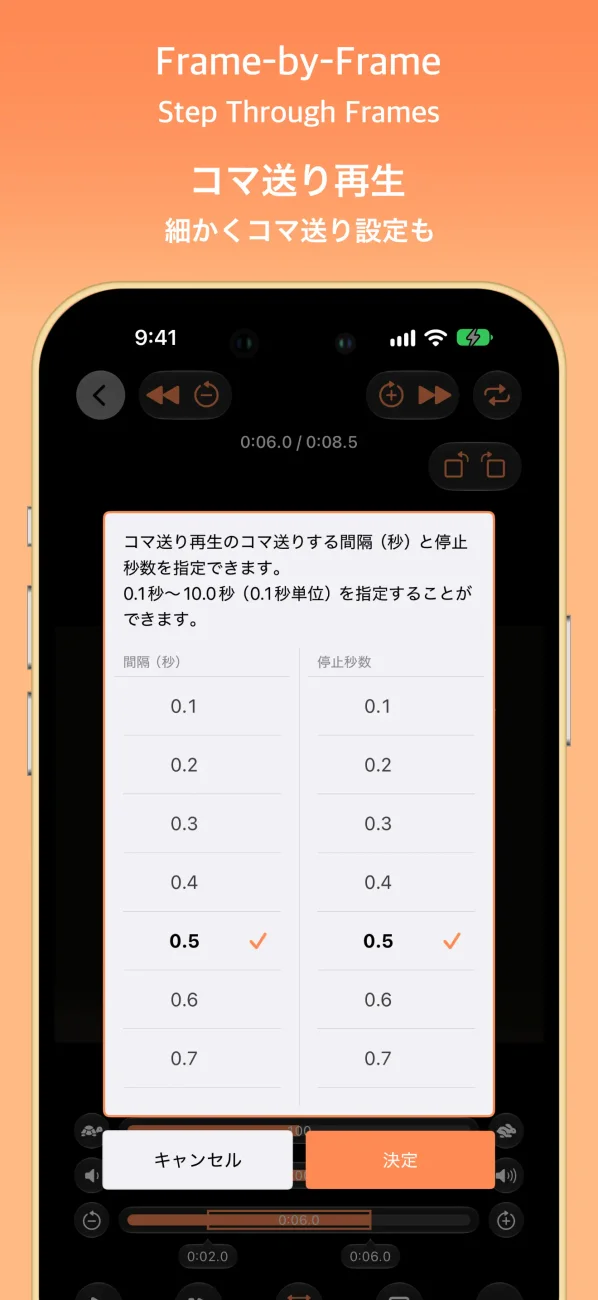
Set custom start and end points to loop only the section you want to repeat.
Ideal for practicing tricky parts like guitar fingering or a swing.
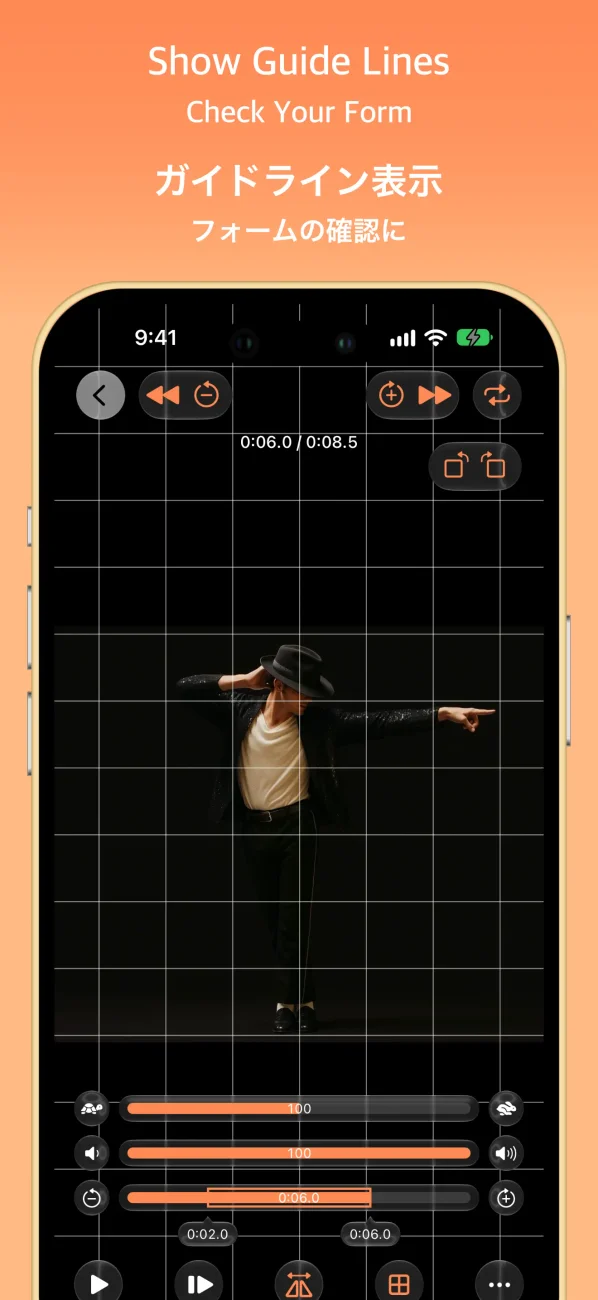
■ Show/Hide Guide Lines
Display vertical and horizontal guides over the video.
Useful for checking positions in formation dances or comparing symmetry.
■ Zoom & Fit Screen
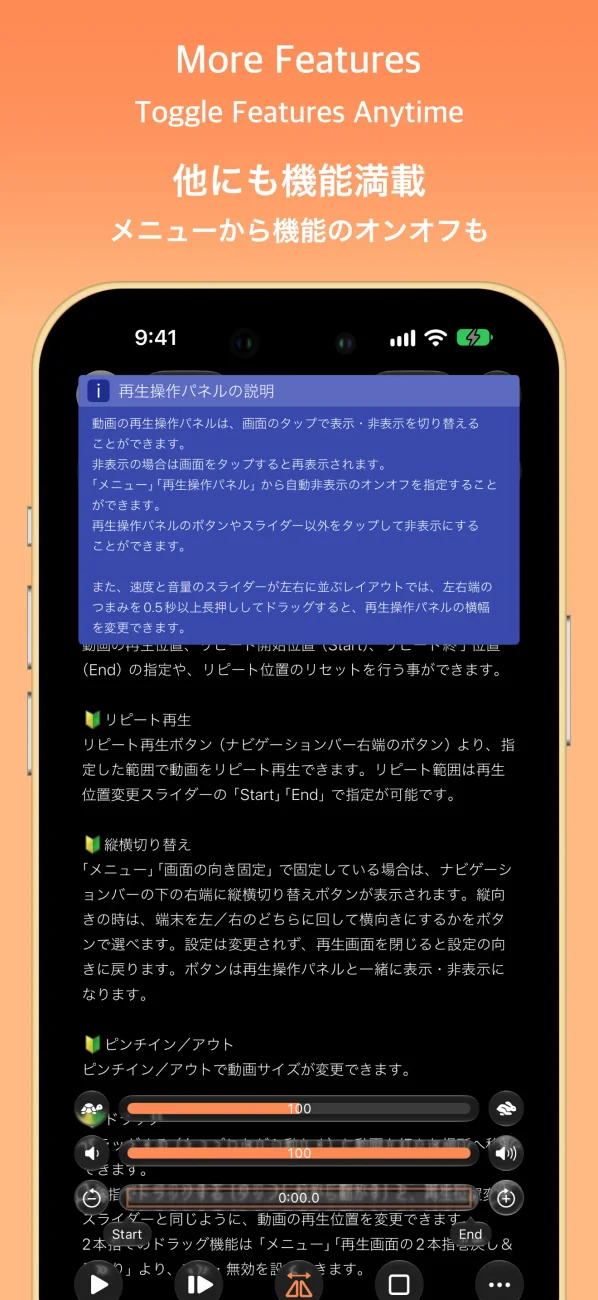
Pinch to zoom in/out. Double-tap to fit the video to your screen.
Watch movements in detail or full view — your choice.
■ Play from Google Drive & Dropbox
Play videos stored in Google Drive or Dropbox.
Mark favorites for offline playback (requires ad viewing).
You can also play from a shared video URL.
Note: Long videos may take time to load.
A shared link is required for access.
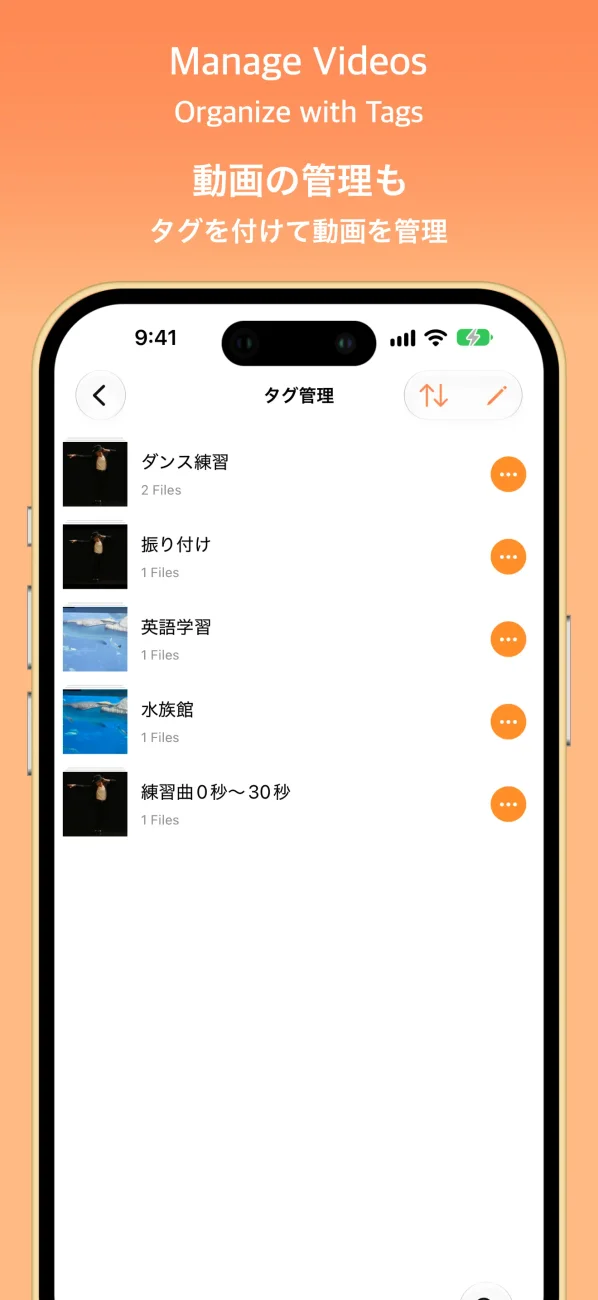
■ Tag Your Videos
Organize your videos with tags.
You can assign multiple tags to a single video for better group management.
[About in-app purchases]
Please read before purchasing in-app purchases.
After purchase, no matter what reason, refund can not be canceled.
If you purchase, please confirm the above contents and purchase only if agreed.
[About purchasing automatic subscription]
As with music players, sound will be able to play even in the background.
Also, all ads will be removed during the automatic subscription period.
When purchasing, please confirm the following "Terms of service" and "Privacy policy" and purchase only if you agree.
Terms of service)
https://faboll.tattin.com/terms/symplayer/terms.html
Privacy policy)
https://faboll.tattin.com/terms/symplayer/privacy.html
[Duration and amount of automatic subscription]
- Extension 1 month ¥100(JPY)
- Extension 3 month ¥280(JPY)
- Extension 12 months ¥1000(JPY)
[About auto-renewable]
Subscription automatically renews unless auto-renew is turned off at least 24-hours before the end of the current period.
Account will be charged for renewal within 24-hours prior to the end of the current period, and identify the cost of the renewal.
Payment will be charged to iTunes Account at confirmation of purchase.
Subscriptions may be managed by the user and auto-renewal may be turned off by going to the user's Account Settings after purchase.
Any unused portion of a free trial period, if offered, will be forfeited when the user purchases a subscription to that publication, where applicable.
[About the Dance Video]
The dance video featured in the App Store preview was graciously provided by SUI Kagura.
SUI Kagura
— A Super Synchronized Dance Duo with Sincerity to Music —
Formed in 2022 by choreographer Upolu and former idol Sayakichi Hanashiro,
SUI Kagura is dedicated to their motto: “Sincere to the music.”
They create performances that amplify sound and lyrics, shared seamlessly through stage and video.
https://www.dignitive.jp/suikagura
What’s new
Version 4.0.2 · Nov 14, 2026
Thank you very much for always using the app.
I’ve fixed an issue that could occasionally cause the app to crash when rotating the screen.
I’ve also made internal improvements and updated the libraries used by the app.
I sincerely apologize for any inconvenience caused to users who experienced this issue.
The updates in version 4.0.0 are as follows:
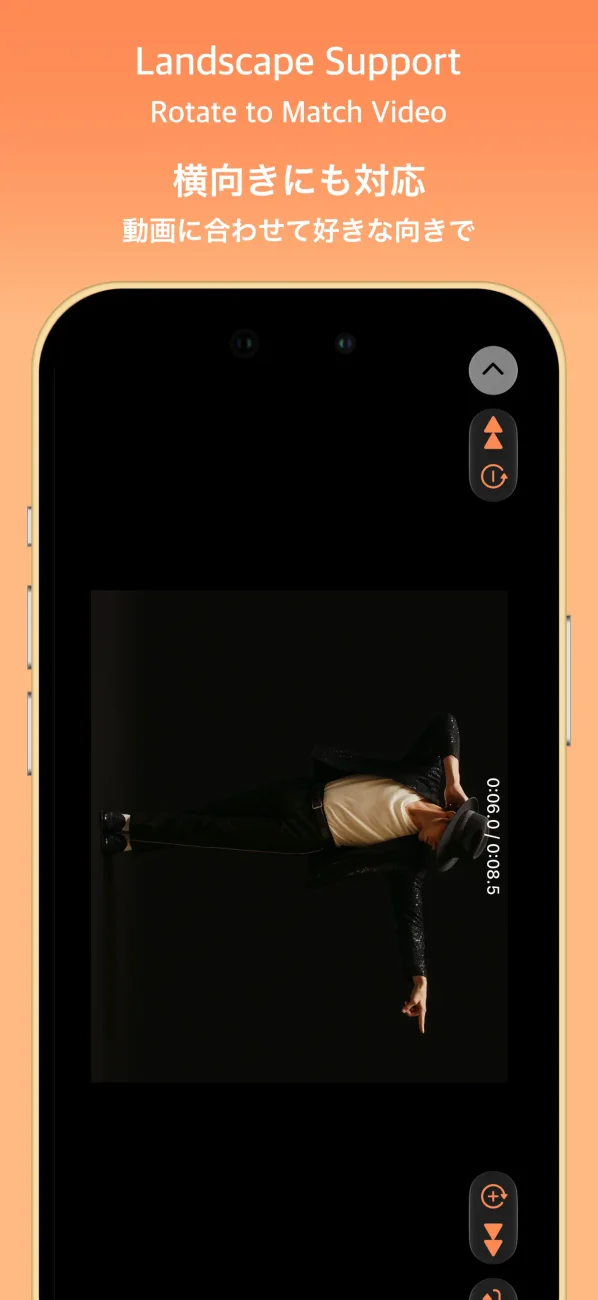
A button to switch between portrait and landscape has been added to the playback screen.
You can switch between portrait and landscape even when your device's rotation is locked.
The switched orientation is temporary, and the original orientation is restored when you close the screen.
*This button is not available on iPad or iPhone Duo.
The restriction related to screen recording has been removed.
Because screen recording was sometimes detected incorrectly, playback could be restricted even when you were only showing the screen on a TV. I apologize for the inconvenience.
- Refreshed the design of the entire app
- Added support for iPhone Duo
- Changed the supported OS to iOS 26.0 or later
- Added a button to switch between portrait and landscape on the playback screen
- Removed the "Blur Playback operation panel" setting
- Added Terms of service and Privacy policy to the menu
- Added a paste button to the URL input screen for downloads
- Removed the screen recording restriction
- Improved the export of file name transfer for the Photos app
- Removed the app list and recommended apps
- Improved the URL download process
- Improved the How to use screen
- Improved the Shooting screen
- Improved the process of registering favorites
- Internal processing improvements
- Updated libraries
Since this app is developed by just one person, it hasn’t been possible to test all scenarios thoroughly, and some issues may still remain.
If you find any problems, please contact me via "Contact Us" in the menu.
Although I haven’t been able to address all requests yet, I will continue making gradual improvements so that those who support the app through inquiries and reviews can enjoy a more comfortable experience. I also plan to continue supporting new iOS versions going forward.
Thank you for your continued support of SymPlayer.
App privacy
What Masakiyo Tachikawa declares on the App Store about how this app handles data.
-
Data used to track you
May be used to track you across apps and websites owned by other companies.
- Identifiers
- Usage data
-
Data linked to you
May be collected and linked to your identity.
- Location
- Identifiers
- Usage data
-
Data not linked to you
May be collected but is not linked to your identity.
- Usage data
- Diagnostics
- Other data
Privacy practices may vary, for example with the features you use or your age.
Information
- Seller
- Masakiyo Tachikawa
- Category
- Photo & Video
- Version
- 4.0.2
- Updated
- Nov 14, 2026
- Released
- Nov 13, 2015
- Size
- 59.4 MB
- Requires
- iOS 26.0 or later
- Age rating
- 4+
- Price
- Free
- In-app purchases
- Yes
- Languages
- English, Japanese
- Copyright
- © FABoLL
You might also like
-
 WMDPlayerPhoto & Video
-
 Video Slow Fast Speed EditorSlo motion reverse video maker
-
 Video Speed Editor - VBoosterVideo speed changer
-
 Video Editor · ·Loop effect Videos, GIF Maker
-
 Slo Mo: Make Slow Motion VideoReverse & speed changer editor
-
 Video Speed - Change & EditFast & Slow Play, Speed Editor
-
 LINE Sticker MakerMake unique stickers in a snap
-
 SpeedPro Slow speed video editMotion Movie Maker Fast Editor
-
 Video Looper - Replay VideosLoop long videos forever
-
 Speed Up Video & Slow Mo: SpidPro Video Speed Changer