Syn-Waves: Audio Editor
Record, Edit, Sing, Podcast
Designed for iPhone, iPad, iPod touch
Free · In-app purchases
- Age rating12+
- CategoryMusic
- DeveloperSYN-FX LP
- LanguagesEnglish
- Size15.8 MB
Links to the official App Store page
Download.org hosts no file of Syn-Waves: Audio Editor. The button opens its official App Store page, published by SYN-FX LP. Listing last checked on Nov 17, 2026.
Screenshots

About
Syn-Waves is a simple yet powerful mobile audio editor built for recording, arranging, mixing, and visualizing sound.
Create songs, podcasts, voiceovers, interviews, sound designs, and everyday recordings in one focused workspace. Record into a multi-track timeline, import existing audio, shape every clip, and watch your sound come alive through beautiful real-time visualizers.
Whether you’re a musician, podcaster, voice artist, filmmaker, or simply capturing an idea before it disappears, Syn-Waves helps you move from first take to finished mix wherever inspiration strikes.
FEATURES
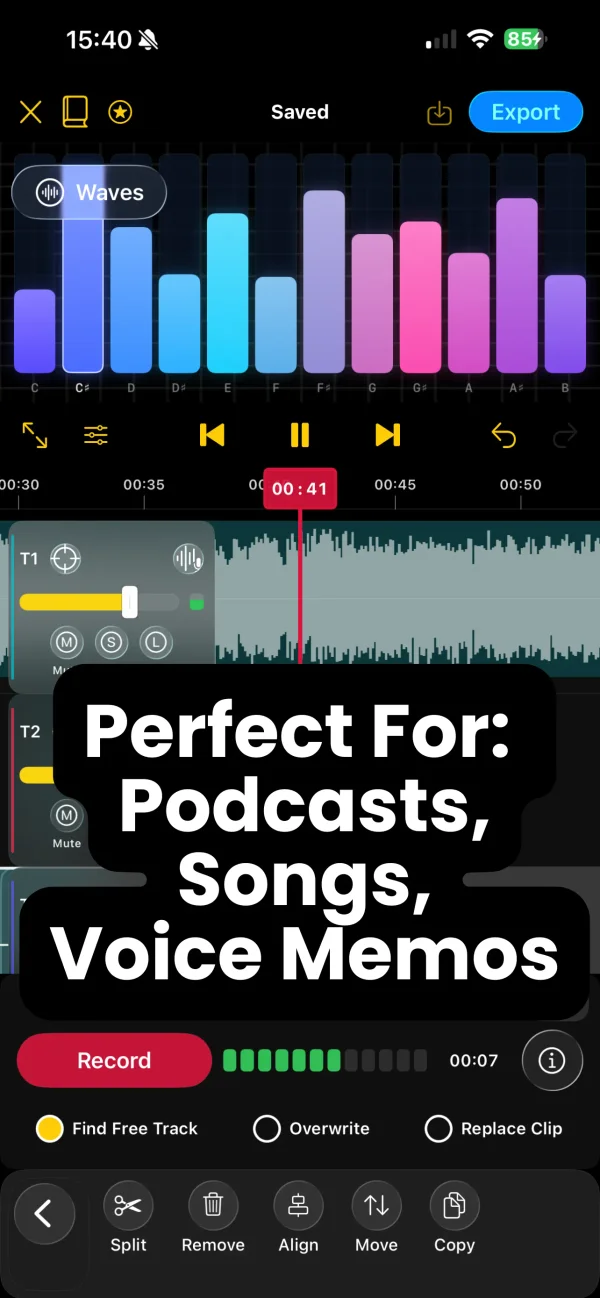
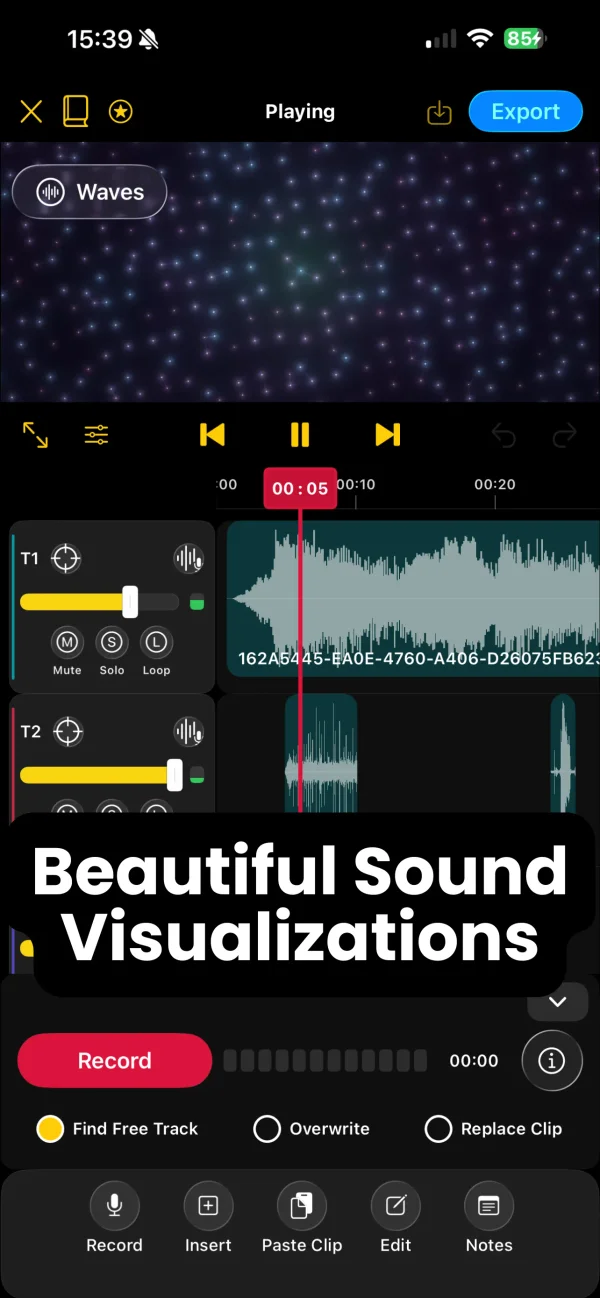
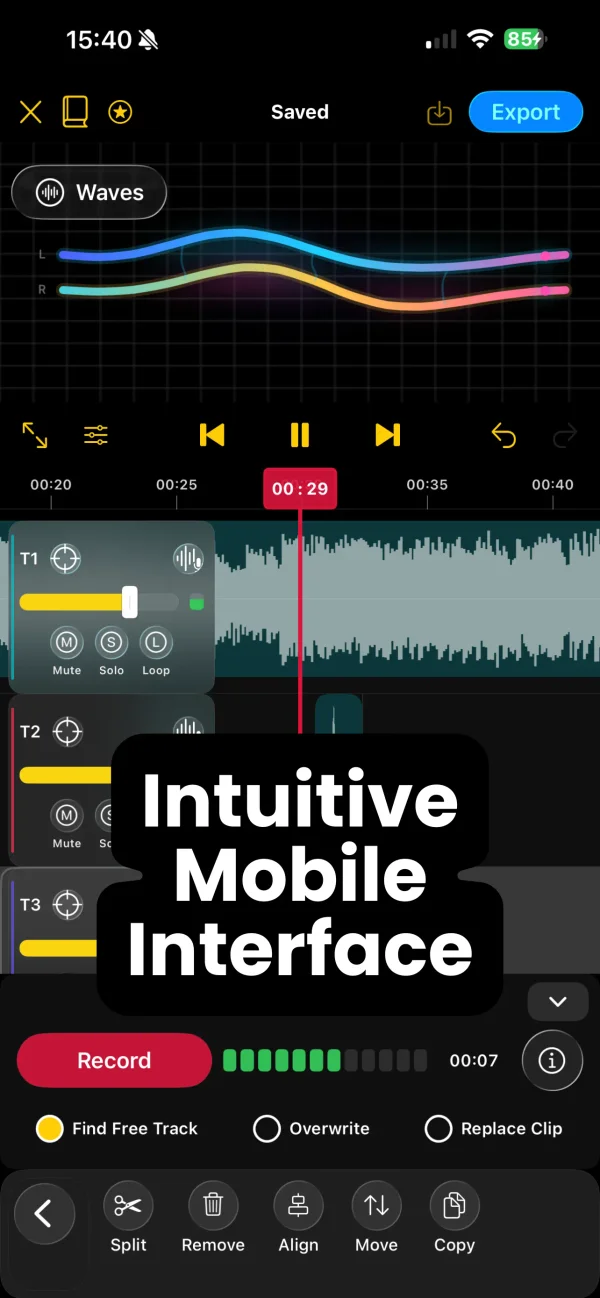
Multi-Track Audio Editing
Build detailed arrangements with a flexible waveform timeline.
• Record or import audio on multiple tracks
• Trim, split, move, copy, paste, and delete clips
• Edit with simplicity and ease
Recording Made Simple
• Start a project directly from a recording
• Record onto an existing or new track
• Replace a clip or overwrite part of an arrangement
• Follow the live waveform and input meter
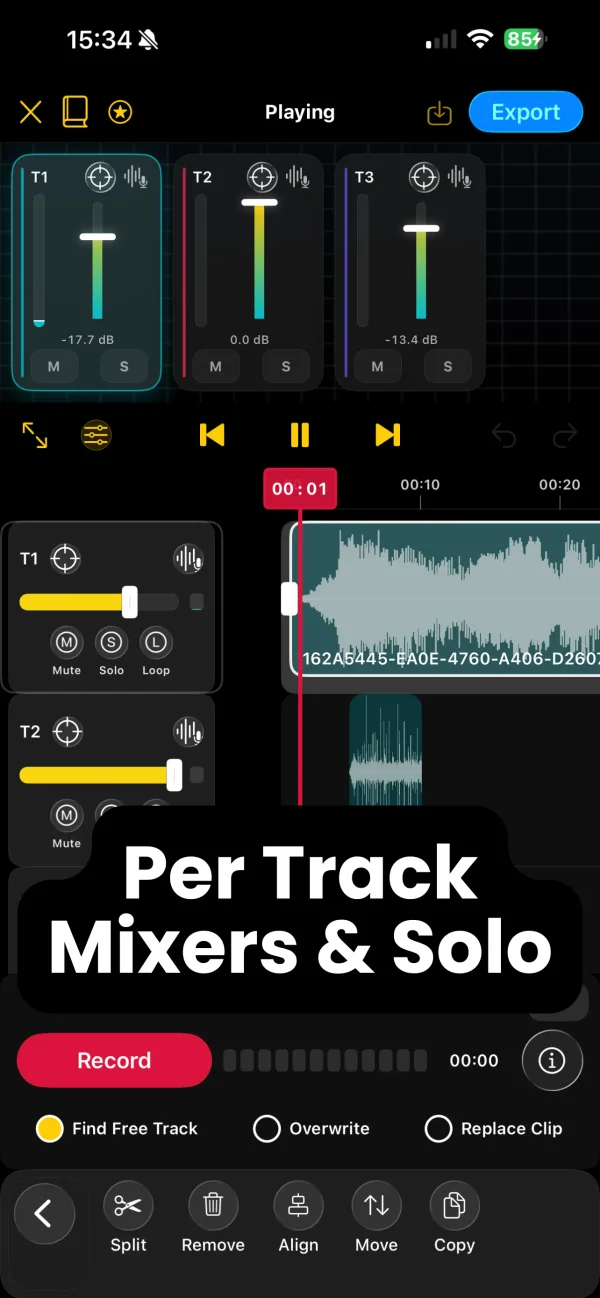
Mixing & Track Controls
• Adjust track volume easily
• Mute or solo individual tracks
• Loop individual tracks or the full arrangement
• Close timeline gaps quickly
• Preview the complete mix in real time
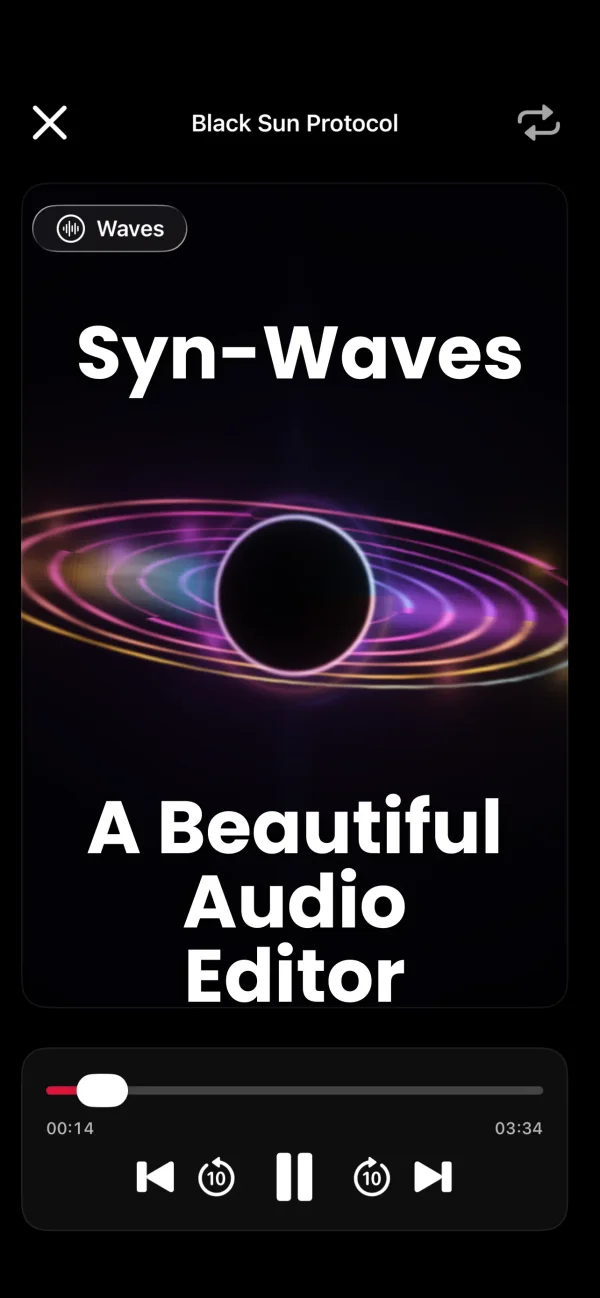
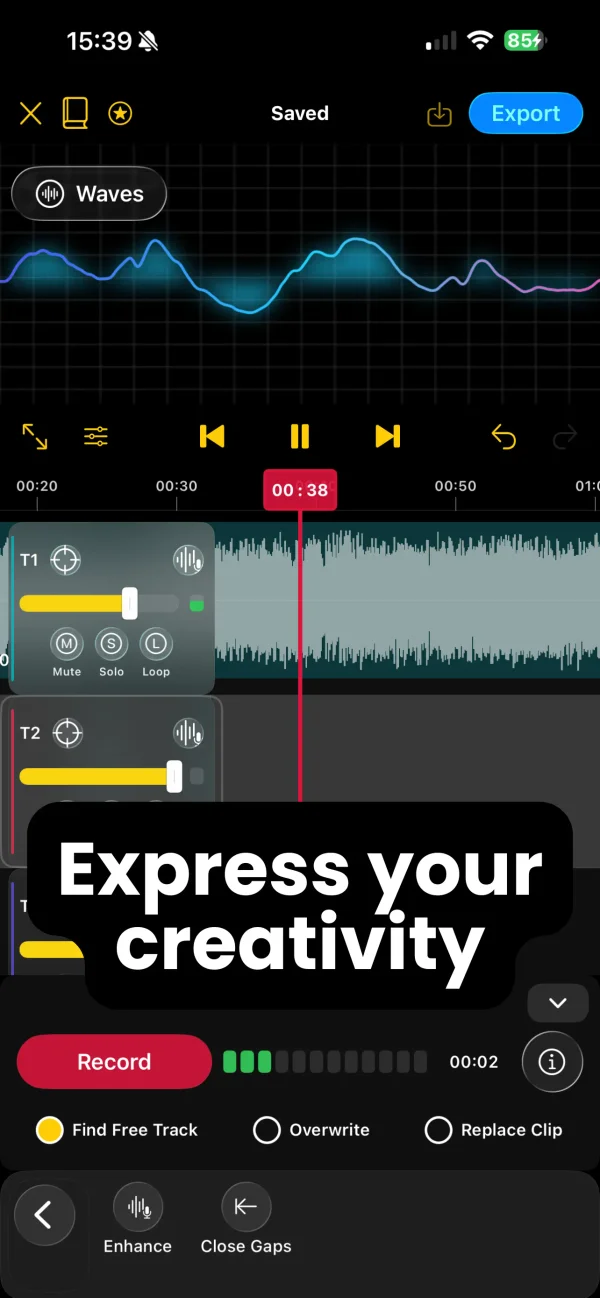
Beautiful Audio Visualizers
See your sound move through several responsive visual experiences, including Spectrogram, Aurora, Constellation, Chroma Keys, and more.
Switch visualizers while listening or open fullscreen for an immersive playback experience.
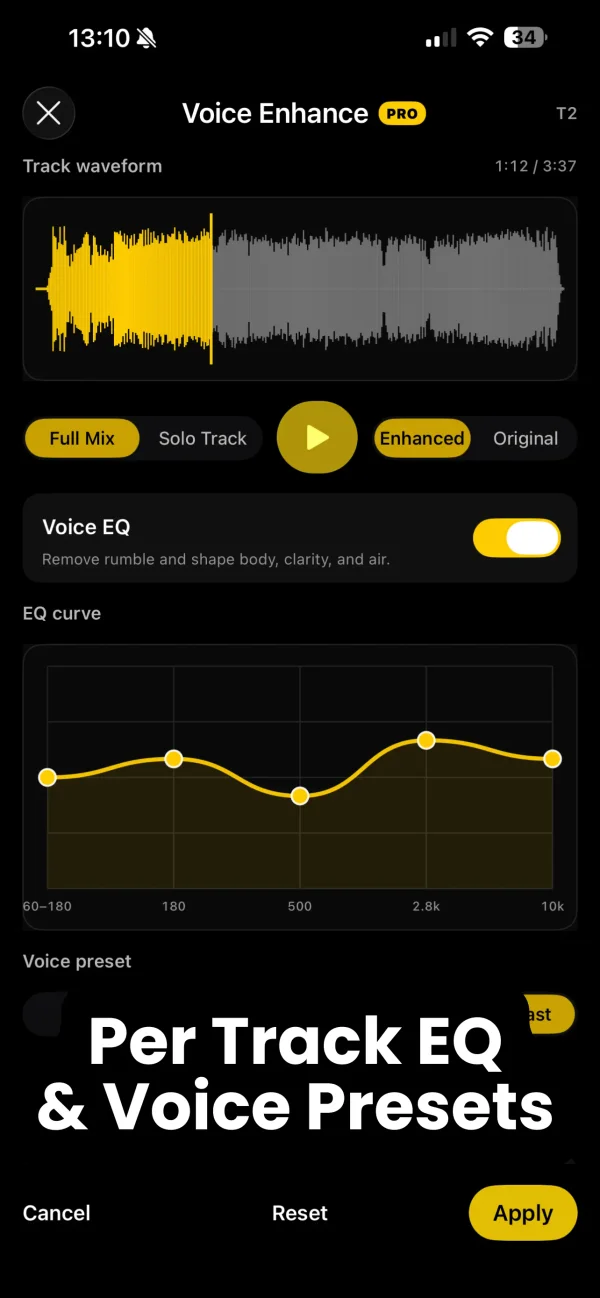
Voice Enhance
Give speech and vocals clarity, presence, and control.
• Shape tone with Voice EQ
• Remove low-frequency rumble
• Balance loud and quiet moments with compression
• Catch sudden peaks with a limiter
• Choose voice presets or fine-tune the sound
• Compare enhanced and original audio before applying
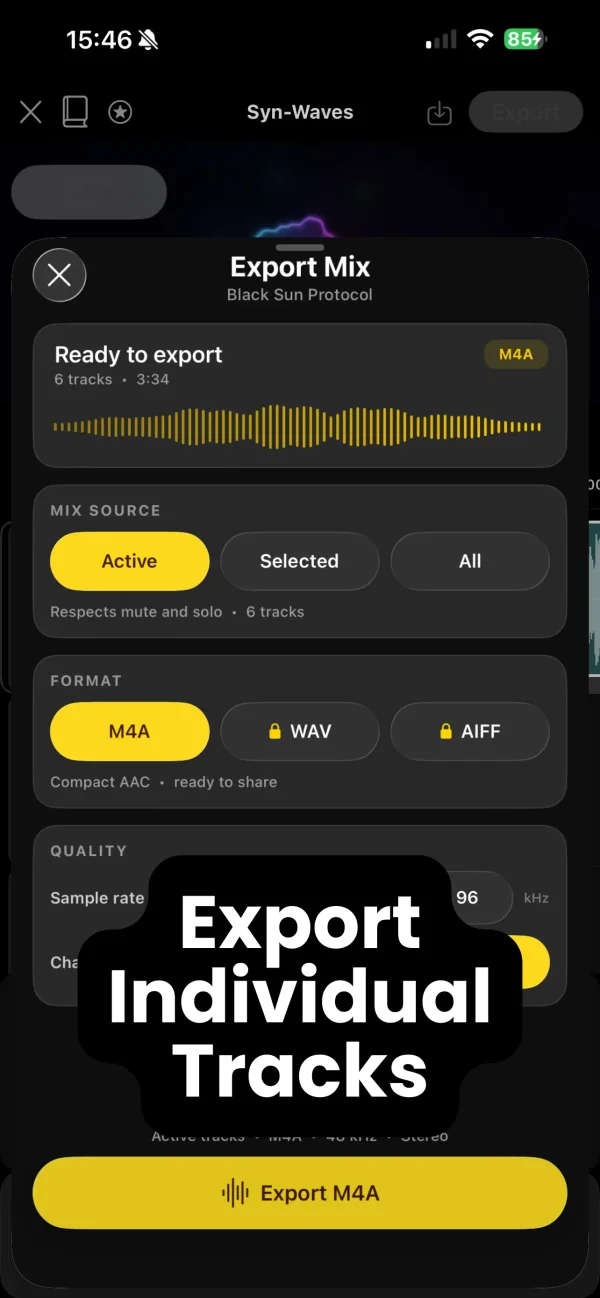
Flexible Audio Export
• Export as M4A, WAV, or AIFF
• Choose 44.1 kHz, 48 kHz, or 96 kHz
• Export in mono or stereo
• Export active tracks, a selected track, or every track
• Quickly reuse your latest export settings
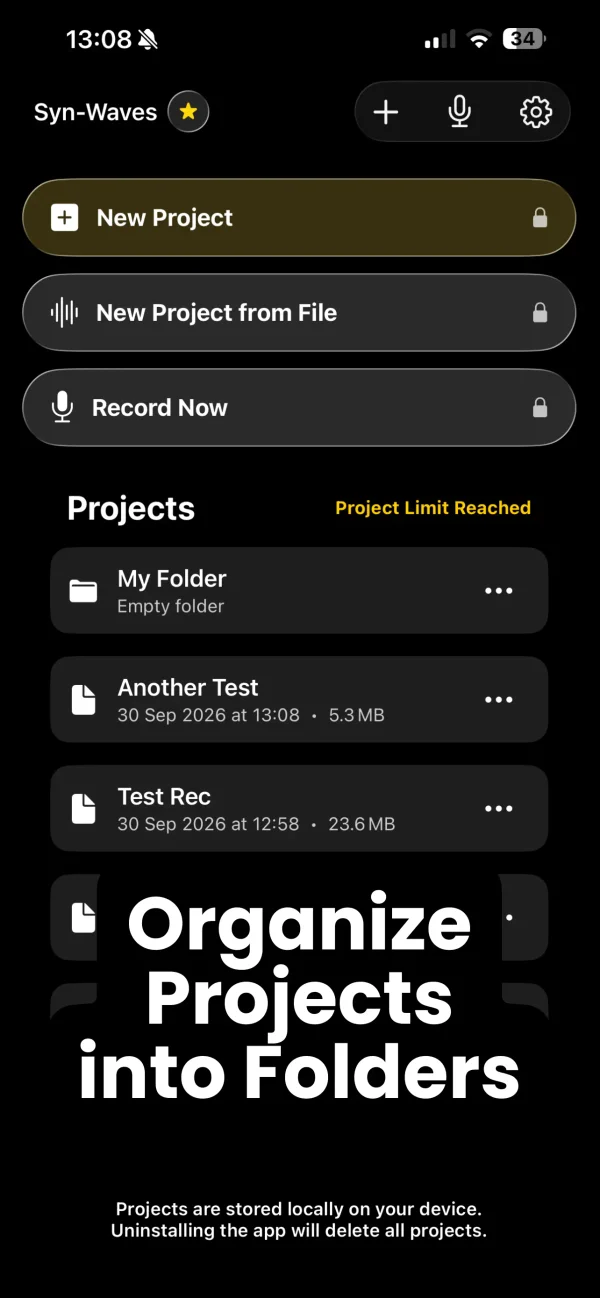
Project Organization
• Organize projects into folders
• Rename, move, and duplicate projects
• Import and export complete Syn-Waves projects
• Add notes that stay with each project
• Create a project from an audio file
Private & Ready Anywhere
Your projects and audio are stored locally on your device. Edit offline and keep creating wherever you are.
Built-In Guide
Learn recording, timeline editing, track controls, visualizers, shortcuts, saving, and export directly inside the app.
Syn-Waves is made for musicians, songwriters, podcasters, interviewers, voice artists, filmmakers, content creators, sound designers, and anyone who wants a focused mobile audio editor.
Sound has shape. Make it yours with Syn-Waves.
---
SYN-WAVES PRO — AUTO-RENEWABLE SUBSCRIPTION
Subscribe to Syn-Waves Pro to unlock unlimited audio projects, export mixes with enhanced voice processing, and receive ongoing improvements.
• Subscription options are available monthly or annually
• Payment is charged to your Apple Account at confirmation
• Your subscription renews automatically unless auto-renew is turned off at least 24 hours before the end of the current period
• Your account will be charged within 24 hours before the end of the current period if auto-renew is enabled
• You can manage your subscription and turn off auto-renew in your Apple Account settings after purchase
Terms of Use:
https://www.syn-fx.com/waves-terms
Privacy Policy:
https://www.syn-fx.com/waves-privacy
Apple EULA:
https://www.apple.com/legal/internet-services/itunes/dev/stdeula/
---
Thank you for supporting Syn-Waves.
Questions, feedback, bug reports, or feature suggestions:
support@syn-fx.com
What’s new
Version 2.0 · Nov 2, 2026
* You can now generate and edit on-device English transcripts. Requires a compatible device running iOS 26.
* Introducing Clip Notes and Bookmarks. Annotate clips and jump to important moments in your track.
* Now supporting background audio to allow you to continue recording and playback when the screen is locked.
* Added support for sharing audio clips directly to Syn-Waves for editing.
* Added support for precision editing mode and snap to grid to allow fine tuning edits.
* Several bug fixes, crash fixes, and improvements.
* We are super excited to share this update with you. If you are enjoying Syn-Waves, please leave a review to help us grow.
App privacy
What SYN-FX LP declares on the App Store about how this app handles data.
-
Data not linked to you
May be collected but is not linked to your identity.
- Purchases
Privacy practices may vary, for example with the features you use or your age.
Information
- Seller
- SYN-FX LP
- Category
- Music
- Version
- 2.0
- Updated
- Nov 2, 2026
- Released
- Sep 24, 2026
- Size
- 15.8 MB
- Requires
- iOS 15 or later
- Age rating
- 12+
- Price
- Free
- In-app purchases
- Yes
- Languages
- English
- Copyright
- © 2026 SYN-FX LP
You might also like
-
 Elan Audio LabHandcrafted Power. Pure Sound.
-
 ComponereLoop-based song arranger
-
 Sahab AudioRecord, edit & organize audio
-
 AudioSlice: Music EditorCut, Mix, Convert & Trim Audio
-
 GRETSCH ARTIST LOUNGEMusic
-
 Melodeq - AI Music CreatorCreate Songs, Express Yourself
-
 DFTM Audio ToolsMusic
-
 MASTERD - For BeatmakersCreate music from anywhere.
-
 Tonify – MP3 ConverterExtract Audio & Ringtone Maker
-
 Apogee Soft LimitMusic