
Synapp - Games & Utilities
Logic Puzzles & Daily Tools
Designed for iPhone, iPad, iPod touch
Free
- Age rating17+
- CategoryUtilities
- DeveloperBUILDEN JOINT STOCK COMPANY
- LanguagesEnglish
- Size37.1 MB
Links to the official App Store page
Download.org hosts no file of Synapp - Games & Utilities. The button opens its official App Store page, published by BUILDEN JOINT STOCK COMPANY. Listing last checked on Nov 27, 2026.
Screenshots
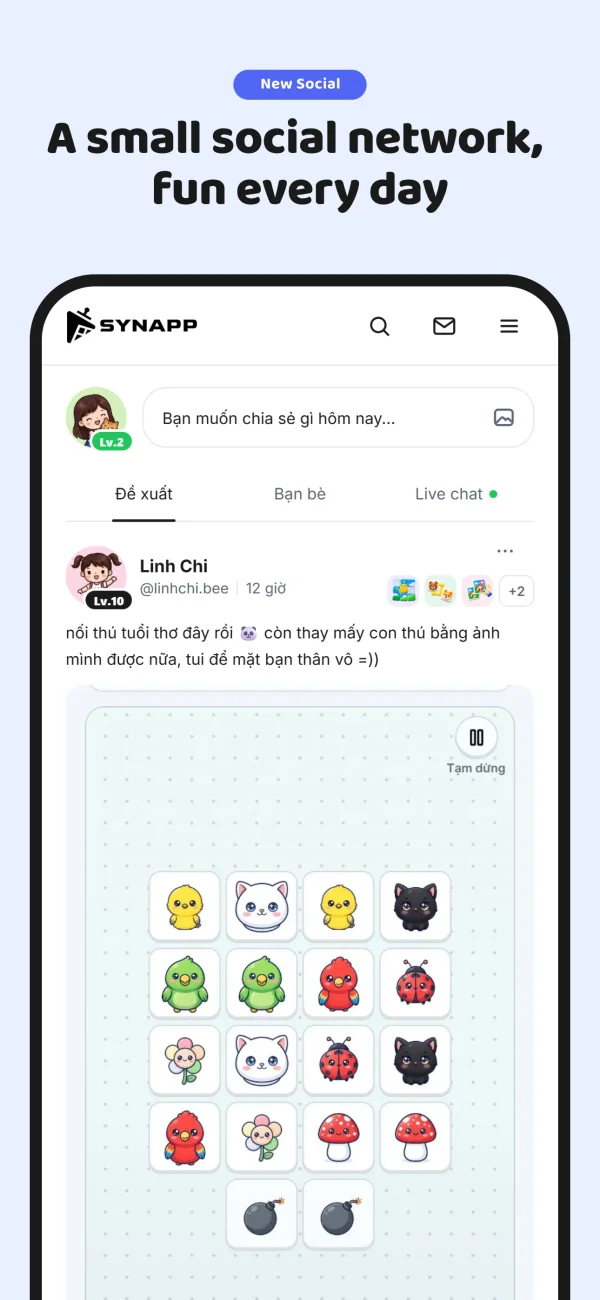
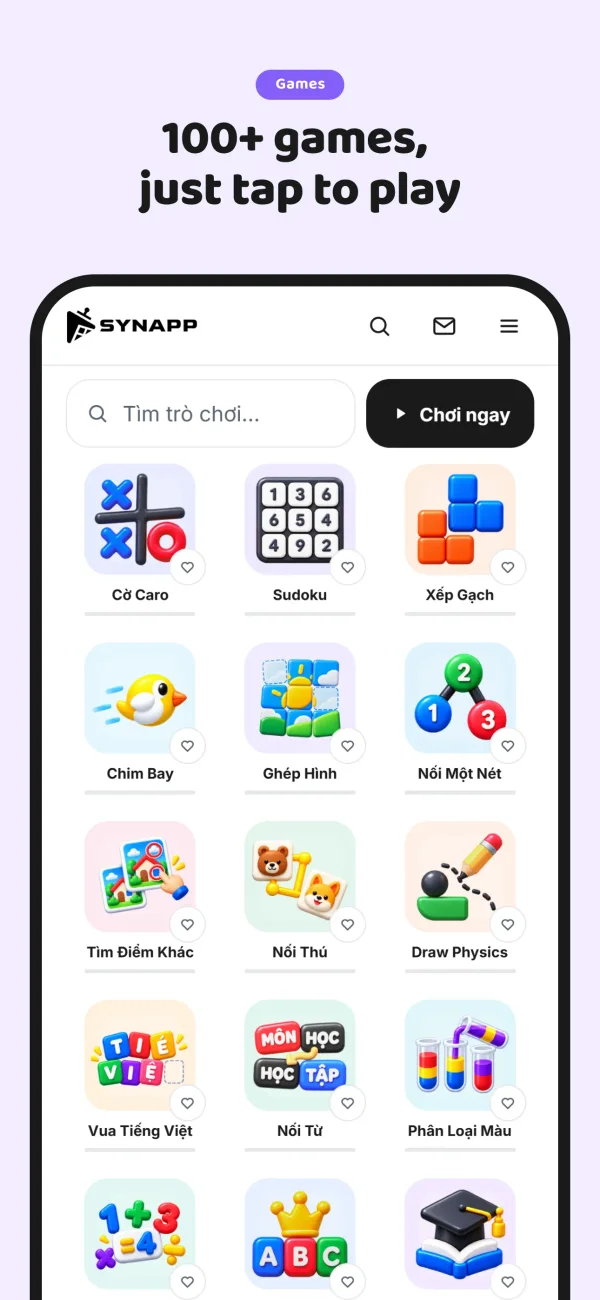
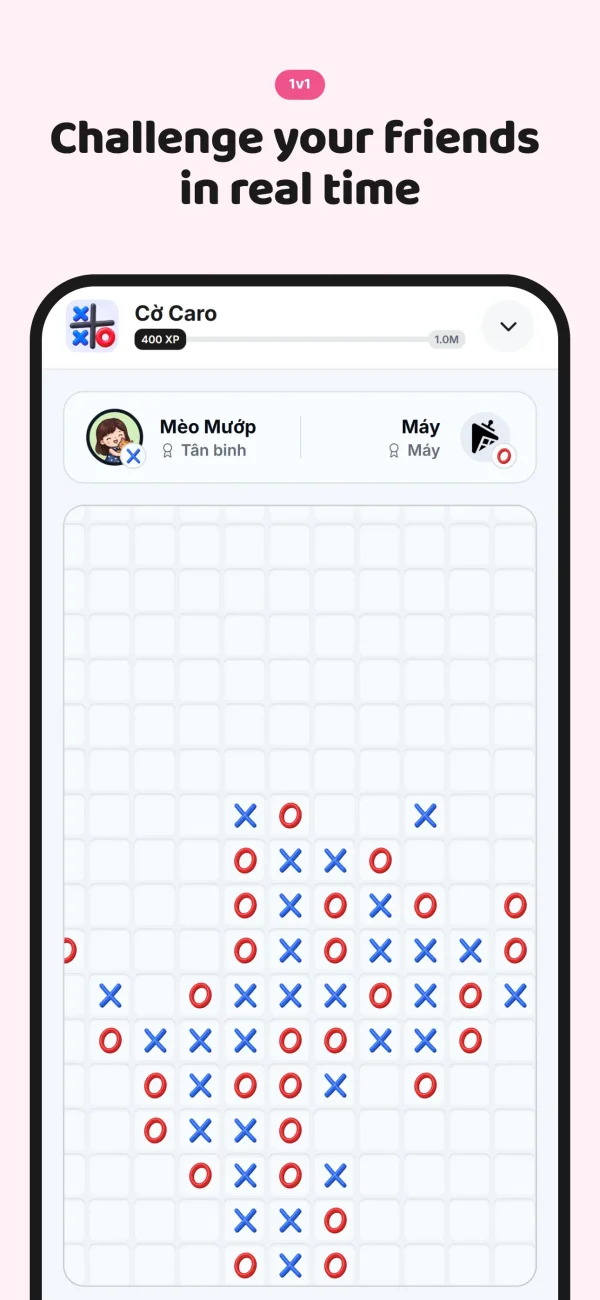
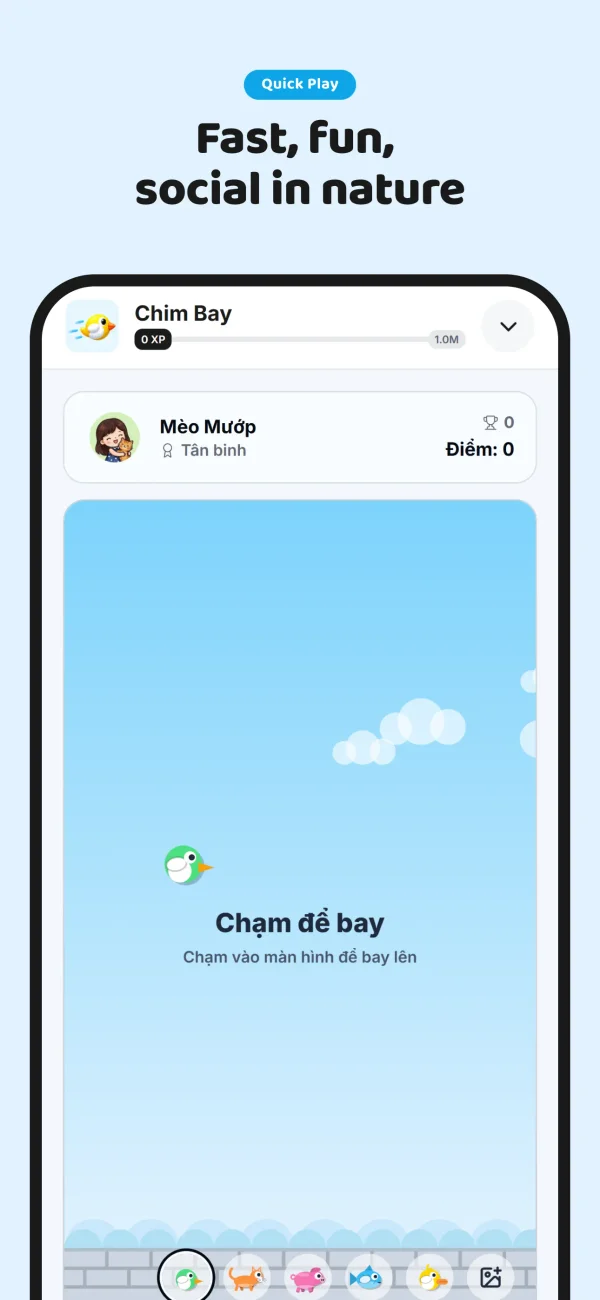




About
SYNAPP – PLAY GAMES, USE EVERYDAY TOOLS & CONNECT WITH FRIENDS
Play a game, edit a photo, manage documents, or share everyday moments with friends—all in one app. Synapp brings together a variety of games, practical tools, and social features, making it easy to do what you need without switching between multiple apps.
Whether you're looking for a fun challenge, a quick way to get something done, or people to play with, Synapp has something for you.
DISCOVER GAMES FOR EVERY INTEREST
From strategy games and logic puzzles to word challenges and quick reflex games, Synapp offers plenty of ways to play.
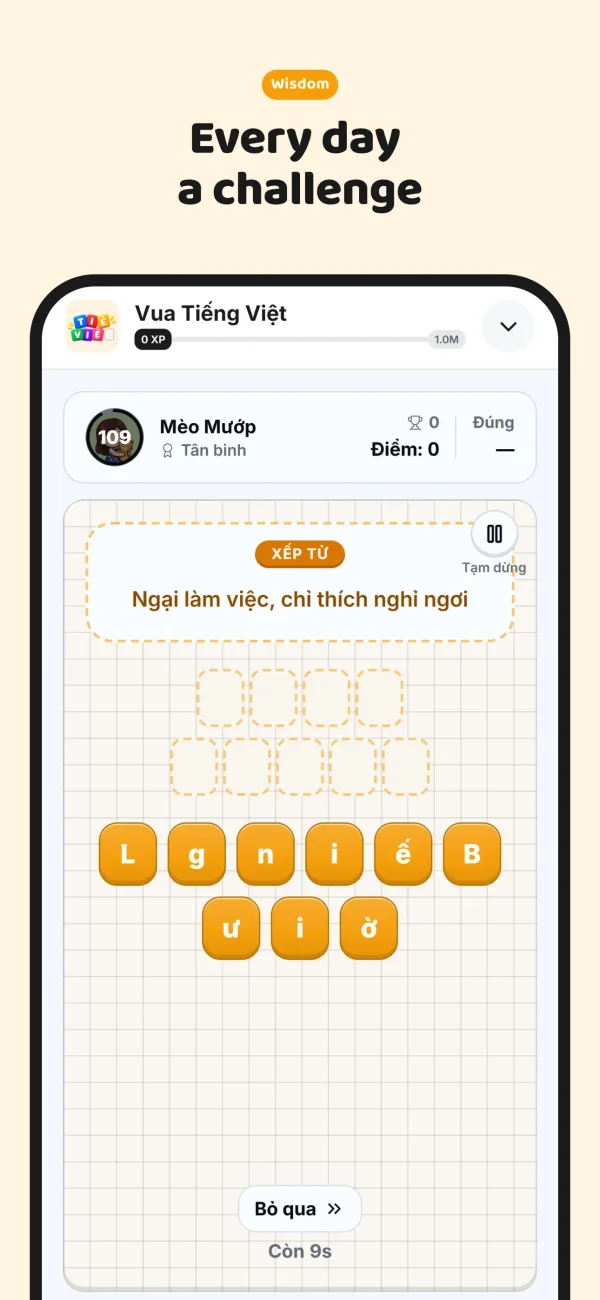
Enjoy classics like Gomoku, Chess, Chinese Chess, and Sudoku if you love strategy and problem-solving. Test your vocabulary and creativity with Word Chain, Vietnamese Word Master, and Picture Word Puzzles. You can also explore Animal Connect, Mazes, Jigsaw Puzzles, Block Puzzle, Flappy Bird-style games, and more.
Play solo to complete levels and beat your personal best, or invite friends to join supported cooperative and competitive modes. Each game offers its own rules and challenges, giving you something different to try whenever you're in the mood to play.
USEFUL TOOLS FOR WORK AND EVERYDAY LIFE
Need to edit a photo, scan a document, or take care of a quick task? Synapp puts a variety of useful tools right at your fingertips.
For photos and videos, you can remove unwanted objects, adjust brightness, enhance image clarity, create ID photos, add date and time stamps, or change video playback speed. These tools make it easier to prepare images for work, study, or sharing with friends.
When working with documents, you can scan papers into PDFs or extract text from images so you can copy and reuse it without typing everything manually.
Synapp also includes a Pomodoro timer to help organize focus and break sessions, a lunar calendar, unit converters, random number generators, and a decision wheel for those moments when you need a little help choosing.
Not every task needs a separate app. With Synapp, you can open the tool you need and get started.
SHARE MOMENTS AND CONNECT WITH THE COMMUNITY
Synapp isn't just a place to play games and use tools. It's also a space to share what matters to you.
Post updates, share photos, discover content from the community, and interact through likes, comments, and shares. Friend connections, messaging, and live chat help you stay in touch with people who share your interests.
Want to play together? Invite friends to multiplayer games, solve puzzles as a team, or compete to see who can earn the highest score. Gaming becomes another way to connect and have fun together.
ONE APP, MANY WAYS TO ENJOY IT
Start your day with a useful tool, play a few rounds when you have a break, or share a photo at the end of the day. You don't have to use every feature—just choose what fits your needs.
Synapp aims to provide free, easy-to-use games and tools without intrusive ads interrupting your experience. New features continue to be added to support more of your everyday needs.
Download Synapp to play games, use helpful tools, and connect with friends—all in one app.
What’s new
Version 1.4 · Nov 25, 2026
Offline mode – no internet needed!
• Turn on "Play offline" on the Games tab (or "Use offline" on the Tools tab) and download the games and tools you like; each one shows its size before you download it.
• With no connection, tap a downloaded game and start playing right away.
• XP and your daily streak earned offline are added as soon as you are back online.
• Jigsaw Puzzle and Spot the Difference work offline with all their pictures.
• Bug fixes and performance improvements.
App privacy
What BUILDEN JOINT STOCK COMPANY declares on the App Store about how this app handles data.
-
Data linked to you
May be collected and linked to your identity.
- Contact info
- Search history
- Identifiers
-
Data not linked to you
May be collected but is not linked to your identity.
- User content
- Identifiers
- Usage data
- Diagnostics
- Surroundings
- Other data
Privacy practices may vary, for example with the features you use or your age.
Information
- Seller
- BUILDEN JOINT STOCK COMPANY
- Category
- Utilities
- Version
- 1.4
- Updated
- Nov 25, 2026
- Released
- Nov 9, 2026
- Size
- 37.1 MB
- Requires
- iOS 15.1 or later
- Age rating
- 17+
- Price
- Free
- Languages
- English
- Copyright
- © 2026 Builden Studio
You might also like
-
 Gummi: All-in-One AI ChatbotUnlimited Q&A with Images, PDF
-
 TapBoardQuick Actions from Keyboard
-
 Friend KitFacebook Toolkit & Manager
-
 Chanso – Block Nuisance CallsBlock ranges, 10M numbers
-
 CreatorUtilsQuick tools for creators
-
 Tử Vi AI & Lịch Âm: Lịch TaUtilities
-
 RefSize Photo Dimension & SizeObject Measurement Camera
-
 VietTelex - Bàn phím TelexUtilities
-
 NadPowerful Ad-Blocker
-
 Lịch Vạn Niên Việt - Lịch 2026Utilities