
Sync Anything - syncthing app
Private P2P File & Photo Sync
Designed for iPhone
Free · In-app purchases
- Age rating4+
- CategoryUtilities
- Developer绍龙 朱
- LanguagesEnglish+ 9 more
- Size23.2 MB
Links to the official App Store page
Download.org hosts no file of Sync Anything - syncthing app. The button opens its official App Store page, published by 绍龙 朱. Listing last checked on Nov 15, 2026.
Screenshots

About
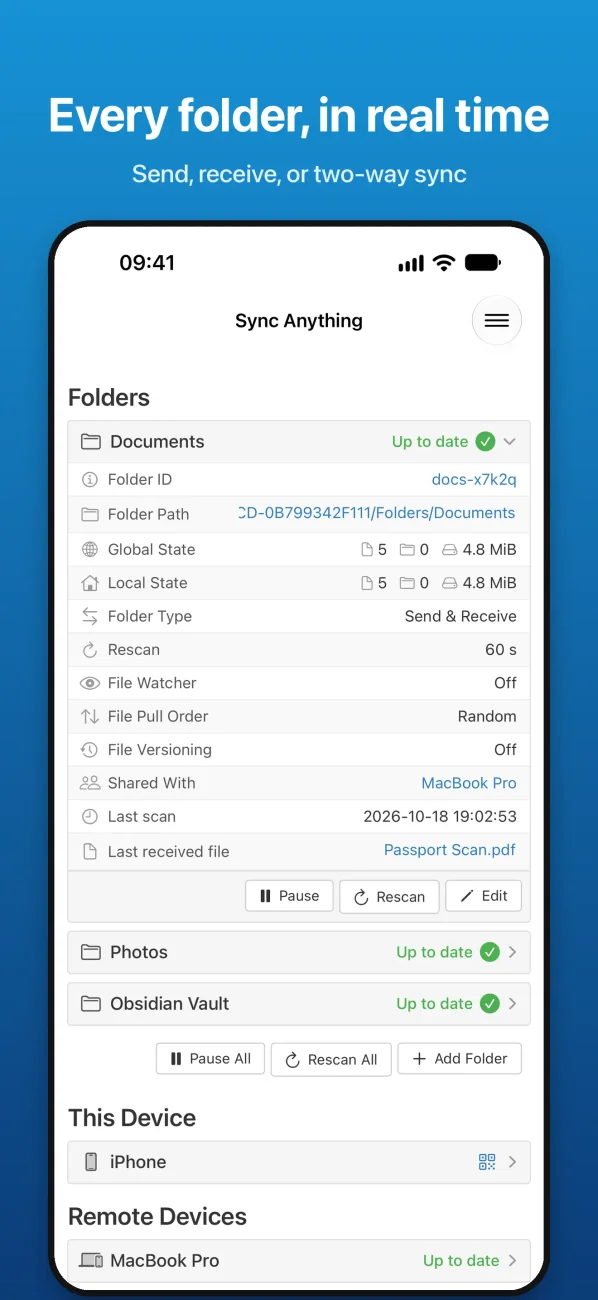
Sync Anything is a native iPhone client for Syncthing — the popular open-source, peer-to-peer file synchronization project. It speaks the standard Syncthing protocol, so your iPhone syncs directly with any Mac, PC, Linux box or NAS already running Syncthing.
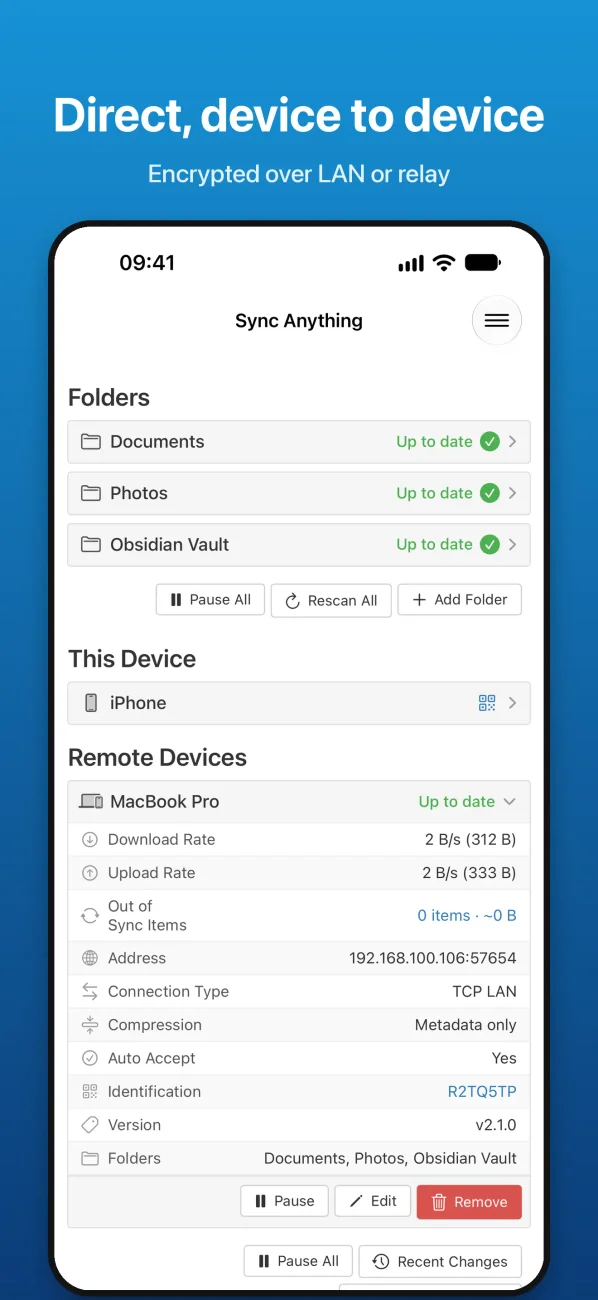
No cloud sits in the middle. Your data never touches our servers — because there are no servers. Files move directly between your own devices, encrypted in transit.
WHY YOU'LL LIKE IT
• Fully Syncthing-compatible: standard protocol, local discovery, relays and TLS device authentication.
• No cloud. Files go straight from device to device, over your LAN or through relays.
• No subscription. One-time purchase, yours forever.
• No account. Nothing to sign up for.
WHAT YOU CAN SYNC
• Folders of documents, PDFs, notes and files of any kind — including Obsidian vaults.
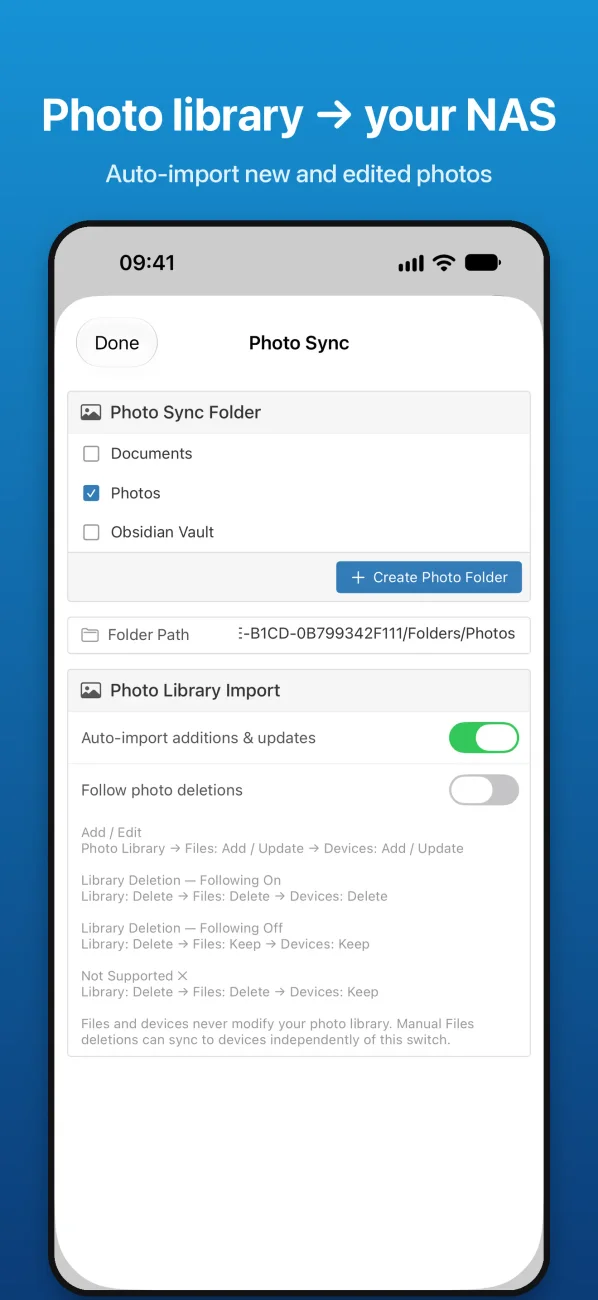
• Your photo library: automatically import new and edited photos and videos into a dedicated folder and send them to your NAS or computer. Optionally mirror deletions too.
• Synced folders appear in the Files app, ready to open in your other apps.
SIMPLE BY DESIGN
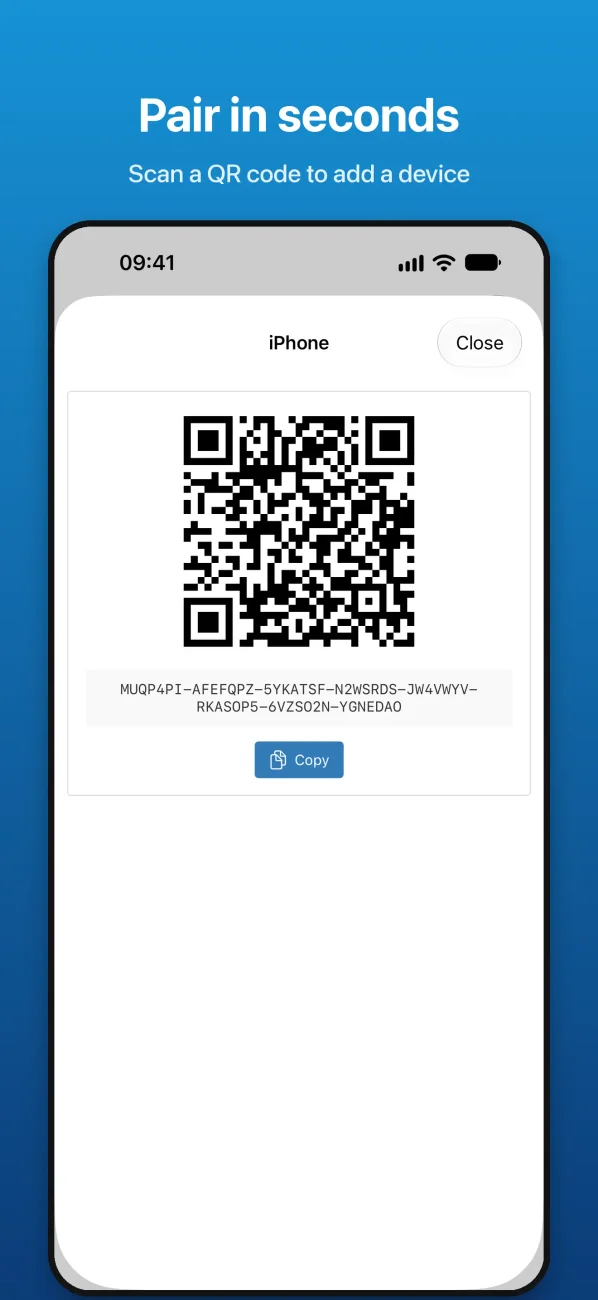
• Pair a device by scanning a QR code.
• Choose send-only, receive-only or two-way sync per folder.
• See real-time status: connection, progress and what's out of sync.
• Sensible defaults — no fiddly configuration.
HONEST ABOUT iOS
iOS doesn't allow true always-on background apps. Sync runs while the app is open, plus opportunistic background syncs when the system allows. We tell you this up front instead of pretending otherwise.
PRICING
Start with a 7-day free trial of everything. Afterwards, 1 regular folder and 1 device keep syncing for free, forever (photo library import requires the unlock). A single one-time purchase removes the limits — no subscription, ever. Family Sharing supported.
Your files stay yours. On your devices. Nowhere else.
What’s new
Version 1.0.17 · Oct 28, 2026
• Support and privacy policy links now point to our new website, syncthing.app.
• Minor improvements.
App privacy
What 绍龙 朱 declares on the App Store about how this app handles data.
-
Data not collected
The developer does not collect any data from this app.
Privacy practices may vary, for example with the features you use or your age.
Information
- Seller
- 绍龙 朱
- Category
- Utilities
- Version
- 1.0.17
- Updated
- Oct 28, 2026
- Released
- Jun 16, 2026
- Size
- 23.2 MB
- Requires
- iOS 16.0 or later
- Age rating
- 4+
- Price
- Free
- In-app purchases
- Yes
- Languages
- English, Arabic, French, German, Indonesian, Simplified Chinese, Spanish, Thai, Traditional Chinese, Vietnamese
- Copyright
- © ZhangShuai 2026
You might also like
-
 SyncUp-ClientA Syncthing Client
-
 Zima ClientNAS & Private Cloud
-
 Sill – Mac StreamingRemote Mac window management
-
 Seafile ProUtilities
-
 HelmarrOne app to rule them all
-
 NetBird P2P VPNZero configuration VPN
-
 Liquid ApolloFast, private, and reliable AI
-
 Remote Desktop ManagerRemote Connection Management
-
 Ente Auth - 2FA AuthenticatorSecure sync across devices
-
 RustDesk Remote DesktopRemote access and control