
Sync: File Backup & Cloud Sync
Backup, restore & share files
Designed for iPhone, iPad, iPod touch
Free · In-app purchases
- Age rating17+
- CategoryProductivity
- DeveloperMiciniti Technologies
- LanguagesEnglish+ 26 more
- Size17.9 MB
Links to the official App Store page
Download.org hosts no file of Sync: File Backup & Cloud Sync. The button opens its official App Store page, published by Miciniti Technologies. Listing last checked on Nov 20, 2026.
Screenshots

About
Keep a safe copy of everything that matters.
Sync is the multi-cloud backup app that backs up, restores, and syncs your files across your iPhone/iPad, USB and external drives, and 5 major cloud services — so whatever happens, you have a copy and a way to get it back.
5 sync modes | 5 cloud services | 4 platforms
PROTECT WHAT MATTERS
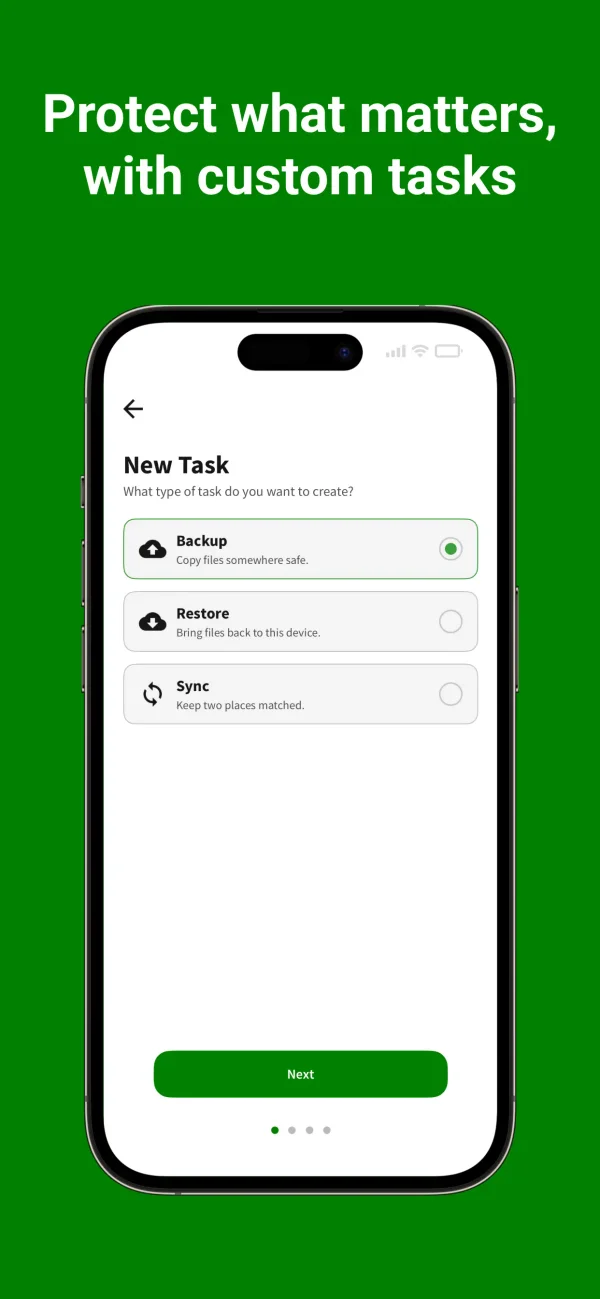
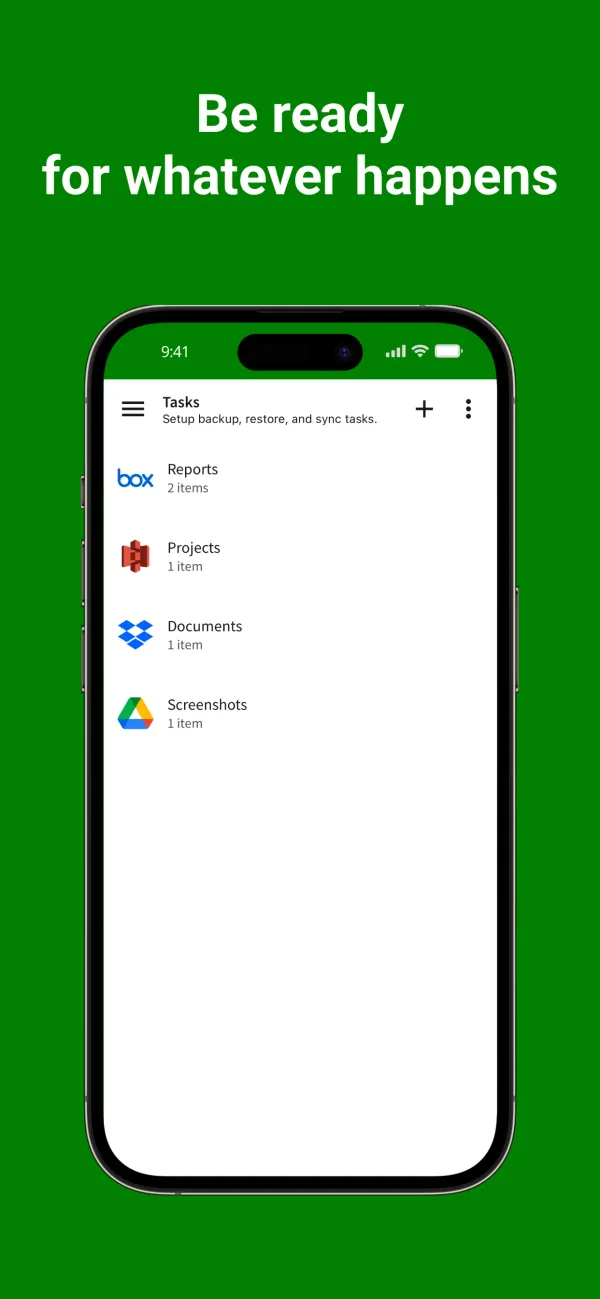
Set up a backup task once — choose what to protect and where it goes — then run it whenever you want. You decide what's backed up, and nothing moves your files in the background.
EVERY CLOUD YOU USE
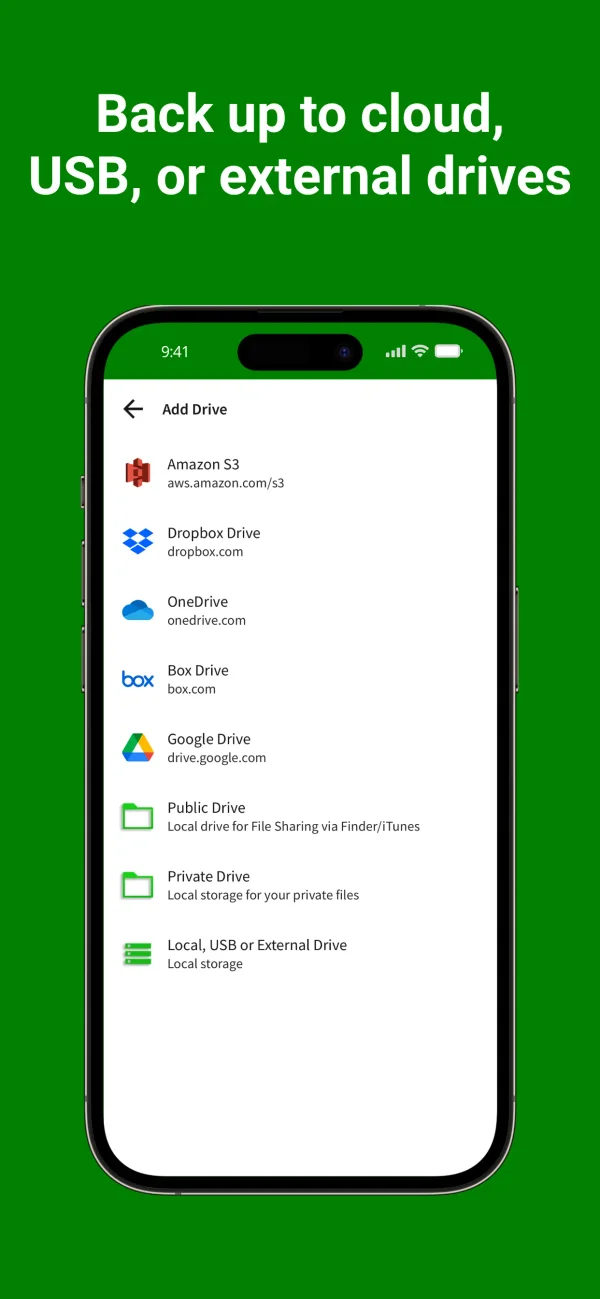
Back up and sync your OneDrive, Google Drive, Dropbox, and more — connect as many as you need, all in one app instead of juggling five separate apps:
• OneDrive
• Google Drive
• Dropbox
• Box
• Amazon S3
BACK UP BEYOND THE CLOUD
Back up and sync straight to USB and external drives too, so you're covered even without an internet connection. Or keep files right on your device: Private Drive is secure in-app storage just for Sync, and Public Drive shares files with your other apps through Finder/Files.
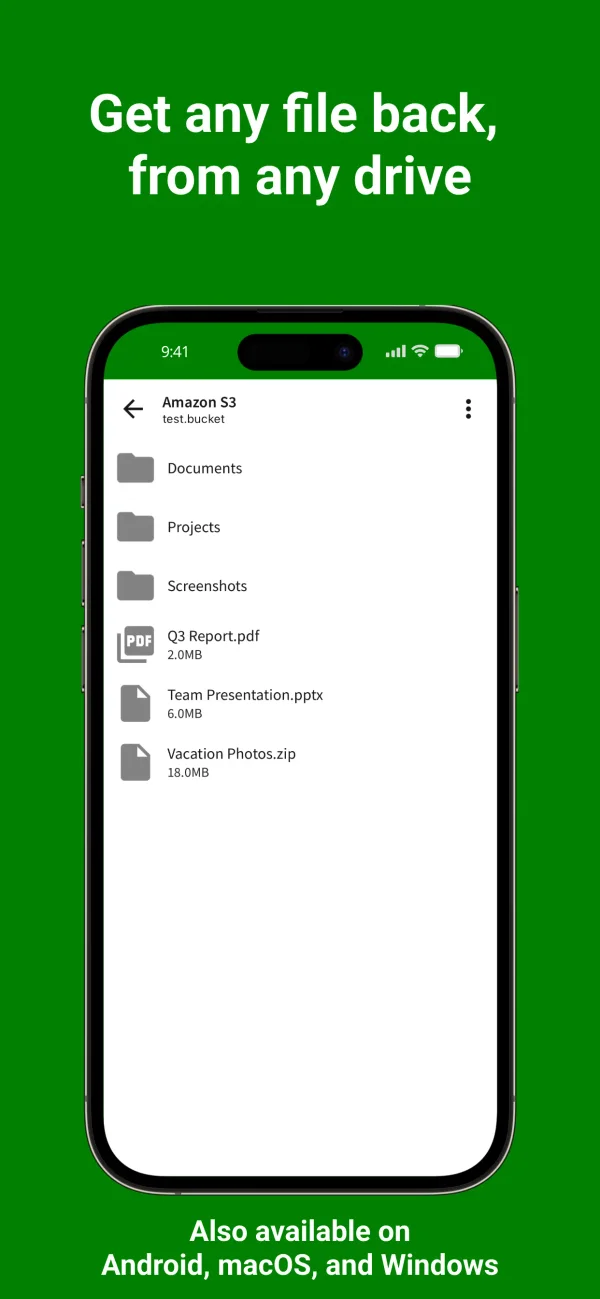
GET ANY FILE BACK
Browse every file across every connected drive from one place, and pull back anything you need — no separate file manager required.
CONTROL HOW YOUR FILES FLOW
Five modes give you exact control over your file backup and cloud sync — not one-size-fits-all:
• Full Sync
• Backup
• Restore
• Backup Sync
• Restore Sync
The three sync modes — Full Sync, Backup Sync, and Restore Sync — only transfer changed files, so repeat runs stay fast.
SHARE FILES OVER WI-FI
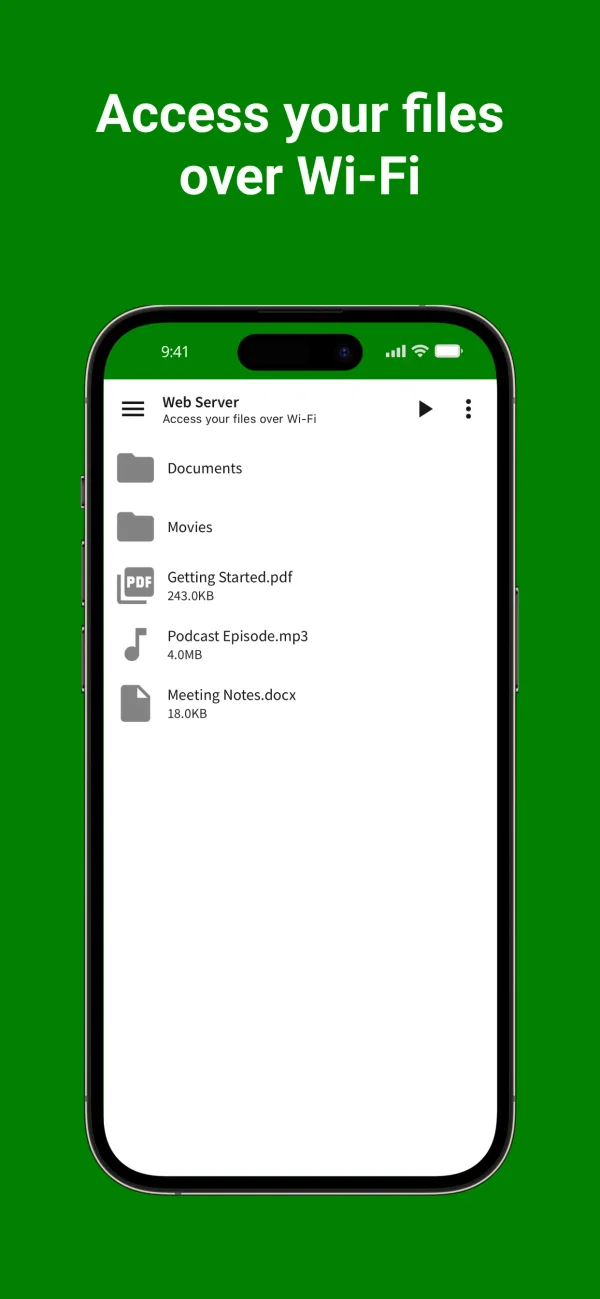
Turn your device into a local web server: anyone on the same Wi-Fi can browse and download the files and folders you choose, straight from their browser. No cloud upload, no cables.
READY ON EVERY DEVICE
Also available for Android, macOS, and Windows — so you can back up from whatever device you're on.
FREE TO START
Connect one drive and try Sync at no cost (ad-supported, with usage limits).
GO PREMIUM
One upgrade unlocks every cloud service, USB and external drive support, and removes ads — as a subscription or a one-time lifetime purchase.
Whatever happens — a new device, a bigger drive, or a file you need back — your files are ready.
Download Sync and keep a copy of everything that matters.
For additional help and guides, please visit
https://sync.miciniti.com/help
Terms of Use:
https://www.apple.com/legal/internet-services/itunes/dev/stdeula/
What’s new
Version 1.0.16 · Sep 10, 2026
New, easier onboarding
Redesigned task creation flow
Added support for new languages
Bug fixes and improvements
App privacy
What Miciniti Technologies declares on the App Store about how this app handles data.
-
Data used to track you
May be used to track you across apps and websites owned by other companies.
- Identifiers
-
Data not linked to you
May be collected but is not linked to your identity.
- Identifiers
- Diagnostics
Privacy practices may vary, for example with the features you use or your age.
Information
- Seller
- Miciniti Technologies Limited
- Category
- Productivity
- Version
- 1.0.16
- Updated
- Sep 10, 2026
- Released
- Aug 23, 2019
- Size
- 17.9 MB
- Requires
- iOS 15.6 or later
- Age rating
- 17+
- Price
- Free
- In-app purchases
- Yes
- Languages
- English, Czech, Danish, Dutch, Finnish, French, German, Greek, Hungarian, Indonesian, Italian, Japanese + 15 more
- Copyright
- © 2026 Miciniti Technologies Limited
You might also like
-
 Sync with Google DriveBackup photos to Google Drive
-
 G Cloud BackupProductivity
-
 FileCentral for iPhoneSimple file & cloud management
-
 Sync with OneDriveBackup photos to OneDrive
-
 TotalSync - sync without cloudNo cloud, any file, any device
-
 DriveHQ File ManagerCloud Storage, FTP, WebDAV
-
 FileLu - Cloud Storage BackupLarge File Transfer & Upload
-
 MetaFixerSave with correct metadata
-
 Sync2 Outlook Google & iCloudSync Calendar, Gmail, Contacts
-
 IBackupProductivity