SyncDrop: Clean & Backup
Fast Transfer to Mac, PC, NAS
Designed for iPhone
Free · In-app purchases
- Age rating4+
- CategoryPhoto & Video
- Developer子昂 陈
- LanguagesEnglish+ 13 more
- Size52.8 MB
Links to the official App Store page
Download.org hosts no file of SyncDrop: Clean & Backup. The button opens its official App Store page, published by 子昂 陈. Listing last checked on Nov 27, 2026.
Screenshots
About
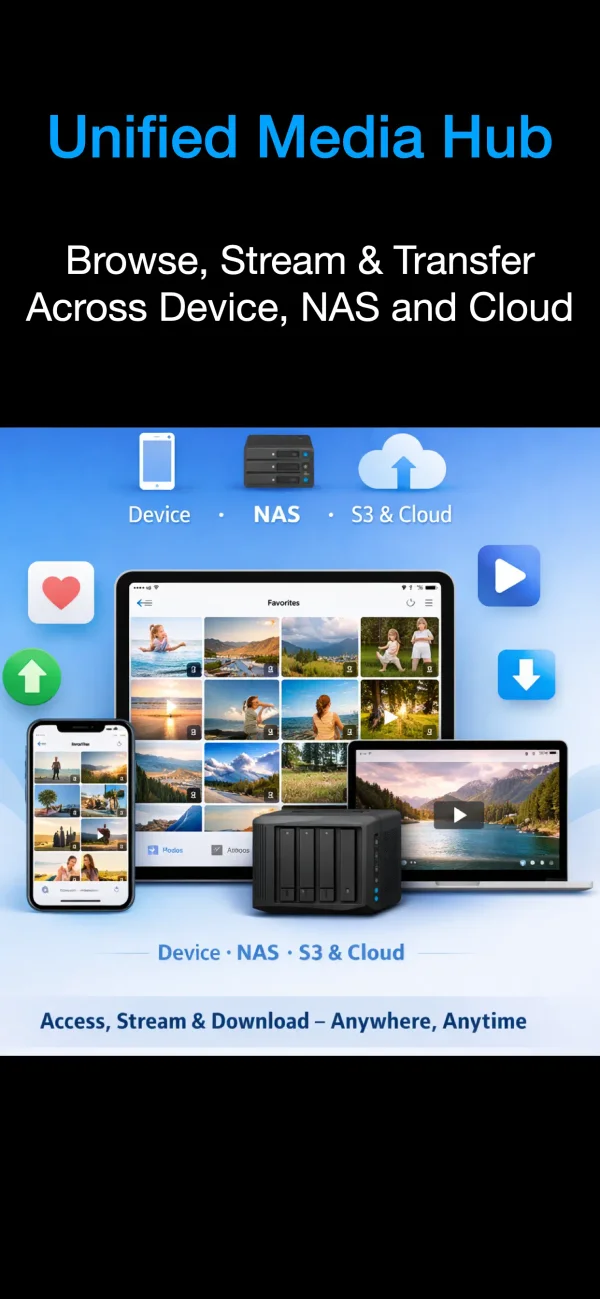
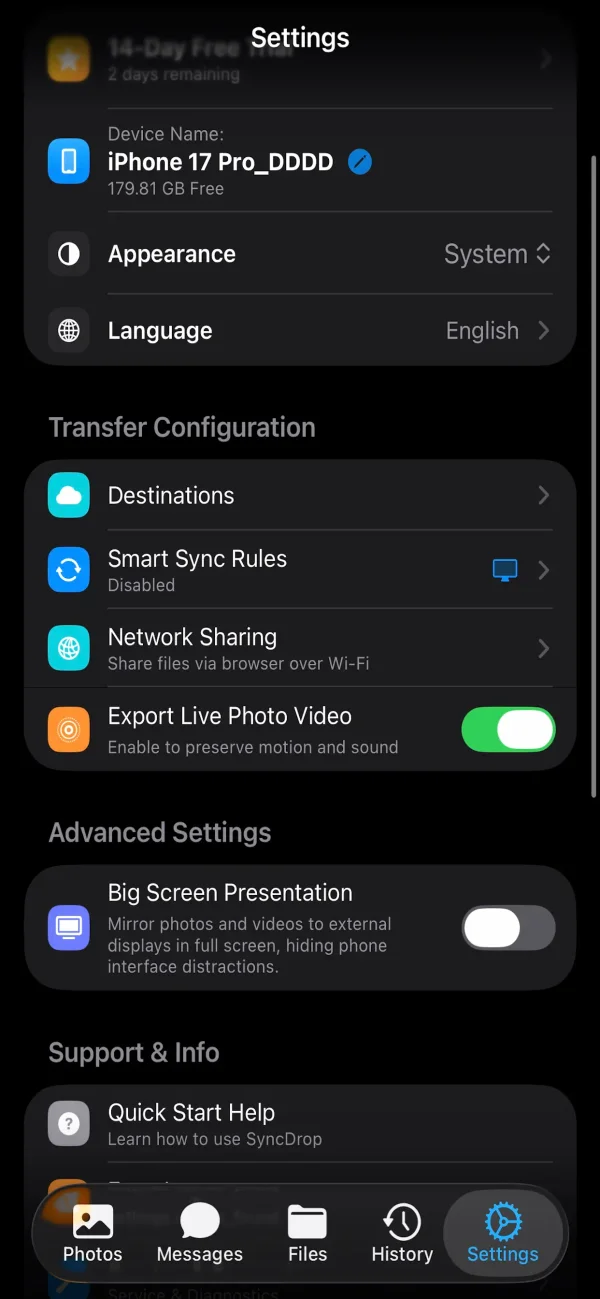
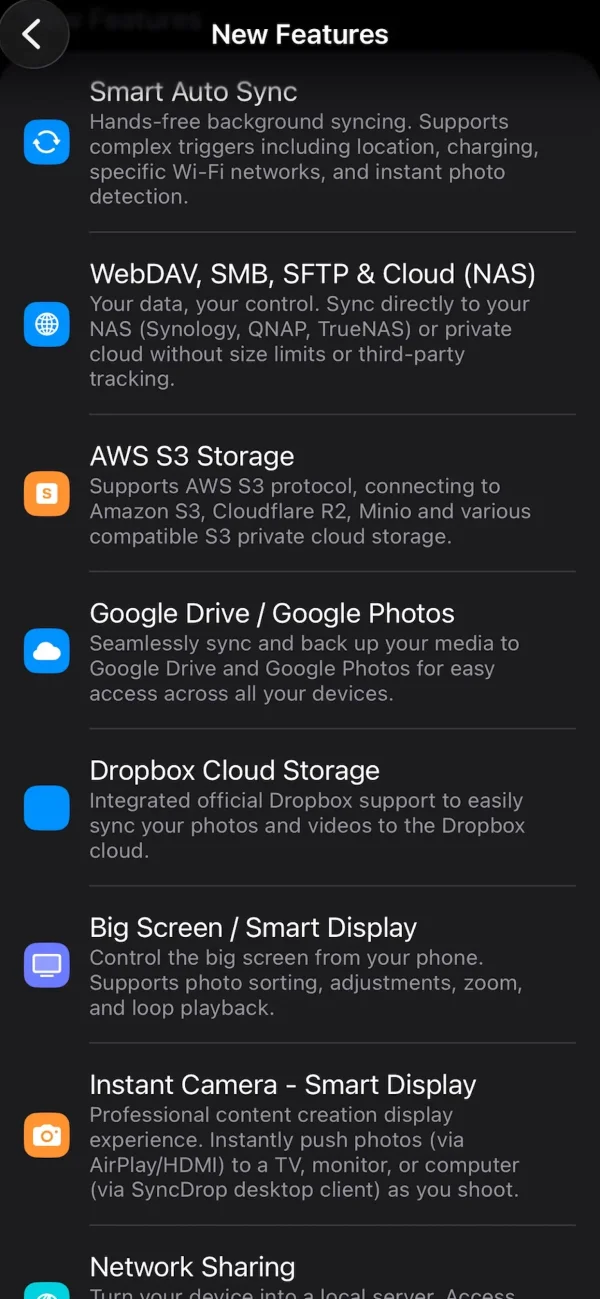
SyncDrop is an all-in-one productivity tool designed to break the boundaries between your devices. Whether you’re syncing clipboards, transferring files, or backing up photos to your private cloud, SyncDrop provides a fast, secure, and seamless experience.
Main Features:
Universal Sync & Transfer
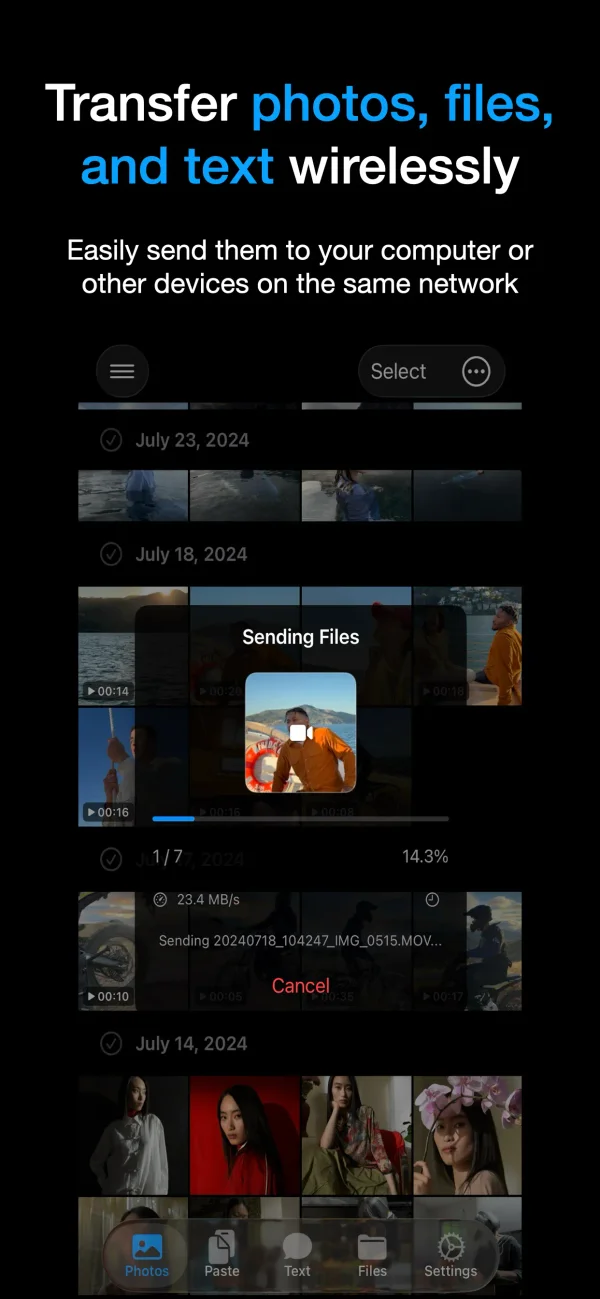
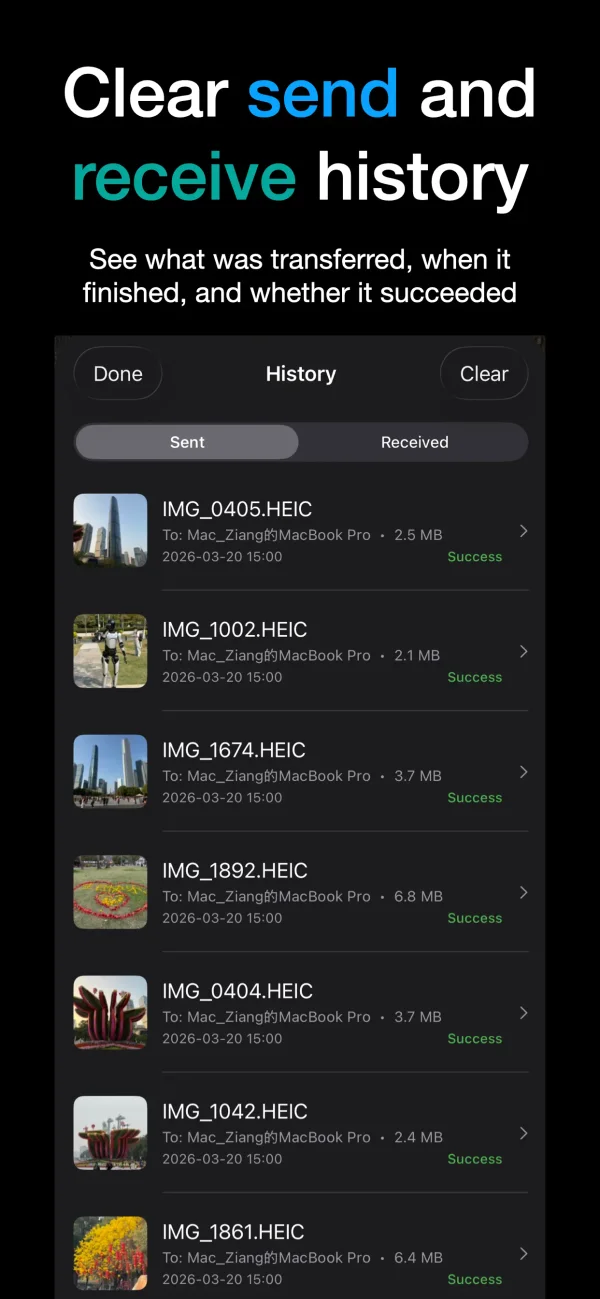
* Any File, Any Size: Move files fast between mobile, PC, and NAS with zero compression.
* Cross-Platform Clipboard: Copy on one device, paste on another. Sync links and text instantly.
* Instant Messaging: Send text messages and notes directly between your own devices without relying on chat apps.
The Pro Choice for Photographers
* Studio Mode: Capture on mobile, preview on your Mac/PC in full screen instantly.
* Deep Metadata: Professional EXIF viewer with full support for focal length (and 35mm equivalent).
Automated Backup & Private Cloud
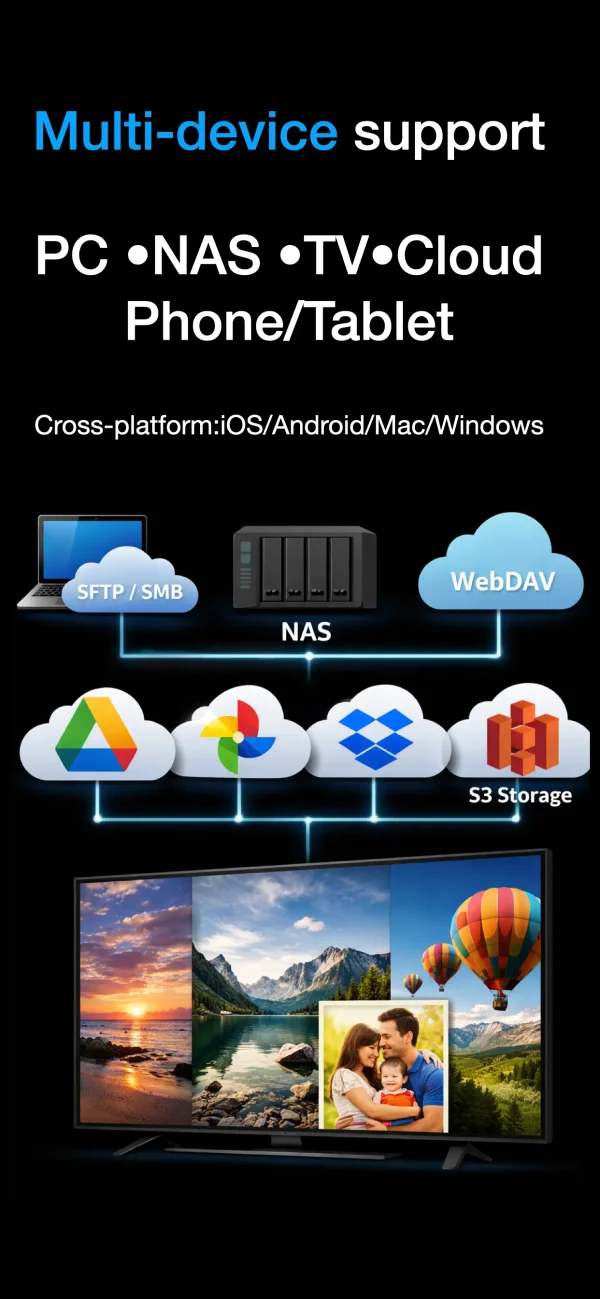
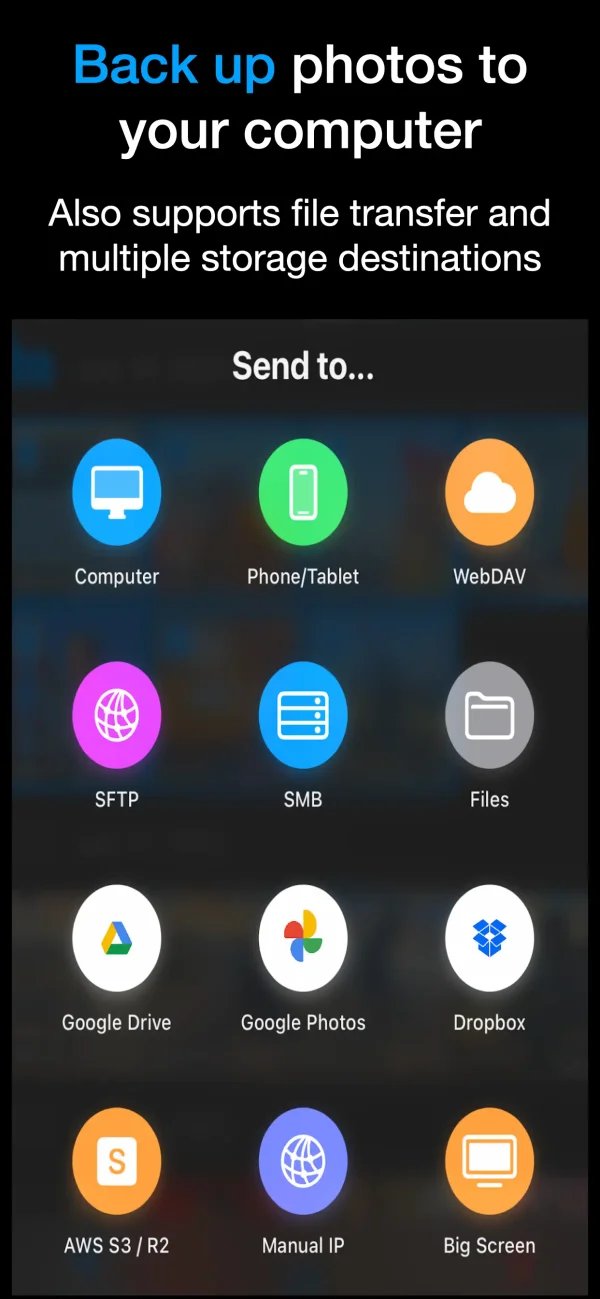
* Cloud & NAS Support: Seamless sync with Google Drive, Google Photos, WebDAV, and private NAS.
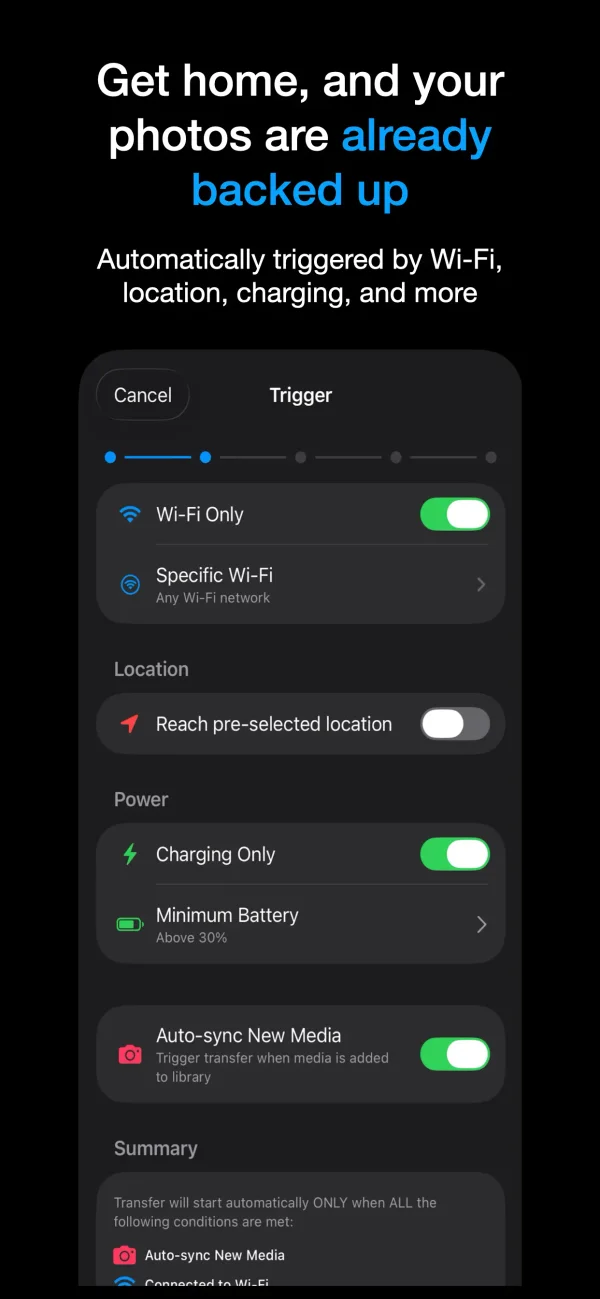
* Smart Rules: Backup only when charging or on trusted Wi-Fi. It’s automation that respects your battery.
Speed & Security
* Ultra-Fast P2P: Direct connection technology. High-speed transfer even without an internet connection.
* TLS 1.3 Encryption: Secure peer-to-peer transfers. Your data never touches a central server.
* No Account Required: Quick pairing via QR code. Protect your privacy from day one.
Common Scenarios:
* Productivity: Copy a link on your phone and paste it directly into your PC browser.
* Traveling: No signal? No problem. Use Hotspot Mode to share high-res travel videos with peers.
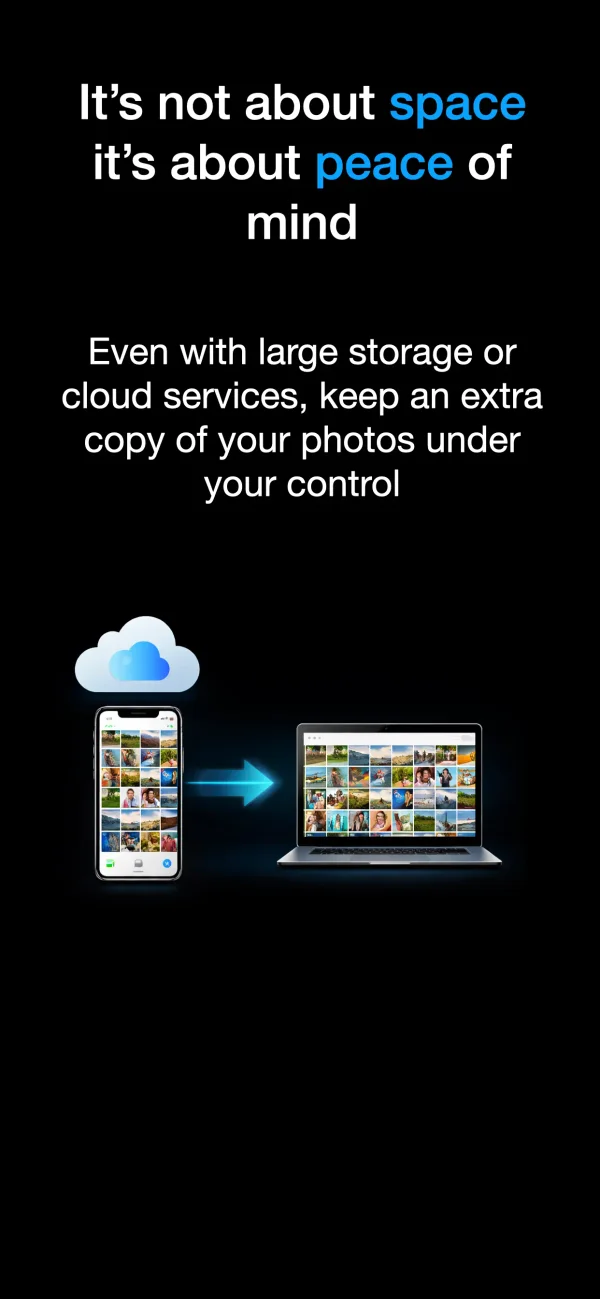
* Storage Saving: Run out of space? Automatically move memories to your PC or NAS.
Install SyncDrop today and simplify your multi-device life.
Terms of Use: https://www.apple.com/legal/internet-services/itunes/dev/stdeula/
What’s new
Version 1.3.5 · Nov 26, 2026
• Smarter photo cleanup with direct sharing, quick undo, and location map view.
• Video cleanup improvements: progress scrubbing, 2x hold playback, and fullscreen mode.
• Improved offline Pro reliability, layout polish, and general bug fixes.
App privacy
What 子昂 陈 declares on the App Store about how this app handles data.
-
Data not linked to you
May be collected but is not linked to your identity.
- Purchases
- Identifiers
- Usage data
- Diagnostics
Privacy practices may vary, for example with the features you use or your age.
Information
- Seller
- 子昂 陈
- Category
- Photo & Video
- Version
- 1.3.5
- Updated
- Nov 26, 2026
- Released
- Feb 20, 2026
- Size
- 52.8 MB
- Requires
- iOS 18.0 or later
- Age rating
- 4+
- Price
- Free
- In-app purchases
- Yes
- Languages
- English, Arabic, Czech, French, German, Hindi, Italian, Japanese, Korean, Portuguese, Russian, Simplified Chinese + 2 more
- Copyright
- © 2026 SyncDrop Team
You might also like
-
 IntranetPhotoSyncPhoto Sync
-
 PhonasBrowse your photos on NAS
-
 PhotoTransfer: Sync with DriveGallery Backup & Sync to Drive
-
 ArhivphotoYour images. Any location.
-
 PhotoNest BackupSync photos to your own NAS
-
 Muleline — Photo BackupBackup to Your Own Server
-
 XMediaaCloud Media Storage & Manager
-
 Hamster PhotoBackup to Mac/PCPrivate Photo Library at Home
-
 Phlix PhotosCamera Upload & View for Plex