- Age rating4+
- CategoryNews
- DeveloperArturo Rey
- LanguagesEnglish+ 6 more
- Size18.0 MB
Links to the official App Store page
Download.org hosts no file of Syndic. The button opens its official App Store page, published by Arturo Rey. Listing last checked on Nov 21, 2026.
Screenshots



About
Syndic is a native RSS reader built for people who want to read, not fight their app. No accounts, no ads, no algorithm — just your feeds, beautifully presented on iPhone and iPad.
Add any RSS, Atom or JSON Feed source with a single URL. Your articles land in Inbox, ready to read. Save what matters to Favorites or Read Later.
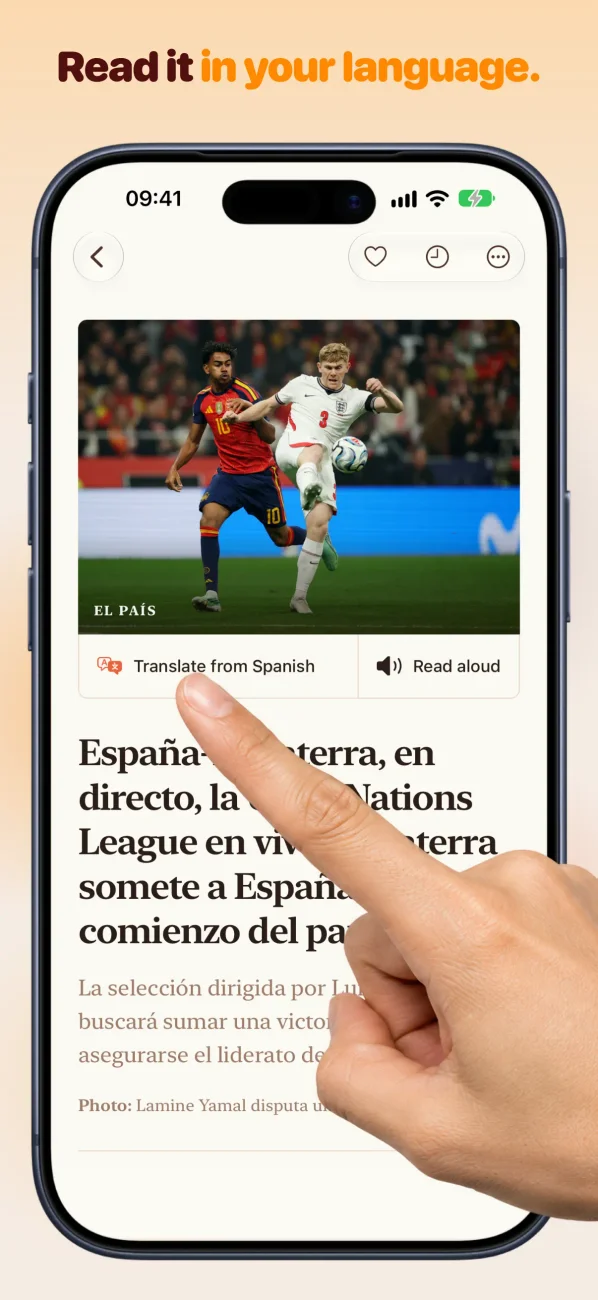
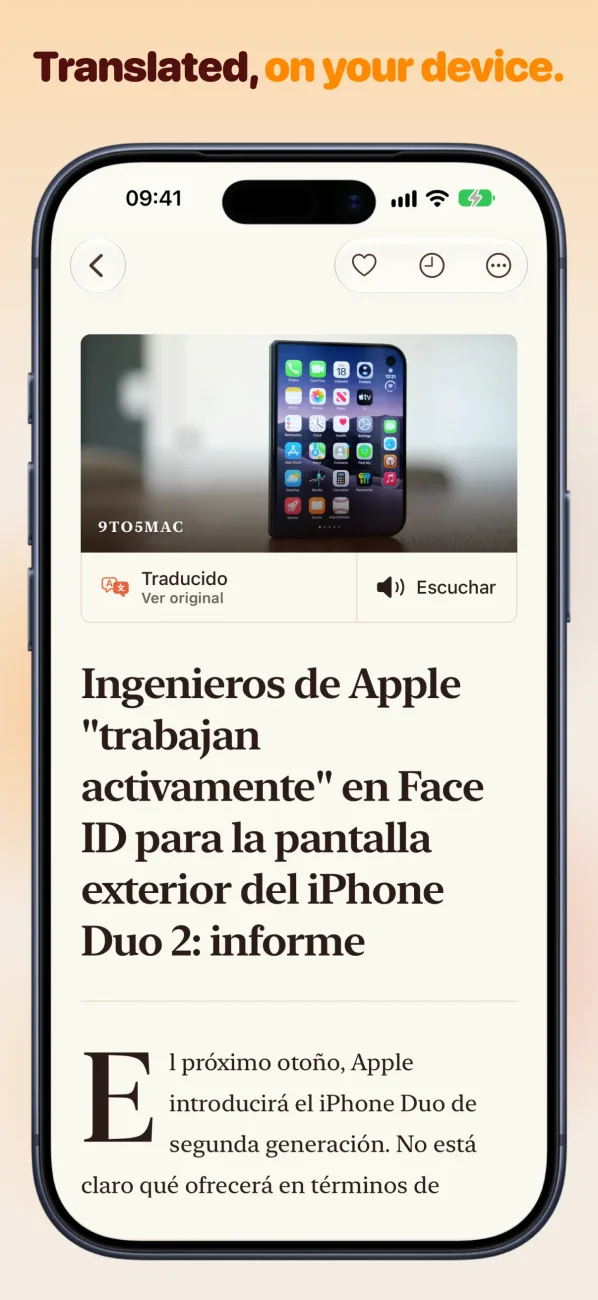
Read in your language, or just listen. Translate any article without leaving it: the translation runs on your device, nothing is sent anywhere. Or let Syndic read the full article aloud, in the voice you choose.
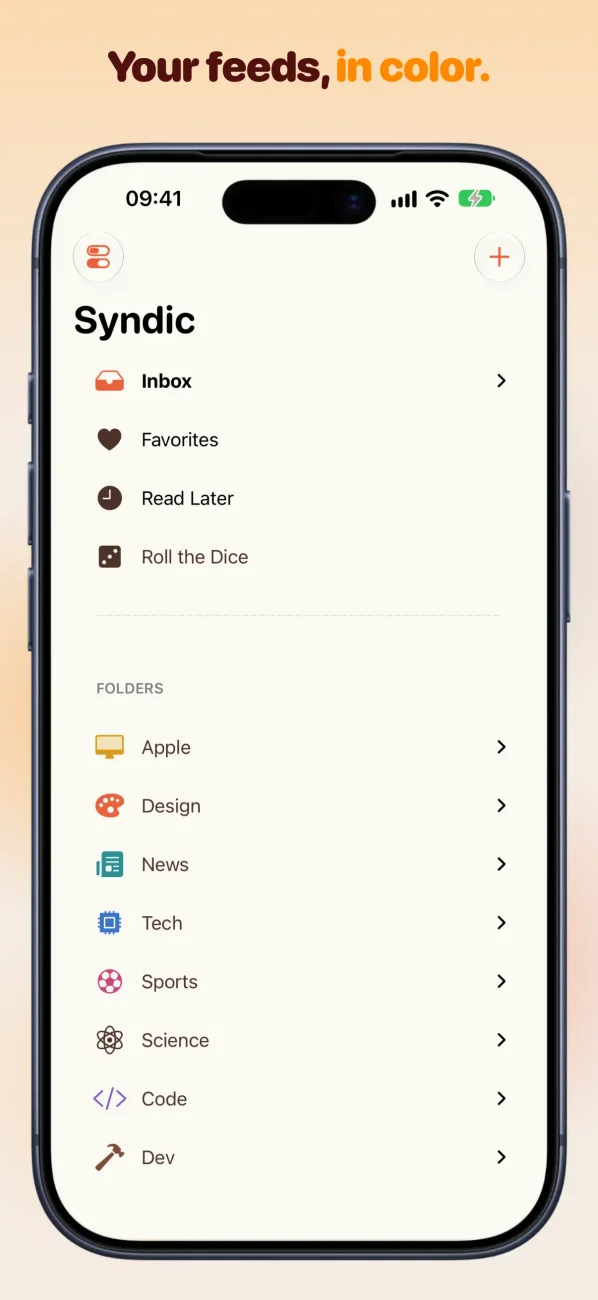
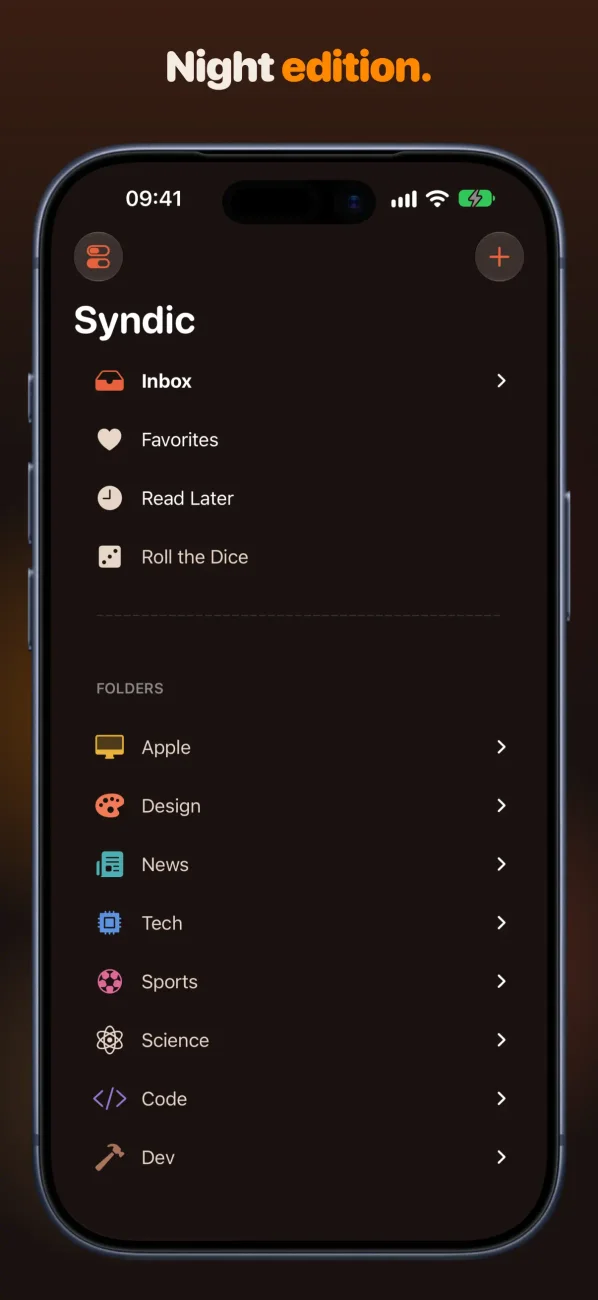
Organize your feeds into folders, and give each folder its own icon and color so you can spot it at a glance. Everything stays in sync across all your devices with iCloud. Import your existing subscriptions from any RSS reader via OPML — or pick from 40+ feeds we've already curated for you across Apple, Tech, News, Science, Design, Dev, Podcasts, YouTube and Social.
Syndic gets out of your way and lets you read.
Features
— RSS, Atom and JSON Feed 1.1 support
— Inbox, Favorites, Read Later
— Translate articles on your device
— Listen to the full article, with the voice and speed you choose
— Folders with their own icon and color
— iCloud sync across iPhone, iPad, macOS
— OPML import and export
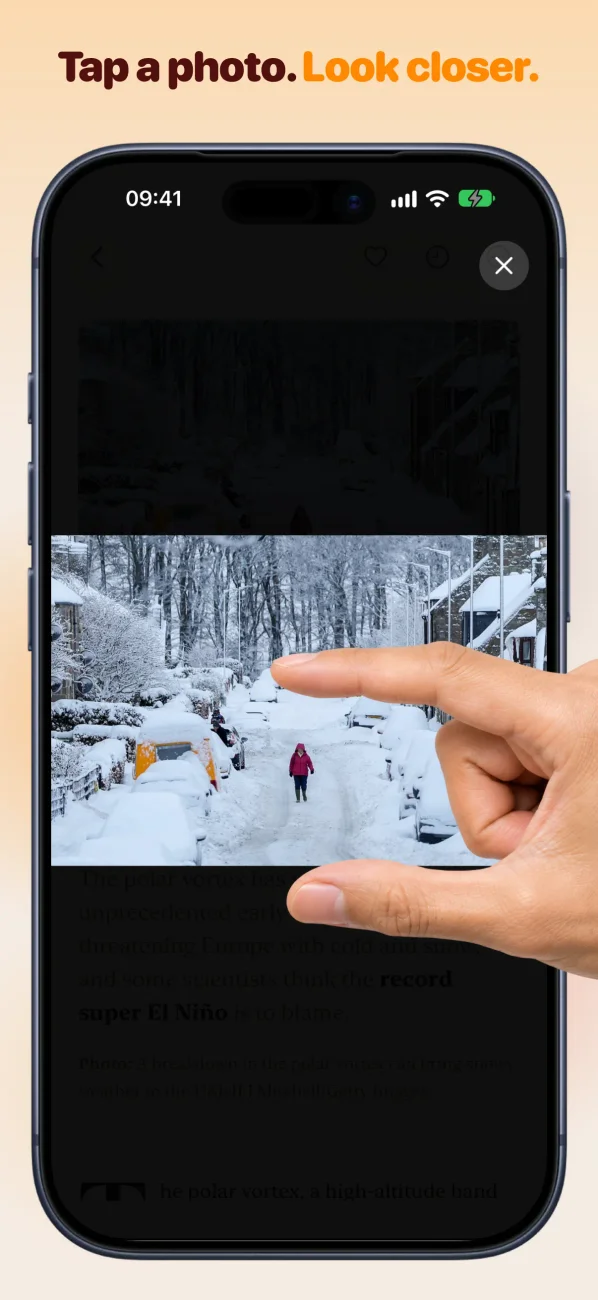
— Tap a photo to see it larger
— 40+ curated feeds to get started — no searching for URLs
— Syndic is available in Spanish, German, French, Japanese, Portuguese (Brazil), and Simplified Chinese, alongside English.
What’s new
Version 1.9 · Nov 17, 2026
This update lets you listen to full articles, translate them right where you read, give every folder its own icon and color, and makes the photos in articles cleaner.
- Listen to the whole article, not just the preview: Syndic downloads the full text when a feed only sends a teaser and reads it aloud, with a pause between paragraphs.
- A new Listen screen in Settings: read the full article or the summary, choose the language to listen in, announce the outlet before the headline, set the speed from tortoise to hare, test the voice, and pick a voice for each language.
- Translate any article without leaving it. The source now sits on the photo, and under it Translate and Listen share one tidy strip. Translation runs on your device, and the strip tells you what it is doing ("Translating…", "Translated") with a way to cancel or go back to the original. Listen reads the translated text in the voice of your language.
- Folders now have their own icon and color. Edit a folder to pick them, or remove them to go back to the default. They sync through iCloud between your Mac and iPhone. Thanks to Andrea Catani for the idea.
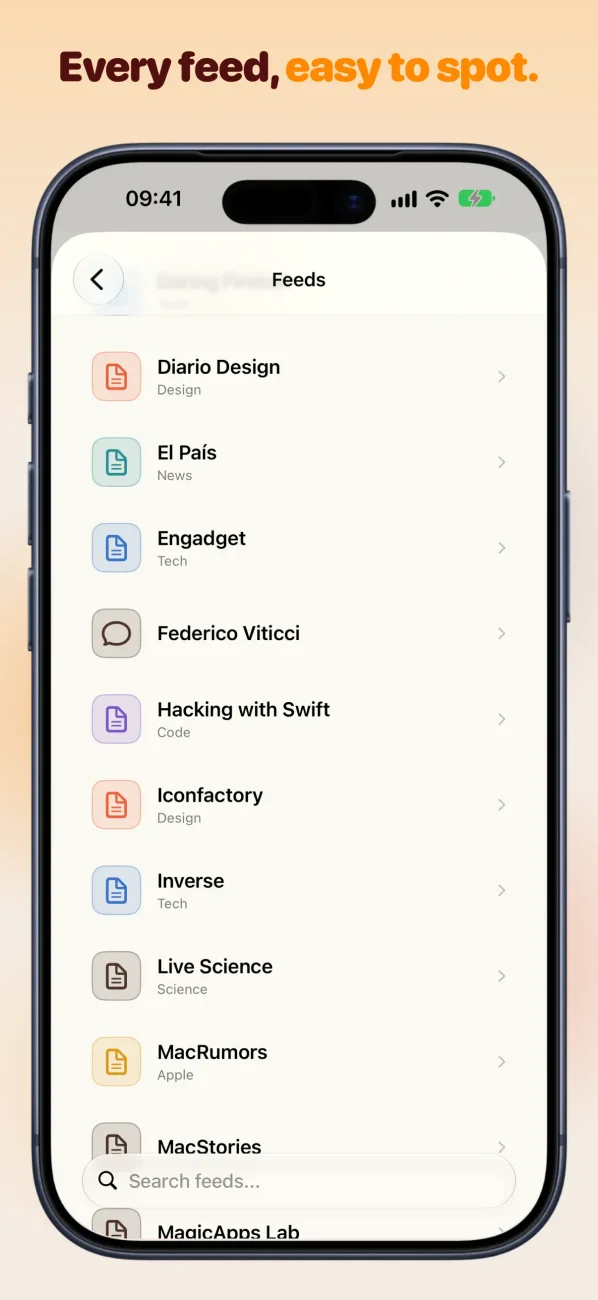
- Settings > Feeds is easier to scan: each feed shows the color of its folder, with the folder's name under the title.
- On iPhone, tap a photo to see it larger, and close it with a tap, a swipe, or the Close button.
- Cleaner photos: the same cover is no longer shown twice, and small author portraits no longer appear as article photos (The Verge, Wired, Engadget, and more). Inline photos that some sites left broken now load.
- Your Inbox starts collapsed on iPhone, and folders show up directly in the sidebar, so you reach them with one tap less.
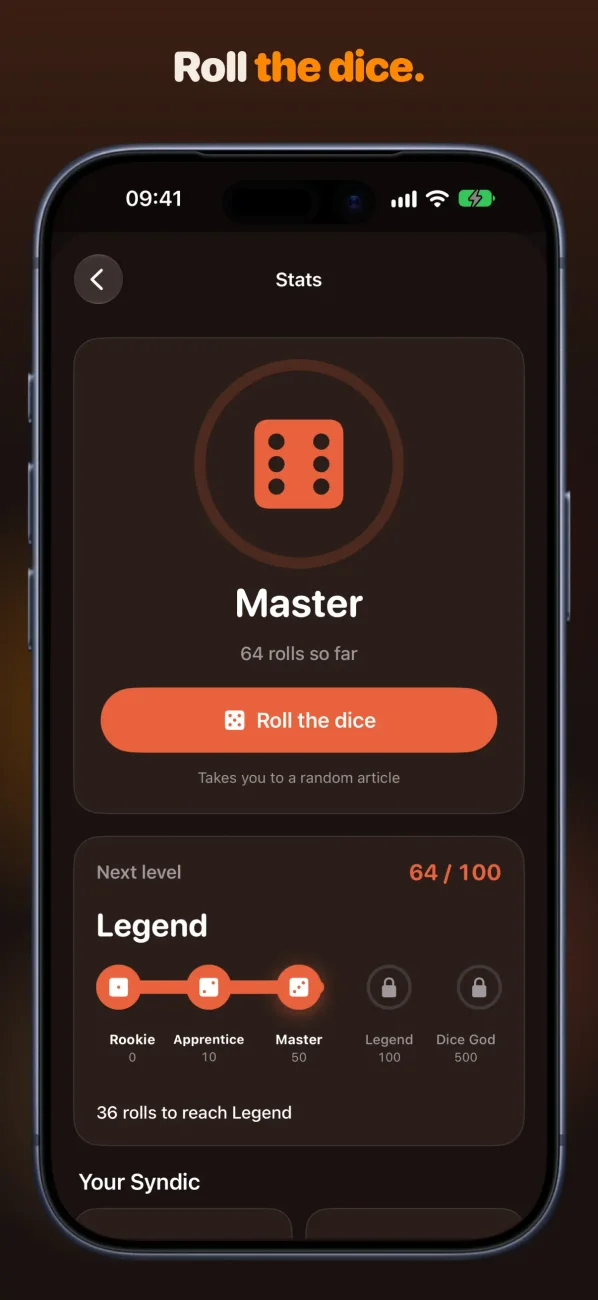
- A new "Roll the dice" level on your profile: your Stats are bigger and easier to read, with a progression that rewards trying new articles.
- "More apps" now has its own tab in Settings, with the other apps from Magic Apps Lab. The About screen is tidier, too.
- Cleaner full articles: notices such as "follow this topic", affiliate disclaimers, menu leftovers, and repeated paragraphs no longer show up as text.
- Folders are safer when you set up a new device: your icons, colors, order, and feeds now carry over with iCloud, and a freshly installed app takes what is already in your iCloud instead of mixing in its own starter feeds.
- Reorder your folders on iPhone: touch and hold a folder, then Move Up or Move Down. The order now syncs between your devices.
- Importing a backup (OPML) now puts feeds that were left outside any folder back into theirs.
- Various small polish and reliability fixes.
App privacy
What Arturo Rey declares on the App Store about how this app handles data.
-
Data not collected
The developer does not collect any data from this app.
Privacy practices may vary, for example with the features you use or your age.
Information
- Seller
- Arturo Rey
- Category
- News
- Version
- 1.9
- Updated
- Nov 17, 2026
- Released
- May 19, 2026
- Size
- 18.0 MB
- Requires
- iOS 17.6 or later
- Age rating
- 4+
- Price
- Free
- Languages
- English, French, German, Japanese, Portuguese, Simplified Chinese, Spanish
- Copyright
- © 2026 Magic Apps Lab. All rights reserved.
You might also like
-
 Ripple: Personalized AI NewsBalanced Daily Recaps & Impact
-
 MyRssFeedA Minimalist RSS Reader
-
 Lecto: Privacy-First ReaderNews
-
 FeedLyst - RSS News ReaderNews with a beautiful design.
-
 Ticker: RSS Feed ReaderFilter, tag & sync privately
-
 All the News: AI & PodcastsPersonalized, Unbiased News
-
 Castamatic Podcast PlayerIndie, private, open
-
 PoweReader: AI RSS ReaderSummarize news feeds & listen
-
 Later: Read Later & BookmarksSave links for offline reading
-
 FeedFlow - RSS Feed ReaderRead Offline. Sync Your Way.