- Age rating4+
- CategoryProductivity
- DeveloperTim Gamory
- LanguagesEnglish
- Size45.7 MB
Links to the official App Store page
Download.org hosts no file of Syngine Mobile. The button opens its official App Store page, published by Tim Gamory. Listing last checked on Nov 16, 2026.
Screenshots





About
Syngine Mobile is the companion app for Syngine, your team's workspace for communication and work management.
MESSAGES
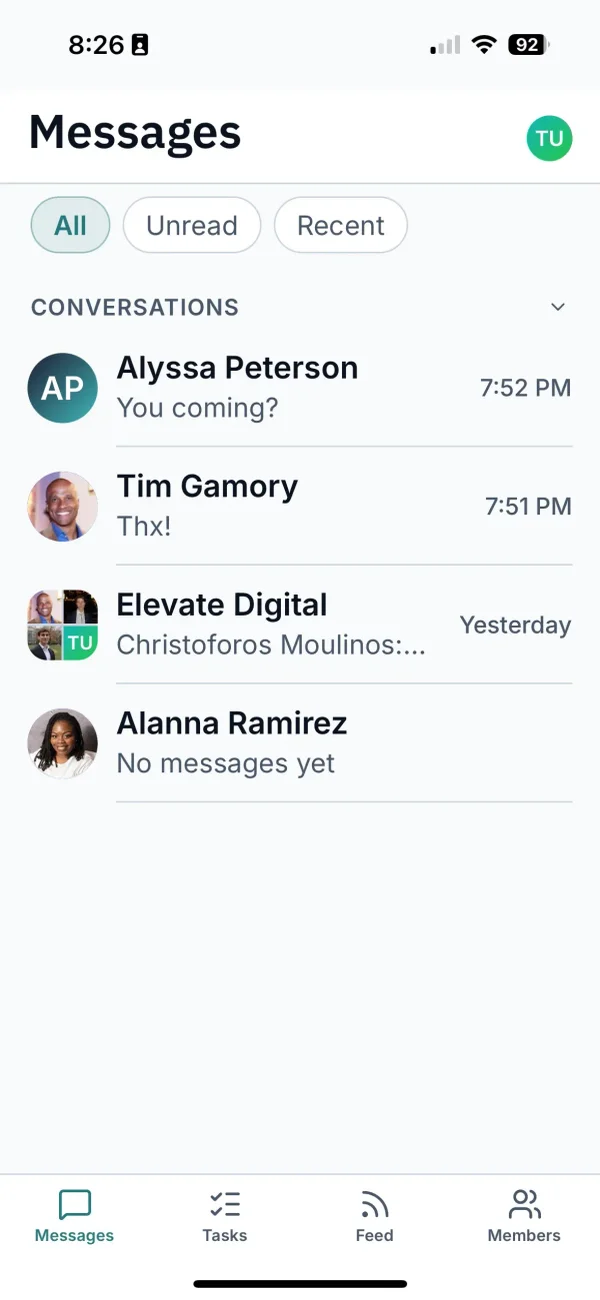
Real-time conversations with your team. Send messages and photos, open shared files, see a preview of any link, react with emoji, reply directly to a specific message, create polls to get quick answers, and see when teammates have read what you sent. Messages sync instantly across devices, and push notifications keep you in the loop when you're away.
MY TASKS
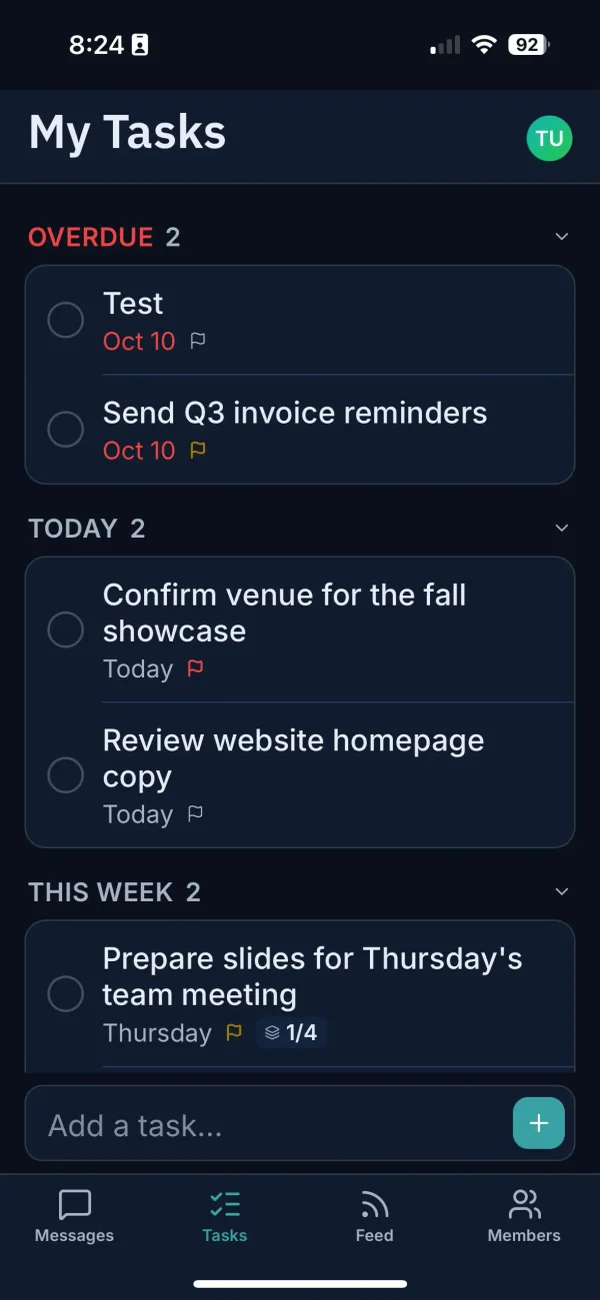
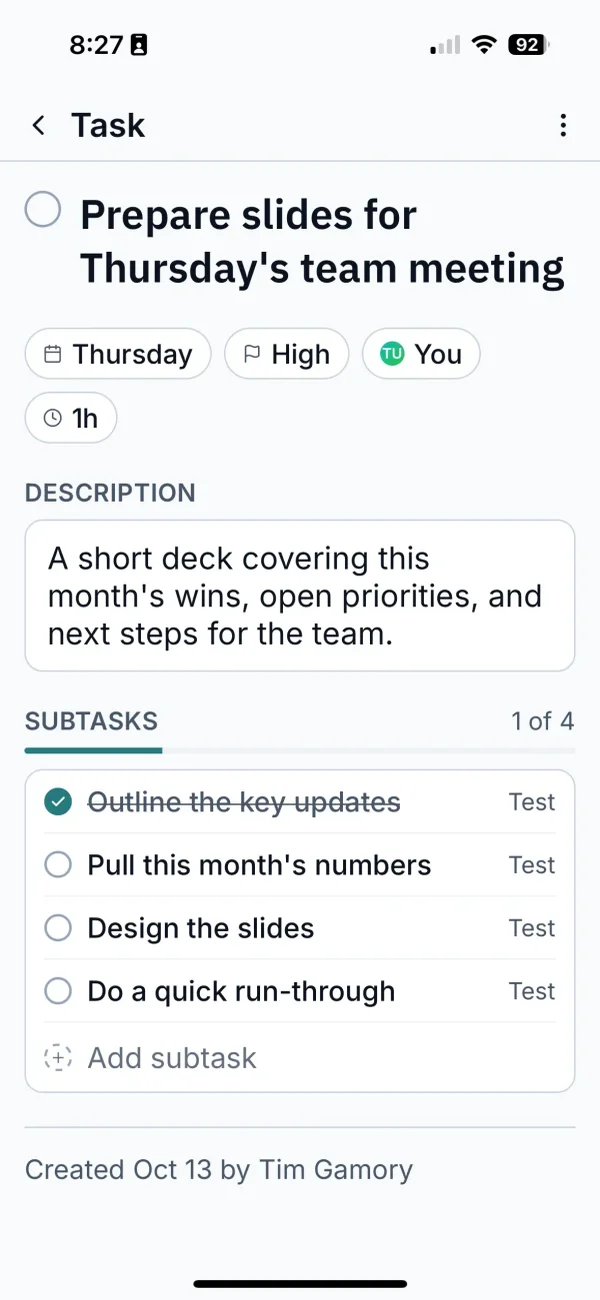
See what's assigned to you, organized by due date. Swipe a task to reschedule it, edit its description, read and add comments, break work into subtasks, track time estimates and tags, and mark tasks complete — then look back at what you finished with Show completed. Add new tasks with a due date, priority, and project.
PROJECTS
Every project you're part of in one place, with your starred projects at the top. Open a project to see its members, what it's about, and its open tasks, and star the ones you check most.
FEED
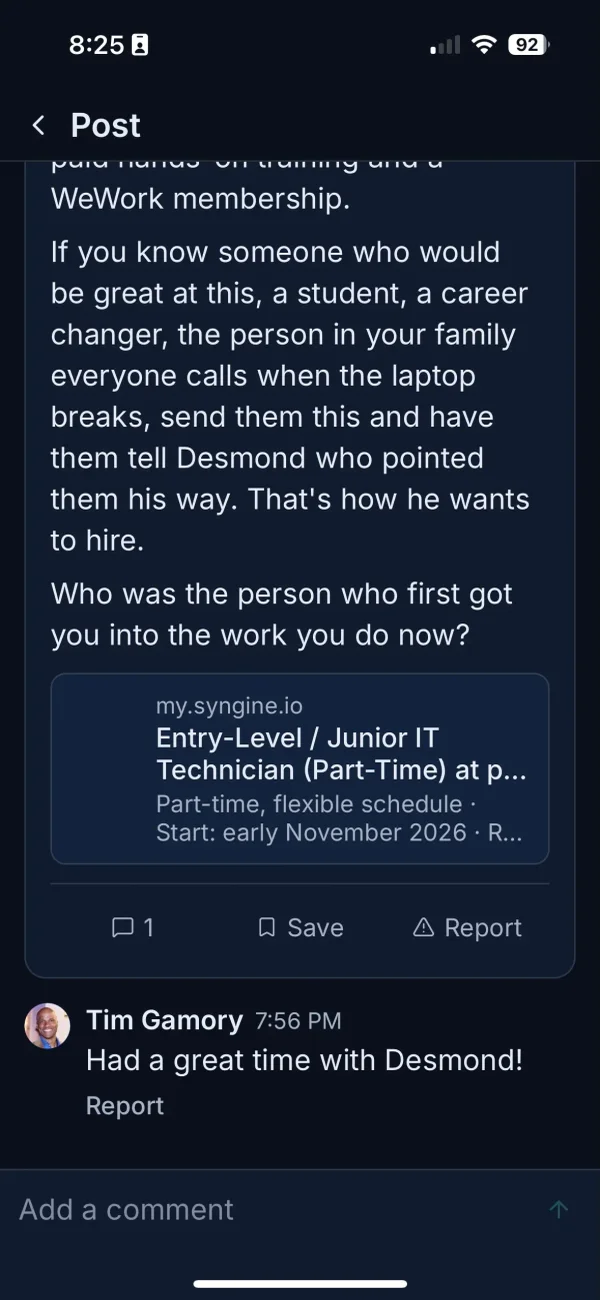
Stay current on company news and updates. Comment on posts, bookmark the ones you want to find again, and look around 360° photos right on your phone.
MEMBERS
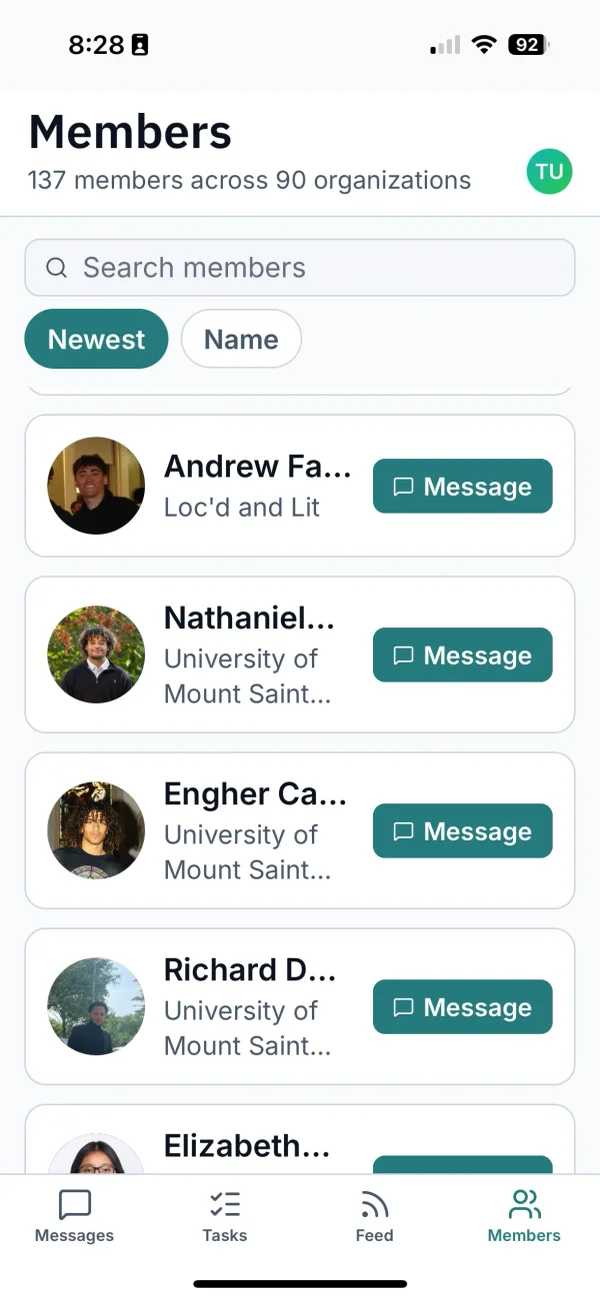
Browse your organization's directory, sort by name or by who's newest, and open anyone's profile to start a conversation.
NOTIFICATIONS
The bell at the top of every screen shows what needs your attention: tasks assigned to you, projects you've been added to, and mentions in the feed. Tap one to go straight there, or mark everything read at once.
Syngine Mobile requires an existing Syngine account. If your organization uses Syngine, sign in with the email address already on file to get started.
What’s new
Version 1.1 · Nov 11, 2026
• Projects tab. All your projects in one place, starred ones first. Open a project to see its members, what it's about, and its tasks.
• Notifications. A bell on every screen shows tasks assigned to you, projects you've been added to, and feed mentions. Tap to jump straight there.
• Task comments. Read a task's discussion and add to it.
• Faster task updates. Swipe a task to reschedule it, edit its description, change its project, and see what you've completed.
• Richer messages. Links show a preview card, and shared files open with a tap.
App privacy
What Tim Gamory declares on the App Store about how this app handles data.
-
Data linked to you
May be collected and linked to your identity.
- Contact info
- User content
- Identifiers
Privacy practices may vary, for example with the features you use or your age.
Information
- Seller
- Tim Gamory
- Category
- Productivity
- Version
- 1.1
- Updated
- Nov 11, 2026
- Released
- Oct 28, 2026
- Size
- 45.7 MB
- Requires
- iOS 15.1 or later
- Age rating
- 4+
- Price
- Free
- Languages
- English
- Copyright
- © 2026 Syngine
You might also like
-
 Wing AssistantProductivity
-
 Filen - Cloud StorageCloud storage, redefined.
-
 Recall: Summarize & saveYour AI-powered knowledge base
-
 FYI.AI (Focus Your Ideas)Team Comms & Creative Collab
-
 No Scroll - Limit Screen TimeApp Blocker, Control + Reduce
-
 IDMe Wallet & RewardsProve it's you, unlock rewards
-
 ChatBot・AI Dating AssistantProductivity
-
 mymind – Extend your mindNever forget anything anymore.
-
 Focus Keeper - Pomodoro TimerADHD Organizer & Productivity
-
 Granola - AI Meeting NotesAI notes with Google Calendar