T-Minus Zero: Thrust
Precision Rocket Landing Game
Designed for iPhone, iPad
In-app purchases
- Age rating4+
- CategoryCasual
- DeveloperCloud Science Studio PLT
- LanguagesEnglish+ 26 more
- Size16.6 MB
Links to the official App Store page
Download.org hosts no file of T-Minus Zero: Thrust. The button opens its official App Store page, published by Cloud Science Studio PLT. Listing last checked on Nov 23, 2026.
Screenshots


About
T-Minus Zero: Thrust (formerly Touch Down: Rocket Landing)
Guide your rocket to a perfect landing. Hold to thrust, release to fall. The challenge is knowing exactly when to do each.
HOW TO PLAY
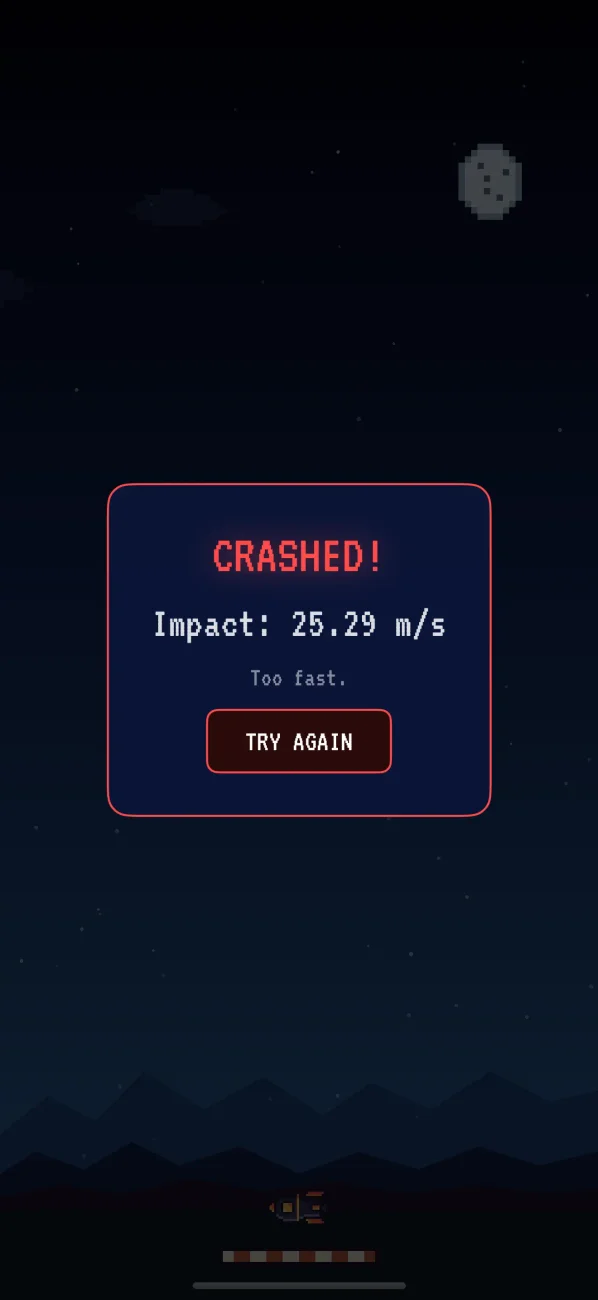
Your rocket descends from the top of the screen under gravity. Tap and hold anywhere to fire your thrusters and slow your descent. Release to free fall. Touch down on the pad below 5 m/s to survive, and below 3 m/s for a perfect landing. Come in too fast and it's a crash.
That's it. No tutorial needed.
THE CHALLENGE
Every landing is a precision problem. Gravity pulls you down constantly and your fuel is limited, so every burn counts. Burn too early and you'll coast in too fast. Burn too late and you won't have enough fuel to stop in time. The sweet spot is razor thin, and finding it is deeply satisfying.
Your speed turns yellow as you approach the limit and red when the impact is going to hurt. The HUD also shows your altitude and the fuel you have left.
OPERATIONS
Take on a campaign of 18 missions in LAND and HOVER. Each mission has set conditions, such as a narrow pad, a sliding pad, crosswinds, gusts, a smaller tank or low gravity. Drag while you thrust to lean the rocket sideways when a mission needs it.
Every mission has three challenges worth 10, 20 and 40 XP. Earn XP to rank up, open new operations and climb the Mission XP leaderboard. Missions use a fixed loadout, so everyone flies the same mission.
ARCADE
Land as gently as you can, or try HOVER: climb to a band of sky and stay inside it for as long as your fuel lasts.
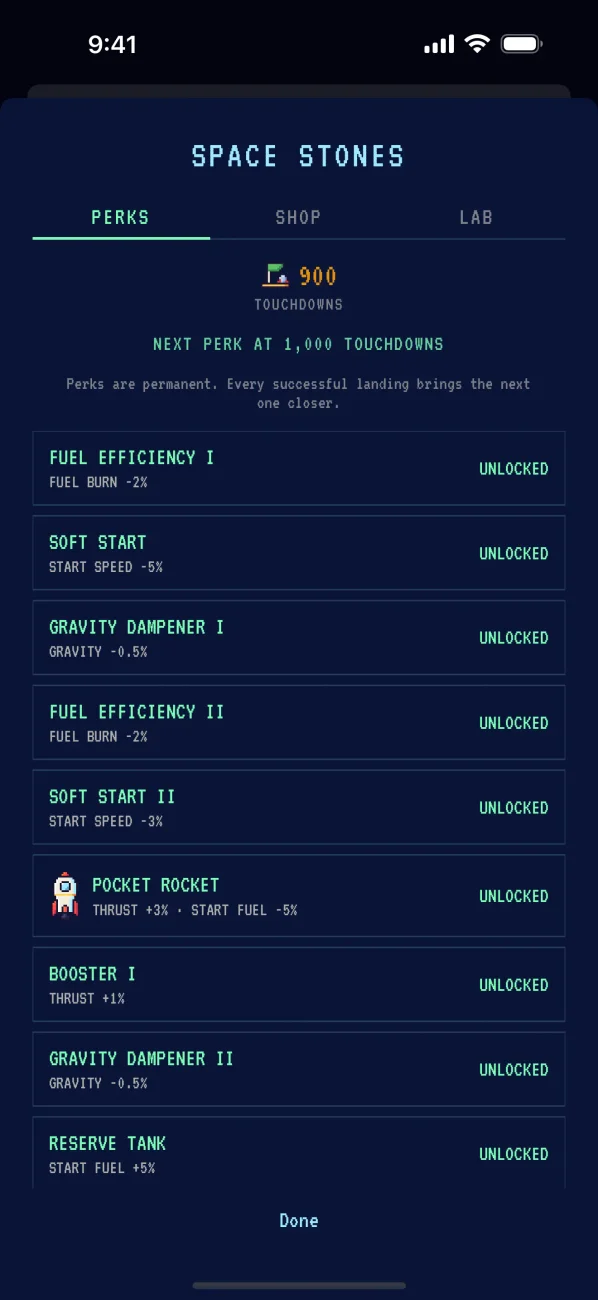
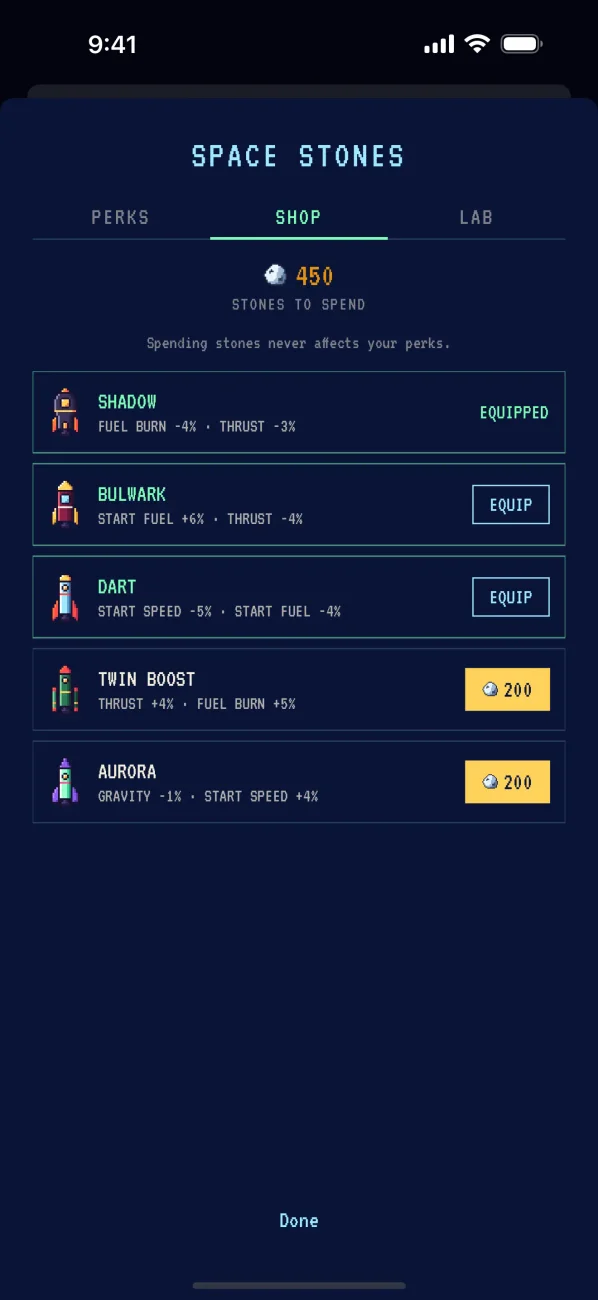
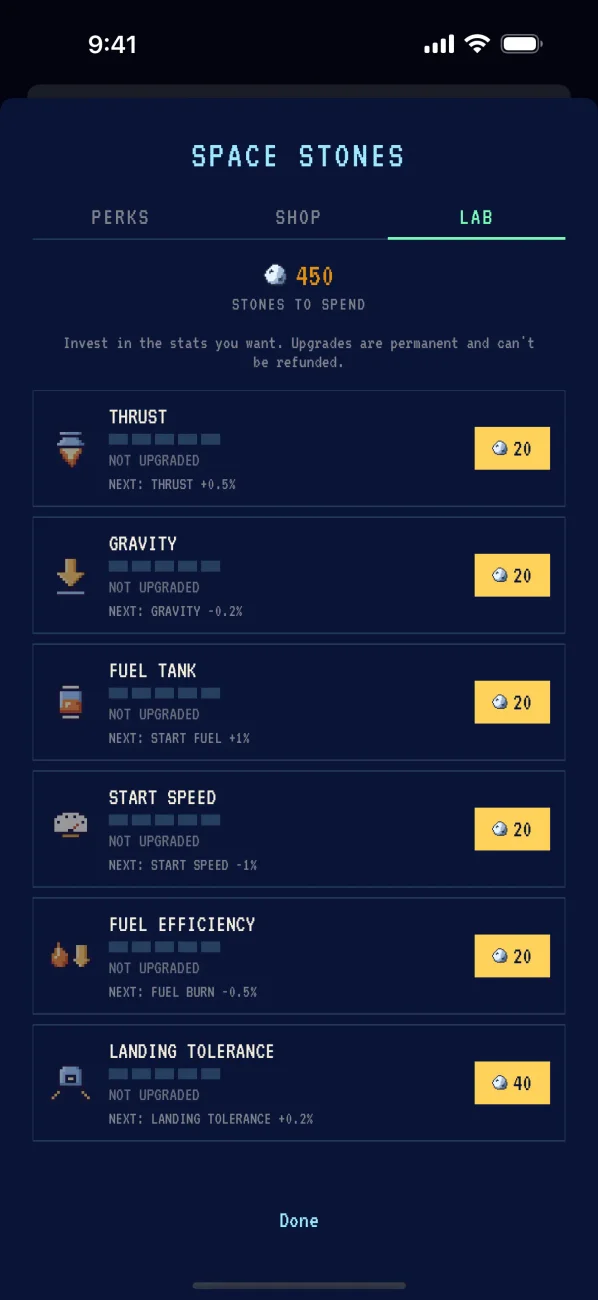
Every successful landing earns a Space Stone. Collect them to unlock permanent perks, spend them on new rockets with their own flames and trade-offs, and upgrade your rocket in the lab. Build a landing streak and share your best landing as a card.
COMPETE
Your personal best is saved on your device, and your scores go to Game Center leaderboards for the softest landing, the most touchdowns, the most landings in a row, the longest weekly hover and the most Space Stones collected. See how you stack up against players worldwide. Game Center sign-in is optional.
OPTIONAL PURCHASES
The game is free to play. You can buy the Fuel Optimizer, a one-off upgrade that cuts your fuel use, and packs of Space Stones to spend on rockets and upgrades. Purchased stones never count towards perks or the touchdowns leaderboard. Free players get a few boosted attempts every day.
TIPS
Don't burn immediately. Let gravity do the work for a few seconds, then use short controlled bursts to bleed off speed as you approach the pad. A long slow descent followed by one firm burst at the bottom is often cleaner than constant small burns from the top.
Watch the speed, not the altitude. If the readout is yellow or red with half the altitude left, start thrusting now.
Good luck. Land soft.
What’s new
Version 1.12.2 · Nov 13, 2026
Pick your leaderboard, and pause mid-flight.
NEW
• Leaderboards: the trophy button now opens a list, so you can jump straight to LOWEST LANDING SPEED, LONGEST HOVER (WEEKLY) or HIGHEST ALTITUDE, or open all leaderboards
• Pause button: pause a flight and pick it up again when you are ready
IMPROVED
• The energy bar now always shows when your next energy point is coming, until the bar is full
Thanks for playing - happy landings!
App privacy
What Cloud Science Studio PLT declares on the App Store about how this app handles data.
-
Data used to track you
May be used to track you across apps and websites owned by other companies.
- Location
- Identifiers
- Usage data
-
Data linked to you
May be collected and linked to your identity.
- Location
- Identifiers
- Usage data
- Diagnostics
Privacy practices may vary, for example with the features you use or your age.
Information
- Seller
- Cloud Science Studio PLT
- Category
- Casual
- Version
- 1.12.2
- Updated
- Nov 13, 2026
- Released
- Oct 26, 2026
- Size
- 16.6 MB
- Requires
- iOS 17.6 or later
- Age rating
- 4+
- In-app purchases
- Yes
- Languages
- English, Arabic, Czech, Danish, Dutch, Filipino, Finnish, French, German, Indonesian, Italian, Japanese + 15 more
- Copyright
- © 2026 Cloud Science Studio PLT
You might also like
-
 Rocket Landing: Moon LanderLunar & Starship Simulator
-
 2 Minutes in Space, Survive!Dodge missiles Avoid asteroids
-
 Space FrontierTo Mars and Beyond!
-
 The Planes: airplane gamesPlane war thunder ace
-
 The SpearmanWith a spear against enemies
-
 Tanks Arena io: Machine of WarPlay epic craft & combat 1v1
-
 Basketball OdysseyCasual
-
 Idle evolution: Life on EarthStart evolution. Meet dinosaur
-
 Ball-Hop BowlingBall Roller Fun for All Ages!
-
 Space Frontier 2Space exploration game