- Age rating4+
- CategoryEducation
- DeveloperVentura Educational Systems
- LanguagesEnglish
- Size48.8 MB
Links to the official App Store page
Download.org hosts no file of Tabletop First Words. The button opens its official App Store page, published by Ventura Educational Systems. Listing last checked on Nov 14, 2026.
Screenshots

About
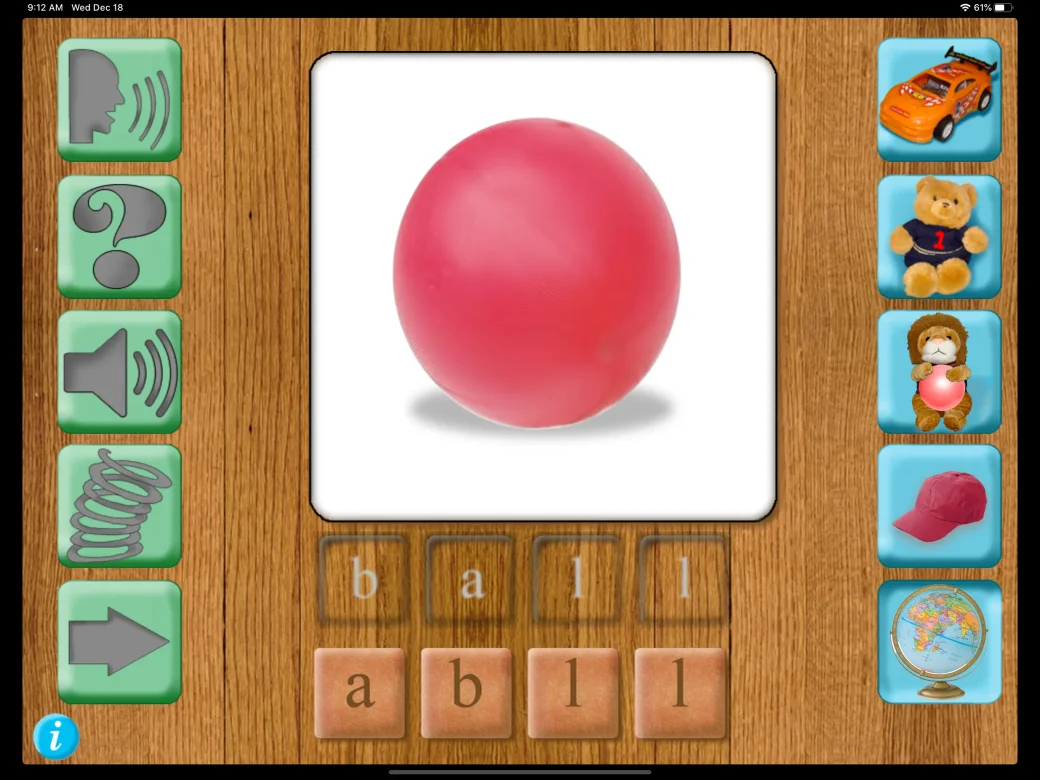
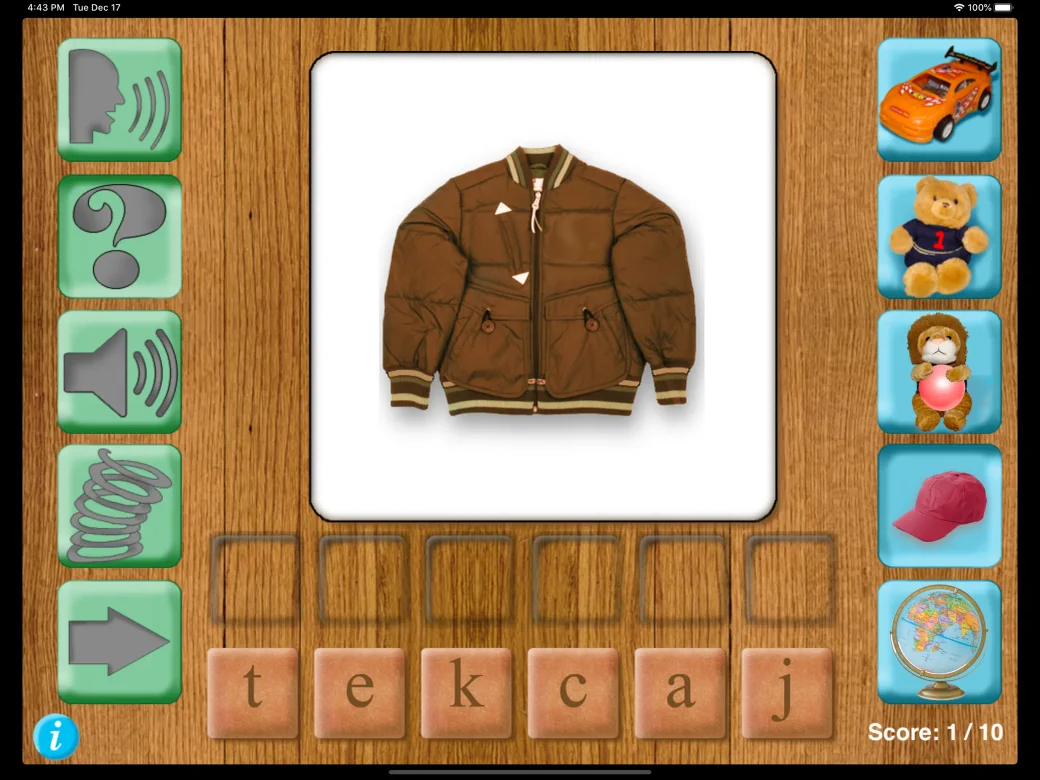
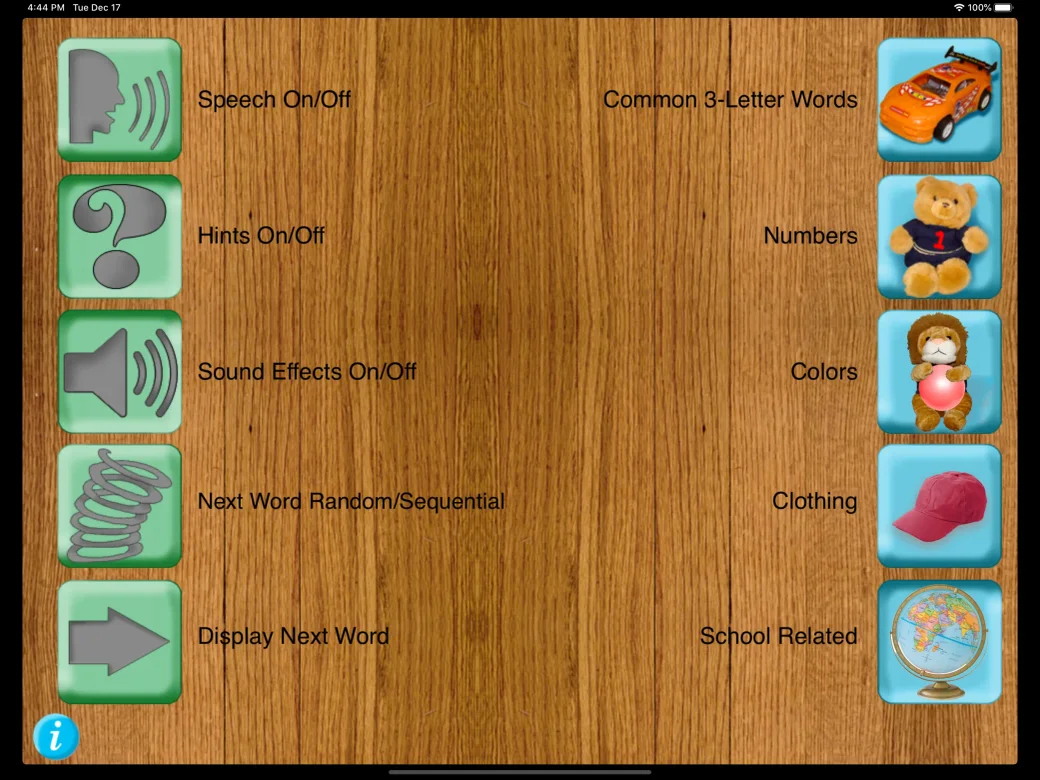
Has your child mastered the alphabet? Is he or she ready to start reading words? Like a super fun interactive tabletop, with cards, buttons and letter tiles, Tabletop First Words transforms your iPad into an exciting learning tool. First Words presents collections of words and pictures of common objects that are familiar to children. A picture appears on the tabletop surface with a set of scrambled letter tiles. The child's task is to spell the word letter-by-letter by moving tiles into the correct position. The word is pronounced and each letter is pronounced as your child touches the letter tile. Play First Words together while you’re waiting in line at the grocery store, sitting in the waiting room at the dentist, or traveling by train or bus. It’s a fun and convenient way to entertain your preschooler while reinforcing reading readiness skills.
Features:
* Simulated wood playing surface and interactive letter tiles.
* Sound effects and speech
* A scoreboard indicates progress
* On/Off options for select features
Tabletop First Words presents words in five categories. Select a category by simply tapping the icon on the right side of the screen. The categories are:
* Common 3-Letter Words
* Numbers
* Colors
* Clothing
* School Related
Letter tiles appear in a scrambled order below a picture from the selected category. The word associated with the picture is pronounced and each letter is also pronounced as the child touches the letter tile.
The child's task is to slide the letter tiles into the correct position to spell the word. Correct letters stick in position. Incorrect letters bounce back to their starting position.
Photographic images are used to illustrate each word and enhance the excitement of the learning activites.
What’s new
Version 4.0 · Jun 17, 2024
This version provides an update to recommended settings.
App privacy
What Ventura Educational Systems declares on the App Store about how this app handles data.
-
Data not collected
The developer does not collect any data from this app.
Privacy practices may vary, for example with the features you use or your age.
Information
- Seller
- Ventura Educational Systems
- Category
- Education
- Version
- 4.0
- Updated
- Jun 17, 2024
- Released
- Mar 10, 2011
- Size
- 48.8 MB
- Requires
- iOS 12.0 or later
- Age rating
- 4+
- Price
- $0.99
- Languages
- English
- Copyright
- ©2024 Ventura Educational Systems • All Rights Reserved
You might also like
-
 Alphabets and MoreEducation
-
 Reading Train: AlphabetBeginner Books, Songs & Games
-
 RMC Virtual TourEducation
-
 Sound Touch - Seasons (School)Educational toddler flashcards
-
 Reading Train ChristmasBooks, Songs & Games
-
 ABC 123 Fun - Trace & LearnABC Tracing, Numbers & Sounds
-
 Learning Numbers with BoardPlay with number board
-
 Basic English Skills LearningPhrases, Vocabulary Dictionary
-
 Video Touch: ColorsLearn Colors with Videos
-
 Nature for Kids and ToddlersSight words preschool learning