
- Age rating4+
- CategoryFinance
- DeveloperAngel Hernandez
- LanguagesEnglish
- Size2.8 MB
Links to the official App Store page
Download.org hosts no file of tabSheet. The button opens its official App Store page, published by Angel Hernandez. Listing last checked on Nov 11, 2026.
Screenshots


About
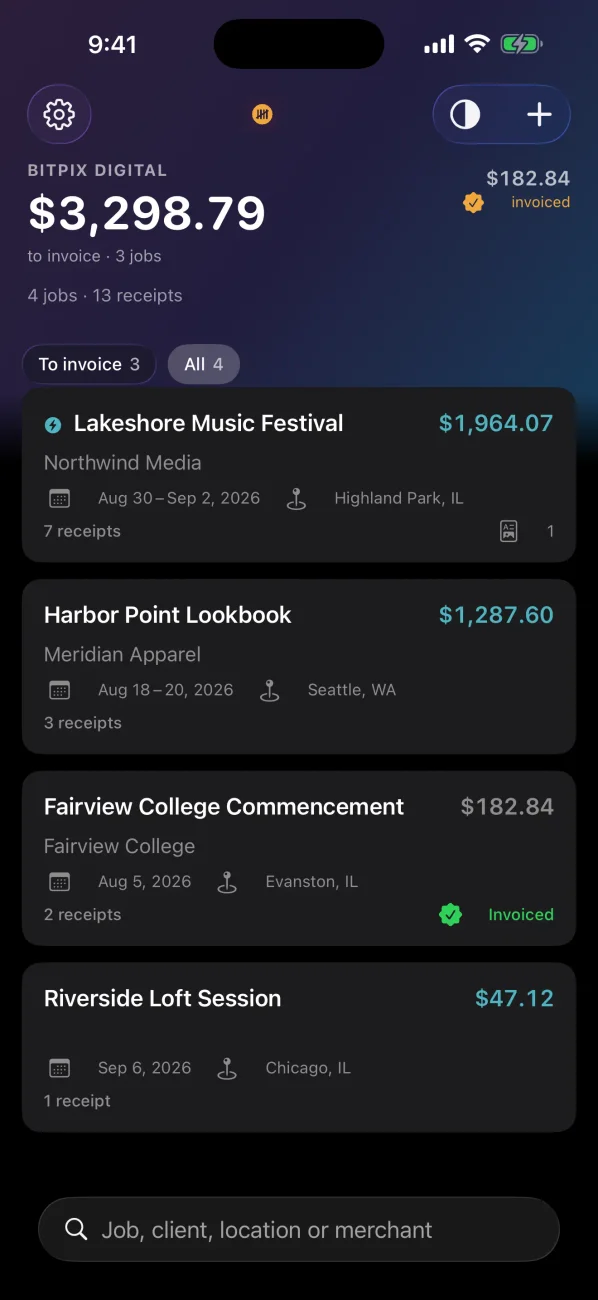
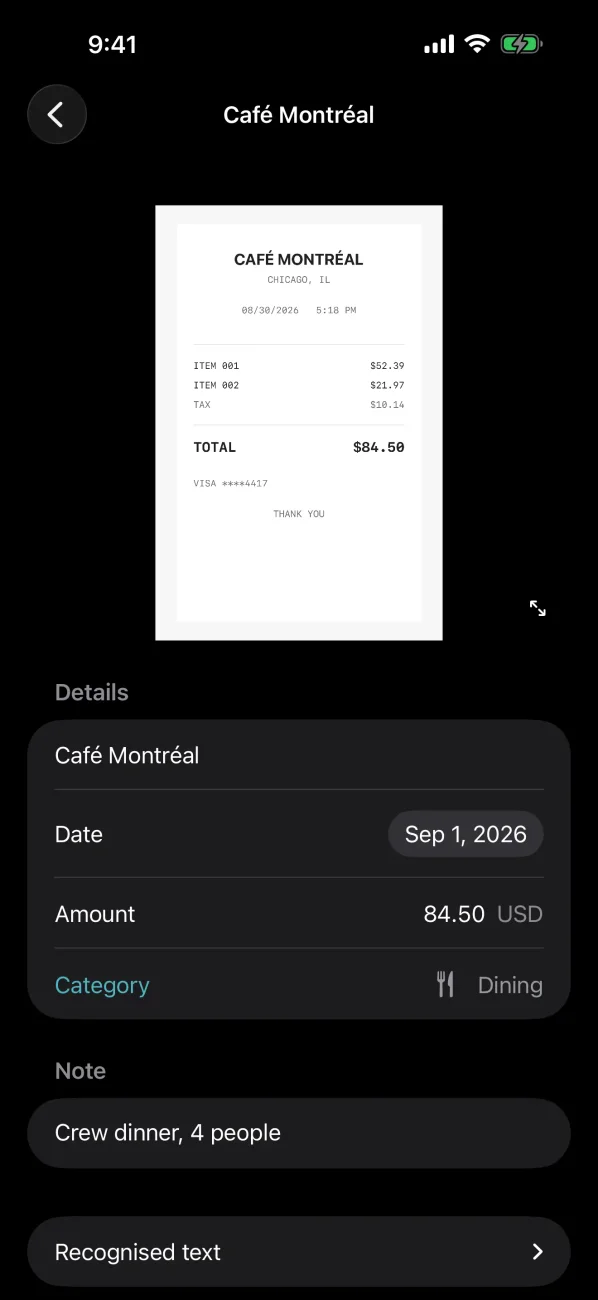
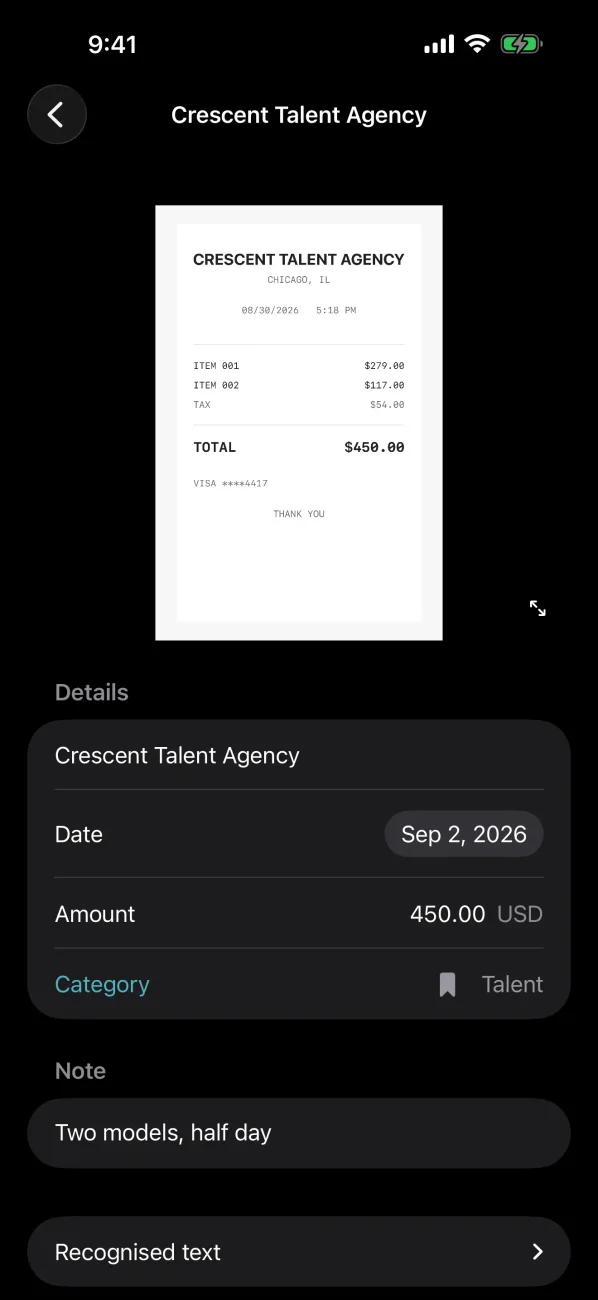
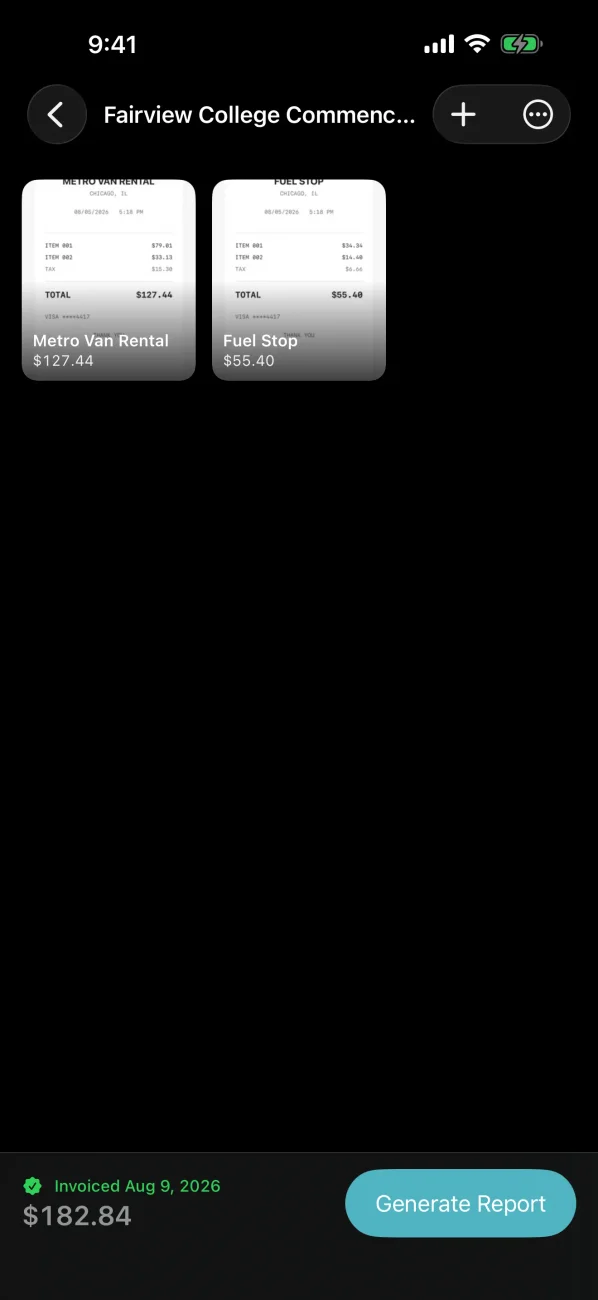
Photograph a receipt. tabSheet reads the merchant, the date and the amount off it. When the job wraps, one tap turns the pile into a client-ready PDF expense report with every receipt image attached.
Built for photographers, videographers and other contractors and freelancers who bill expenses back to a client, and would rather not spend an evening typing them in.
HOW IT WORKS
1. Make a job. Only a name is required.
2. Add receipts — camera, photo library, PDFs, or share them in from anywhere. Merchant, date, amount and category fill themselves in.
3. Tap Generate Report.
WHAT YOUR CLIENT GETS
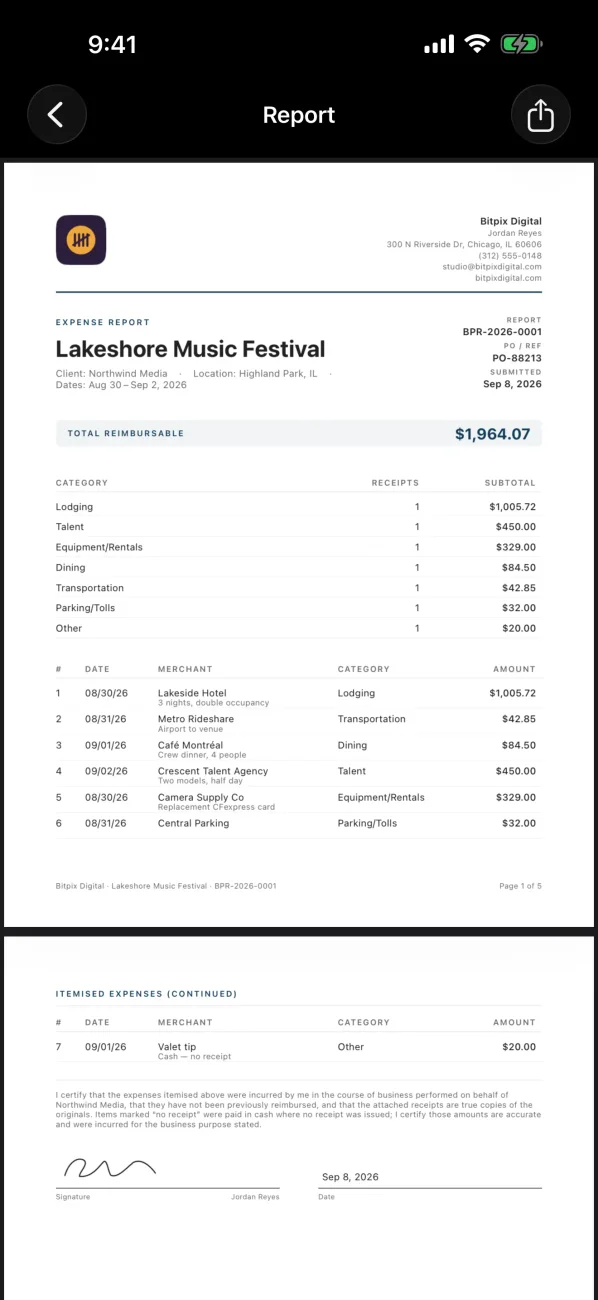
A US Letter PDF carrying your logo and company details, the job and its dates, a report number and PO reference, the grand total, subtotals by category, an itemised table with your notes, and every receipt image captioned and numbered to match the table. Signed, dated, and ready to email as it is.
It also exports as a spreadsheet, or as a zip holding the spreadsheet plus every receipt image, numbered so the rows and the files line up.
PRIVACY, PLAINLY
• No account and no login. There is nothing to sign up for.
• No tracking, no analytics, no advertising, no third-party SDKs.
• No servers of ours. Your jobs, receipts and reports live on your device, and in your own private iCloud if you switch sync on.
• Receipt reading runs on your iPhone by default, using Apple's on-device text recognition. Nothing leaves the device.
• Optional: supply your own Anthropic API key and receipts can be read by Claude instead, for higher accuracy. Only the receipt image and the text recognised from it are sent. Job names, client names and your company profile never are.
Made in the USA.
FEATURES
• On-device receipt reading — merchant, date, amount and category
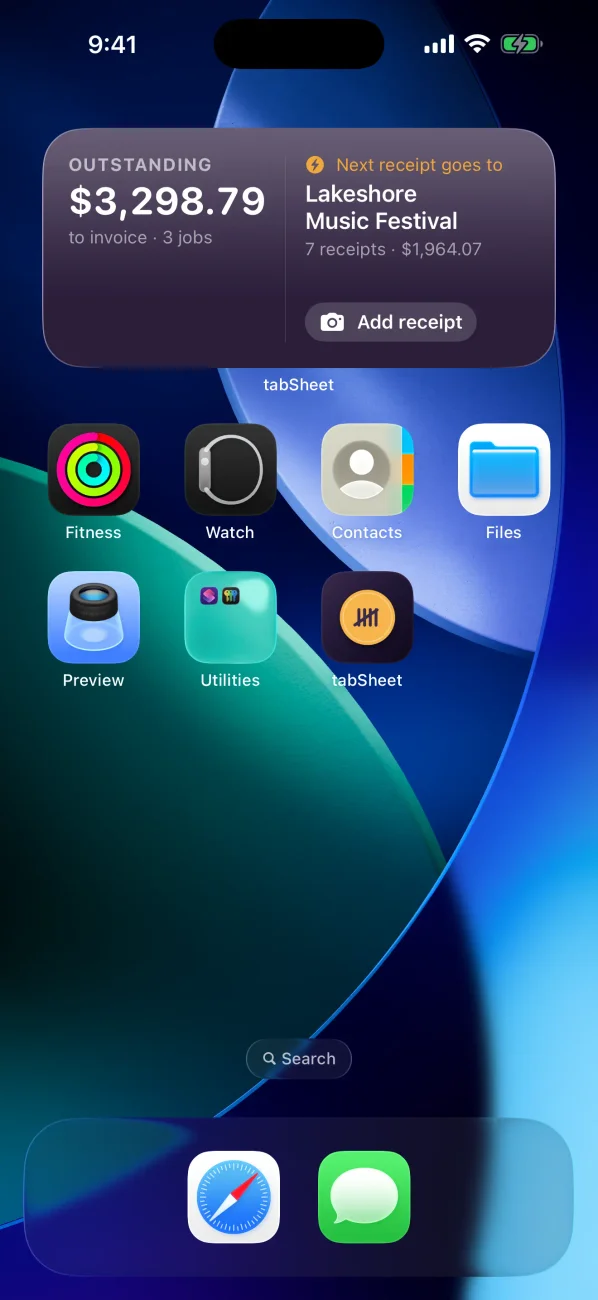
• A home screen widget showing what you are owed, and one tap to the camera
• Automatic deskew and perspective correction on photos of paper receipts
• Duplicate detection, by image fingerprint as well as by matching fields
• Expense categories with automatic subtotals — the eight built in, plus any you add yourself
• Learns the merchants you correct, and applies them to that business next time
• A check before you generate — duplicates, zero lines and receipts still to review
• Cash and no-receipt expenses, for a valet tip, a meter, a porter
• A reminder to submit each job's receipts, so a reimbursement stops slipping
• Invoiced and outstanding tracking, so you can see what you are still owed
• Search across jobs, clients, locations, receipt merchants and notes
• Signature capture, printed on the rule of every report
• Optional iCloud sync across your own devices
• A share extension that asks which job, and a Take Picture shortcut on the app icon
• Light and dark, and a text size control
• No subscription and no in-app purchases
Questions or trouble: angel@bitpixdigital.com
What’s new
Version 1.4 · Oct 2, 2026
* Hand written tips are now read and added to receipt total.
* Choose how many receipts to include per page on the job report PDF
* Share a job with another tabSheet user
App privacy
What Angel Hernandez declares on the App Store about how this app handles data.
-
Data not linked to you
May be collected but is not linked to your identity.
- Other data
Privacy practices may vary, for example with the features you use or your age.
Information
- Seller
- Angel Hernandez
- Category
- Finance
- Version
- 1.4
- Updated
- Oct 2, 2026
- Released
- Sep 8, 2026
- Size
- 2.8 MB
- Requires
- iOS 17.0 or later
- Age rating
- 4+
- Languages
- English
- Copyright
- © BitPix Digital, LLC 2026
You might also like
-
 OurTab: Split Bills & ExpensesRent, receipts, trips & IOUs
-
 AGM TraderFinance
-
 SyberPayPlusSyber Technology
-
 Oriental WalletOriental Wallet
-
 eDocBoxFinance
-
 Dominion Energy Credit UnionFinance
-
 Budgeting App - Spend TrackerMoney Manager & Budget Planner
-
 TapSheet: Budget AppMake progress with your money
-
 AdvancialFinance
-
 SyncSpendExpenses, syncs with Notion