
- Age rating4+
- CategoryFinance
- DeveloperFederico Gotz
- LanguagesEnglish+ 2 more
- Size4.5 MB
Links to the official App Store page
Download.org hosts no file of Tacker - Finance Manager. The button opens its official App Store page, published by Federico Gotz. Listing last checked on Nov 26, 2026.
Screenshots


About
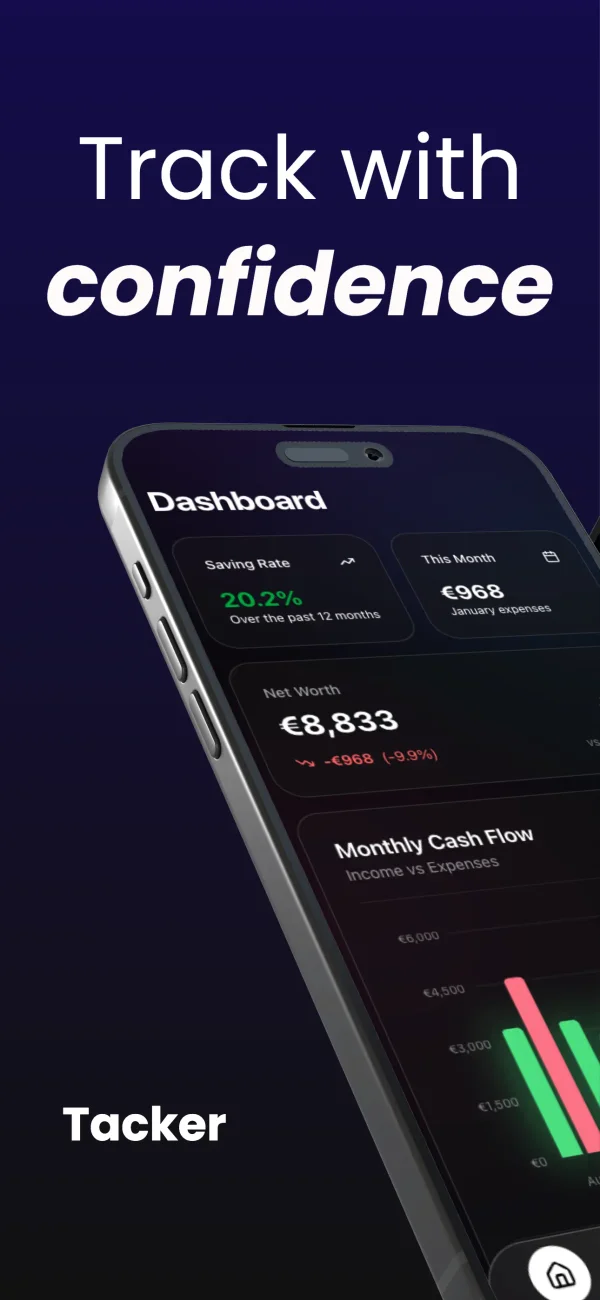
Tacker is the simple way to know where your money goes. Log in seconds, see everything at a glance, and let Tacker do the busywork.
LOG EXPENSES AUTOMATICALLY WITH APPLE PAY
• Pay with Apple Pay in shops and Tacker logs the expense for you
• Each payment arrives with a suggested category
• Tacker learns from the categories you confirm
• One-time setup with a ready-made Shortcut
EVERYTHING IN ONE PLACE
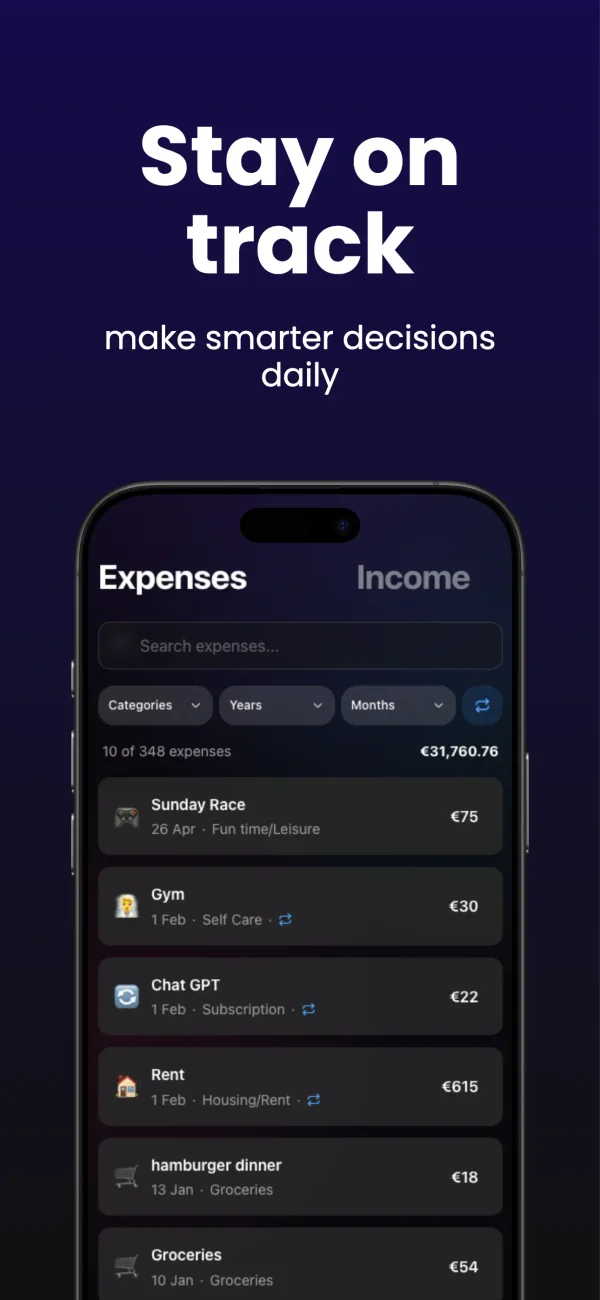
• Expenses and income in a single, clean list
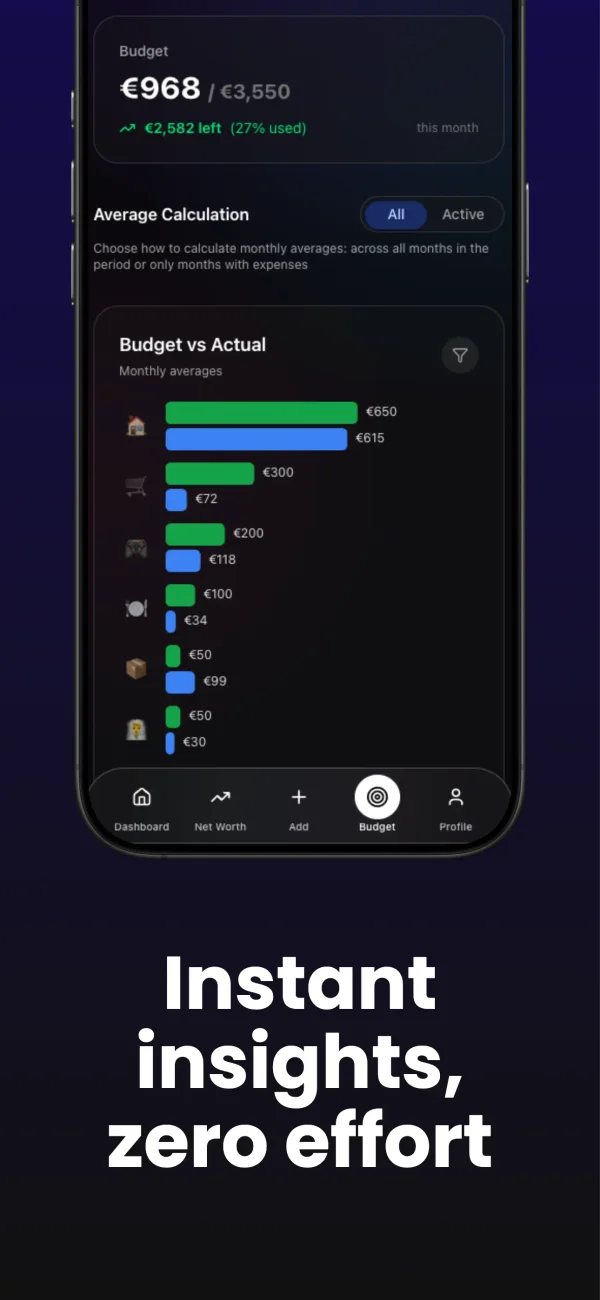
• Budgets by category, with clear progress through the month
• Net worth that updates with every transaction
• Recurring expenses and income tracked automatically – never forget a bill or subscription
INSIGHTS THAT MAKE SENSE
• Monthly trends and spending by category
• Cash flow at a glance
• Your saving rate, month by month
ADD IN SECONDS
• A fast add sheet with a big amount keypad
• Scan a receipt, bank statement or PDF and let AI fill in the details
• Export your expenses to CSV whenever you want
A GOOD START
• A quick guided setup for income, fixed costs and budget, so your month is ready from day one
PRIVATE BY DESIGN
• No ads, no tracking
• Secure sign-in with Apple or email
• Available in English, Italian and Spanish
• Light and dark mode
Built for anyone who wants control over their money without spreadsheets or complexity.
What’s new
Version 3.2.3 · Nov 16, 2026
New: add an expense in two taps
• Type the amount and tap a category: the expense is saved. Your most used categories come first
• Add a name, date or monthly repeat with the buttons above the categories
• Import expenses from a CSV file exported from another app: Profile → Import expenses. Undo any import from Profile → Imports
• Easier Apple Pay auto-log setup on iOS 27
• Small fixes and improvements
App privacy
What Federico Gotz declares on the App Store about how this app handles data.
-
Data linked to you
May be collected and linked to your identity.
- Financial info
- Contact info
- Identifiers
Privacy practices may vary, for example with the features you use or your age.
Information
- Seller
- Federico Gotz
- Category
- Finance
- Version
- 3.2.3
- Updated
- Nov 16, 2026
- Released
- Mar 6, 2026
- Size
- 4.5 MB
- Requires
- iOS 16.0 or later
- Age rating
- 4+
- Languages
- English, Italian, Spanish
- Copyright
- © 2026 Tacker
You might also like
-
 CENTRIS: Finance TrackerInvoice, Tax & Expense Tracker
-
 PortCall: Markets RadioPersonalized Finance Radio!
-
 Net Worth Tracker : VaultlyTrack assets, debts & wealth
-
 Babil: Money & Work TrackerWork log & net worth tracker
-
 Pocket Money — Money TrackerFinance
-
 Snapwise - AI Money TrackerReceipts, Budgets & Goals
-
 Seed FinanceTrack expenses effortlessly
-
 Quantik - Net Worth TrackerAll your wealth in one place
-
 Expense Tracker: Money IncomeTrack Spending, Budget Offline