
- Age rating4+
- CategoryBusiness
- DeveloperTacton Systems AB
- LanguagesEnglish
- Size8.9 MB
Links to the official App Store page
Download.org hosts no file of Tacton CPQ Authenticator. The button opens its official App Store page, published by Tacton Systems AB. Listing last checked on Nov 17, 2026.
Screenshots
About
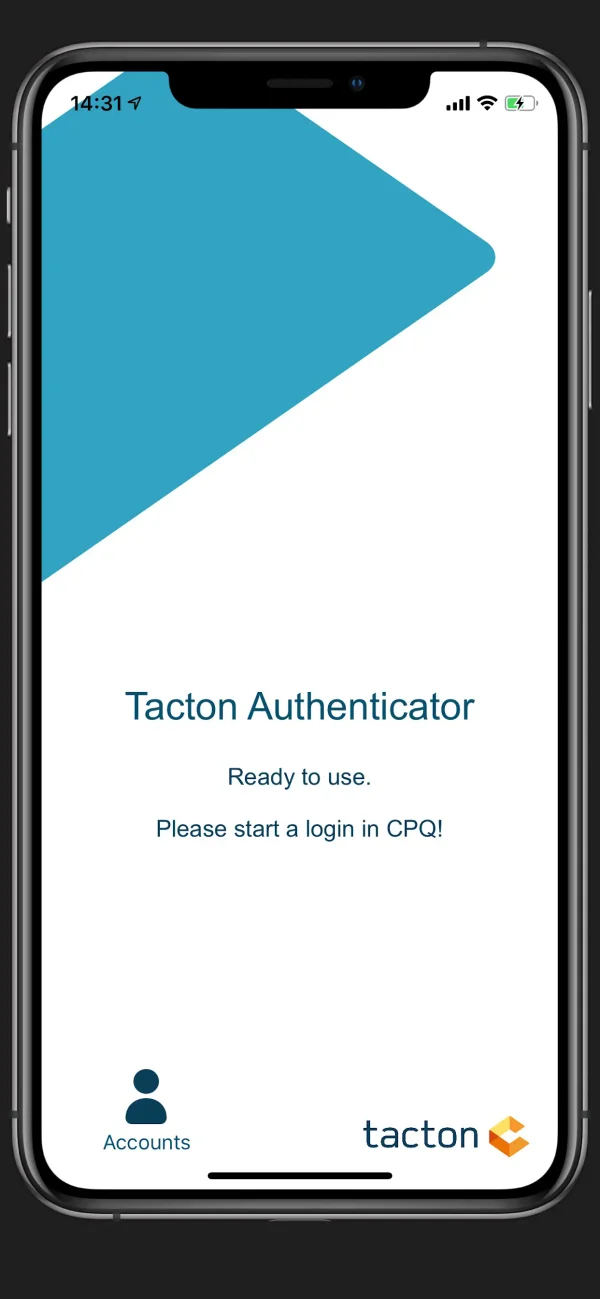
The Tacton CPQ Authenticator app adds an extra layer of security to Tacton CPQ.
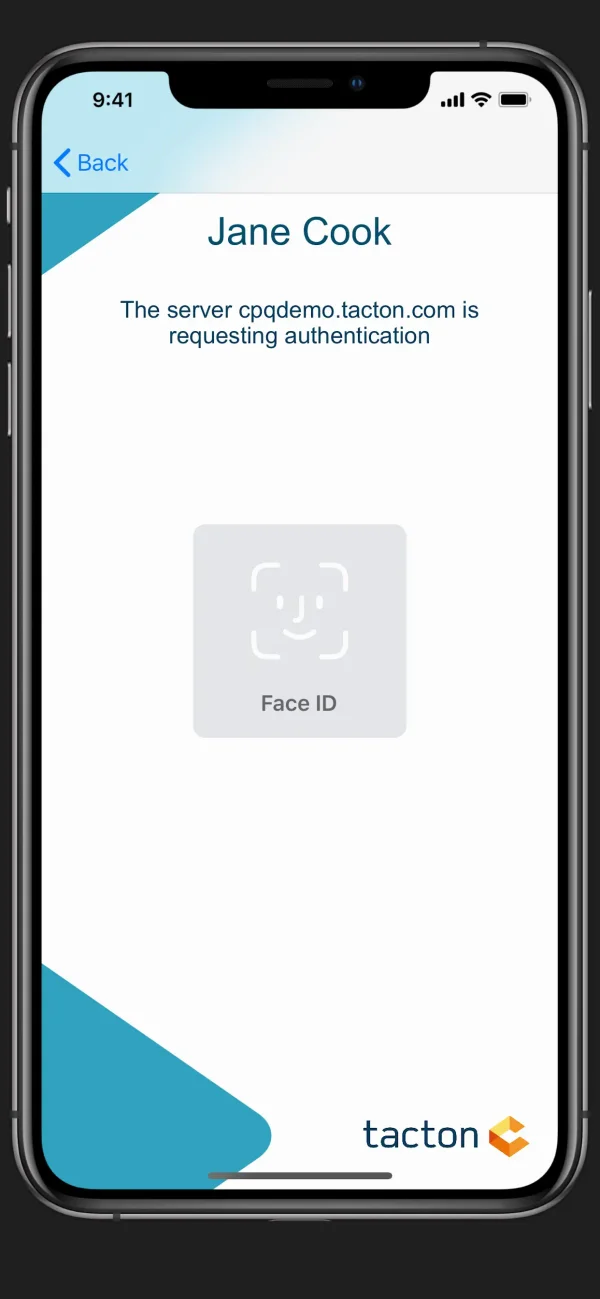
Once activated, users will be required to follow a 2-step verification process to access Tacton CPQ. This provides stronger security and helps protect your sensitive business information.
How it works:
When a user opens Tacton CPQ on a computer, they will be requested to provide their Tacton CPQ User ID and password. The user will then be prompted to open the Authenticator app on their phone and again verify their identity, this time using one of the iOS authentication methods – Face ID, Touch ID or PIN/Passcodes.
Installation:
To install the Authenticator, simply download the app from the AppStore and follow the instructions to pair it to your Tacton server(s) and account(s).
App features:
● Quickly pair the app with multiple CPQ accounts and servers
● Pair multiple iOS devices (iPhones, iPads, etc.) to a single account
● Uses iOS encryption, iOS Keychain, and encryption best practices to ensure the highest level of security
For more details about the Tacton CPQ Authenticator and other Tacton mobile solutions, please visit https://www.tacton.com/tacton-cpq/tacton-cpq-for-ios/
What’s new
Version 2.4 · Sep 22, 2025
Rebranding
App privacy
What Tacton Systems AB declares on the App Store about how this app handles data.
-
Data not collected
The developer does not collect any data from this app.
Privacy practices may vary, for example with the features you use or your age.
Information
- Seller
- Tacton Systems AB
- Category
- Business
- Version
- 2.4
- Updated
- Sep 22, 2025
- Released
- Oct 24, 2018
- Size
- 8.9 MB
- Requires
- iOS 9.0 or later
- Age rating
- 4+
- Price
- Free
- Languages
- English
- Copyright
- © 2020 Tacton Systems AB