- Age rating4+
- CategoryPhoto & Video
- Developer44 Studio
- LanguagesEnglish
- Size6.7 MB
Links to the official App Store page
Download.org hosts no file of Take01: Teleprompter Studio. The button opens its official App Store page, published by 44 Studio. Listing last checked on Nov 17, 2026.
Screenshots


About
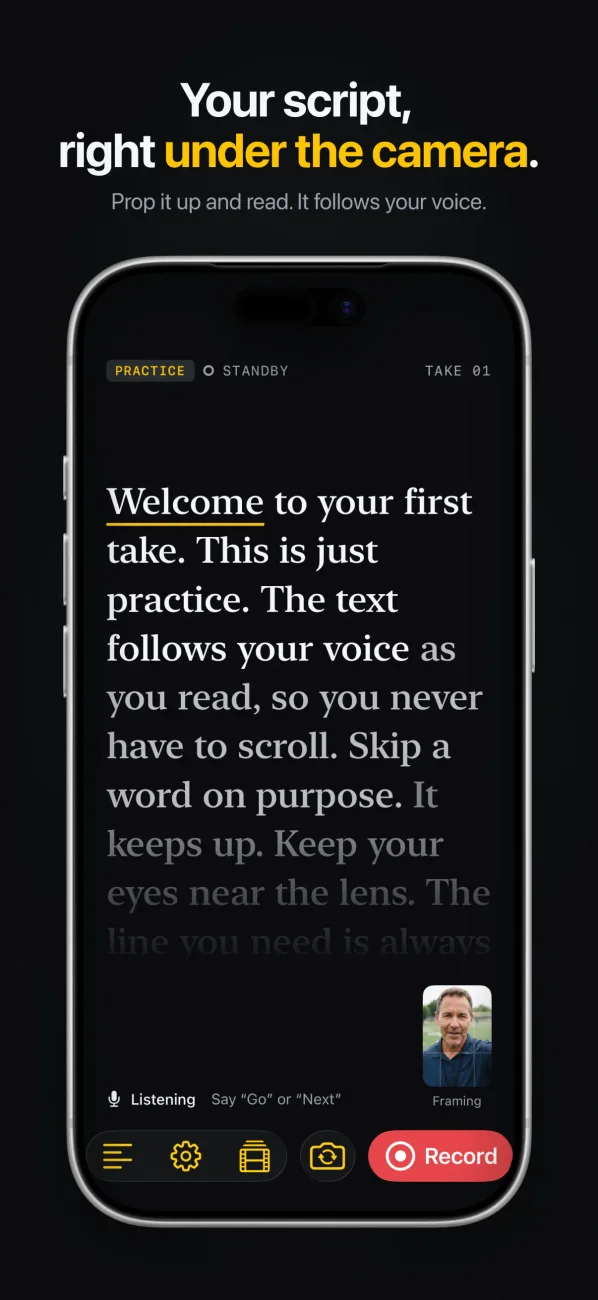
Read your script while looking straight at the camera. Take01 puts your words right next to the lens, follows your voice as you speak, and turns every take into a captioned video ready for Reels, Shorts and feeds.
Made for solo founders and creators recording product demos, launch posts and updates on their own.
BUILT FOR IPHONE DUO
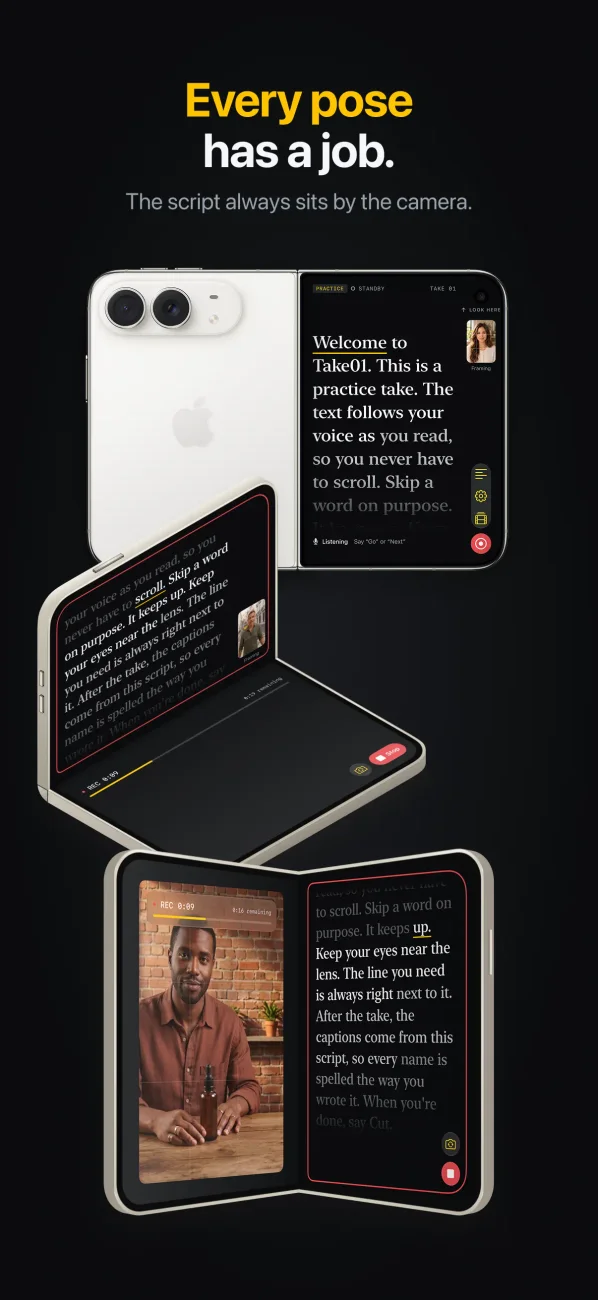
Stand iPhone Duo half open like a book. You read the script right beside the camera, so your eyes stay on the lens, and the other side shows your shot big while you record. Half open like a laptop, the script sits by the camera with a small framing preview. Fully open, the whole screen is your teleprompter, and flat between takes it's your studio for reviewing takes, captions and exports. Works closed too, and on every other iPhone.
IT FOLLOWS YOUR VOICE
No scrolling speed to set. The script moves as you read, keeps up when you skip a word, and waits when you pause. Say "Go" to start a take and "Cut" to stop. The word "Cut" is trimmed from the end of the recording.
ANY CAMERA, ANY TIME
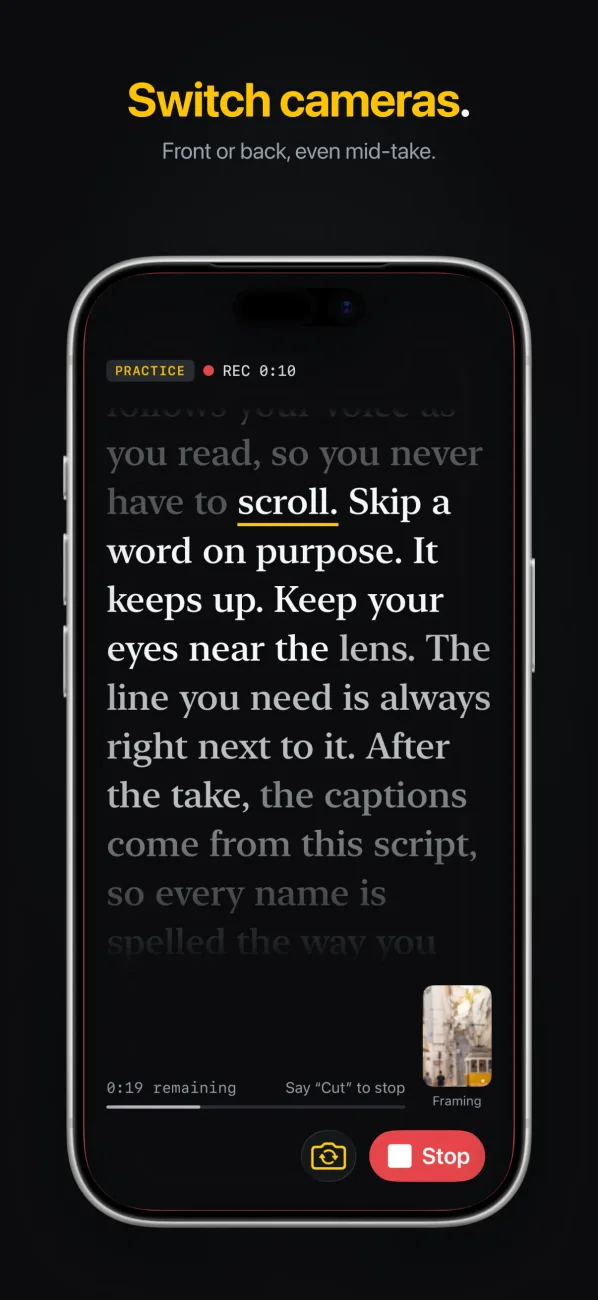
Switch cameras before a take or in the middle of one: front or back on iPhone; the outer screen, inner screen or back camera on iPhone Duo. Built-in stabilization keeps hand-held takes steady.
CAPTIONS SPELLED RIGHT
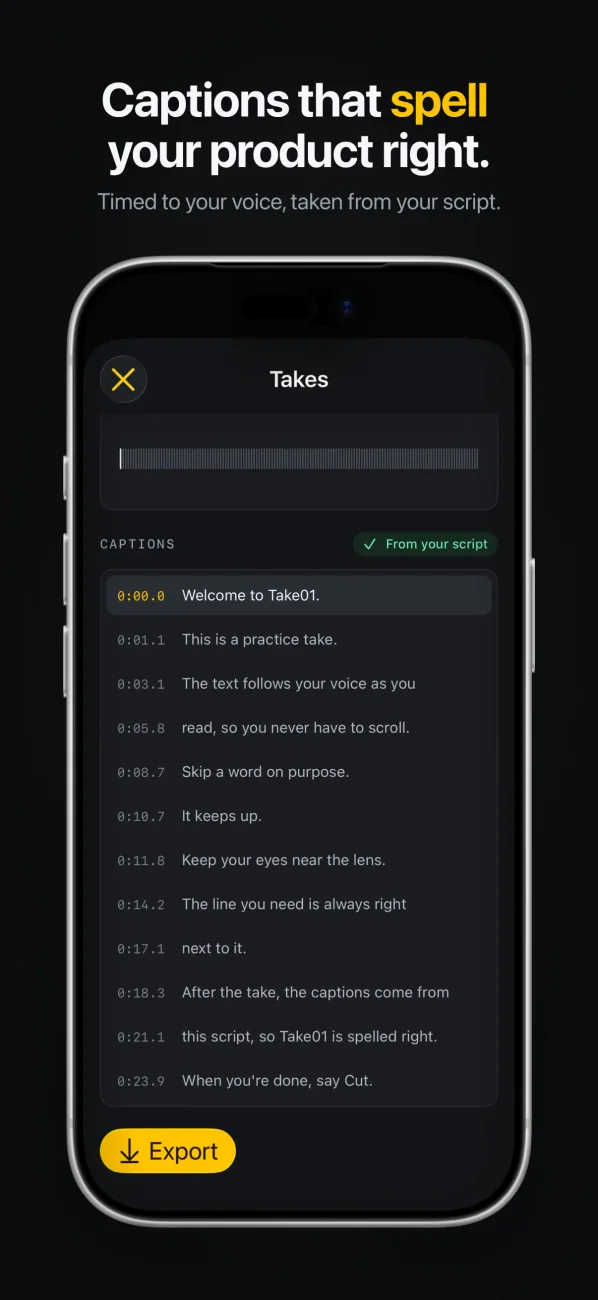
Captions come from your script, timed to your voice, so product names, brands and jargon are spelled exactly the way you wrote them. Choose a style (Boxed, Outline, Highlight, Minimal), size, position and line length, with the word being said highlighted.
ONE TAKE, EVERY FORMAT
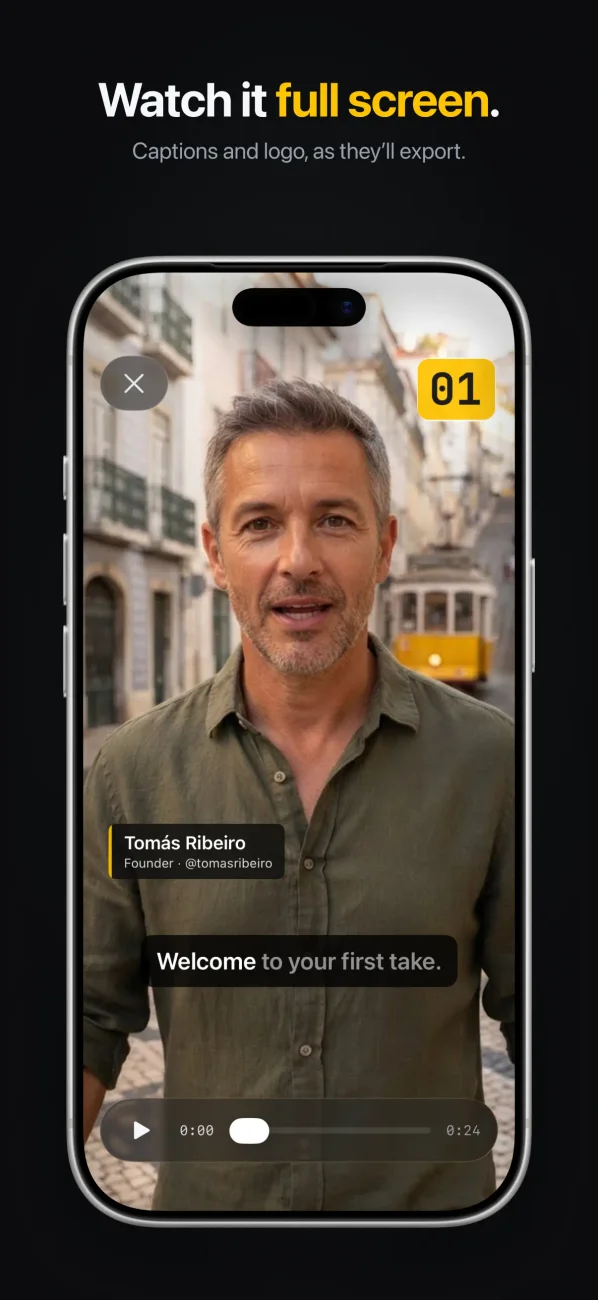
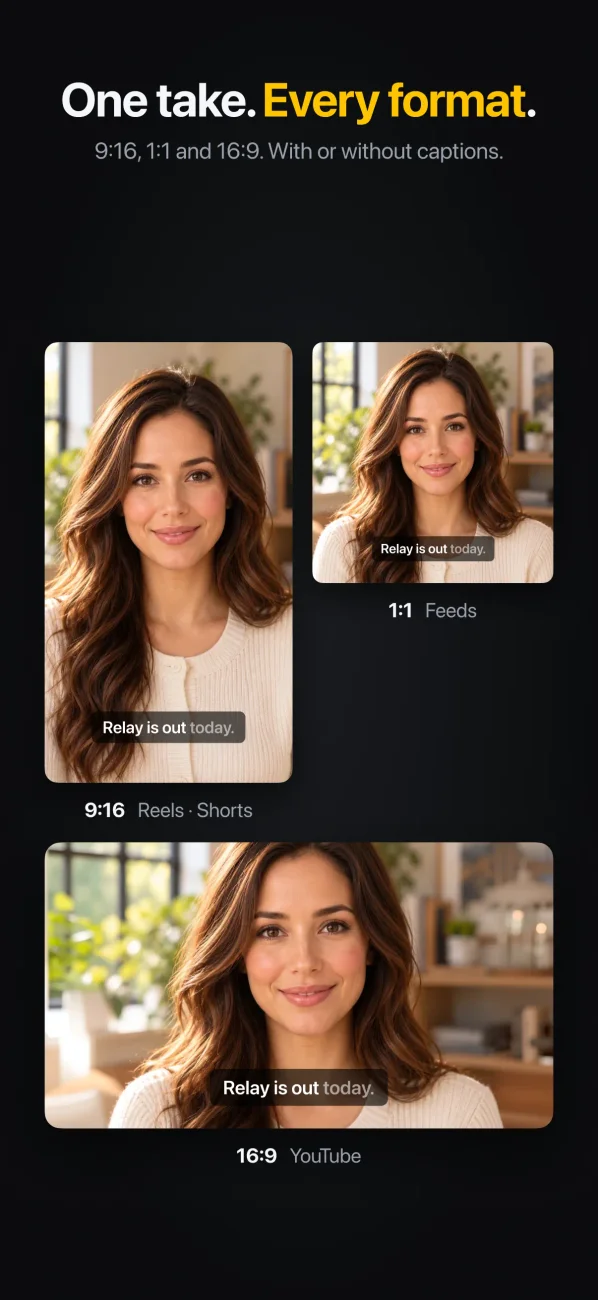
Watch a take full screen, exactly as it will export. Then export 9:16 for Reels and Shorts, 1:1 for feeds and 16:9 for YouTube, with captions burned in, without them, or the captions file alone (SRT).
YOUR NAME AND LOGO
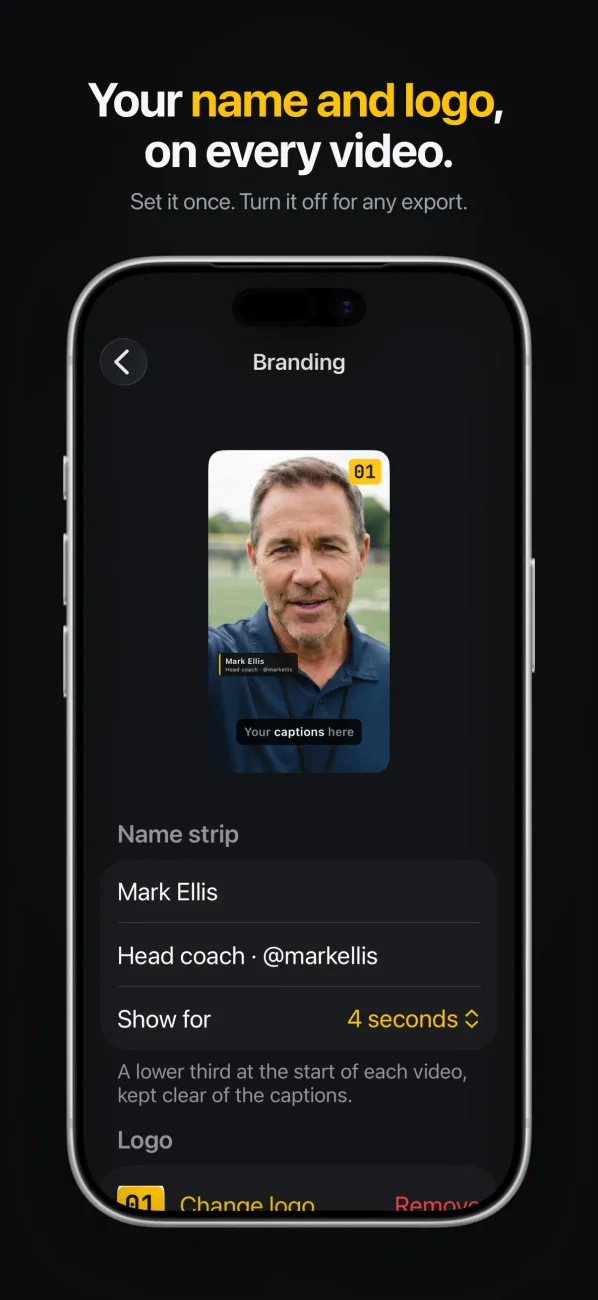
Add a name strip and your logo once. They go on every export, and your takes stay clean.
SHARE SCRIPTS AND CAMPAIGN PACKS
Send a script to another creator, or a campaign pack with your logo and caption style, and get the videos back on brand.
PRIVATE BY DESIGN
No account, no sign-in, no watermark. Your scripts and videos stay on your iPhone.
Speaks your language: voice commands in English, Portuguese, Spanish, French, German and Italian, and voice follow in many more.
What’s new
Version 1.2 · Oct 31, 2026
Take01 1.2 listens better, and entirely on your iPhone.
YOUR VOICE STAYS ON YOUR IPHONE
Take01 now uses Apple's newest on-device speech recognition. It follows your script and hears "Go" and "Cut" without sending anything anywhere, and it no longer needs the Speech Recognition permission: just the microphone.
FOLLOWS YOU WORD BY WORD
Every word lights up as you read, even when you speak fast.
COMMANDS ONLY WHEN YOU MEAN THEM
"Go", "Next" and "Cut" work when you say them on their own, so a "next" in the middle of a sentence won't jump to another script. And saying "Cut" ends the take cleanly, without the word on the video.
BETTER ON IPHONE DUO
On the open Duo, Export sits with the other controls on the right and the Takes screen has more room for your video. If voice is off, Take01 tells you how to turn it back on, and tapping Record gives you time to turn the phone round.
ALSO
- A simpler first launch that you can swipe through, and that fits in landscape
- Fixes and polish
App privacy
What 44 Studio declares on the App Store about how this app handles data.
-
Data not collected
The developer does not collect any data from this app.
Privacy practices may vary, for example with the features you use or your age.
Information
- Seller
- Sales Oliveira Simoes - Design, Lda.
- Category
- Photo & Video
- Version
- 1.2
- Updated
- Oct 31, 2026
- Released
- Oct 21, 2026
- Size
- 6.7 MB
- Requires
- iOS 26.0 or later
- Age rating
- 4+
- Price
- $1.99
- Languages
- English
- Copyright
- © 2026 HOP Design
You might also like
-
 AudioReelTurn audio & photos into video
-
 Vidonary - Video TeleprompterAccess/Create Scripts & Record
-
 TIME&SPACE: Event PhotosFind your photos with a selfie
-
 Duo Wallpapers & ThemesDual Screen Wallpapers
-
 Z Camera AppPhoto & Video
-
 White Balance Meter AI - KEVColor Temperature Kelvin Meter
-
 Teleprompter ·Subtitles Generator For Video
-
 PromptSmart+Expanded VoiceTrack Prompter
-
 Timestamp Camera: GPS MapDate Stamper on Photos & Video
-
 Spatial Media ToolkitConvert 2D to 3D Video & Photo