Takeover: Screen Time Control
App Blocker for Social Media
Designed for iPhone, iPad
Free · In-app purchases
- Age rating4+
- CategoryProductivity
- DeveloperMuhammed Hamza Cakmak
- LanguagesEnglish
- Size34.0 MB
Links to the official App Store page
Download.org hosts no file of Takeover: Screen Time Control. The button opens its official App Store page, published by Muhammed Hamza Cakmak. Listing last checked on Nov 18, 2026.
Screenshots

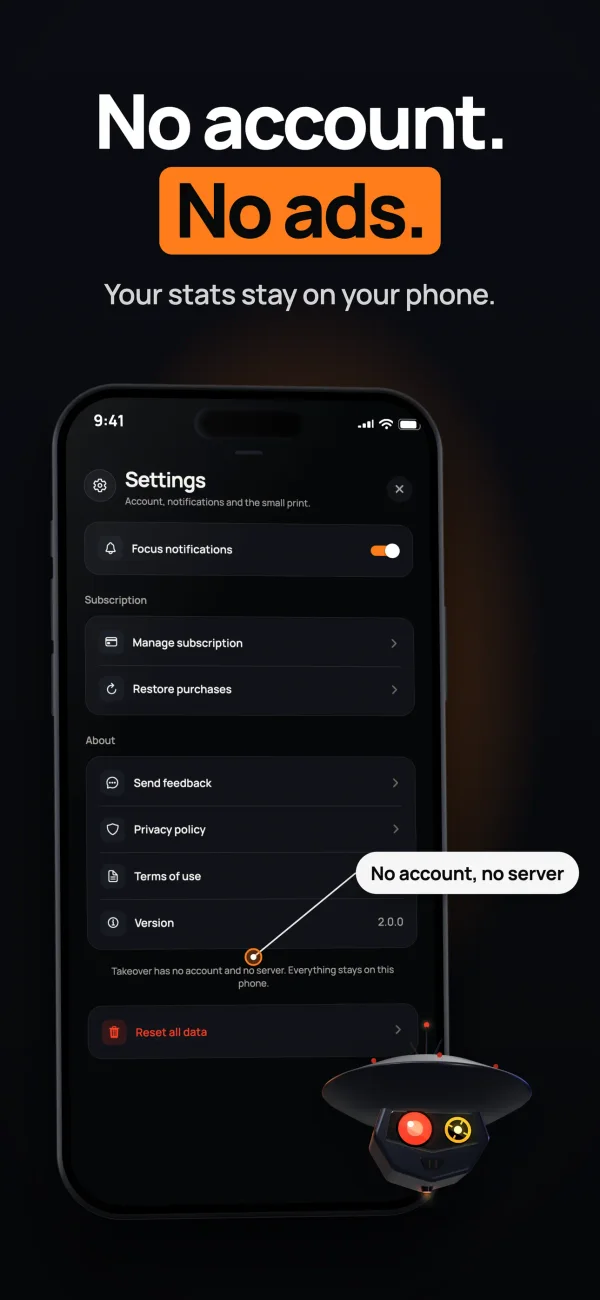
About
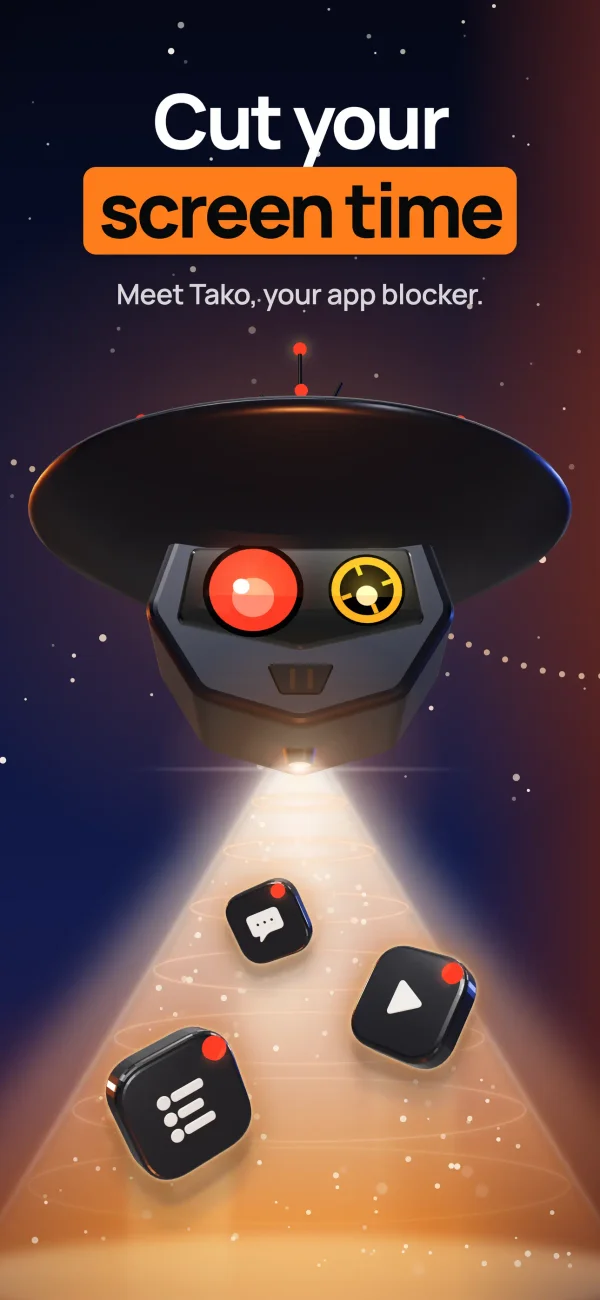
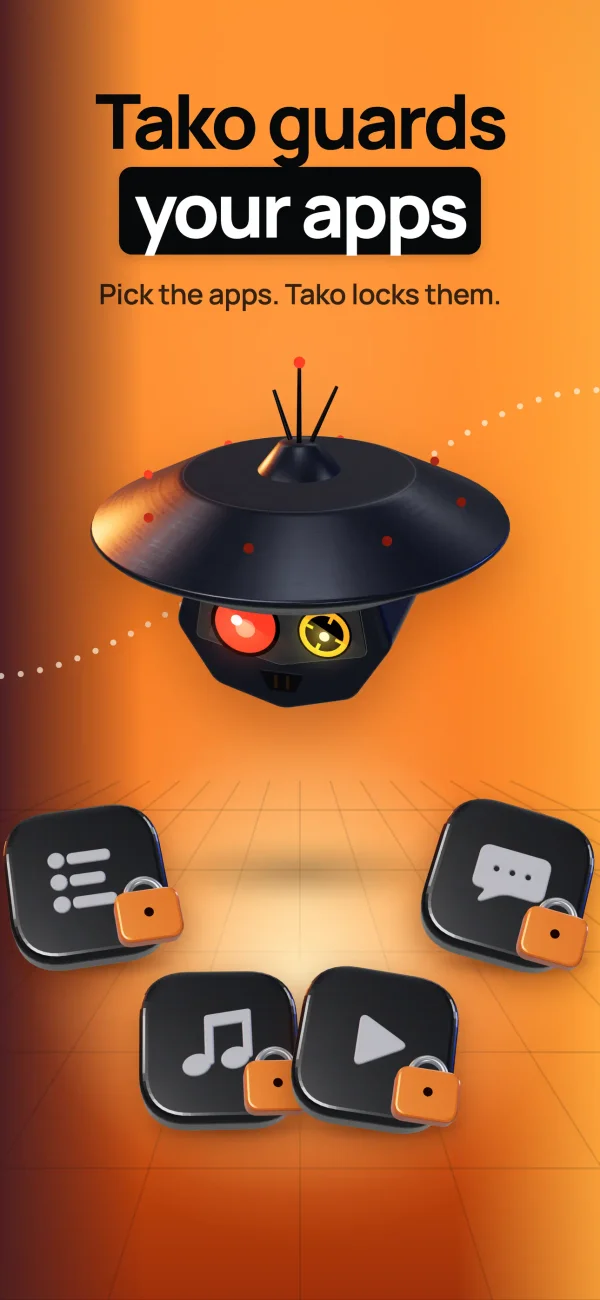
Takeover is a screen time control app and app blocker. Pick the apps that eat your day, and Tako, a small 3D robot, locks them at bedtime, during work or study, while you focus, or once today's limit is used up.
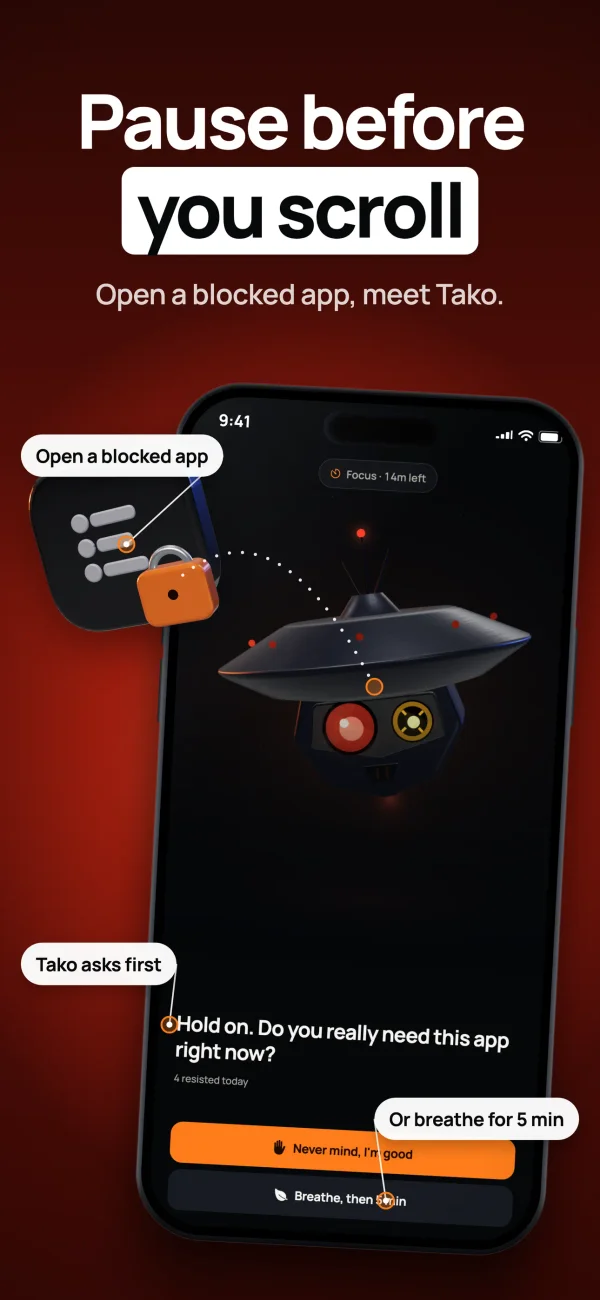
Open a locked app and Tako asks first: do you really need it right now?
BLOCK APPS ON YOUR SCHEDULE
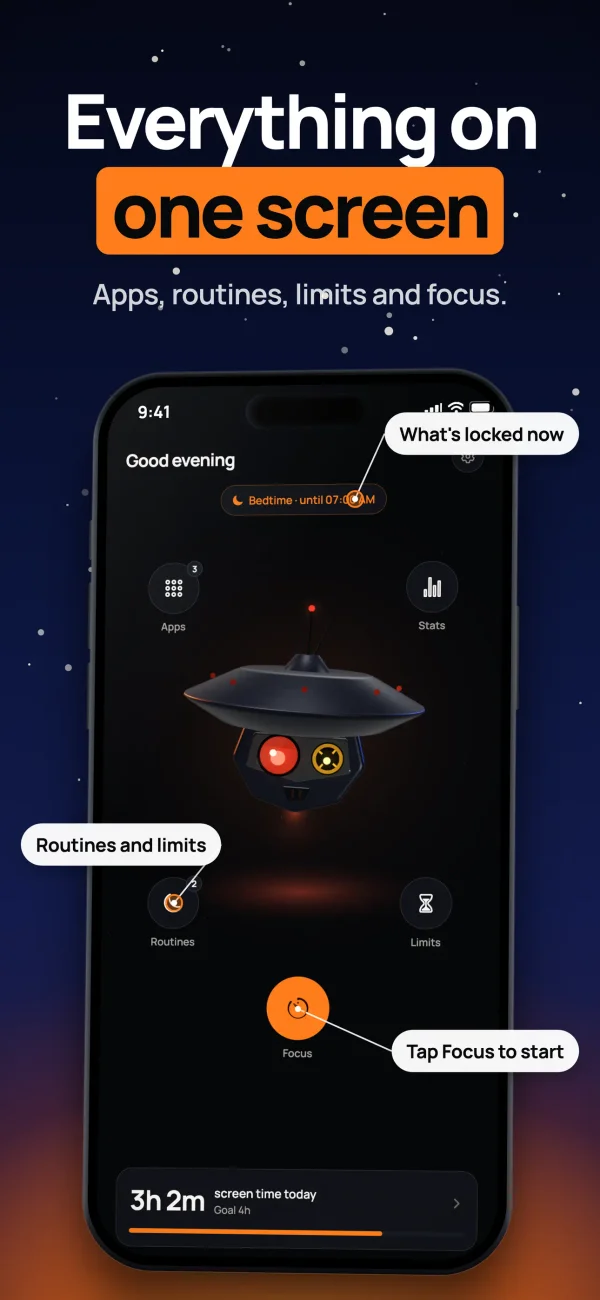
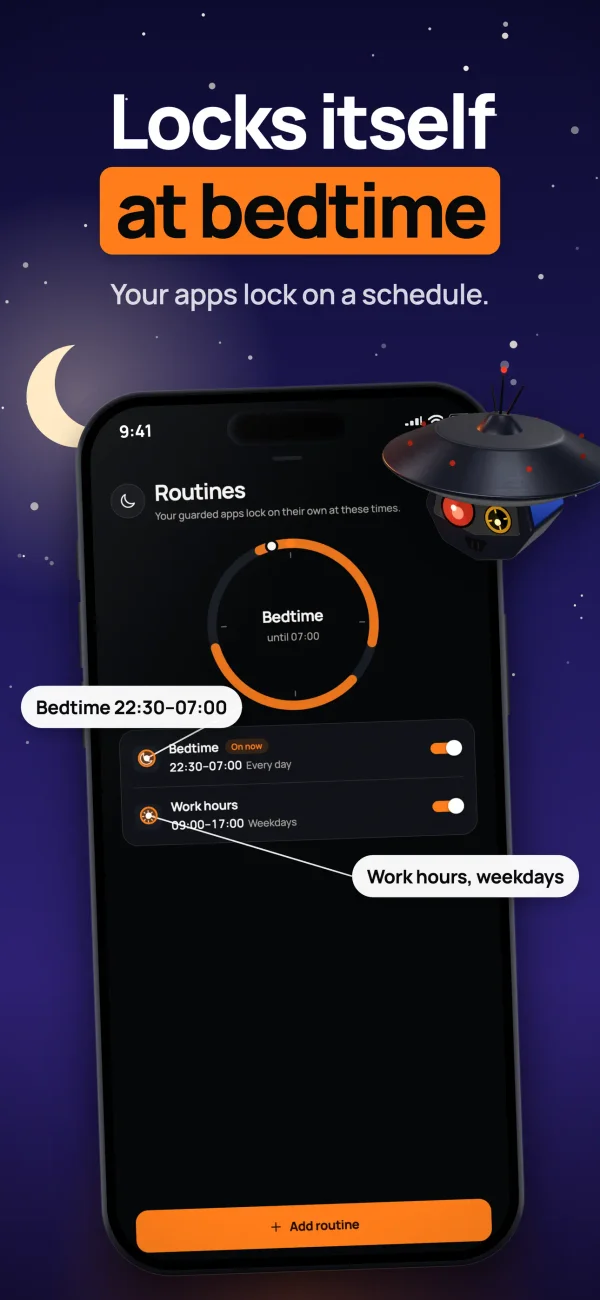
• Routines lock your chosen apps at set times: bedtime, work hours, study time, a slow morning.
• App limits give a group of apps a daily time budget, like 30 minutes of social media. When it runs out, those apps stay locked until midnight.
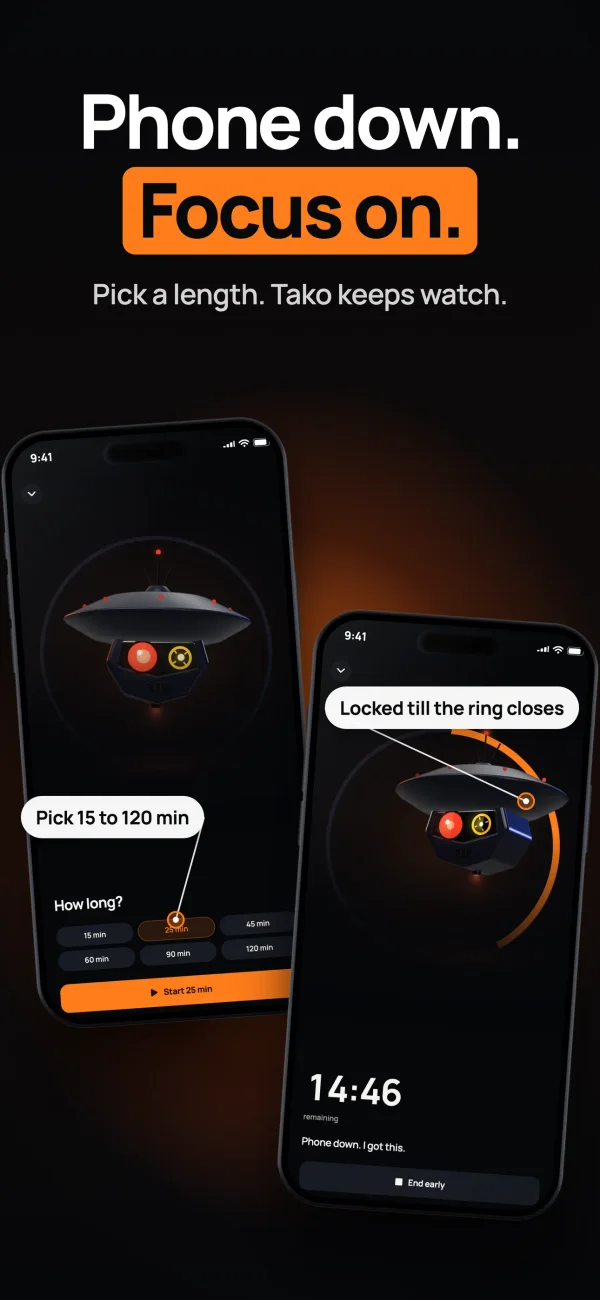
• Focus sessions lock everything you chose, from 15 minutes to two hours, with one tap. The countdown stays live on your Lock Screen.
A PAUSE BEFORE THE SCROLL
• A locked app shows Tako's block screen instead of your feed.
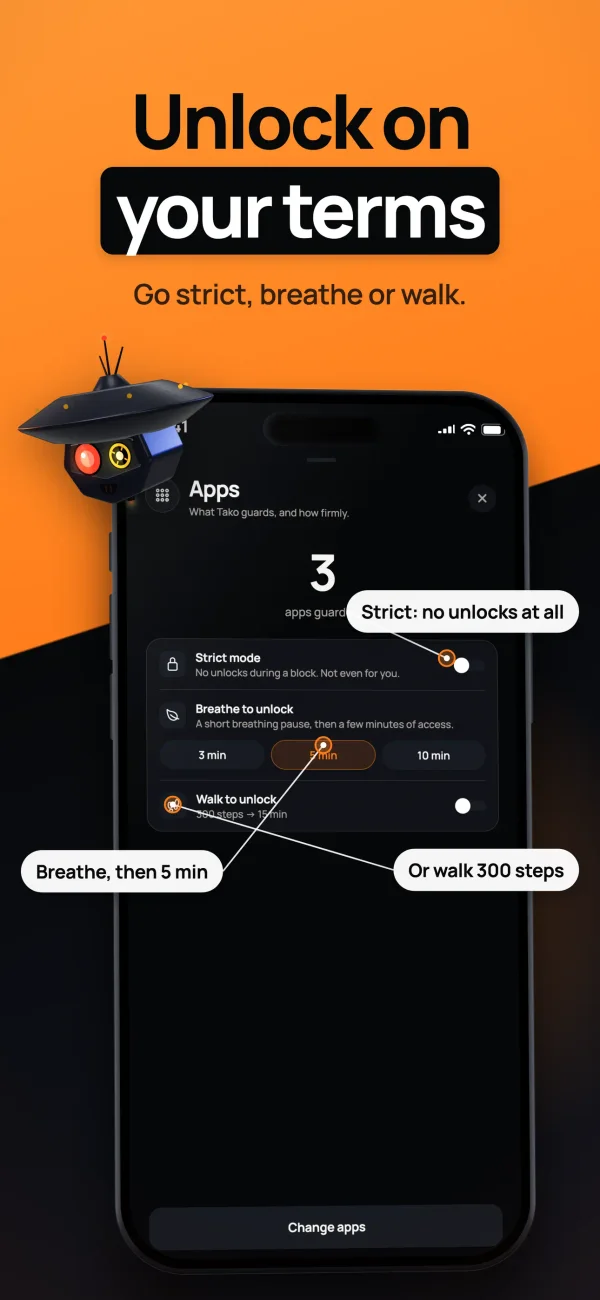
• Unlock on your terms: a short breathing pause for a few minutes of access, a walk of a few hundred steps, or strict mode with no unlocks at all.
• Strict mode tells you plainly what is holding and when it lets go, like "Bedtime is on until 07:00".
• Tako Gate: a guided, two-minute Shortcuts setup sends a blocked app straight to Tako instead of Apple's screen.
A ROBOT THAT PAYS ATTENTION
• Keep unlocking? Tako suggests strict mode, or making unlocks cost a walk.
• Went past your daily goal? A heads-up, and a daily limit one tap away.
• A reminder ten minutes before a routine locks your apps.
• One suggestion a day at most. No nagging.
SEE YOUR SCREEN TIME
• Today's screen time, your week and your most-used apps, shown privately by iOS.
• Tako counts the opens you resisted and the minutes you stayed focused.
• Set a daily goal and see how many hours a week it gives back.
PRIVATE BY DESIGN
• No account and no sign-up.
• No ads.
• Your goals, routines and stats stay on your phone. iOS doesn't even tell Takeover which apps you picked: the Screen Time framework keeps that private.
HOW IT WORKS
Takeover uses Apple's Screen Time framework (Family Controls) to block apps on your own iPhone. iOS asks for your permission once. You can change or remove the apps Takeover guards at any time. It is made for managing your own screen time, not for parental control.
SUBSCRIPTION
Takeover is a premium app: choose a subscription to use it. Eligible new subscribers start with a free trial. The plan, trial length and price are shown before you confirm. Payment is charged to your Apple Account at confirmation. Subscriptions renew automatically unless you cancel at least 24 hours before the end of the current period. Manage or cancel any time in your Apple Account settings. Promo and offer codes can be redeemed in the app.
Terms of Use: https://www.apple.com/legal/internet-services/itunes/dev/stdeula/
Privacy Policy: https://takeover.cloud/privacy.html
What’s new
Version 2.2.0 · Nov 11, 2026
• Tako Gate, step by step: an illustrated two-minute setup so a blocked app opens on Tako instead of Apple's screen.
• Strict mode now explains itself: what is holding, and when it lets go.
• Smart suggestions: when unlocking becomes a habit, Tako offers strict mode, walk to unlock or a bedtime routine.
• A heads-up ten minutes before a routine starts, and a note when you pass your daily goal.
• A new "how it works" screen in onboarding.
• Smoother dialogs, fixes and polish.
App privacy
What Muhammed Hamza Cakmak declares on the App Store about how this app handles data.
-
Data not collected
The developer does not collect any data from this app.
Privacy practices may vary, for example with the features you use or your age.
Information
- Seller
- Muhammed Hamza Cakmak
- Category
- Productivity
- Version
- 2.2.0
- Updated
- Nov 11, 2026
- Released
- May 31, 2026
- Size
- 34.0 MB
- Requires
- iOS 26.0 or later
- Age rating
- 4+
- Price
- Free
- In-app purchases
- Yes
- Languages
- English
- Copyright
- © 2026 Rexa
You might also like
-
 Mogoo TracksTrack anything, see trends
-
 EveryTimer: Focus & PomodoroIntuitive visual focus timer
-
 LifeOS - Self ObservatoryFind your strengths & habits.
-
 Current: Planner To Do RoutineShift Schedule & Time Blocking
-
 Track & AnalyzeTrack anything you want
-
 DayKit: Personal LogbookDaily Tracker, Log & Organizer
-
 Sink: Habit & Event TrackerVoice-Enabled Lifelogger
-
 Evo - The Everything AppThe ultimate productivity app
-
 AnyLog - Track AnythingTrack anything over time
-
 FlowStack: Focus & RoutineTo Do List, Timer & Pomodoro