- Age rating4+
- CategoryNavigation
- DeveloperRyan Fridlich
- LanguagesEnglish
- Size86.4 MB
Links to the official App Store page
Download.org hosts no file of TAKLite. The button opens its official App Store page, published by Ryan Fridlich. Listing last checked on Nov 18, 2026.
Screenshots
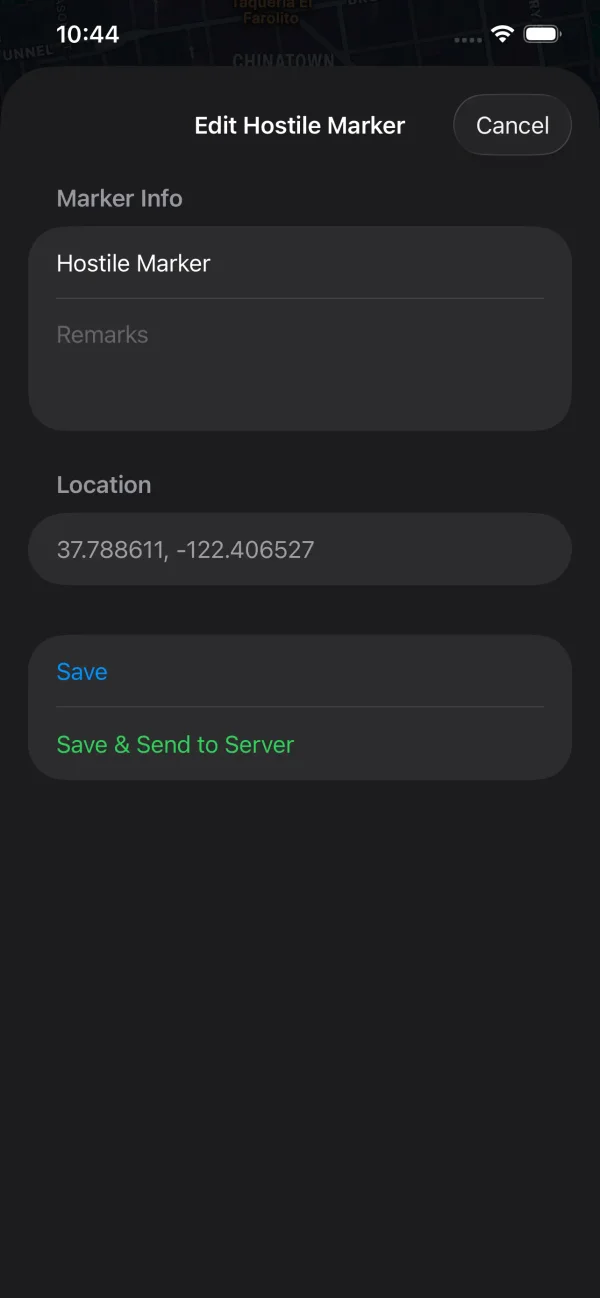
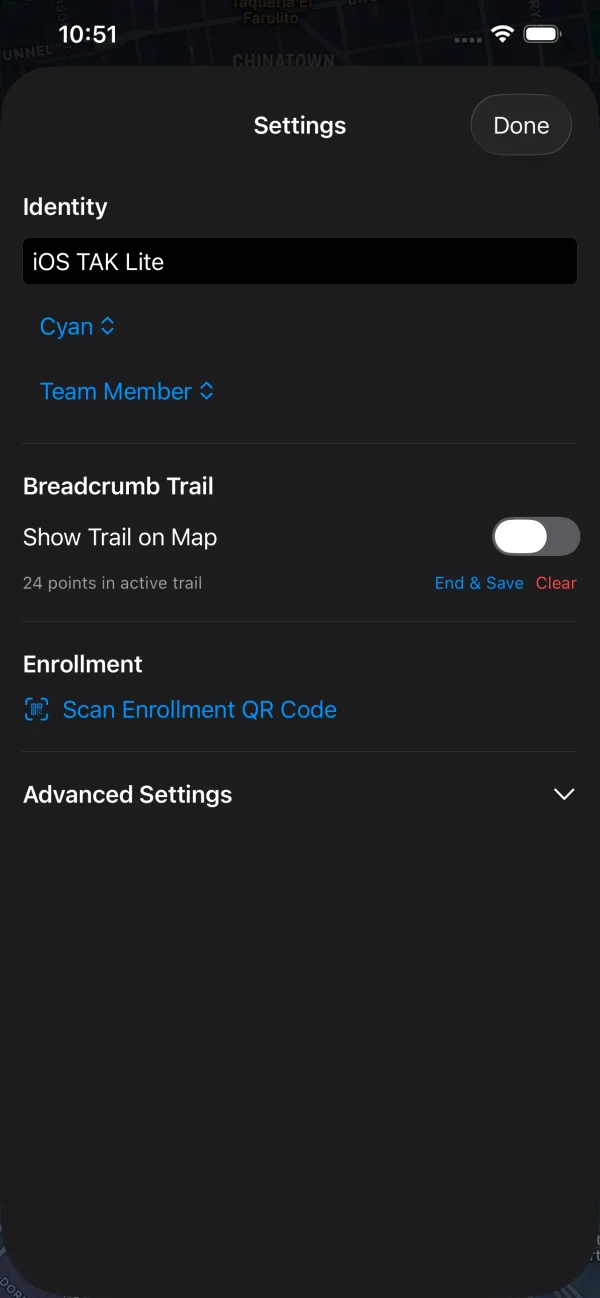
About
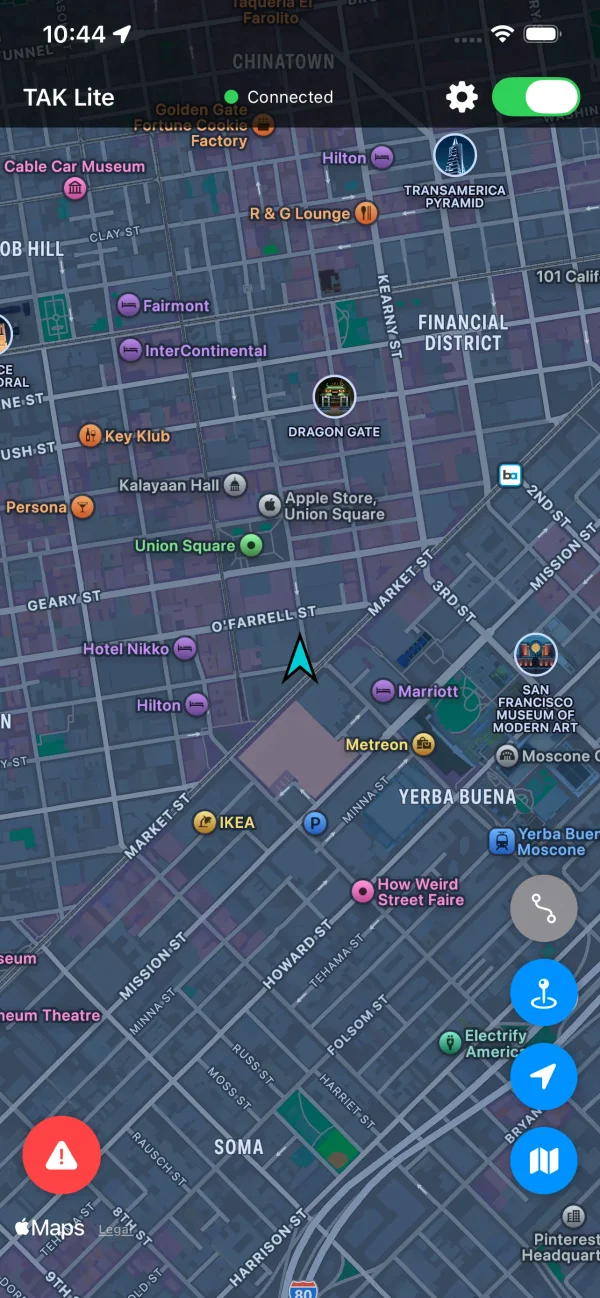
TAK Lite is a lightweight Cursor on Target (CoT) client that connects to TAK servers for real-time team situational awareness. See your team's positions on a live map, share your location, and send emergency alerts — all without the complexity of full ATAK/iTAK.
Features:
Real-time position sharing with your team via TAK server (FreeTAKServer, TAK Server)
Live map with team member locations, callsigns, and team colors
14 team colors matching ATAK standards (Cyan, Red, Green, Blue, etc.)
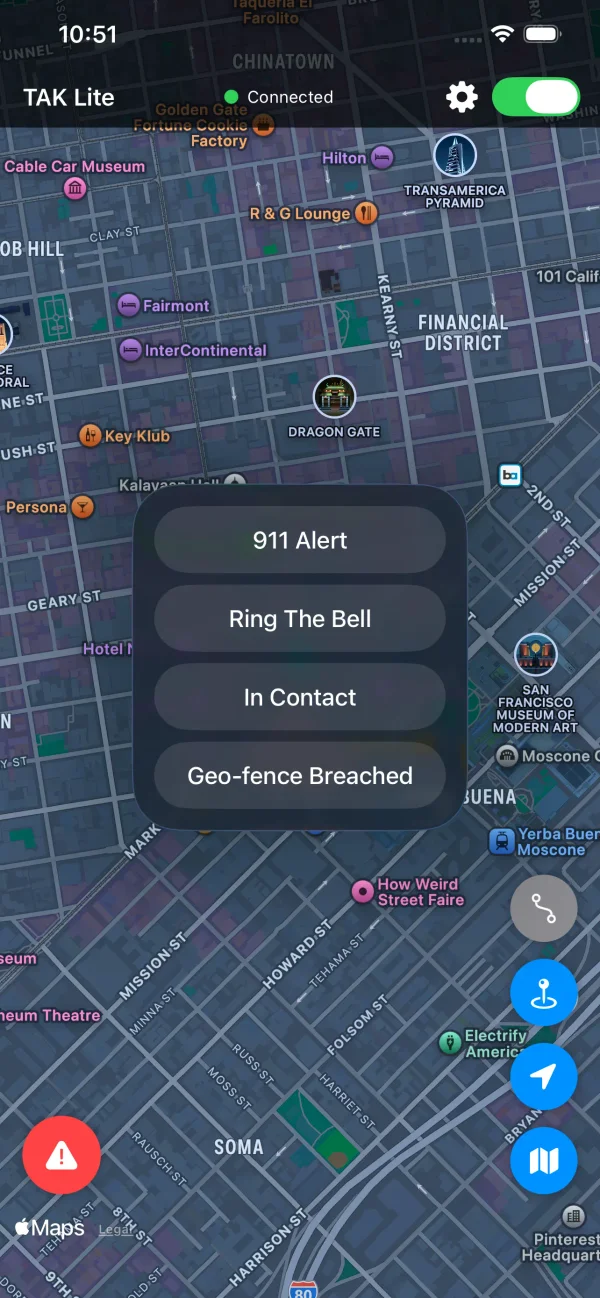
Emergency alert system with 4 alert types (911 Alert, Ring The Bell, In Contact, Geo-fence Breached)
Automatic reconnection when network connectivity changes
Background location reporting
TLS mutual authentication with certificate support
QR code enrollment for easy server setup
Street, satellite, and hybrid map views
Stale user detection — markers gray out when team members go offline
Requirements:
iOS 17.0 or later
TAK server connection (FreeTAKServer or official TAK Server)
Valid client certificate for TLS connections
TAK Lite is designed for small teams who need simple, reliable position tracking without the overhead of a full tactical suite.
What’s new
Version 1.3 · Nov 6, 2026
TAK Lite 1.3.0
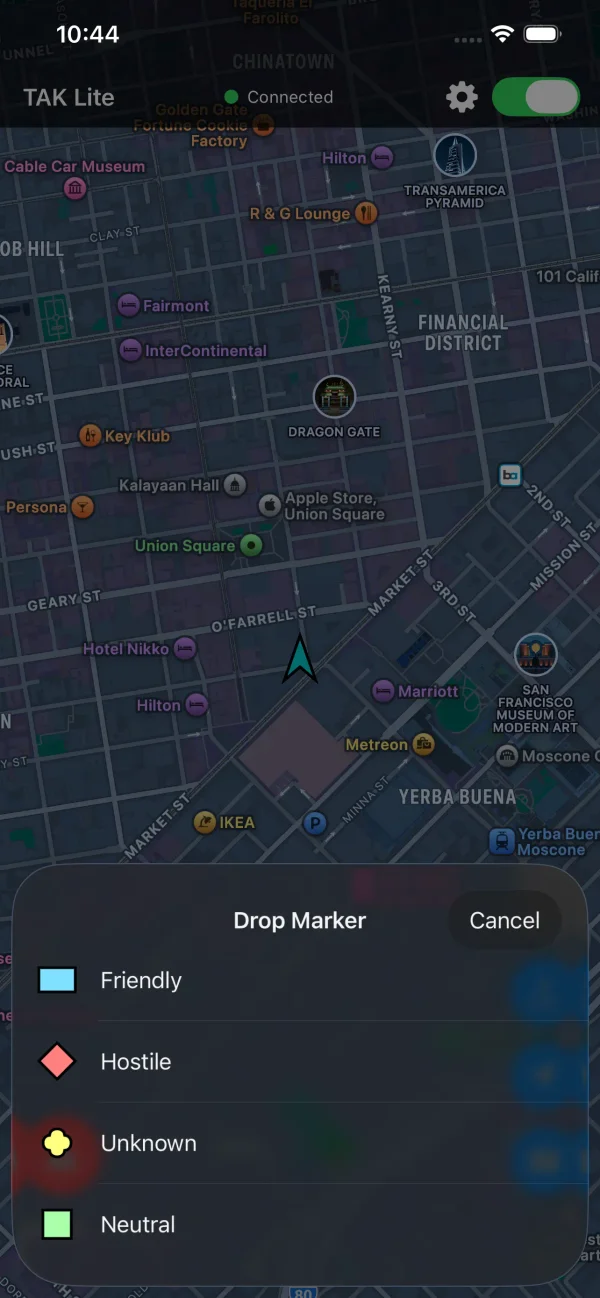
•Data Sync: subscribe to data syncs in Settings and make one active. Pins you drop publish to it automatically.
•Shapes and routes: see shapes, routes, range and bearing lines, and spot markers from your data syncs on the map.
•Photos on pins: take or attach photos, view them on the map, and show which direction a photo was taken.
•Data sync files: open, add and remove files in a sync.
•Works offline: changes you make without a connection are saved and sent in order once you're back online.
•Faster updates: adds, edits and deletes from ATAK show up within seconds.
•Quicker pin drops: the edit window opens as soon as you place a pin, so you can name it or add a photo right away.
•Cleaner map: markers shrink and their labels hide as you zoom out.
App privacy
What Ryan Fridlich declares on the App Store about how this app handles data.
-
Data linked to you
May be collected and linked to your identity.
- Location
Privacy practices may vary, for example with the features you use or your age.
Information
- Seller
- Ryan Fridlich
- Category
- Navigation
- Version
- 1.3
- Updated
- Nov 6, 2026
- Released
- May 12, 2026
- Size
- 86.4 MB
- Requires
- iOS 17.0 or later
- Age rating
- 4+
- Price
- Free
- Languages
- English
- Copyright
- © 2026 R3 Systems. All rights reserved.
You might also like
-
 CloudTAKRealTime Situational Awareness
-
 Centinela: Tactical NavigationOffline maps, waypoints & TAK
-
 Visible Area: Field Of ViewViewshed - Line of Sight
-
 MilMap: Topo Maps & NavigationOffline maps, MGRS & routes
-
 PrimeAlert ResponderNavigation
-
 Sit(x) MobileSA Solution for any Situation
-
 Skyby: What Plane Is Above Me?Plane spotting & flight log
-
 Resgrid UnitAVL, Staffing & Live Status
-
 DeerBrainGet Inside the Brain of a Deer
-
 TROP - TAK appC2 CoT/ATAK done right