
- Age rating4+
- CategoryTravel
- DeveloperJerry Fuzellier
- LanguagesFrench+ 1 more
- Size82.4 MB
Links to the official App Store page
Download.org hosts no file of TalesMap. The button opens its official App Store page, published by Jerry Fuzellier. Listing last checked on Nov 12, 2026.
Screenshots




About
Don't tell your travel stories. Let your photos do it for you.
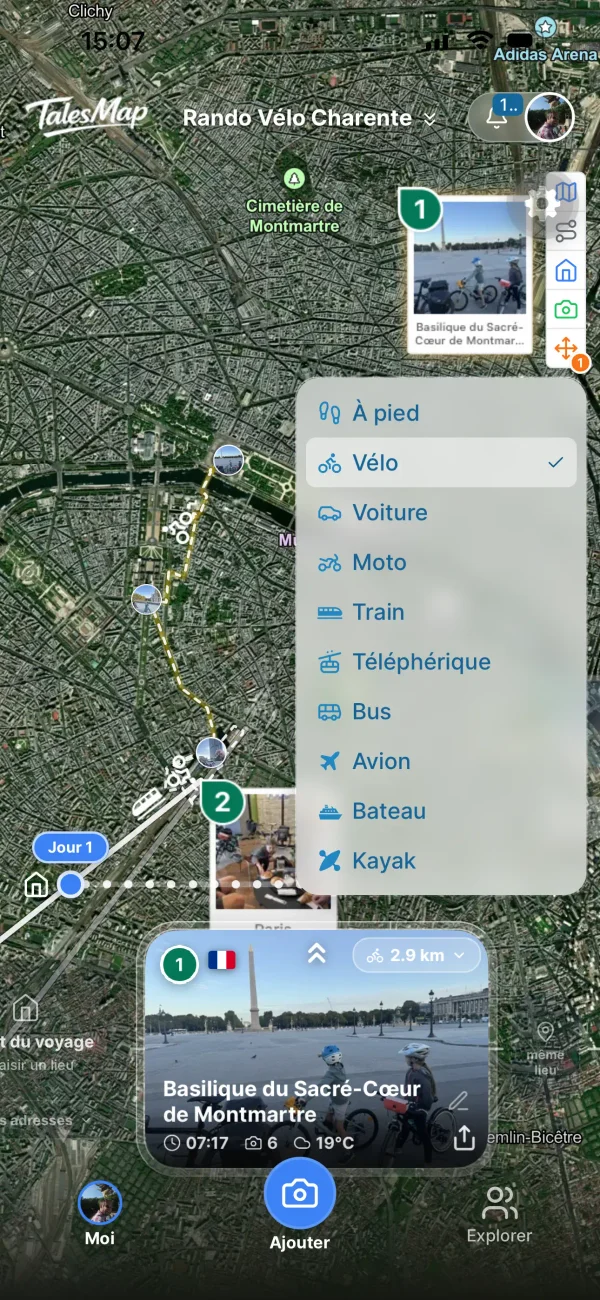
TalesMap turns the chaos of your camera roll into a structured travel journal — automatically. Drop hundreds of photos at once, and within minutes, watch your trip rebuild itself: stops on a map, day-by-day timeline, written stories, and a print-ready photo book.
No live tracking. No battery drain. No tagging photos one by one. Just enjoy the trip — sort it out when you're back.
——— HOW IT WORKS ———
1. Create a trip and upload your photos (HEIC, JPEG, PNG, WebP, TIFF)
2. TalesMap reads each photo's GPS and timestamp
3. Photos are clustered into real travel stops by location and time
4. Each stop is named (city, landmark, neighborhood) and enriched with historical weather
5. Routes between stops are traced on a Mapbox map, with transport mode detected
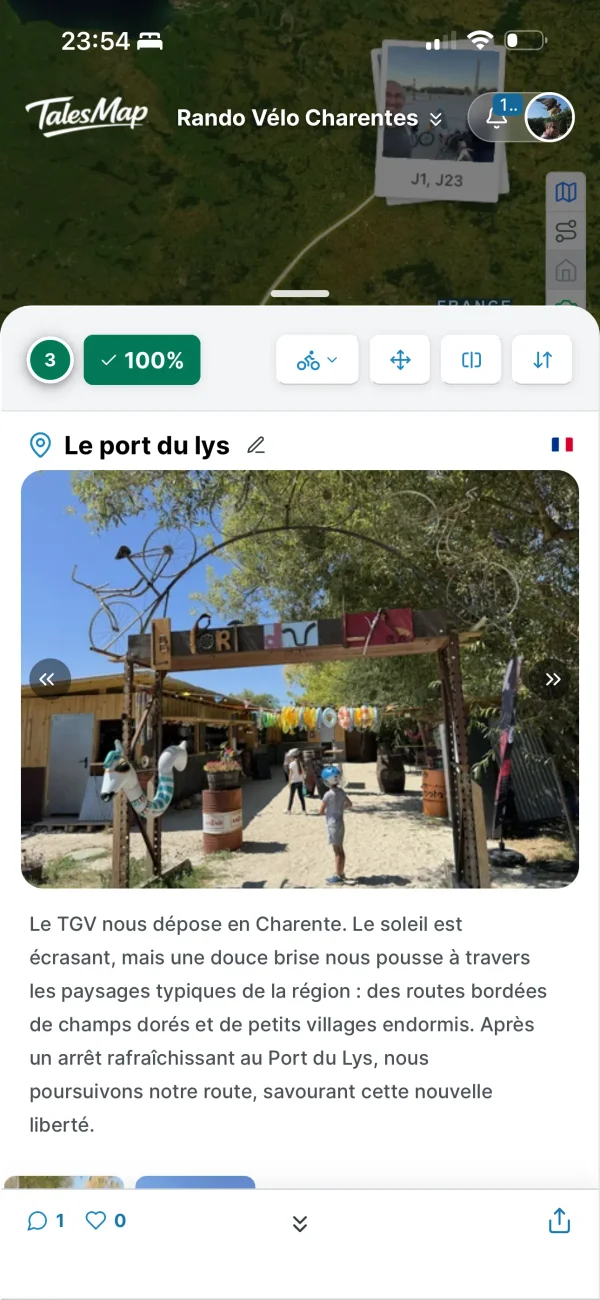
6. An AI writes the story of your journey, day by day
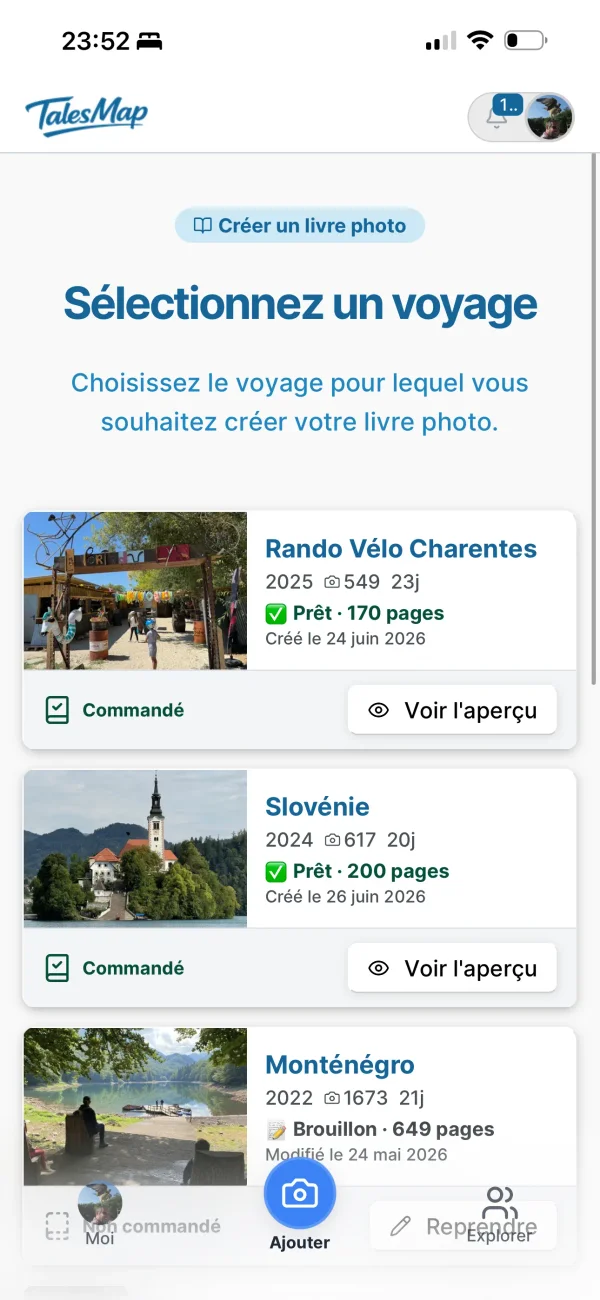
7. A photo book layout is generated, ready to preview and order
——— WHAT YOU GET ———
• Automatic timeline — Days, stops and transitions built from your photos
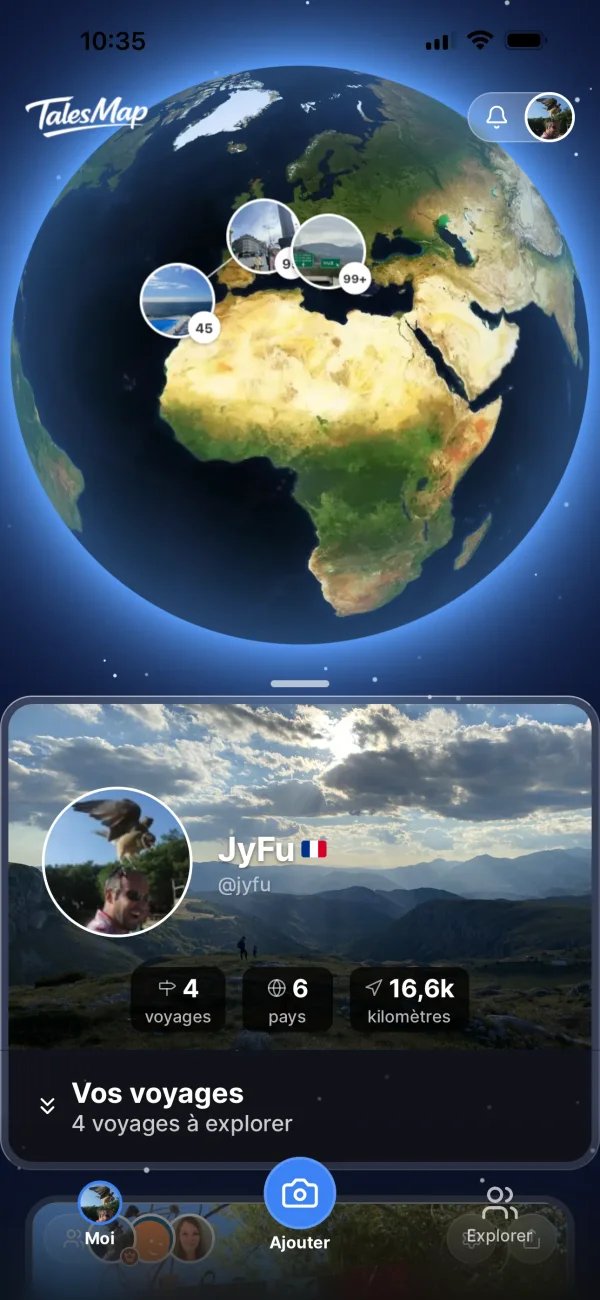
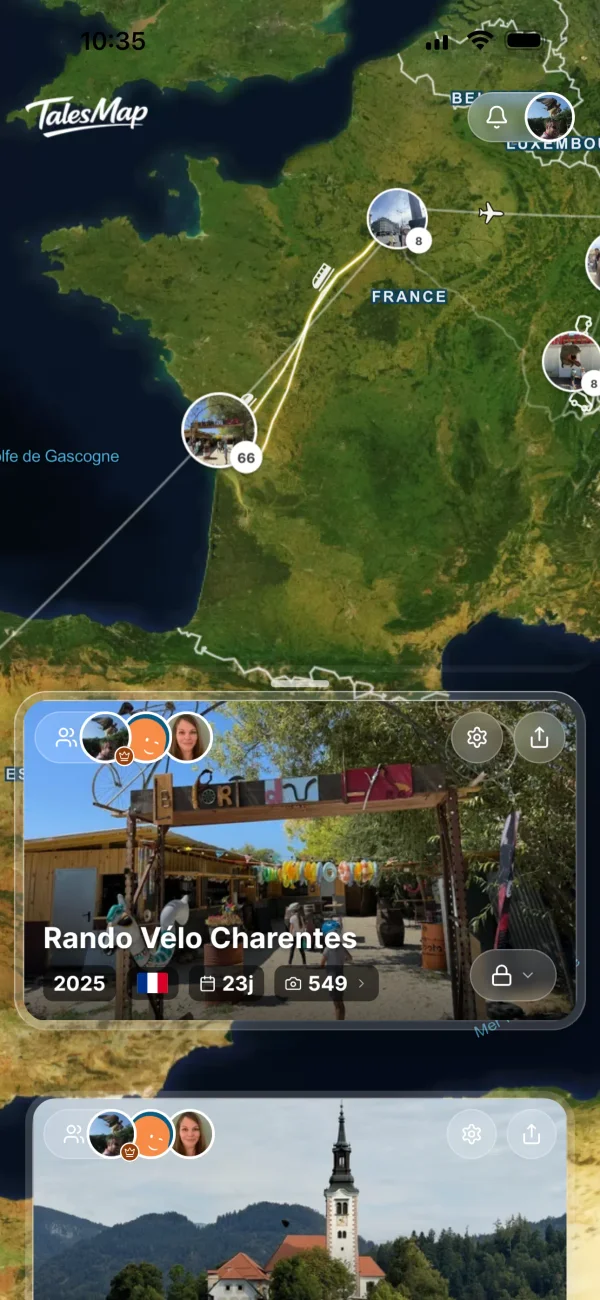
• Interactive map — Globe view, polaroid photos pinned on real routes, replay animation
• AI travel stories — Coherent narratives generated from your trip data
• Photo books — Smart layouts with face protection, integrated maps, 3D flipbook preview
• Real-time progress — Watch your trip materialize as photos are processed (WebSockets)
• Live GPS tracking — Optional in-trip recording to fine-tune routes
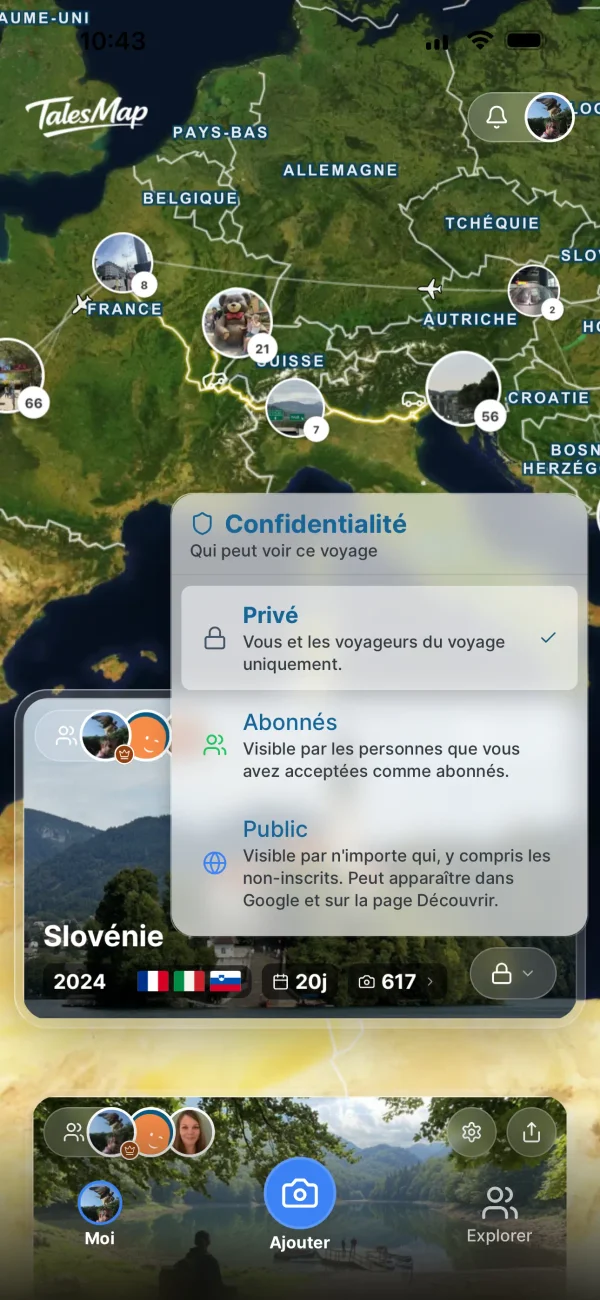
• Privacy-first sharing — 4 visibility levels: private, close friends, followers, public
• Collaboration — Invite travel companions to edit the same trip
• Multilingual — App and AI narratives in English, French and Spanish
——— WHY TALESMAP ———
A 500-photo trip takes 12 to 20 hours to organize manually with traditional apps. TalesMap compresses that work into a few minutes of background processing.
What’s new
Version 1.1.4 · Oct 17, 2026
Share your photos straight to TalesMap.
In the Photos app, pick your photos, tap Share, then choose TalesMap. They
go into the trip you choose, keeping their date and their location. The app
opens even if it was closed.
Also in this version:
• The book workshop: full-screen page flipping on desktop, zoom, a chosen
corner for every caption box, and a new list gathering everything you
have set by hand.
• Screenshots are left out of your book automatically, and easy to single
out in your gallery.
• Crops worth a second look can be approved from the book summary.
• Your account, settings, orders and address screens have been redesigned.
• When you sign up, you can place your starting point on a map.
• Stability and display fixes.
App privacy
What Jerry Fuzellier declares on the App Store about how this app handles data.
-
Data linked to you
May be collected and linked to your identity.
- Purchases
- Location
- Contact info
- User content
- Identifiers
- Usage data
- Diagnostics
-
Data not linked to you
May be collected but is not linked to your identity.
- Identifiers
Privacy practices may vary, for example with the features you use or your age.
Information
- Seller
- Jerry Fuzellier
- Category
- Travel
- Version
- 1.1.4
- Updated
- Oct 17, 2026
- Released
- Jul 18, 2026
- Size
- 82.4 MB
- Requires
- iOS 15.1 or later
- Age rating
- 4+
- Languages
- French, English
- Copyright
- © 2026 Jerry Fuzellier
You might also like
-
 Audioguide MT SevillaTravel
-
 Smily OwnerTravel
-
 Parknest — StationnementNavigation
-
 MapTalesGo: Audio GuideExplore Paris & London Offline
-
 Go-OutTravel
-
 TripCenter: Travel PlannerPlan trips, budgets & more
-
 Eventio: Shared Event PlannerTasks, Expenses & Photos
-
 Tripals - Group Travel PlannerTravel Plans In One Place
-
 MyAtlas – Travel JournalPlan, share and explore trips
-
 NexARound : Travel ReinventedDiscover. Plan. Explore.