Talking Points Tracker
Say what you mean to say.
Designed for iPhone, iPad, Mac
Free · In-app purchases
- Age rating4+
- CategoryProductivity
- DeveloperStephen Parris
- Size8.7 MB
Links to the official App Store page
Download.org hosts no file of Talking Points Tracker. The button opens its official App Store page, published by Stephen Parris. Listing last checked on Nov 13, 2026.
Screenshots
About
Talking Points Tracker is the speaker's notes app that listens...and keeps you on message.
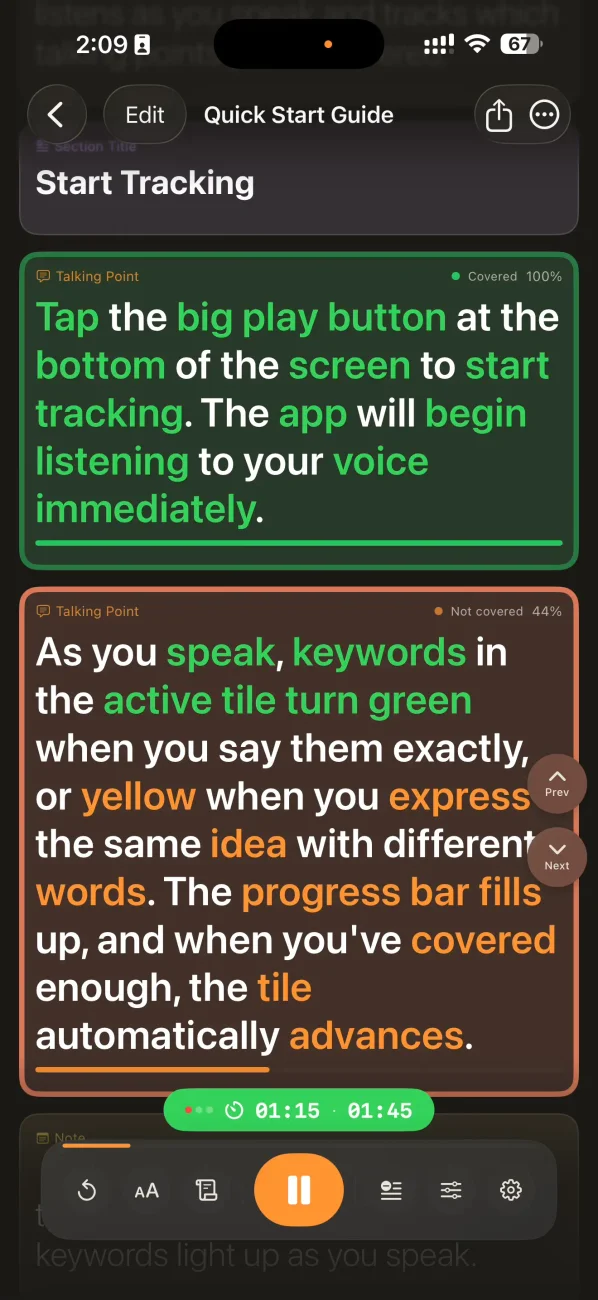
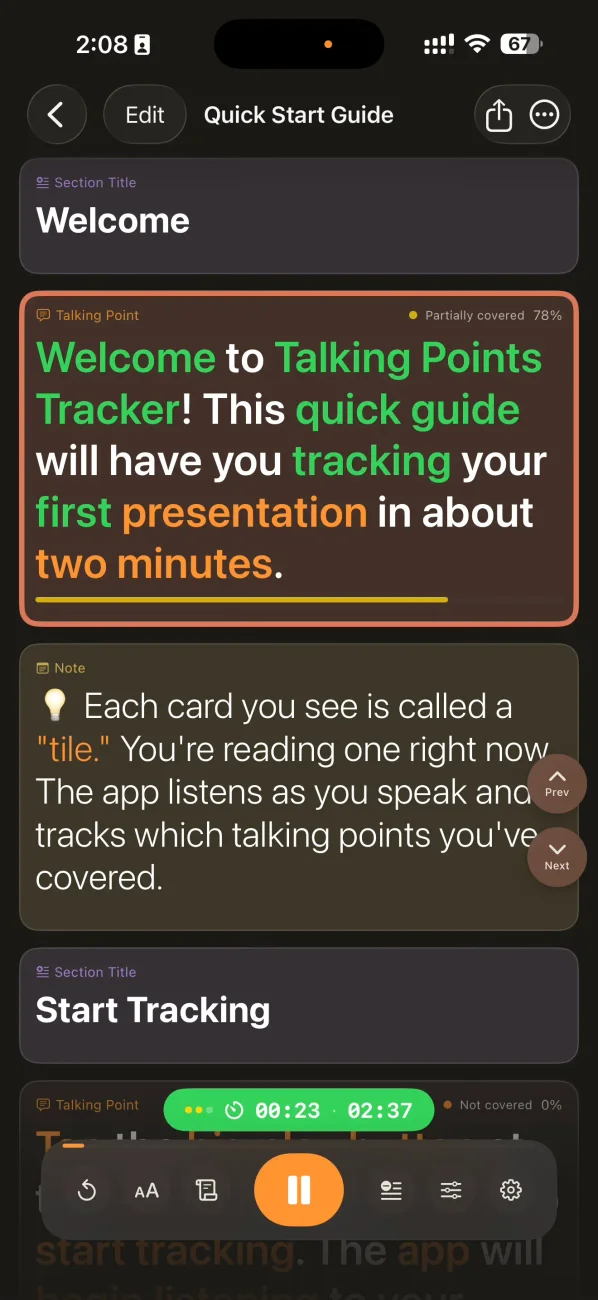
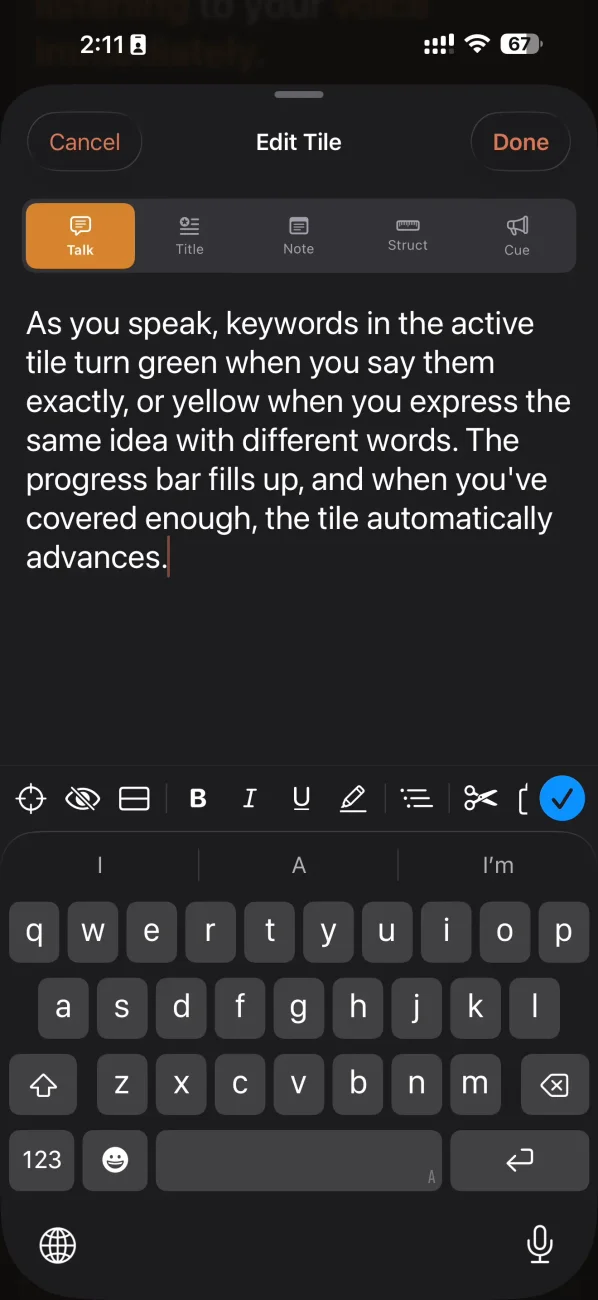
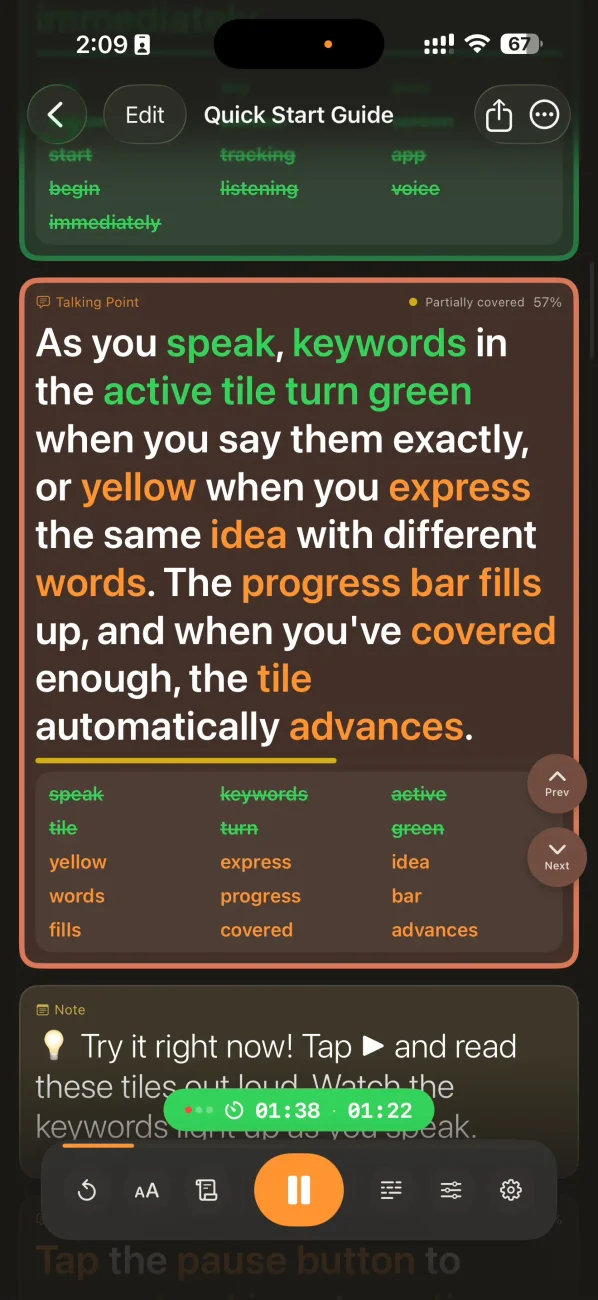
Write your talking points. Press play. Start speaking. The app tracks everything you say in real time — marking your key points green as you cover them, automatically advancing as you move through your material.
No scrolling. No rigid scripts. No staring at your outline to keep you place. Just presence.
With Talking Points Tracker, you'll connect with your audience like never before.
BUILT FOR EVERYONE WHO HAS AN AUDIENCE
Whether you're a pastor preaching on Sunday, a podcaster recording a mid-roll, a presenter on a big stage, or a content creator trying to nail your talking points — Talking Points keeps you on track without putting you in a cage.
UNDERSTANDS WHAT YOU MEAN
Say "the people who built this country" and your "founding fathers" point gets credit. The AI understands meaning and synonyms — not just exact keyword matches. Scripture references are recognized automatically: write John 3:16, say the verse, and it marks itself covered.
THE APP THAT REPLACED THE TELEPROMPTER
Traditional teleprompters keep scrolling whether you're ready or not. It's a constant race between you and the screen. But Talking Points Tracker listens to you — and only advances from your point once you've actually said it. No robotic pacing. No losing your place when you pause for effect. No rush of panic if you choose to go off-script.
Say it in your own words. Say it differently than you wrote it. Take a tangent and come back. Your outline or script follows you — not the other way around.
The result is delivery that sounds like you're talking, not reading. Eye contact maintained. Presence intact.
PERFECT WITH THE ELGATO PROMPTER
Talking Points pairs beautifully with the Elgato Prompter hardware. Your talking points display on the mirror glass while the camera captures a clean shot — and unlike traditional teleprompter software, the app advances automatically as you speak. No operator needed. No scroll speed to dial in. Just natural, confident delivery every time.
FOR PASTORS AND PREACHERS
Preach your message, not your notes. Write your outline, open it on your phone at the pulpit, and preach freely. The app knows when you've quoted scripture, referenced a passage, or landed a key point — even if you didn't say it exactly as written. Freedom at the pulpit, confidence in your coverage.
FEATURES
• Real-time speech tracking with keyword and semantic understanding
• Scripture-aware coverage detection
• Built-in timer — count up or countdown
• Teleprompter mode for scripted delivery (Pro)
• Video recording with talking points overlay (Pro)
• Remote control — connect a second device as a confidence monitor (Pro)
• Voice gate — only your voice advances coverage (Pro)
• Works with Elgato Prompter hardware
• iPhone, iPad, and Mac
• Fully offline — speech recognition happens on your device
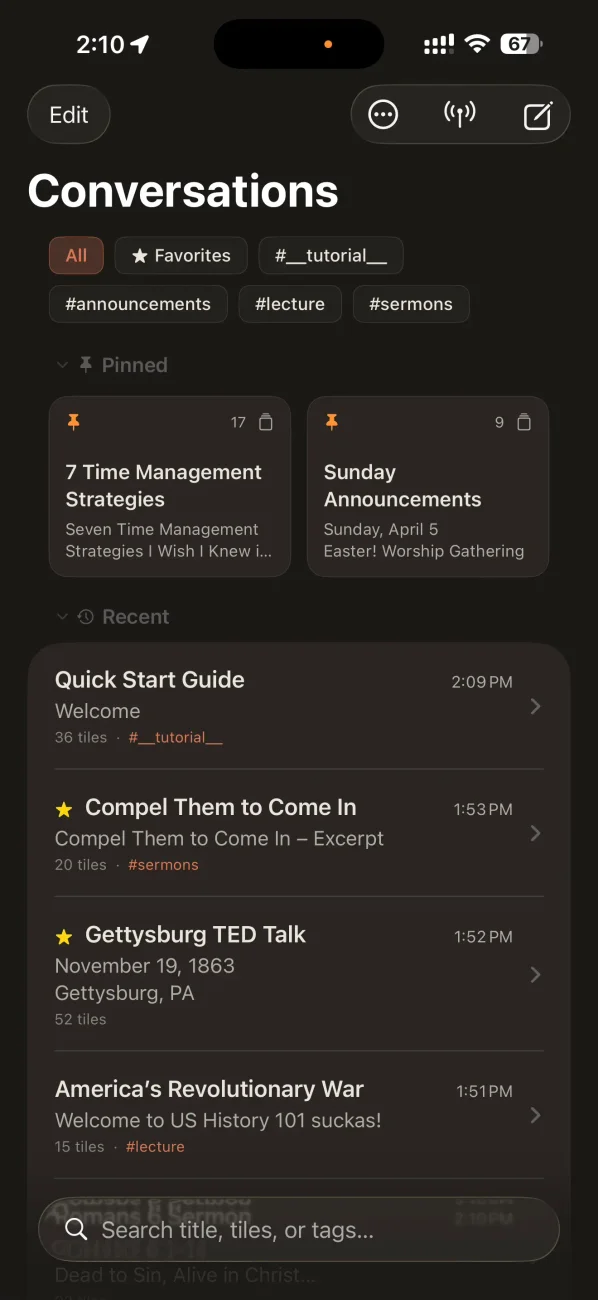
• Import/export your talking point "conversations"
YOUR PRIVACY MATTERS
All speech recognition happens on-device using Apple's built-in frameworks. We never receive, record, or store your voice or speech transcriptions.
Talking Points Tracker — Say what you mean to say, every time.
Terms of Use: https://talkingpointstracker.app/terms
Privacy Policy: https://talkingpointstracker.app/privacy
What’s new
Version 2.1.2 · Apr 29, 2026
Improvements to parsing of text imports from certain apps and in certain text formats
Improvements to import interface
App privacy
What Stephen Parris declares on the App Store about how this app handles data.
-
Data not collected
The developer does not collect any data from this app.
Privacy practices may vary, for example with the features you use or your age.
Information
- Seller
- Stephen Parris
- Category
- Productivity
- Version
- 2.1.2
- Updated
- Apr 29, 2026
- Released
- Apr 9, 2026
- Size
- 8.7 MB
- Requires
- iOS 17.6 or later
- Age rating
- 4+
- Price
- Free
- In-app purchases
- Yes
- Copyright
- © 2026 Parris Image, LLC
You might also like
-
 TelepromptlyAI Teleprompter & Script Coach
-
 Vox Presenter: TeleprompterVoice, 4K Video, PPTX & Watch
-
 VidConnectProductivity
-
 Contact Journal - Personal CRMPersonal CRM with reminders
-
 EventsPass LeadGenProductivity
-
 Quantum AI: Conquer your goalsAchieve your goals
-
 HighlightMe - TeleprompterVideo Captions & Script Reader
-
 SwiftRead - Speed ReadingRead faster, learn more
-
 AI Podcast - Learn with AIAudio Summaries & Flashcards
-
 VAI EventsProductivity