Talkscreen: Live Captions
Speech to Text for Deaf & HoH
Designed for iPhone, iPad
Free
- Age rating4+
- CategoryUtilities
- DeveloperMaxim Oransky
- LanguagesEnglish+ 24 more
- Size26.9 MB
Links to the official App Store page
Download.org hosts no file of Talkscreen: Live Captions. The button opens its official App Store page, published by Maxim Oransky. Listing last checked on Nov 14, 2026.
Screenshots

About
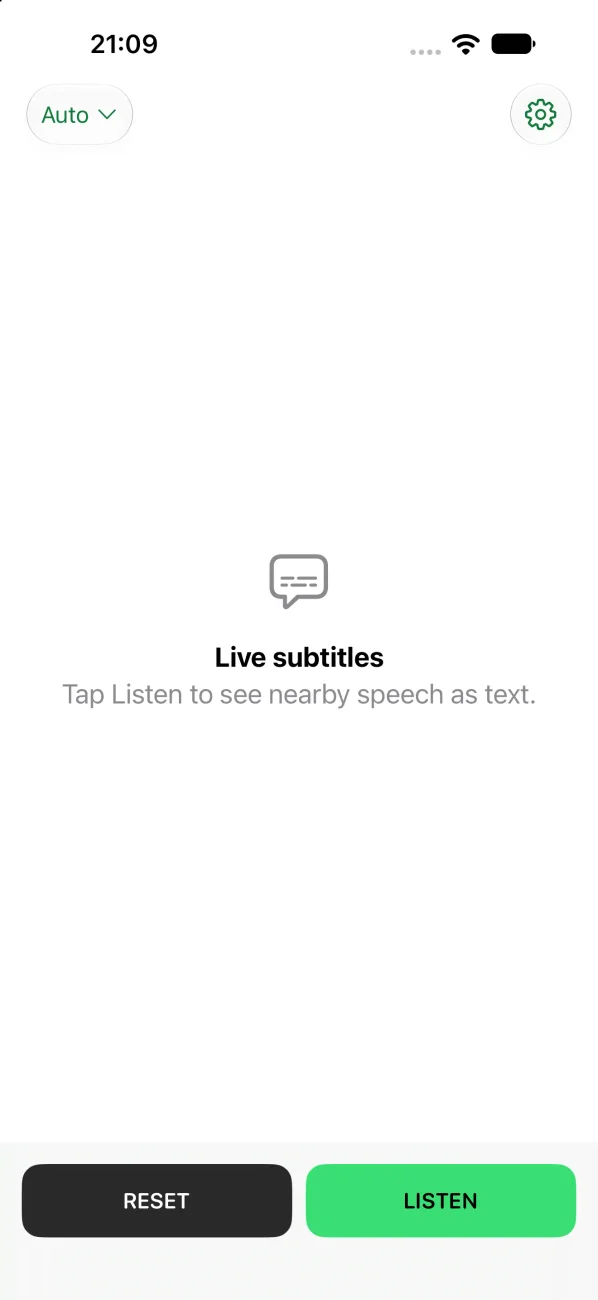
Talkscreen turns the speech around you into live captions on your iPhone, so you can read a conversation while it is happening.
Talkscreen is designed for people who are deaf or hard of hearing, and for language learners. If you are hard of hearing or deaf, it helps you follow everyday talk: a doctor's appointment, dinner with family, a pharmacy counter, a question from a colleague. If you are learning a language and people still speak too fast for you to catch every word, you can read along with what they say.
LIVE CAPTIONS FOR CONVERSATIONS IN THE ROOM
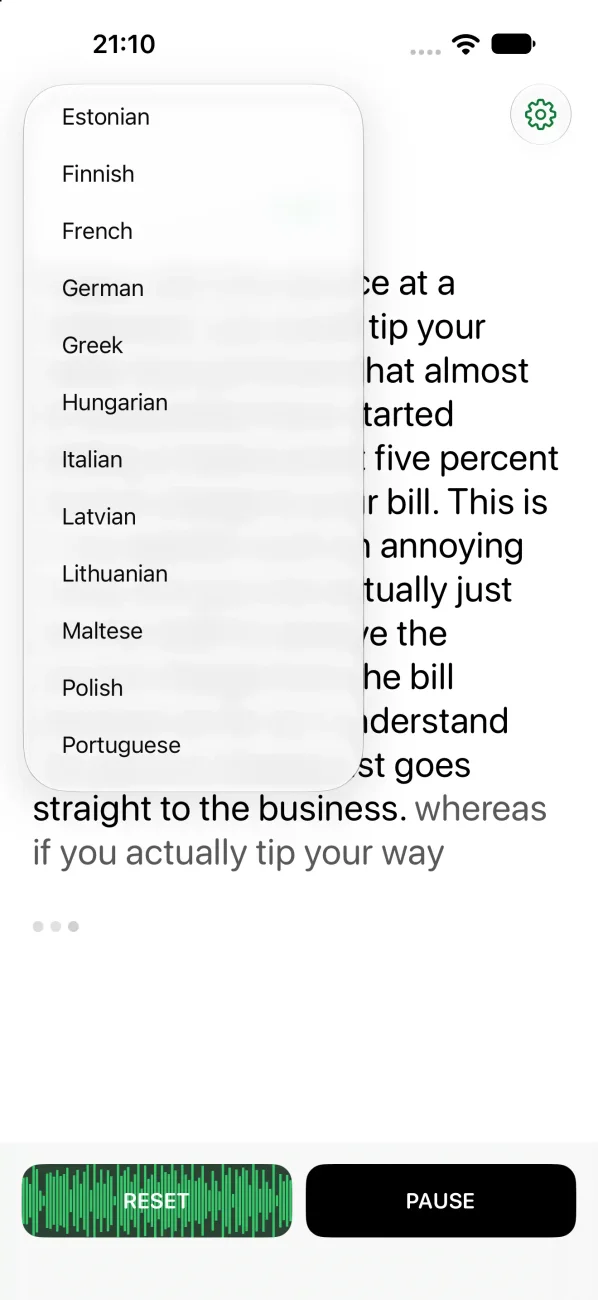
Put your iPhone where it can hear the people talking and read their words as text. Talkscreen uses the microphone to caption nearby speech, whether you are at a table, at a counter or talking face to face.
SPEECH TO TEXT FOR HARD OF HEARING AND DEAF USERS
When you miss a word, you can read it on the screen instead of asking the other person to write things down or repeat themselves.
SUBTITLES FOR LANGUAGE LEARNERS
Understanding spoken language is often the hardest part of learning it. With Talkscreen you can check what you just heard, spot the words you missed and keep following the conversation instead of getting lost. It can help with English and other supported languages.
PROCESSED ON YOUR IPHONE
On-device transcription turns speech into text on your iPhone after you download the speech model. If you already downloaded the model for Quick Captions, our app for captioning videos, Talkscreen uses it and does not download it again.
LANGUAGE, PAUSE AND HISTORY
Talkscreen can detect the spoken language on its own, or you can choose the language yourself. Pause captions when you do not need them. What was said stays in the history, so you can go back to a sentence you missed, and you can clear the history whenever you like.
Talkscreen does one thing: it helps you understand speech in the moment. Open it when someone starts talking and read along.
What’s new
Version 1.3 · Oct 23, 2026
Fixed a crash when opening app settings.
App privacy
What Maxim Oransky declares on the App Store about how this app handles data.
-
Data linked to you
May be collected and linked to your identity.
- Usage data
- Diagnostics
Privacy practices may vary, for example with the features you use or your age.
Information
- Seller
- Maxim Oransky
- Category
- Utilities
- Version
- 1.3
- Updated
- Oct 23, 2026
- Released
- Oct 15, 2026
- Size
- 26.9 MB
- Requires
- iOS 18.0 or later
- Age rating
- 4+
- Price
- Free
- Languages
- English, Bulgarian, Croatian, Czech, Danish, Dutch, Estonian, Finnish, French, German, Greek, Hungarian + 13 more
- Copyright
- © Maxim Oranskiy
You might also like
-
 WhoSaid: Live Captions OfflineSpeech to Text with Speaker ID
-
 Snap Translate: Photo & CameraInstant Image & Text Lens
-
 LiveCapLive captions & translation
-
 Text-DetectionUtilities
-
 NetScope: Wi-Fi AnalyzerNetwork Ping & Device Detector
-
 VoixaAAC app for hearing-impaired
-
 Kilovoice-AI Audio Note TakerAI Transcription,Meeting Notes
-
 Clarity: Vision AccessibilityIntuitive Vision Tools For All
-
 Live Transcribe, Voice to TextDeaf translator, Dictation app
-
 Swapsy: Currency ConverterExchange Rate, Units & Widget