
Tamil : Keyboard & Notebook
Smart mobile keyboard
Designed for iPhone, iPad, iPod touch
Free · In-app purchases
- Age rating4+
- CategoryLifestyle
- DeveloperRajeev Prasad
- LanguagesEnglish
- Size57.3 MB
Links to the official App Store page
Download.org hosts no file of Tamil : Keyboard & Notebook. The button opens its official App Store page, published by Rajeev Prasad. Listing last checked on Nov 18, 2026.
Screenshots
About
Tamil Mobile Keyboard
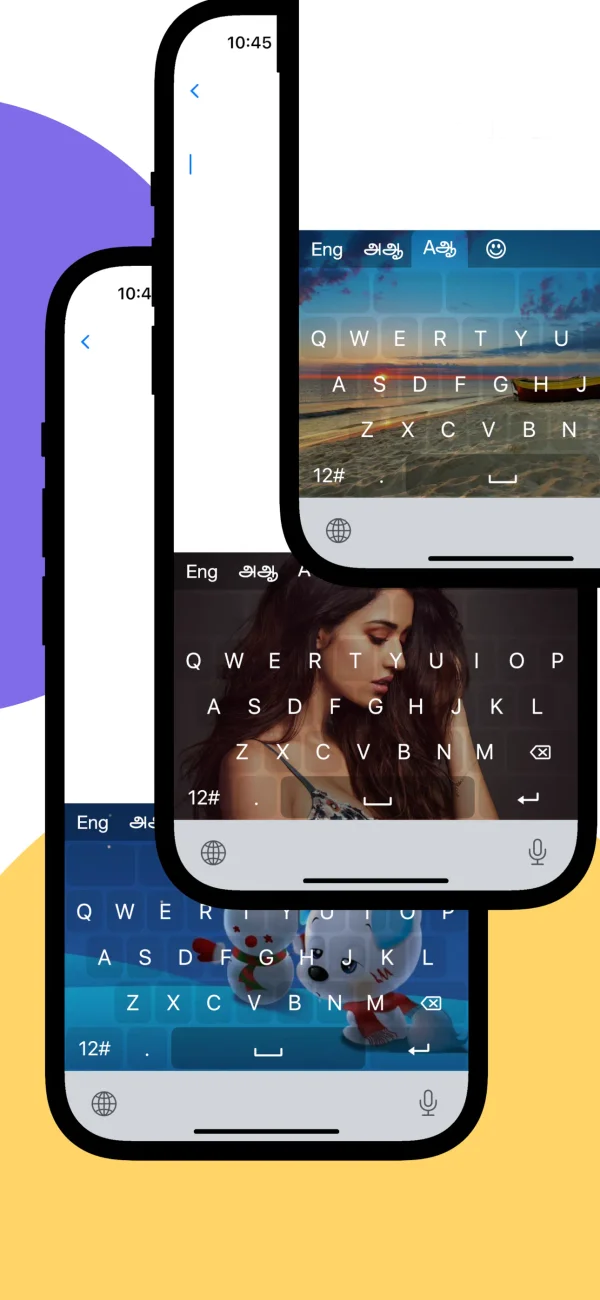
`Tamil Mobile Keyboard` is an integrated Tamil Keyboard for iOS devices with iOS version 14 or above.
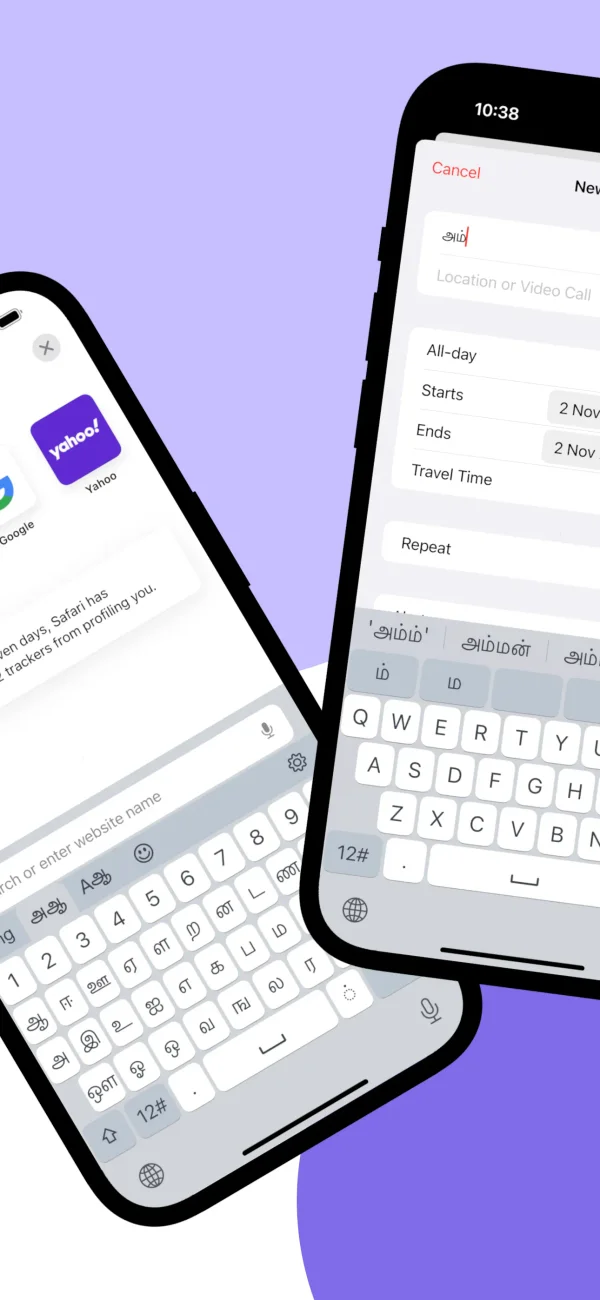
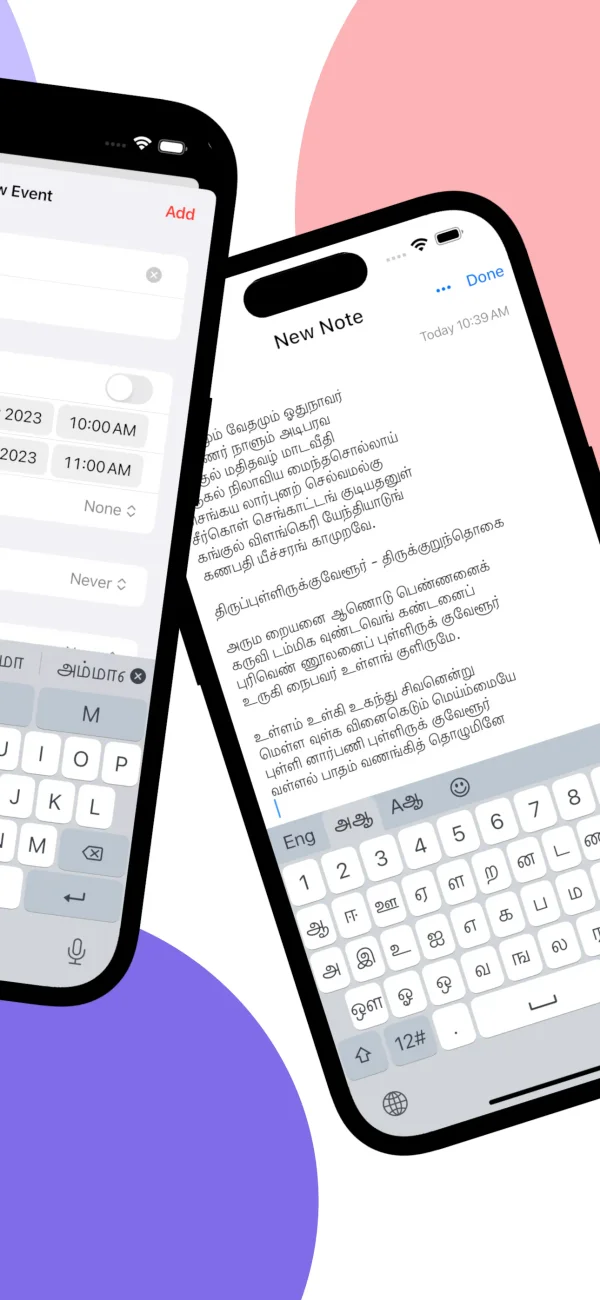
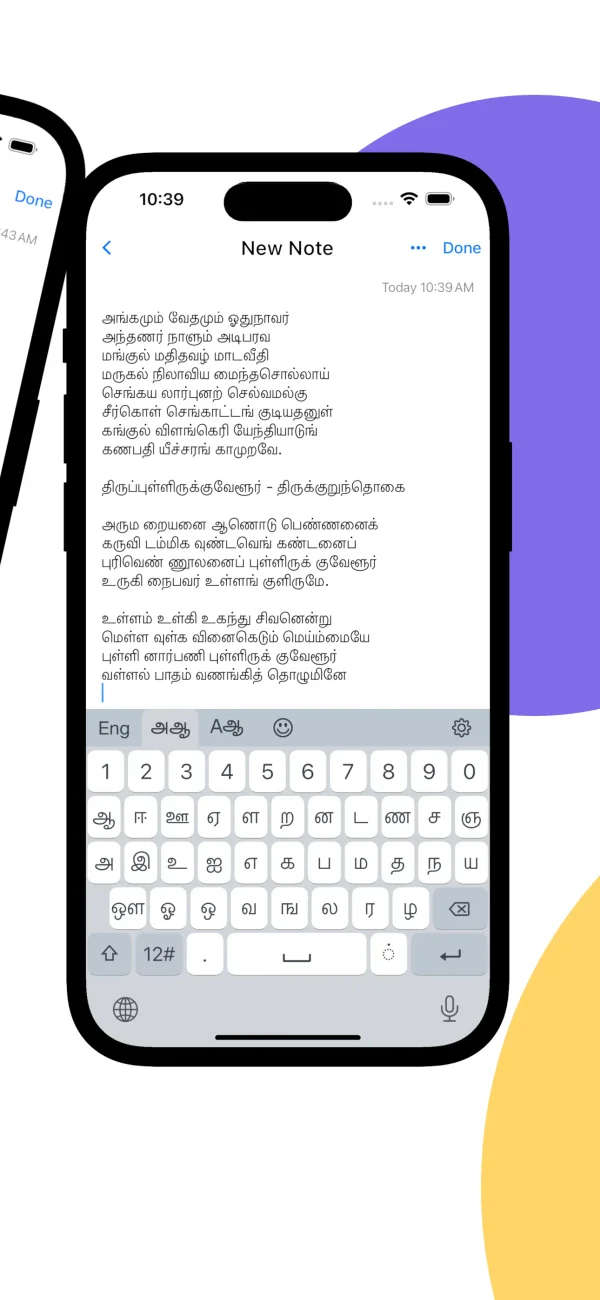
This app will bring you two of the best Tamil typing layouts currently available in the AppStore.
The app will directly integrate these layouts into your iOS system and all the layouts will be available within the iOS default keyboard.
*** Main features ***
+ enhanced Tamill99 layout
+ enhanced Phonetic layout
+ word suggestion / completion
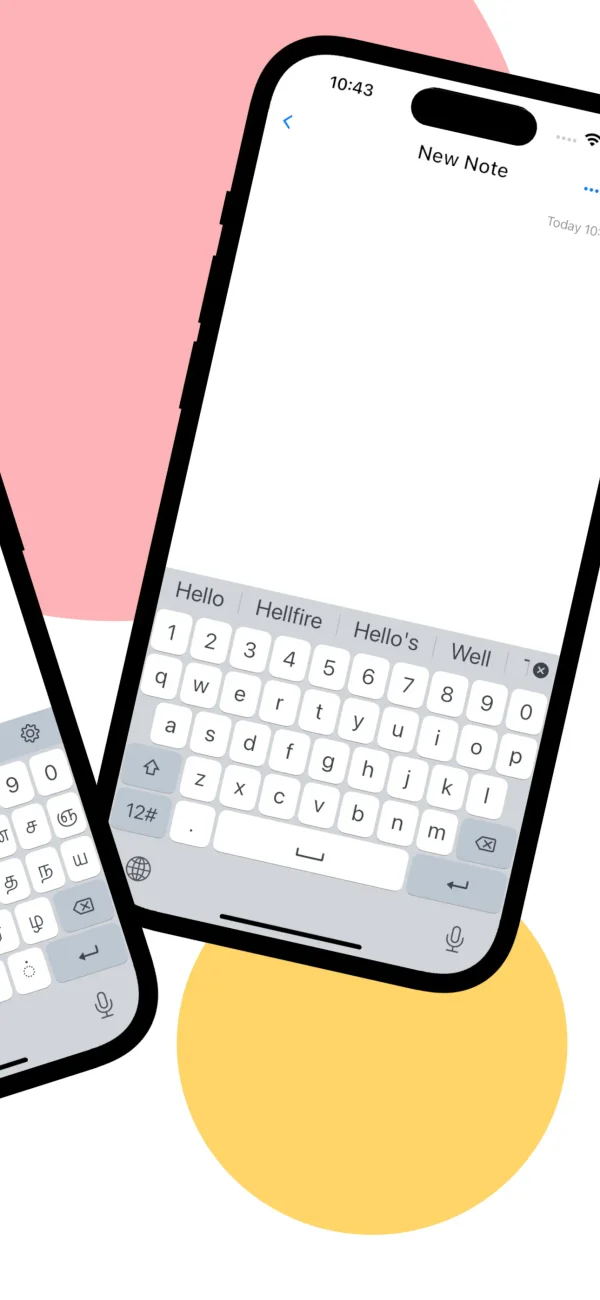
+ fully-featured English layout
+ complete emoji layout
+ symbols layout
*** other features ***
+ quick & easy layout switching
+ customizable themes with pre-defined or your own images and colors
+ phonetic letter suggestions
+ customizable key tapping sounds & vibrations
*** Special features ***
+ long-press for cursor movements
+ smart Unicode rendering (insert valid full Unicode characters without dangling vowel symbols)
+ double tap on spacebar for period (dot) symbol
+++ How to install Tamil Keyboard +++
--Quick method--
Step 1:
• Tap on the `Setup Tamil Keyboard` option on the application main screen
- this will open the application settings page (in the iOS settings app)
Step 2:
• Select the `Keyboards` option from the list
Step3:
• Enable 'Tamil' switch (Written in Tamil letters)
- Turn ON `Allow Full Access` to access the word completion database
Step 4:
• Go back to the app(or any other app) and select a Textfield.
• Use `Globe` icon (press & hold) to switch to Tamil Keyboard
• Start typing...
--Normal method--
Step 01:
• Go to 'Settings > General > Keyboard'
Step 02:
• Select the 'Keyboards' option
Step 03:
• Select `Add New Keyboard...` option under the list of currently activated keyboards section
• Locate & Select 'Tamil' in the THIRD-PARTY KEYBOARDS section
• Turn ON 'Allow Full Access' option
Step 4:
• Go back to the app(or any other app) and select a Textfield.
• Use `Globe` icon (press & hold) to switch to Tamil Keyboard
• Start typing...
Recommended iOS versions - iOS v14.0 or higher.
Please visit our Facebook page for more details and don't forget to like our page.
****
This application will not collect any kind of information from the users of the app or keyboard.
What’s new
Version 12.3.1 · Jan 29, 2026
+ bug fixes
+ performance enhancements
App privacy
What Rajeev Prasad declares on the App Store about how this app handles data.
-
Data used to track you
May be used to track you across apps and websites owned by other companies.
- Identifiers
-
Data linked to you
May be collected and linked to your identity.
- Identifiers
Privacy practices may vary, for example with the features you use or your age.
Information
- Seller
- Rajeev Prasad
- Category
- Lifestyle
- Version
- 12.3.1
- Updated
- Jan 29, 2026
- Released
- Feb 15, 2016
- Size
- 57.3 MB
- Requires
- iOS 15.0 or later
- Age rating
- 4+
- Price
- Free
- In-app purchases
- Yes
- Languages
- English
- Copyright
- Copyright © 2014-2026 Rajeev Prasad. All rights reserved.
You might also like
-
 Tamilan Tamil Calendar 2027Tamil Calendar 2027 Offline
-
 Tamil Calendar 2027 OfflineTamil Calendar Panchangam 2027
-
 Anbe - Date The Tamil WayMeet Someone Special
-
 Arike - Where Malayalis DateMeet Someone Special
-
 TTDevasthanamsOm Namo Venkatesaya
-
 NoBroker Rent, Buy, Sell FlatsBuy, Sell, Rent Houses, Flats
-
 Helakuru Superapp - Sri LankaSinhala Typing & Info Delivery
-
 Airtel App: Recharge & BankBill Payment, Recharges, UPI
-
 Aisle - Indian Dating AppBuilt for real commitment
-
 Urban Company: Home ServicesAt home Salon, Cleaning & more