
Taoxi Assistant
Screenshot & Reply Assistant
Designed for iPhone, iPod touch
In-app purchases
- Age rating4+
- CategoryUtilities
- DeveloperBozhou Tongyu Xinsheng Information Technology Co., Ltd
- LanguagesEnglish+ 3 more
- Size10.8 MB
Links to the official App Store page
Download.org hosts no file of Taoxi Assistant. The button opens its official App Store page, published by Bozhou Tongyu Xinsheng Information Technology Co., Ltd. Listing last checked on Nov 17, 2026.
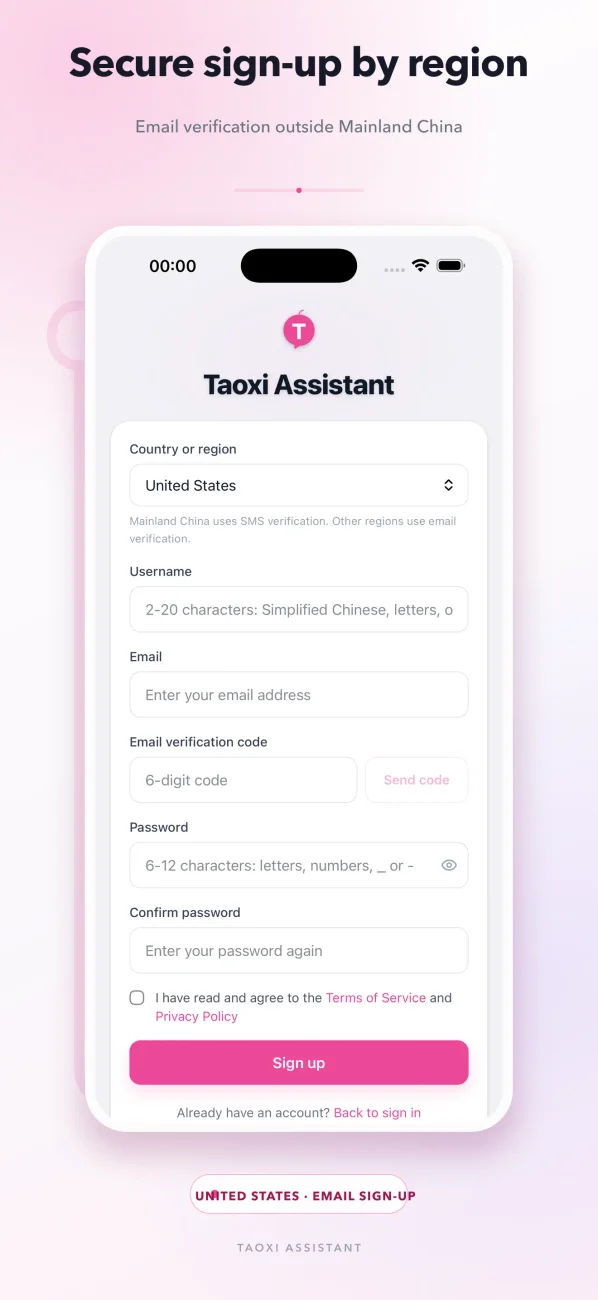
Screenshots



About
STOP GUESSING WHAT TO SAY NEXT.
Taoxi Assistant turns a message or chat screenshot into a practical communication brief: what matters, how the tone is shifting, what the other person may be signaling, and which reply direction fits your goal.
BUILT FOR CREATORS WHO LIVE IN THE DMs
Your followers can tell the difference between a generic reply and one that feels personal. When conversations pile up, Taoxi helps streamers and creators:
• Find the real point quickly
• Spot tone, possible intent, and emotional signals
• Keep fan conversations warm, consistent, and human
• Compare different reply strategies before choosing one
• Reply faster without sounding copied or robotic
A CLEAR FRAMEWORK FOR MIXED SIGNALS
When a conversation sits somewhere between friendship, flirting, and something more, overthinking takes over. Taoxi helps you:
• Map the current relationship dynamic
• Separate what was actually said from what you fear or hope it means
• Notice momentum, ambiguity, boundaries, and potential red flags
• Explore whether to warm things up, slow down, clarify, or step back
• Prepare replies that are honest, confident, and appropriate to the context
FROM SCREENSHOT TO NEXT MOVE
1. Type a message, upload a screenshot, or share an image to Taoxi from iPhone.
2. Review the key context, conversation signals, and suggested strategies.
3. Compare multiple reply options.
4. Edit, copy, and send only the reply that feels right to you.
WHY TAOXI
• Context-aware analysis instead of one-size-fits-all templates
• Multiple reply directions for different goals and tones
• Fast screenshot import with Share Extension and App Shortcuts
• Standard Thai, English, Simplified Chinese, and Traditional Chinese output
• Conversation history, account security, and usage management
Taoxi Assistant is a communication and productivity tool. It does not read minds or guarantee relationship outcomes. AI analysis and reply suggestions are reference material; always review the content and make your own decision before sending.
Content you choose to submit may be processed by the AI provider enabled for that feature to analyze context and prepare suggestions. It is not used for cross-app tracking.
Digital memberships on iOS are available only through Apple In-App Purchase. Pricing, duration, and trial eligibility are shown by the App Store.
Terms of Use (EULA): https://www.apple.com/legal/internet-services/itunes/dev/stdeula/
Privacy Policy: https://taoxizhuli.com/legal/privacy
What’s new
Version 1.0.15 · Oct 19, 2026
Bug fixes.
App privacy
What Bozhou Tongyu Xinsheng Information Technology Co., Ltd declares on the App Store about how this app handles data.
-
Data linked to you
May be collected and linked to your identity.
- Purchases
- Contact info
- User content
- Identifiers
- Usage data
- Diagnostics
Privacy practices may vary, for example with the features you use or your age.
Information
- Seller
- Bozhou Tongyu Xinsheng Information Technology Co., Ltd
- Category
- Utilities
- Version
- 1.0.15
- Updated
- Oct 19, 2026
- Released
- Jun 28, 2026
- Size
- 10.8 MB
- Requires
- iOS 15.0 or later
- Age rating
- 4+
- In-app purchases
- Yes
- Languages
- English, Simplified Chinese, Thai, Traditional Chinese
- Copyright
- © 2026 Bozhou Tongyu Xinsheng Information Technology Co., Ltd.