Tap & Backup: Contacts Export
Offline & private. No cloud.
Designed for iPhone, iPad
In-app purchases
- Age rating4+
- CategoryUtilities
- DeveloperHilmi Ocak
- LanguagesEnglish
- Size5.9 MB
Links to the official App Store page
Download.org hosts no file of Tap & Backup: Contacts Export. The button opens its official App Store page, published by Hilmi Ocak. Listing last checked on Nov 12, 2026.
Screenshots

About
Your contacts are the one thing on your phone you can't redownload. Lose them, and no app store can bring them back.
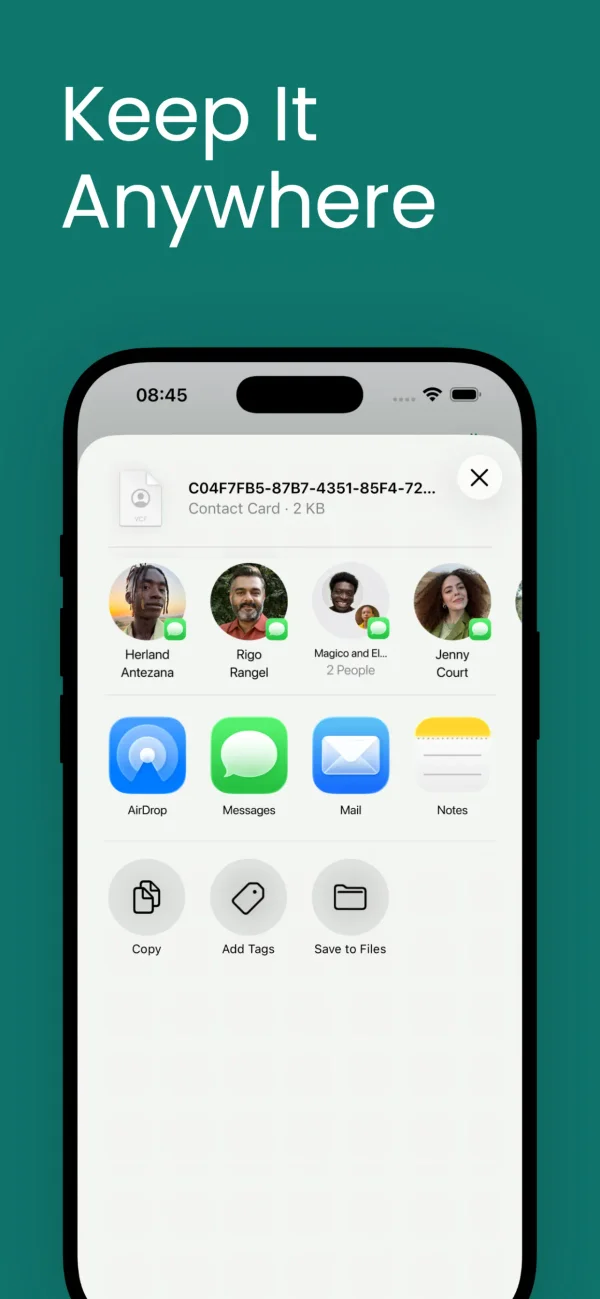
Tap & Backup saves your entire address book to a single file - in one tap, completely offline. No cloud upload, no account, no subscription. The file is yours: AirDrop it to your Mac, save it to Files, email it to yourself, or import it on any new device.
WHY TAP & BACKUP
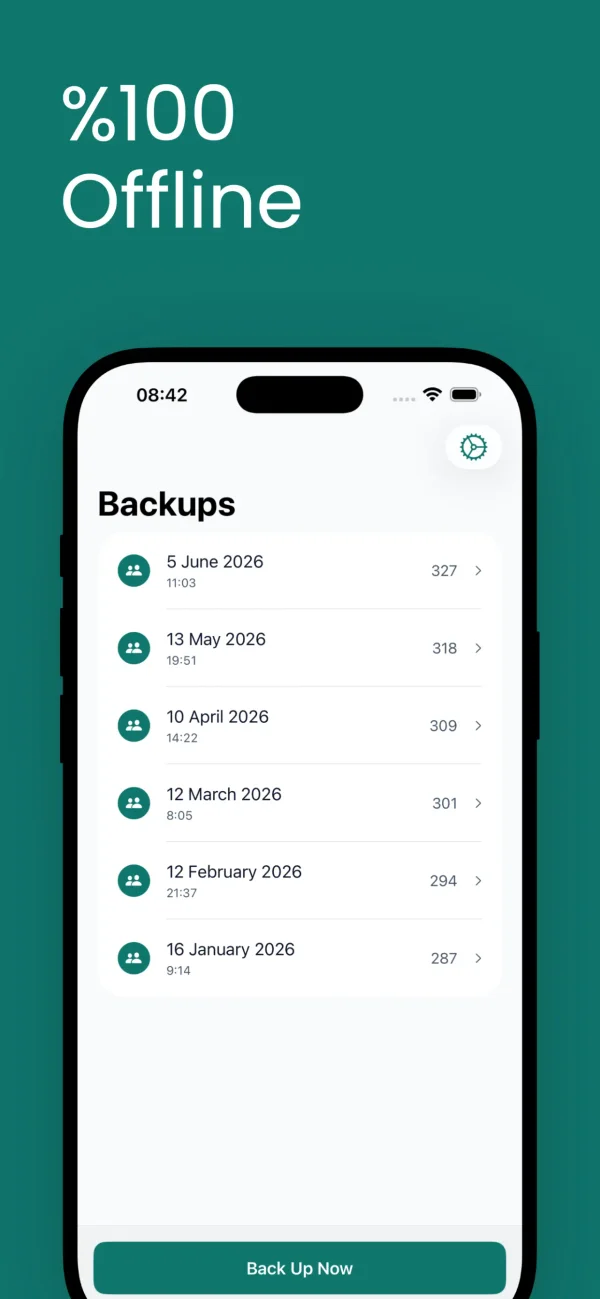
100% OFFLINE - the app makes zero network calls to read or back up your contacts. No servers, no sync, no silent uploads. Your contacts never leave your iPhone.
ONE TAP, ONE FILE - every contact is exported to a single standard vCard 3.0 (.vcf) file. The format every phone, email client, and contacts app understands.
PRIVATE BY DESIGN - no ads, no analytics, no tracking SDKs, no sign-up. We can't see your contacts, and we never will.
SHARE YOUR WAY - send your backup via AirDrop, Mail, or Messages, or save it straight to the Files app. You decide where it lives.
BACKUP HISTORY - every backup is kept on your device with its date, time, and contact count. Re-share an old backup anytime, or swipe to delete it.
EASY TO IMPORT - your .vcf file just works: open it on a new iPhone, a computer, or virtually any other smartphone, and your contacts are ready to import.
PERFECT FOR
- Switching phones: .vcf imports anywhere, on any platform
- Keeping a safe copy before an iOS update, repair, or trade-in
- Anyone who doesn't want their address book on someone else's server
- Simple "just in case" peace of mind
YOUR DATA, YOUR RULES
Backups are stored locally on your device and you can delete them at any time, right from the app. Nothing is ever transmitted to us - there's no server on our end to send anything to.
Give your contacts a safety net. It takes one tap.
App privacy
What Hilmi Ocak declares on the App Store about how this app handles data.
-
Data not linked to you
May be collected but is not linked to your identity.
- User content
Privacy practices may vary, for example with the features you use or your age.
Information
- Seller
- Hilmi Ocak
- Category
- Utilities
- Version
- 1.0
- Updated
- Jun 29, 2026
- Released
- Jun 29, 2026
- Size
- 5.9 MB
- Requires
- iOS 17.0 or later
- Age rating
- 4+
- In-app purchases
- Yes
- Languages
- English
- Copyright
- © 2026 Hilmi Ocak
You might also like
-
 Tab Finder for SafariQuickly Find Tabs
-
 ContactExport+Export your contacts in one ta
-
 HTTPS for SafariEnforce Secure Browsing
-
 My Contacts: Backup & RestoreOne-Tap Contact Backup
-
 Contact Transfer: Smart BackupBackup restore contacts easily
-
 RhythmKey - Find BPM & KeysTap for BPM & see related keys
-
 Stage Timer - Event CountdownTime left in events made clear
-
 Sifter - Spam SMS FilterSpam SMS & MMS Filter
-
 Export Contacts & BackupBackup to Excel, CSV & VCF
-
 Directory ViewerView files & folders on disk