TapDone: Chore Tracker
Family board, points & rewards
Designed for iPhone, iPad
Free
- Age rating4+
- CategoryProductivity
- DeveloperHuddleCoach
- LanguagesEnglish
- Size53.6 MB
Links to the official App Store page
Download.org hosts no file of TapDone: Chore Tracker. The button opens its official App Store page, published by HuddleCoach. Listing last checked on Nov 23, 2026.
Screenshots
About
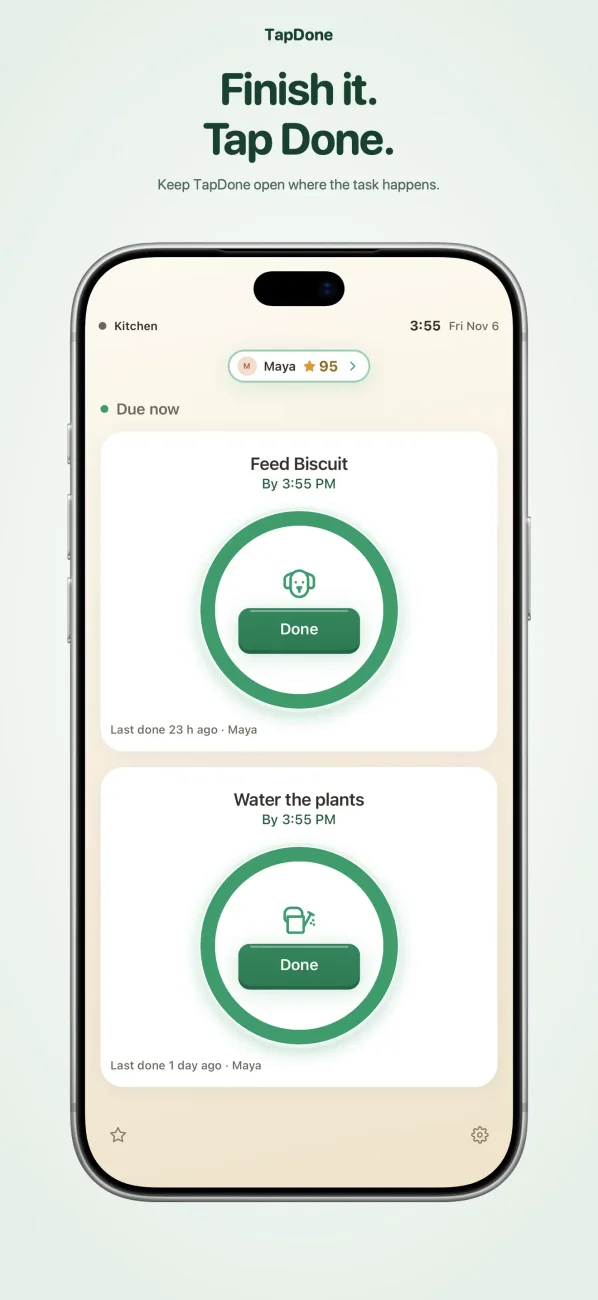
Finish the task. Tap Done right there.
Keep a spare iPhone or iPad plugged in with TapDone open where the task happens. Put it by the pet food, near the plants, or on the kitchen counter. The button is already there when you finish, ready for a quick tap.
Ready when you finish
TapDone works as an always-open display for everyday routines. Choose which tasks appear on each device, so the one by the front door can show a different routine from the one in the kitchen.
Check in from your phone
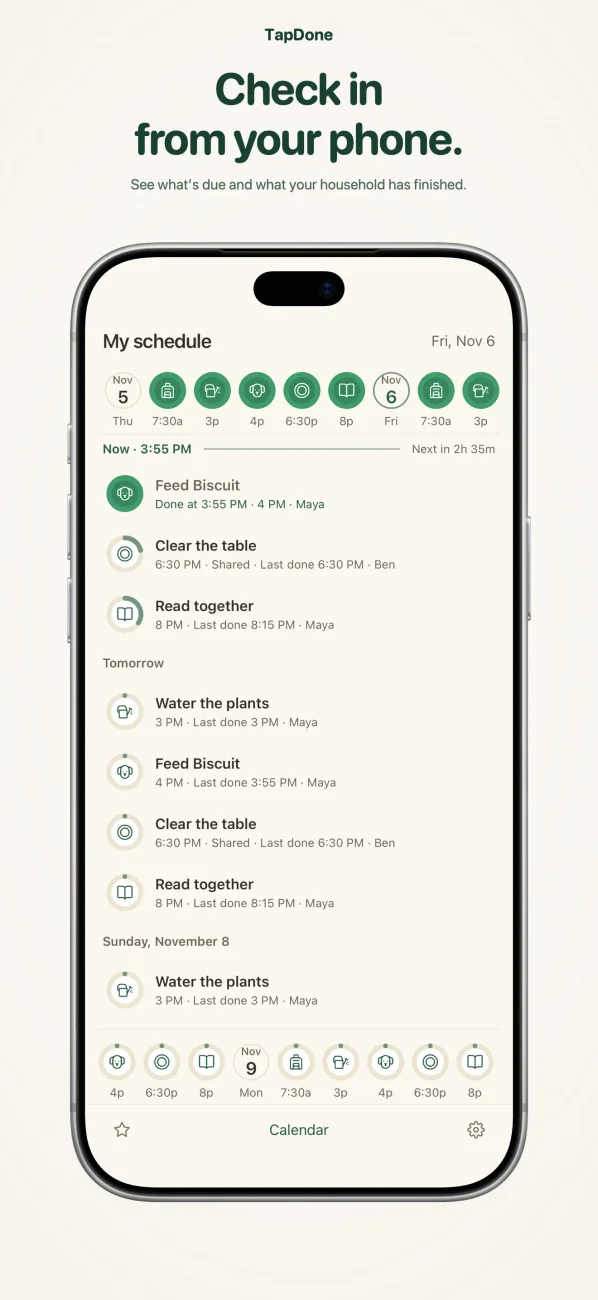
Set up tasks and schedules on your phone, then check what’s due today and what’s already done. Paired devices share updates when connected. You can also use TapDone on your phone before adding a shared display.
Keep a record of what was done
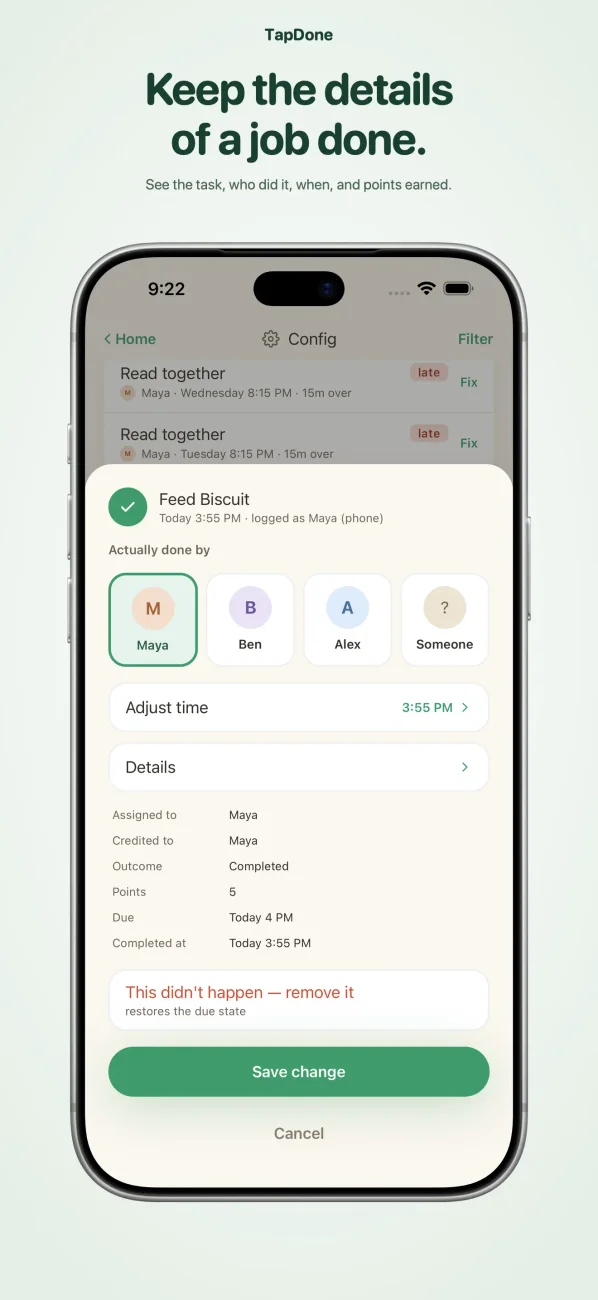
See when a task was marked done and who got credit. New completions keep the task details and credited name from that moment, even if the task changes later. On a shared display, people can choose their name. Optional face recognition can identify household members you’ve enrolled on supported devices.
Plan one-time tasks and repeating routines
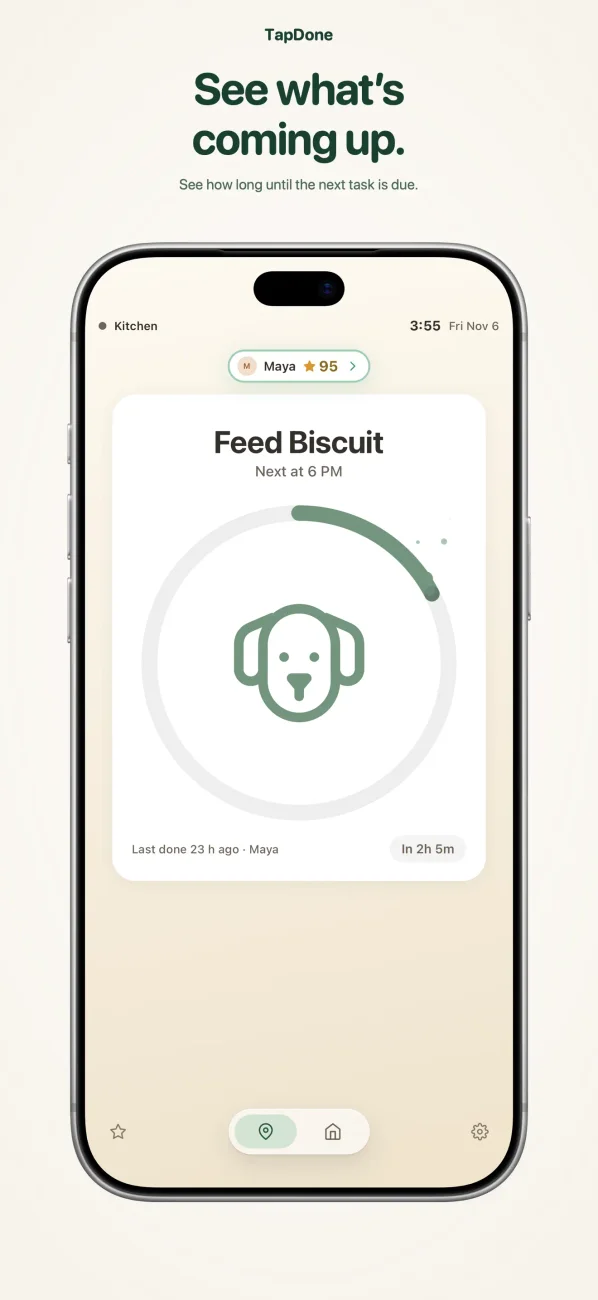
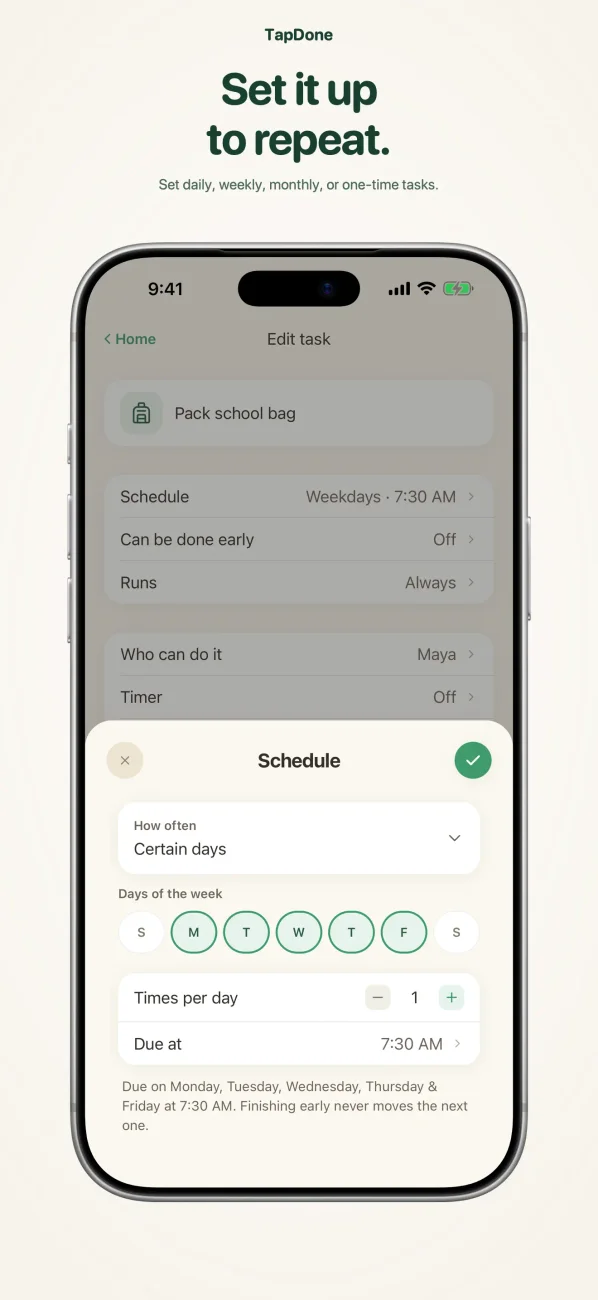
Choose daily, weekly or monthly schedules, or repeat a task every few days. Finished one-time tasks leave the active list, with their record available in Activity. Add several times a day for tasks that need doing more often. Set reminders or use a timer for activities like reading.
Add points if they help
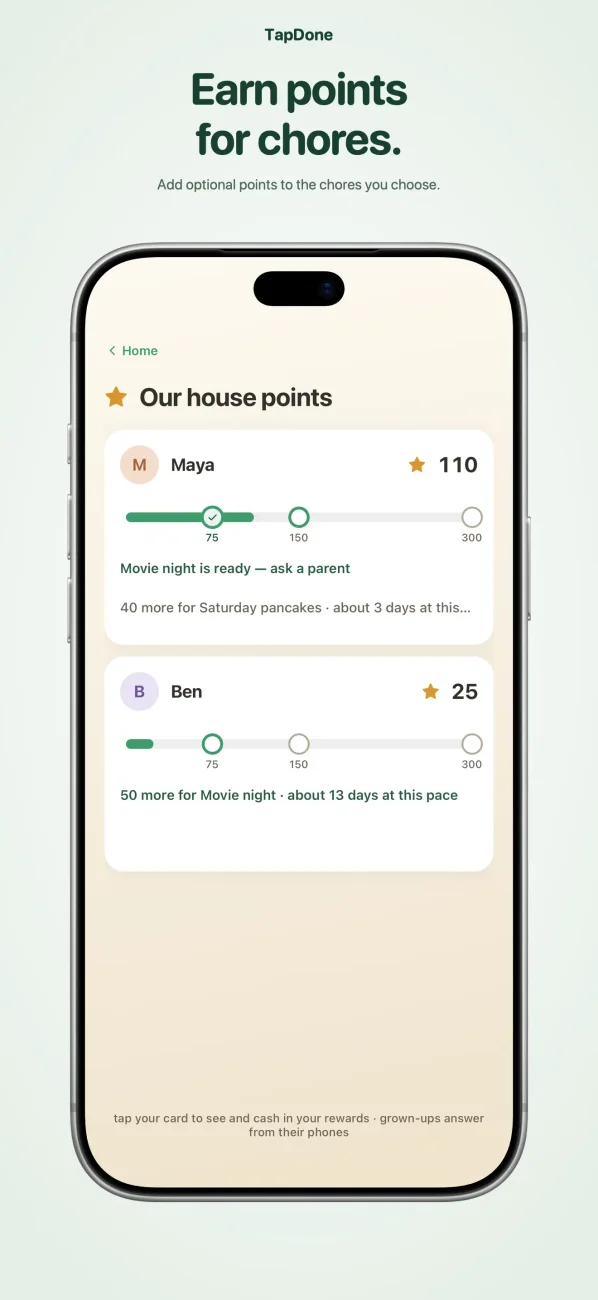
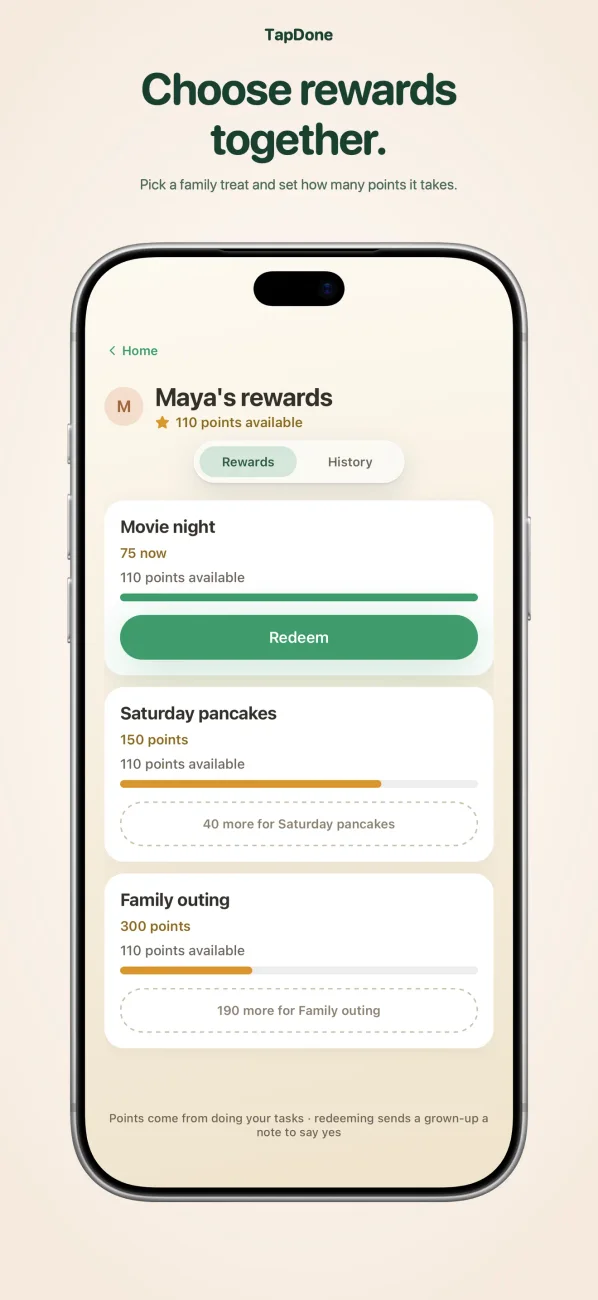
Choose how many points a task earns and create rewards your family wants, such as picking a movie or pancakes on Saturday. You decide how many points each reward takes. A parent or another household admin reviews reward requests.
Mark tasks done offline
You can add tasks and record completions without an internet connection. Paired devices catch up when they’re back online.
What’s new
Version 1.5.2 · Nov 17, 2026
Completed tasks now keep their details, credited name, time and points in Activity, even after you change or remove the task. Older entries show when original details were not recorded.
Finished one-time tasks leave the active list. You can still find their record in Activity.
Wall displays put local tasks before other household work. Phone displays have larger Done buttons for one or two tasks, and repeating schedules are easier to set up.
Timers have separate Finish and Cancel controls. Reminder notifications open the highlighted task, and Close takes you back without changing it.
This update also improves face setup between paired devices and preserves early and late labels after a task is removed.
App privacy
What HuddleCoach declares on the App Store about how this app handles data.
-
Data linked to you
May be collected and linked to your identity.
- Contact info
- User content
- Identifiers
- Sensitive info
- Other data
Privacy practices may vary, for example with the features you use or your age.
Information
- Seller
- BLP.is LLC
- Category
- Productivity
- Version
- 1.5.2
- Updated
- Nov 17, 2026
- Released
- Aug 11, 2026
- Size
- 53.6 MB
- Requires
- iOS 16.4 or later
- Age rating
- 4+
- Price
- Free
- Languages
- English
- Copyright
- © 2026 BLP.is LLC
You might also like
-
 Chores - Family ChoresFamily chores, shared clearly
-
 Family Huddle tasksFamily tasks, made fun
-
 Chore Check :By JetAI Powered Chore Checker
-
 CleanNest Chore PlannerCleaning routines for home
-
 ChorePilot: Chore PlannerFamily tasks & cleaning lists
-
 LastWhen: Chores TrackerCleaning Schedule & Days Since
-
 ChoreSplit: Family Chore ChartReward Points, Streaks & Goals
-
 Slotmark: Reminder & To DoTasks manager & calendar
-
 Chore Chart for RoommatesHousehold roommate task chart
-
 WinRate ConsultingApp for WinRate client/coach