
TapDrive: Quick Car Navigation
Navigate to favorite locations
Designed for iPhone
Free · In-app purchases
- Age rating4+
- CategoryNavigation
- DeveloperNicely Made Apps
- LanguagesEnglish
- Size6.6 MB
Links to the official App Store page
Download.org hosts no file of TapDrive: Quick Car Navigation. The button opens its official App Store page, published by Nicely Made Apps. Listing last checked on Nov 16, 2026.
Screenshots

About
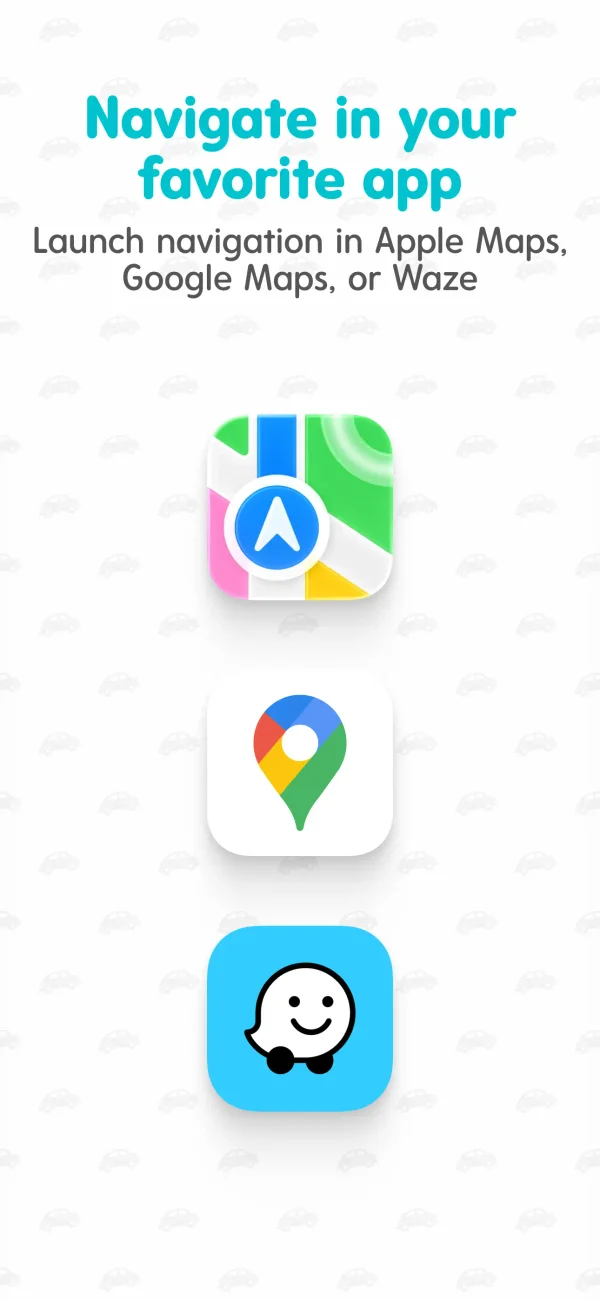
TapDrive is the fast, simple way to launch driving directions to the places you go the most, using Apple Maps, Google Maps, or Waze.
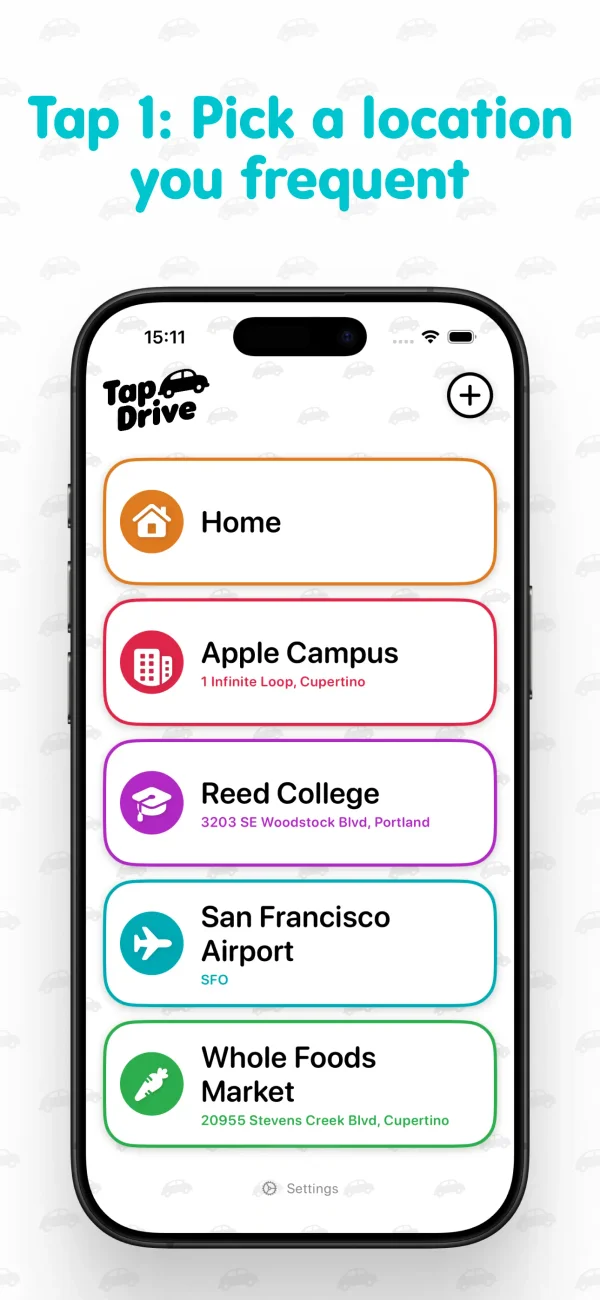
Set up your frequent destinations -- home, work, the gym, a family member’s house, or the local grocery store -- then use TapDrive to launch navigation in seconds with just two taps.
Why people love TapDrive:
- Quickly start navigation to your favorite places. Save your most-used destinations for instant access.
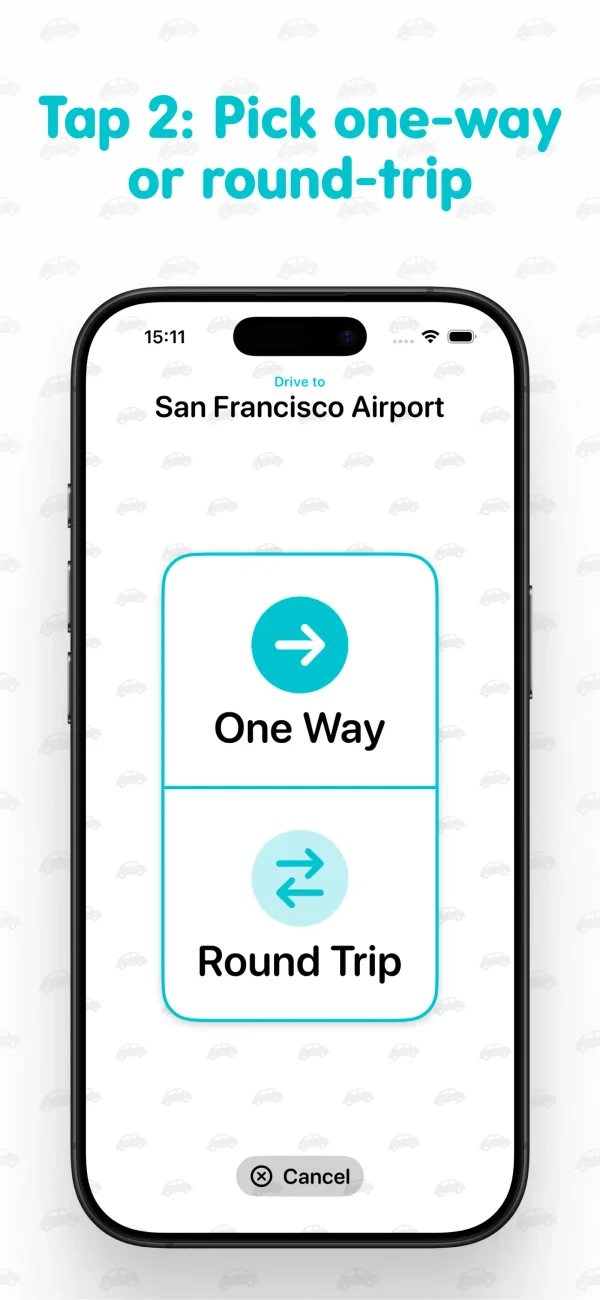
- One-way and round-trip driving. Start directions to your destination—or easily create a multi-step route there and back again.
- Built for repeat trips. Perfect for daily routines, errands, appointments, commuting, and regular visits.
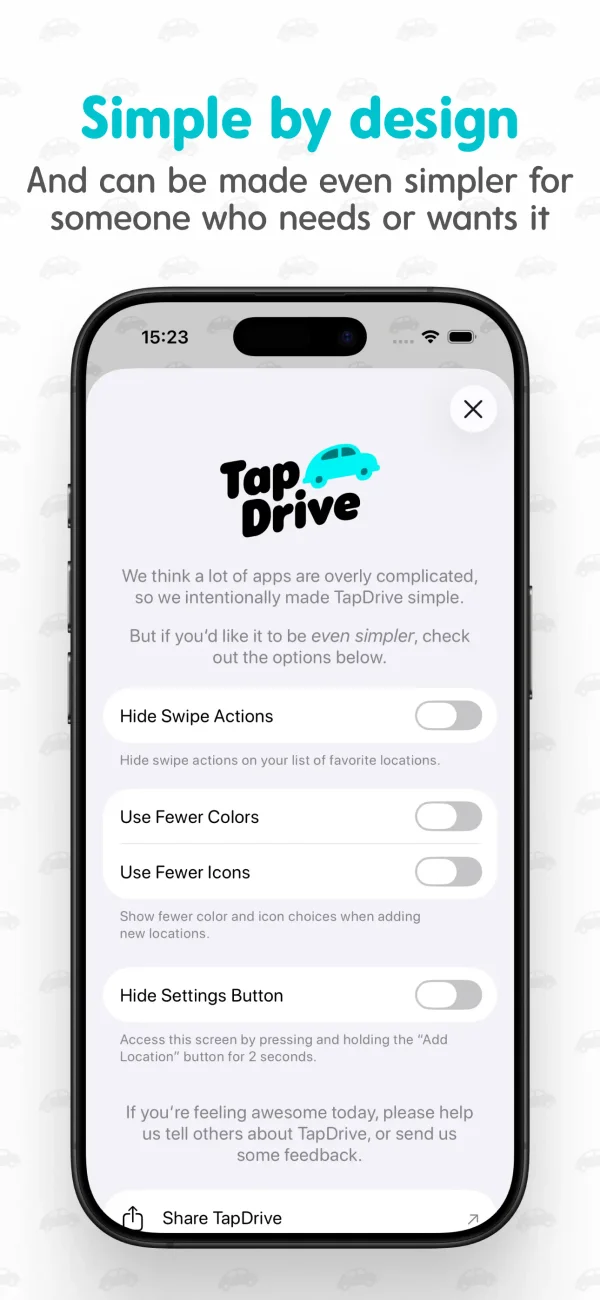
- Designed to be simple. Large text, clear icons, vibrant colors, and a clean layout make TapDrive easy to use at a glance. There's no clutter, and no complicated maps interface.
- Great for older drivers and families. TapDrive is thoughtfully designed to support accessibility and work well for elderly drivers and seniors who regularly drive to a small number of familiar places. A simpler experience than a full-featured maps app can help people drive longer and maintain independence.
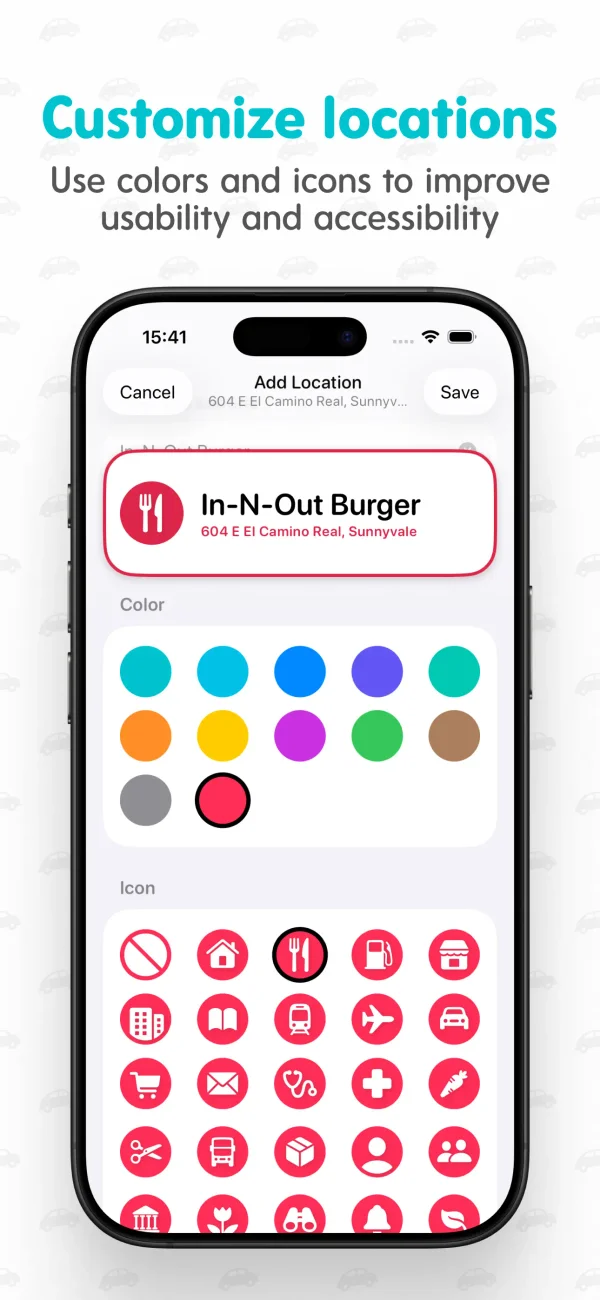
- Colorful interface. Customize your favorite places with colors and icons to make them easy to recognize instantly.
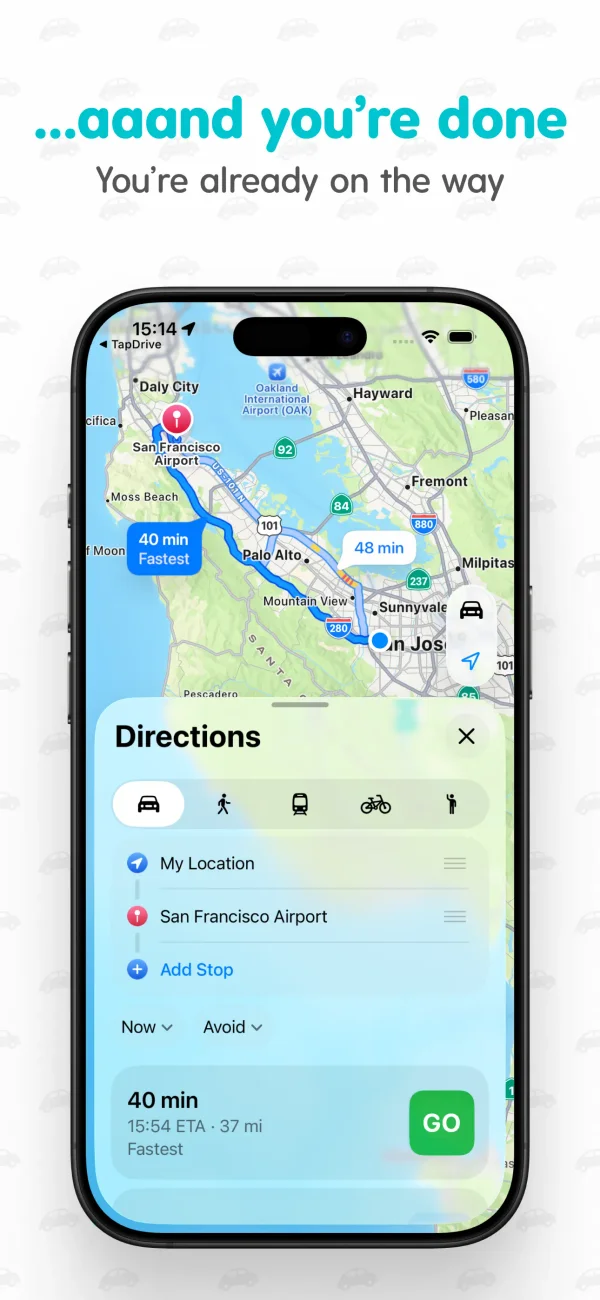
- Works with your favorite maps apps. TapDrive quickly launches turn-by-turn navigation using Apple Maps, Google Maps, or Waze.
- Integrates with Siri and CarPlay. No more fumbling with searching or incorrect results. Your destinations are already set up and ready to go.
Free to use:
• Save up to 3 favorite locations
• Choose from a selected set of colors and icons
If you need more, unlock TapDrive Turbo with a one-time purchase:
• Unlimited favorite locations
• Additional colors and icons
TapDrive: Get going to where you're going.
Download today!
What’s new
Version 1.5 · Jul 2, 2026
Added the ability to pin locations to the top of the location list.
App privacy
What Nicely Made Apps declares on the App Store about how this app handles data.
-
Data not linked to you
May be collected but is not linked to your identity.
- Purchases
- Identifiers
- Usage data
Privacy practices may vary, for example with the features you use or your age.
Information
- Seller
- Bezco LLC
- Category
- Navigation
- Version
- 1.5
- Updated
- Jul 2, 2026
- Released
- May 18, 2026
- Size
- 6.6 MB
- Requires
- iOS 18.6 or later
- Age rating
- 4+
- Price
- Free
- In-app purchases
- Yes
- Languages
- English
- Copyright
- © 2026 Nicely Made Apps
You might also like
-
 Places in FoldersNavigation
-
 US MapsFind your places & Navigate
-
 STEP NavigationNavigation
-
 RV PathFind Your Path
-
 Globe 3D: Maps, Street & GPS3D Map, Navigation & Live Cam
-
 Travel Planner: Trip OrganizerTrip Itinerary,Travel Planner
-
 GPS Navigation - Drive IQSmart Routes & Apple CarPlay
-
 Travel Journal & Map: PyxisWith Weather & Offline Maps
-
 UBERE DriverUBERE Driver
-
 NMEA GPS TetherNavigation