
- Age rating4+
- CategoryFinance
- DeveloperTaployo Solutions Ltd
- LanguagesEnglish
- Size54.7 MB
Links to the official App Store page
Download.org hosts no file of Taployo. The button opens its official App Store page, published by Taployo Solutions Ltd. Listing last checked on Nov 13, 2026.
Screenshots


About
Taployo – Your Digital Receipt Manager
Keep all your receipts organised and accessible in one convenient place. Taployo makes it easy to scan, store, and manage your receipts, helping you track your spending and stay on top of your purchases.
Key Features:
Quick QR Code Scanning
Scan QR codes from your receipts instantly using your device's camera. Add receipts to your account with just a tap – no more lost or crumpled paper receipts.
Spending Dashboard
View your spending statistics at a glance on the home screen. See your total spending, recent receipts, and track your purchases over time.
Receipt Management
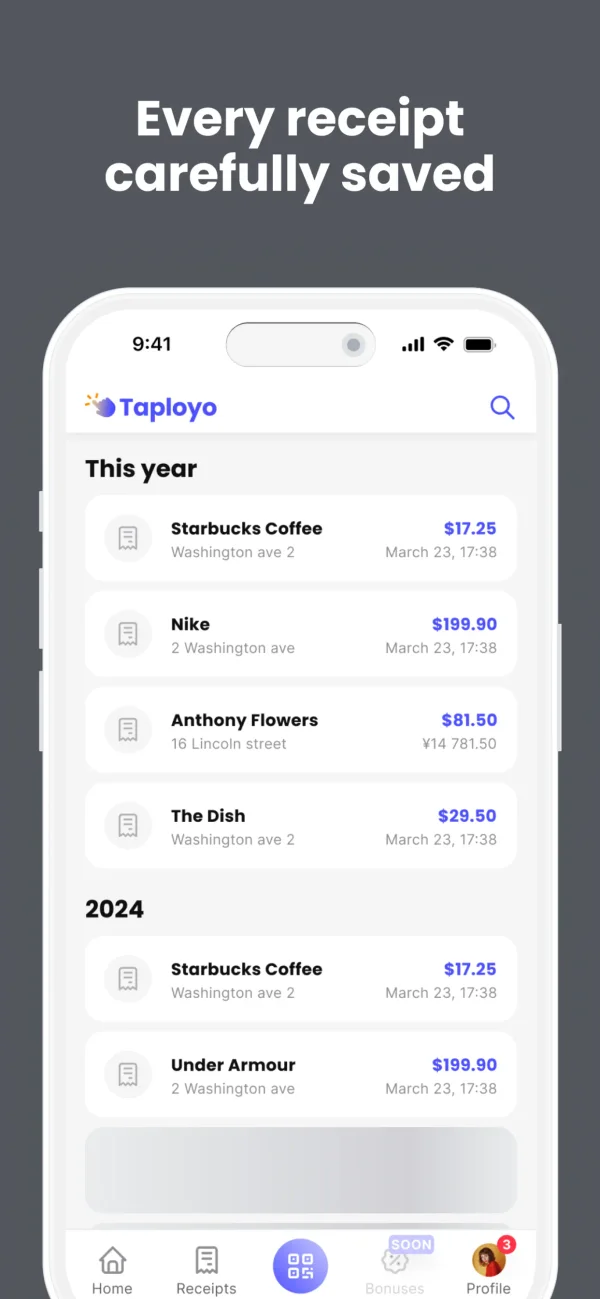
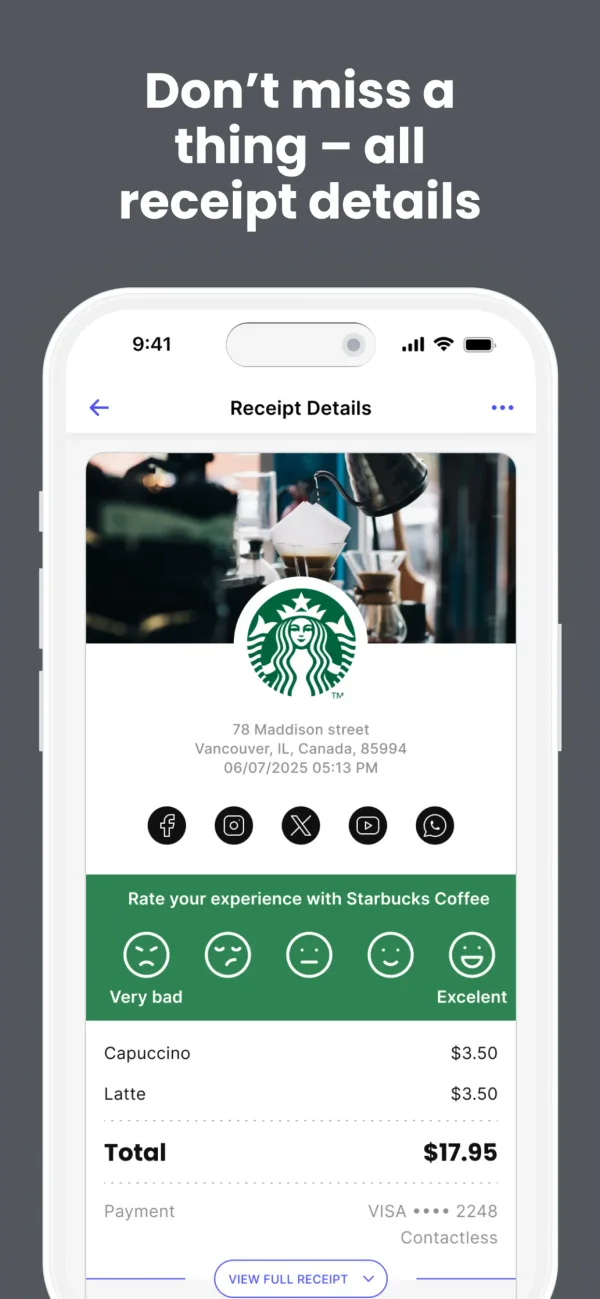
Access all your receipts in one organised list. View detailed receipt information, including receipt numbers, dates, and amounts. Download receipts whenever you need them.
Secure Authentication
Protect your receipts with secure PIN-based authentication. Optionally enable biometric authentication (Face ID or Touch ID) for quick and secure access to your account.
Profile Management
Customise your profile settings, manage notifications, and control how you receive updates about new receipts, promotions, and special offers.
Support & Help
Access frequently asked questions and get help when you need it, all within the app.
Why Choose Taployo?
Simple and fast – Scan receipts in seconds and access them anytime
Secure – Your data is protected with PIN and optional biometric authentication
Organised – All your receipts in one place, easy to find and manage
Free – All features available without subscription or premium accounts
Privacy-focused – No location tracking required
Getting Started:
1. Create your account with your email address
2. Verify your email with the code sent to your inbox
3. Set up a 4-digit PIN for secure access
4. Optionally enable Face ID or Touch ID for faster login
5. Start scanning receipts and managing your purchases
Perfect For:
• Personal expense tracking
• Keeping digital copies of important receipts
• Organising purchase history
• Managing receipts for returns and warranties
• Tracking spending habits
Download Taployo today and take control of your receipts. Never lose a receipt again.
App privacy
What Taployo Solutions Ltd declares on the App Store about how this app handles data.
-
Data linked to you
May be collected and linked to your identity.
- Contact info
-
Data not linked to you
May be collected but is not linked to your identity.
- Diagnostics
Privacy practices may vary, for example with the features you use or your age.
Information
- Seller
- Taployo Solutions Ltd
- Category
- Finance
- Version
- 1.0.0
- Updated
- Jan 23, 2026
- Released
- Jan 23, 2026
- Size
- 54.7 MB
- Requires
- iOS 16.2 or later
- Age rating
- 4+
- Languages
- English
- Copyright
- © 2025 Taployo Solutions Ltd