
RFID Reader & NFC Tag Scanner
NFC Tools: Reader & Writer
Designed for iPhone
In-app purchases
- Age rating4+
- CategoryUtilities
- DeveloperHeinz Meier
- LanguagesGerman+ 4 more
- Size9.6 MB
Links to the official App Store page
Download.org hosts no file of RFID Reader & NFC Tag Scanner. The button opens its official App Store page, published by Heinz Meier. Listing last checked on Nov 23, 2026.
Screenshots
About
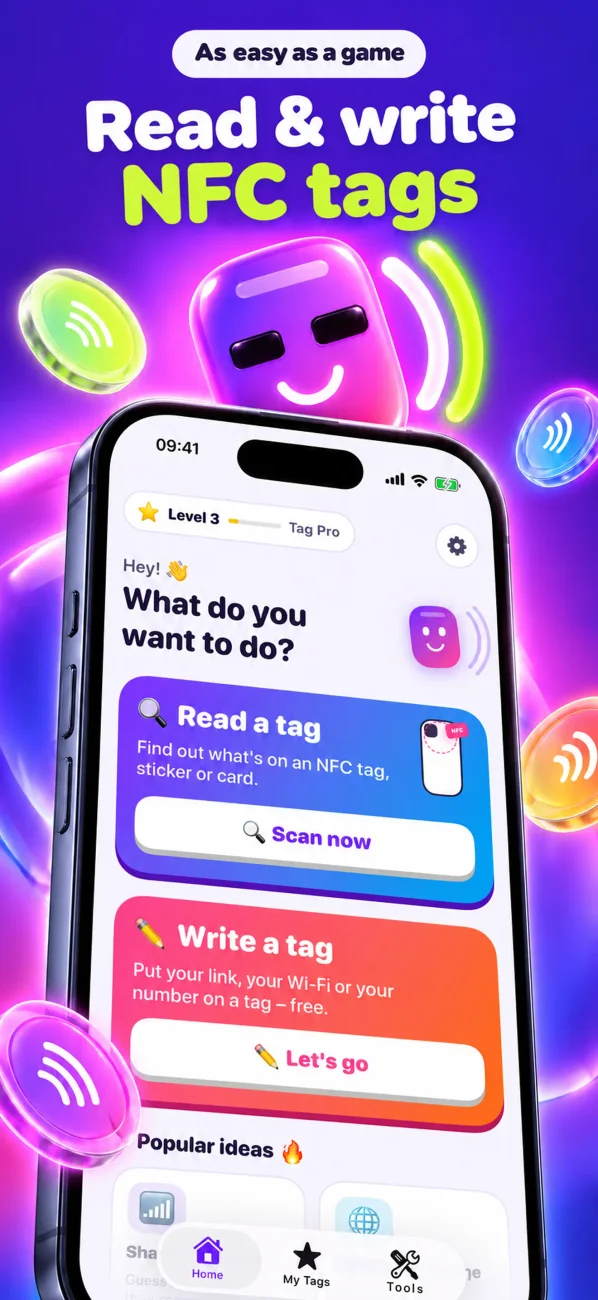
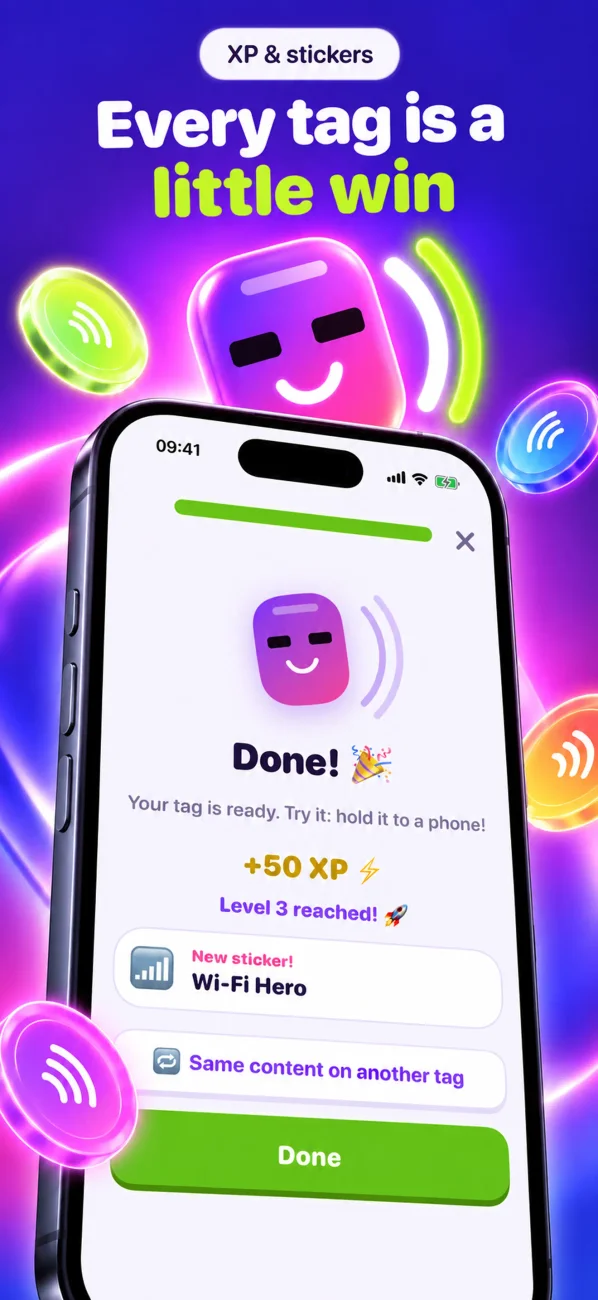
Read and write NFC tags – as easy as a game. Hold a tag to your iPhone and see right away what's on it. Or put a link, your Wi-Fi or your business card on a sticker in three steps.
READ
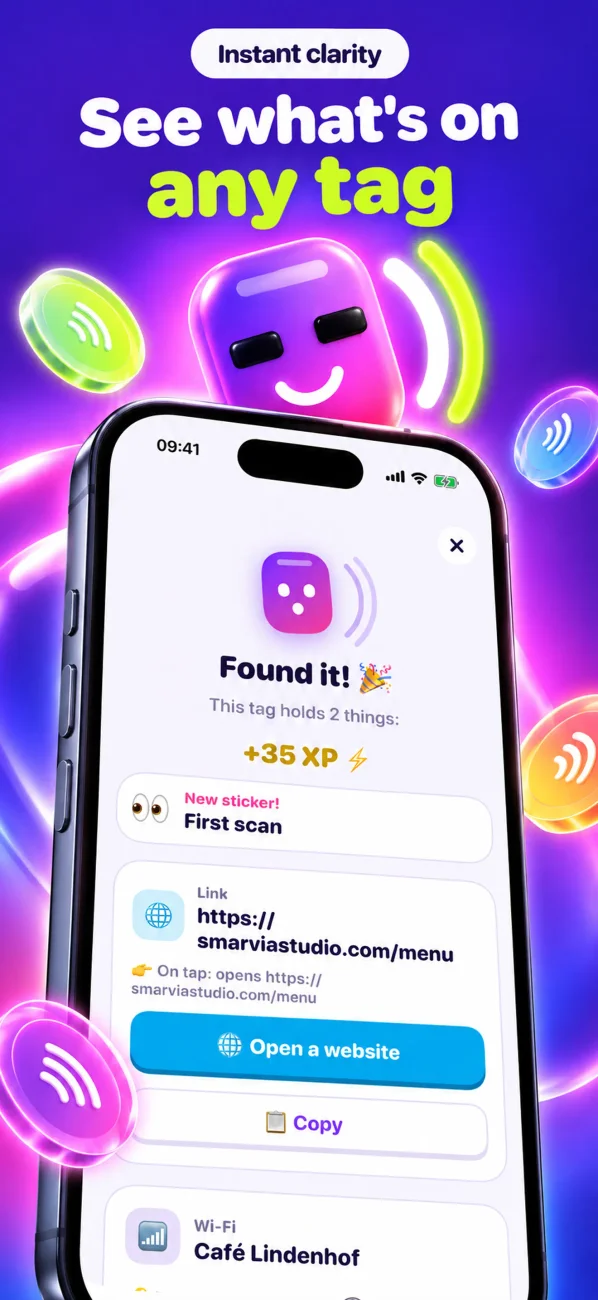
• Links, Wi-Fi, contacts, phone numbers, places, text and more – explained in plain words
• Wi-Fi tags: join with one tap
• Business cards: save straight to Contacts
• Chip details for the curious: type, serial number, memory, write protection
• Read the content aloud if you like
WRITE
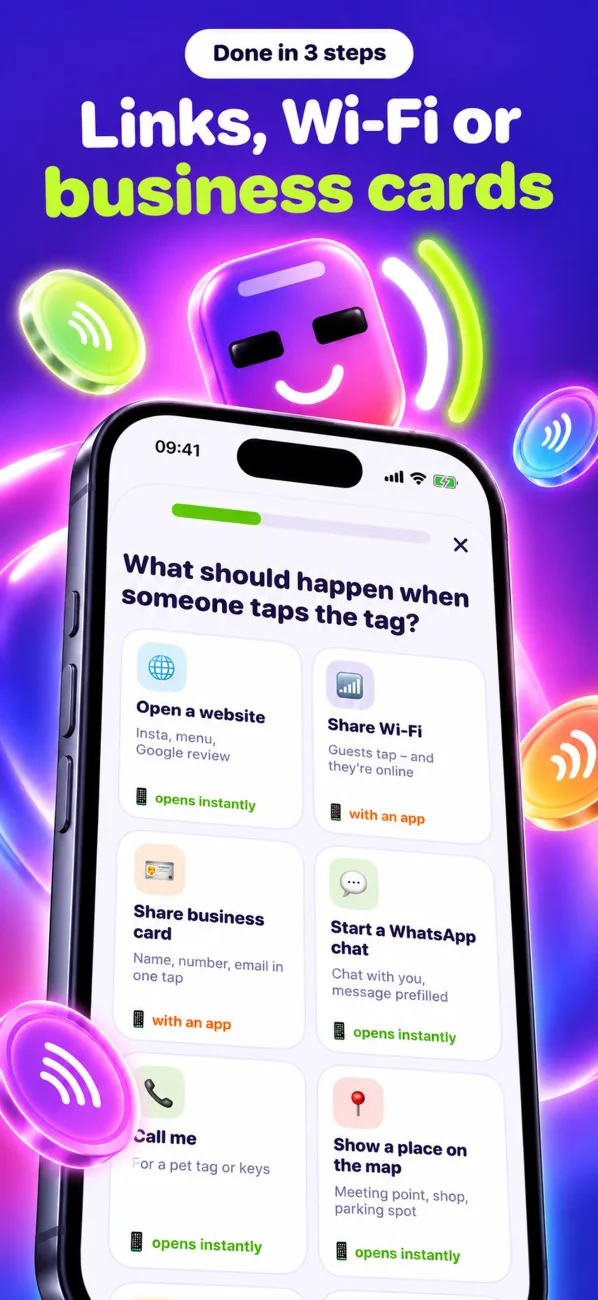
• Website, Instagram, Google review, menu
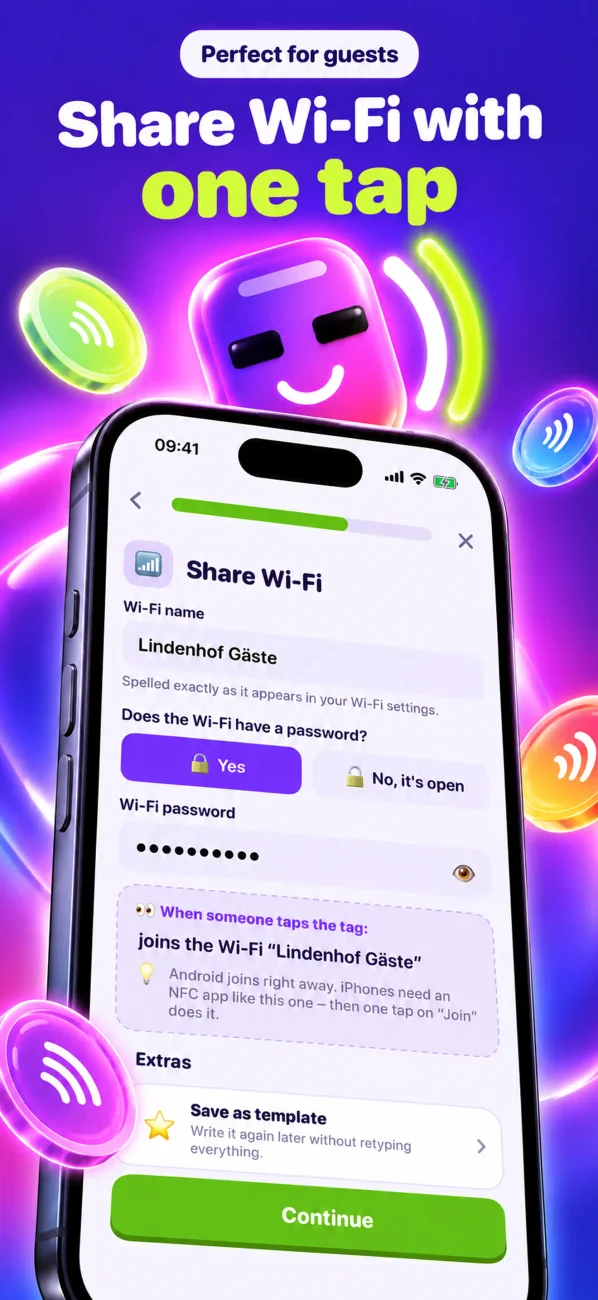
• Guest Wi-Fi: tap the tag and you're online
• Business card, WhatsApp chat, phone call, place on the map
• Live preview: see what happens when someone taps the tag
• Every format tells you honestly whether other phones can read it without an app
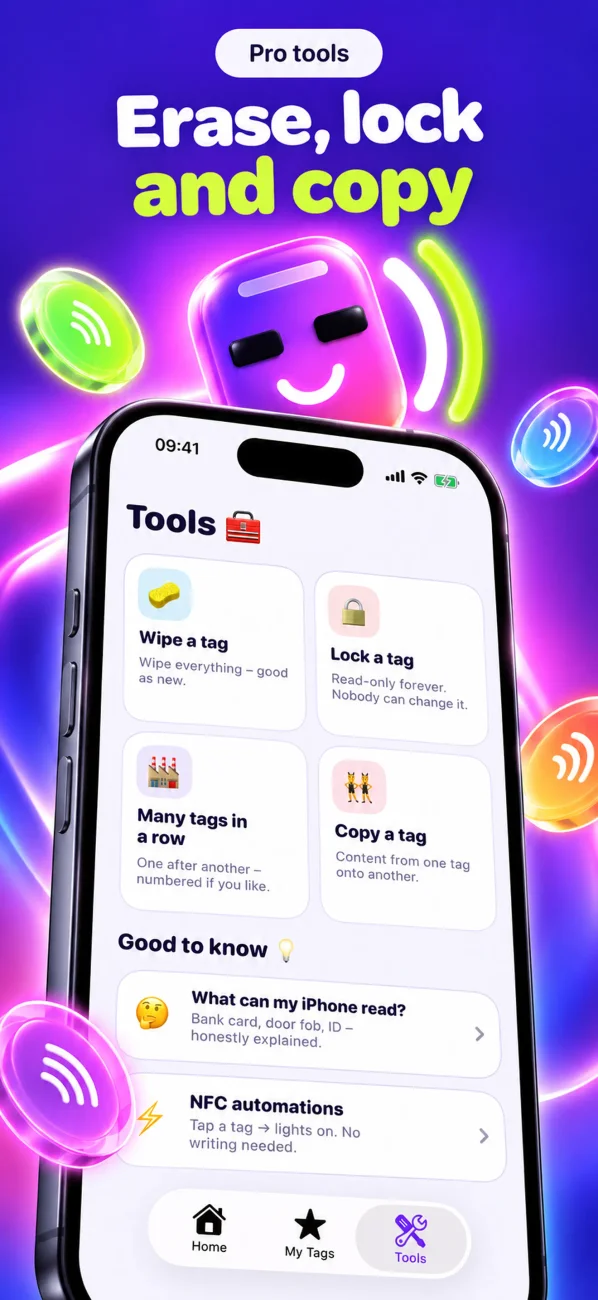
TOOLS
• Erase a tag
• Lock a tag permanently (with a safety check)
• Write many tags in a row – numbered automatically
• Copy tags
• Templates and history
• NFC automations with the Shortcuts app explained
HONEST
"What can my iPhone read?" explains why bank cards, ID cards, 125 kHz door fobs and MIFARE Classic don't work with any iPhone – instead of leaving you with error messages.
Reading and writing single tags work without a purchase. Tappy Pro (weekly, monthly, yearly with a 3-day trial, or once for lifetime) unlocks batch writing, write & lock, copying, several records per tag, unlimited templates and history export.
No ads, no account, no tracking. Your history stays on your iPhone.
Requires iPhone 7 or later.
Terms of Use: https://www.apple.com/legal/internet-services/itunes/dev/stdeula/
Privacy Policy: https://sites.google.com/view/smarviastudio-privacypolicy/home
What’s new
Version 2.1.1 · Nov 15, 2026
Improvements and bug fixes.
App privacy
What Heinz Meier declares on the App Store about how this app handles data.
-
Data not linked to you
May be collected but is not linked to your identity.
- Purchases
- Identifiers
- Usage data
Privacy practices may vary, for example with the features you use or your age.
Information
- Seller
- Heinz Meier
- Category
- Utilities
- Version
- 2.1.1
- Updated
- Nov 15, 2026
- Released
- Oct 2, 2026
- Size
- 9.6 MB
- Requires
- iOS 17.0 or later
- Age rating
- 4+
- In-app purchases
- Yes
- Languages
- German, English, Arabic, Korean, Dutch
- Copyright
- © 2026 Smarvia Studio
You might also like
-
 AGV Companion: RFID & NFC ToolIndustrial RFID tool
-
 NFC ReaderUtilities
-
 Tagwise – NFC Tools & ScannerRFID Tag Reader & Writer
-
 AGH Manager for AdGuard HomeHomelab DNS Blocker & Watch
-
 Boreal NFC: Tag WriterRead, edit & batch NDEF
-
 Solar Check ProductionView of solar production
-
 PickerSpin: Spin Wheel PickerRandom Name & Decision Maker
-
 GarageHub: Car Maintenance LogService History, Fuel & Costs
-
 NFC Card Reader: NFC Tags ScanRead & Write NFC Tag, Scan NFC
-
 VivaceTheStoveUtilities