
- Age rating4+
- CategoryFinance
- DeveloperPrantosh Pran Bhattacharyya
- LanguagesEnglish
- Size110.0 MB
Links to the official App Store page
Download.org hosts no file of TapSpent. The button opens its official App Store page, published by Prantosh Pran Bhattacharyya. Listing last checked on Nov 20, 2026.
Screenshots

About
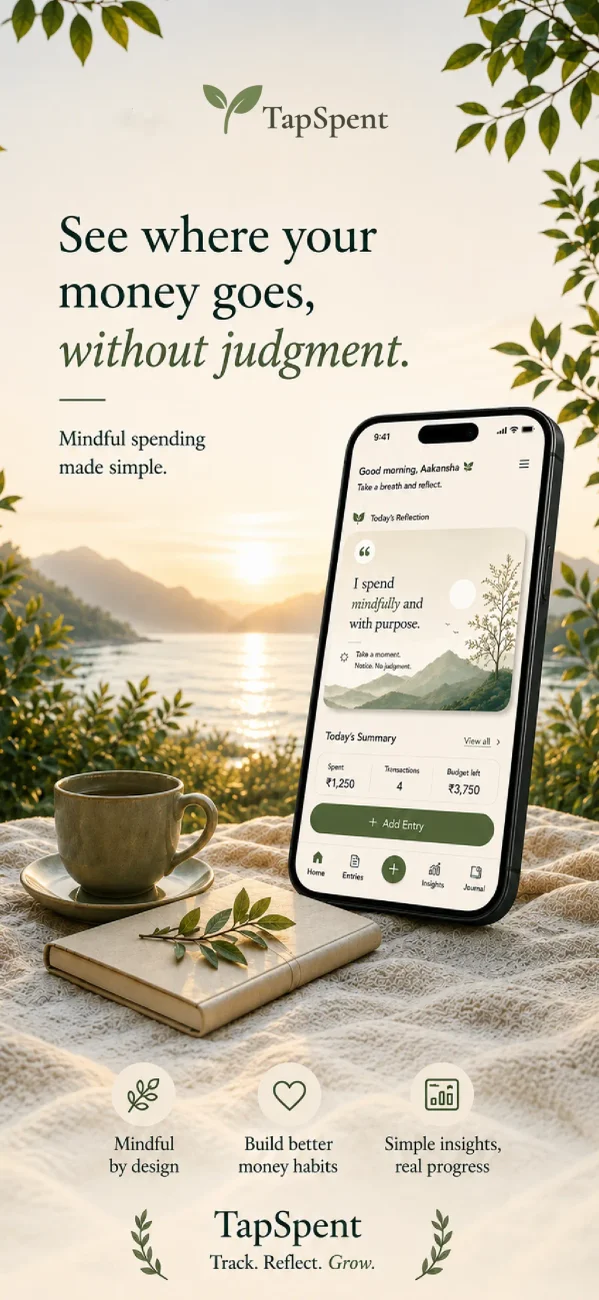
A quieter way to see where your money goes.
Most of us don't need another dashboard — more charts, alerts, goals, or financial jargon.
Sometimes it just helps to know where the money went.
TapSpent is a private spending tracker built to make that habit effortless.
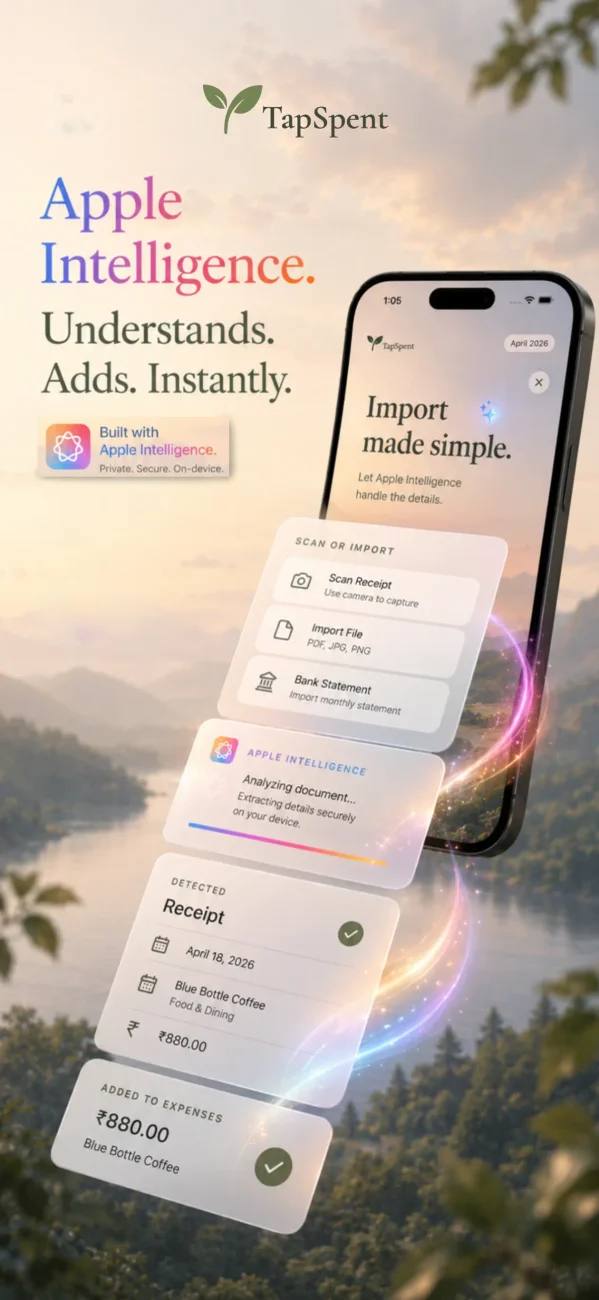
Log an expense in seconds with a double-tap on the back of your iPhone. Or add it by hand, scan a receipt, or import a bank statement — and let Apple Intelligence, when available, pull the details from bills, receipts, and statements for you.
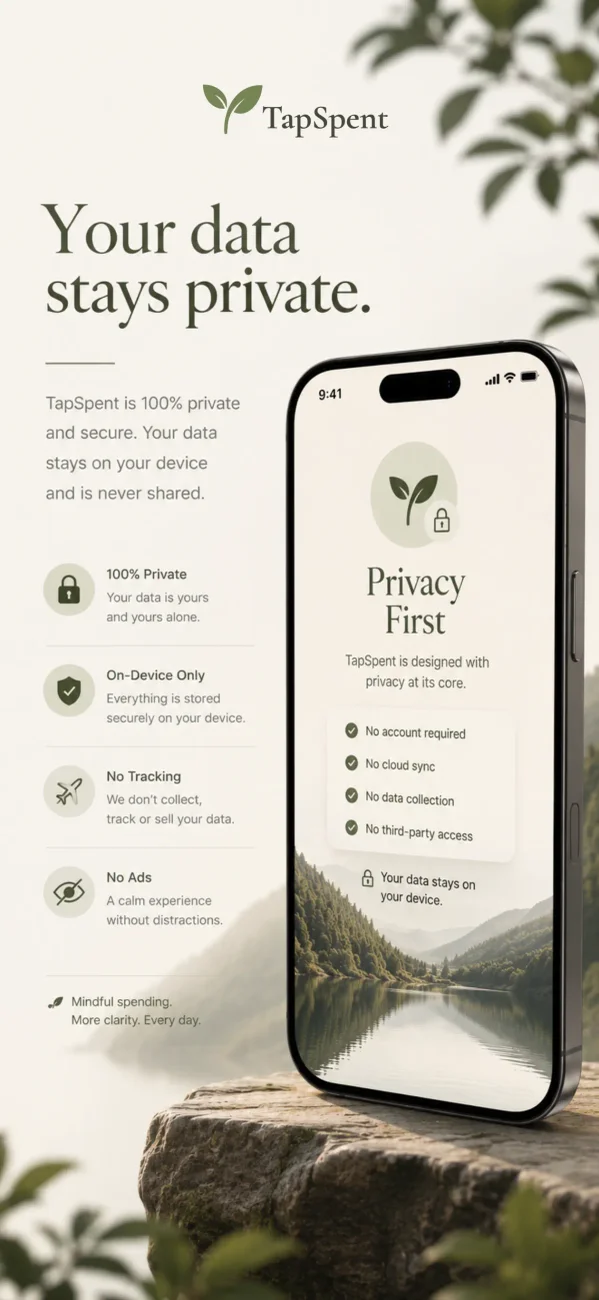
No accounts.
No ads.
No bank connections.
Your money stays your business. Everything lives on your device — even a bank statement is read on your phone and never uploaded. Export anytime as a CSV to keep wherever you like.
Built for real life
• Log expenses in seconds with Back Tap
• Track spending, income, and savings
• Scan receipts and bills
• Import a bank statement — PDF or CSV
• Capture details with Apple Intelligence
• Create your own categories
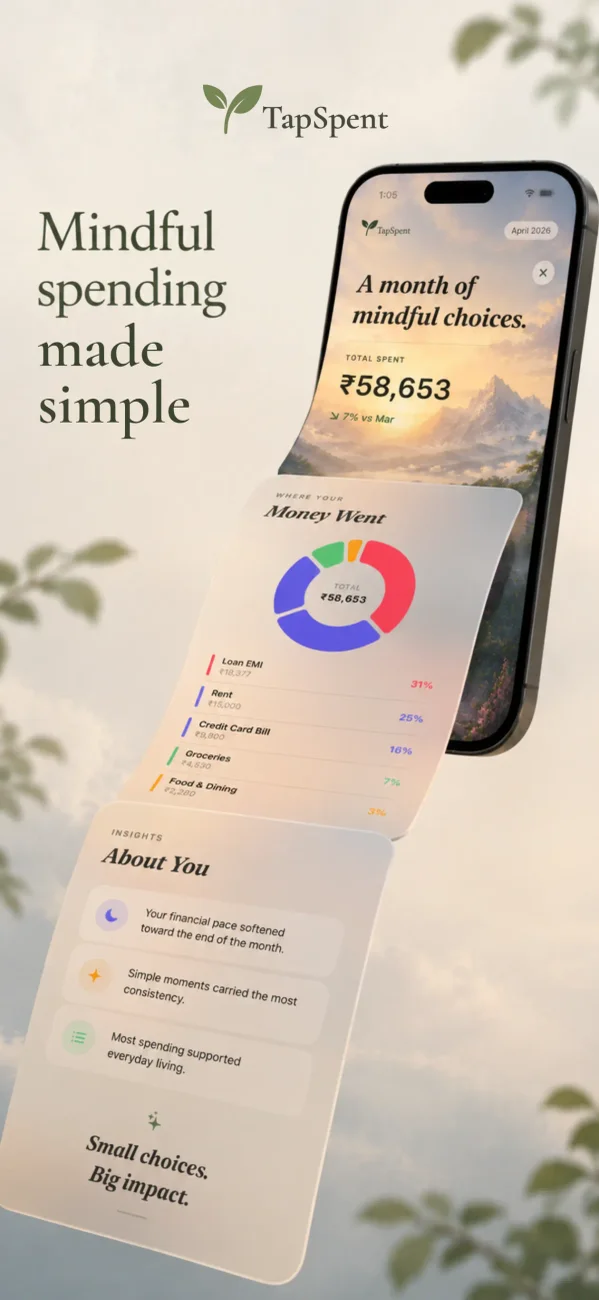
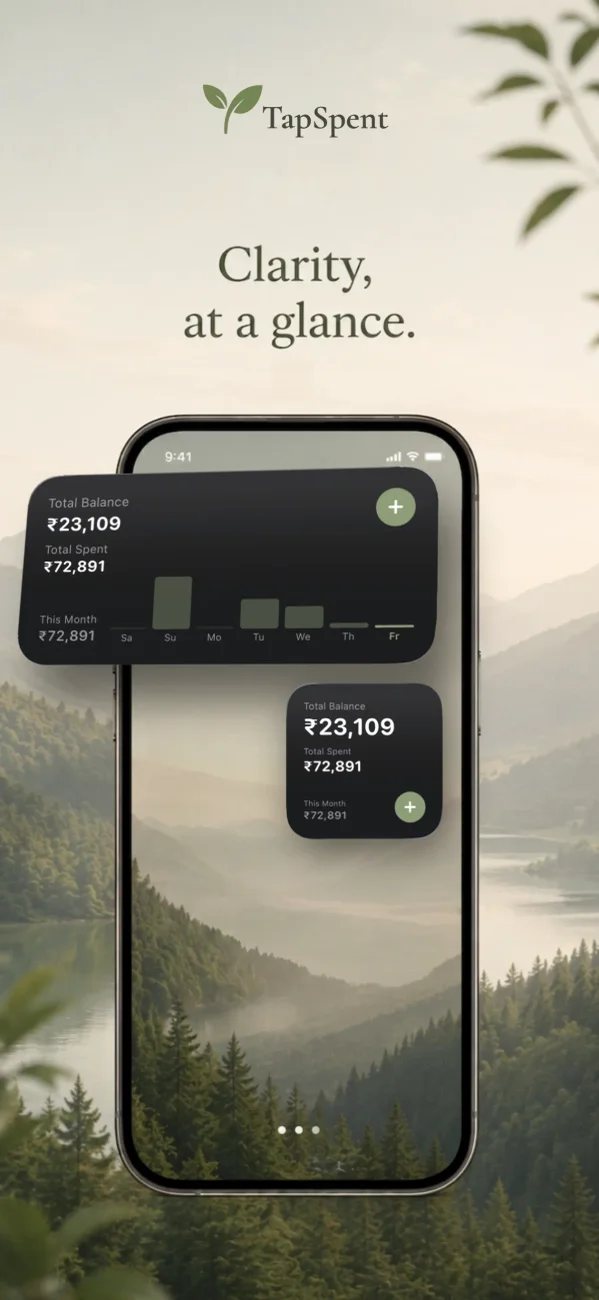
• See where your money actually went
• Home Screen and Lock Screen widgets
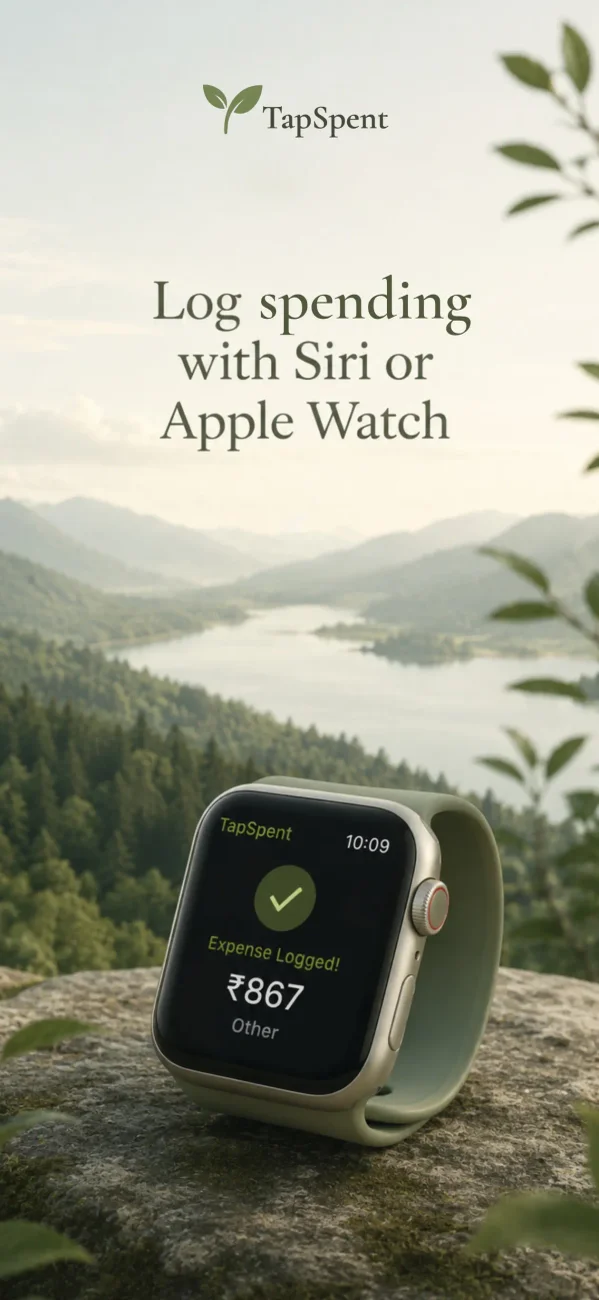
• Hands-free with Siri, including Apple Watch
Private by design
• No login, ever
• Works offline - no account, no sync
• Your spending data never leaves your device
• Export anytime as CSV
• No ads, no tracking, no data collection
• Statements are read on your device, never uploaded
A gentler way to stay aware
TapSpent isn't about perfect budgets.
It's about paying a little more attention.
A coffee here. Groceries there. A monthly bill you forgot about.
Over time, those small moments tell a story.
TapSpent helps you see it.
Terms of Use (EULA): https://www.apple.com/legal/internet-services/itunes/dev/stdeula/
What’s new
Version 1.1 · Aug 9, 2026
Import a bank statement
Bring in a whole month at once. Point TapSpent at a PDF or CSV statement and it pulls out your expenses, cleans up the messy bank descriptions, sorts them into categories, and flags anything you've already logged so nothing gets counted twice.
• Password-protected statements are supported — just enter the password your bank uses.
• Everything is read on your device. Your statement never leaves your phone.
• Also in this release: faster, smoother home screen.
App privacy
What Prantosh Pran Bhattacharyya declares on the App Store about how this app handles data.
-
Data not collected
The developer does not collect any data from this app.
Privacy practices may vary, for example with the features you use or your age.
Information
- Seller
- Prantosh Pran Bhattacharyya
- Category
- Finance
- Version
- 1.1
- Updated
- Aug 9, 2026
- Released
- Jul 10, 2026
- Size
- 110.0 MB
- Requires
- iOS 17.6 or later
- Age rating
- 4+
- Price
- Free
- In-app purchases
- Yes
- Languages
- English
- Copyright
- © 2026 Prantosh Pran Bhattacharyya. All rights reserved.
You might also like
-
 Expense Tracker - MindspendMindful Budget & Money Mood
-
 TapExpense: Expense TrackerBudget, receipt scan, offline
-
 Ultra by TapEarn Fixed Returns
-
 Budgeteer: Money ManagerBudget, Savings & Debt Goals
-
 Dobin: Manage Your MoneyTrack Spend. Find Cards, Loans
-
 AboutMoney - Expense TrackerTrack Expenses in Seconds
-
 SyncSpendExpenses, syncs with Notion
-
 BSEIndia on MobileFinance
-
 Coinhako: Buy Bitcoin & CryptoTrade, swap and store crypto
-
 Odix Pay: Card Crypto IBANUSDT & USDC top up, send money