- Age rating4+
- CategoryUtilities
- Developer高阳 王
- LanguagesEnglish
- Size18.9 MB
Links to the official App Store page
Download.org hosts no file of TapTiller. The button opens its official App Store page, published by 高阳 王. Listing last checked on Nov 14, 2026.
Screenshots


About
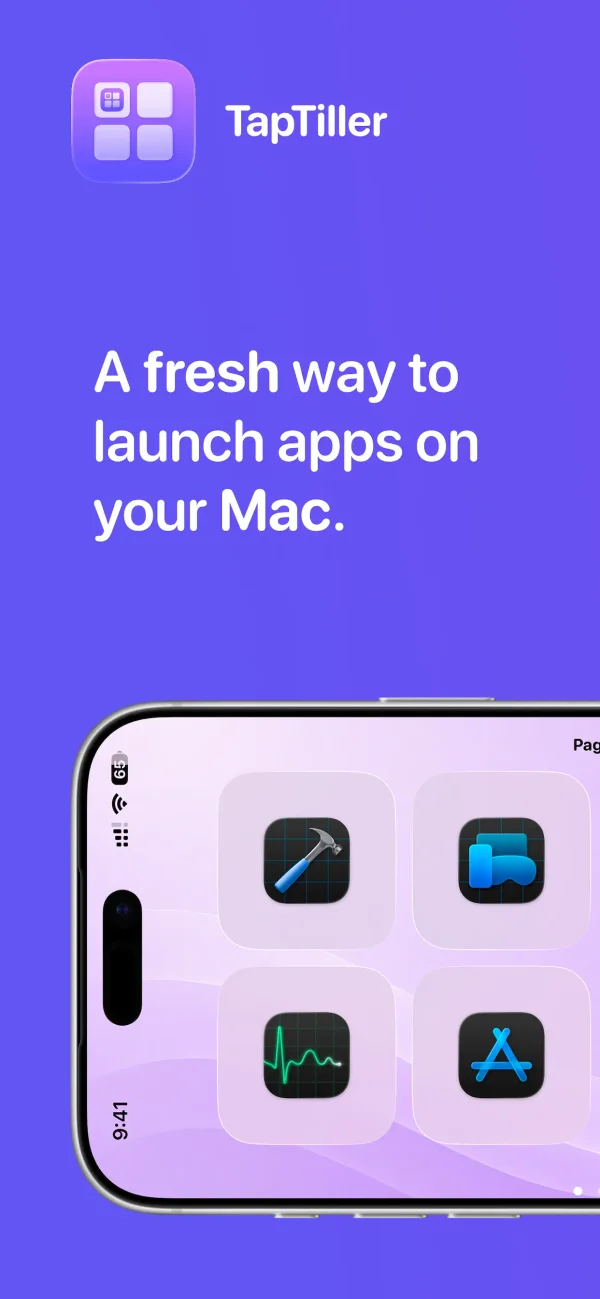
TapTiller turns your iPhone into a beautiful, customizable command surface for your Mac.
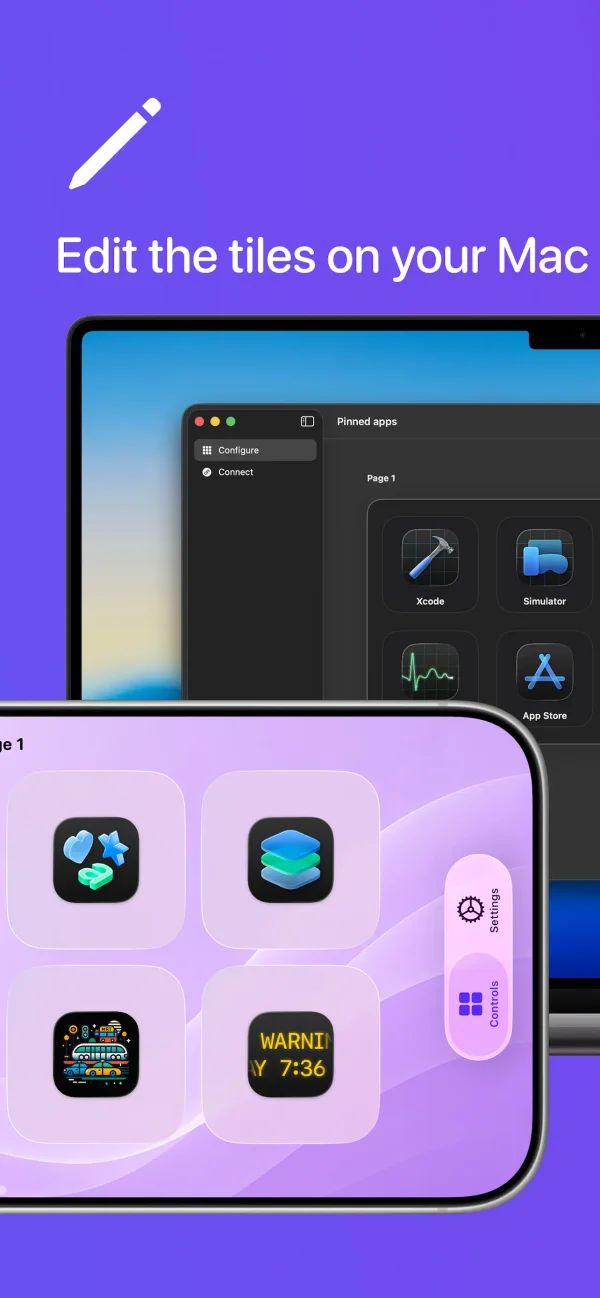
Pair your iPhone with your Mac on the same local network, build your own control grid, and keep your most-used actions one tap away. Open Mac apps, launch websites, trigger keyboard shortcuts, control media, adjust volume, and manage compatible Home accessories from a clean touch-first interface.
Create pages for different workflows, like design, writing, meetings, music, or smart home control. Choose compact or expanded layouts, customize tile colors, organize shortcut groups, and make TapTiller fit the way you work.
Features:
- Pair securely with your Mac using a short local code
- Launch Mac apps from your iPhone
- Open websites and saved URLs
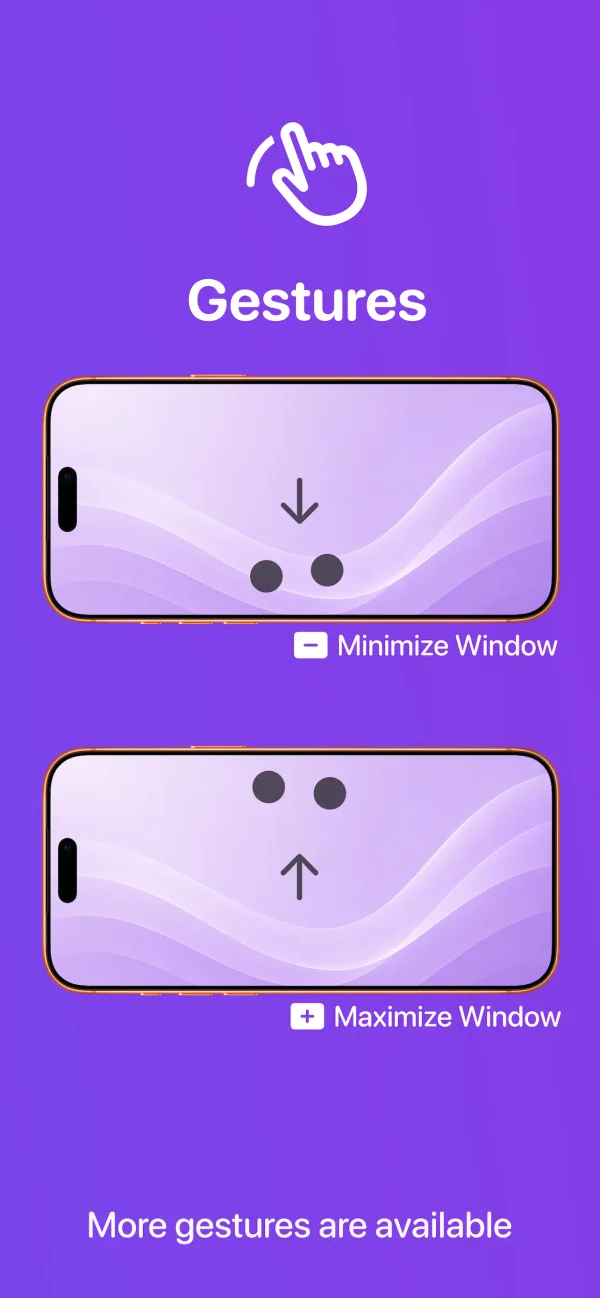
- Run keyboard shortcuts and window actions
- Control playback, mute, skip, and volume
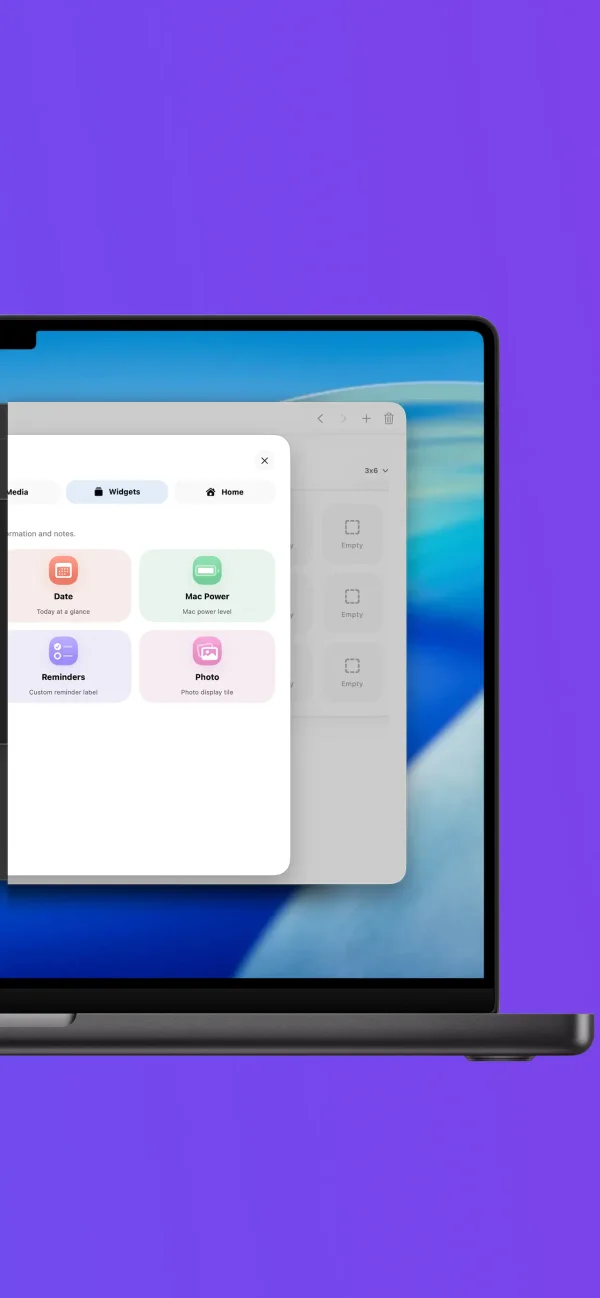
- Add compatible Home accessories like lights, fans, outlets, and shades
- Create multiple custom pages for different workflows
- Use 2x4 or 3x6 grid layouts
- Customize tile colors and icons
- No account required
- TapTiller is not a remote desktop. It is a focused control surface for the actions you use all day, designed to keep your Mac visible and your workflow moving.
Note: TapTiller requires the Mac companion app and both devices must be on the same Wi-Fi or local network.
What’s new
Version 1.1 · Jun 11, 2026
Small improvements and refinements to make TapTiller smoother to use.
App privacy
What 高阳 王 declares on the App Store about how this app handles data.
-
Data not collected
The developer does not collect any data from this app.
Privacy practices may vary, for example with the features you use or your age.
Information
- Seller
- 高阳 王
- Category
- Utilities
- Version
- 1.1
- Updated
- Jun 11, 2026
- Released
- Jun 1, 2026
- Size
- 18.9 MB
- Requires
- iOS 26.0 or later
- Age rating
- 4+
- Languages
- English
- Copyright
- © Wang Yinhong
You might also like
-
 MacReach - Remote ControlControl Your Mac from iPhone
-
 NeverCleanerCleaner Mobile Web in Safari
-
 ForetapA section-based app launcher
-
 ClipSlotsYour most used text a tap away
-
 SmartMemo - AI NotesVoice, Photo & On-Device AI
-
 ClipSmart: Text, Crop & KeysPowerful tools 4 smarter tasks
-
 TruthLens: AI Image DetectorCheck AI Image Provenance
-
 WebTMUtilities
-
 Age Calculator - Days OldBirthday Countdown & Date Math
-
 AI Keyboard Assistant RoSmart AI Text Enhancer