- Age rating4+
- CategoryProductivity
- DeveloperFabian Kosler
- LanguagesEnglish
- Size4.1 MB
Links to the official App Store page
Download.org hosts no file of TaqTiq. The button opens its official App Store page, published by Fabian Kosler. Listing last checked on Nov 12, 2026.
Screenshots
About
TaqTiq – time tracking that just works.
One tap to start. One tap to stop. TaqTiq records your working hours so
quickly and effortlessly that you stop thinking about it.
Completely free. No subscription, no in-app purchases, no ads.
- FEATURES -
TIMER
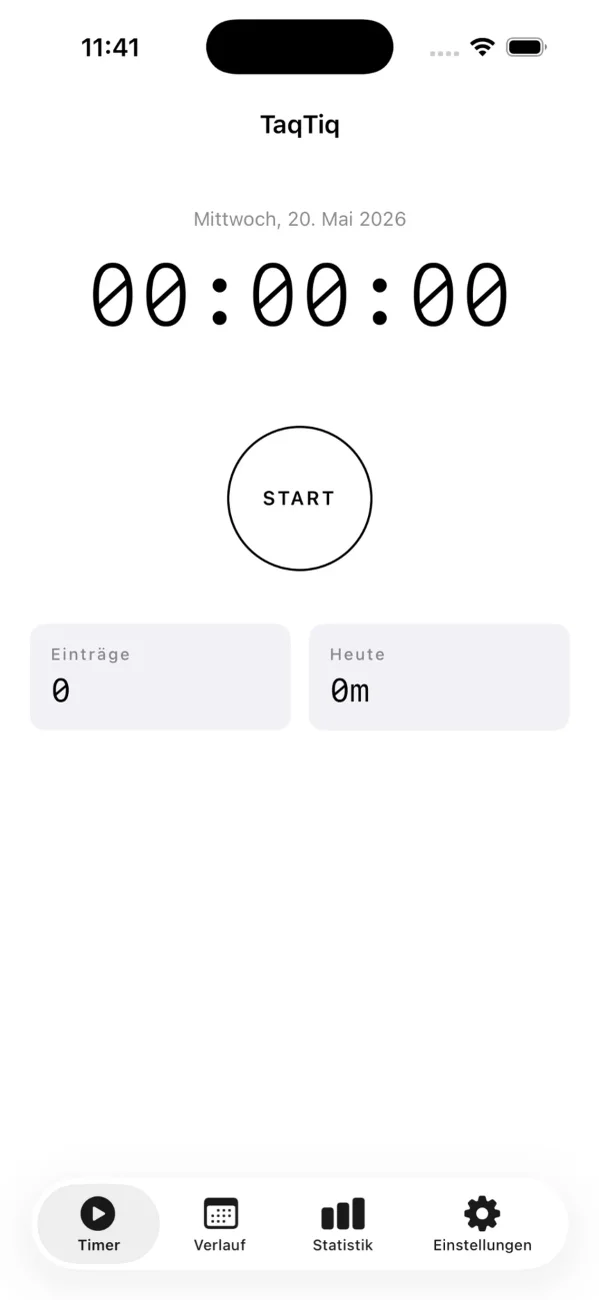
Start and stop tracking with a single tap – on your iPhone or your
Apple Watch.
WIDGET & LOCK SCREEN
Start the timer straight from your home screen, without opening the app.
The running time appears on the lock screen, with a stop button. Plus
quick access from Control Center and the Action button.
SIRI
"Hey Siri, start TaqTiq." That's all it takes.
CATEGORIES
Create your own categories such as Work, Break or Project A and assign
them with a tap. Colour-coded, clear, flexible.
STATISTICS
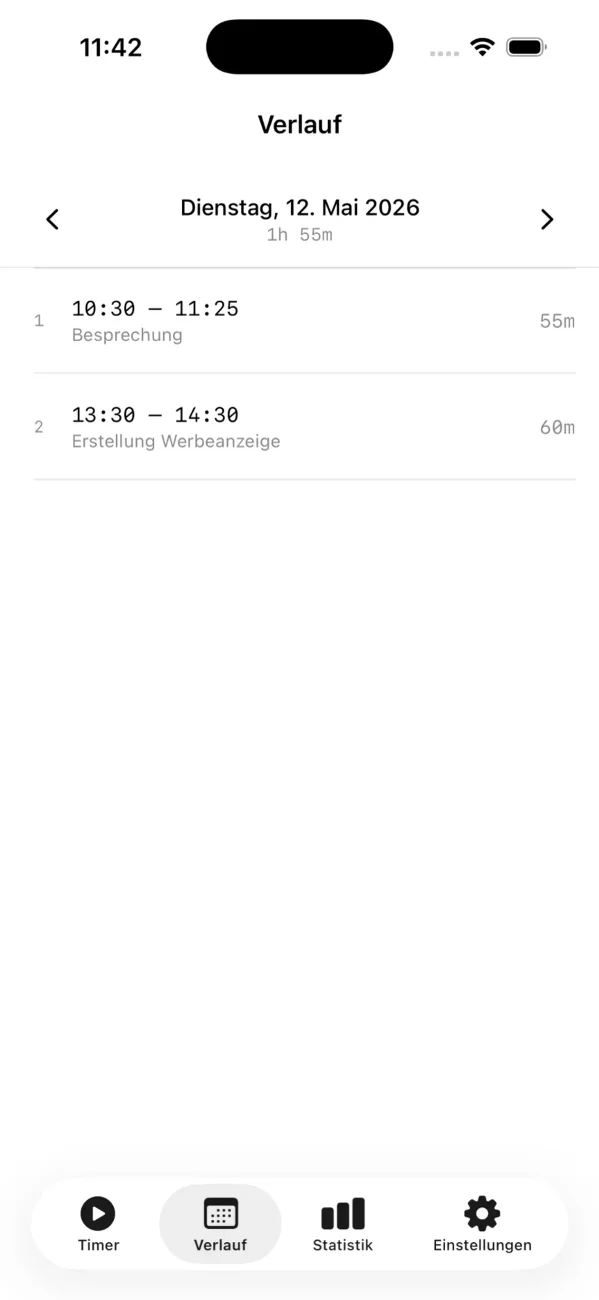
Daily, weekly, monthly and yearly overviews at a glance. Filter by
category and edit entries right in the detail view.
TRASH
Entries you delete by accident stay for 30 days and can be restored with
a single tap.
EXPORT
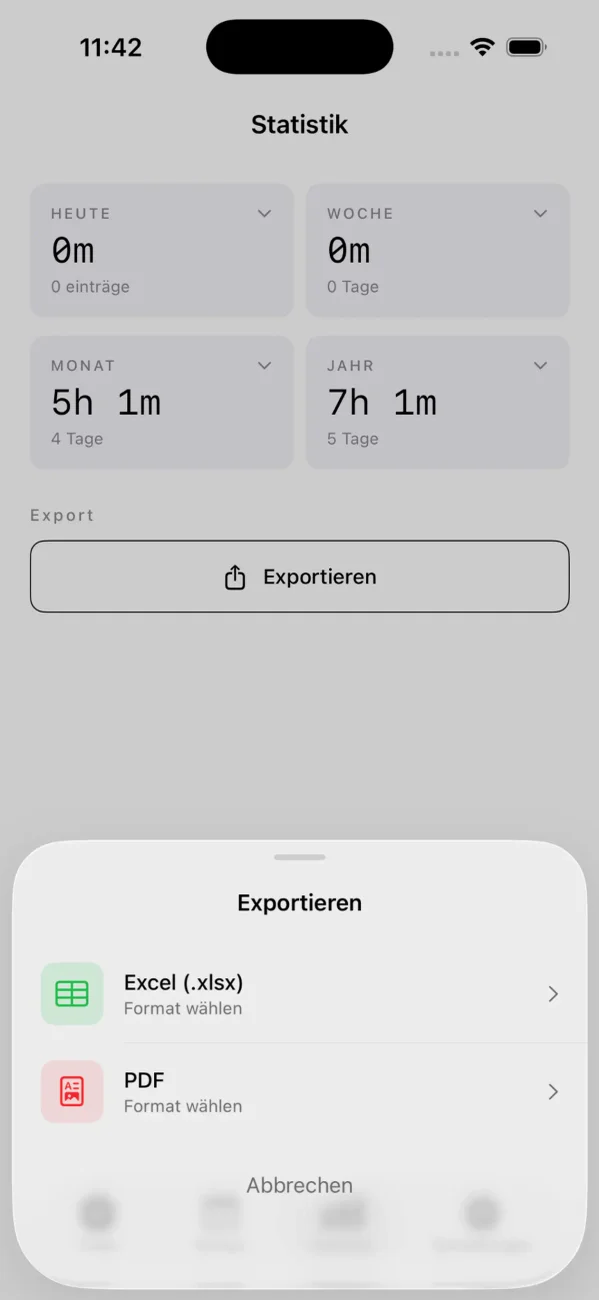
Export your hours as Excel (.xlsx) or PDF – structured, professional and
ready to share via mail, AirDrop or WhatsApp.
APPLE WATCH
Start and stop the timer from your wrist, even without your iPhone
nearby. Everything syncs once they reconnect.
ICLOUD SYNC
Your data syncs automatically between iPhone and iPad via iCloud.
PRIVACY
All data stays on your device. No account, no ads.
8 LANGUAGES
German, English, Russian, Chinese, Spanish, Italian, Hindi, Arabic.
- PRICE -
TaqTiq is completely free. Every feature is unlocked from the start.
There is no subscription, there are no in-app purchases and no ads.
Terms of use (EULA):
https://www.apple.com/legal/internet-services/itunes/dev/stdeula/
Privacy: https://taqtiq.de/#privacy
TaqTiq is made for everyone: employees, freelancers, self-employed
professionals, students, creatives. If you want to know where your time
actually goes, this is for you.
What’s new
Version 2.1 · Sep 24, 2026
Trash
Deleted an entry by accident? Not a problem anymore.
• Deleted entries stay in the trash for 30 days
• Restore them with a single tap
• Find it under Settings → Trash
App privacy
What Fabian Kosler declares on the App Store about how this app handles data.
-
Data not collected
The developer does not collect any data from this app.
Privacy practices may vary, for example with the features you use or your age.
Information
- Seller
- Fabian Kosler
- Category
- Productivity
- Version
- 2.1
- Updated
- Sep 24, 2026
- Released
- May 30, 2026
- Size
- 4.1 MB
- Requires
- iOS 26.0 or later
- Age rating
- 4+
- Languages
- English
- Copyright
- © 2026 Fabian Kösler
You might also like
-
 StundennachweisTime tracking for freelancers
-
 Swipe In - Time TrackerSimple & Minimalist
-
 KommGehtProductivity
-
 Schichtklar: Shift PlannerWork Hours, Overtime & Pay
-
 Quartz: Focus & FlowPomodoro, Flowmodoro & more
-
 Hourlo: Time TrackerTimesheet, Hours & Invoice
-
 Mindscend TypeGrammar fixes, fully on-device
-
 FastClockedProductivity
-
 Overtimer - Time ClockProductivity
-
 Stunden Rechner: ZeiterfassungEinfache Schicht-Zeiterfassung