
Target CRM
Dealer texting, deals & tasks
Designed for iPhone, iPad, iPod touch
Free
- Age rating17+
- CategoryBusiness
- DeveloperIdeal Computer Systems Inc.
- Size135.3 MB
Links to the official App Store page
Download.org hosts no file of Target CRM. The button opens its official App Store page, published by Ideal Computer Systems Inc. Listing last checked on Nov 17, 2026.
Screenshots

About
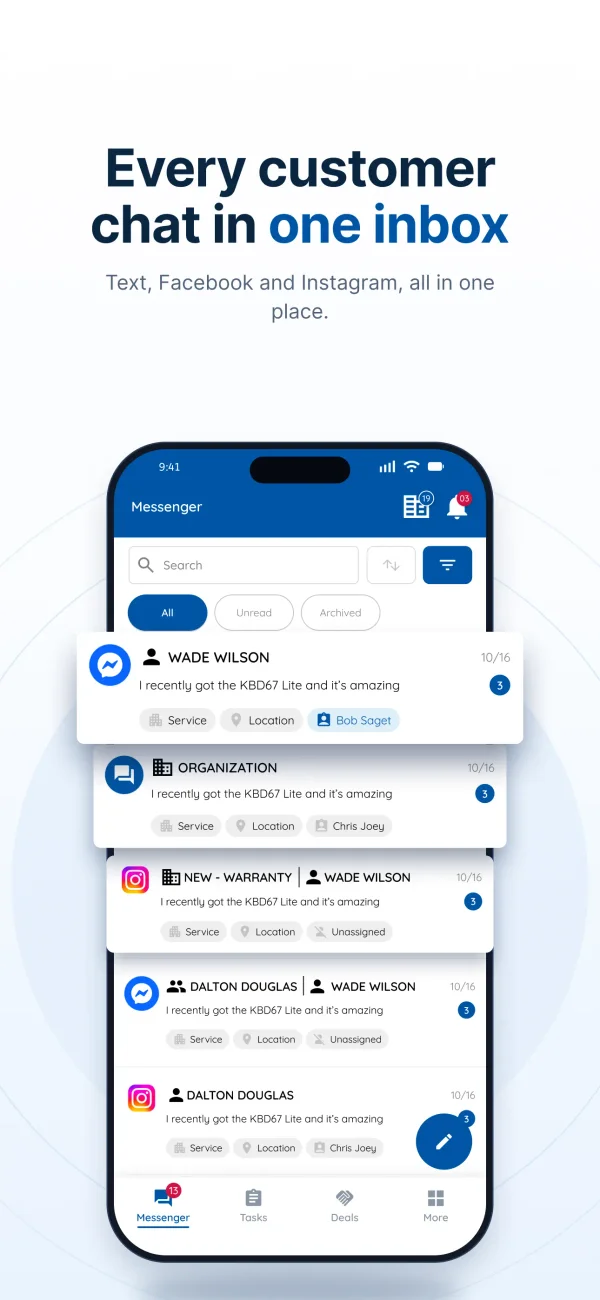
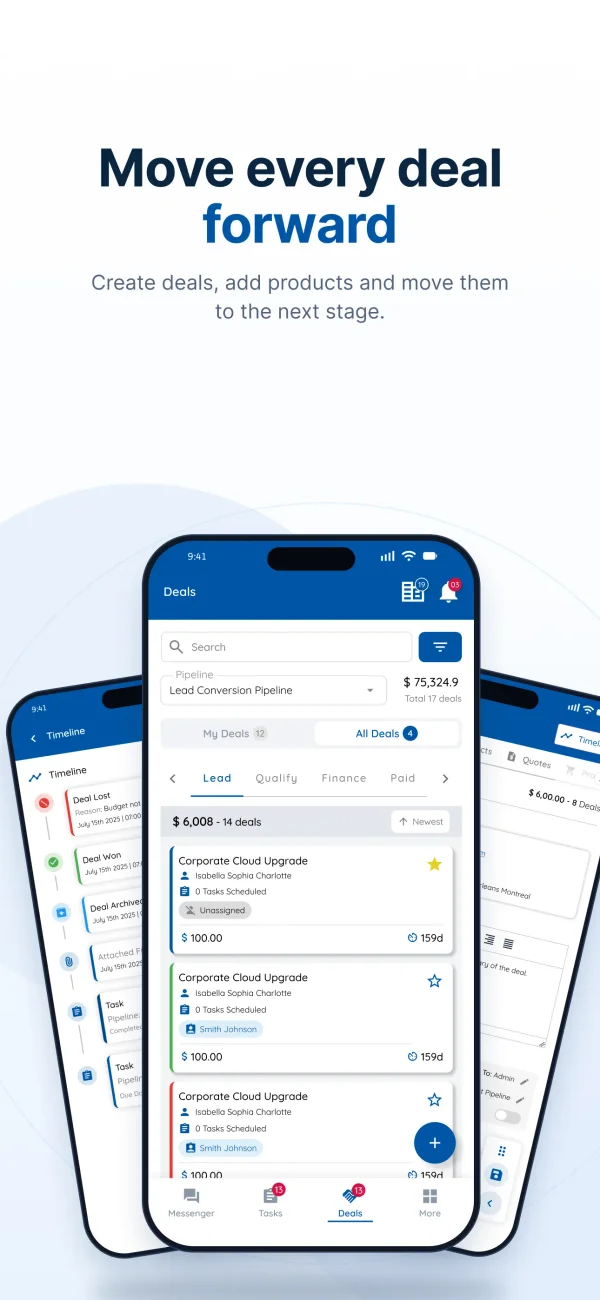
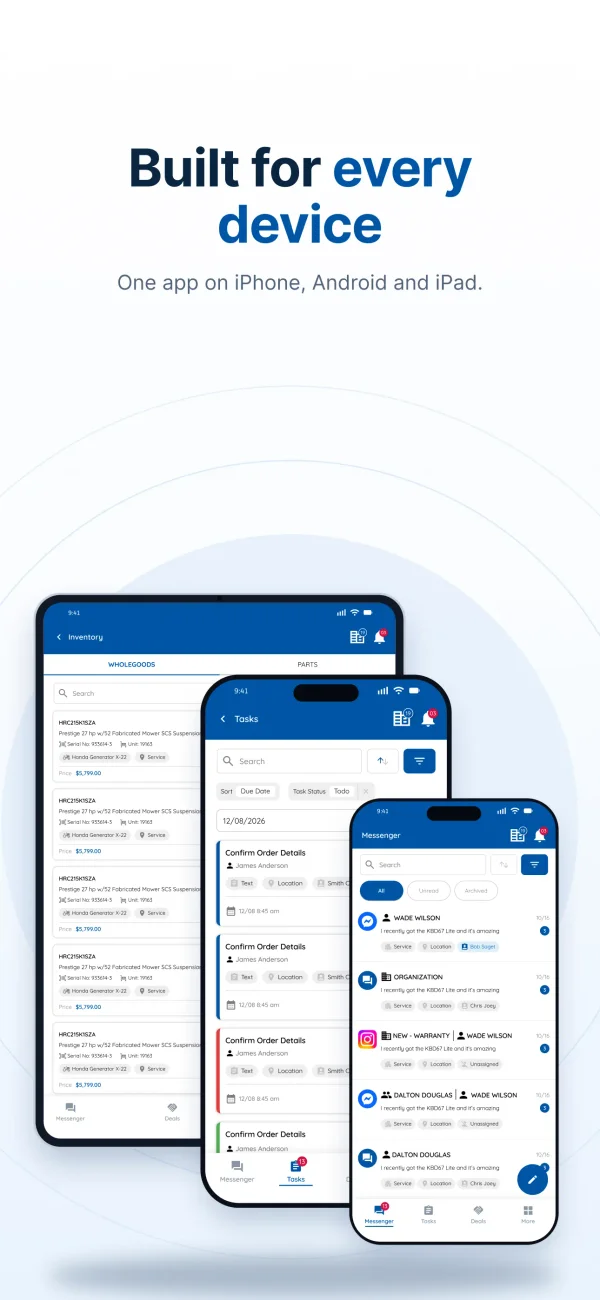
Target CRM keeps your dealership connected to its customers from anywhere: text customers, work your deal pipeline, look up inventory and follow up on tasks, all in one app built for dealer teams.
A clean, fast design in Light or Dark, with a bottom bar you can arrange around the way you work.
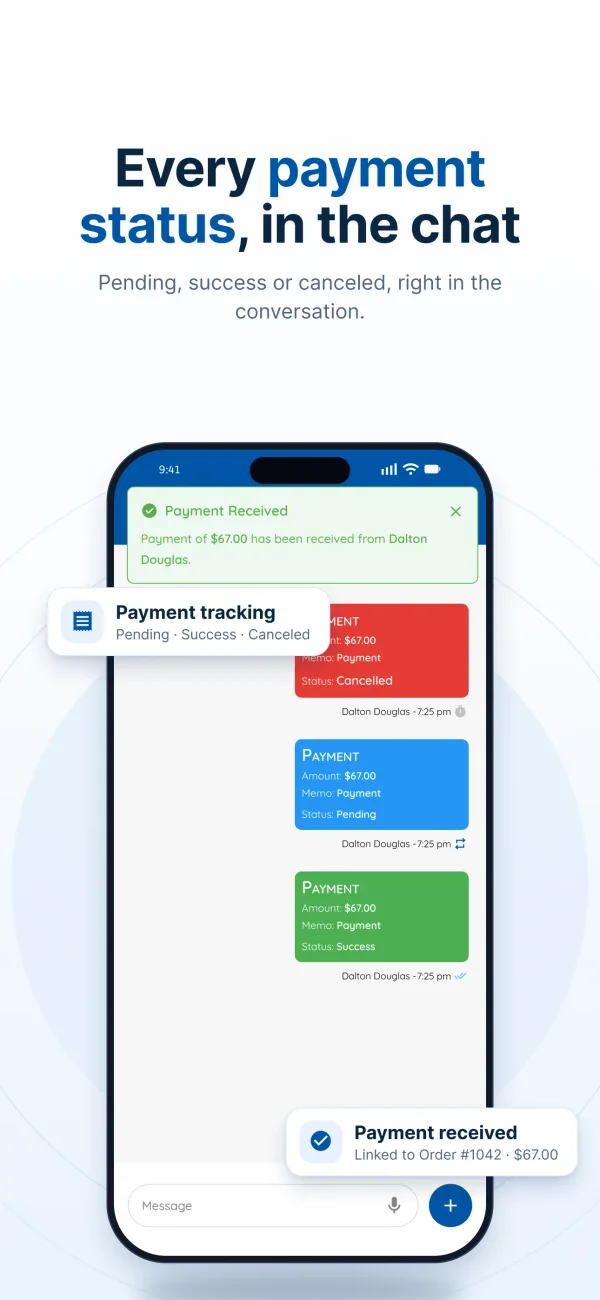
MESSENGER
• Two-way business texting with photos, videos, PDFs and voice notes
• Quick Messages, review links and short links in the composer
• Filter, assign and archive conversations by department and location
DEALS
• See your pipeline by stage and move deals with a tap
• Deal details, contacts, products, quotes and files in one place
• Create new deals on the go
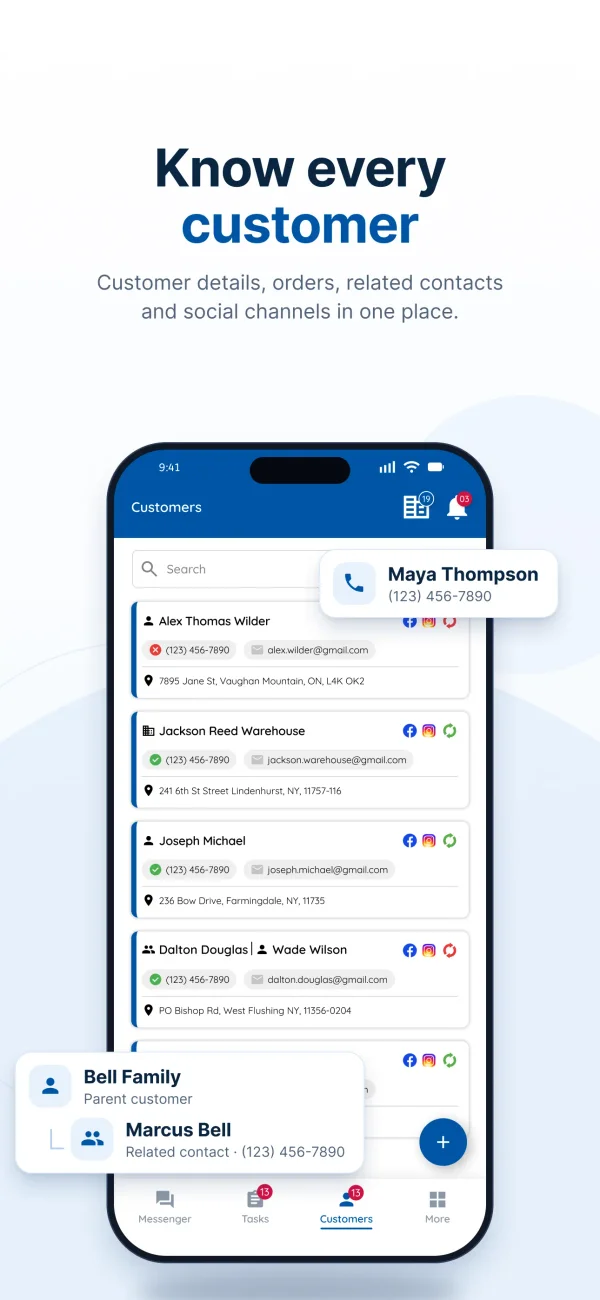
CUSTOMERS
• Search, add and update customers
• Phones, emails, addresses, tags, notes and order history together
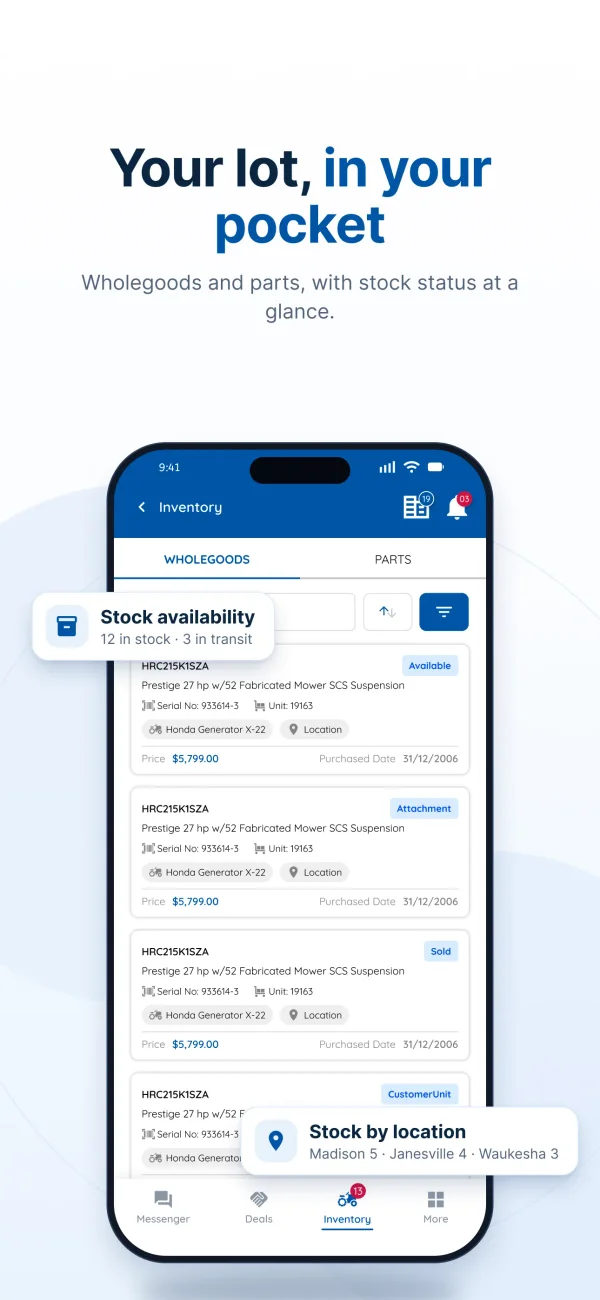
INVENTORY
• Search wholegoods and parts with sort and filters
TASKS
• Create, assign and complete follow-ups with due dates, filters and bulk actions
FEEDBACK
• Survey ratings and customer comments as they arrive
NOTIFICATIONS AND SIGN-IN
• Push alerts and an in-app notifications inbox
• Face ID or Touch ID sign-in
Target CRM requires a Target CRM account from Ideal Computer Systems. The modules you see depend on your dealership's setup and your permissions.
What’s new
Version 21.1.0 · Nov 16, 2026
• Dark Mode: the app follows your device's Light or Dark setting.
• iPad shows Customers, Inventory, Feedback and Tasks in two columns.
• Larger fields, buttons and search bars, and a department badge in the header.
• Face ID and Touch ID sign-in is offered after your session expires; signing out clears it.
• Fixes and performance improvements.
App privacy
What Ideal Computer Systems Inc. declares on the App Store about how this app handles data.
-
Data not linked to you
May be collected but is not linked to your identity.
- User content
- Identifiers
- Usage data
- Diagnostics
Privacy practices may vary, for example with the features you use or your age.
Information
- Seller
- Ideal Computer Systems Inc.
- Category
- Business
- Version
- 21.1.0
- Updated
- Nov 16, 2026
- Released
- Apr 15, 2021
- Size
- 135.3 MB
- Requires
- iOS 15.0 or later
- Age rating
- 17+
- Price
- Free
- Copyright
- © 2026 Ideal Computer Systems, Inc.
You might also like
-
 ASPEN GoBusiness
-
 Notify360All-in-one dealer CRM platform
-
 DIS Sales LogisticsBusiness
-
 Selector AppTools for Distributors
-
 Dealer AnalyticsAnalytics on the go.
-
 OPE Dealer HubOutdoor power equipment
-
 Kawasaki Diagnostic ToolKawasaki Engine Diagnostics
-
 DIS Mobile.Business
-
 Woods® WingmanWoods WingMan sales assistant!
-
 Bobcat® Dealer Machine IQBusiness