Task Alarm Clock: Wake NDo
No Snooze Wake Up Challenges
Designed for iPhone, iPad
Free · In-app purchases
- Age rating4+
- CategoryHealth & Fitness
- DeveloperSuzhou Jinbai Zhichuang Automation Technology Co., Ltd
- LanguagesEnglish
- Size41.6 MB
Links to the official App Store page
Download.org hosts no file of Task Alarm Clock: Wake NDo. The button opens its official App Store page, published by Suzhou Jinbai Zhichuang Automation Technology Co., Ltd. Listing last checked on Nov 23, 2026.
Screenshots
About
Your strict morning partner.
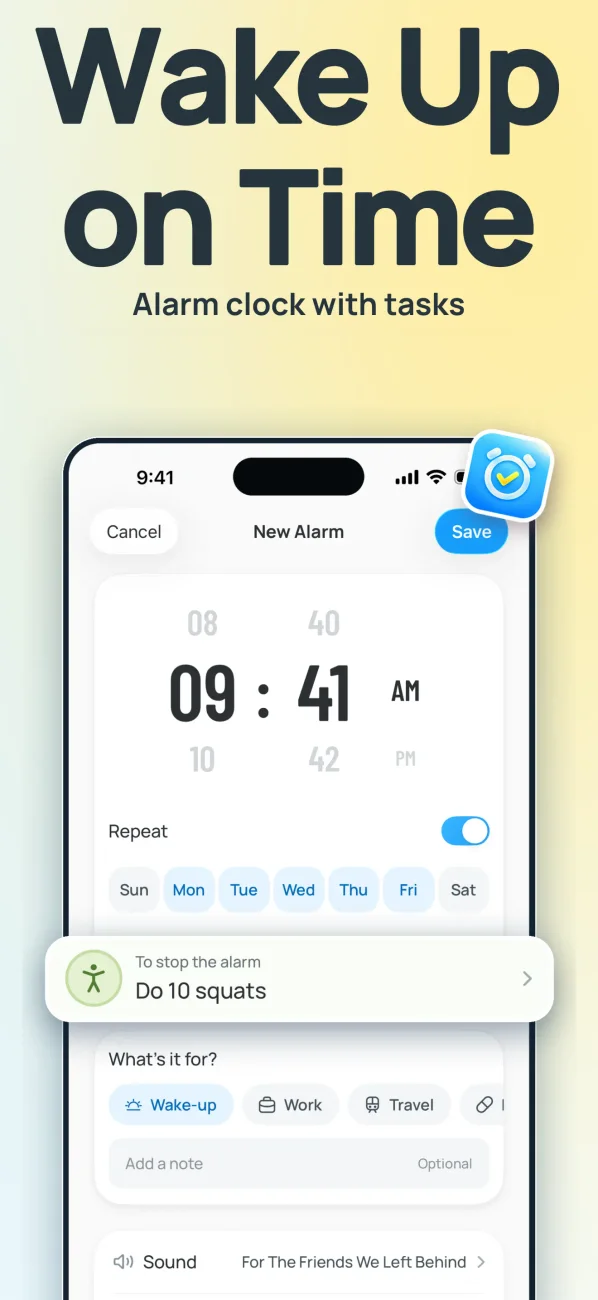
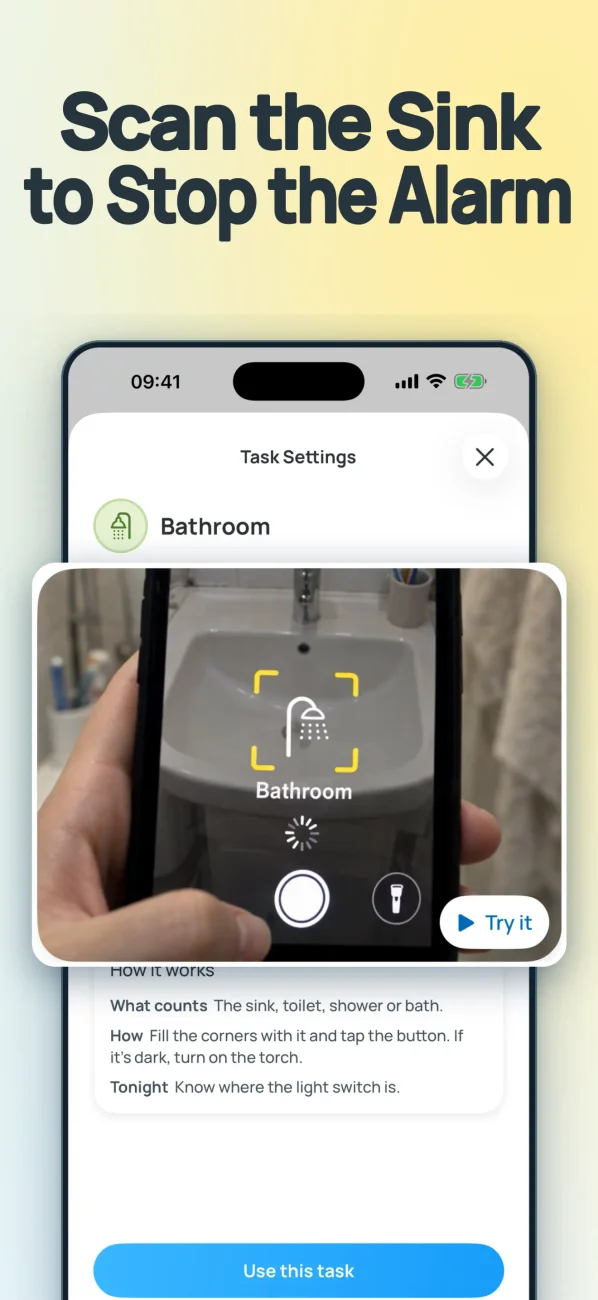
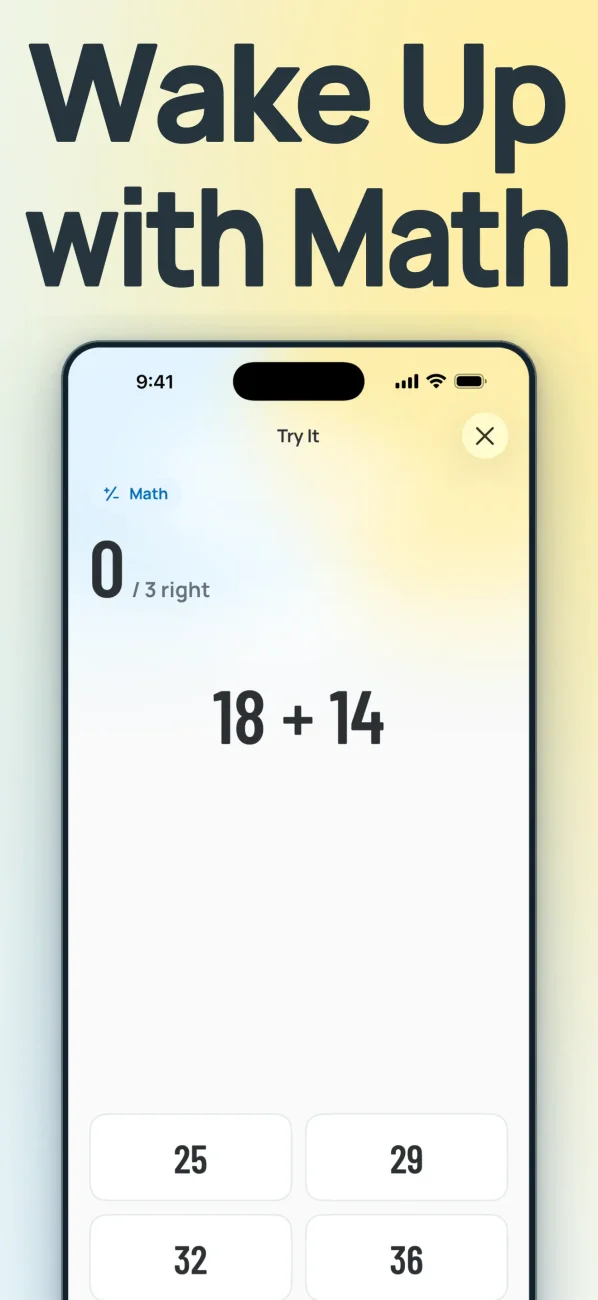
WakeNDo is a task alarm clock for anyone who struggles to get out of bed. When it rings, it keeps ringing until you finish a wake-up task: a few push-ups, three quick math questions, or a walk to the bathroom to scan the sink. By the time it stops, you're up.
ALARM CHALLENGES FOR EVERY KIND OF MORNING
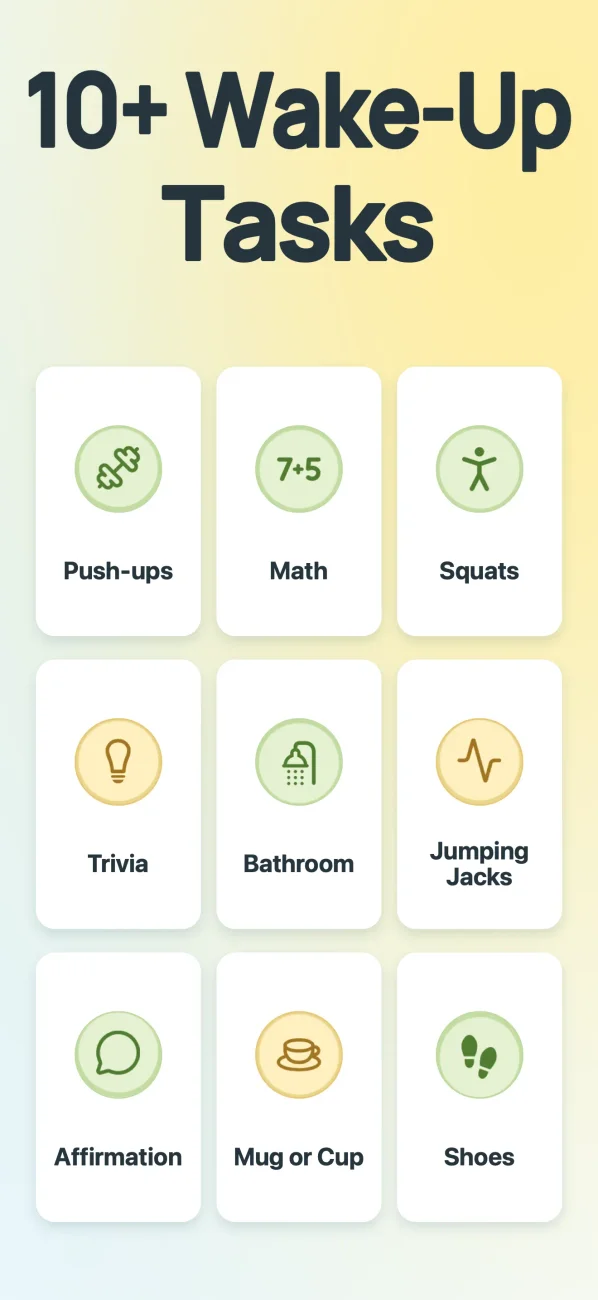
Body burst: get your heart rate up
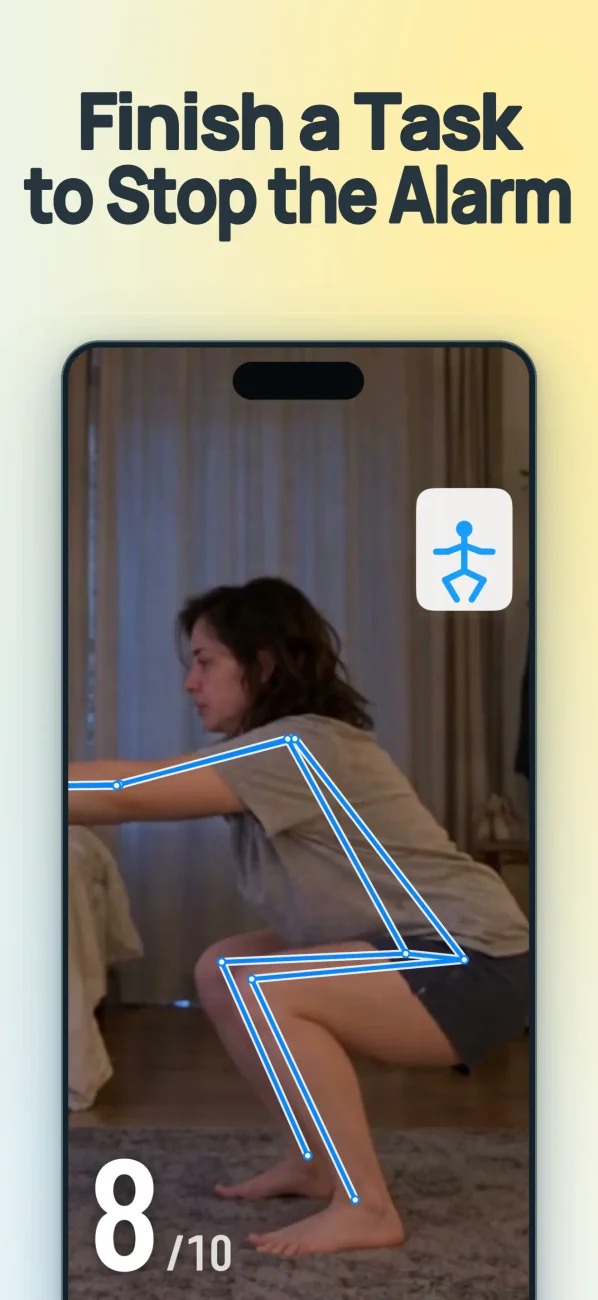
• Push-ups, squats or jumping jacks
• Your camera counts every rep, right on your iPhone
Brain boost: switch your brain on
• Math: quick questions at Easy, Medium or Hard
• Trivia: space, history and geography
• Read the Bible: read a classic verse aloud, a new one every day
• Read an affirmation: say a positive line aloud, a new one every day
Bed escape: get out of the room
• Scan the bathroom, toilet, kitchen, kettle, a mug, your shoes or the sky
• Once you're out of bed, you stay up
A NO SNOOZE ALARM THAT MEANS IT
• Turn snooze off, or allow one short snooze before the task
• The alarm keeps coming back until the task is done
• While you do the task, the alarm stays quiet so you can focus
• Built on Apple's AlarmKit: rings like the iPhone Clock app, even in Silent mode and Focus
• Already up? Mark your next alarm done in the 15 minutes before it rings
YOUR WAKE-UP JOURNEY
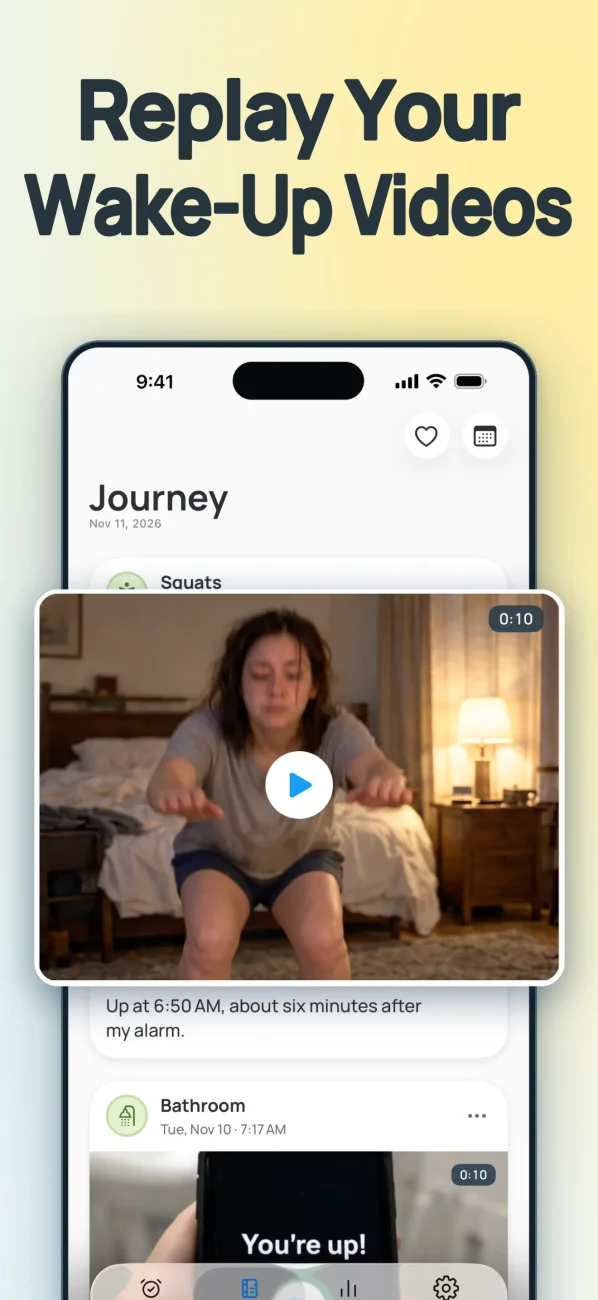
• Record yourself doing the task: the screen plus a small front-camera view
• Watch your mornings change over time
• Recordings stay on your phone. Save your favorites or share a clip
INSIGHTS
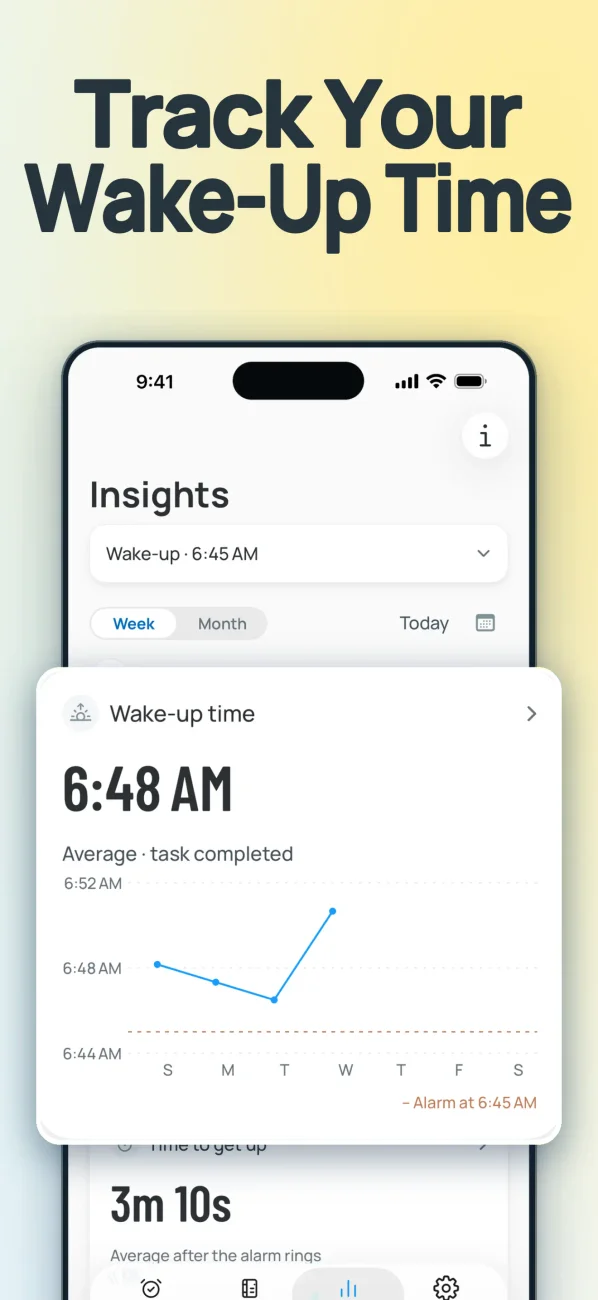
• Alarms completed, average wake-up time and time to get up
• Snoozes per alarm and how fast you start the task
• By week or by month, for each alarm
PLAN YOUR MORNINGS
• Repeating and one-time alarms
• Day view: change the time for one day without touching the rest
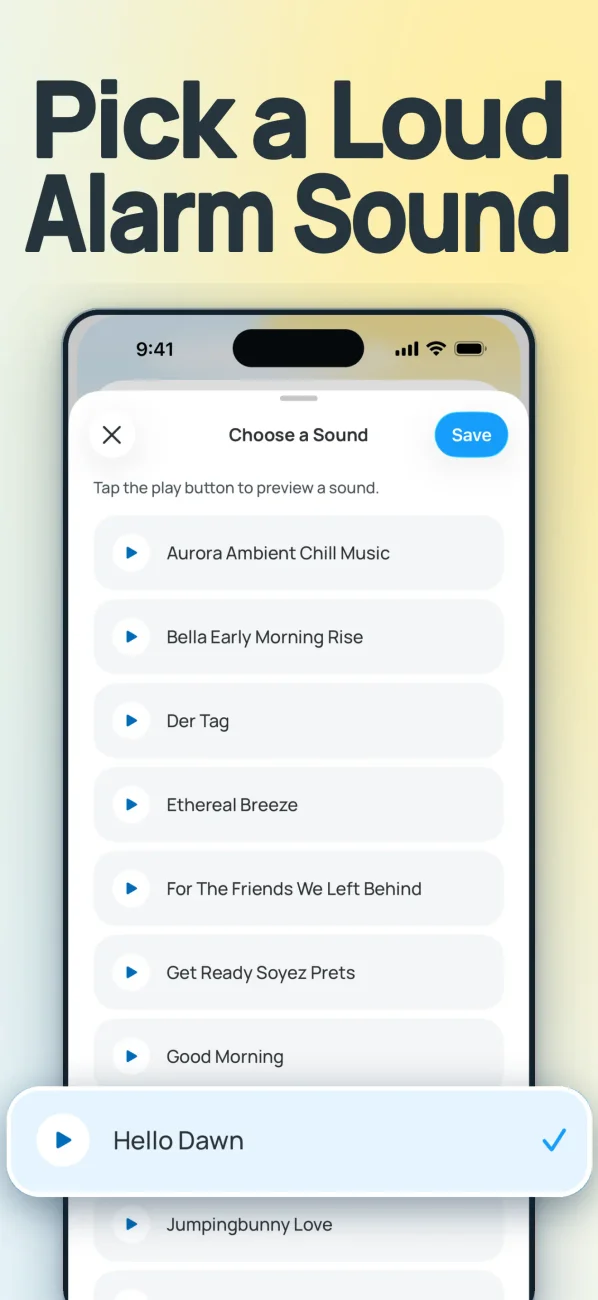
• Gradual volume and vibration
• Works on iPhone and iPad
WAKENDO PRO
• All tasks
• Unlimited alarms
• All sounds
• Skip a day with one tap
• Insights
WakeNDo is free to download and includes one alarm. Pro is an auto-renewing subscription, billed monthly or yearly. Payment is charged to your Apple Account at confirmation of purchase. The subscription renews automatically unless it is cancelled at least 24 hours before the end of the current period. Manage or cancel it anytime in your Apple Account settings. Any unused portion of a free trial is forfeited when you purchase a subscription.
Terms of Use: https://www.tower-energy.store/wakendo/terms.html
Privacy Policy: https://www.tower-energy.store/wakendo/privacy.html
What’s new
Version 1.1.1 · Nov 17, 2026
Improved alarm and fixed bugs for a smoother morning experience.
App privacy
What Suzhou Jinbai Zhichuang Automation Technology Co., Ltd declares on the App Store about how this app handles data.
-
Data not collected
The developer does not collect any data from this app.
Privacy practices may vary, for example with the features you use or your age.
Information
- Seller
- Suzhou Jinbai Zhichuang Automation Technology Co., Ltd
- Category
- Health & Fitness
- Version
- 1.1.1
- Updated
- Nov 17, 2026
- Released
- Jul 20, 2026
- Size
- 41.6 MB
- Requires
- iOS 26.0 or later
- Age rating
- 4+
- Price
- Free
- In-app purchases
- Yes
- Languages
- English
- Copyright
- © 2026 All rights reserved.
You might also like
-
 Alarm Clock: Rise MissionChallenges for Heavy Sleepers
-
 Wakie: Alarm Clock to Wake UpMorning Routine, No Snooze
-
 RiseReps: Pushup Alarm ClockNo Snooze - Camera Counts Reps
-
 Risly: Loud Alarm ClockWake Up, Heavy Sleepers
-
 Captain Wake: Loud Alarm ClockWake-up missions, no snoozing
-
 So Alarmed: Anti-Snooze AlarmHeavy Sleeper Wake-Up Clock
-
 Rise & Grind: Pushup AlarmNo Snooze. Pump Your Morning.
-
 Task Alarm Clock: Early MarkWake Up Challenges, No Snooze
-
 Mission Alarm Clock & Wake UpStop Snoozing, Heavy Sleepers
-
 AlarmFit: Stop Waking Up LateNo Snooze Exercise Tasks Alarm