Task Owl
Shared chores & daily routines
Designed for iPhone, iPad
Free · In-app purchases
- Age rating4+
- CategoryProductivity
- DeveloperSamuel Hatchett
- LanguagesEnglish+ 3 more
- Size9.9 MB
Links to the official App Store page
Download.org hosts no file of Task Owl. The button opens its official App Store page, published by Samuel Hatchett. Listing last checked on Nov 22, 2026.
Screenshots

About
Nobody in this house disagrees about the chores. That got settled a long time ago - beds made, dishes in, trash out, laundry before it becomes a crisis. The hard part was never the agreement. The hard part is carrying all of it in your head, every day, and running the same conversation again every night.
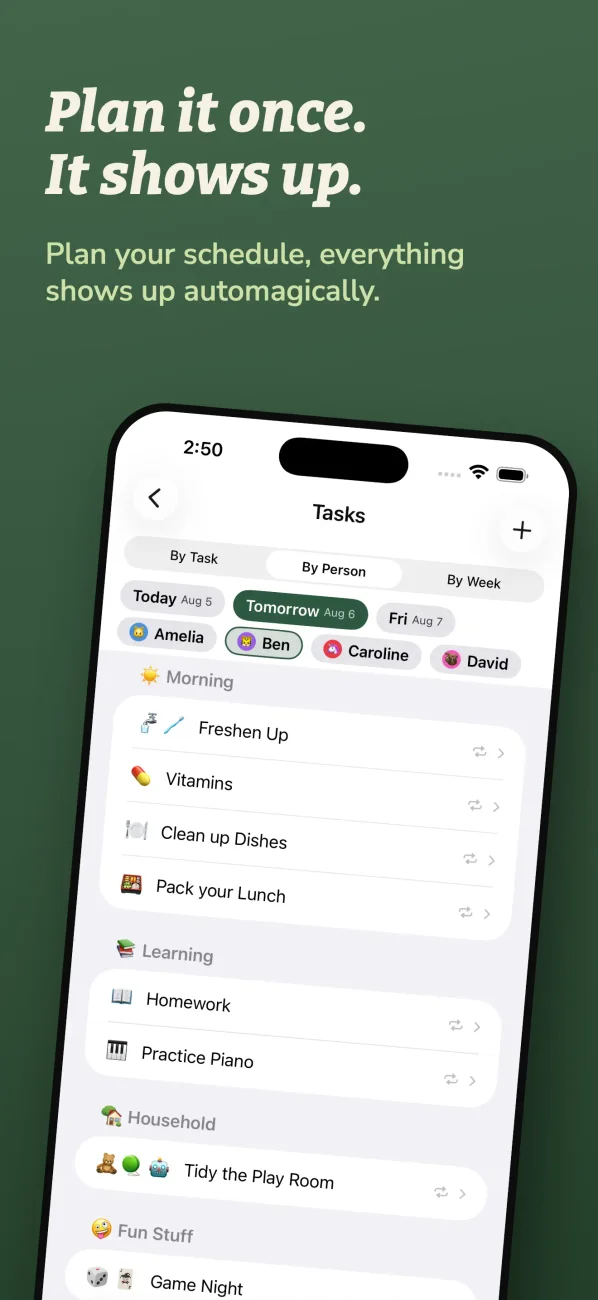
Task Owl is where you set it down. You decide the list once, together, and after that it just shows up - the right tasks, the right days, without anyone having to remember them. The necessary stuff clears early, so there's room left to let the good times roll.
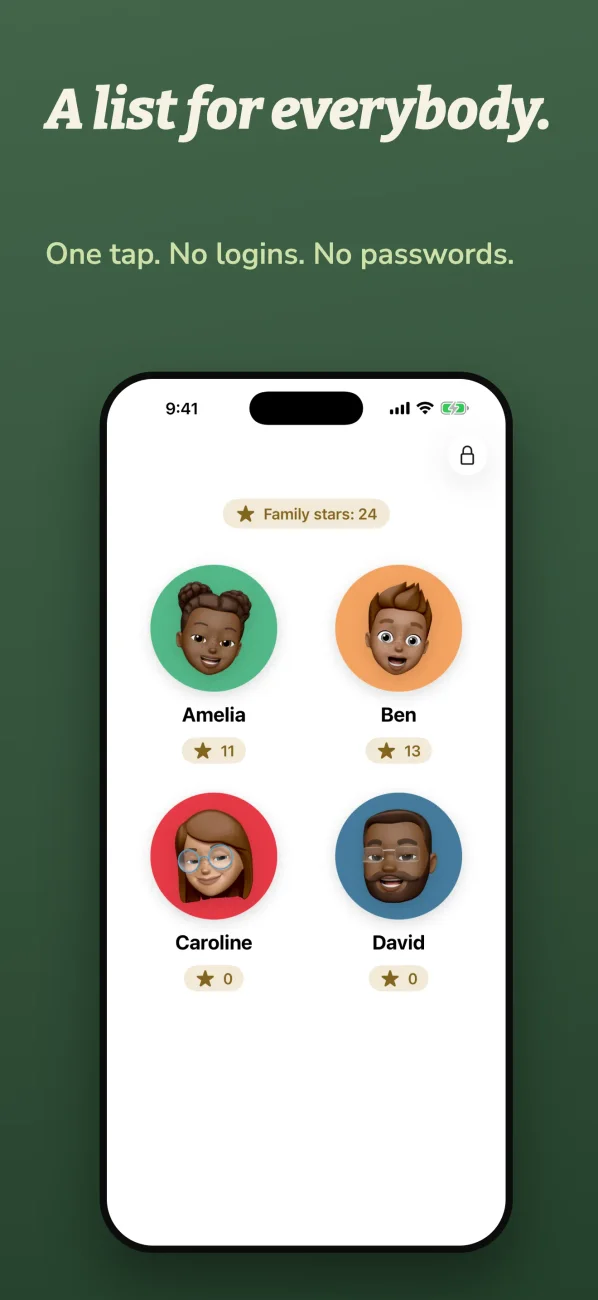
Everyone in the household gets their own list. Open the app and you see exactly one thing: today, with your name on it.
SO MANY WAYS TO SCHEDULE A TASK
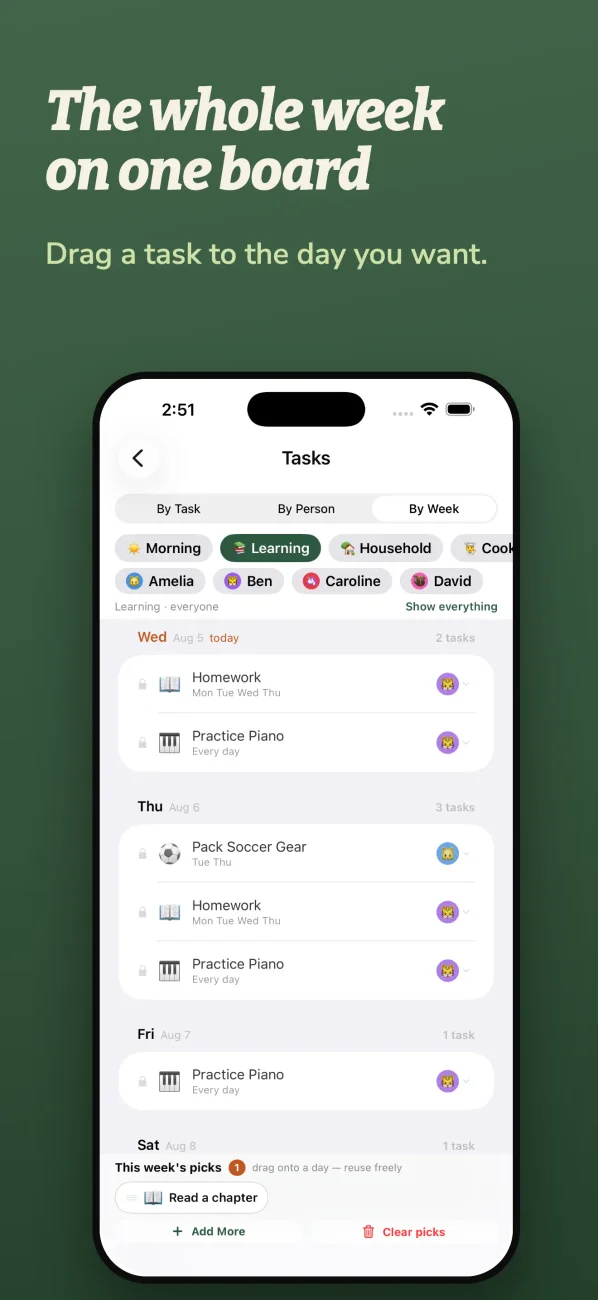
"Make your bed" and "clean out the garage" are not the same kind of job. A task can repeat daily, on the weekdays you pick, or on a cycle - laundry every third day, plants every fifth. It can sit as-needed until someone gets to it, or be a one-time thing that's gone once it's done. Stretch tasks are optional extra credit, where skipping is never a failure. And anything that needs a second look gets marked approval-required, so it doesn't count until someone signs off.
WHEN THE DAY DOESN'T GO TO PLAN
Push a task to tomorrow, or pull one forward when there's time tonight. The request lands on the organizer's phone and Apple Watch for a quick yes or no. Nothing gets silently missed, and nothing turns into a lecture.
NOT JUST FOR HOUSEHOLDS WITH KIDS
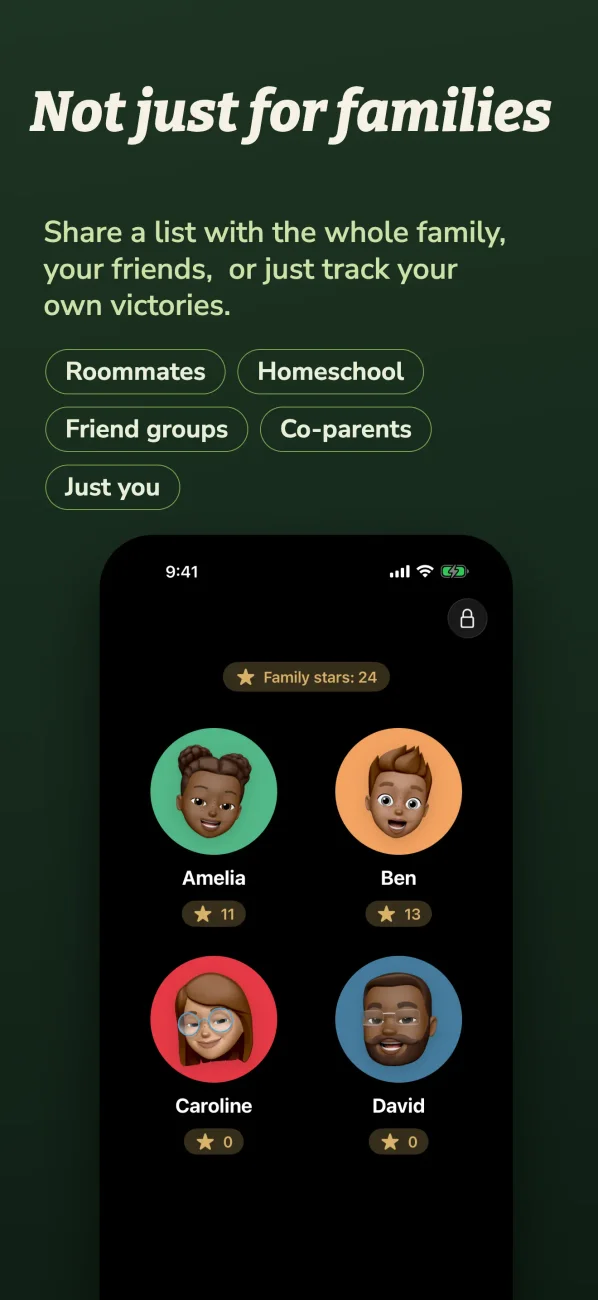
Task Owl was built for families, and it's just as happy running a homeschool week, a shared apartment, a caregiving rotation between siblings, or one person's own routines. Skip the approval flow, skip the stars, use one profile or a dozen. The structure adapts to how you already live.
CALENDARS THAT BELONG TO SOMEONE
Subscribe to any ICS or webcal feed - school, soccer, band, the shared calendar - and assign it to the person it applies to, so your day shows your practice and not someone else's. When an event needs doing rather than just showing up, turn it into a task with a tap.
CELEBRATE THE FINISH
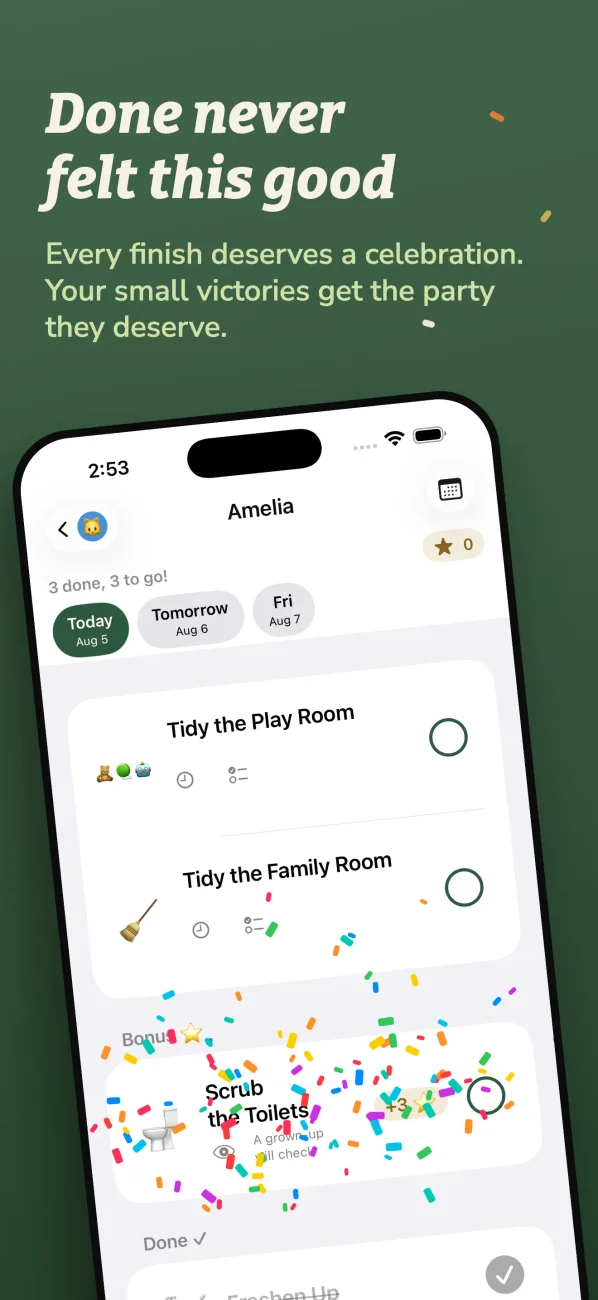
Clear the day's list and it ends with a celebration, pulled from a hand-picked, all-ages GIF collection. Stars and streaks are there if you run on them, and switch off completely if you don't. No guilt badges, no broken-streak shaming, no red numbers following anyone around.
BUILT FOR HOW HOUSEHOLDS ACTUALLY WORK
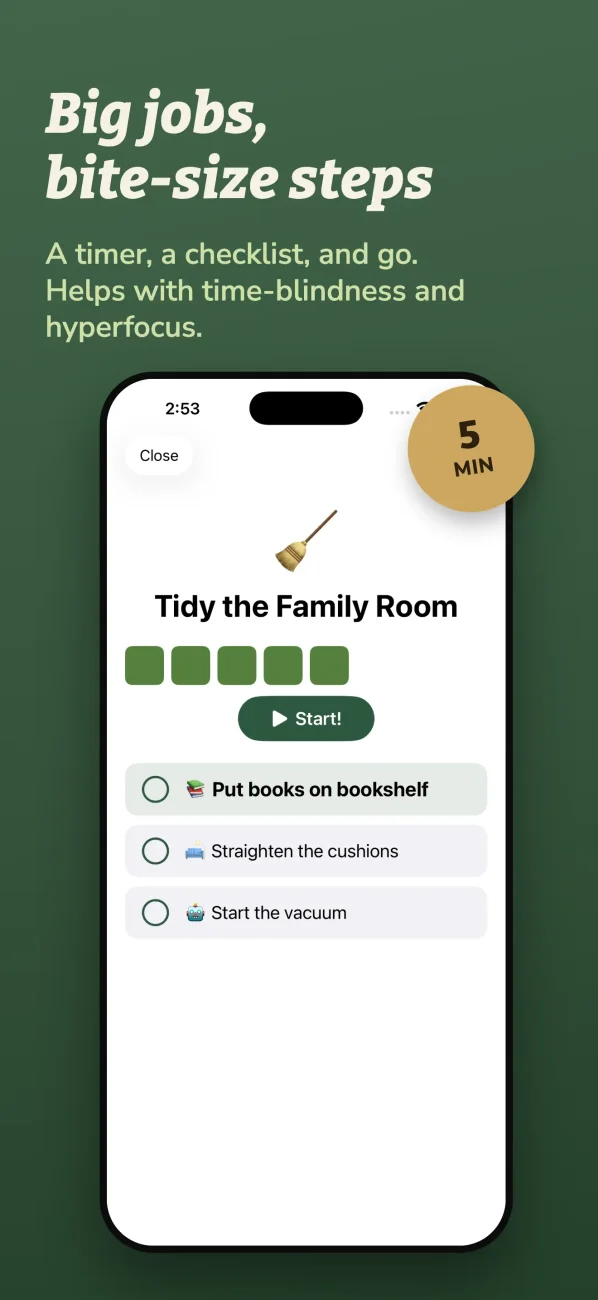
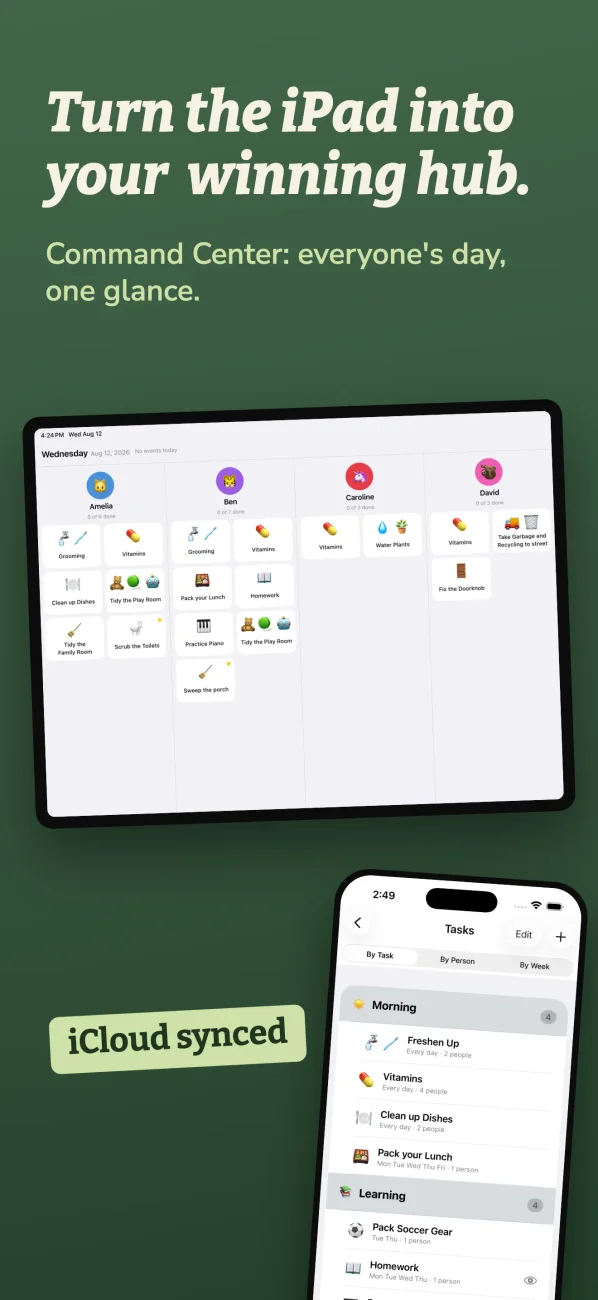
Everything syncs across every device in the house. Turn the kitchen iPad sideways and you get everyone on one screen, every list at a glance. The PIN is per-device, so your phone can skip it while a shared tablet always asks. Big tasks break into steps, with timers for the ones that need them. Categories keep a Saturday list from looking like a Tuesday one. And everyone picks their own avatar, Genmoji and stickers included on a compatible device.
YOUR DATA STAYS YOURS
Task Owl syncs through your own iCloud. No new account to create, and no server of ours that can see, store, or sell your data.
TRY THE WHOLE THING FOR A MONTH
Every feature, unlocked, for one month - no charge until the trial ends, cancel any time before it does. After that, a subscription keeps Task Owl running. If you let it lapse, your history stays readable. You just can't add or change tasks until you pick it back up.
-----
Task Owl Yearly is an auto-renewing subscription: one year, with a 1-month free trial for new subscribers. Payment is charged to your Apple Account at confirmation of purchase. It renews automatically unless cancelled at least 24 hours before the end of the current period. Manage or cancel any time in your Apple Account settings.
Terms of Use (EULA): https://www.apple.com/legal/internet-services/itunes/dev/stdeula/
Privacy Policy: https://samhatchett.com/task-owl/privacy-policy
What’s new
Version 1.3.1 · Sep 30, 2026
New ways to schedule, and more fun for kids:
- Monthly tasks: pick a day of the month (the 31st means the last day of any month), or repeat every few months.
- Every-other-week tasks: weekday schedules can repeat every 2, 3, or more weeks.
- Turn a one-time task into a repeating Library task without losing its progress.
- Choose, per kid, whether substeps must be checked off before a task counts as done.
- Approval alerts arrive faster, even when Task Owl is closed, including on Apple Watch.
- Preview a celebration clip on your kid's screen before adding it.
- Kids: a new animation when you tap your avatar, days slide when you peek ahead, and tap the end-of-day celebration for confetti.
- Celebration clips now stay in sync across the family's devices, so each kid gets one new clip per day.
- Fixes for Siri's "Go to Task" button and for celebrations on a weak connection.
App privacy
What Samuel Hatchett declares on the App Store about how this app handles data.
-
Data not collected
The developer does not collect any data from this app.
Privacy practices may vary, for example with the features you use or your age.
Information
- Seller
- Samuel Hatchett
- Category
- Productivity
- Version
- 1.3.1
- Updated
- Sep 30, 2026
- Released
- Aug 12, 2026
- Size
- 9.9 MB
- Requires
- iOS 18.0 or later
- Age rating
- 4+
- Price
- Free
- In-app purchases
- Yes
- Languages
- English, French, German, Spanish
- Copyright
- © 2026, Sam Hatchett
You might also like
-
 Kids Reward Chart: Habit OwlChores, Behavior & Token Board
-
 Form For Google Forms & DocsCreate Forms & View Responses
-
 Done! - Happy ProductivityTo-do list, Calendar, Habits
-
 Voice Aloud ReaderText to speech Read PDF book
-
 Star VPN - Super Fast ProxyUnlimited WiFi Security VPN
-
 Wix - Website BuilderBlog, portfolio & store maker
-
 NIIMBOTThe Simpler The Better