
TaskFlow: Shared To Do List
Recurring Tasks & Reminders
Designed for iPhone, iPad, iPod touch
Free · In-app purchases
- Age rating4+
- CategoryProductivity
- DeveloperDavid Koller
- LanguagesEnglish+ 38 more
- Size36.2 MB
Links to the official App Store page
Download.org hosts no file of TaskFlow: Shared To Do List. The button opens its official App Store page, published by David Koller. Listing last checked on Nov 24, 2026.
Screenshots
About
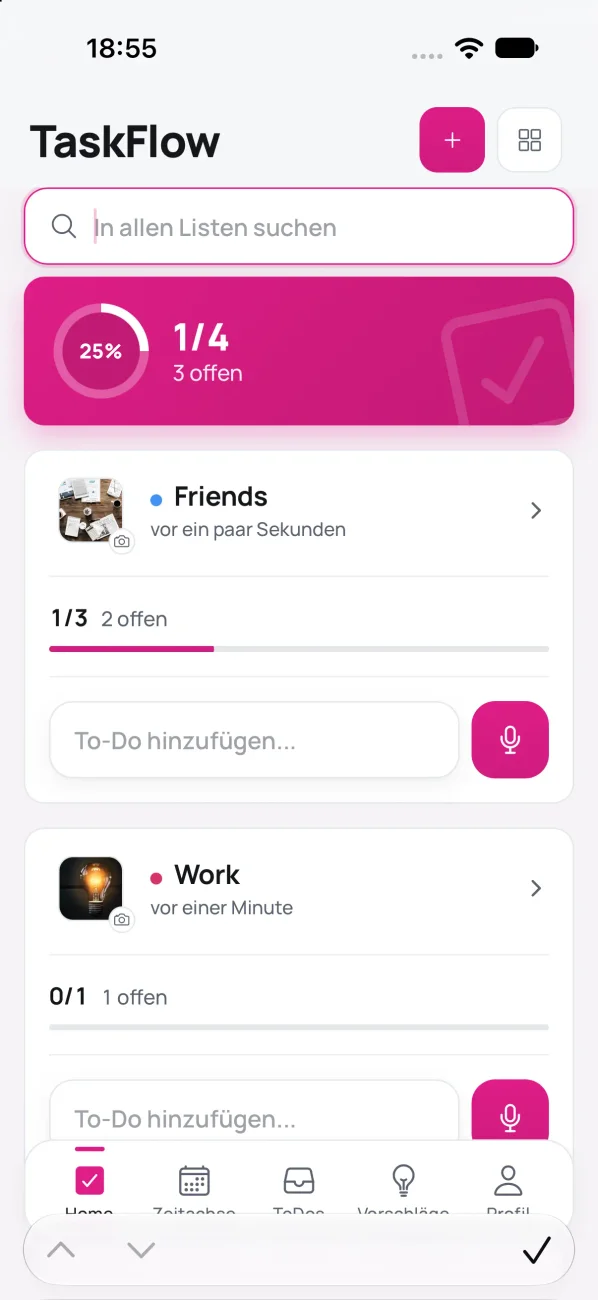
TaskFlow is a simple to do list for you, your family, your team or your flatshare. Create lists, share them with others, add due dates and reminders, and always see what is due next.
SHARE TASK LISTS
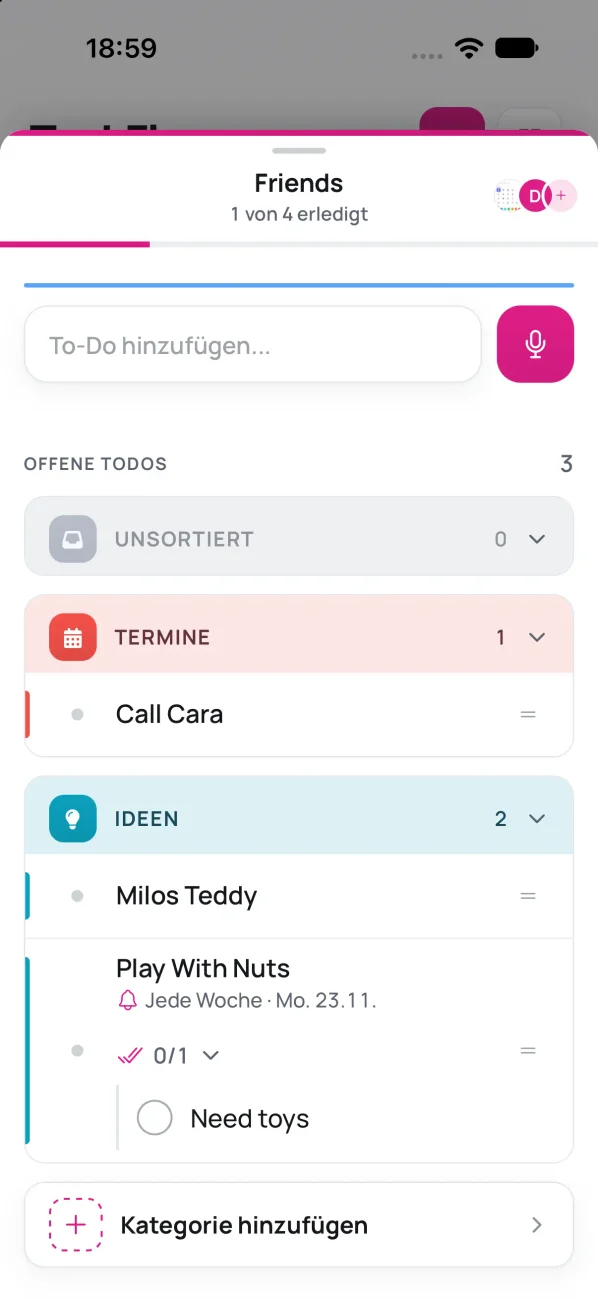
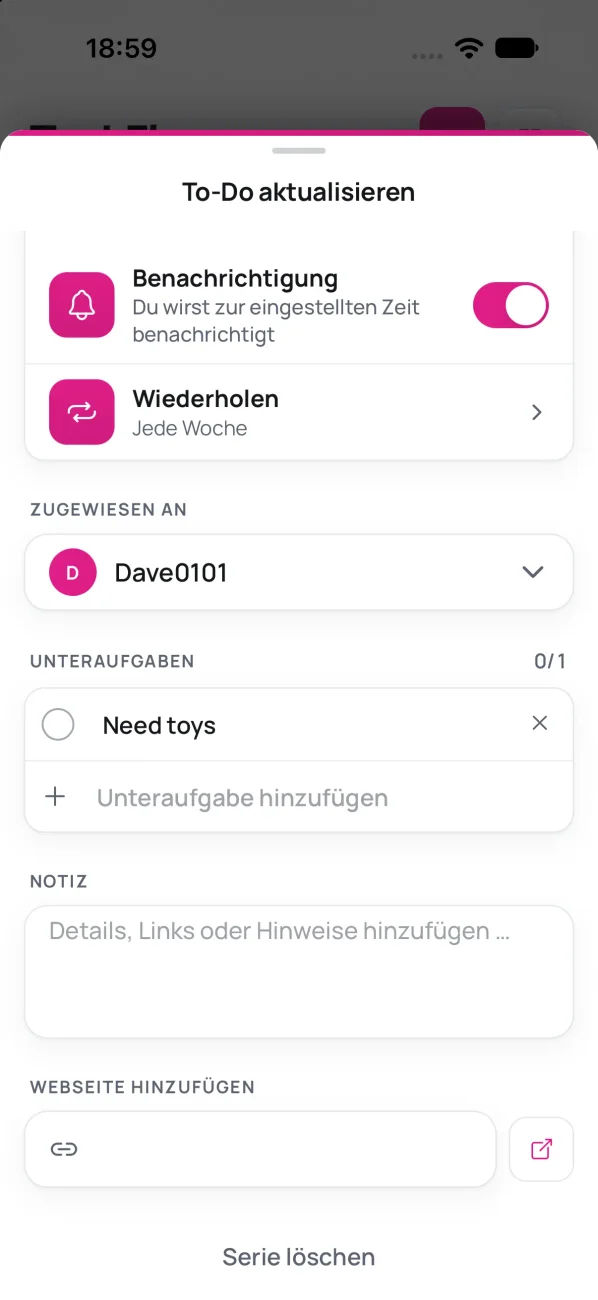
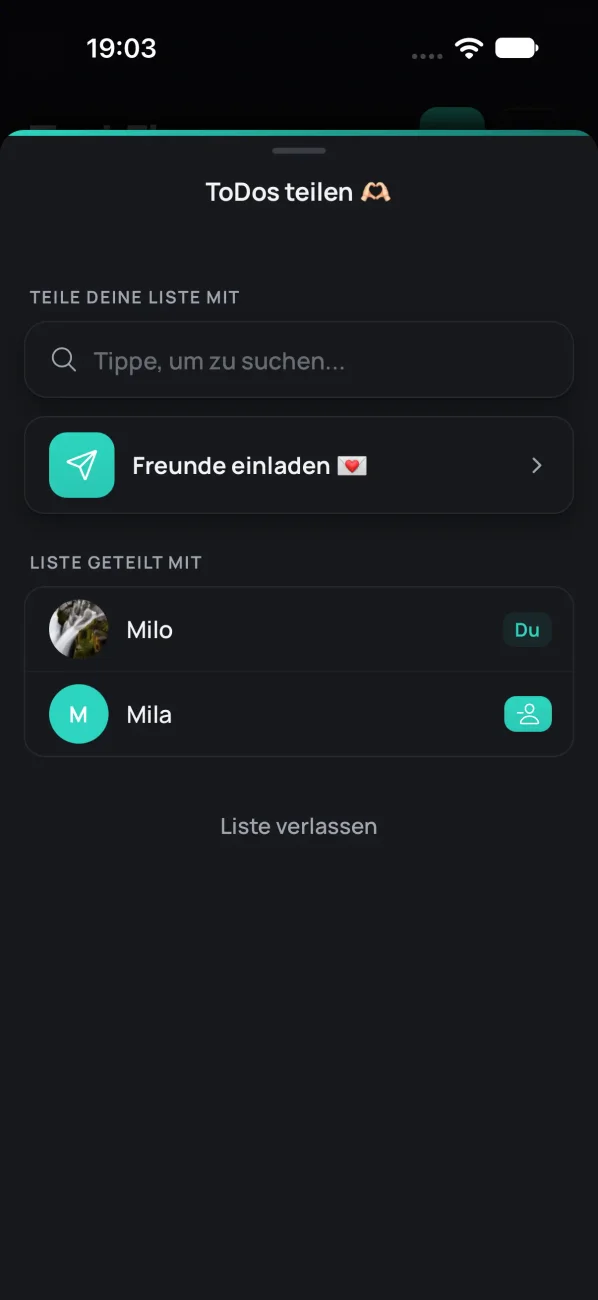
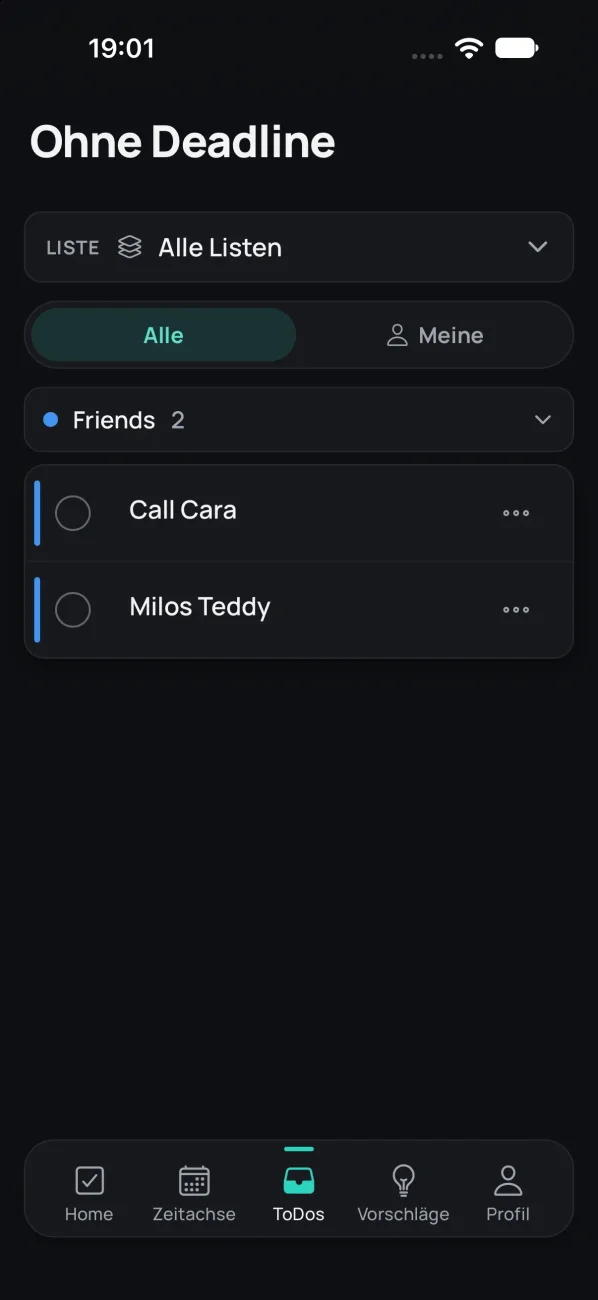
Invite members to a list and work on it together. Assign tasks to people or filter by "Mine" to see only your own. Give every list its own color, category and cover image, add photos to tasks and set avatars so everyone is easy to recognize. Members get push notifications when tasks are added or completed.
TIMELINE
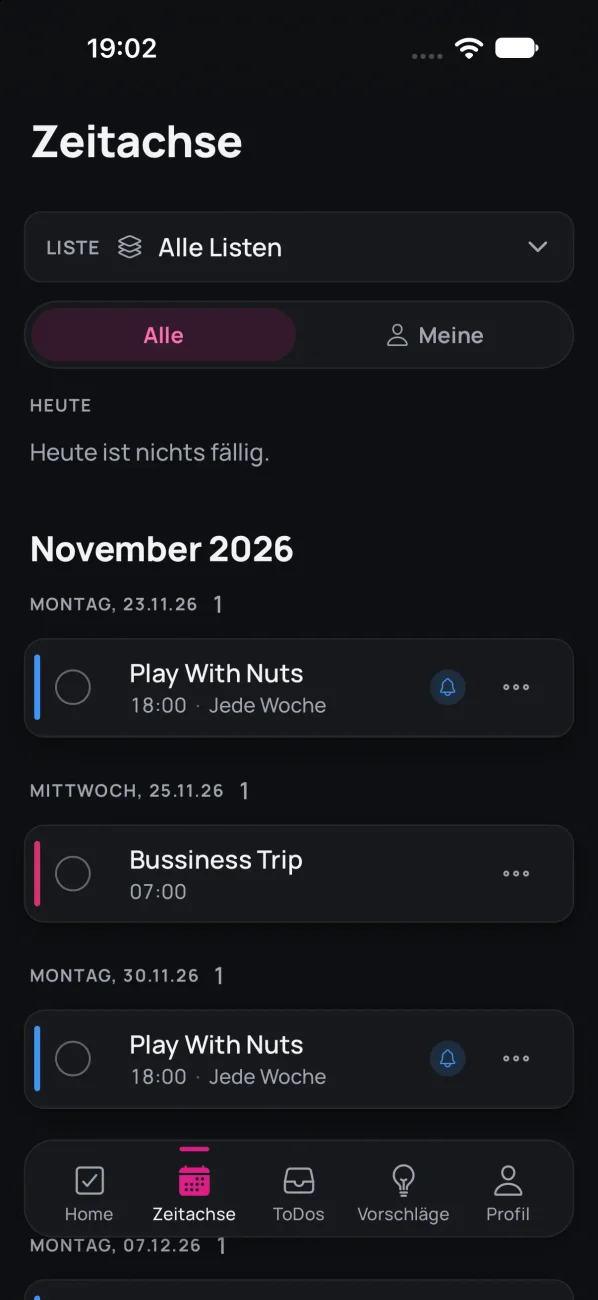
The Timeline tab shows all tasks with a date, grouped by day and month: overdue, today and later. Tasks without a due date have their own "No deadline" section. Check tasks off right where you plan your day.
RECURRING TASKS
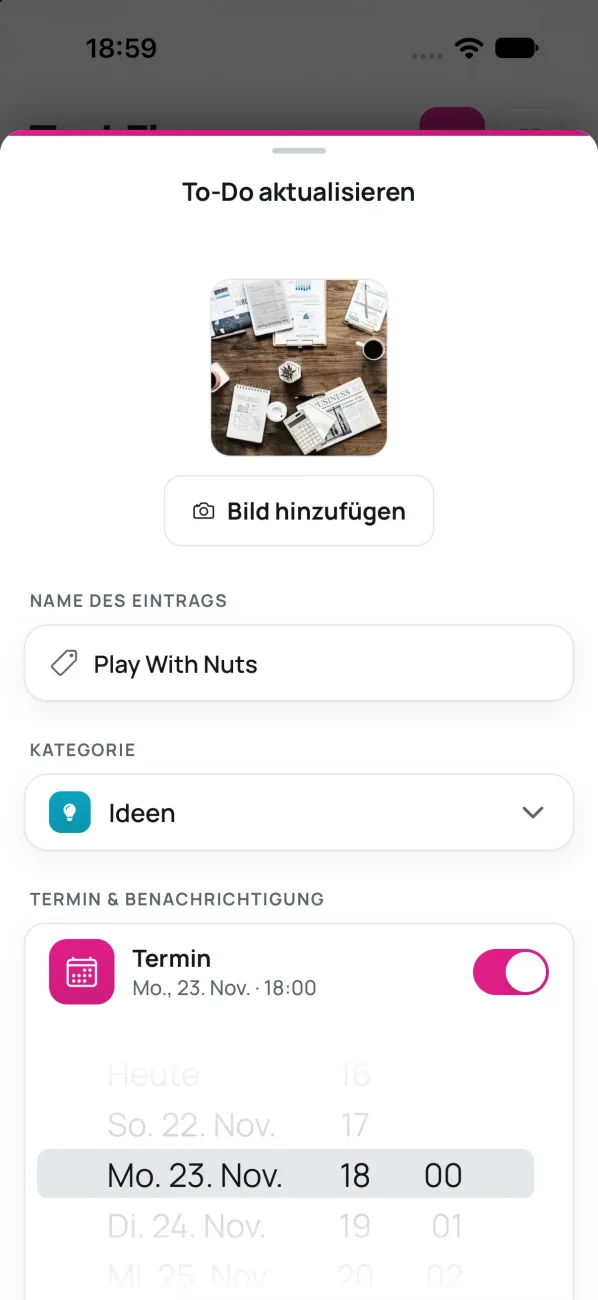
Repeat tasks daily, weekly, monthly or yearly. Complete or skip each occurrence on its own, so routines stay on track.
DUE DATES AND REMINDERS
Add a due date with an optional reminder notification and add the appointment to your calendar.
NOTES AND SUBTASKS
Add notes and a checklist of subtasks to every task, so nothing gets lost.
QUICK ENTRY
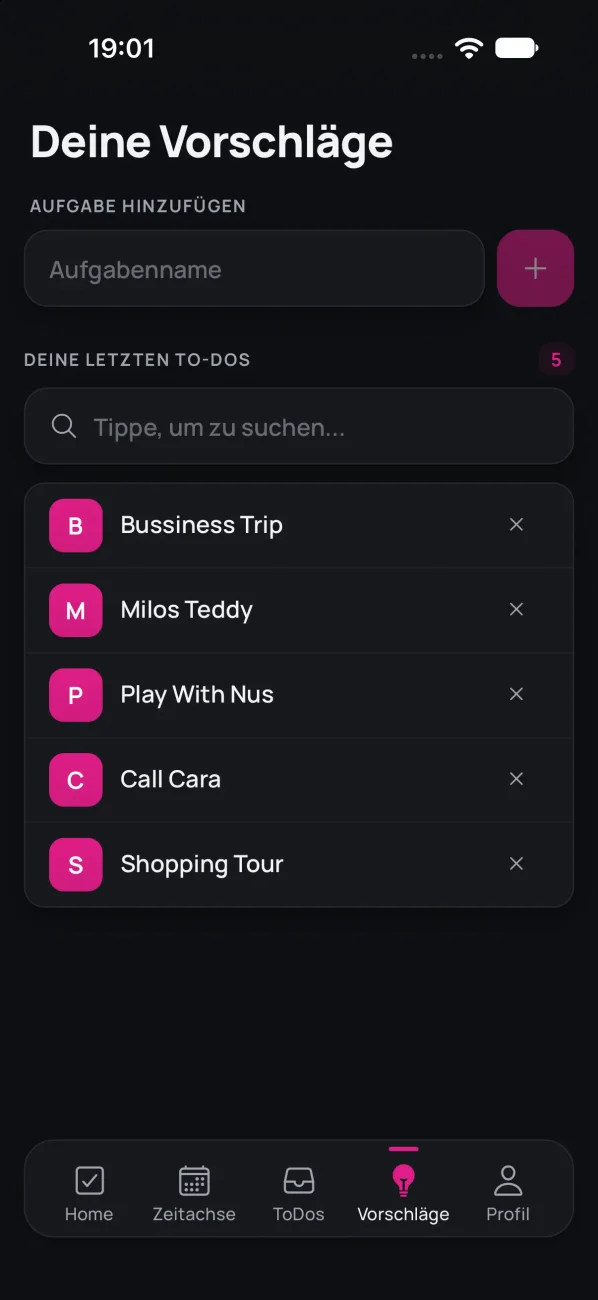
Type or dictate a sentence. TaskFlow recognizes the date, the repeat and an @assignee, so a task is added in seconds. Suggestions ("Due again") and your history bring back tasks you add often with one tap.
WORKS OFFLINE
Keep working without a connection. Your changes sync later.
PREMIUM
Unlock more with TaskFlow Premium. You can delete your account at any time in the app.
Terms of Use: https://www.apple.com/legal/internet-services/itunes/dev/stdeula/
What’s new
Version 3.3.0 · Nov 21, 2026
- Share task lists with members and assign tasks
- New Timeline tab with overdue, today and later
- Recurring tasks: complete or skip each occurrence
- Reminders and add appointments to your calendar
- Notes, subtasks, list colors, categories and images
- Quick entry by sentence or voice
- Push notifications and offline use
App privacy
What David Koller declares on the App Store about how this app handles data.
-
Data used to track you
May be used to track you across apps and websites owned by other companies.
- Usage data
-
Data linked to you
May be collected and linked to your identity.
- Location
- User content
- Identifiers
-
Data not linked to you
May be collected but is not linked to your identity.
- Usage data
Privacy practices may vary, for example with the features you use or your age.
Information
- Seller
- David Koller
- Category
- Productivity
- Version
- 3.3.0
- Updated
- Nov 21, 2026
- Released
- Aug 18, 2019
- Size
- 36.2 MB
- Requires
- iOS 15.0 or later
- Age rating
- 4+
- Price
- Free
- In-app purchases
- Yes
- Languages
- English, Arabic, Bengali, Bulgarian, Croatian, Czech, Danish, Dutch, Filipino, Finnish, French, German + 27 more
- Copyright
- © AppIT
You might also like
-
 AssistMe: AI To Do ListPlanner, Tasks & Reminders
-
 TaskflowProductivity
-
 Re:ListSimple Modern List Management
-
 Choose(Me)Productivity
-
 Shelve ItSave and organize anything
-
 Silent TasksGentle daily reminders
-
 SefyraCapture, clarify, plan, review
-
 iTimeBoxFocus Timer for Your Goals
-
 Task PopupAI Task Manager On Your Device
-
 TaskNow AIAI-Powered Task Management