
TaskSpend - Project Expenses
Team Budget & Expense Tracker
Designed for iPhone, iPad
Free · In-app purchases
- Age rating4+
- CategoryBusiness
- DeveloperUday Boyanapalli
- LanguagesEnglish+ 12 more
- Size32.6 MB
Links to the official App Store page
Download.org hosts no file of TaskSpend - Project Expenses. The button opens its official App Store page, published by Uday Boyanapalli. Listing last checked on Nov 15, 2026.
Screenshots

About
Budgets, expenses, income, receipts, invoices, and approvals for your business, your household, or just you. Now you can simply ask TaskSpend what's left.
TaskSpend is loved by teams tracking construction, flooring, film production, weddings, and event budgets, as well as small businesses, families, and individuals who want to see where every dollar goes. Teams also use photos to document project risk and compliance, keeping a visual record of completed work and events.
NEW IN 1.6
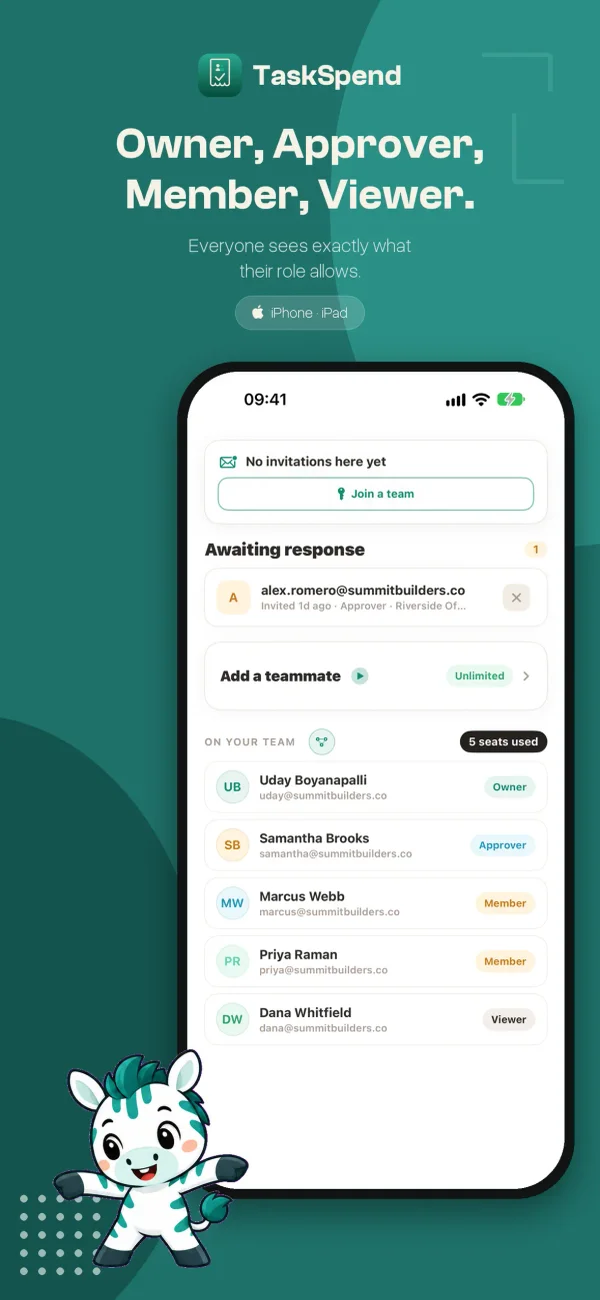
• Tap a teammate to see their role and what they can do
• Subscriptions show a monthly total
• Duplicate receipt detection on every plan
• Export reports as PDF or CSV on every plan, including Free
• Usage meters count every workspace you own
NEW IN 1.5
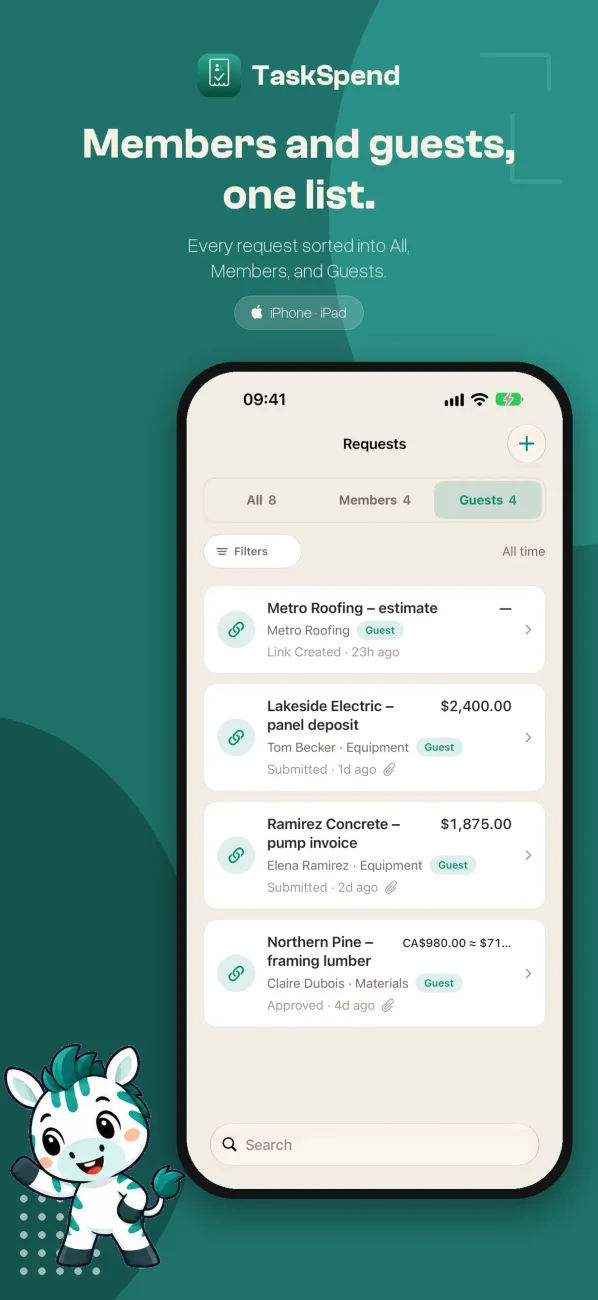
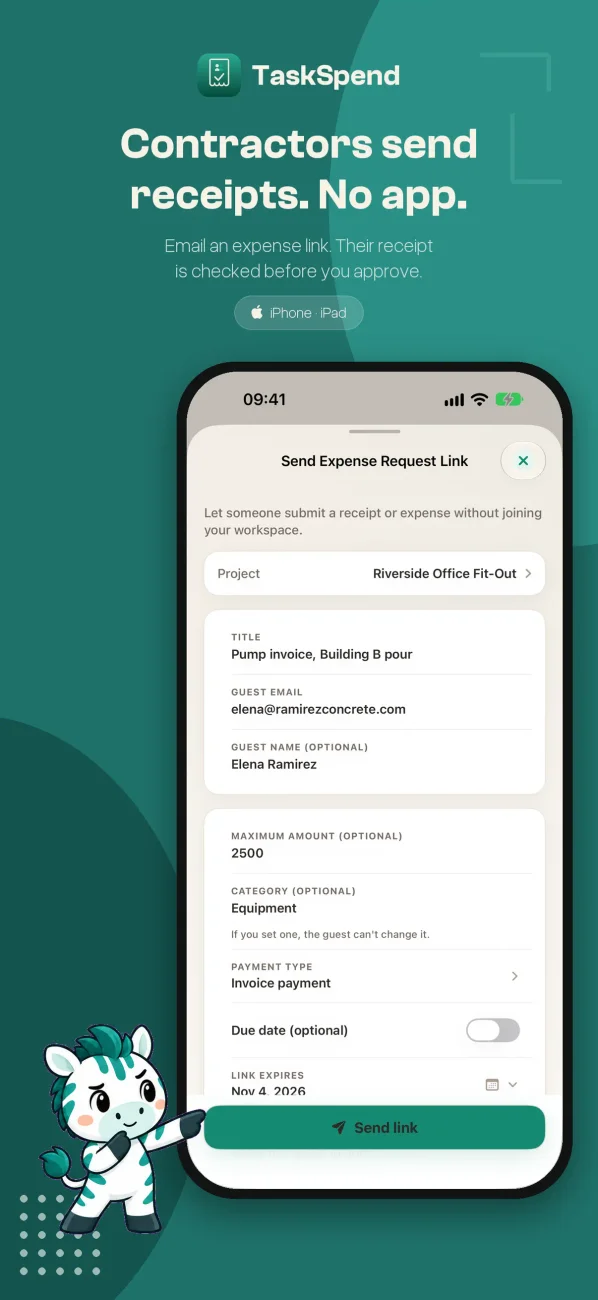
• Send an expense link: contractors send receipts by email, no app needed, checked before you approve
• Requests sorted into All, Members, and Guests
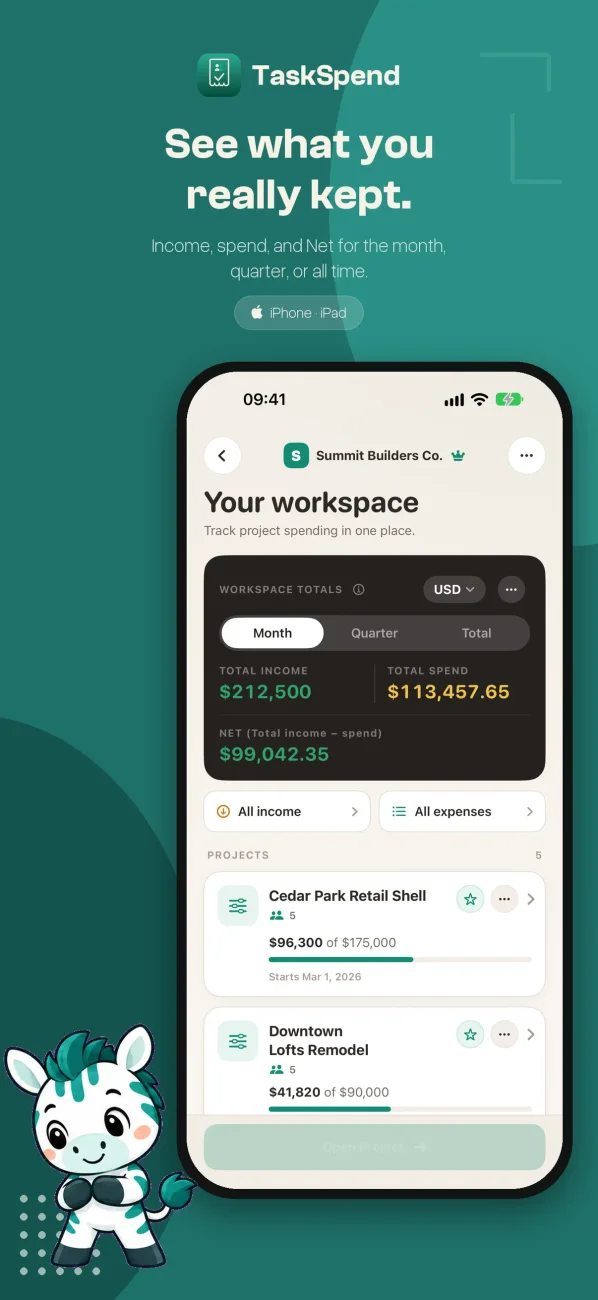
• Your workspace: income, spend, and Net by month, quarter, or all time
• Income in every workspace, owner only; record an invoice as income
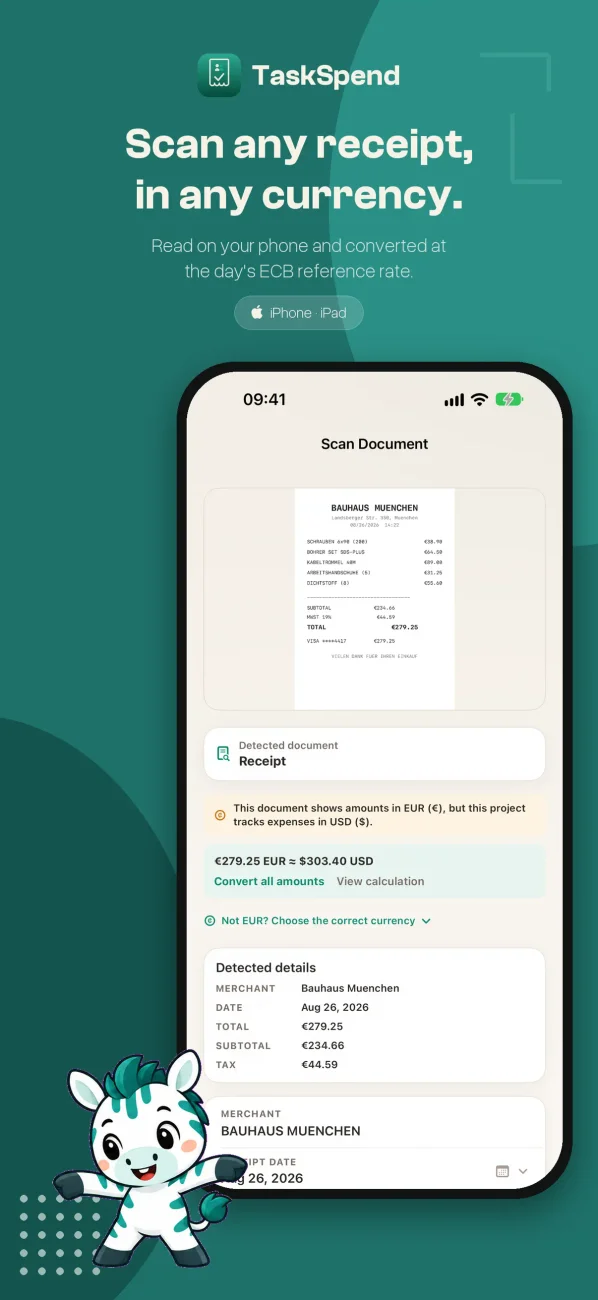
• Scans read in your project's currency, including lakh amounts and GST
• Push notifications for requests, and short how-to videos
ONE WORKSPACE FOR EACH PART OF YOUR LIFE
• Business: projects with budgets, team roles, and approvals
• Personal: your budgets, income, and cash flow, approved automatically
• Family: shared household budgets with family members
• Switch between workspaces in a tap
PLAN AND TRACK
• Projects with budgets and custom categories, or start from a template
• Budget vs. actual by week, month, quarter, or overall
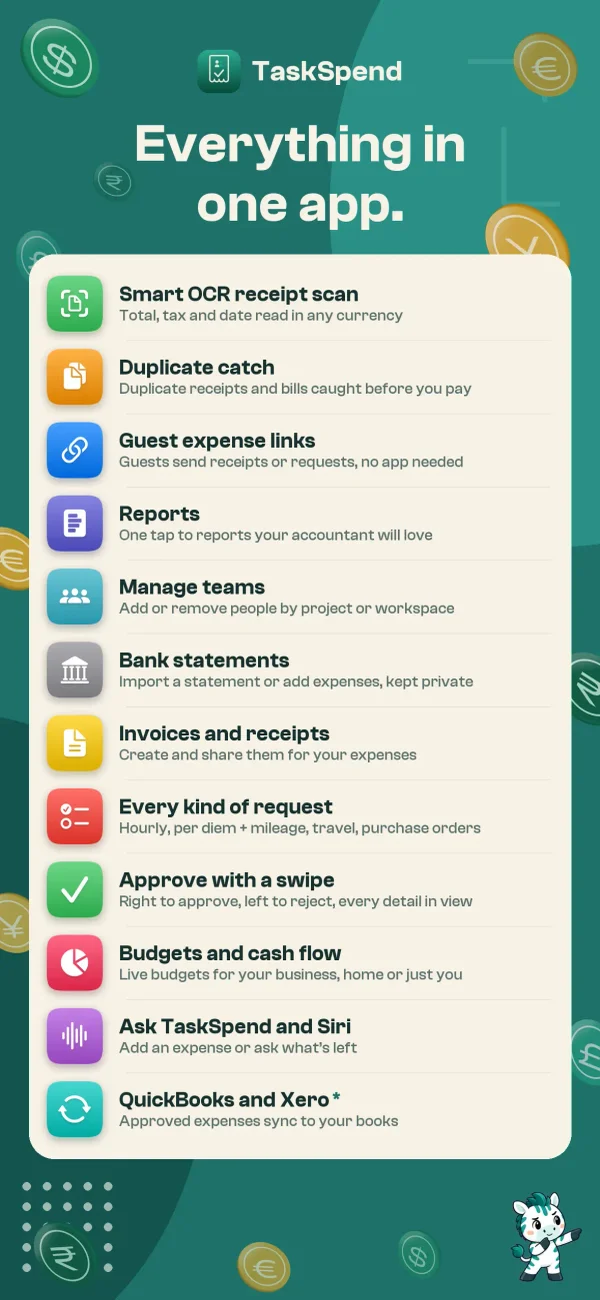
• One Add Expense sheet: expense, payment, purchase order, travel, time off, per diem + mileage, or other
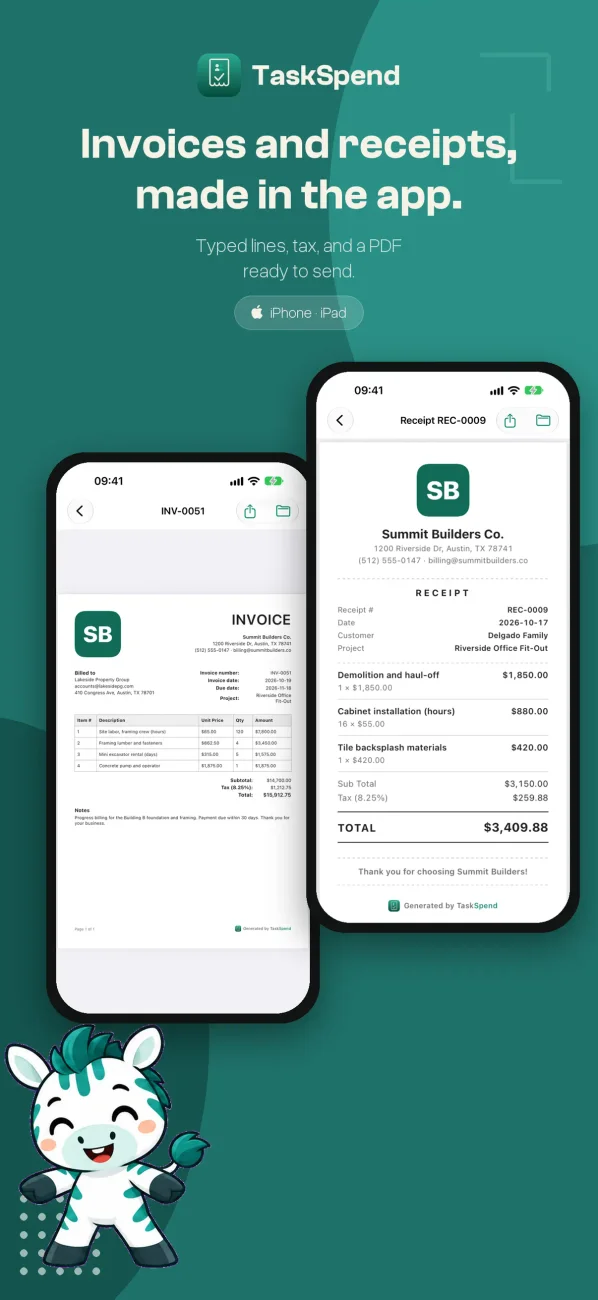
• Hours × rate, balance due, and line items with tax
• Scan receipts to fill in details, from the app, the Lock Screen, or Siri
• Spending Review flags possible duplicates
INVOICES, CURRENCIES, AND OFFLINE
• Branded invoice and receipt PDFs with your line items and tax
• Expenses in any currency with built-in exchange rates
• Work offline; receipts upload when you reconnect
APPROVALS AND TEAMWORK
• Know before you submit if an entry is approved on arrival or routed for review
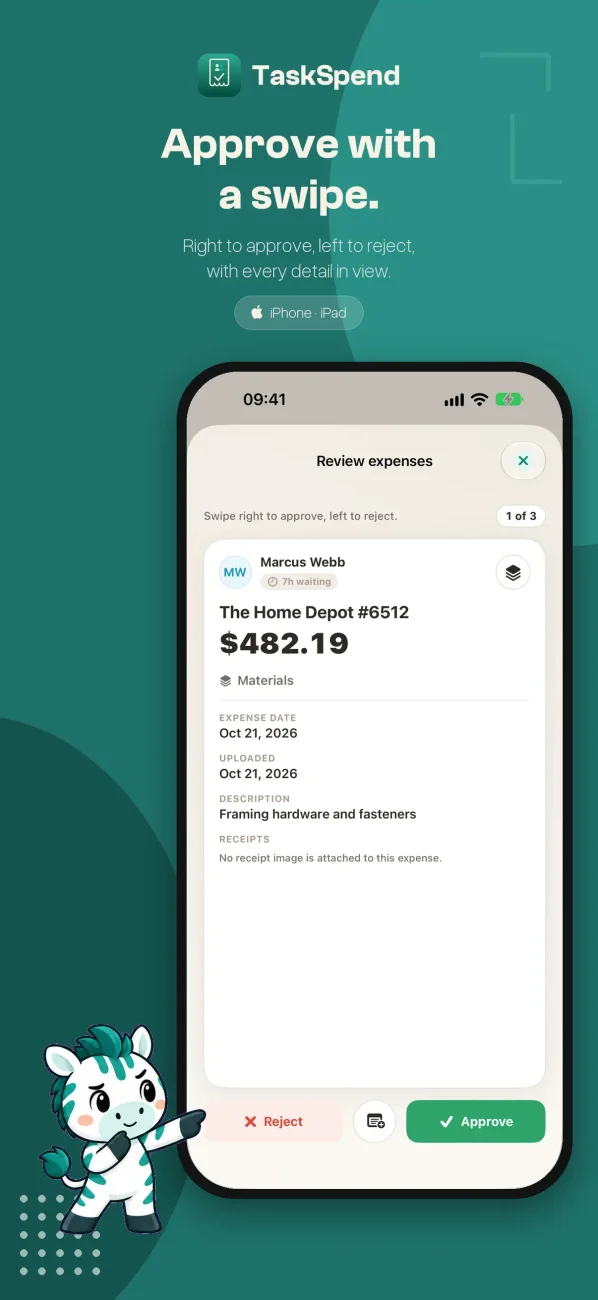
• Swipe to approve or reject, with Undo
• Roles: Owner, Approver, Member, or Viewer
• Comment and follow each request to a decision
REPORTS AND SECURITY
• Dashboards with approved, pending, and remaining amounts
• Report Center with free filters; export PDF or CSV
• Sign in with Apple or Google; receipts in private cloud storage
• Each workspace's information stays separate
Free includes Personal, Family, and Business workspaces, 10 projects, 10 members, 100 expenses and 5 invoices a month, duplicate receipt detection, and PDF and CSV export. Plus raises the limits: up to 10 workspaces, unlimited projects, 25 members, and 1,000 expenses a month. Premium adds cloud AI receipt reading and QuickBooks and Xero, with up to 25 workspaces, 100 members, and 5,000 expenses a month.
Languages: English, Spanish, French, German, Italian, Japanese, Korean, Portuguese (Brazilian), Russian, Simplified Chinese, Traditional Chinese, Dutch, and Polish.
TaskSpend Plus and TaskSpend Premium are auto-renewable subscriptions.
• Plus Monthly: $7.99 per month
• Plus Yearly: $79.99 per year (introductory offer: $59.99 for the first year)
• Premium Monthly: $14.99 per month
• Premium Yearly: $149.99 per year (introductory offer: $129.99 for the first year)
One subscription covers every workspace you own. Payment is charged to your Apple Account at confirmation of purchase. The subscription renews automatically unless it is cancelled at least 24 hours before the end of the current period; renewal is charged within 24 hours before the end of that period. Manage or cancel it in your Apple Account settings after purchase.
Terms of Use (EULA): https://www.apple.com/legal/internet-services/itunes/dev/stdeula/
Privacy Policy: https://www.taskspend.com/privacy
What’s new
Version 1.6 · Oct 29, 2026
• Tap a teammate to see their role and exactly what they can do
• Subscriptions show a monthly total, with weekly and yearly costs averaged to a month
• Duplicate receipt detection is now included on every plan
• Export reports as PDF or CSV on every plan, including Free
• Usage meters count every workspace you own, so you see what's left this month
• Your plan shows the current Free, Plus, and Premium limits
• Receipt scans: a printed subtotal plus tax always decides the total
• How-to video buttons are easier to spot
• Accepting an invitation works on the first tap, even if you tap twice
App privacy
What Uday Boyanapalli declares on the App Store about how this app handles data.
-
Data linked to you
May be collected and linked to your identity.
- Purchases
- Financial info
- Contact info
- User content
- Identifiers
Privacy practices may vary, for example with the features you use or your age.
Information
- Seller
- Uday Boyanapalli
- Category
- Business
- Version
- 1.6
- Updated
- Oct 29, 2026
- Released
- Aug 22, 2026
- Size
- 32.6 MB
- Requires
- iOS 26.5 or later
- Age rating
- 4+
- Price
- Free
- In-app purchases
- Yes
- Languages
- English, Dutch, French, German, Italian, Japanese, Korean, Polish, Portuguese, Russian, Simplified Chinese, Spanish + 1 more
- Copyright
- © 2026 Boyach LLC
You might also like
-
 RetaskaTurn thoughts into tasks
-
 Field ExpenseBusiness
-
 ReelCostFilm Budget & Cost Tracker
-
 Approv NowCustom forms & approvals
-
 LedgerLine SoftwareConstruction budgets & books
-
 SmartEco EnterpriseBusiness
-
 SmartEcoProductivity
-
 Sandooq Petty CashPetty cash for teams
-
 ExpenseBook: Budget TrackerPersonal Finance & Saving
-
 AutoProfit - Every deal countsCar inventory & profit tracker